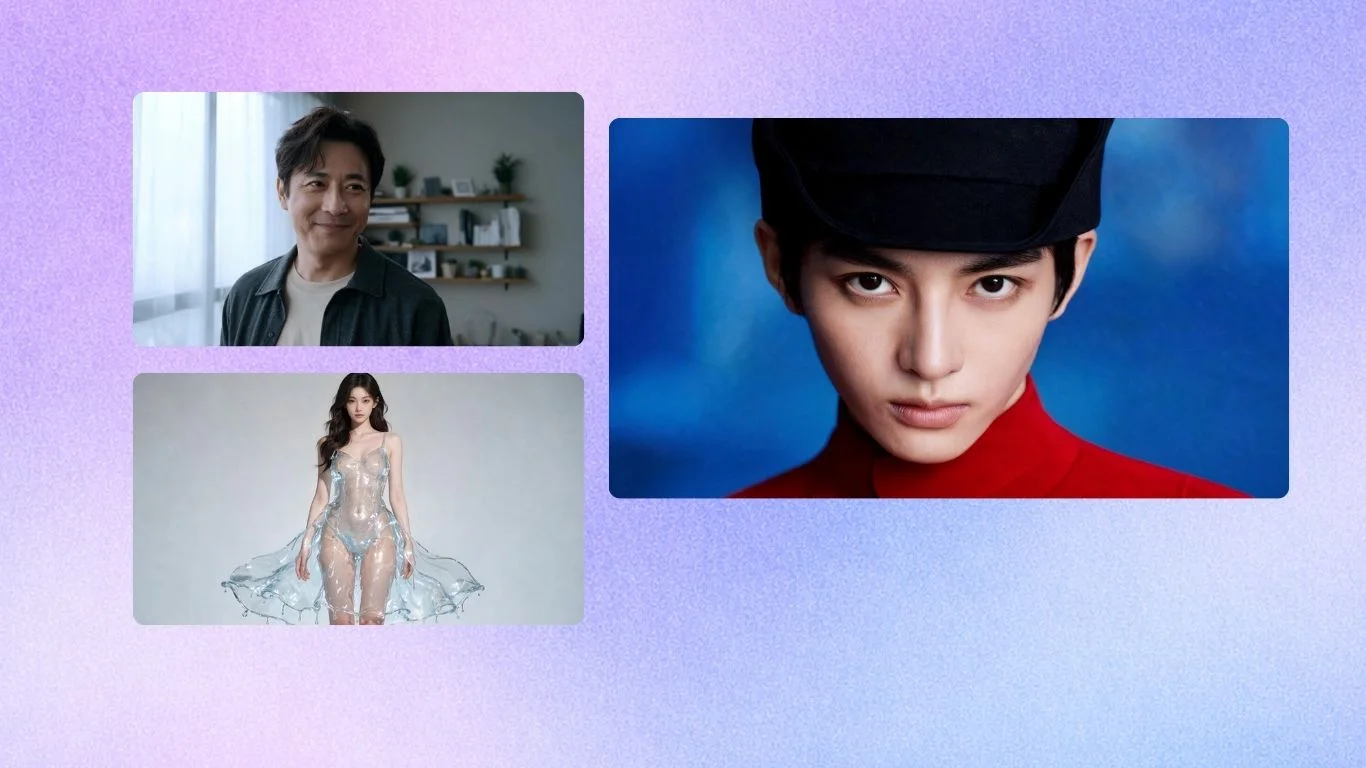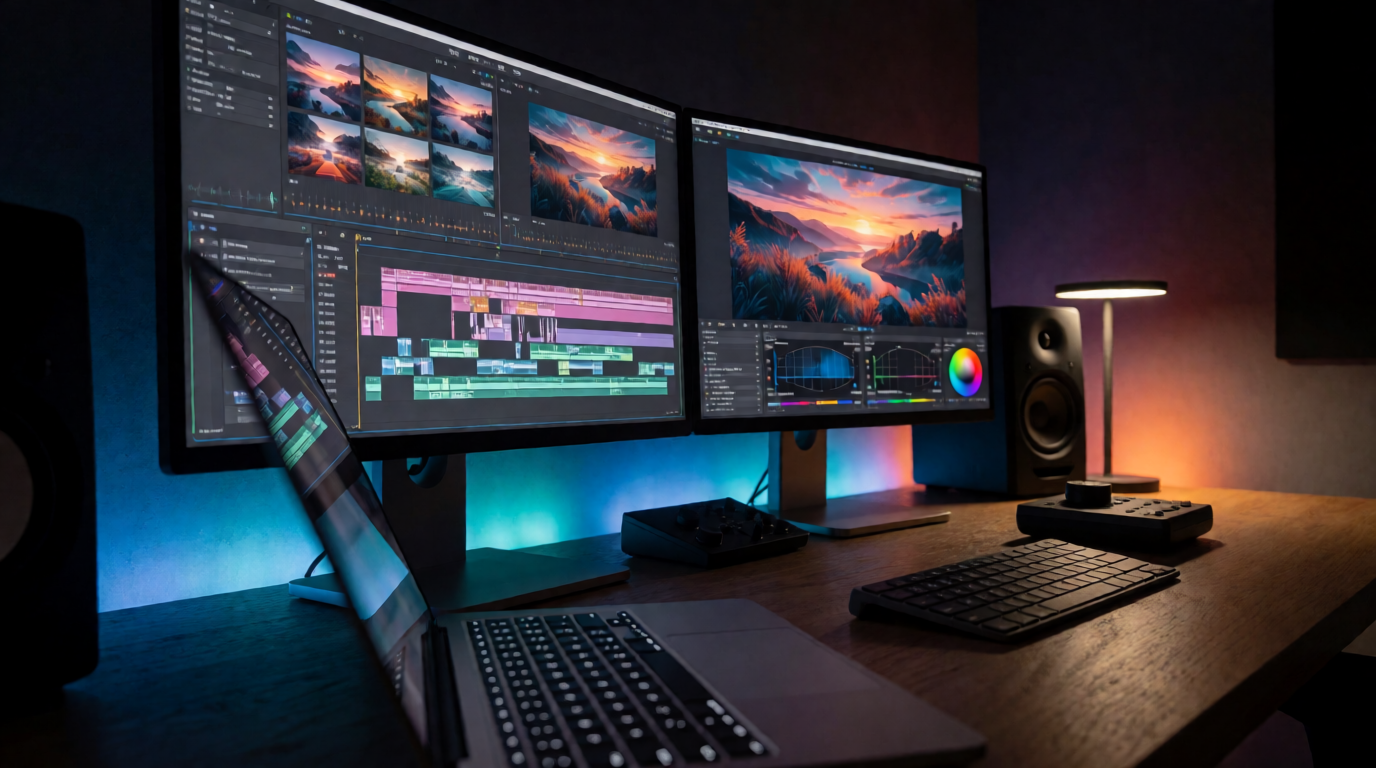
Marketing teams lose time when a small revision forces them to rebuild an asset that already won approval. Late-stage label changes can retain the approved lighting, composition, and shadows. Seedream 5 Pro applies changes within a selected region while preserving the rest of the image and avoiding full-frame regeneration.
The better question is which assets need repeated changes without losing the decisions that made them usable. One approved product image can support multiple market revisions: the same shot can carry a new colorway, a promotional CTA, or localized packaging text.
Seedream 5 Pro preserves approved production decisions through controlled edits, layer exports, and multilingual rendering, keeping assets usable across brand variations and localization. Its use cases start with approved product shots and extend through testing, localization, and connected campaign work.
1. Product Variant Edits on Locked Hero Shots

An approved hero composition carries the cost of the review rounds already spent on its framing, lighting, and surface details; rebuilding it for a new SKU can send those decisions back through approval. JXP highlights workflows where users lock an ecommerce image, then swap a label, color, or product variant without moving its camera angle or changing its lighting. ByteDance applies the locked-shot workflow to ecommerce hero banners and product detail pages, retaining realistic shadows and material detail as the product changes.
That gives you a stable product-photography base instead of a fresh visual gamble for every merchandising request. Change the pack color, preserve the bottle reflection, and keep the existing composition available for review. A new concept may be appropriate when the product’s positioning changes, but packaging and variant revisions benefit most from retaining the original frame.
Ship the next ad variant faster
Swap a label, colorway, or offer on an approved shot without losing its lighting.
Edit with Seedream2. Approval-Ready Product Photography
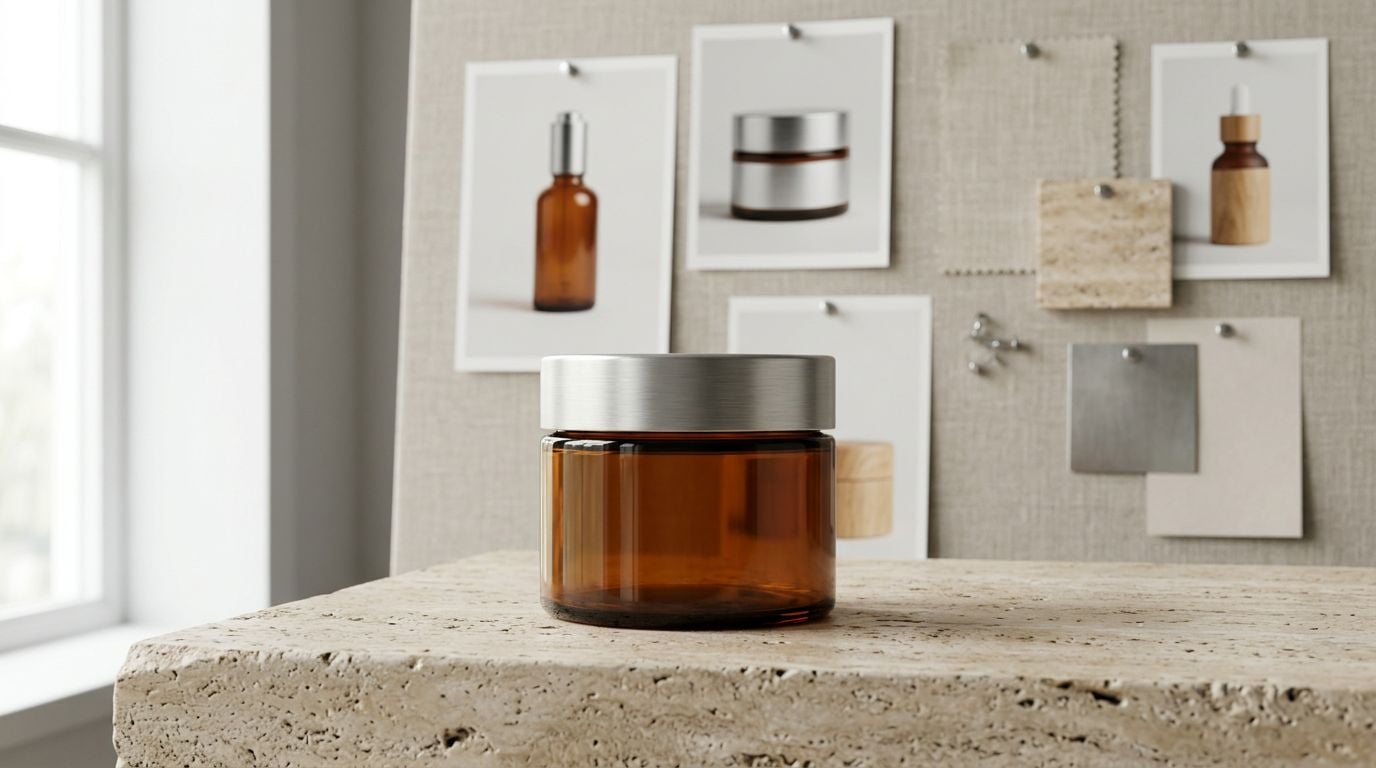
Krea’s guide, Seedream 5.0 Pro on Krea for Product Photography: 15 Pro-Level Examples, documents targeted changes to product materials. It also shows color, label, and background edits. Those are the details that determine whether buyers recognize the item and whether brand reviewers approve the image for a catalog or launch.
A catalog workflow gets faster when the review request defines the scope of the edit. Rather than asking a designer to rebuild a scene because a package finish changed, you can direct the change to that finish while protecting the product’s shape and the scene around it. Seedream 5 Pro is available in Krea through its dedicated model selector and interactive editing tools.
Reference images carry that control into new scenes. Up to 10 references preserve product, brand, and material consistency, allowing established pack shots to guide a lifestyle image or banner. Revision-bound assets benefit from Pro controls because later changes can target a specific element while preserving the established product and scene.
3. Seasonal Ad Variations Without Rebuilding the Layout

Performance teams rarely retire a winning layout after one run. JXP supports high-volume seasonal and localization variations in Seedream 5 Pro, including color treatments; ByteDance’s skincare-banner example shows how an adaptable layout can reserve room for a headline. You can hold the product placement and visual direction steady while changing the offer, season, or color treatment for the next ad set.
The delivery frame matters as much as the creative idea. Seedream 5 Pro produces delivery-ready assets in exact dimensions and aspect ratios, with native 1K or 2K output and upscaling available for larger files. Those settings can be specified for social ads, ecommerce assets, or billboards. Planning the delivery frame before generation protects an approved composition from later cropping that forces a redesign.
Start with ads that already receive recurring swaps. A stable layout gives the team a clear place to test the variable that may improve performance.
4. A/B Test Assets With Editable Layers
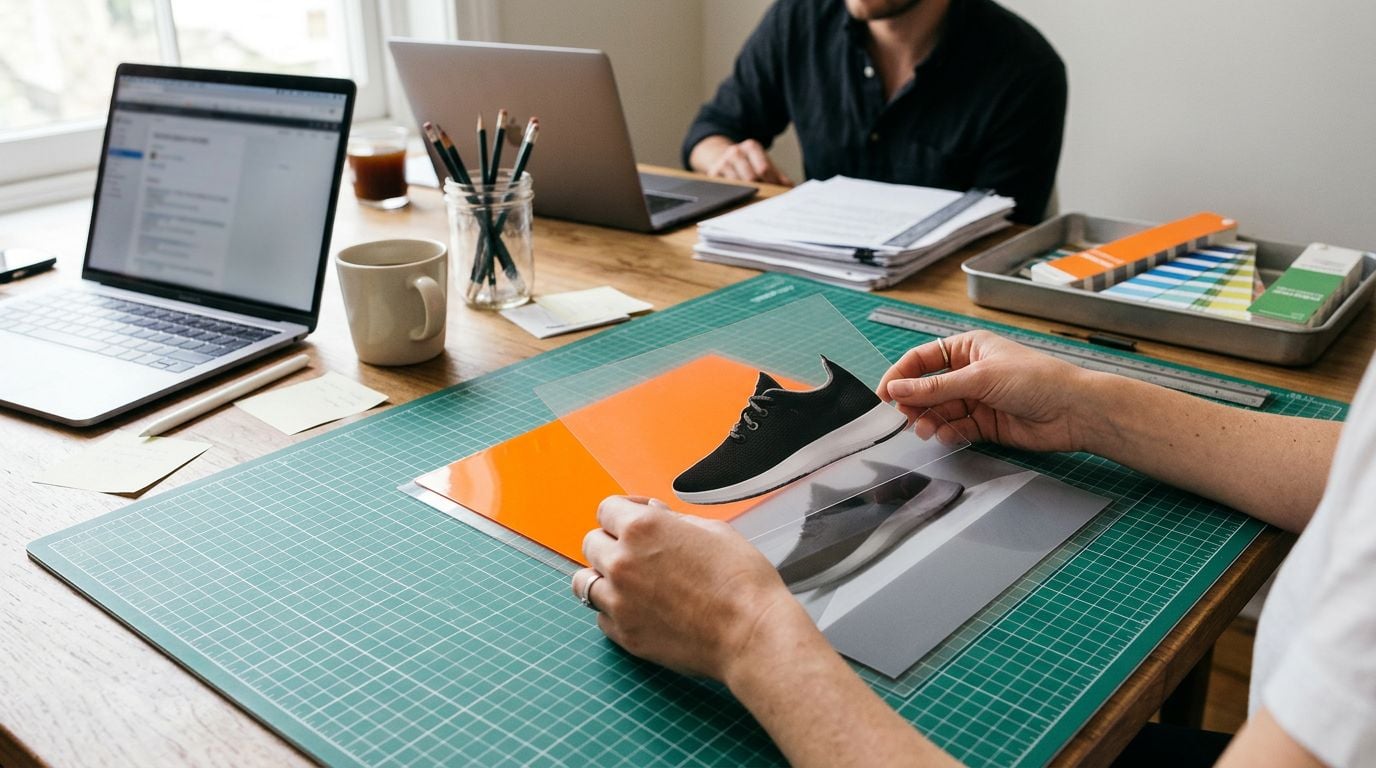
Once an ad variation is usable, the next question is who can change it without flattening the work. Seedream 5 Pro exports text, subjects, and backgrounds as separate transparent PNG layers for teams to edit independently. Teams can export those layers for non-destructive editing in Figma, Photoshop, or Canva.
That separation makes a focused test possible. A media team can evaluate a headline, offer panel, or background treatment without asking design to reconstruct every other element in a flattened image. The shared composition remains intact while each team works on the component relevant to its hypothesis.
The layer workflow is designed for campaign variations, A/B testing, and handoffs. Ask one practical question before opening a new generation: does the next change belong to one layer, or does it require a new visual premise? The first case preserves speed and consistency across the test.
5. Localized Ads That Keep Their Typographic Hierarchy
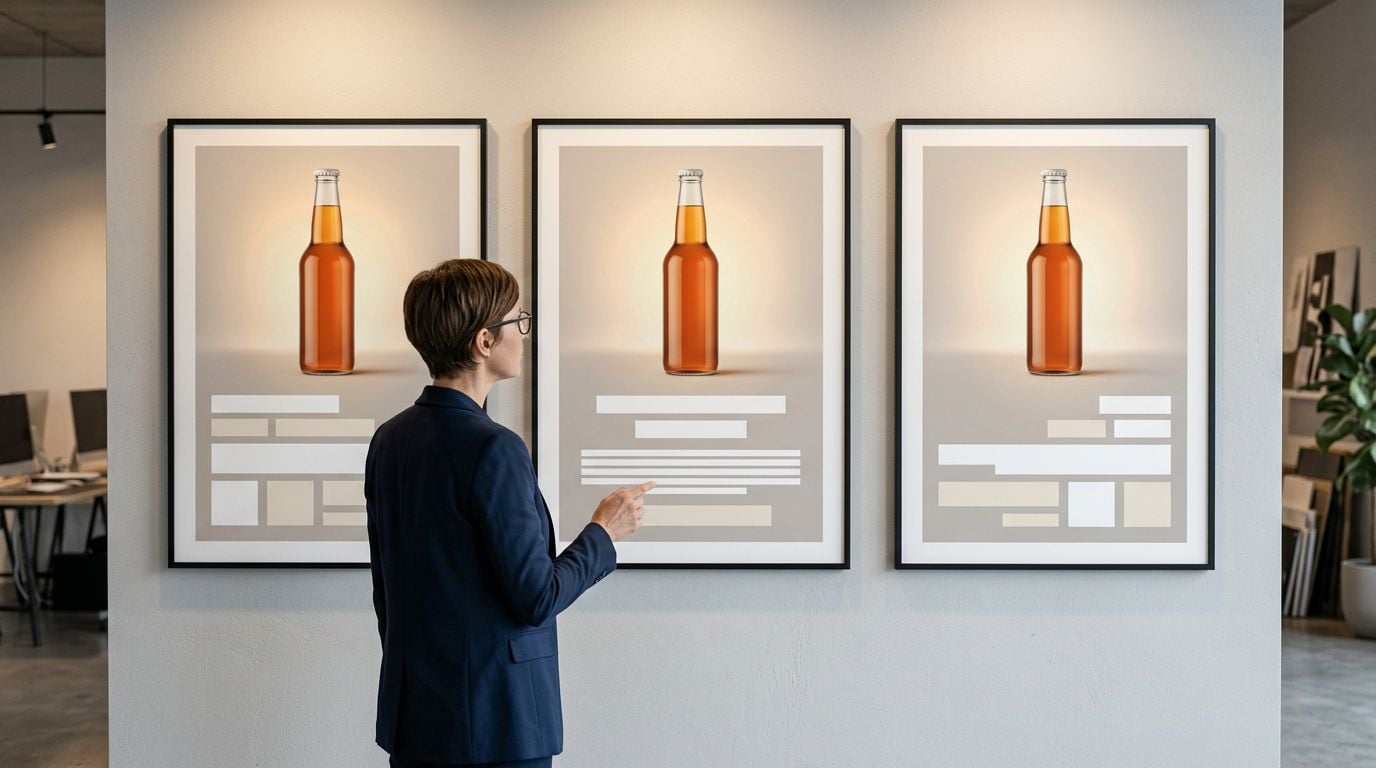
Global teams face a different kind of variation: the copy changes, and the layout behavior changes with it. Seedream 5 Pro renders native text across 12 to 14 languages, including Arabic with right-to-left support alongside Japanese and Korean. Localized copy retains visual hierarchy, spacing, and reading direction within the image.
This means regional marketers can adapt a campaign message without treating every market as a separate poster build. ByteDance documents multilingual public-safety notices plus medical and travel posters that preserve right-to-left layout, and recent X posts describe translating a headline without rebuilding the poster. The benefit is strongest where the ad unit, retail display, or poster has fixed dimensions and little room for manual re-typesetting.
Keep the source hierarchy fixed, then replace the market-specific message. That approach protects the recognizable structure of a campaign while giving local copy the space and direction it requires.
6. Data-Heavy Campaign Visuals and Infographics

A campaign visual sometimes has to explain before it persuades. Seedream 5 Pro supports information-dense creative with readable text and organized layouts for banners, infographics, and data visuals. ByteDance demonstrates the capability with infographics about tea types, Montessori education, and carbon footprints, including charts and diagrams.
This capability supports readable comparison creative and product explainers by keeping labels, charts, and supporting details clear enough to guide a decision. A striking background cannot rescue an information design that loses its hierarchy at the size people actually see.
Krea’s 12 Complex Infographic Reasoning Examples documents hierarchy, label accuracy, and targeted edits. If one data point or label changes, direct the revision to that component and retain the surrounding information design. Use this path for creative where the reading order matters as much as the image treatment.
7. Consistent Campaign Worlds Across Still and Motion Workflows
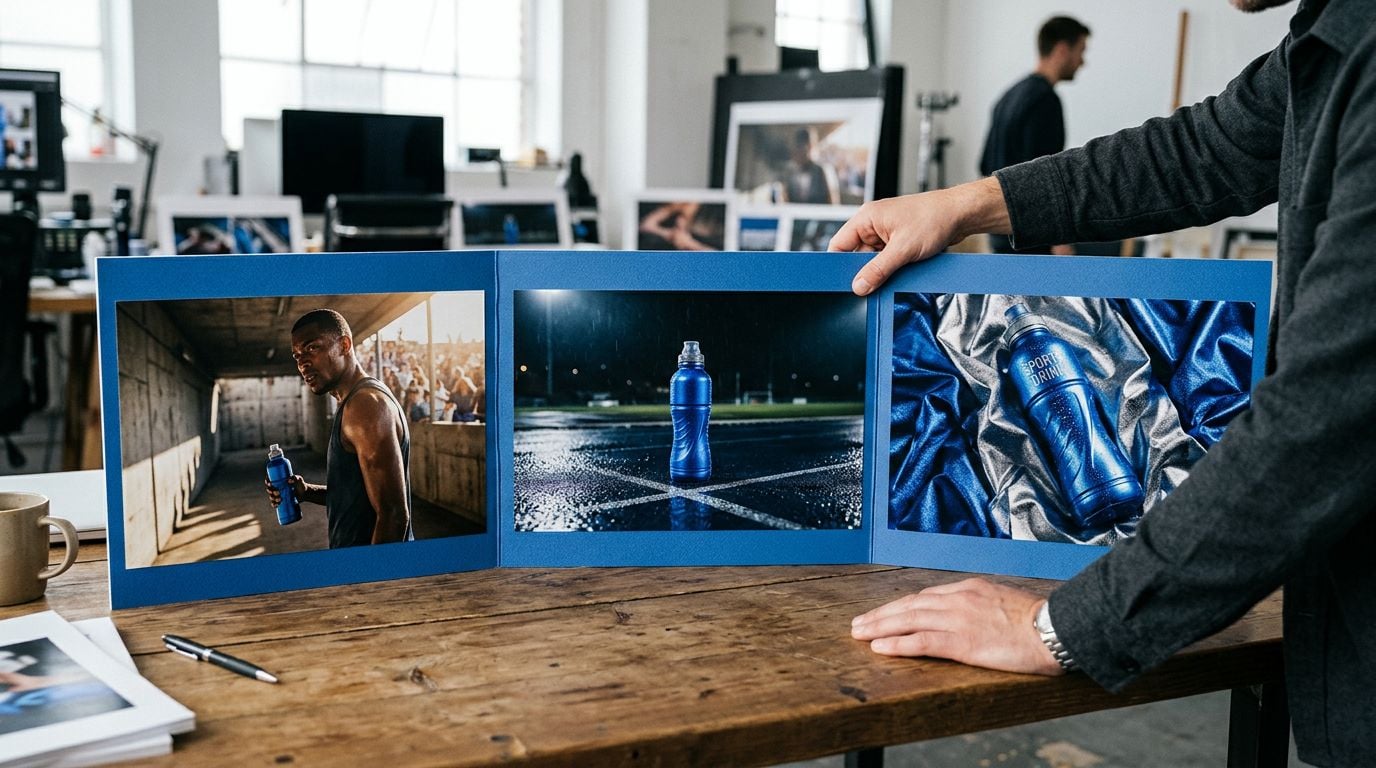
The earlier use cases protect one approved asset; a larger campaign has to protect recognition across many of them. Seedream 5 Pro’s reference-image support maintains product, character, and style fidelity across a campaign. You can create different scenes and formats while retaining the cues that make them feel connected.
Community posts on X describe teams combining Seedream 5 Pro with Krea for cinematic ad stills and character-consistent campaigns. The practical consequence is a more reliable brief for each new asset: the product finish, recurring character, and art direction have references rather than relying on a fresh prompt to remember them.
Still images can also establish the starting point for later production. Community posts describe handoffs from Seedream 5 Pro campaign posters to Seedance, carrying the established visual direction into a wider workflow. Established visual cues stay consistent as later campaign assets evolve.
Where to Start With Seedream 5 Pro on Krea
Try Seedream 5 Pro on Krea now!
Begin with the asset that already has a costly revision cycle. Choose locked hero-shot edits if variants are slowing approvals, layer exports if teams need to test components, or multilingual rendering if localization keeps forcing redesigns. Seedream 5 Pro supports controlled production through editing, layers, and reference handling, while Seedream 5.0 Lite focuses on reasoning and web search.
Krea brings model selection and interactive editing into the same browser-based creative suite, making it the best place to work with Seedream 5 Pro for this workflow. Start by changing one approved label, color, or background. That small revision shows whether your next request can preserve the shoot rather than restart it.
FAQ
Frequently asked questions
What’s the main benefit of Seedream 5 Pro for marketers?
When should we use locked hero shots vs. generating a new concept?
How does Seedream 5 Pro support product-image approval workflows?
Can Seedream 5 Pro help with A/B testing without rebuilding assets?
Does it support localization and ad variations for different markets?
Try Seedream 5 Pro on Krea
Update approved ads, product images, and campaign creative with controlled region edits, editable layers, and multilingual rendering in one place.
Try Seedream 5 Pro