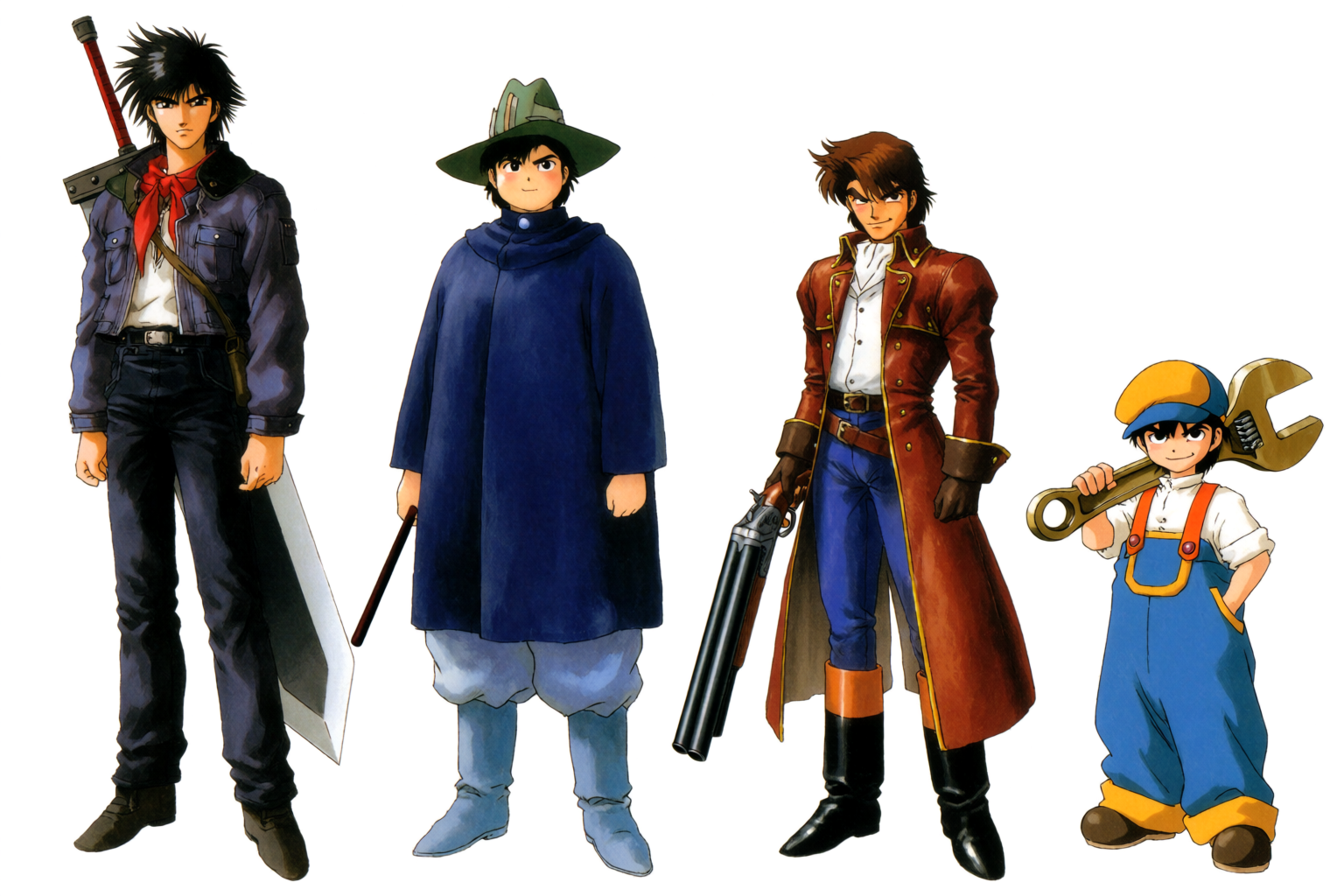
This is a guide to building Krea 2 character sheets: turnarounds, expression grids, costume variations, and key portraits, with a prompt pattern for each. Character design is the foundation of every anime project. Before the first storyboard, before the first panel, before the first key visual — there is a character sheet on a desk. Costumes locked. Expressions referenced. Silhouettes solved.
Krea 2 is built for this kind of pipeline work. This article walks through the four sheet types that come up over and over — turnarounds, expressions, costume variations, and key portraits — with examples generated for this piece.
Turnaround sheets
A turnaround sheet shows the same character from multiple angles — usually front, three-quarter, side, and back — at consistent proportions on a clean background. It is the document a production team uses to keep a character drawable across episodes by many different artists.
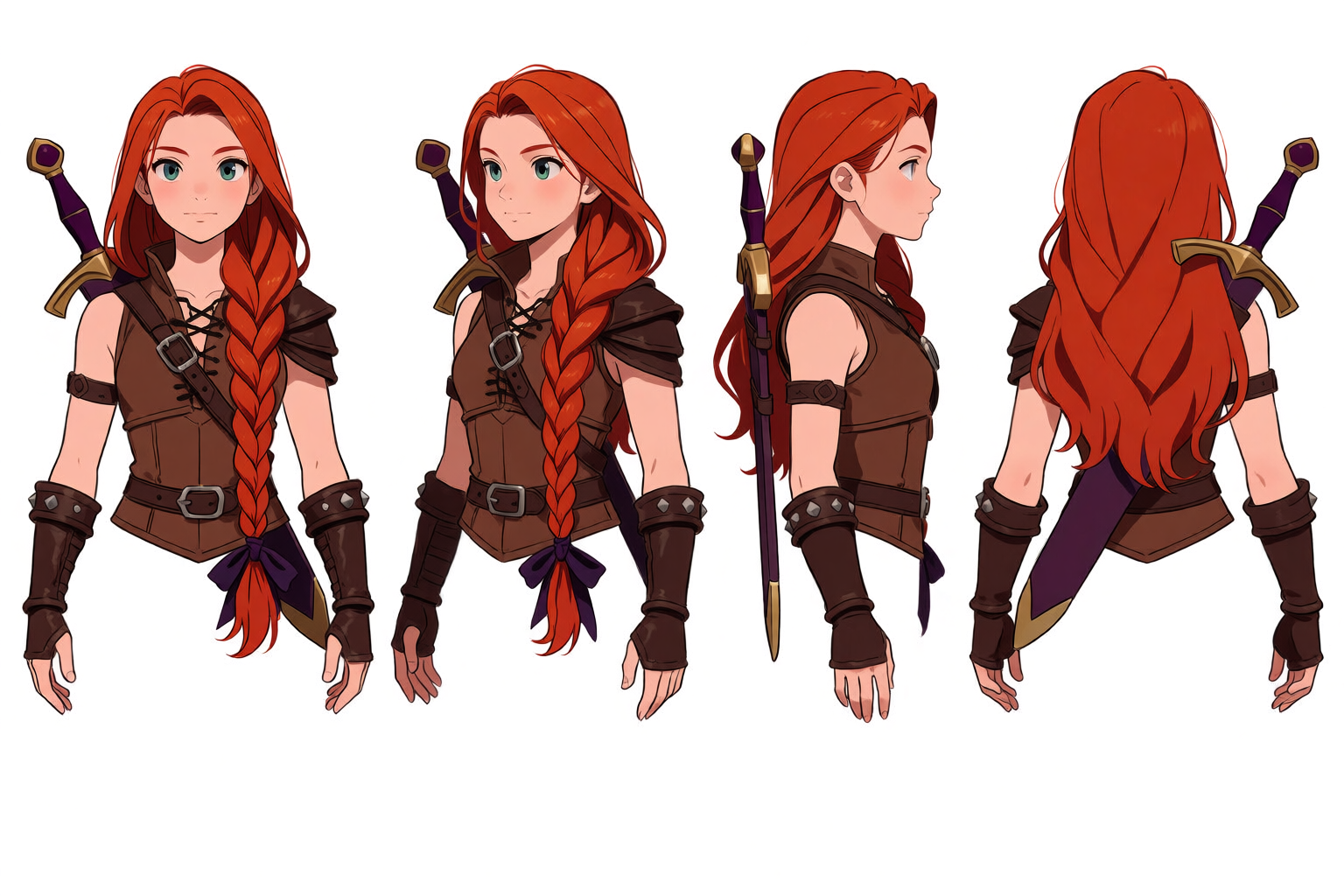
For a good turnaround, prompt for the specific views — “shown from four angles — front view, three-quarter view, side view, and back view.” Lock the character description tightly (hair, eyes, outfit, accessories) so each view shares the same person. Use a clean white background to keep the focus on the figure.
For full consistency across many turnarounds and scenes, train a LoRA on a small set of your favourite character generations. The LoRA locks the face and silhouette to a single identity for unlimited future generations.
Design your character today
Generate turnarounds, expressions, and costume sheets that keep one identity locked.
Try Krea 2Expression sheets
An expression sheet shows the same character’s face in a grid of different emotional states. It is the reference an animator or panel artist returns to every time the character needs to react.
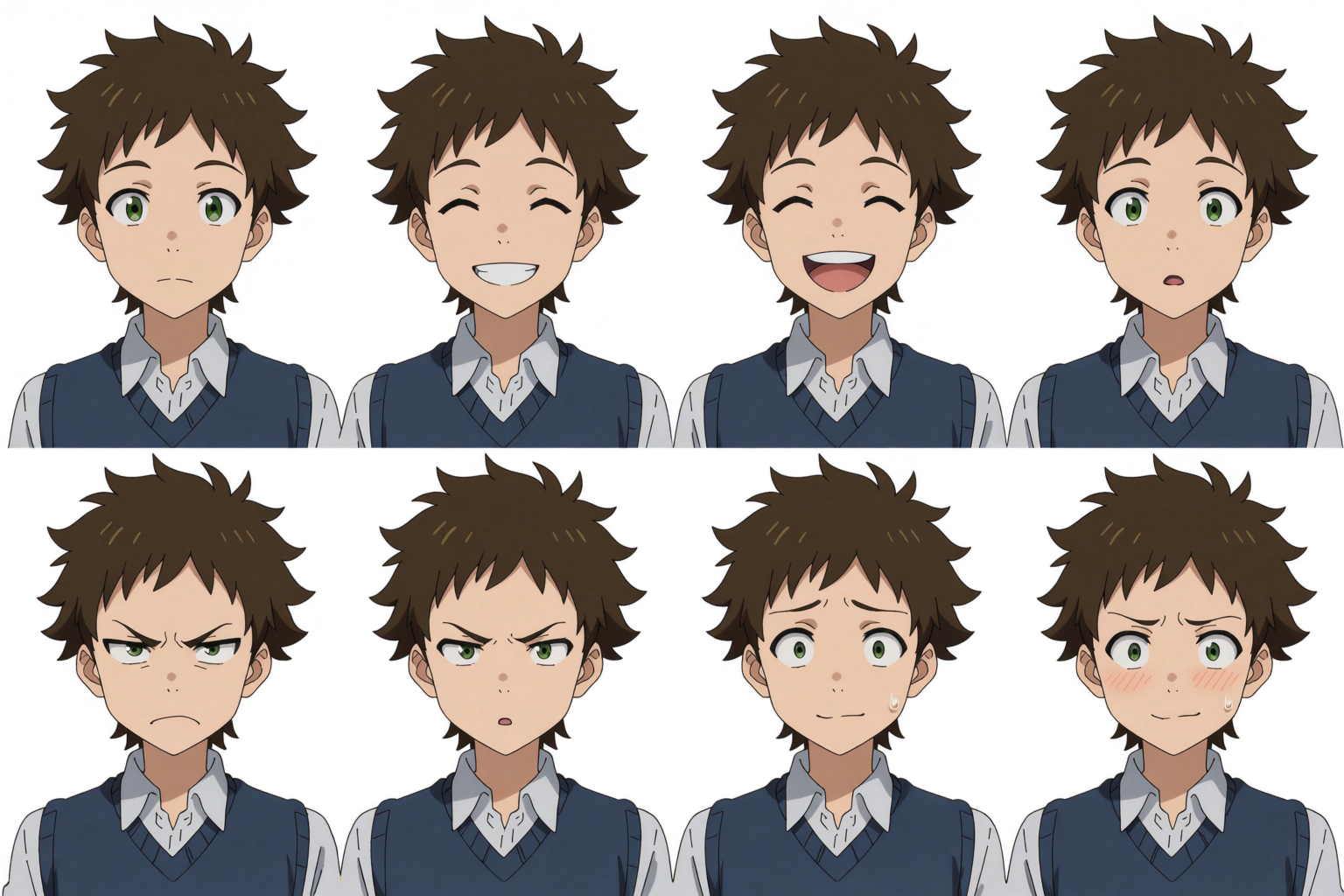
Prompt for a specific grid layout — “a 4x2 grid” or “a row of six expressions.” Name the expressions you want: “neutral, smiling, laughing, surprised, angry, embarrassed, determined, tearful.” Keep the character description short and tight so it does not drift across the grid.
Costume variations
A costume variation sheet shows the same character in different outfits — school uniform, casual wear, formal, fantasy gear, seasonal. It is the reference for an artist drawing the same character across chapters or episodes that span time and place.
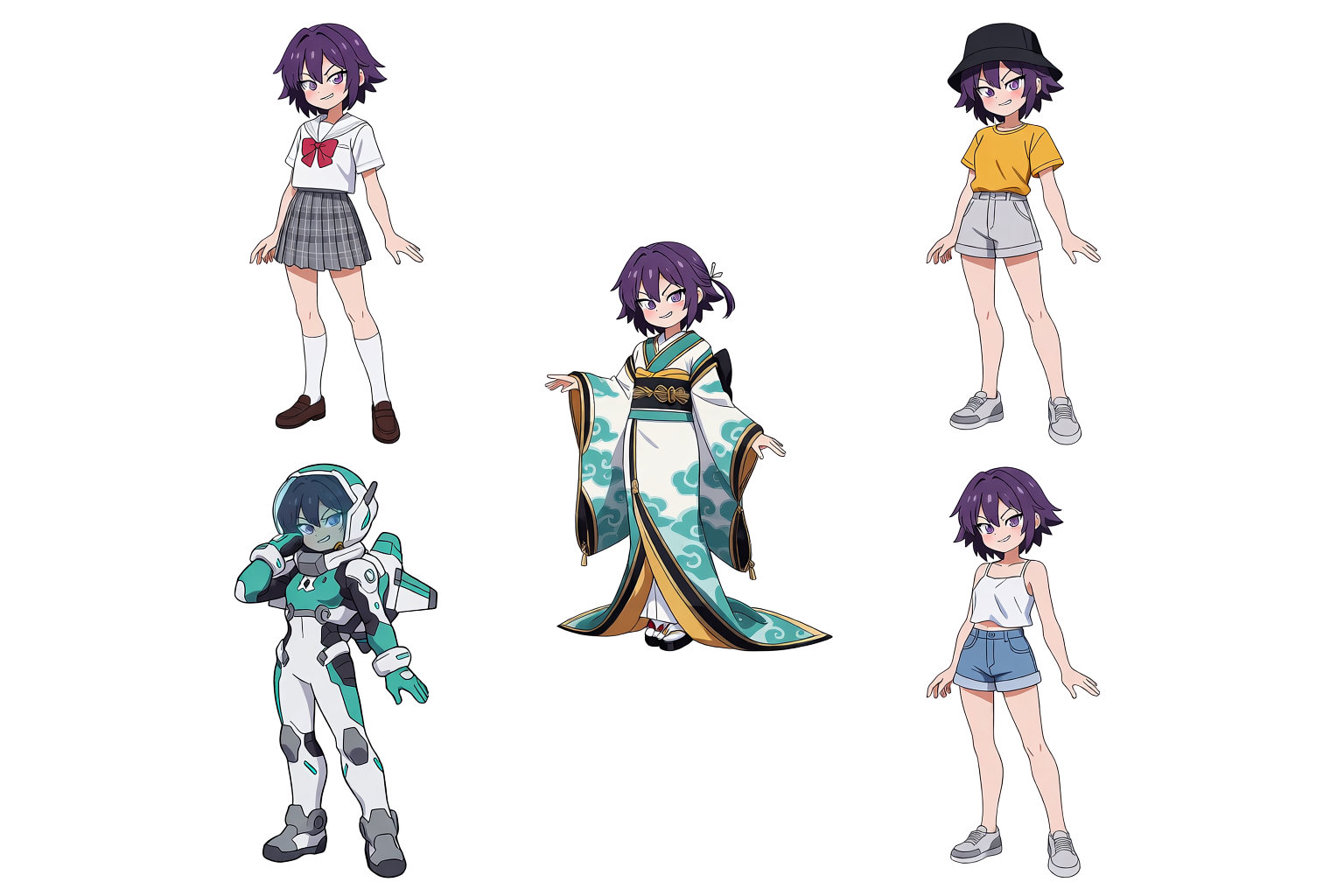
Variations work best when the character description is stable and the outfit is the only thing that changes per slot. Prompt: “the same original character shown in five outfits — school uniform, casual streetwear, formal kimono, sci-fi pilot suit, summer beach outfit.” Krea 2 holds the face and hair stable while changing only the clothes.
Hero and villain key portraits
Sometimes the deliverable is not a sheet — it is a single polished portrait. The hero in their first key visual. The villain in their reveal frame. The kind of image that ends up on a fan-made wall poster.
Hero and villain key portraits
Two original character portraits generated for this article.
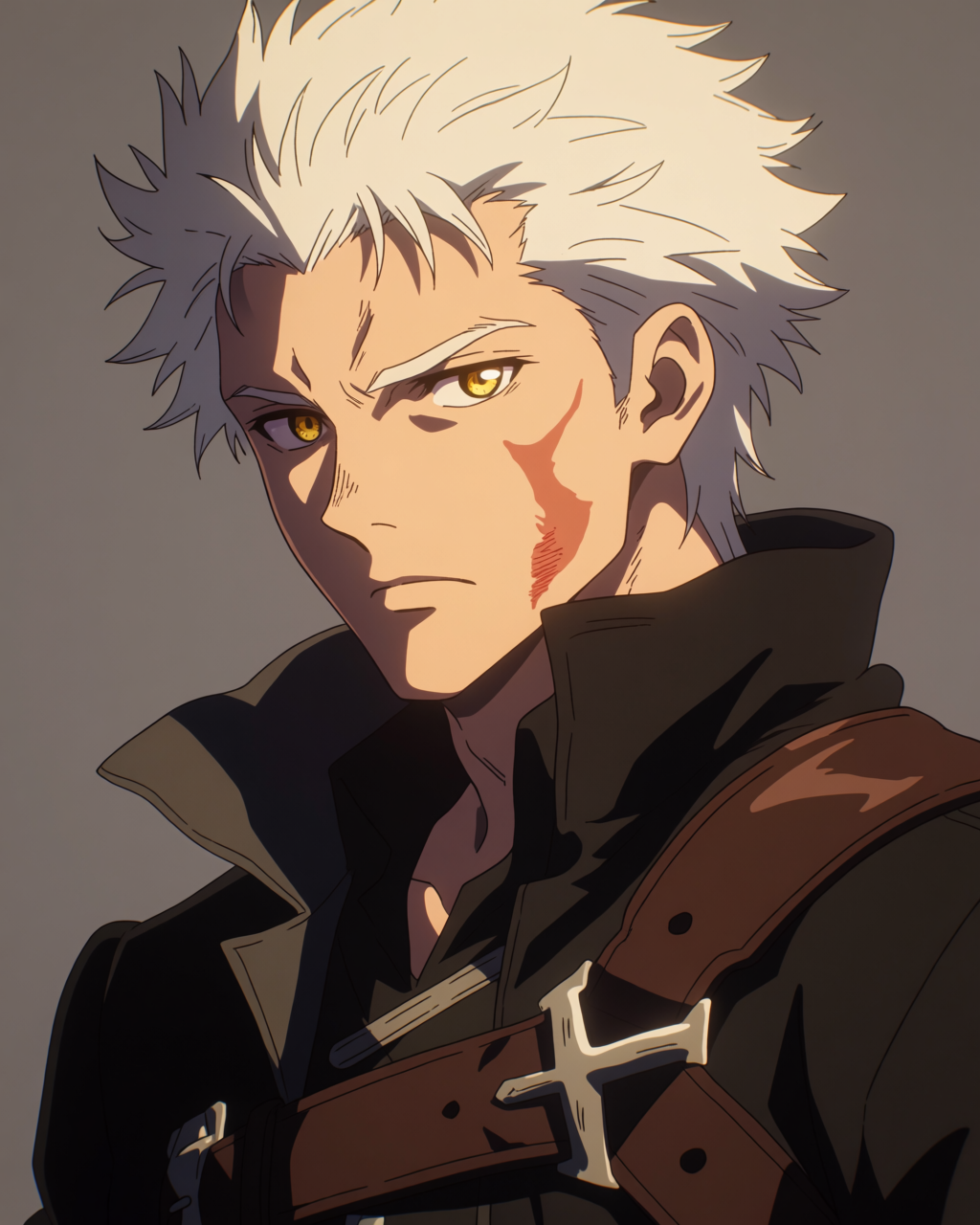
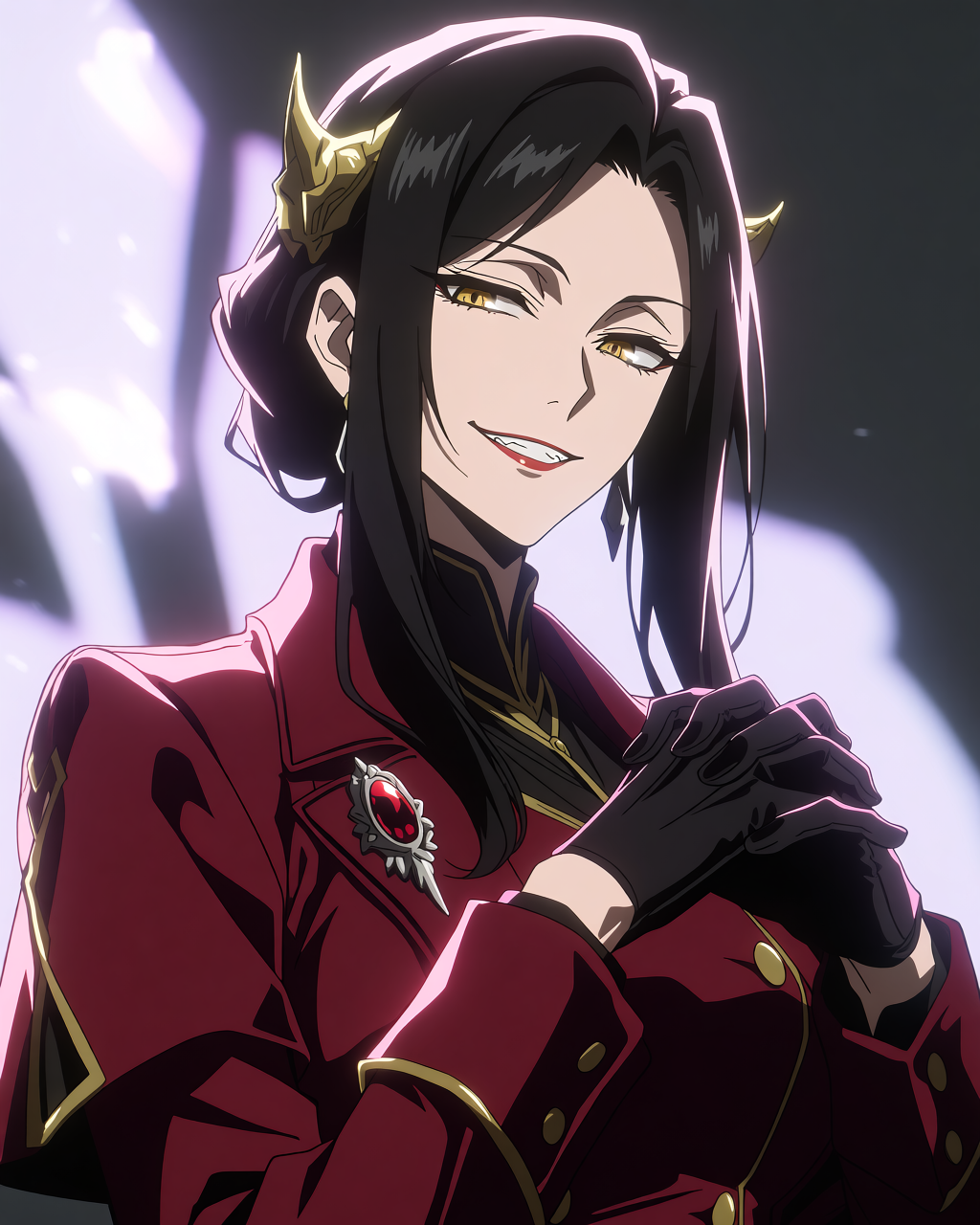
For a portrait, prompt for the framing explicitly — “three-quarter portrait,” “close-up,” “key visual,” “dramatic lighting.” Name the lighting direction (front, side, three-quarter, backlit). Use a neutral background (“neutral gray,” “soft gradient”) so the character holds attention.
Beyond human characters
Anime is not only people. It is mecha pilots, magical creatures, robots, forest spirits, talking animals. Krea 2 handles non-human character design the same way.
Mecha pilots and creatures
A mecha pilot model sheet and a six-tailed fox spirit creature design.
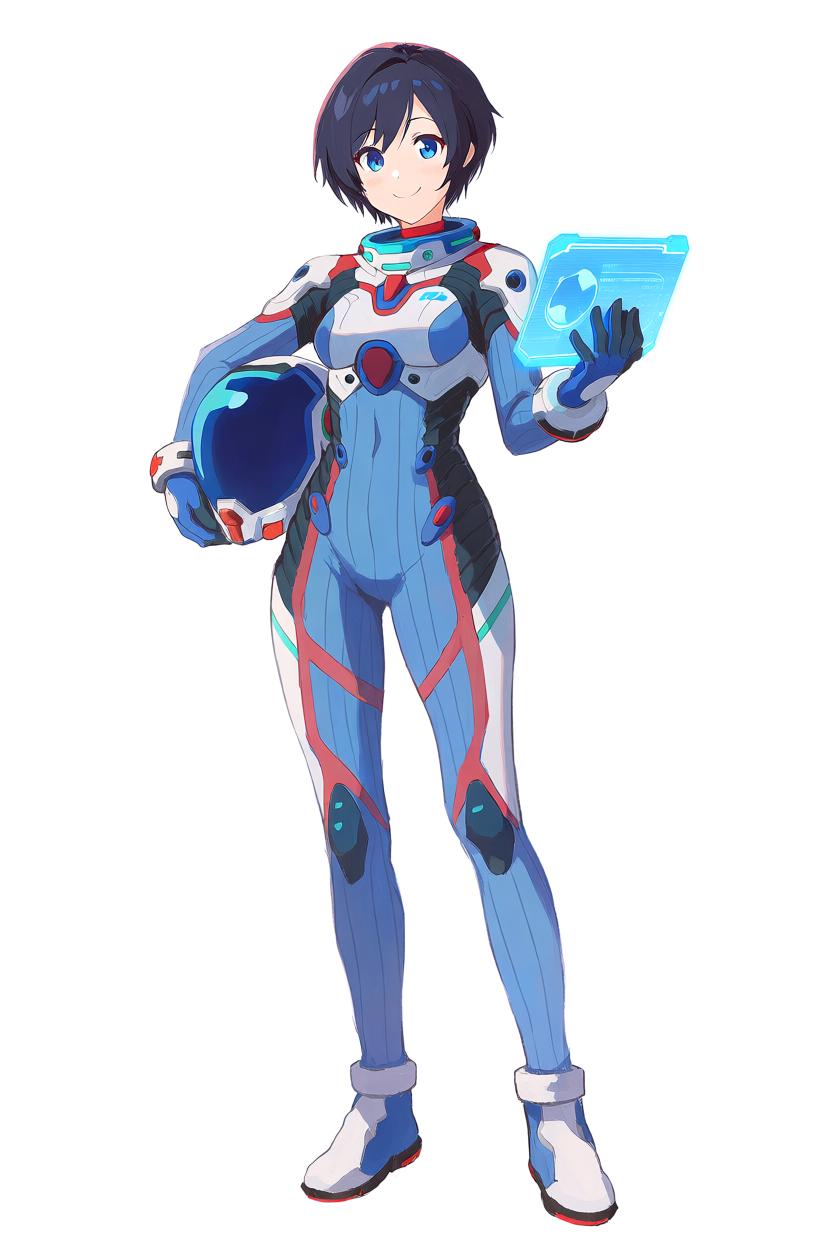
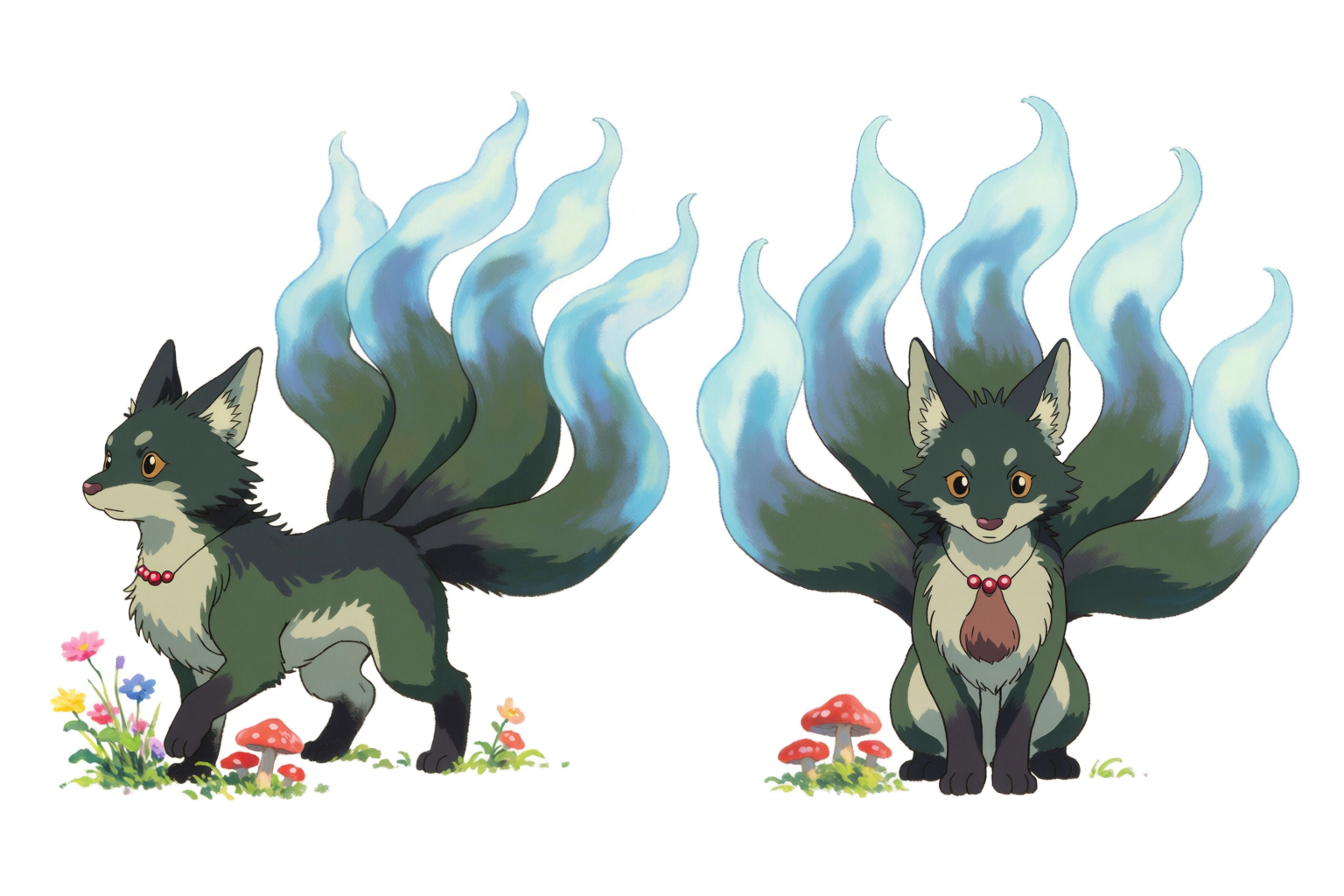
For creature design, name the species (“fox-like,” “wolf-like,” “draconic”) and lean into specifics — number of limbs, marking patterns, eye color, fur texture, scale, expressive features. Anime creature design rewards strong silhouettes and clear identifying features.
Workflow tips that hold across all character work
A few patterns we use across every character sheet generated for this article:
- Start with silhouettes. Before locking color, ask the model for the same lineup in flat silhouettes against a white background. If the silhouettes are not distinct, the characters will read identically once colored.
- Lock the palette early. Pick three to five color words per character and reuse them across every sheet. Drift in palette is the biggest cause of inconsistency.
- Use a clean white or neutral background. Backgrounds distract from the design work. Save the rich environments for key visuals and panel work.
- Train a LoRA once the design is locked. A LoRA takes about 20 minutes and gives you that exact character on demand for every future generation.
- Pair turnarounds, expressions, and costumes from the same prompt seed. Keep the character description identical across all three sheet types so the references align.
Start a character sheet in Krea 2
Free to start. LoRA training included on every paid plan.
Open Krea 2