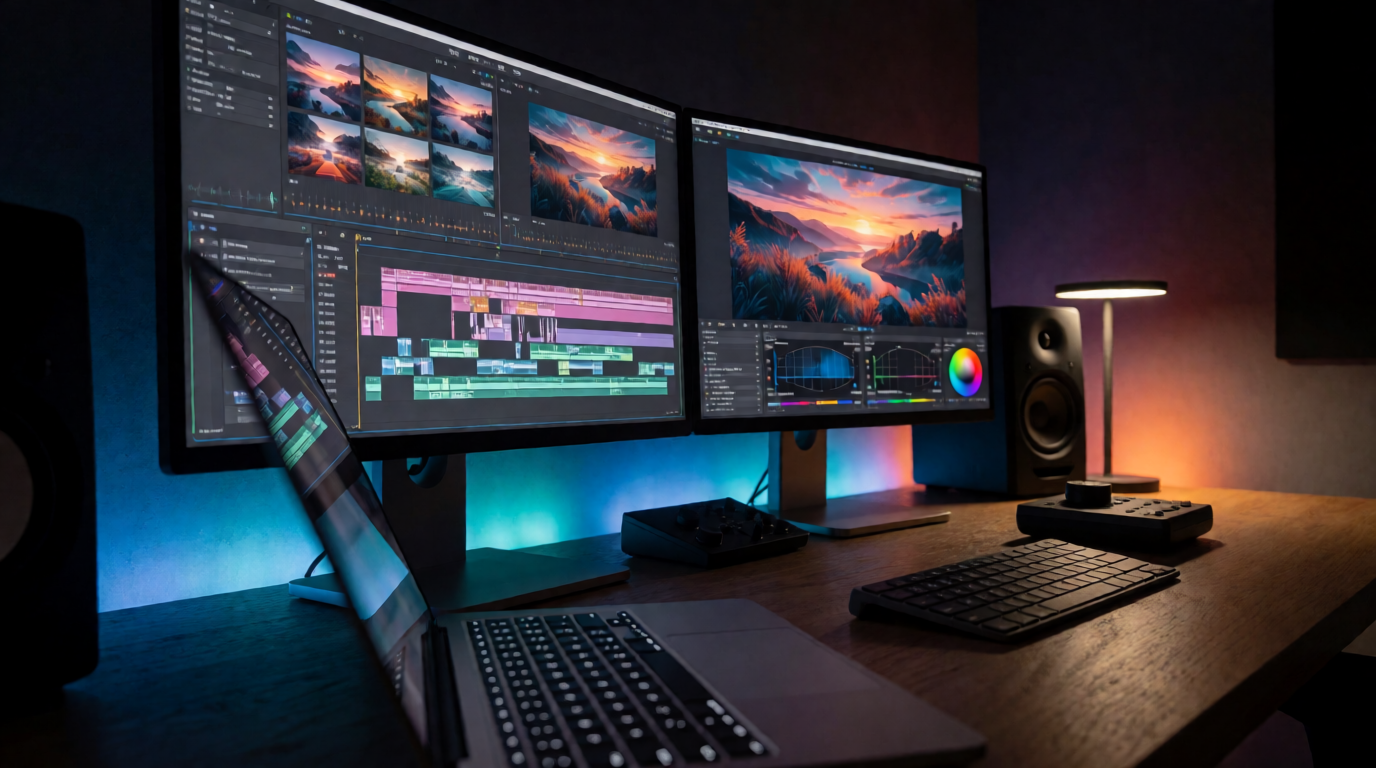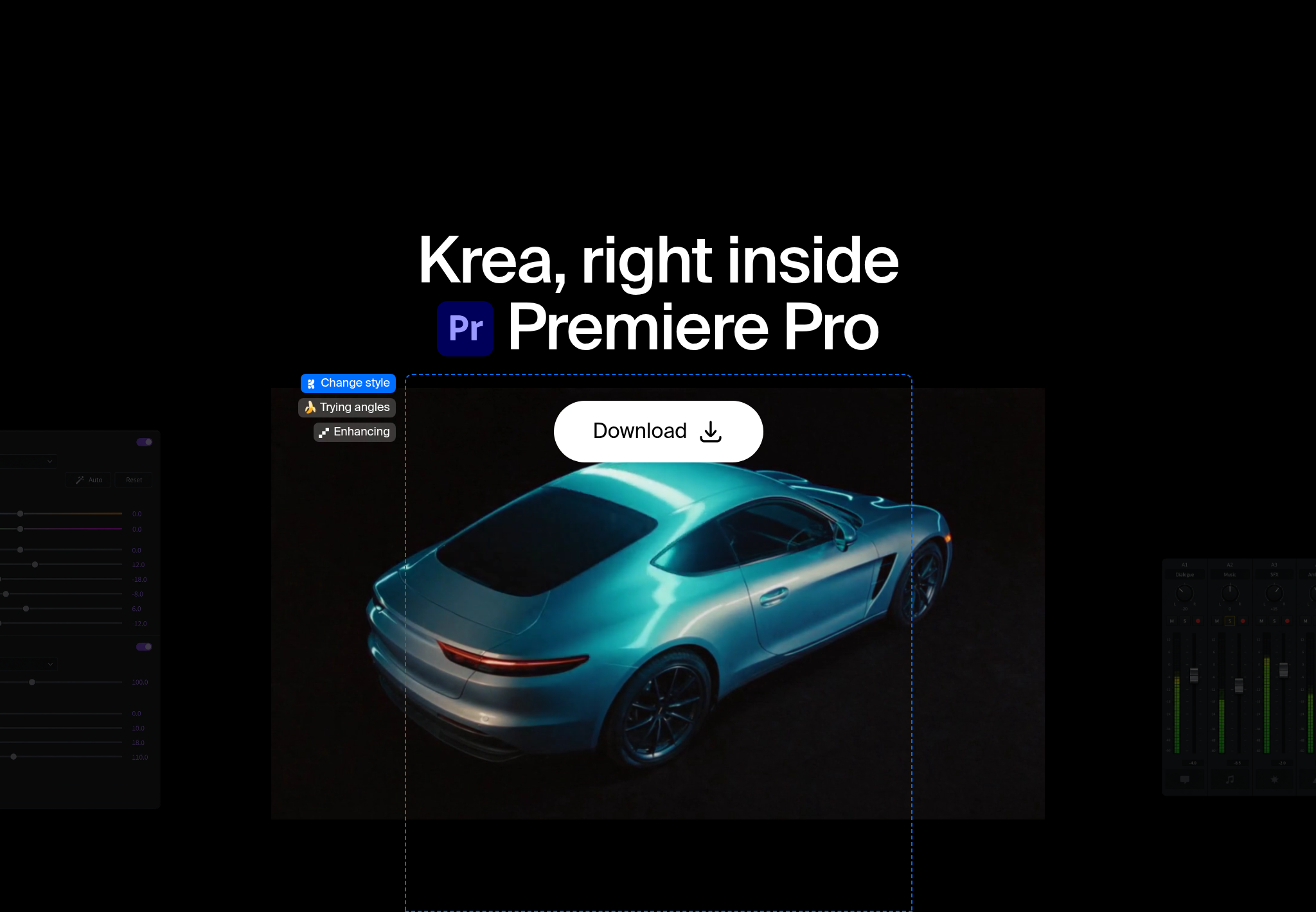
Krea for Premiere Pro generates shots, inserts, plates, and looks in a panel inside your Premiere edit. Results land in your project as regular media, ready to trim, composite, grade, and mix.
Get Krea for Premiere Pro
Generate a shot or a plate and drop it on your timeline as regular media.
Open the plugin pageWhat is Krea for Premiere Pro?
It brings Krea’s creative AI tools into Premiere Pro so you can generate shots, plates, textures, and visual directions without leaving your edit. It covers four jobs:
- Shots and inserts. Turn an idea into material for cutaways, title sequences, transitions, and story beats.
- Backgrounds for composites. Plates, environments, and textures sized for your sequence.
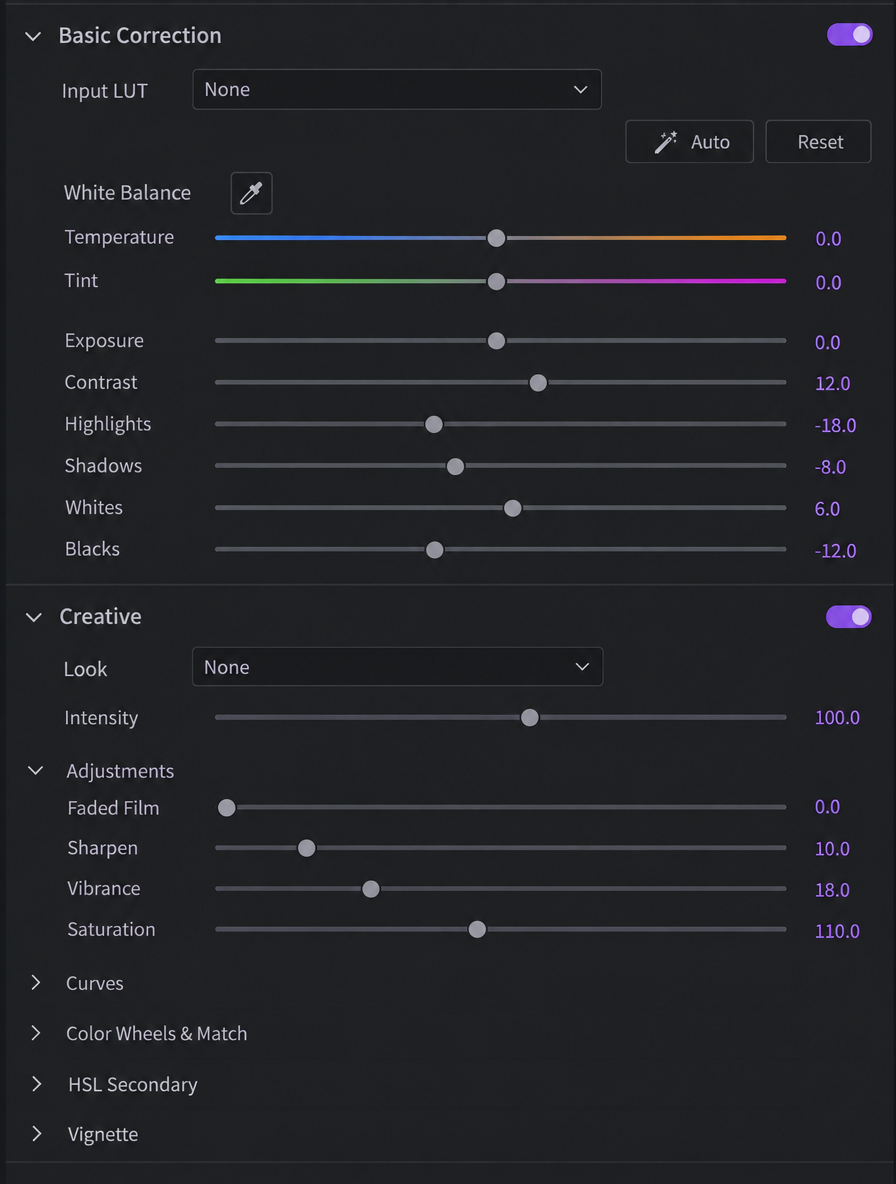
- Looks in real time. Test composition, color, and style before you commit them to the timeline.
- A consistent sequence. Related frames and treatments that hold together across an edit.
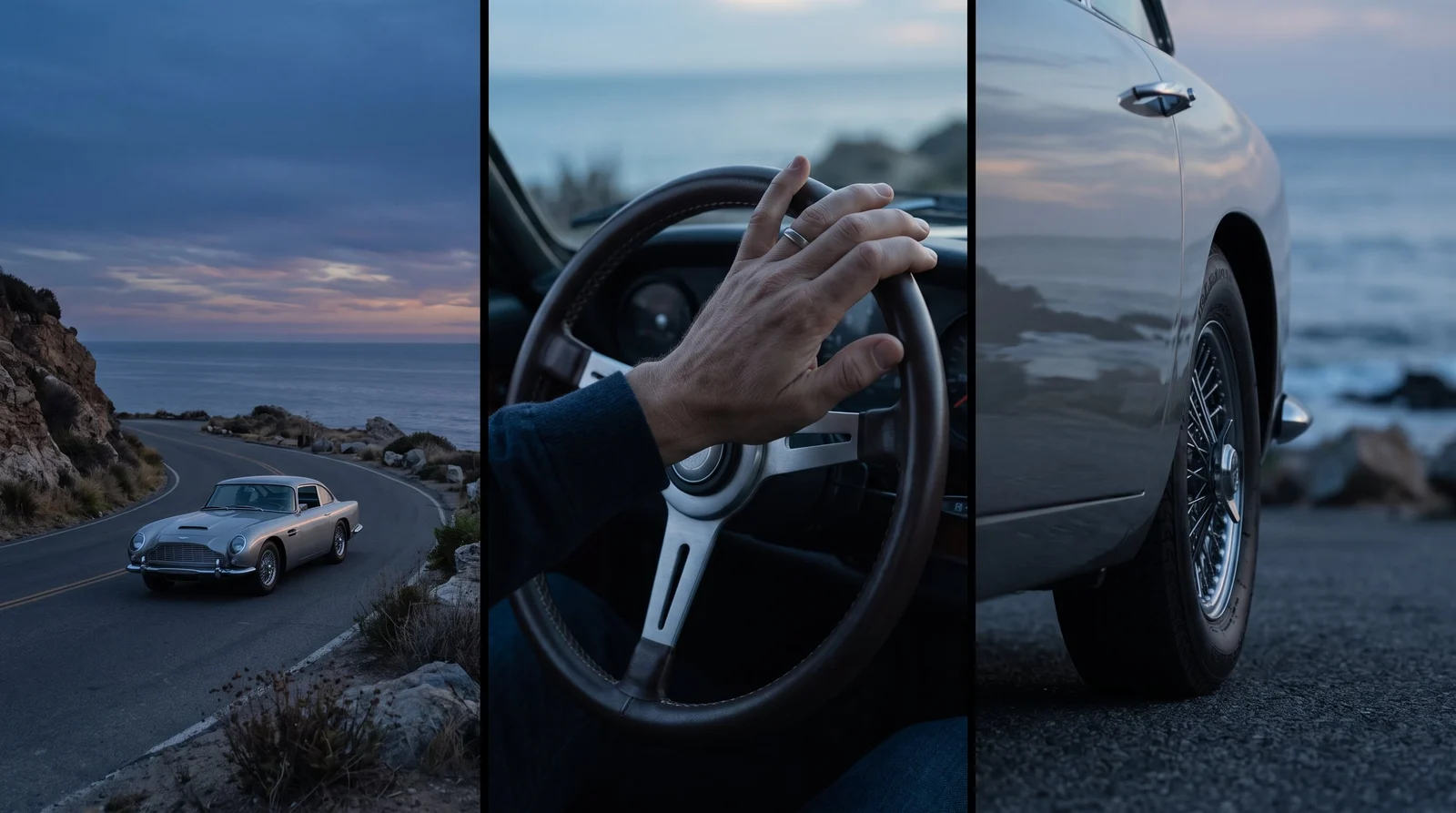
You keep cutting in Premiere. Krea fills the gaps in the picture, and every result behaves like any other clip or still in your project.
Krea also has plugins for other creative apps; see them all on Krea plugins. For video generation on the web, including Seedance 2.5 and Veo 3.1, head to Krea video.
How do I install Krea in Premiere Pro?
The installer supports recent versions of macOS and Windows; exact requirements are listed with the download. You need a Krea account and an internet connection, since generation runs on Krea’s servers.
- Download the installer for macOS or Windows from the Premiere Pro plugin page.
- Double-click the file. Creative Cloud installs Krea for you.
- Open the panel. In Premiere Pro, go to Window → Extensions → Krea.
- Sign in with your Krea account.
How do I generate a shot and cut it in?
- Open your sequence.
- Go to Window → Extensions → Krea.
- Describe the shot or insert: the subject, the action, and the frame you need to cover.
- Bring the result into your project as standard media.
- Edit it like any other clip: trim it, drop it on a track, grade it, and add sound.
How do I make backgrounds for composites?
Generate plates, environments, and textures sized for your sequence. Put a plate behind a keyed subject, a texture under a title, or an environment around a shot that was framed too tight.

Because it’s standard media, you can nest it, mask it, and blend it with the opacity and blend modes you already use.
How do I explore a look in real time?
Test composition, color, lighting, and style directions before you commit them to the timeline, then refine the edit around the one that works.
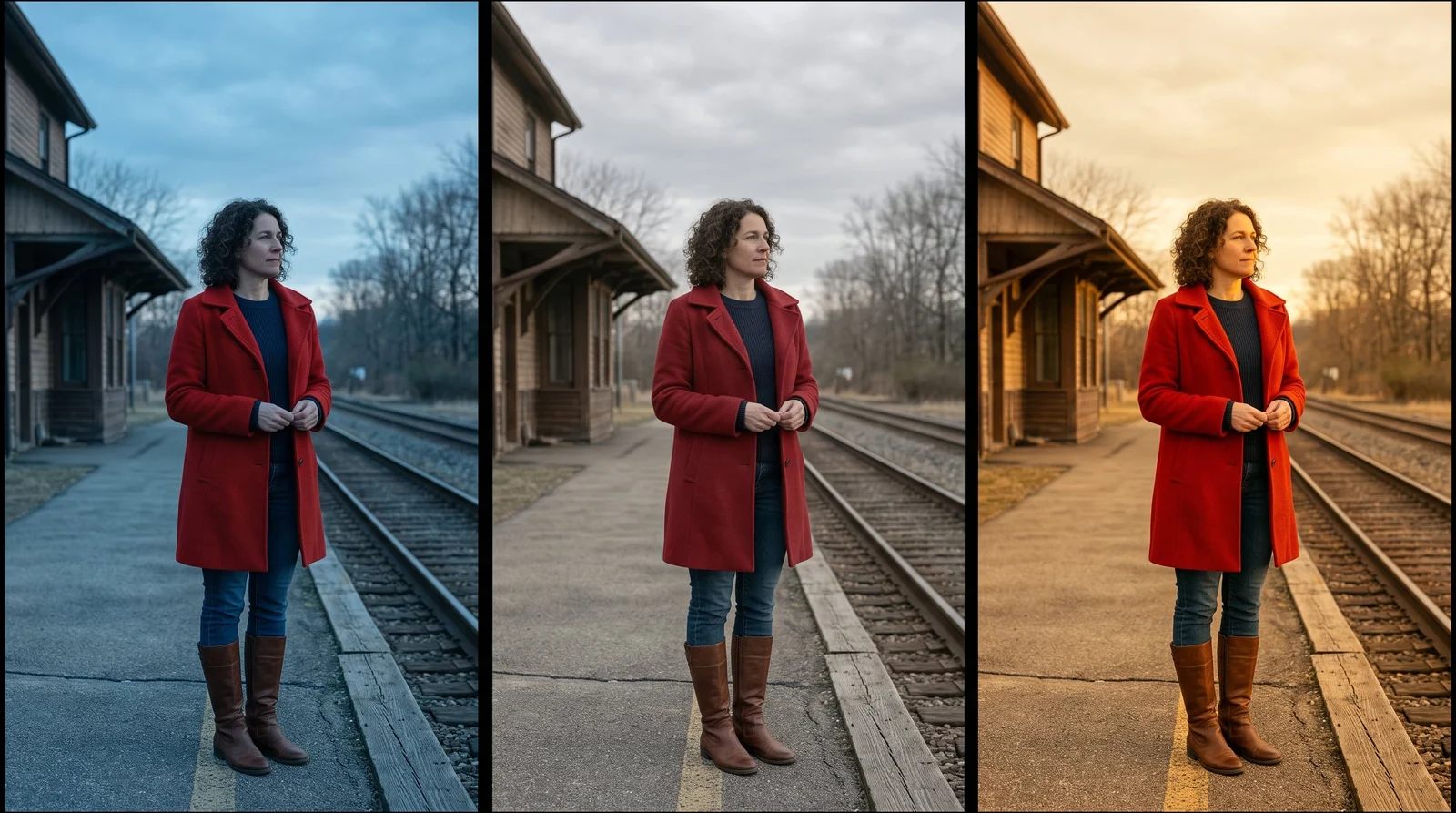
Want a live canvas on the web? Try Krea Realtime. For grade references inside Resolve, see Krea for DaVinci Resolve. For motion-design frames in a comp, see Krea for After Effects.
How do I keep a sequence consistent?
Develop related frames and treatments that hold together across an edit. Use it when a scene’s opening and closing shots need to share a world, or when an insert has to match the shot it cuts into.
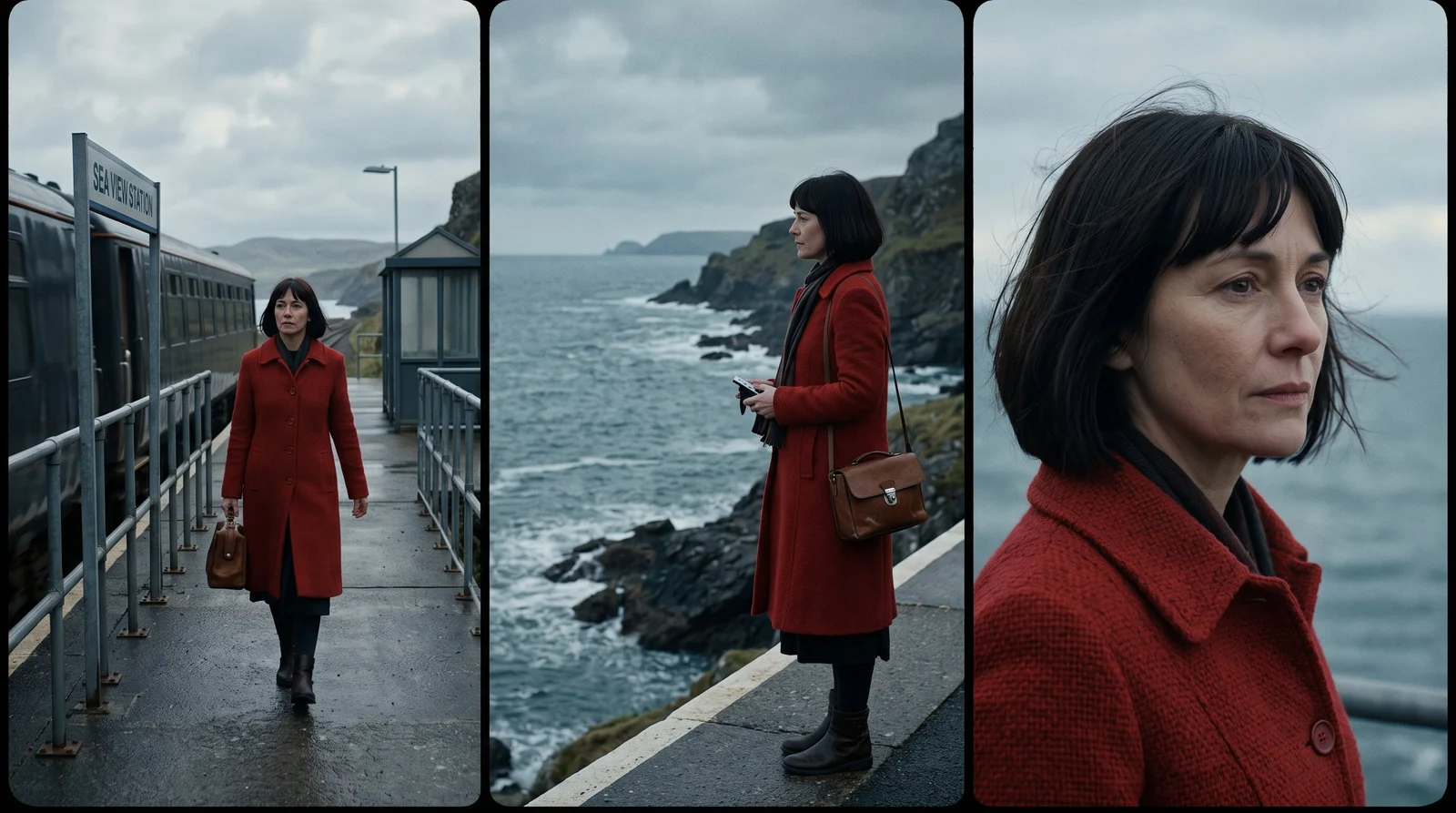
For consistent stills on the web, try Krea 3. It takes up to 8 reference images per edit and is 10× faster and 3× cheaper than GPT Image 2 and Nano Banana Pro, with fast, high, and ultra modes. See how it ranks in Krea 3 benchmarks.
Which edits is the panel for?
- Cutaways and inserts when coverage runs short.
- Title sequences and transitions that need a real picture, not just a preset.
- Story beats you can describe before they’re shot.
- B-roll and plates for composites.
- Pitch frames and animatics, where the look has to land before the fine cut.
You still make the edit. Krea supplies the picture those beats were missing.
Frequently asked questions
Is there an AI plugin for Premiere Pro?
Yes. Krea for Premiere Pro generates shots, plates, textures, and visual directions inside your edit. Results come into the project as regular media you can trim, composite, grade, and mix.
How do I install Krea in Premiere Pro?
Download the signed installer from the Premiere Pro plugin page and double-click it. Creative Cloud installs Krea. Then go to Window → Extensions → Krea and sign in with your Krea account.
Which versions of Premiere Pro does it support?
Krea supports recent versions of Premiere Pro on macOS and Windows. Exact requirements are listed with the download on the plugin page.
Can I use models like Seedance 2.5 and Veo 3.1?
Seedance 2.5, Veo 3.1, and Krea's other video models are available on the web at Krea video. The Premiere panel brings Krea's creative AI tools into your edit for shots, plates, and looks.
Are the results editable?
Yes. Results enter your project as regular media, ready for trimming, compositing, grading, and sound design.
Do I need a Krea account and internet?
Yes. Generation runs on Krea's servers, so you need to be online and signed in to your Krea account.
Is there a free plan?
Yes. Krea's free plan includes 100 compute units a day, with no credit card required. Compare plans on Krea pricing.