Choosing a video model gets difficult when a cinematic prompt needs synchronized audio, stable character identity, and believable camera motion. If you are making an ad, story sequence, or animated product scene, match the model to the failure that would hurt the shot most instead of choosing on name recognition alone — see How to Make AI Ads That Actually Sell for how to size that risk by offer and order value. That is why this ranking separates overall output quality from the specialized strengths that shape a real production workflow.
We narrowed the field using Krea’s Model Library, AI Video Generator page, and video documentation. Those product sources identify capability differences, quality tiers, and comparison workflows, so the recommendations rest on documented features rather than generic claims about AI video.
Seedance 2.5 is now live on Krea, and it takes the reference-led continuity spot below. Veo 3.1 still ranks for Krea-designated highest-quality video with native audio. The other picks specialize in continuity, motion, and storytelling, while Runway is the camera-control option. Use this list to build a shortlist, then run your own prompt and source image through the candidates.
The best AI video models on Krea
- Veo 3.1 for highest-quality video with audio
- Seedance 2.5 for reference-led character continuity
- Kling 3.0 for fluid motion and flexible speed options
- Sora 2 for complex scenes and multi-shot storytelling
- Runway Gen-4.5 for director-level creative control
Generate your first AI video now
Veo, Seedance, Kling, Sora, and Runway are ready in one generator — run your shot and see which wins.
Open Video GeneratorWhat makes the best AI video model?
- Output quality and realism. High-fidelity visuals, stable environments, and convincing physics determine whether a generated shot can carry a cinematic brief.
- Motion coherence. Believable camera and subject motion determine whether an animated still reads as a coherent shot.
- Audio and storytelling. Native sound, dialogue, and multi-shot understanding can reduce the separate generation and editing steps behind a finished scene.
- Reference handling. References help preserve a character or product across clips.
- Creative control and workflow fit. The best model has controls suited to the shot, while faster variants and prompt comparison help you iterate before committing to a final render.
The best AI video models on Krea at a glance
| Model | Best for | Standout feature | Pricing |
|---|---|---|---|
| Veo 3.1 | Highest-quality video with audio | Full and Lite variants | Available through Krea; free tier includes 100 compute units/day with limited access to selected video models |
| Seedance 2.5 | Reference-led character continuity | Frame animation | Available through Krea subscription |
| Kling 3.0 | Fluid motion and flexible speed options | Turbo and o-series variants | Available through Krea subscription |
| Sora 2 | Complex scenes and multi-shot storytelling | Text-to-video and image-to-video support | Available through Krea subscription |
| Runway Gen-4.5 | Director-level creative control | Native text-to-video | Available through Krea subscription |
Best AI video model for highest-quality video with audio
Veo 3.1 (Krea web app)
Veo 3.1 pros:
- Native synchronized sound effects, ambience, and dialogue
- Text-to-video and image-to-video generation
- High-fidelity output that often reaches 1080p or higher
Veo 3.1 considerations:
- The Lite variant provides faster, lower-cost prompt testing.
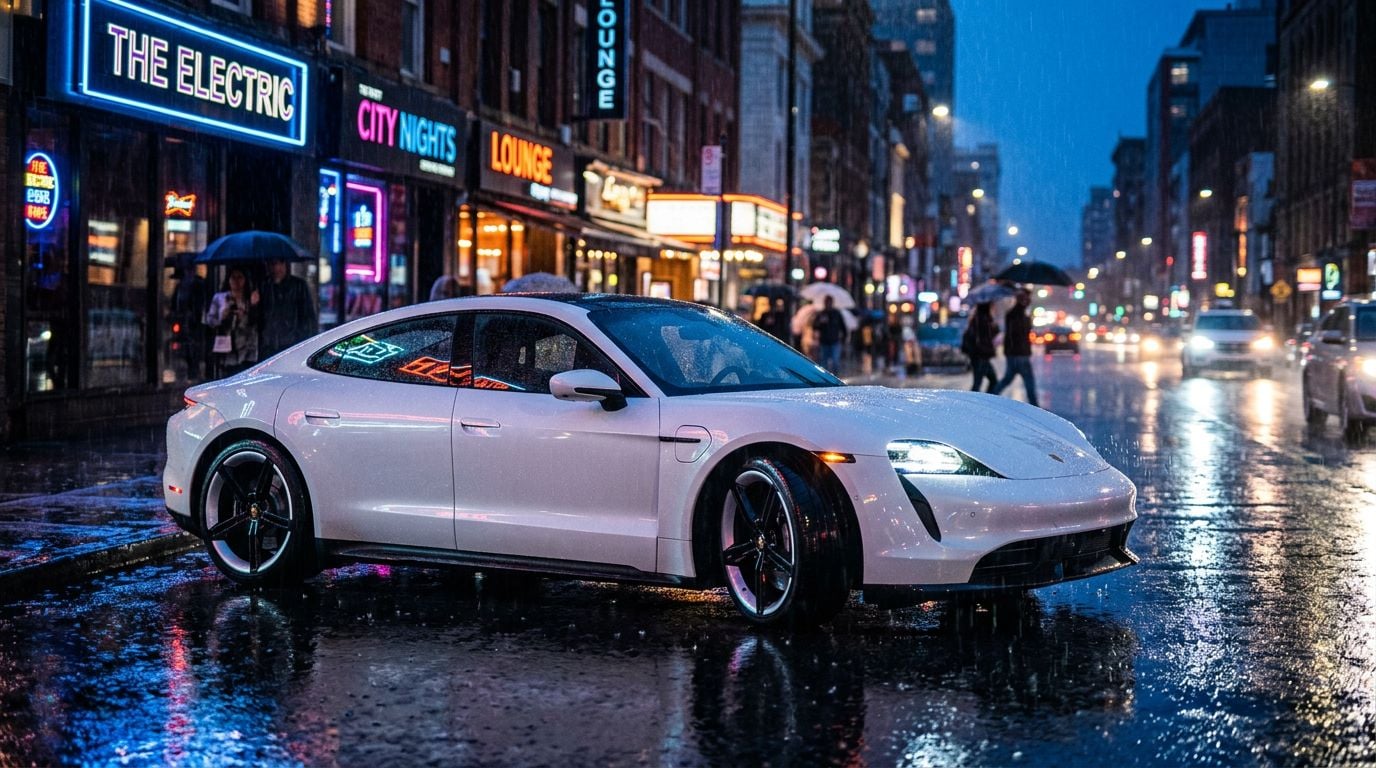
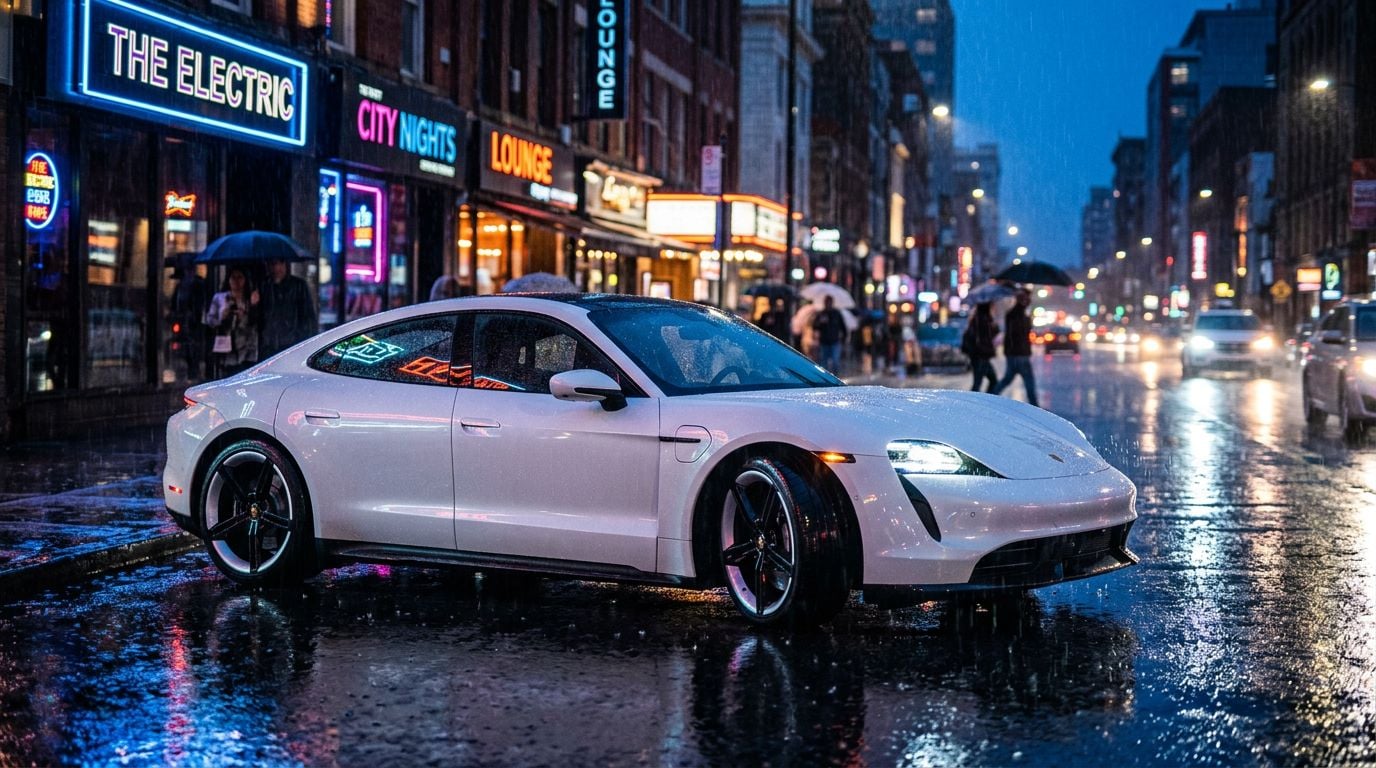
Veo 3.1 takes the first spot because Krea explicitly labels it “Best video model. Highest quality with audio” in the Model Library. That label identifies a clear starting point for work that needs polished visuals and sound from the same generation pass, rather than requiring audio to be assembled later.
The model’s documented strengths include cinematic realism, physics, and environmental consistency, while Krea’s video documentation gives it a 3/3 quality rating. Those qualities matter most in a hero shot, realistic product scene, or establishing sequence, where a warped object or unstable background can make the whole cut feel less convincing. Start here if visual defects will be most visible to the audience.
You also get a practical speed decision. Krea offers the full model alongside Veo 3.1 Lite, positioning Lite as the faster, more affordable option. Lite offers a quicker, lower-cost way to test framing and prompt wording before a final render.
Veo 3.1 price: Veo 3.1 price: Krea’s free tier provides 100 compute units per day and limited access to selected video models.
Best AI video model for reference-led character continuity
Seedance 2.5 (Krea web app)
Seedance 2.5 pros:
- Native audio
- Multimodal image, video, and text references
- Fast generation at high quality
Seedance 2.5 considerations:
- Seedance 2.5 is available now on Krea, with clips up to 30 seconds and up to 50 multimodal references. Choose Seedance 2.0 instead when native 1080p or 4K output matters more than continuity.
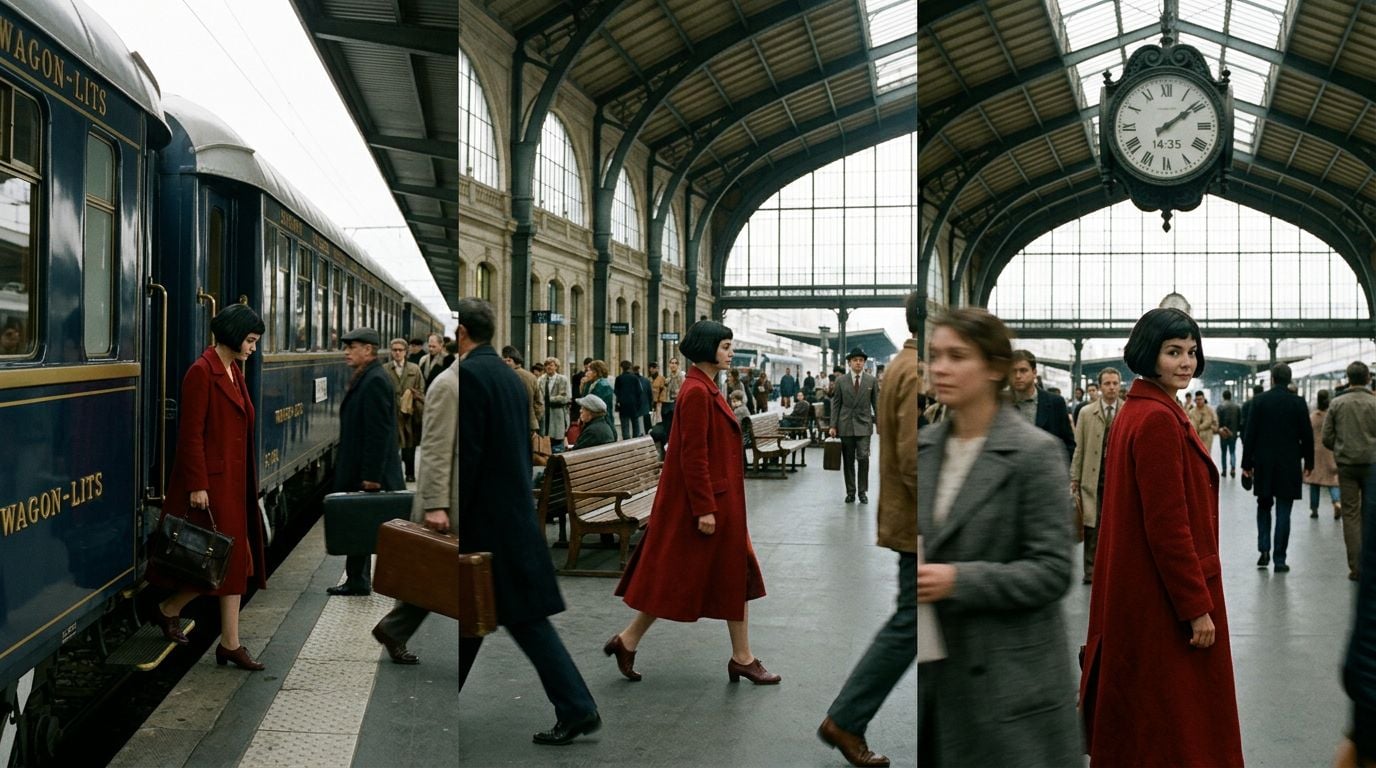
Seedance 2.5 is well suited to reference-led video requiring character continuity. Krea supports native audio, multimodal references, and frame animation, anchoring recurring characters and approved product designs across clips. You can build a clip around image, video, and text inputs, which gives a recurring character or approved product design more support than a text-only prompt. See what’s new in Seedance 2.5 for the full reference-guided workflow.
Krea’s AI Video Generator page highlights Seedance for cinematic video with natural motion and consistent characters generated in seconds. Its documented strengths also include dynamic camera movement. For campaign assets or a story sequence, that combination helps you preserve a recognizable visual identity as the action and framing change from one clip to the next.
Continuity does not force a lower-quality tradeoff here. Krea rates Seedance 2.5 at 3/3 for quality and notes strong motion coherence. The combination supports stable character details in cinematic shots. That combination is especially valuable for shots where immediate subject recognition matters.
Seedance 2.5 price: Available through Krea subscription.
Best AI video model for fluid motion and flexible speed options
Kling 3.0 (Krea web app)
Kling 3.0 pros:
- Strong motion quality and image-to-video performance
- Native audio and clips up to 15 seconds in Kling 3.0
- O-series models provide precise controls for image and video references.
Kling 3.0 considerations:
- Kling 3.0 clips run up to 15 seconds
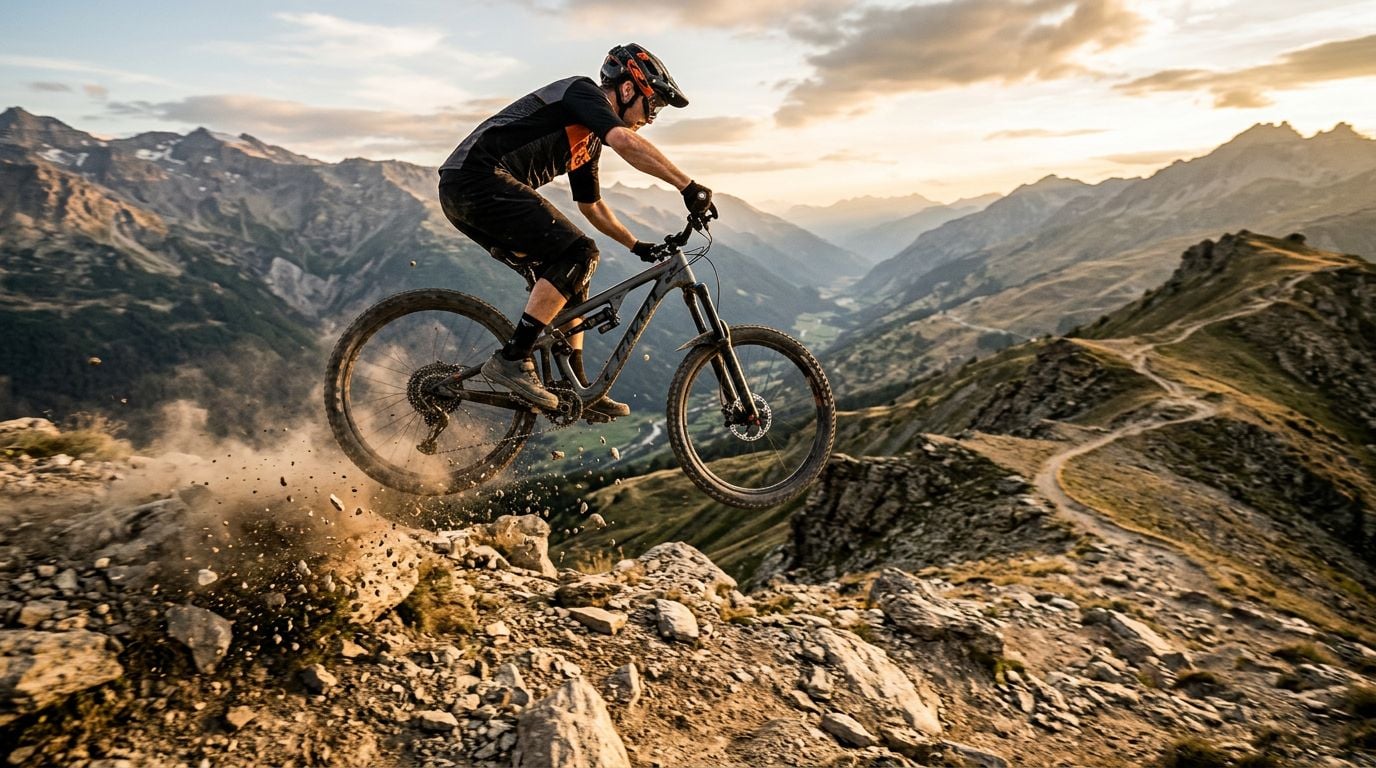
Kling 3.0 is the motion-first pick because Krea offers a wide range of Kling frontier variants in one workflow. Krea offers Kling 3.0 alongside Turbo and o-series variants. That range lets you choose a faster generation path or reach for more advanced reference controls without rebuilding the rest of your process around another tool.
Krea’s documentation gives Kling 2.5 and 3.0 Turbo a 3/3 motion-quality rating and describes their movement as unparalleled in fluidity with cinematic visuals. Kling merits testing on camera moves and image animation, where fluid motion is central to the shot. Motion is the deciding criterion here.
The o-series broadens the appeal beyond pure movement. Its reasoning features and reference controls help preserve a specified object as the scene changes. Image, element, and video references give the o-series parallel anchors for a specified prop’s identity and placement, helping it remain visible during demanding motion prompts.
Kling 3.0 price: Available through Krea subscription.
Best AI video model for complex scenes and multi-shot storytelling
Sora 2 (Krea web app and API)
Sora 2 pros:
- Strong performance on complex scenes and realistic physics
- Rich narrative understanding for multi-shot storytelling
- Text-to-video and image-to-video support in Krea
Sora 2 considerations:
- Select it when scene structure and narrative scope are the main decision criteria

Sora 2 is the pick for prompts that ask a single generation to handle a complicated narrative scene. Krea’s AI Video Generator page identifies it as strong at complex scenes, physics, and multi-shot storytelling. The result can carry several actions and shifting compositions through a scene with a coherent narrative thread.
Its documented capabilities include strong world knowledge, realistic physics, and structural stability. A scene with several moving subjects puts pressure on more than motion alone: it needs each action to make sense in relation to the setting and the events around it. Sora 2 is a sensible candidate when scene logic is the risk you are trying to reduce.
Krea fully integrates Sora 2 into its interface and API, without a separate ChatGPT subscription. You can therefore assess its narrative scope against the other four models using the same production prompt, instead of treating access requirements as a reason to skip the comparison.
Sora 2 price: Available through Krea subscription.
Best AI video model for director-level creative control
Runway Gen-4.5 (Krea web app)
Runway Gen-4.5 pros:
- Native text-to-video
- Fine-grained creative controls
- Dependable stylized and cinematic output
Runway Gen-4.5 considerations:
- It offers precise control over shot perspective and visual style.
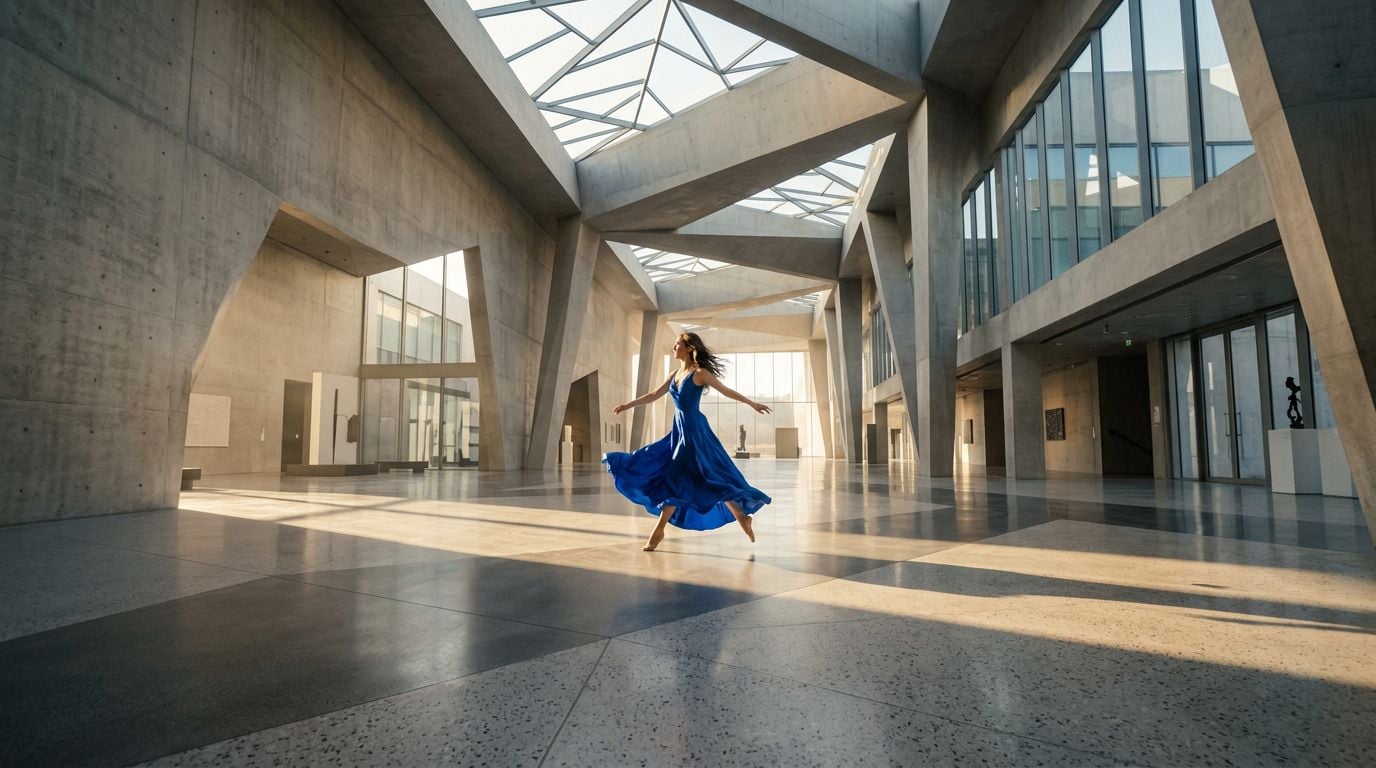
Runway Gen-4.5 lets directors specify a shot’s visual treatment, perspective, and camera movement with precision. Krea’s Model Library calls it a frontier model with native text-to-video, while the AI Video Generator page describes it as a filmmaker favorite with fine-grained creative controls and dependable stylized output. That positioning fits work where the brief values a deliberate visual treatment.
Perspective shifts are a particular reason to test it. Krea documentation highlights superior perspective changes and creative control, so a creator planning a camera move or a stylized viewpoint change has a dedicated candidate rather than assuming every high-quality model interprets that instruction equally well.
Runway appears alongside Veo 3, Sora 2, and Kling among the leading options on Krea’s video page. Its role in this ranking is focused: use it when a controlled visual direction matters more than general-purpose output quality or complex multi-shot construction.
Runway Gen-4.5 price: Available through Krea subscription.
Which AI video model should you pick?
The fastest selection method is to run the same production prompt through the models that fit the job. Krea supports side-by-side comparison of these five models with one shared prompt. The selected clip can then move into editing tools such as extension and lipsync.
Veo 3.1 is the default choice for Krea’s highest-quality audio-enabled output. The specialist choice depends on the shot’s main constraint. A shared source image makes the comparison more useful because each model is solving the same visual problem.
A shared prompt reveals differences in audio synchronization, motion stability, and camera interpretation before production.
Compare the five models in Krea’s AI Video Generator. Run a shared prompt, review the outputs, and continue with the model that fits the final shot.
FAQ
Frequently asked questions
Which model on Krea should I choose for the most professional, finished-looking videos?
How do I keep the same character or product design consistent across multiple clips?
What’s the best option when my priority is smooth motion and controllable pacing?
When should I use Sora 2 instead of the other models?
What model on Krea is best if I want more direct “director-style” creative control over camera and shots?
Compare the best AI video models on Krea
Run one shared prompt through Veo, Seedance, Kling, Sora, and Runway side by side, then continue with the model that fits your final shot.
Try Krea AI Video Generator