Zoo York began with one photo: a monkey walking across a New York street with a laptop under its arm. It was a cheap phone snapshot of an ordinary block. That one frame set the look for the whole project. The monkey is small, the street is plain, and the camera is low quality on purpose.
A few plain-English messages to Krea Agent turned that photo into twelve matching scenes. Each scene became a five-second clip in Seedance 2.5, and the clips were cut into a one-minute short that looks like 90s home video. This guide shows the whole process, with every prompt, so you can copy it.
Step 1: Start from one reference
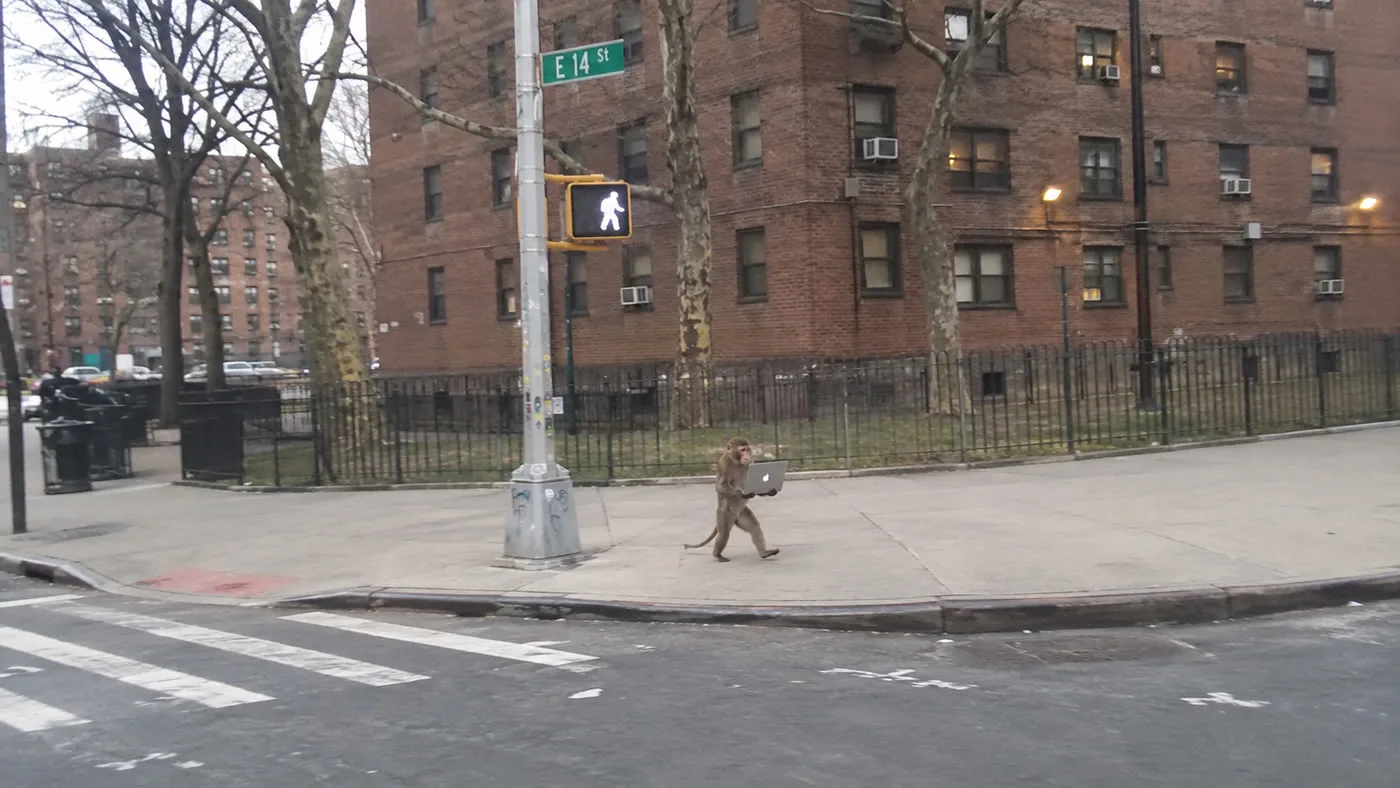
Pick one image that already has the feel you want. You don’t need a mood board. One strong reference keeps every later image consistent, because each request can point back to it with “similar to this vibe.”
Step 2: Talk to the agent like a collaborator
The whole image set came from five short messages. None of them was a long, engineered prompt. They read like notes to a coworker:
- “Generate me 10 images similar to this vibe, New York urban minimal setting, monkeys same size doing random things: a monkey on a flying carpet, two monkeys in a lowrider with hydraulics, a monkey carrying a giant birthday cake on its head, a monkey dressed as a businessman sitting in an office window… 16:9”
- “Use a different image model, maybe GPT 2.5. These do not look consistent. All scenes should be different but same vibe.”
- “Let’s do more wild whimsical scenes of them doing other random stuff, maybe one running with a giant inflated banana, keep them minimal.”
- “Generate 8 more.”
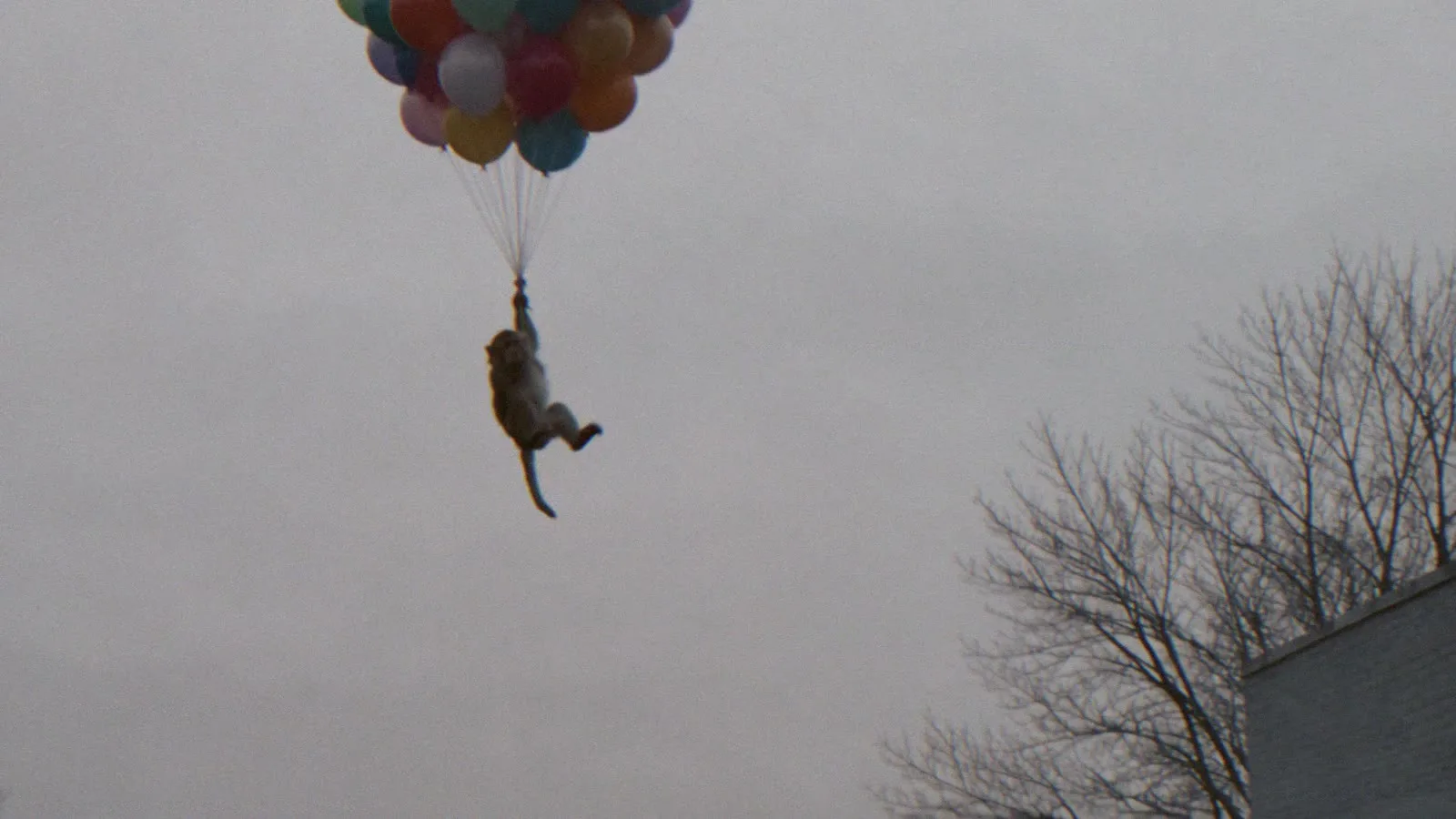
- “Make a short 1 minute shaky mobile camera footage movie with all these clips… fast zooms in to the monkey, different cuts, real street audio. Starts with the watermelon exploding… ends with the monkey flying off on balloons. Seedance 2.5, 90s feel.”
The second message did the most work. The first batch didn’t match, so the fix was to name a different model and repeat the goal: different scenes, same vibe. When results drift, change one thing and say why.
Step 3: Lock the look with a shared prompt ending
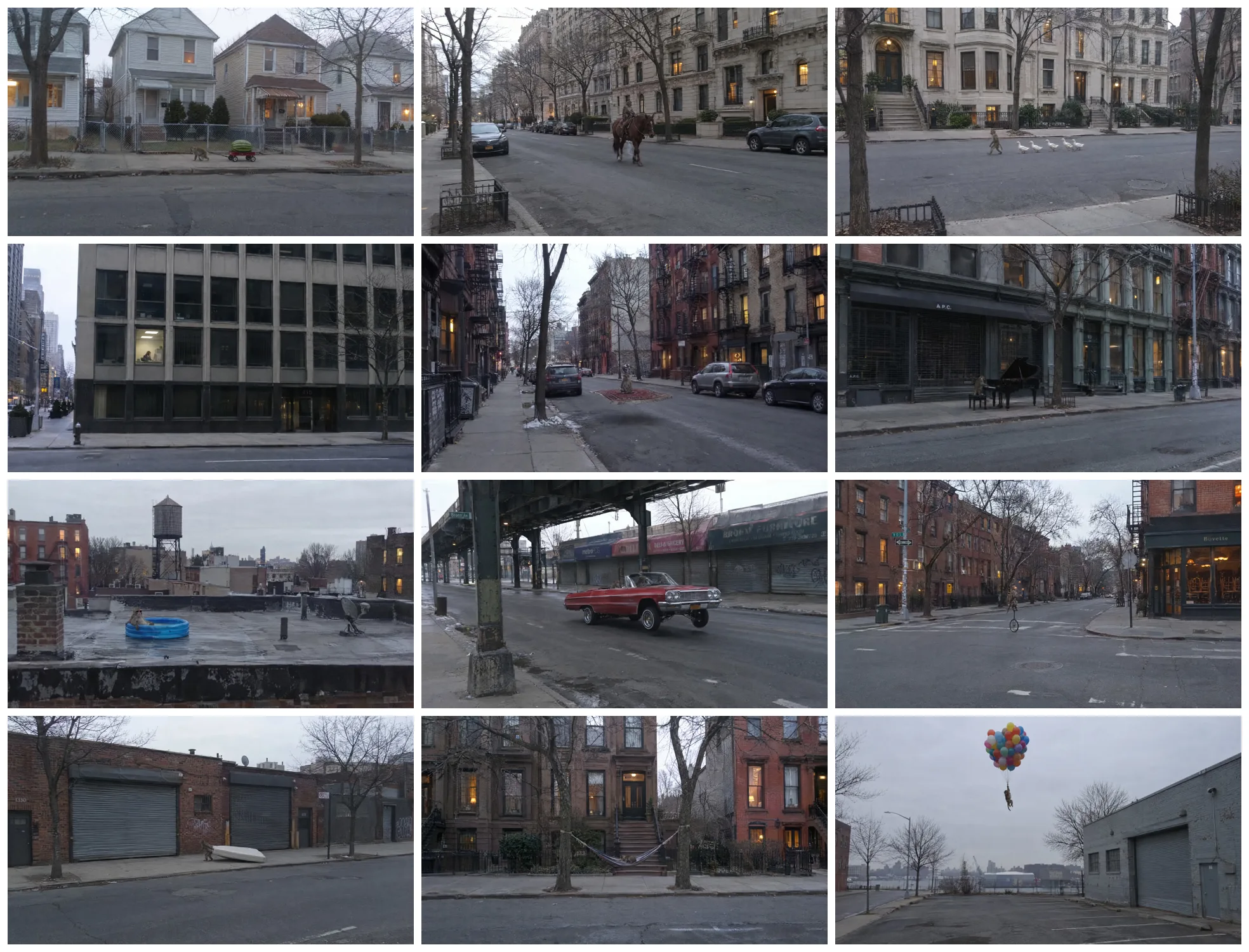
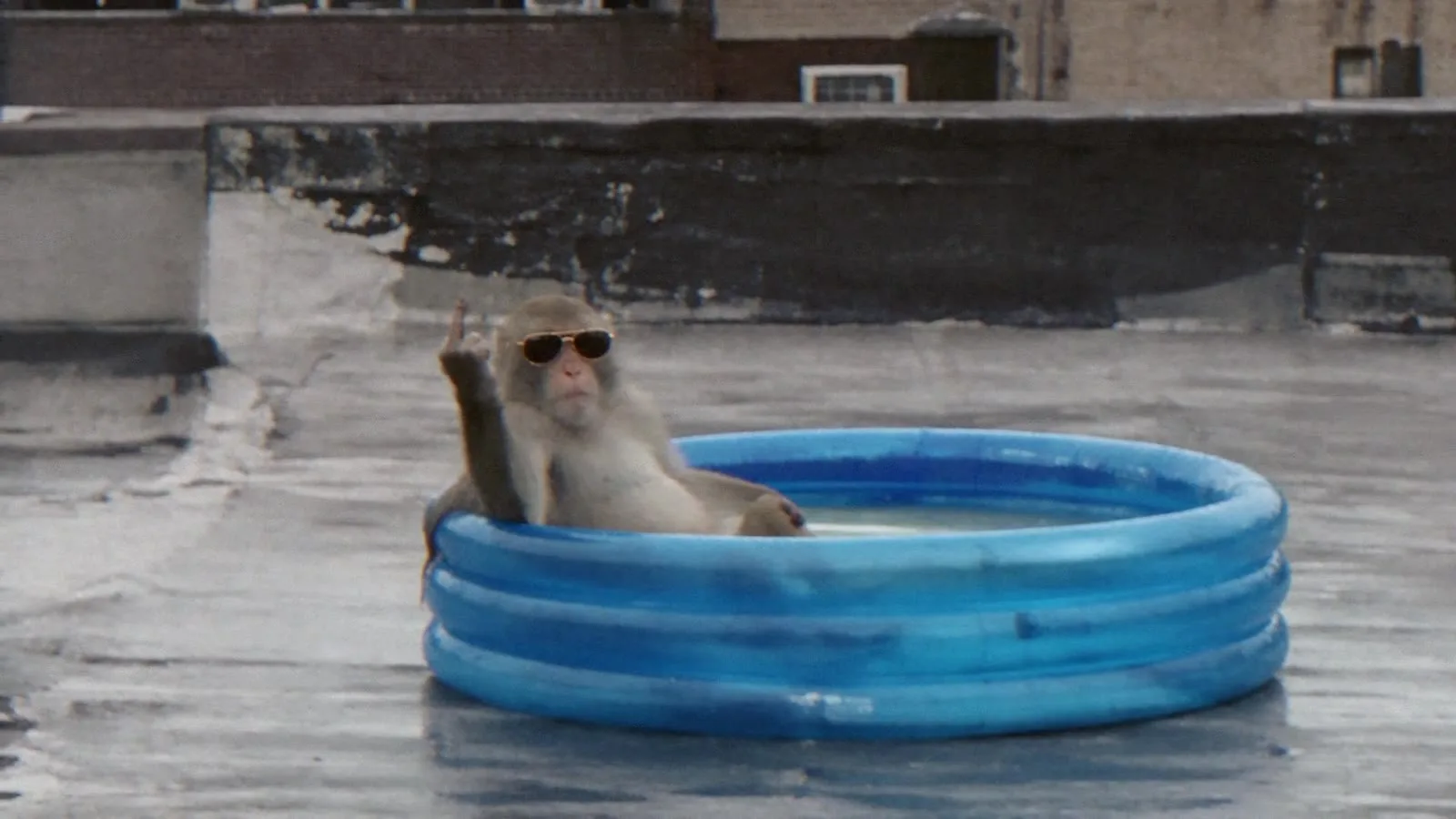
The final set has twelve scenes: watermelon, horse, ducks, office, flying carpet, piano, rooftop pool, lowrider, unicycle, mattress, hammock, and balloons. All of them were made with GPT Image 2.5 at 16:9 and 2K.
They look like one series because every prompt ended with the same sentence:
[scene] + cheap phone photo, taken from across the street, overcast winter dusk, muted colors, monkey small in the frame, empty New York street, no people.Only the scene changes. The camera, the light, the colors, the framing, and the setting stay the same. Write the ending once and reuse it for every image.
Step 4: Turn each still into a five-second clip
Each image went into Seedance 2.5 as the start frame, at 1080p, 16:9, and five seconds. The video prompt is short and always has the same four parts:
Shaky phone footage from across the street, 90s home-video feel.
[What happens — one gag]
Fast zoom in on the monkey.
Audio: real street sounds, no music, no voiceover.
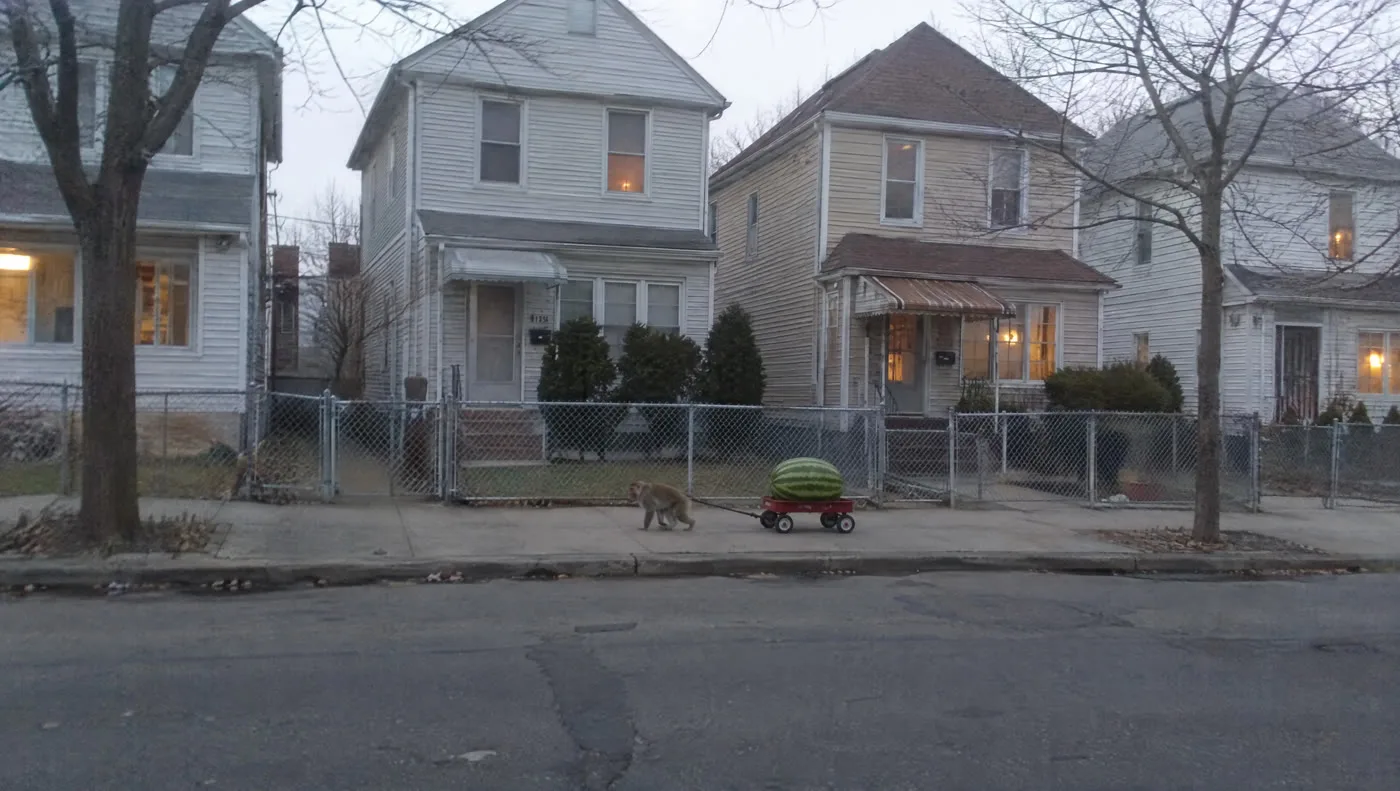
Here is the prompt for the opening clip:
Shaky phone footage from across the street, 90s home-video feel.
The giant watermelon bursts open and splatters juice everywhere. The monkey freezes, looks at the wagon and scratches its head, confused.
Fast zoom in on the monkey.
Audio: wet splat, distant traffic, no music, no voiceover.
From still to clip
Left: the start frame. Right: a frame from the Seedance 2.5 clip.
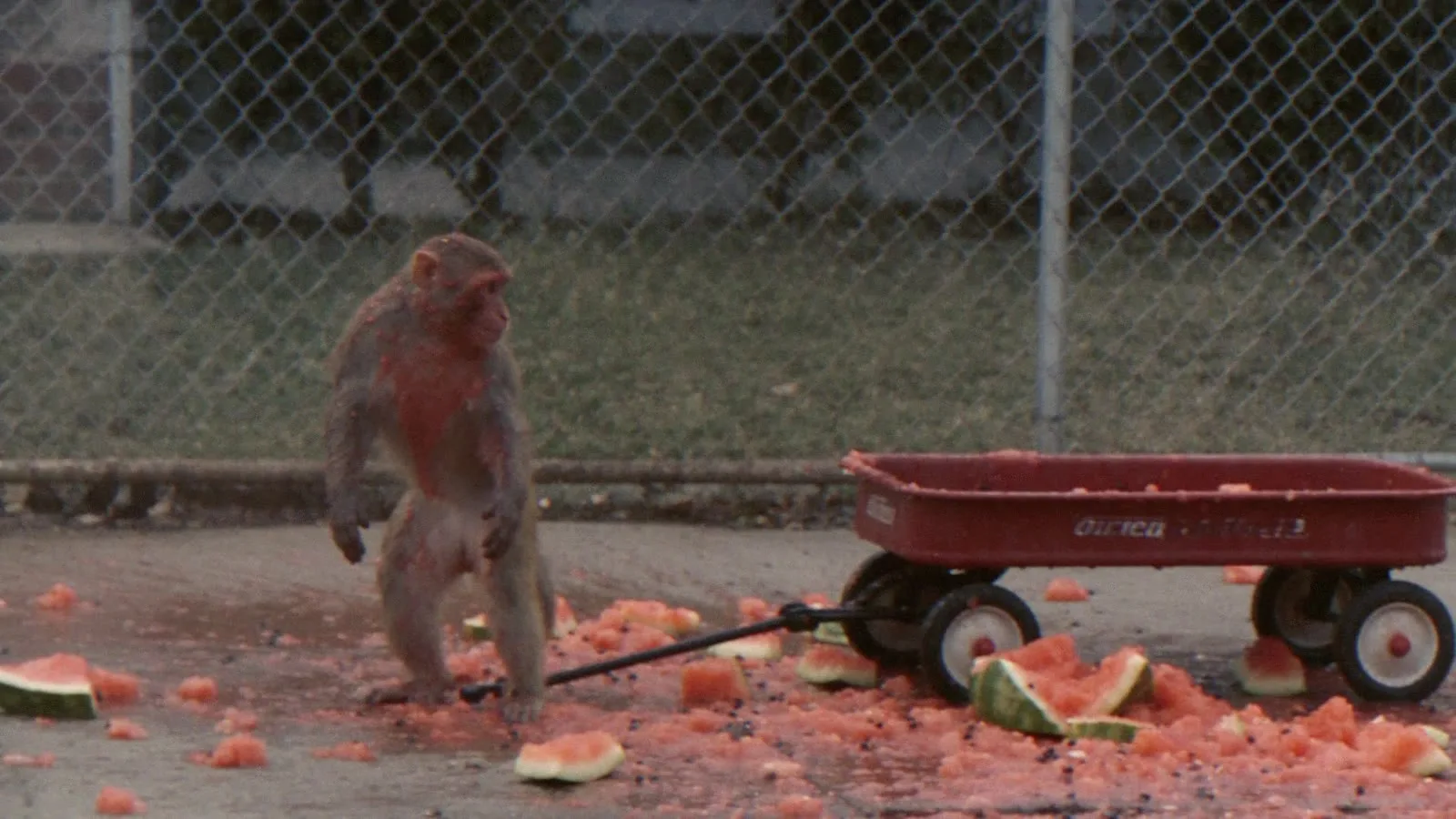
Keep it to one gag per clip. Five seconds is enough for one clear action and a zoom. If you ask for more, the model usually drops part of it. The Seedance 2.5 prompt guide covers camera and audio lines in more depth.
Step 5: Check, order, and cut
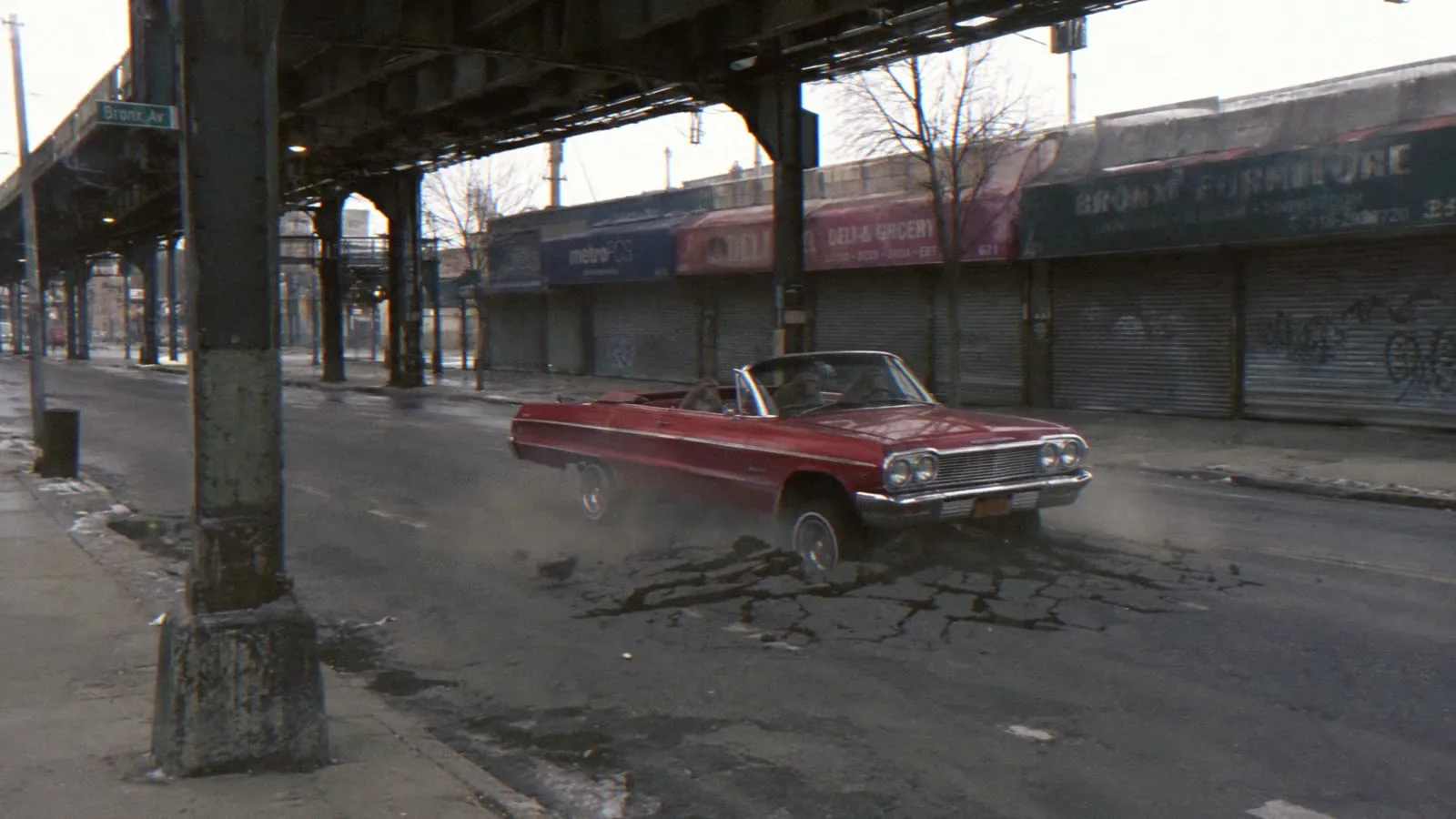
The last step is the edit, and it’s quick:
- Check each clip. Look at a few frames from every clip and redo any where the gag didn’t happen. Two clips here, including the hammock swing, needed a second try.
- Set the order. The watermelon goes first and the balloons go last. The other clips can go in any order.
- Use hard cuts. Don’t use fades. Twelve clips at five seconds each make about one minute.
- Add the 90s finish. Use faded warm color, softer detail, and a little grain.
What to take from this
- One reference beats a mood board. A single strong image gives the agent something clear to match.
- A shared prompt ending makes a series. Change the subject and keep everything else fixed.
- Ask in plain language and correct as you go. “These do not look consistent” was the most useful prompt in the project.
- Use one gag per clip. Short, single-action video prompts give you clips you can use.
Frequently asked questions
What tools were used to make Zoo York?
Krea Agent ran the project. GPT Image 2.5 made the twelve stills at 16:9 and 2K, and Seedance 2.5 turned each still into a five-second clip at 1080p.
How do you keep AI images consistent across a series?
Start from one reference image and end every prompt with the same sentence that fixes the camera, the light, the colors, the framing, and the setting. Only the scene changes from prompt to prompt. If a batch still drifts, tell the agent what is wrong and try a different image model.
How long should each Seedance 2.5 clip be?
Zoo York used five seconds per clip, with one gag each. Seedance 2.5 can make clips from 4 to 30 seconds, but short single-action clips are easier to control and easier to cut together.
Make your own short with Krea Agent
Start from one reference photo, ask for a series in the same vibe, then turn each still into a clip with Seedance 2.5.
Open Krea Agent