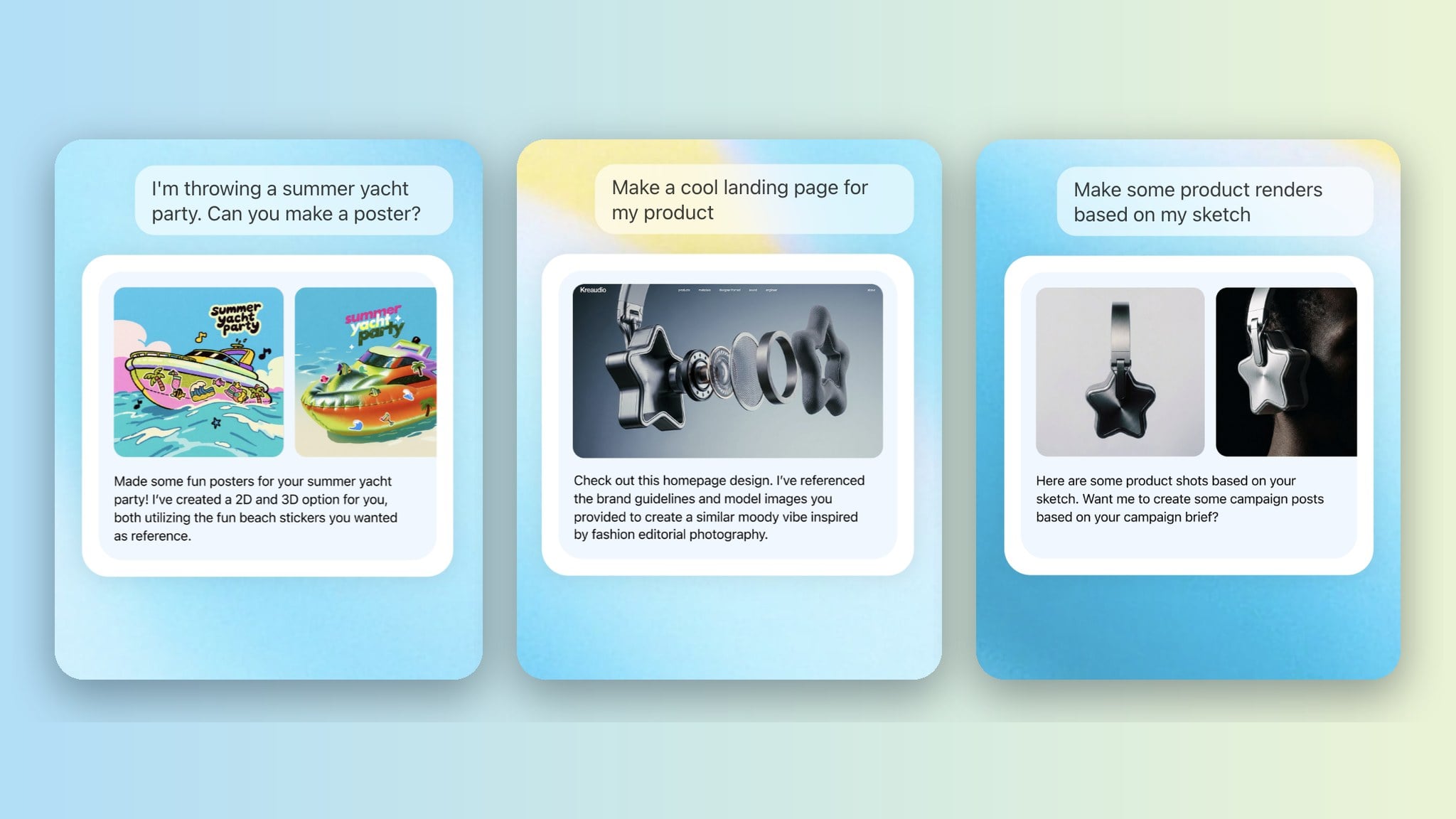
Krea Agent is an AI agent for creative production. You write a brief in a chat. The agent plans the job, chooses which of Krea’s image, video and audio models to use, generates the assets, checks the results, edits them, and files everything in a context library your team shares. It is the same idea as a coding agent, applied to creative work: the agent operates the tools, you direct and approve.
This guide explains what Krea Agent does today, how it works under the hood, who has access, and what it does not do yet.
Open Krea Agent
Agent is included on Max, Business, Creator Max and Enterprise plans. Log in and pick Agent from the menu in the top-left corner.
Open Krea AgentWhat is Krea Agent?
Krea Agent is a chat interface on top of every tool in Krea. Instead of opening the image generator, then the video generator, then the enhancer, you describe the outcome once. The agent works out the steps.
A typical request looks like this: “Here is our product photo and our website. Make six static ads for Instagram in our brand colours, then a 15-second vertical video for Reels.” The agent reads the website, builds a short brand reference, generates the stills, reviews them, generates the video from the best still, and puts every file in a folder you can open.
Two things make it different from a chat model with an image button:
- It runs multi-step workflows. Research, generation, review, editing and export happen in one session. The agent can run several directions in parallel.
- It picks the model for each step. Krea hosts more than 150 image, video, audio and enhancement models. The agent knows which one fits: an edit that must respect a reference, a text-heavy layout, a fast exploration, a hero video, an upscale.
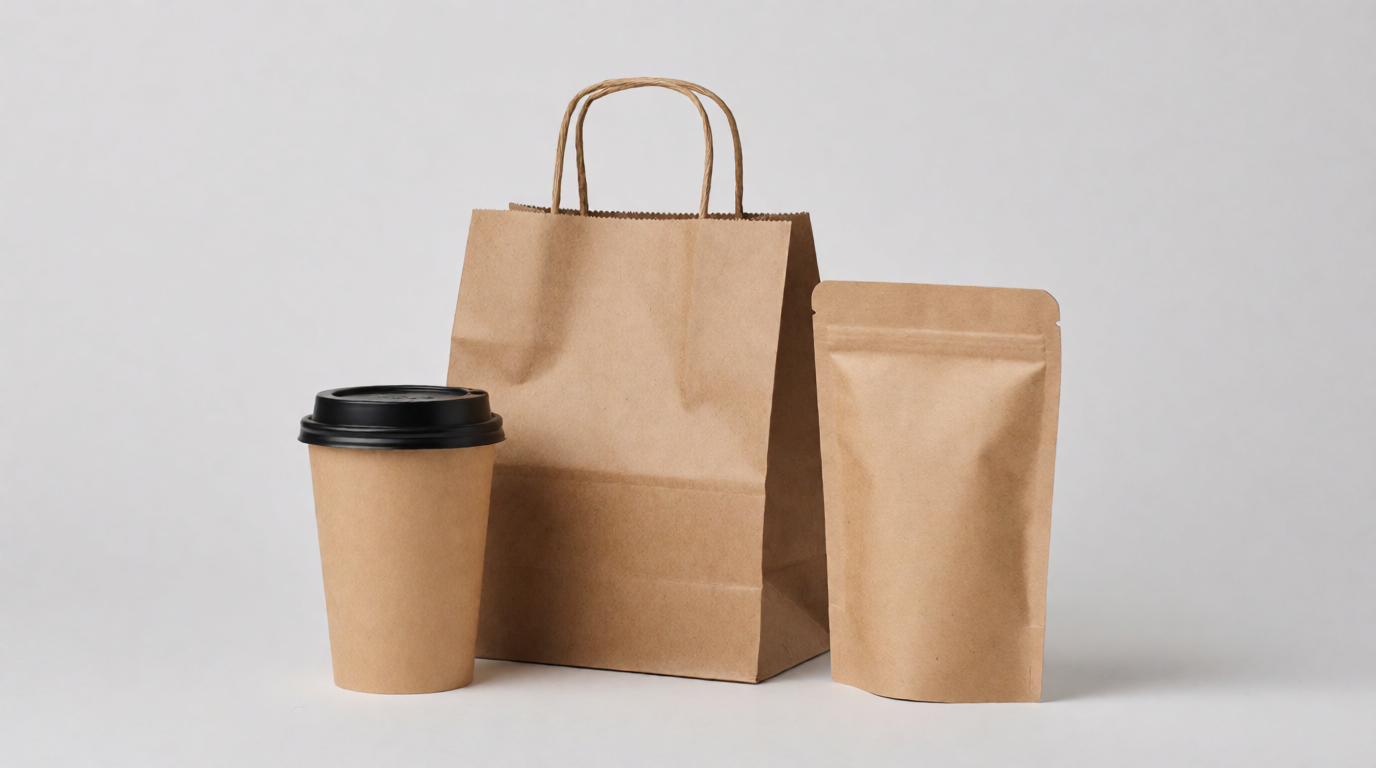
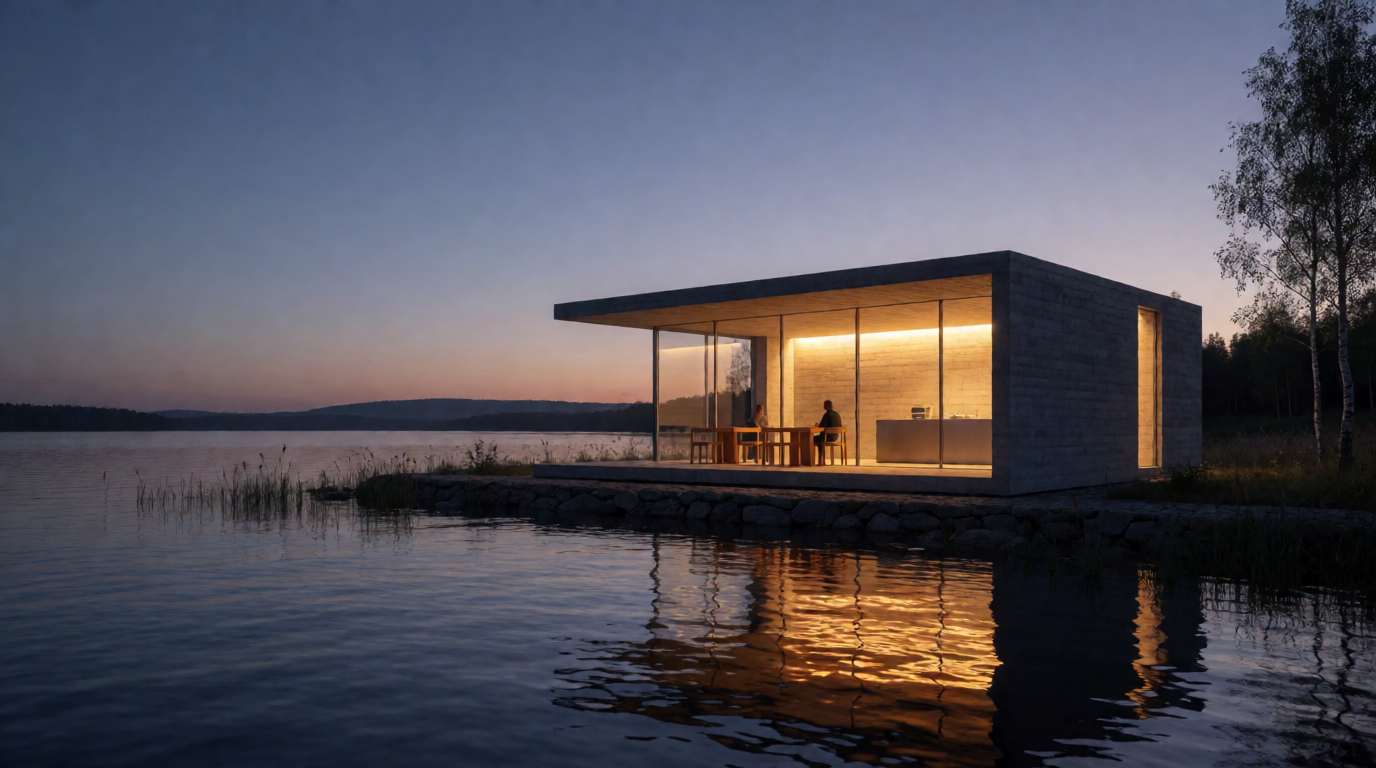
Two outputs from one brief: packaging for a fictional café, then the café itself as an architectural render
Both images are raw Krea 2 outputs. The café example follows the demo Titus Ebbecke gave at the Krea NYC launch.
What can Krea Agent do?
The agent has a fixed set of tools. Here is the full list as of September 2026, grouped by what you would ask for.
Generate
- Images, one at a time or in batches of up to eight, with any image model in Krea’s catalog.
- Video, from text or from a start image, with models such as Seedance 2.5.
- Audio: text-to-speech and dialogue with Seed Audio and ElevenLabs voices.
- Upscales and enhancements, including Topaz.
- Background removal with Krea’s dedicated segmentation tool.
Reference and style
- Train a style (a LoRA) from a set of your images, then use it in generations.
- Create and use moodboards with Krea 2 models.
- Look at an image you upload and describe or critique it.
Research
- Search the web and search for images.
- Open a URL and read the page as clean text. This is how the agent turns a website into a brand brief.
Edit and assemble
- Run commands in a private computer attached to the session. It has Python, FFmpeg and ImageMagick. The agent uses it to trim clips, change aspect ratios, add captions, build PDFs and convert formats, while cuts and generative extensions go through the session’s timeline video editor.
- Build small web tools on demand. At the NYC launch the agent built an 8-bit image converter as a web app inside Krea, in the middle of the demo.
Organize and repeat
- Save files into the context library and organize them in folders.
- Save a workflow as a skill and run it again later.
- Create routines: recurring runs that start a fresh session on a schedule.
- Remember your preferences across sessions.
Connect
- Link external tools through OAuth: Slack, Notion, Linear, Airtable, Webflow, Pinterest, Meta Ads, Google Drive, Google Docs, Google Sheets, Gmail, Dropbox, OneDrive, GitHub, WhatsApp Business, YouTube, Supabase, TikTok Ads, ManyChat, Frame.io and Figma. Each tool has an allow-or-ask permission you control.
What a brand brief and a variation run look like
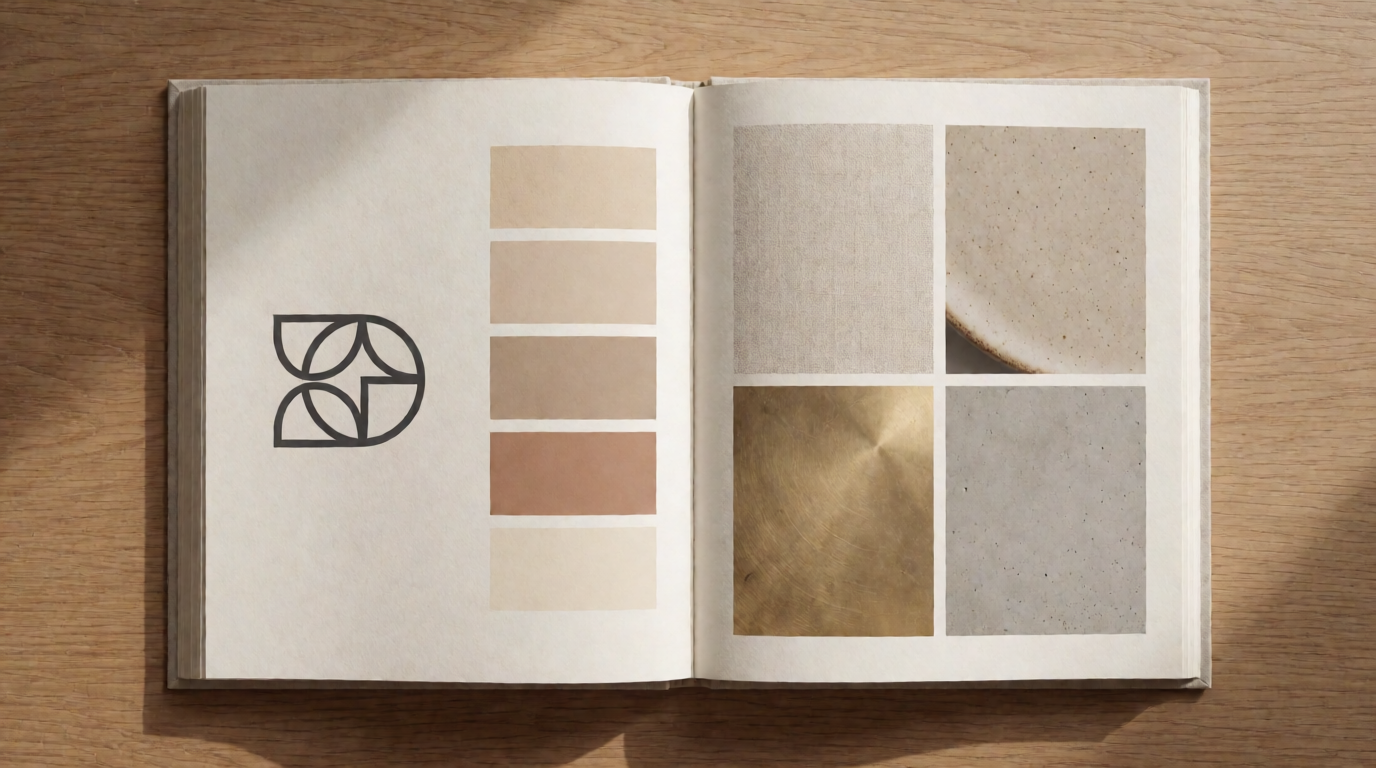
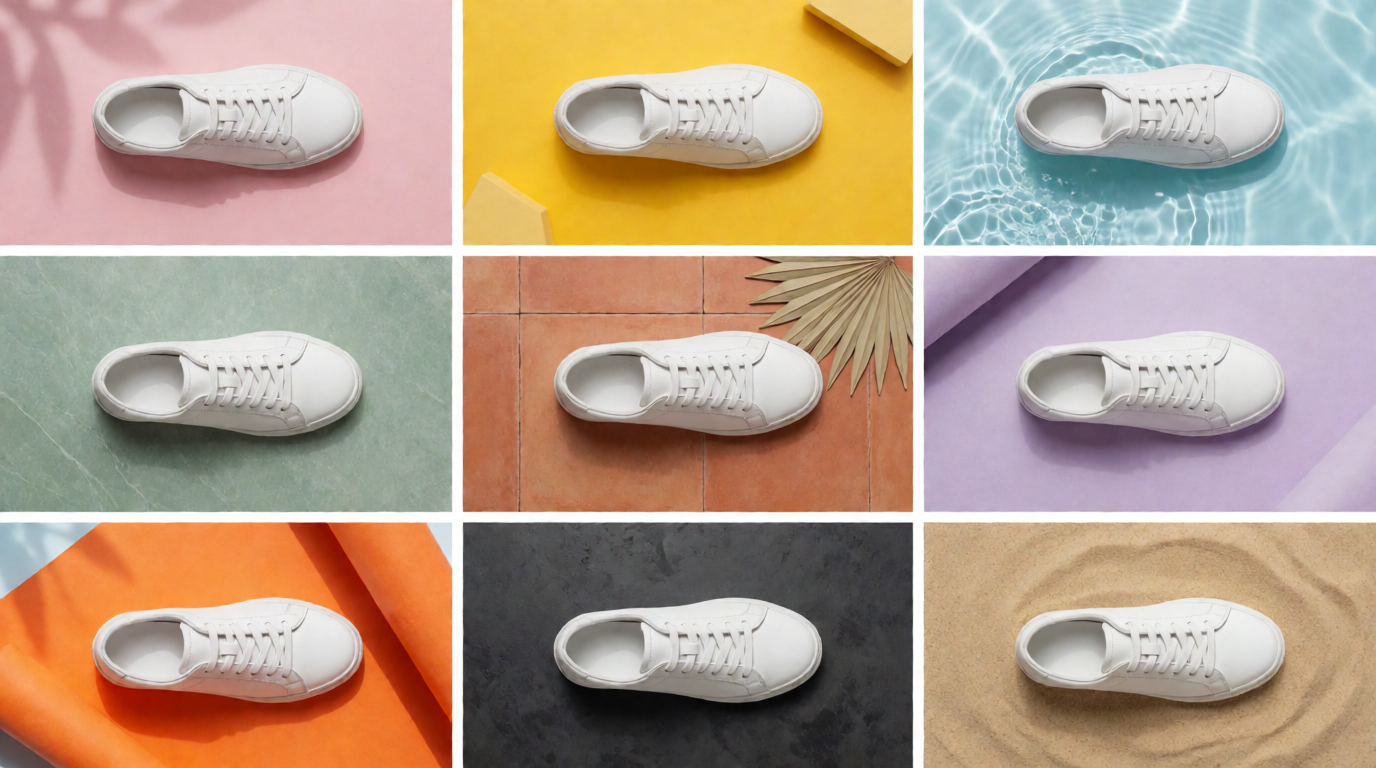
Raw Krea 2 outputs. Ask the agent for a brand book from a URL, or for nine variants of one ad with different backgrounds.
How does Krea Agent work?
There are two layers of AI in every session.
- The orchestrating model. A large language model reads your brief, plans the steps, calls the tools and reviews the results. Krea offers a list of frontier models for this role, including GPT, Claude and Gemini families. Business and Enterprise workspaces can choose which one runs a session.
- The generation models. For each step, the orchestrator picks a generation model from Krea’s catalog and writes the prompt for it. Its defaults, as of September 2026: Nano Banana Pro for edits and reference-following, ChatGPT Image 2 for fine detail and text-heavy layouts, Krea 2 for fast exploration, Seedance 2.5 for hero video, Topaz for upscaling.
An effort setting (Instant, Medium, High, Extra High) controls how much planning and review the orchestrator does. Instant is for quick edits. Extra High is for a full campaign where you want the agent to check its own output and retry.
The agent works in a session. Each session has a chat, a file panel, a generations panel and a media editor. You can annotate a generated image, mark the region to change, and ask for a revision.
The context library
Everything the agent makes or reads lands in a context library with three levels:
- Session files. Uploads and outputs for the current job.
- My context. Personal files and preferences that persist across all your sessions. This is also where the agent’s memory of you lives.
- Workspace context. Shared with everyone in your Krea workspace. Brand guidelines, product sheets, reference boards and approved outputs go here once, and every teammate’s agent can use them.
The library is a real file system. The agent creates folders, moves files, and reads what you drop in. Files up to 20 MB each are supported.
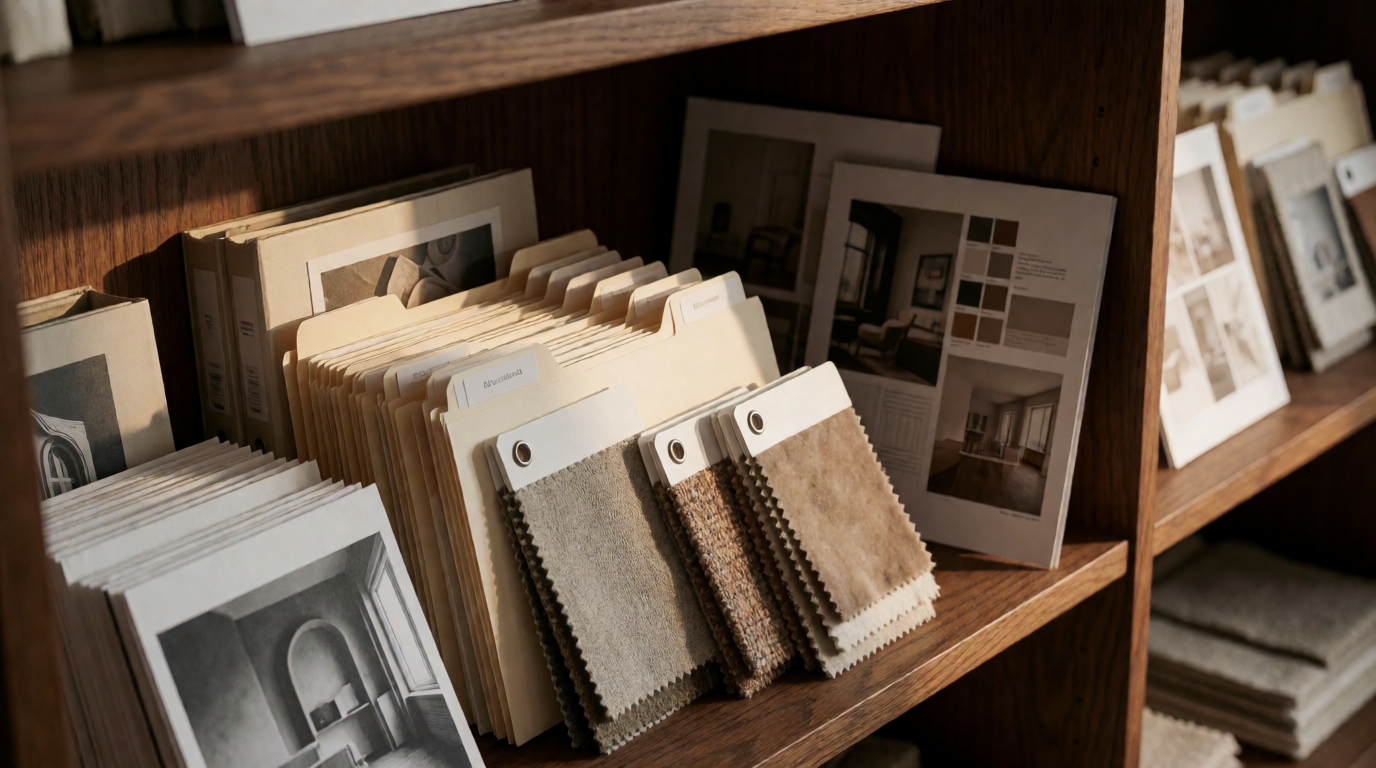
The context library is where brand references live
Raw Krea 2 output.
Skills
A skill is a written workflow the agent follows. Krea ships a set of built-in skills, and you can save your own.
Built-in skills as of September 2026 include: Cinematic Stills, Abstract Photography, Art Film Stills, Product Photography, Fashion Photography, Product Packaging Design, Poster Design, Static Ads, TV Show Thumbnails, Faceless Video, Krea Motion, Frontend Design, and Krea Marketing. Krea Marketing alone carries eleven workflows, from a full ad campaign and UGC video ads to marketplace cards and Meta Ads performance creative.
To make your own, finish a job the way you like it and ask the agent to save the process as a skill. Next time, name the skill in your brief. You can also write a skill as a markdown file with ChatGPT or Claude and import it.
Where Krea Agent works
- Web. krea.ai/agent is the full product: chat, library, media editor, skills, routines and integrations.
- Slack. The Krea Slack agent answers in threads and generates images, video and edits where your team already talks.
- ChatGPT. Krea for ChatGPT brings Krea’s image and video models and your context library into a ChatGPT conversation.
- Other agents. Krea MCP connects Krea’s generation models to Claude, Codex, Cursor and any agent that supports MCP. The Krea CLI and the
krea-ai/skillspack do the same from a terminal or a coding agent.
Who has access?
Krea Agent is in beta. As of September 2026 it is included on the Max, Business, Creator Max and Enterprise plans. Open the menu in the top-left corner of Krea and pick Agent. If you are on another plan, an access code from Krea unlocks it on your account.
Generations use your normal Krea compute credits. There is no separate agent bill to manage.
What Krea Agent does not do yet
Honest limits, as of September 2026:
- 3D generation is not inside the web agent yet. It is available through Krea MCP and the Slack agent.
- Nodes workflows are separate. The agent does not run Krea Nodes graphs. Krea Nodes has its own prompt-to-workflow agent.
- Sessions are private. There is no public share link for a session yet. Share the outputs from the library instead.
- It is a beta. Some jobs fail with a terse error and need a retry. The agent retries most generation failures on its own.
Three prompts to start
Copy one of these into a new session.
Read https://yourbrand.com and build a brand book: logo directions, a colour palette with hex codes, type pairings, and three image-style references. Save it as a PDF in a new folder called Brand.
Here is one ad (attached). Make variations for the US, Spain and Germany: translate the copy, swap the setting to a local street, and export each in 1:1, 9:16 and 16:9.
Take the attached product photo. Make a looping 4-second GIF of the product slowly rotating on a plain background, plus a transparent PNG of the product for our website.
Watch the launch demo
Related reading
- How to Edit Video with Krea Agent: Cut, Extend and Export Generated Clips (2026)
- How to Generate AI Images and Videos in ChatGPT with Krea
- Seedance 2.5 Makes a Full 30-Second UGC Ad in One Shot
Frequently asked questions
What is Krea Agent?
Is Krea Agent the same as ChatGPT?
Which plans include Krea Agent?
Does Krea Agent cost extra?
Can Krea Agent make video?
Can Krea Agent make 3D models?
Does Krea Agent remember my brand?
Can I use Krea Agent in Slack or ChatGPT?
Start your first session
Give Krea Agent a brief and a reference. It comes back with finished assets in your library.
Open Krea Agent