












 Mit ChatGPT verbinden

Erstellen
Bearbeiten & verbessern
Videos und Bilder erstellen mit Krea MCP, direkt in  Claude
make me an image with Krea 3
Videos & Bilder erstellen
mit Krea MCP, direkt in
Claude und ChatGPT
Was Ihr Agent mit Krea erstellt
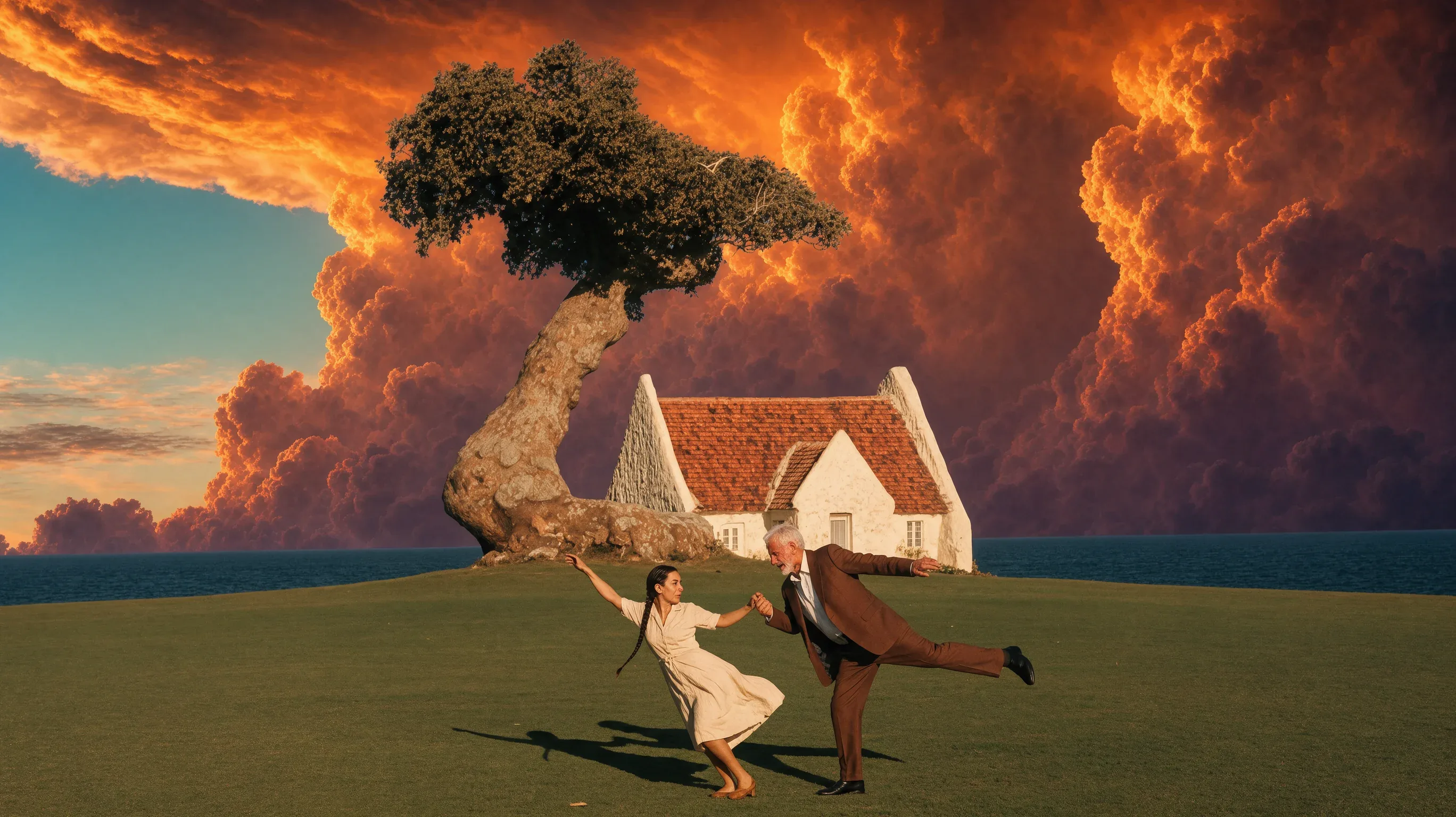

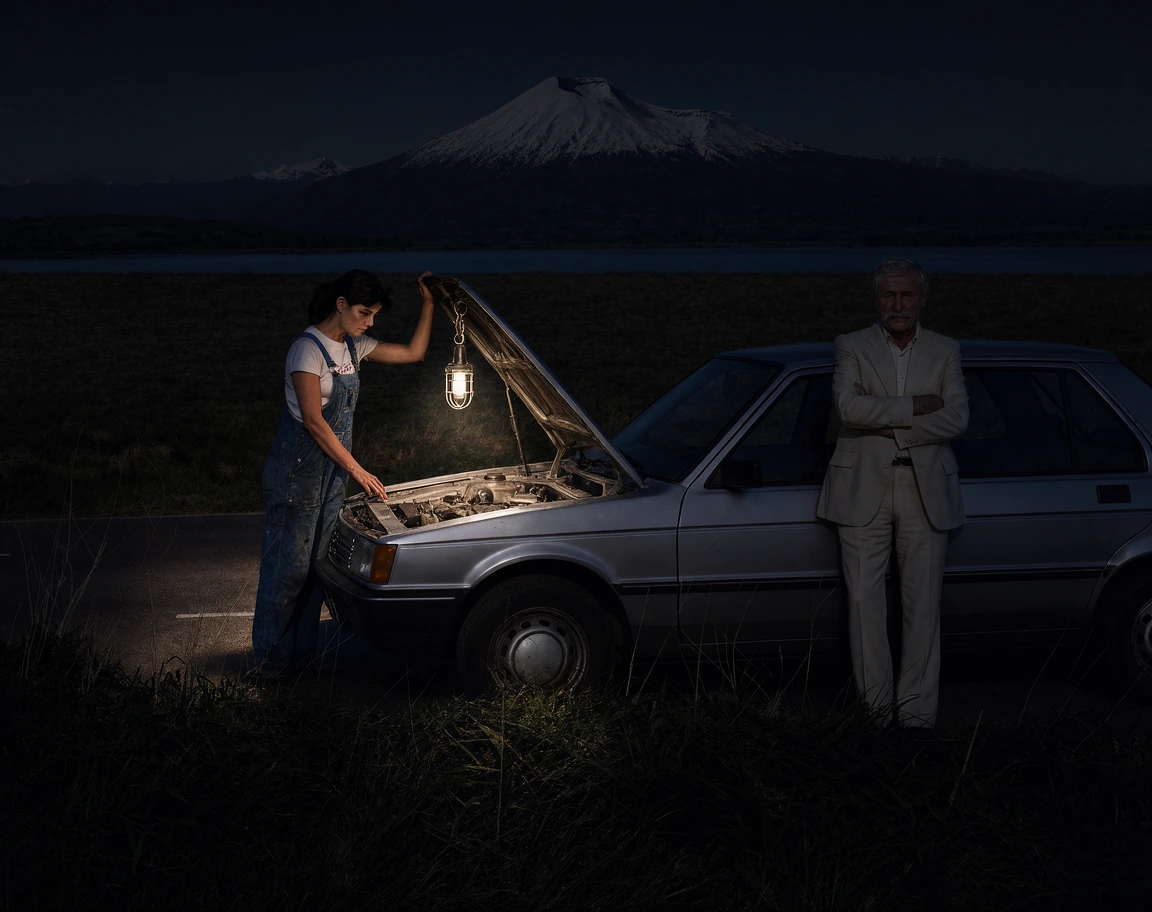
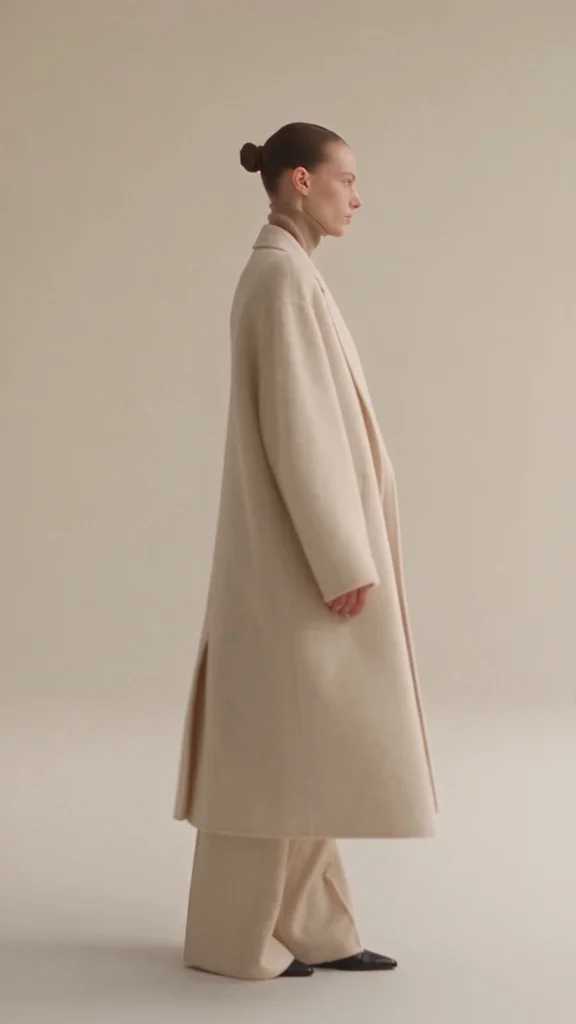

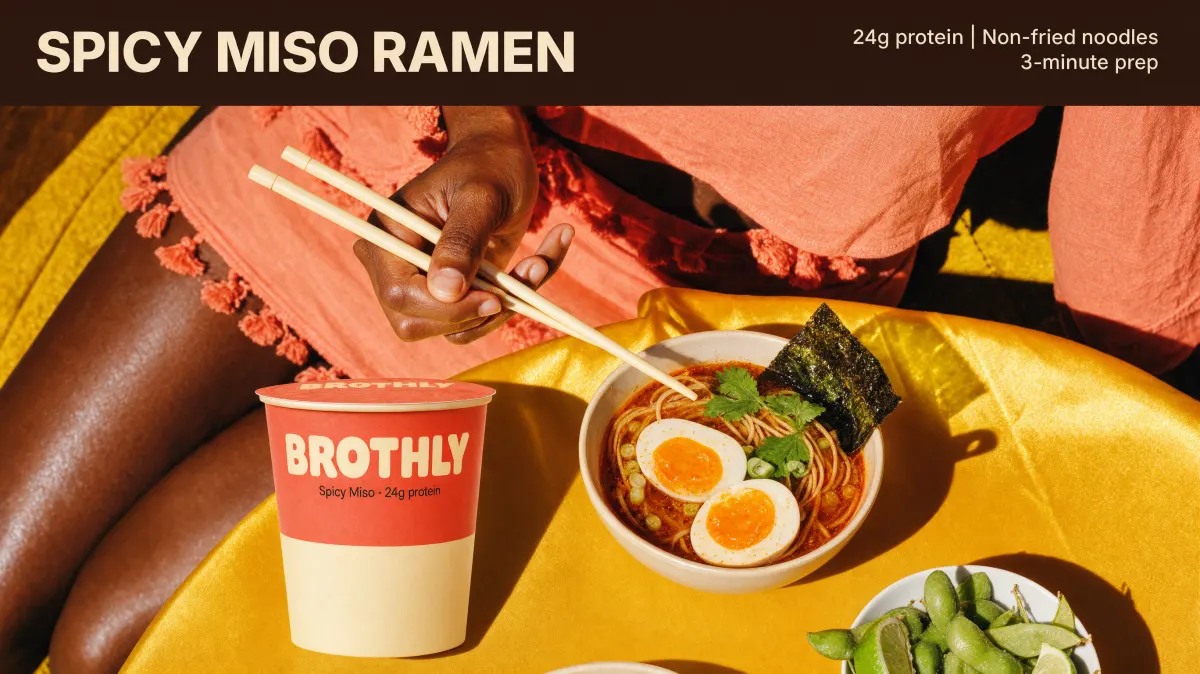
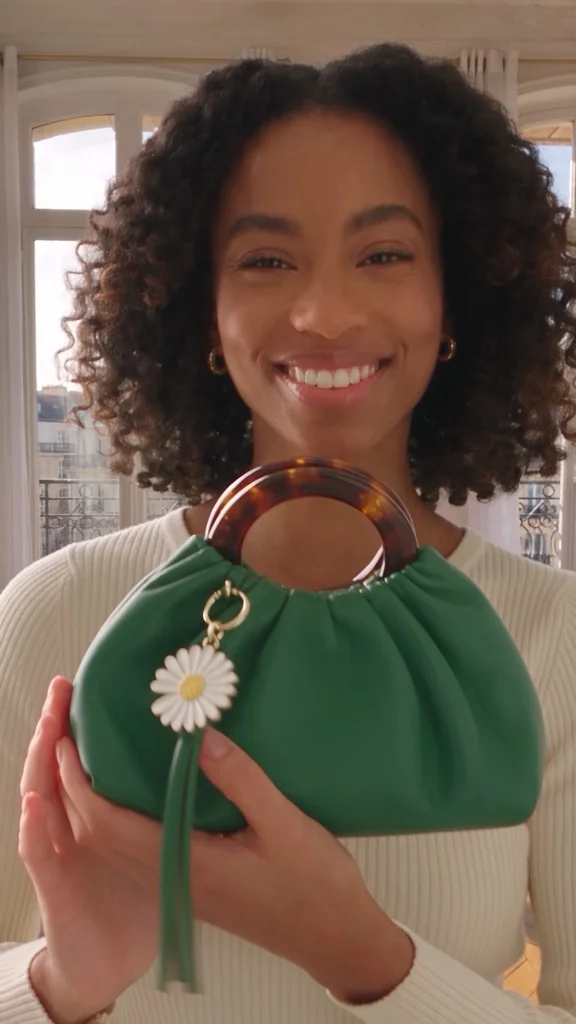
Use Krea MCP and Seedance 2.5 to make a 10-second 16:9 video: a golden-hour tracking shot of a matte-black motorcycle on a cliff road above the Mediterranean, the camera low by its front wheel. A rider in a faded red jacket draws alongside, then a low aerial follows both bikes through cypress trees into the sea haze.
Seedance 2.5
Eine Verbindung zu den weltweit führenden Bild- und Videomodellen, sofort bereit in Ihrem Agenten:
Ein-Klick-Presets für Claude
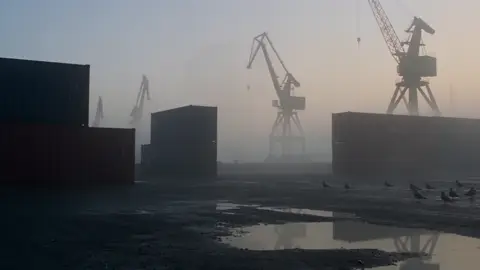
Hafen-Mech im Morgengrauen
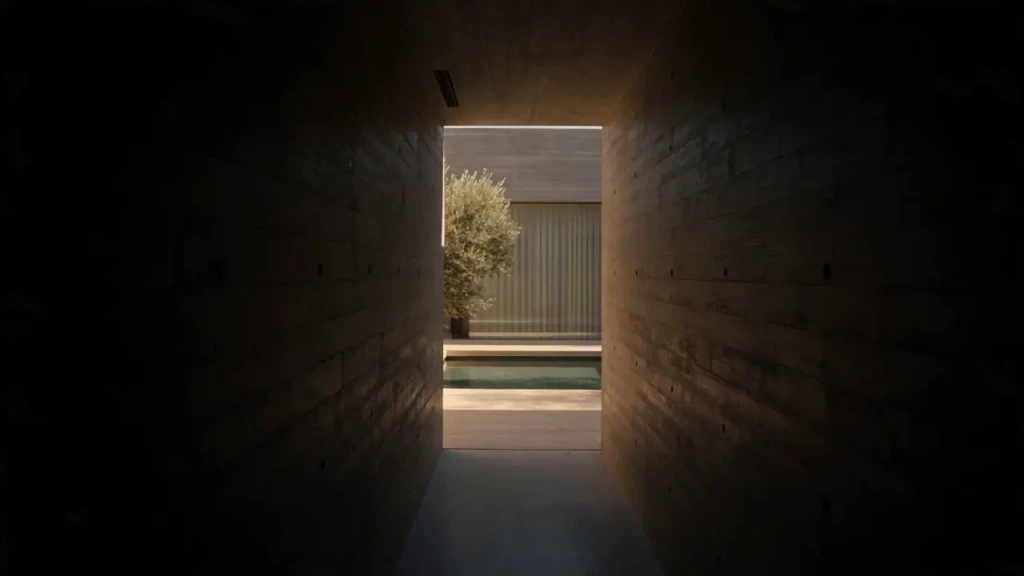
Rundgang durch den Innenhof inszenieren
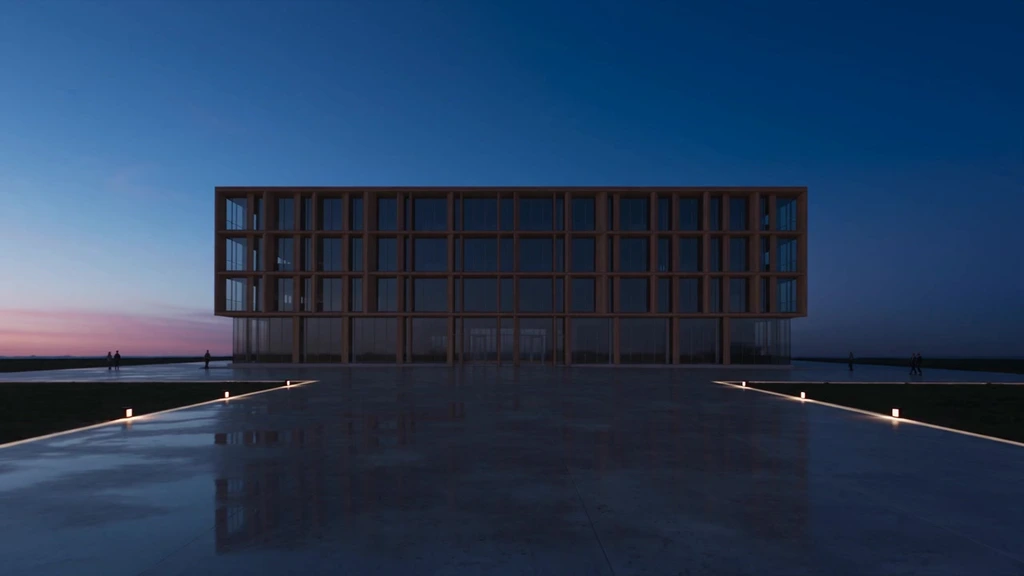
Licht an in der Dämmerung

Anime-Opening

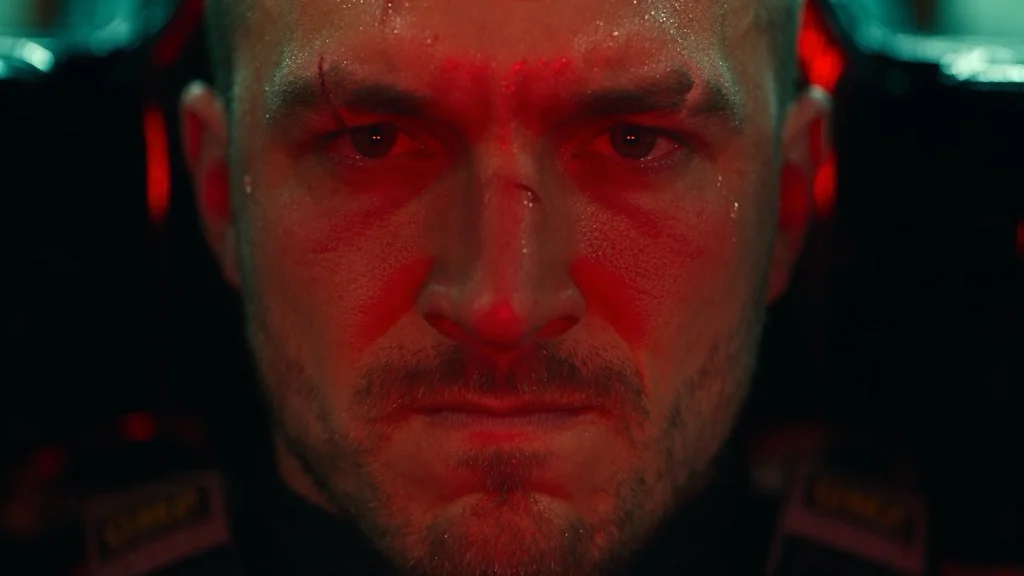
Rennfilm-Trailer


Launch-Film für korallroten Staubsauger

Markenwelt-Teaser
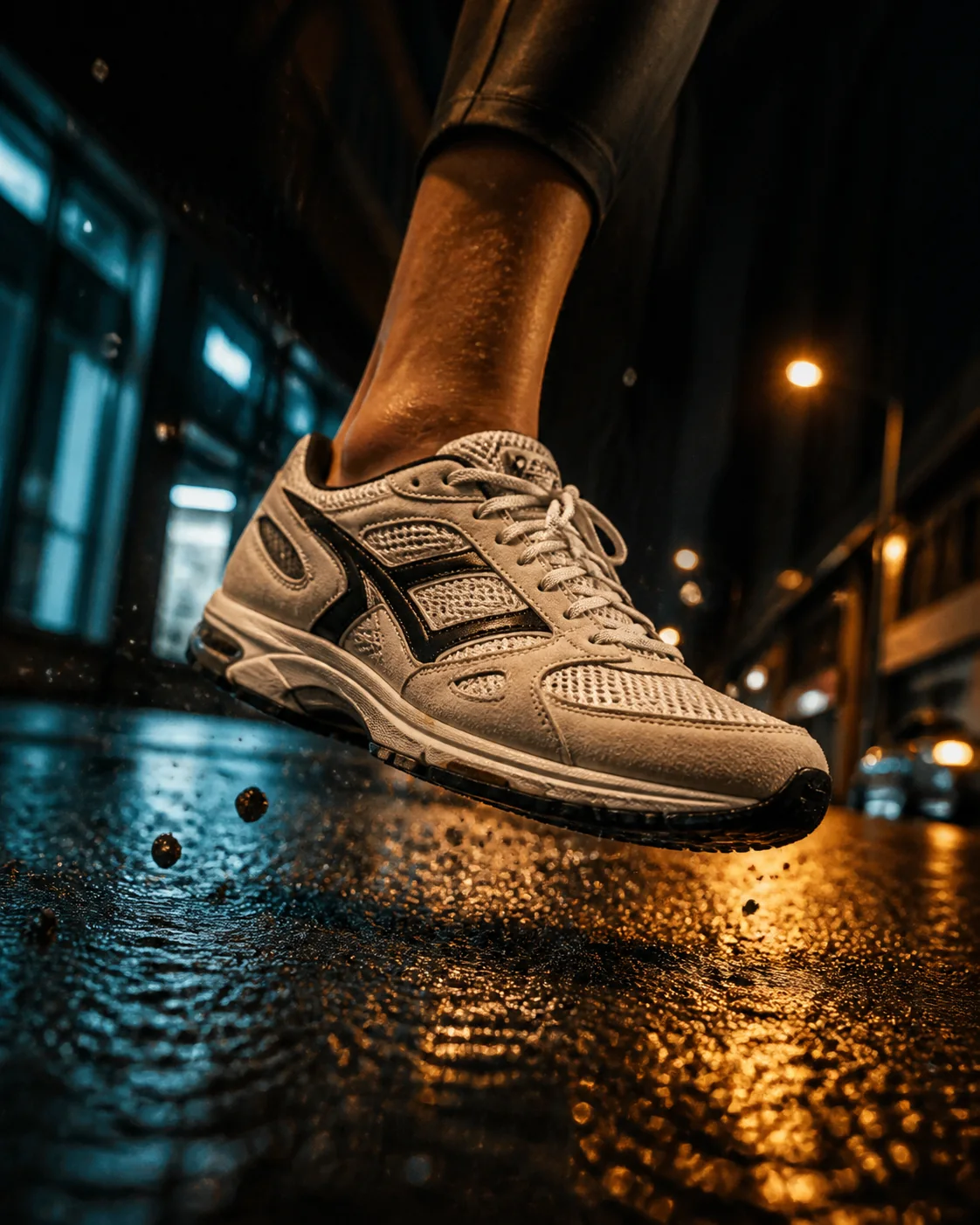
Launch-Film als Scroll-Stopper inszenieren
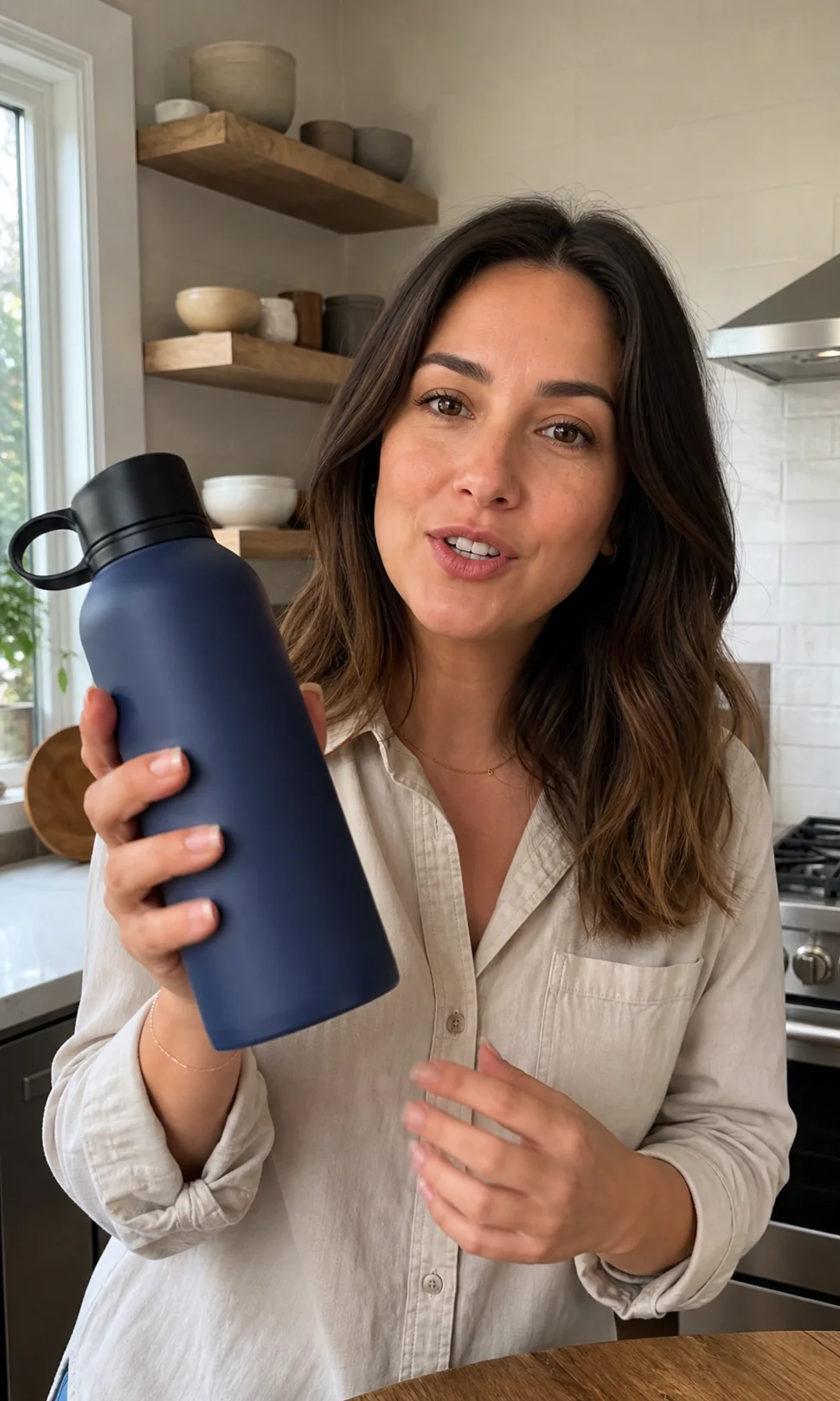
Authentisches UGC-Konzept erstellen

Parfüm-Kampagnenfilm inszenieren
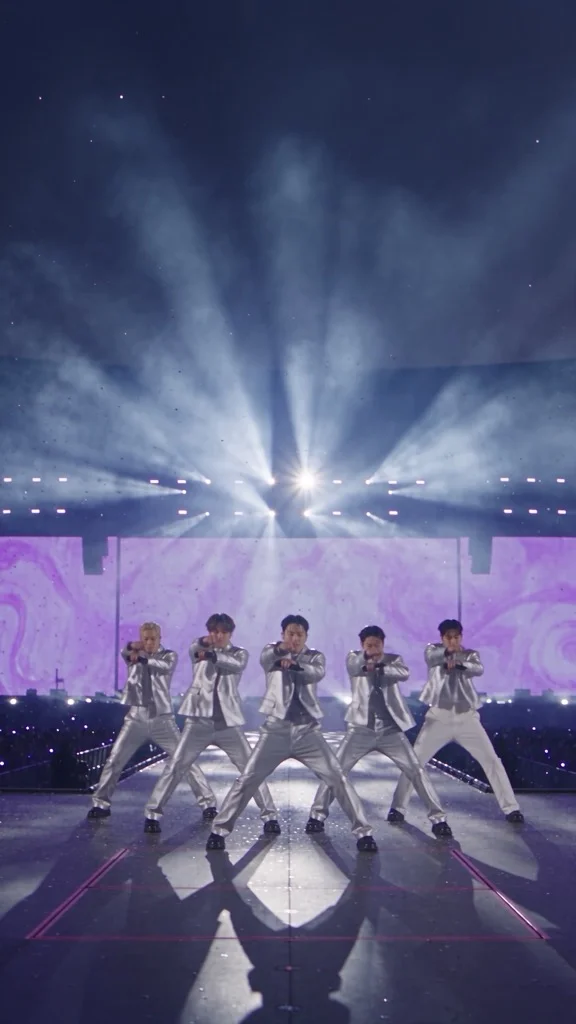
Stadionkonzert
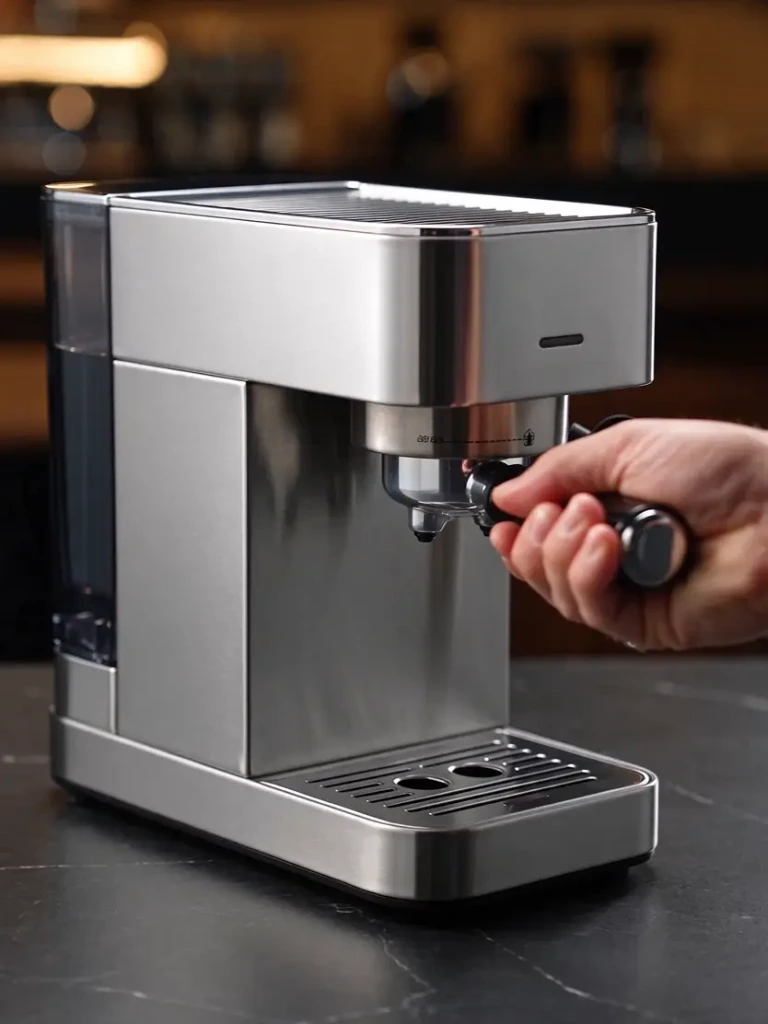
Espresso-Produktanzeige erstellen

Haustiere austauschen
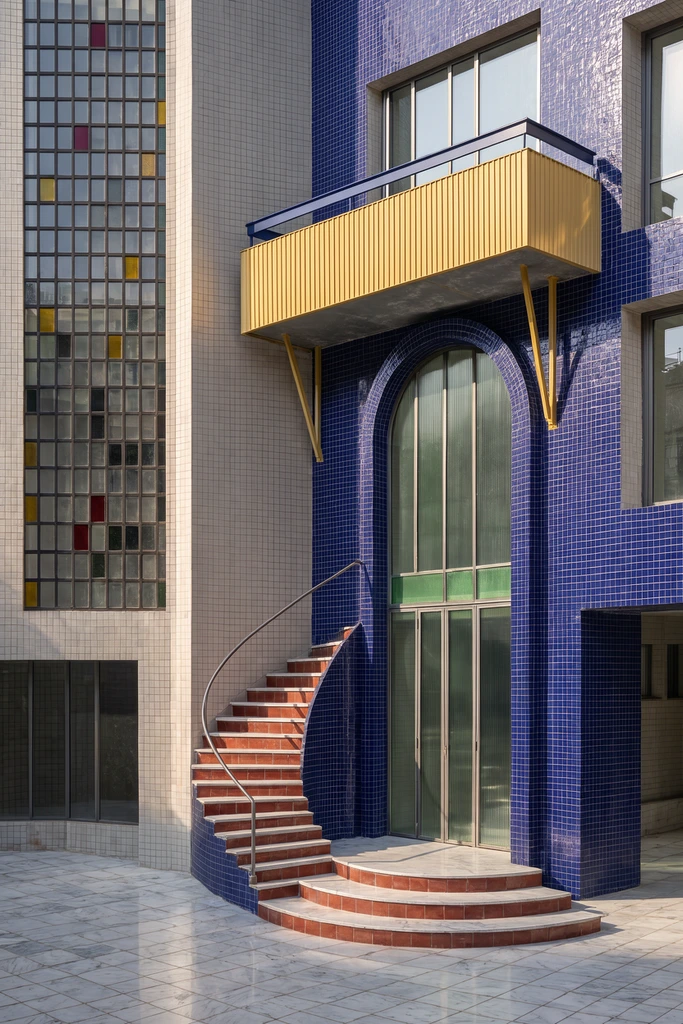
Von der Eingangszeichnung zum Foto

Filmische Pitch-Sequenz erstellen
Rundgang durch den Innenhof inszenieren
Anime-Opening
Launch-Film für korallroten Staubsauger
Launch-Film als Scroll-Stopper inszenieren
Parfüm-Kampagnenfilm inszenieren
Espresso-Produktanzeige erstellen
Von der Eingangszeichnung zum Foto
Hafen-Mech im Morgengrauen
Licht an in der Dämmerung
Rennfilm-Trailer
Markenwelt-Teaser
Authentisches UGC-Konzept erstellen
Stadionkonzert
Haustiere austauschen
Filmische Pitch-Sequenz erstellen
Parfüm-Kampagnenfilm inszenieren
Rennfilm-Trailer
Launch-Film als Scroll-Stopper inszenieren
Licht an in der Dämmerung
Haustiere austauschen
Hafen-Mech im Morgengrauen
Stadionkonzert
Launch-Film für korallroten Staubsauger
Authentisches UGC-Konzept erstellen
Anime-Opening
Von der Eingangszeichnung zum Foto
Rundgang durch den Innenhof inszenieren
Espresso-Produktanzeige erstellen
Markenwelt-Teaser
Ihr Workflow mit MCP
Ihr Agent verkettet in Krea Bilder, Videos, Hochskalierungen und Sound – Schritt für Schritt.
Krea MCP verbinden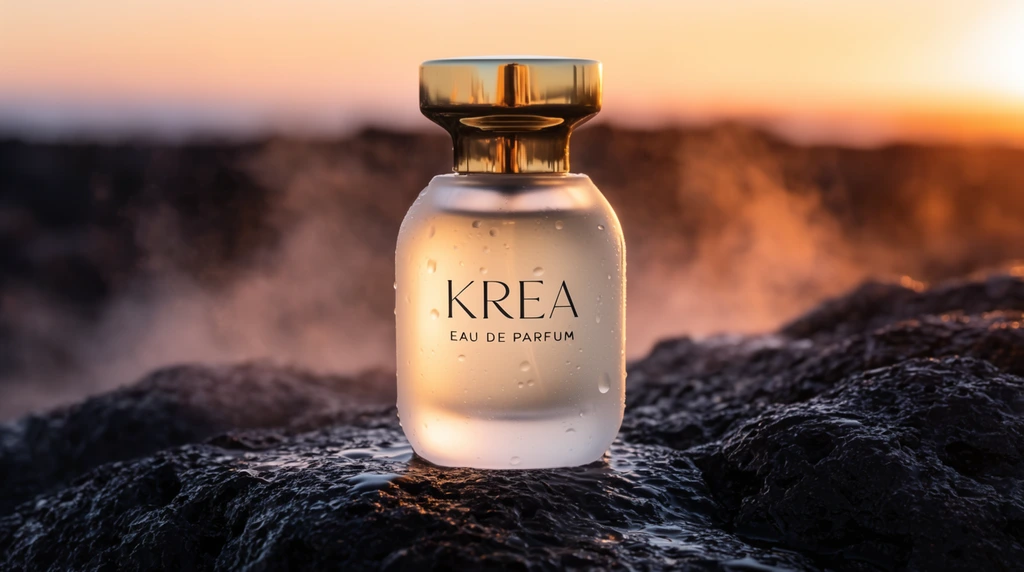 E-Commerce
Vom Produktfoto zum Anzeigen-Set
Use Krea MCP to turn my product photo into an ad set. I will upload the photo first. Keep the product exactly as it is: shape, label, colours and logo. Place it in four scenes: a clean studio sweep, a kitchen counter in morning light, an outdoor café table and a flat lay with matching props. Render each scene at 4:5 for the feed and 9:16 for stories with Nano Banana Pro, then show me all eight images side by side.
- Animation
Foto animieren
Use Krea MCP to animate my photo. I will upload it first. Describe what is in the frame, then write a short motion prompt that keeps the subject, the light and the composition. Generate a 6-second clip with Seedance 2.5 using my photo as the start frame, with a slow push-in and subtle natural motion. Show me the clip, and offer two other camera moves to try.
- Film
Vom Storyboard zur bewegten Einstellung
Use Krea MCP to storyboard a 30-second short about a lighthouse keeper on the last night before the light is automated. First define one visual language: lens, palette and light. Generate six cohesive 2.39:1 storyboard frames that follow the story beat by beat. Ask me which frame is strongest, then animate it into a 6-second shot with Seedance 2.5 and restrained camera movement.
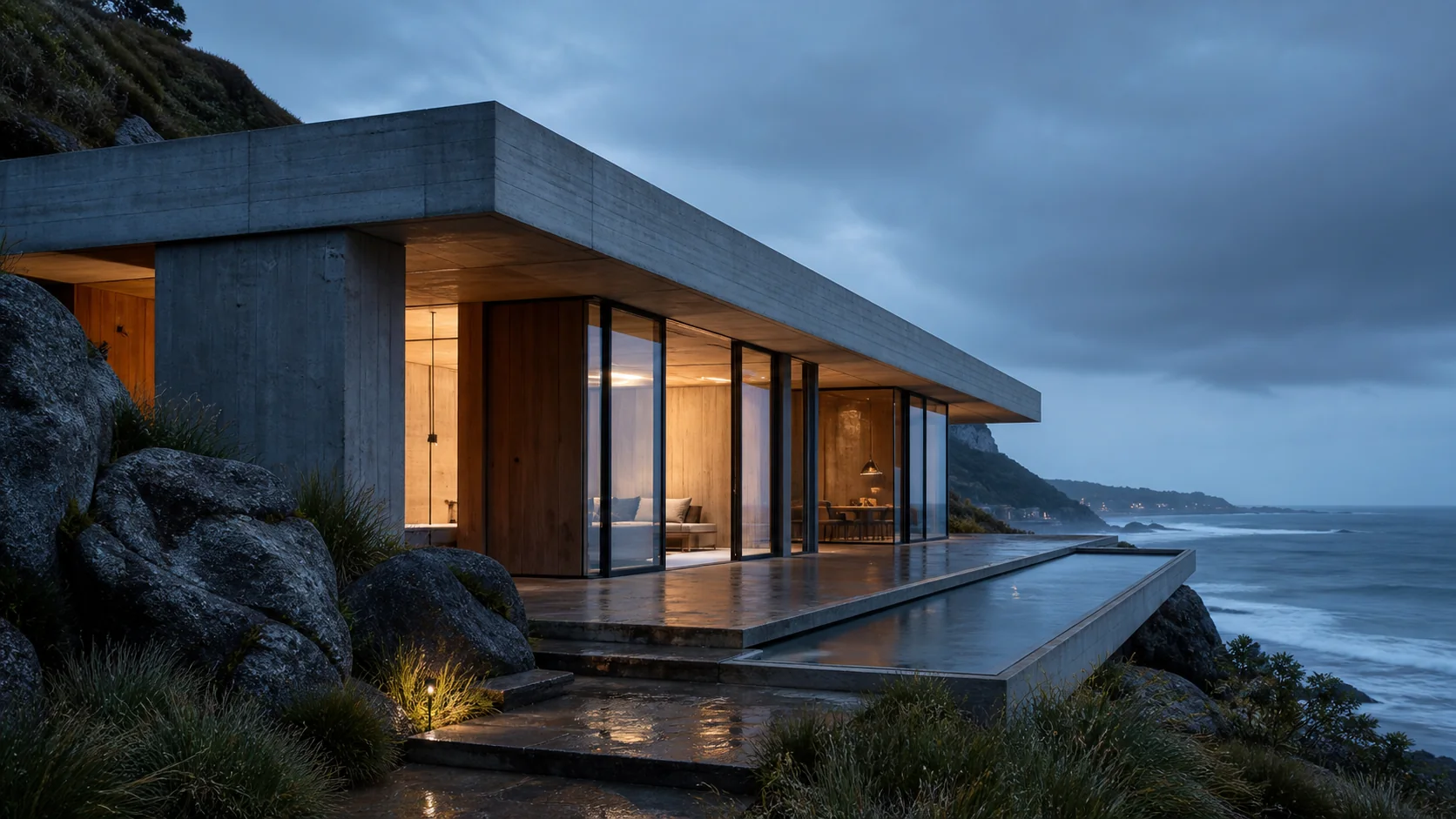 Architektur
Von der Skizze zum druckfertigen Rendering
Use Krea MCP to turn my architectural sketch into a presentation render. I will upload the sketch first. Keep its massing, openings and proportions. Render it in four directions: golden hour, overcast daylight, blue hour and a night view with warm interior light. When I pick one, upscale it with Topaz so it is sharp enough to print at A1.
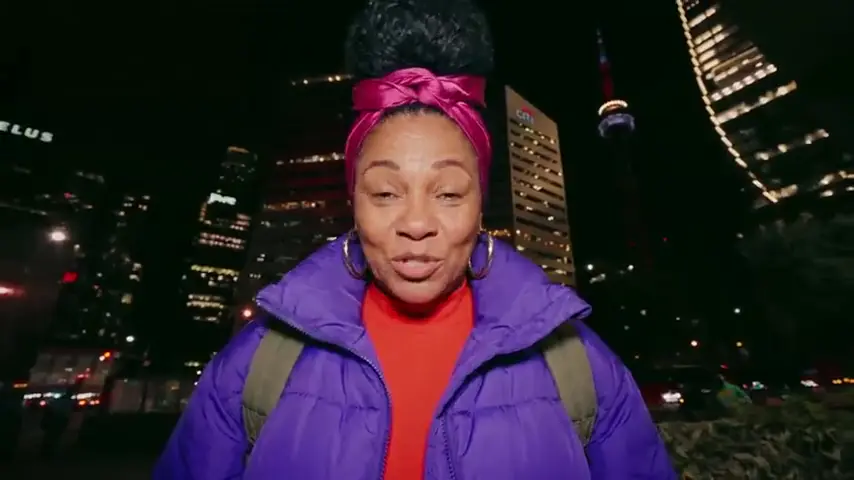 UGC
UGC-Anzeige mit Voiceover
Use Krea MCP to make a TikTok-style UGC ad for a reusable water bottle. Generate a natural selfie-style frame of a creator holding the bottle in a bright kitchen. Animate it into an 8-second 9:16 clip with Seedance 2.5 in which she talks to camera and takes a sip. Write a 20-word voiceover in a casual tone, generate it with ElevenLabs, and give me the clip and the audio.
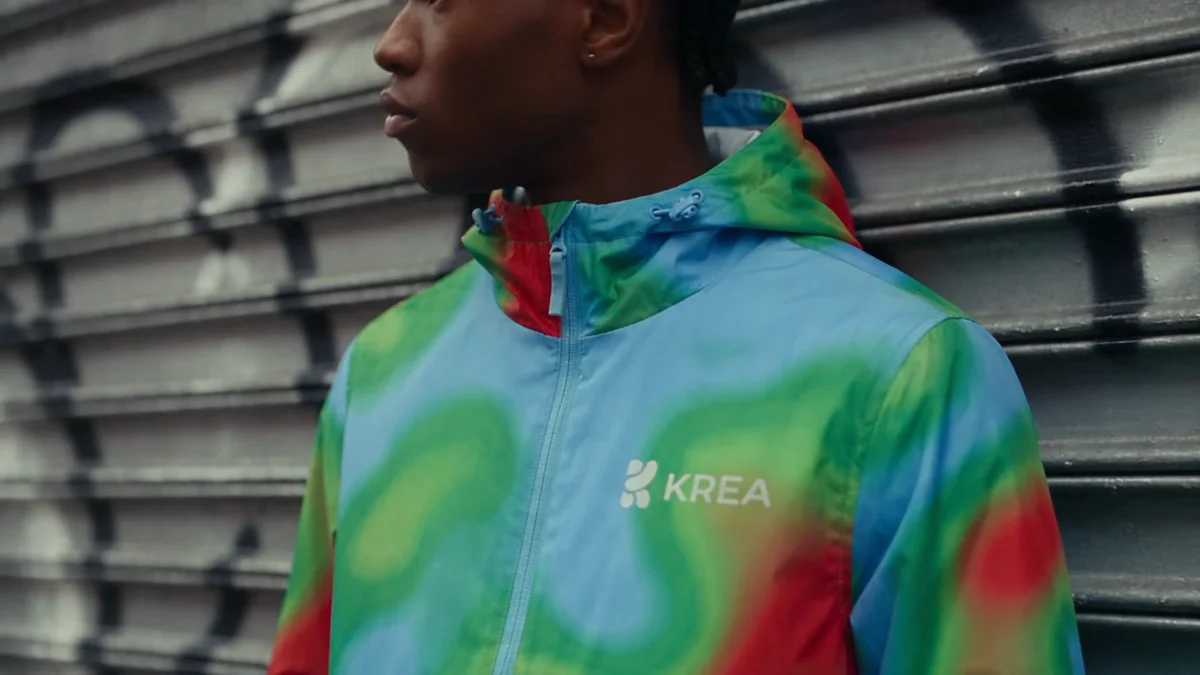 Mode
Lookbook aus einem Outfit
Use Krea MCP to build a six-image lookbook. I will upload photos of the outfit pieces first. Create one model and keep her face, hair and build the same in every image. Dress her in my pieces exactly as they are and shoot six looks: a street corner, a gallery, a café, a rooftop, a studio full length and a close-up of the details. Use 4:5 and an editorial film look.
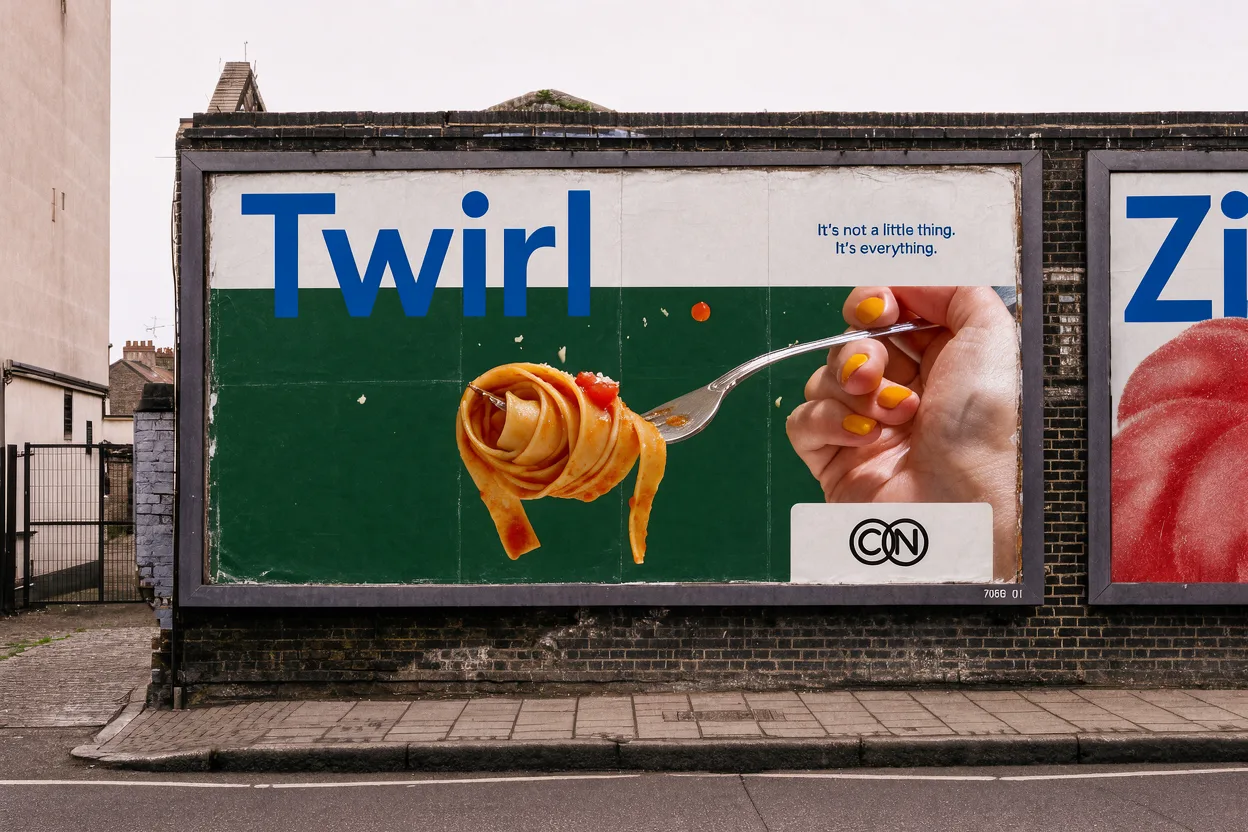 Marketing
Kampagne aus einem Briefing
Use Krea MCP to take a campaign from brief to key visuals. The brief: a summer launch for a small pasta brand that wants to feel warm and Italian. Propose three creative routes with a one-line idea each and one image per route. When I pick a route, make its key visual at 16:9, 4:5 and 9:16, then upscale the 16:9 version for the website hero.
- Werbung
Launch-Film mit Sound
Use Krea MCP to make a 6-second launch film for a new running shoe. Generate a hero frame of the shoe on wet asphalt at night. Animate it with Seedance 2.5: the shoe lands hard in a puddle, spins once in mid-air and settles on the court line, with native sound effects. Then generate a 10-second energetic electronic track with ElevenLabs Music to go under it.
Krea MCP mit
Claude verbinden
-
Krea zu Claude hinzufügen Krea zu Claude hinzufügen
Claude öffnet sich, Krea ist bereits eingetragen. Prüfen Sie, ob die Adresse api.krea.ai lautet, und klicken Sie dann auf „Add“. Die Claude-App öffnet sich, Krea ist bereits eingetragen. Prüfen Sie, ob die Adresse api.krea.ai lautet, scrollen Sie nach unten und tippen Sie auf „Add“.
Krea-Connector hinzufügen Add custom connector
Krea
https://api.krea.ai/mcp
Authentication
Sign in now Detected
Each user signs in through the server’s OAuth flow.
Add
Back
-
Bei Krea anmelden Bei Krea anmelden
Klicken Sie auf „Connect“, wählen Sie Ihren Workspace und klicken Sie auf „Authorize“. Wählen Sie Ihren Workspace und tippen Sie auf „Authorize“.
krea.ai
Connect Claude to Krea
Review the access you’re sharing with this app.
Signed in to Krea as
you@example.com
Choose a workspace
Your workspace
Your team
-
Auf „Always allow“ klicken Auf „Always allow“ tippen
Claude fragt nach, wenn es Krea zum ersten Mal nutzt. Danach bitten Sie einfach um ein Bild oder Video. Claude fragt nach, wenn es Krea zum ersten Mal nutzt. Danach bitten Sie einfach um ein Bild oder Video.
make me an image with Krea 3
Claude wants to use
Generate Image from Krea
Show details
Allow once
Always allow
Decline
 Krea-Plug-in hinzufügen
 Krea-Plug-in hinzufügen
Ihre neue kreative Crew
Krea Bots sind KI-Agenten, die echte kreative Arbeit leisten

Häufig gestellte Fragen
Krea MCP verbindet Ihren KI-Agenten direkt mit Krea, sodass er in Ihrem Auftrag Bilder und Videos generieren, Assets verbessern und Ihre kreativen Workflows ausführen kann.
Bilder generieren und Videos erstellen, Bilder verbessern und hochskalieren, Ihre trainierten Stile nutzen und Ihre eigenen mehrstufigen Krea-Workflows ausführen – alles mit einem einfachen Prompt.
Es funktioniert mit Claude, ChatGPT, Claude Code, Codex, Cursor, Grok Bot, OpenClaw, Hermes und anderen Agenten, die das Verbinden von Tools unterstützen.
Fügen Sie in ChatGPT, Cursor und Grok Bot das Krea-Plug-in hinzu. In Claude fügen Sie Krea als Connector hinzu. In Claude Code, Codex und anderen Terminal-Agenten senden Sie die Einrichtungsanfrage von dieser Seite, und der Agent fügt den Krea-MCP-Server für Sie hinzu. Melden Sie sich anschließend mit Ihrem Krea-Konto an. Die Einrichtung dauert weniger als eine Minute.
Alle Modelle von Krea für Bilder, Videos und Bildverbesserung, darunter Krea 3, Nano Banana Pro, Seedance 2.5, Kling 4.0, Wan 3.0 und Topaz Bloom 2. Sie finden alle in der Modellbibliothek.
Bilder sind meist in Sekunden fertig. Videos und größere Aufträge laufen im Hintergrund und werden geliefert, sobald sie fertig sind.
Nein. Verwenden Sie https://api.krea.ai/mcp als URL des MCP-Servers und authentifizieren Sie sich über Ihr Krea-Konto, wenn Ihr Agent Sie zum Verbinden auffordert.
Im Krea-API-Dashboard finden Sie den Playground, die Preise und die Integrationsdokumentation. Die Dokumentation zum MCP-Server behandelt Authentifizierung, Tools und Fehlerbehebung, und mit der Krea CLI nutzen Sie Krea aus Ihrem Terminal.
Krea in Ihrem Agenten
Verbinden Sie sich in unter einer Minute und generieren Sie Bilder und Videos genau dort, wo Sie ohnehin arbeiten.