







Entfernen Sie unerwünschte Objekte aus Fotos mit AI.

Bereinigen Sie Fotos mit dem kostenlosen AI Objektentferner von Krea. Laden Sie ein Bild hoch, übermalen Sie eine Person, ein Produkt, ein Wasserzeichen, Text, Logo, Fotobomber oder störende Hintergrunddetails, und Krea entfernt es und rekonstruiert die Umgebung. Entwickelt für schnelle persönliche Bearbeitungen, professionelle Social-Media-Beiträge, E-Commerce-Produktfotos, Marktplatzangebote und visuelle Inhalte, die natürlich wirken sollen – ganz ohne manuelles Retuschieren.

.png, .jpeg, .webp, .heic, .heif
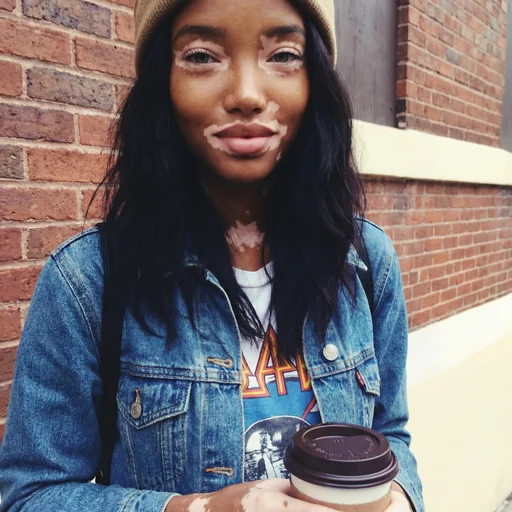
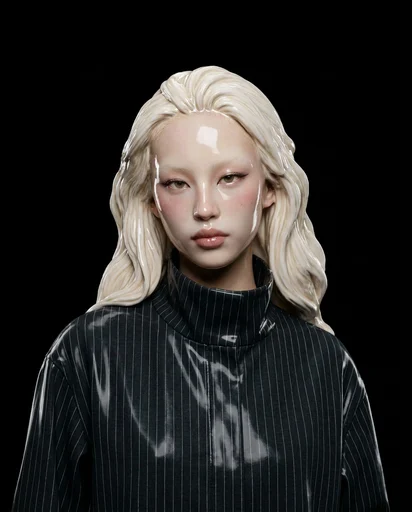
After
Before
Before
After

So entfernen Sie Objekte aus Bildern

Unerwünschte Objekte in 3 einfachen Schritten aus Fotos entfernen.

1 Laden Sie Ihr Foto hoch

Wählen Sie ein Foto, Produktbild, Angebotsbild, Porträt oder Social-Media-Beitrag. Krea unterstützt Uploads in PNG, JPG, WEBP, HEIC, HEIF und AVIF.

2 Übermalen Sie, was entfernt werden soll

Markieren Sie mit dem Pinsel eine Person, ein Objekt, Logo, Wasserzeichen, Text, Kabel, Schild, Produktrequisite oder unordentliche Hintergrunddetails. Passen Sie die Auswahl an, bis der unerwünschte Bereich abgedeckt ist.

3 Generieren und herunterladen

Klicken Sie auf Generieren, um die Auswahl zu entfernen und den Hintergrund natürlich zu füllen. Laden Sie das bereinigte Bild herunter oder bearbeiten Sie weiter in Krea – für Hintergründe, Beleuchtung, Hochskalierung und mehr.

Vorher und nachher: AI Objektentfernung

Sehen Sie, wie Krea Ablenkungen entfernt und dabei den Hintergrund, die Beleuchtung und die Bildstruktur glaubwürdig erhält.

Vorher / Nachher

Bereinigen Sie ein unordentliches Foto

Ziehen Sie den Schieberegler, um das Originalfoto mit dem bereinigten Ergebnis zu vergleichen.
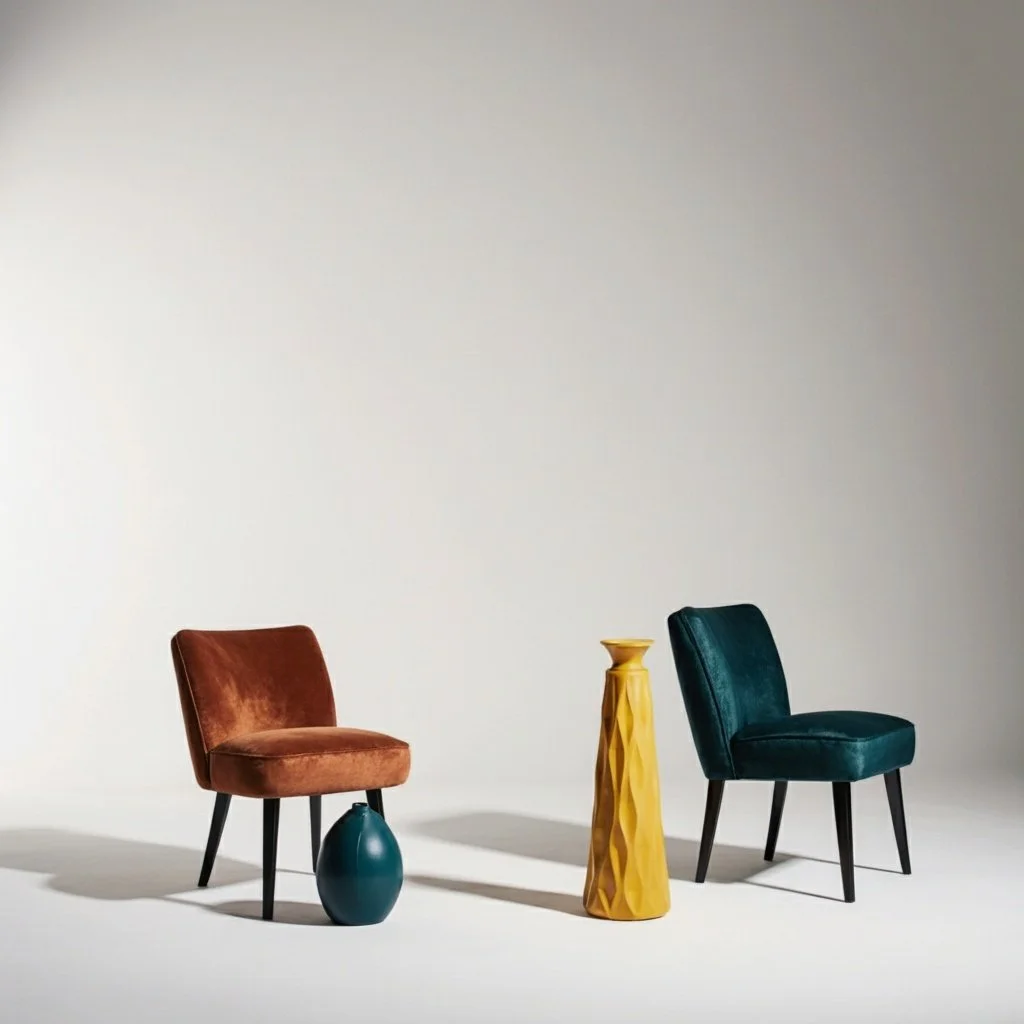
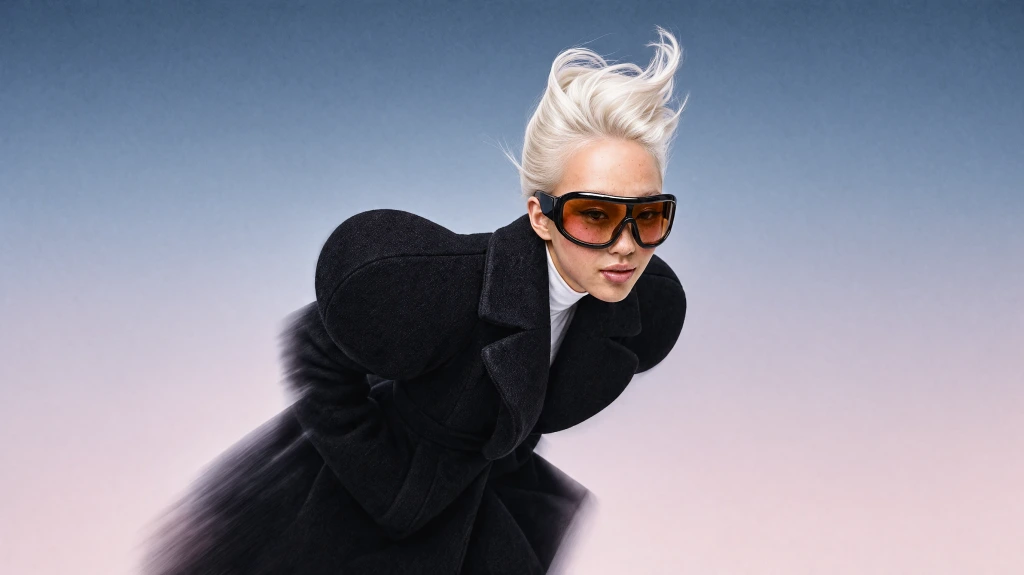
Bild nach Entfernung des unerwünschten Objekts durch Krea und Hintergrundauffüllung
Originalbild mit ausgewähltem unerwünschtem Objekt zur Entfernung
Vorher
Nachher

Originalbild mit ausgewähltem unerwünschtem Objekt zur Entfernung

Bild nach Entfernung des unerwünschten Objekts durch Krea und Hintergrundauffüllung

AI Fotoretusche für klarere Bilder

AI Objektentferner helfen Ihnen, Bilder ohne langsames manuelles Klonen oder Patchen zu retuschieren. Mit Krea können Sie unerwünschte Personen, Objekte, Text, Wasserzeichen, Schilder, Kabel, Müll, Produktrequisiten und andere Ablenkungen entfernen und AI den Hintergrund so rekonstruieren lassen, dass das Ergebnis natürlich wirkt. Ideal für Urlaubsfotos, Porträts, Immobilienbilder, Social-Media-Beiträge, Anzeigen, Produktfotos, Amazon- und Etsy-Angebote sowie alle Fotos, die eine klarere Komposition benötigen.

Probieren Sie unser komplettes Editor-Tool

Kostenlose Objektentfernung. Keine Anmeldung, keine Kreditkarte.

Entfernen Sie Objekte kostenlos online aus Fotos. Starten Sie mit wenigen Bildern ohne Konto, melden Sie sich an, wenn Sie mehr Generierungen benötigen.

Explore other Krea tools

Natürliche Hintergrundfüllung ohne unscharfe Stellen
Krea analysiert umliegende Pixel, Beleuchtung, Textur und Perspektive, um den entfernten Bereich realistisch zu ersetzen.

Explore other Krea tools

Für Produktfotos und Alltagsbilder entwickelt

Bereinigen Sie E-Commerce-Fotos, Marktplatzangebote, Social-Media-Beiträge, Reisefotos, Porträts und Design-Assets in einem einfachen Pinsel-basierten Editor.

Explore other Krea tools

Vertrauen von über 30 Millionen Kreativen und Unternehmen weltweit

Intuitiv, leistungsstark und kostenlos. Lesen Sie, was andere über Krea sagen.

Lesen Sie unsere Erfahrungsberichte

Real reviews on Trustpilot
So many AI tools out there but I always come back to Krea. It's really the one AI platform that 'just works'.
FYN

FYN

Krea's interfaces are still the best in the industry. Everything looks and feels so clean and easy to use! Imo the easiest to use gen AI website.
Lynn

Lynn

Ultra fast generations. Extremely simple to use. All the latest AI models.
Daniel

Daniel

KREA is the only AI subscription I have right now besides ChatGPT.
Sophia M.

Sophia M.

Häufig gestellte Fragen

Keine Anmeldung. Keine Kreditkarte. Fotos in Sekunden bereinigen.

Entfernen Sie unerwünschte Objekte kostenlos

Jetzt starten

Probieren Sie weitere Apps aus

Entdecken Sie weitere AI-Tools, die von der Krea-Community erstellt wurden.

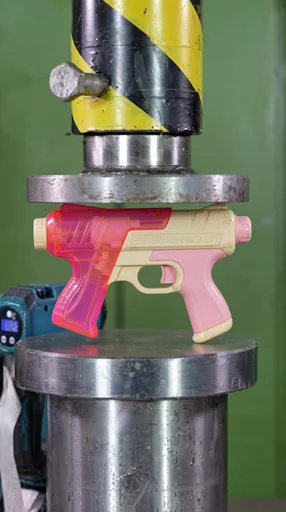
Hydraulic Press

Hydraulic Press

Watch your favourite item get crushed!

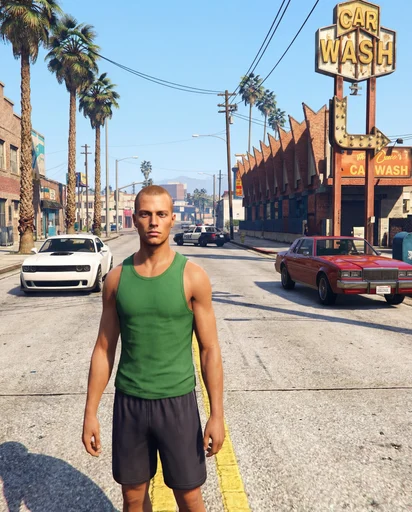
GTA Me!

GTA Me!

Upload a photo of yourself and complete the mission.

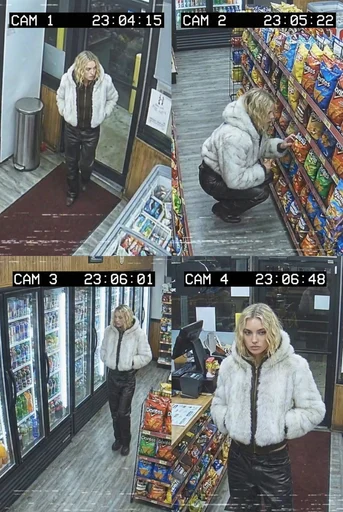
CCTV Footage

CCTV Footage

Generate realistic multi-camera CCTV-style footage from a single image. Upload a photo and the app creates four different security-camera angles inside a convenience store.

Animorph Yourself

Animorph Yourself

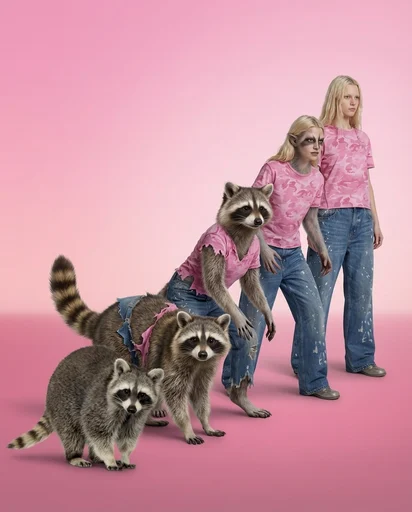
Upload your photo and an animal image, and get your own Animorph-style transformation sequence.

Digicam

Digicam

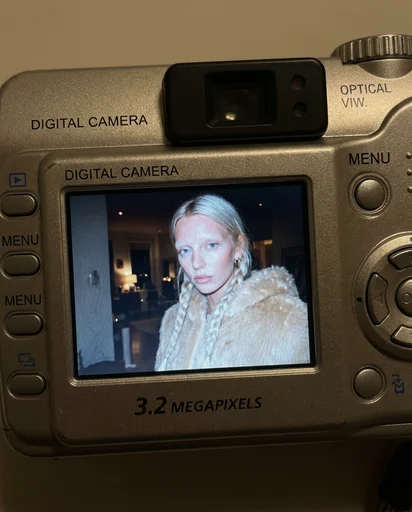
Upload an image and the app places your face onto the screen of an early-2000s point-and-shoot camera.

Moving Ad

Moving Ad

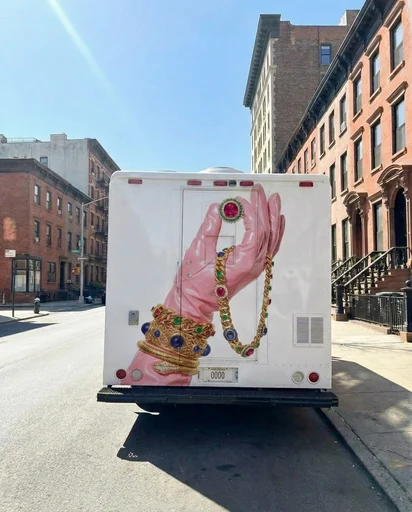
Upload an image or a poster, and the app places your design on the back of the vehicle and generates a video of the van driving.

360 Sunglasses Product Video

360 Sunglasses Product Video

Upload an image of your model and an image of the glasses, and get a 360° rotation video showing the model wearing the glasses.

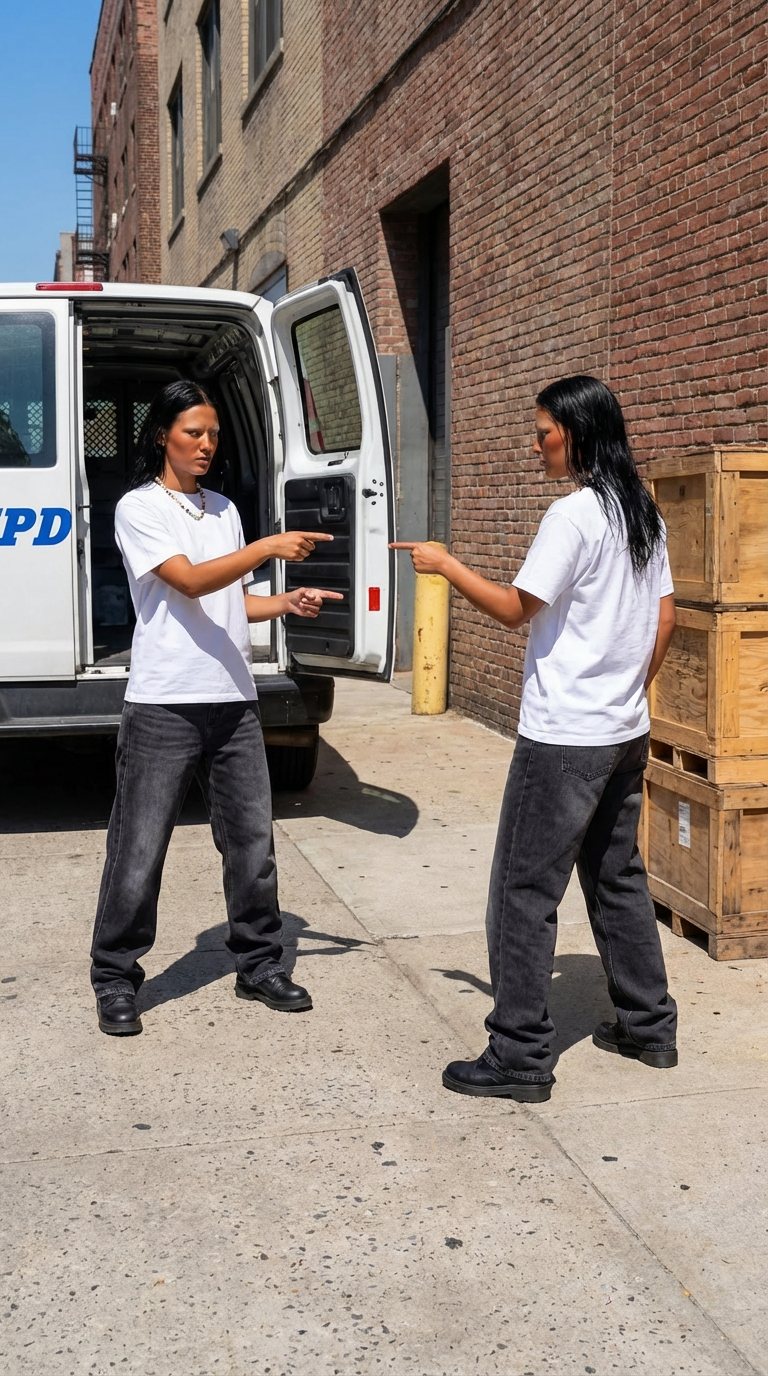
Duplicate Me

Duplicate Me

Insert a full length photo for best results!

Rare Artifact

Rare Artifact

Upload a product image (a high quality image with a white background will work best)

Dollz Maker

Dollz Maker

Upload your image and instantly get a cute pixel-art version of yourself inspired by early 2000s doll makers.

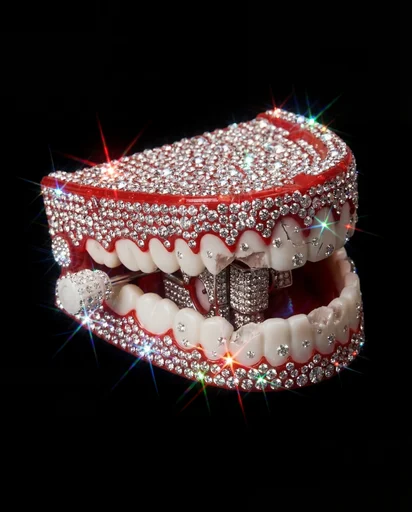
Crystallize This

Crystallize This

Turn any object into a piece of art!

Outfit Check

Outfit Check

Insert a full length photo for best results

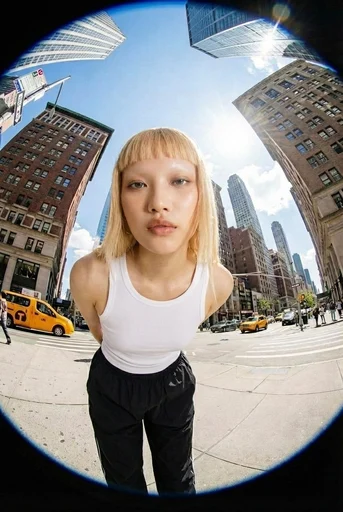
Fisheye

Fisheye

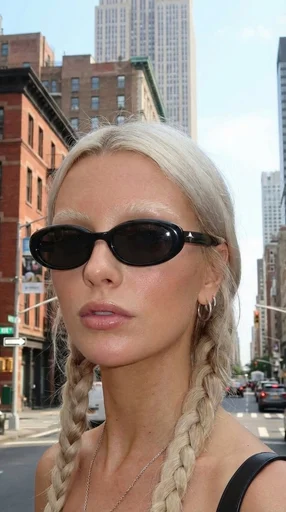
Upload your photo and we’ll turn you into a fisheye video shot on the streets of New York.

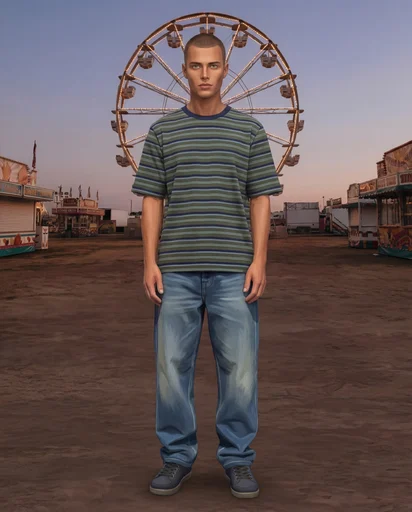
Sims Character

Sims Character

Upload an image of yourself and an environment!

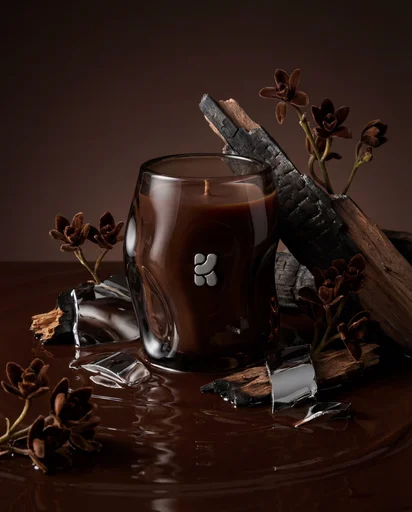
Product Editorial Shot

Product Editorial Shot

Just upload a single product image.

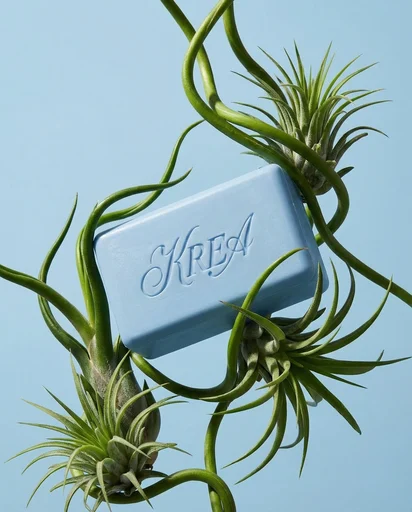
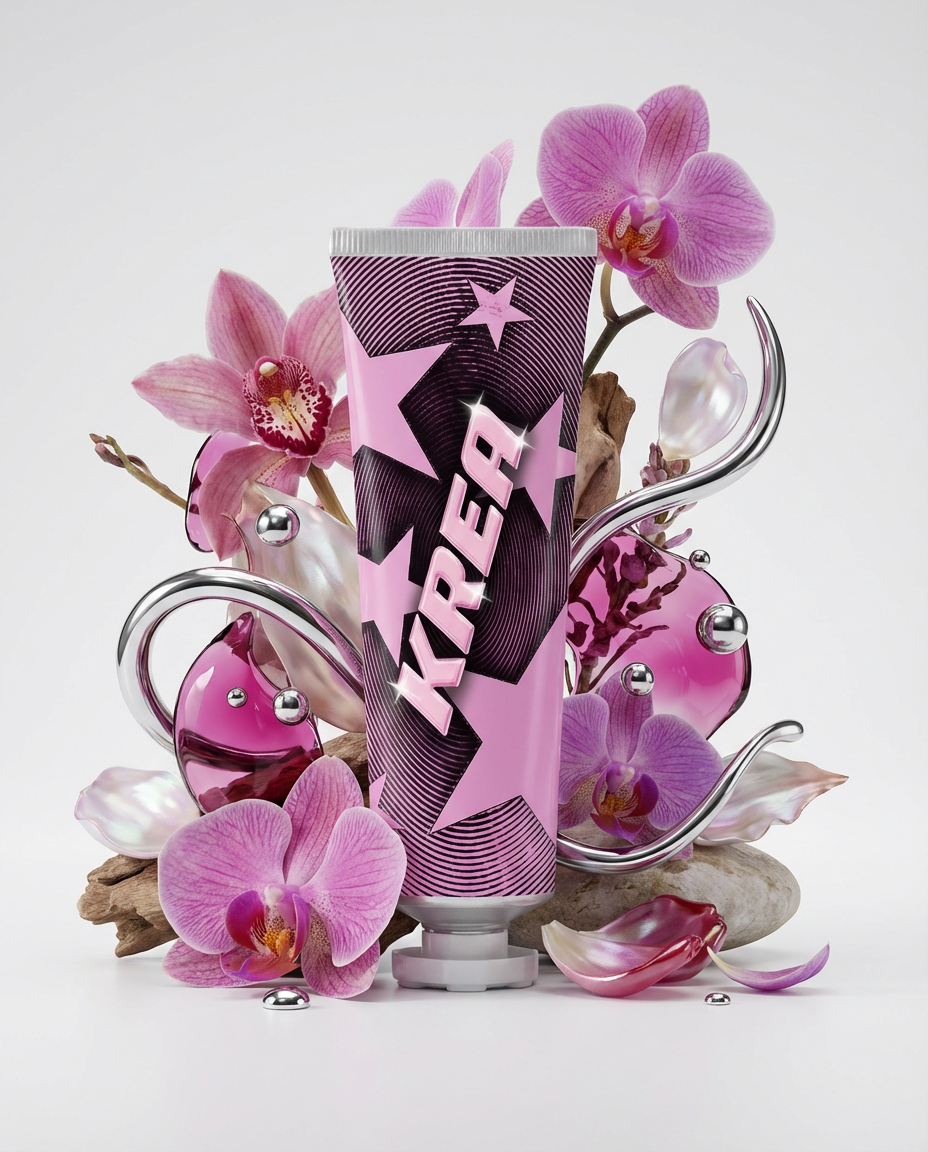
Botanical editorial

Botanical editorial

Upload your product and generate elegant botanical product editorials.

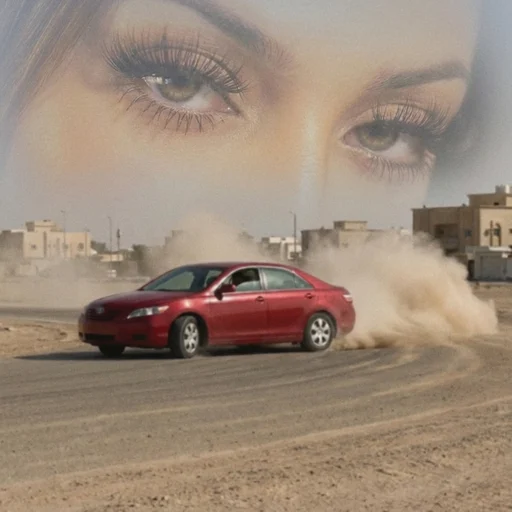
Arabian drift core

Arabian drift core

Upload your portrait and a car image, and we’ll turn them into a surreal desert-drift artwork like this.

Who Me?

Who Me?

Insert one full length photo of yourself for the best result

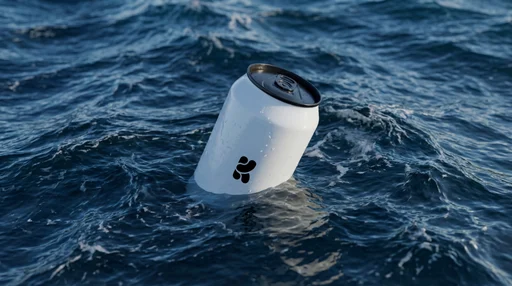
Floating On Water

Floating On Water

Upload your product image and let Krea do the rest.

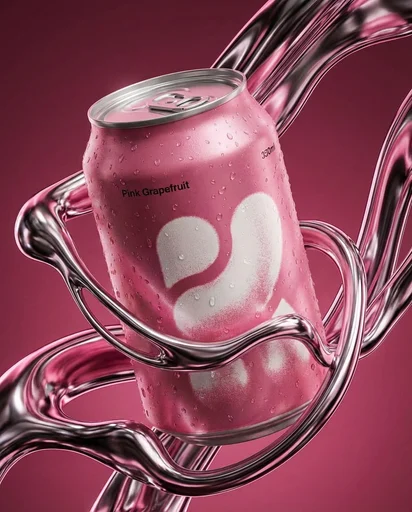
Liquid Chrome Editorial

Liquid Chrome Editorial

Create a styled product editorial in one click. Upload a product image and generate a sculptural scene around it using liquid chrome.

Supersize Me

This mini app works best with a full length image.

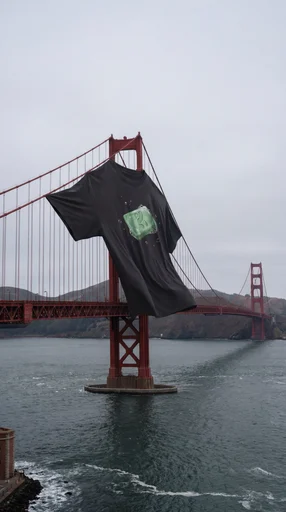
XXXL T Shirt

XXXL T Shirt

Upload a photo of your t shirt and let Krea do the rest!

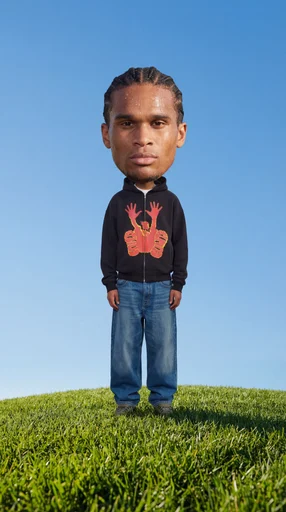
Big Head!

Big Head!

Insert a full length photo for best results

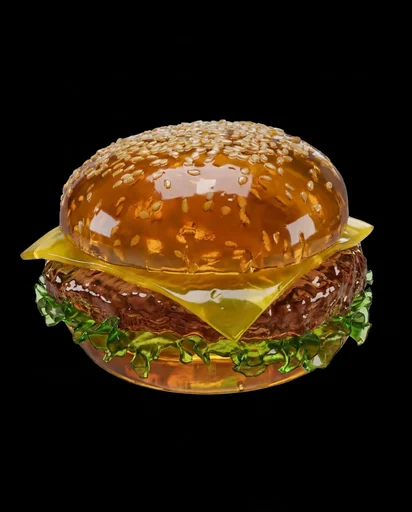
Jell-O This

Jell-O This

Turn any object into soft Jell-O!

2016

2016

Not got any throwbacks from 2016? No problem!

Jungle Run

Jungle Run

Monday Blues

Monday Blues

Roast Me

Roast Me

Upload a full outfit pic and let the Node roast you!

Floral Product Editorial

Floral Product Editorial

Create a floral product editorial in one click. Upload an image of your product and the template will generate a styled scene using florals, liquid splashes, and chrome elements inspired by the product’s colors.

Fossilize This

Fossilize This

Turn any object into an ancient artifact!