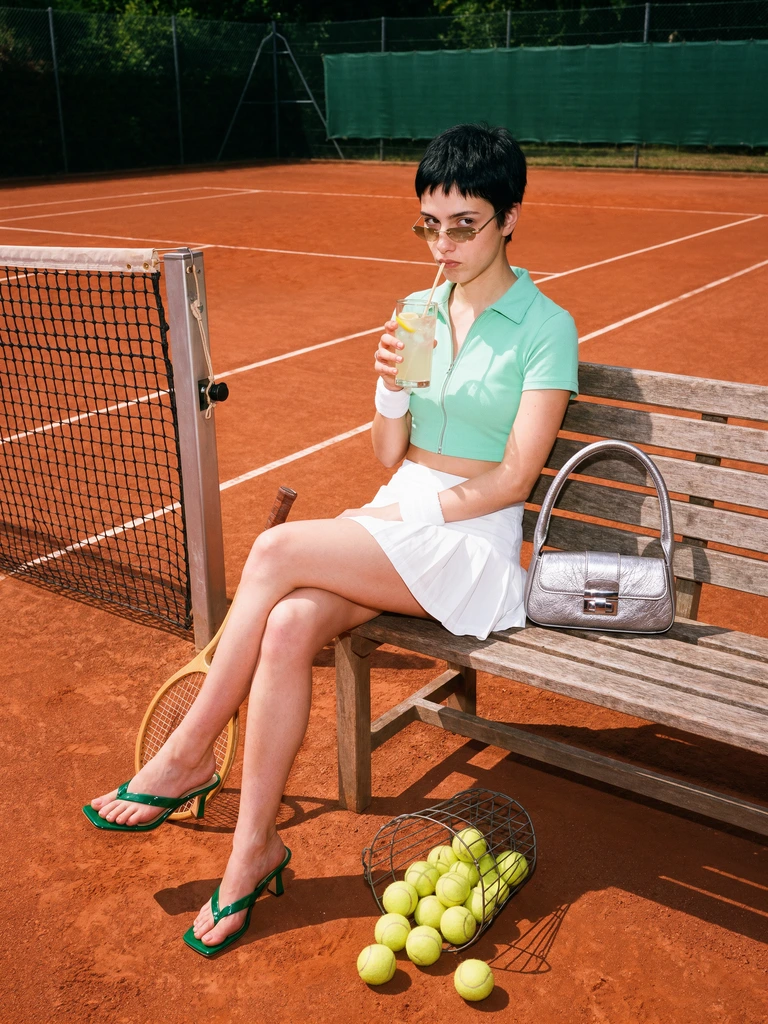
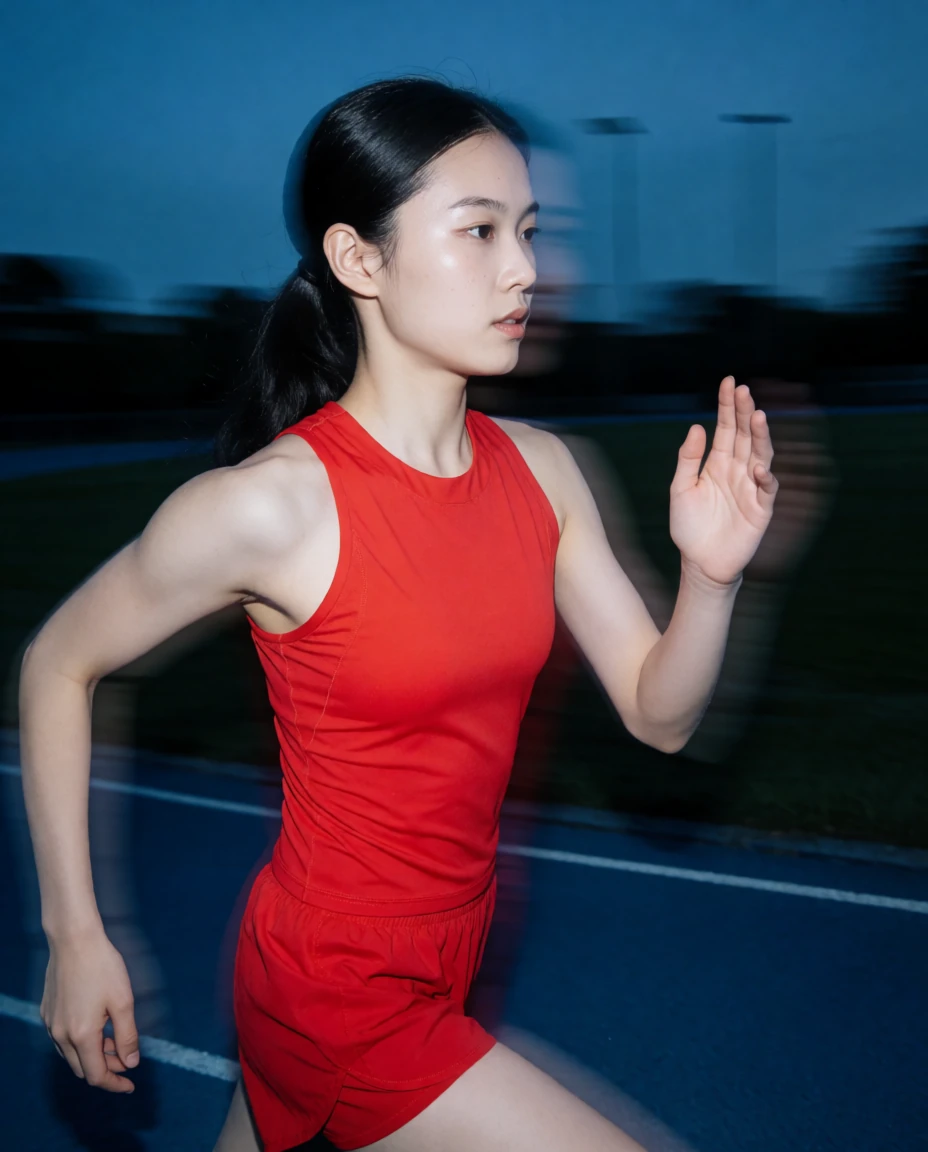
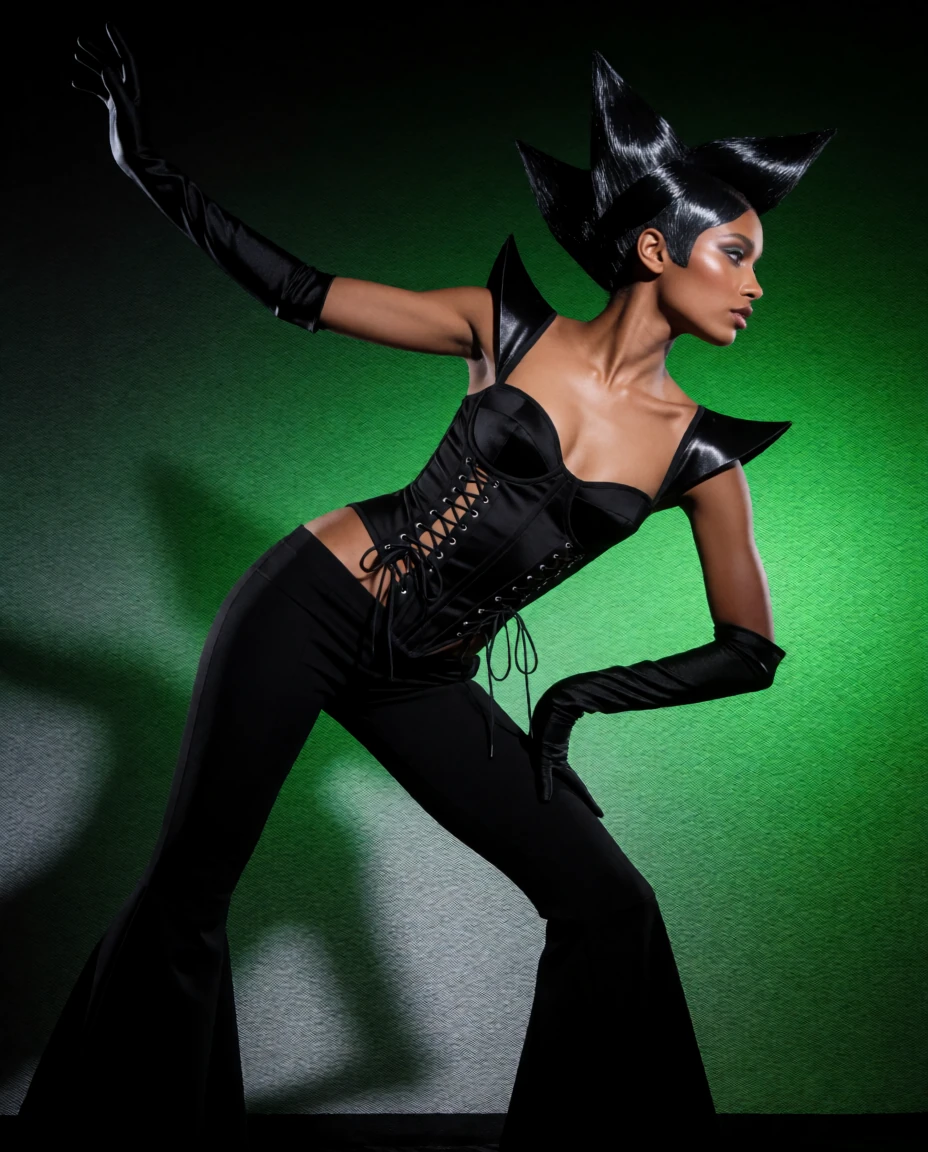

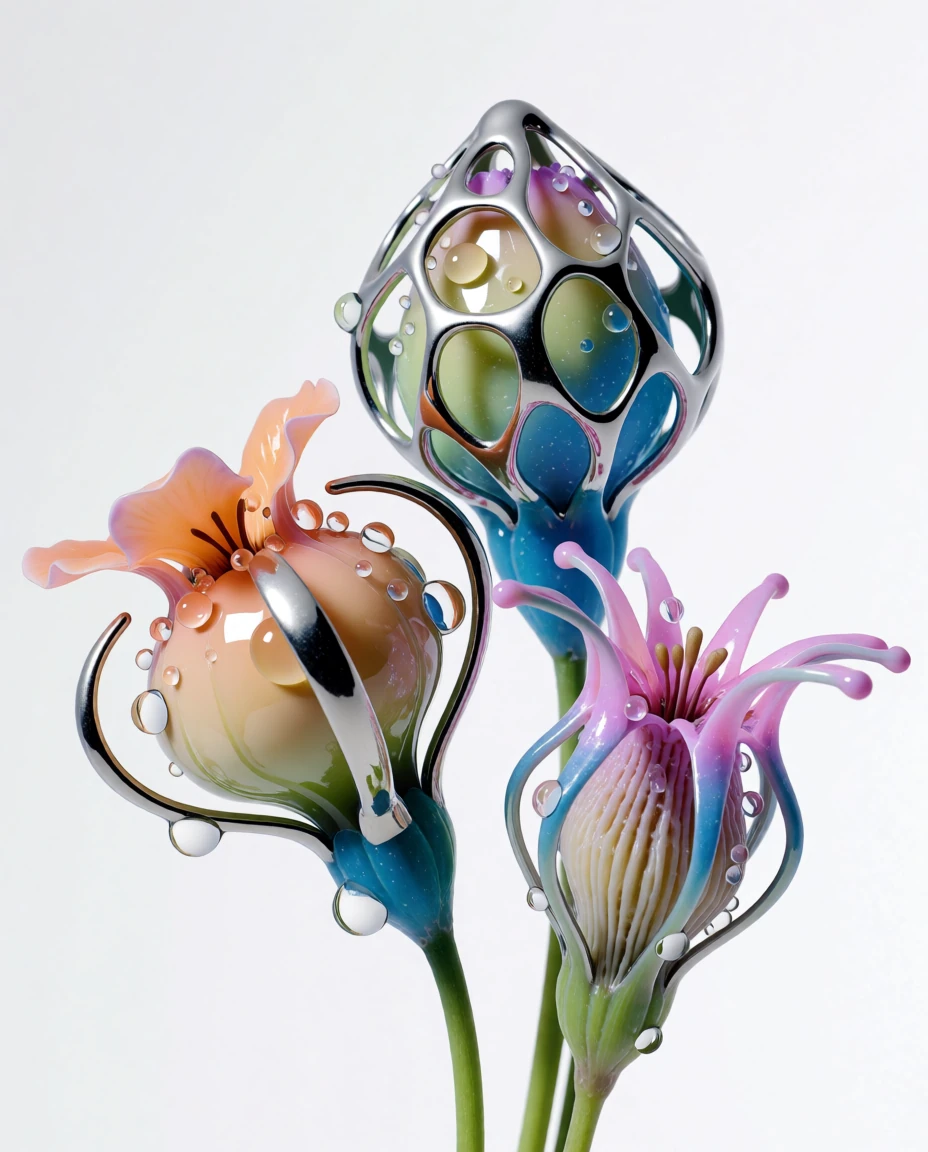


Generate and edit images
Ask for an image in your ChatGPT conversation, or an edit to one you share. Name a Krea model, like Krea 3, or let the app pick the closest match for you.
Capabilities
Ask for an image in your ChatGPT conversation, or an edit to one you share. Name a Krea model, like Krea 3, or let the app pick the closest match for you.
Ask for a video the same way. Name a Krea model, or let the app choose one for you.
Create folders in your Krea context library from ChatGPT, and mirror files from the conversation into them.
Examples
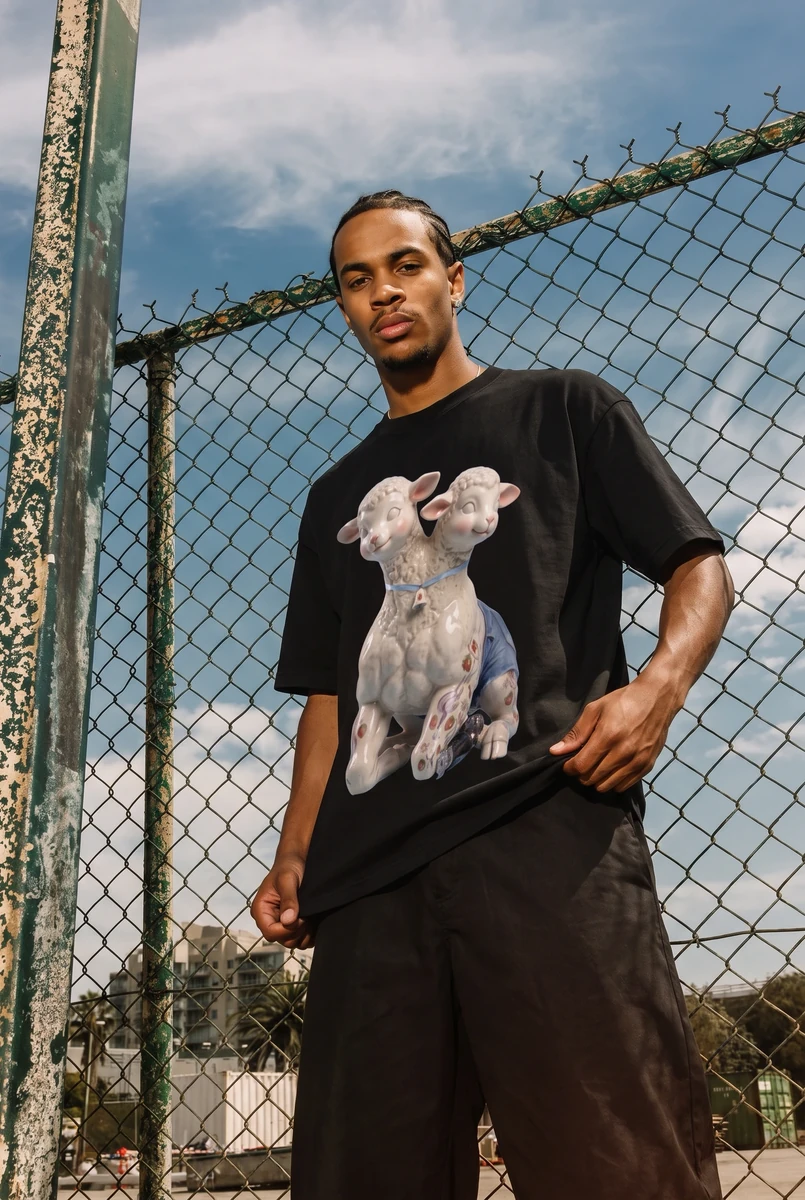
Ask in plain language. Krea generates the images inside the conversation.
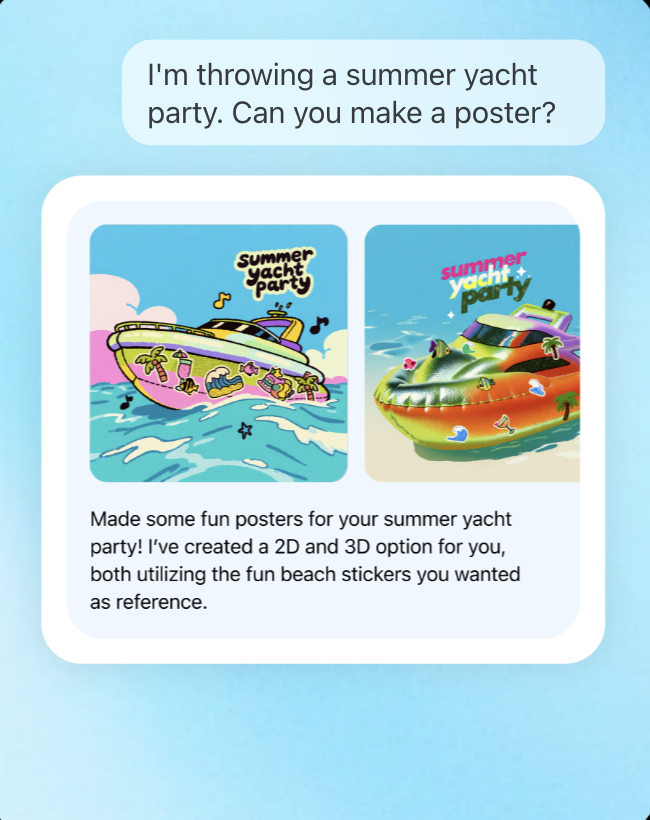
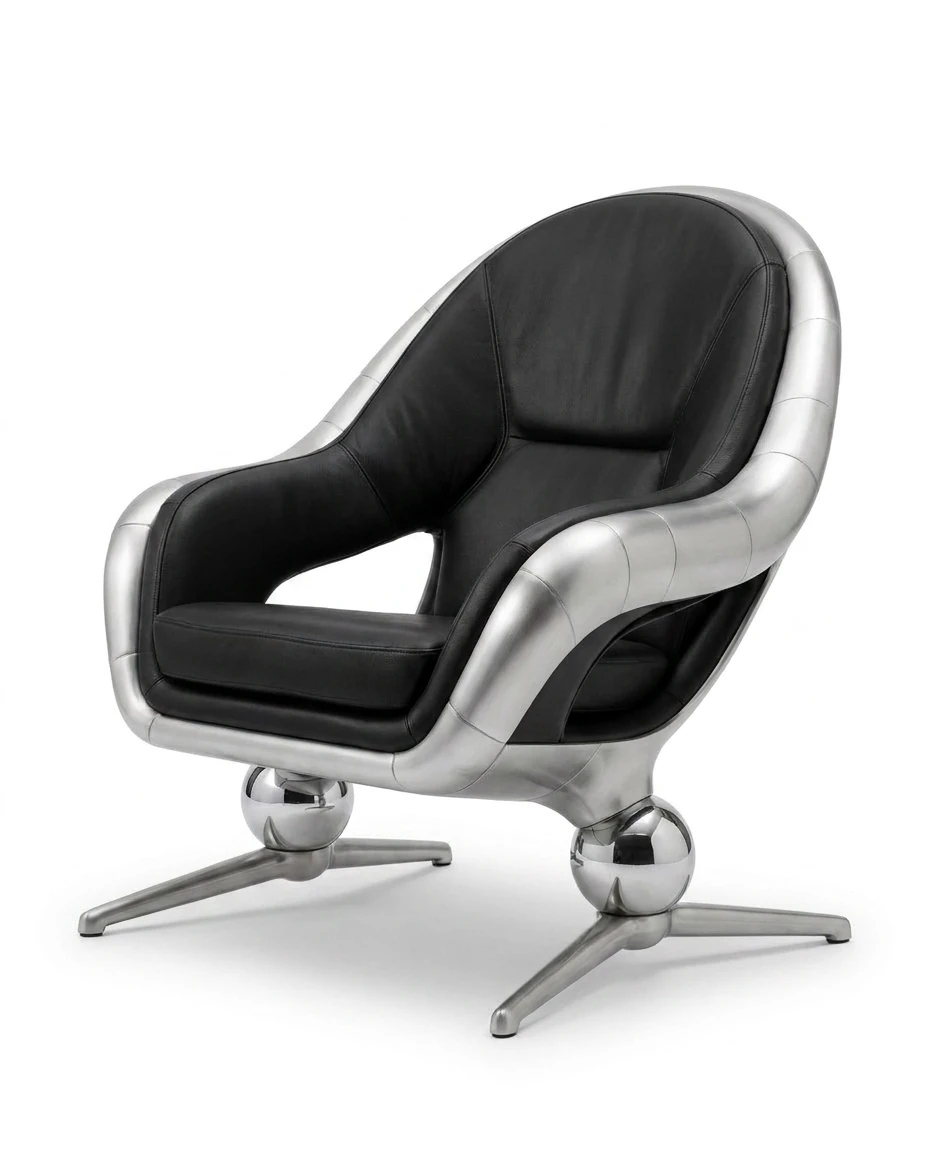
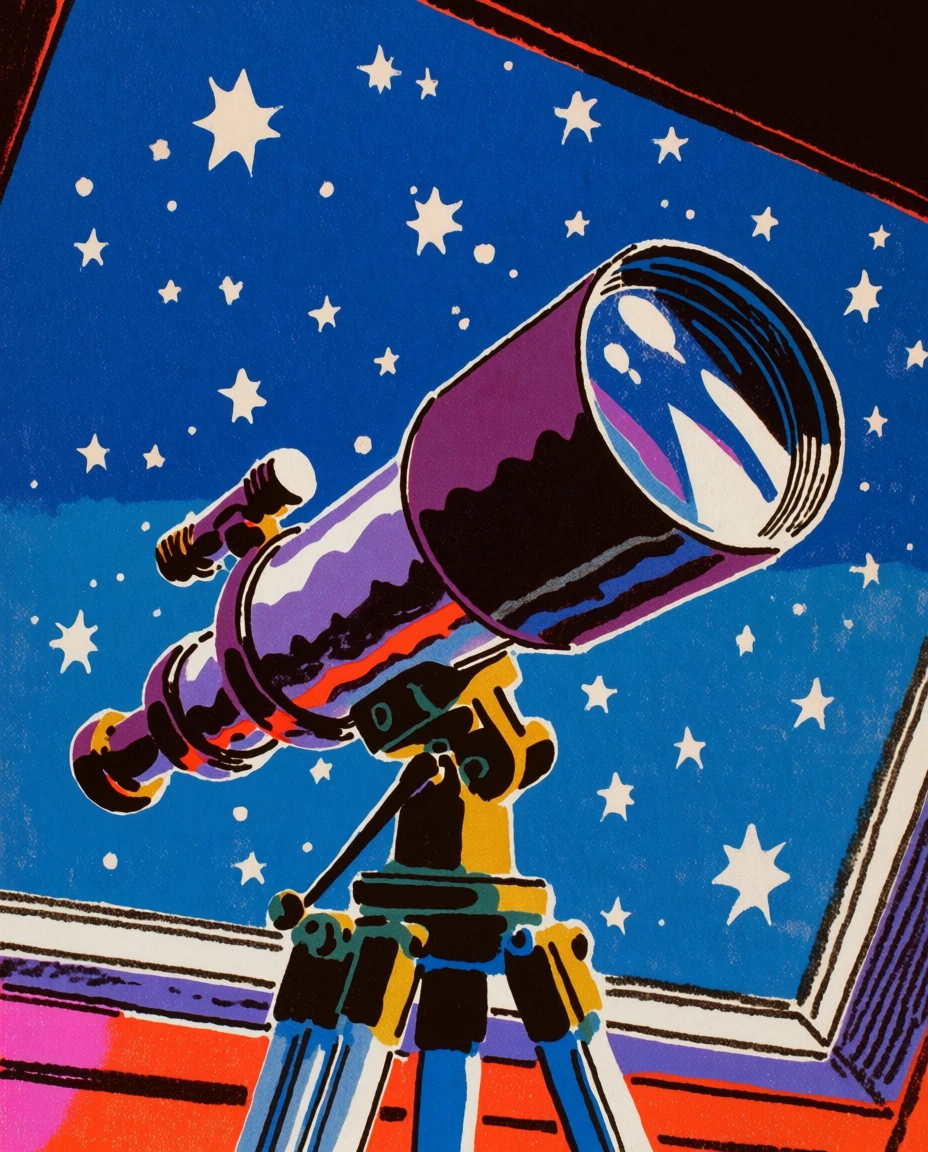
One request, two poster options — a 2D and a 3D version, built from the stickers you shared as reference.
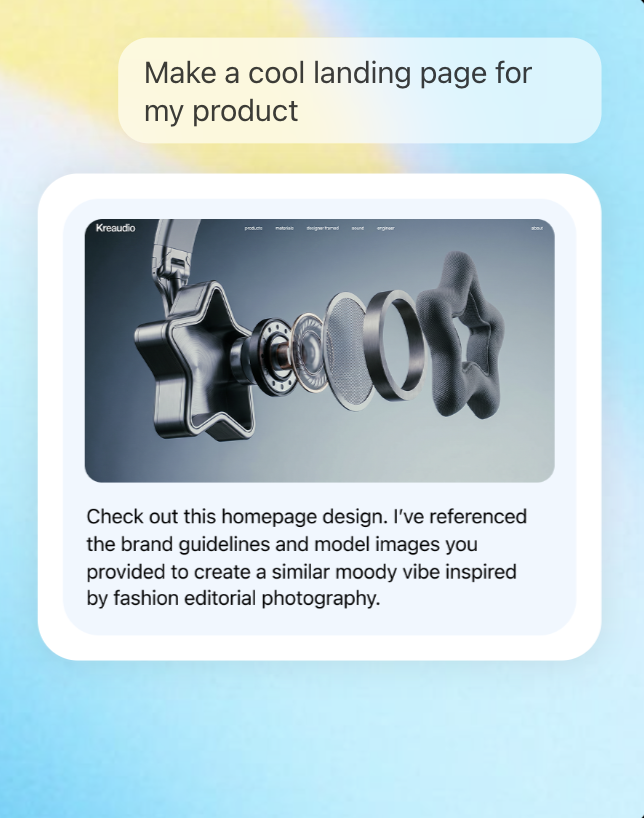
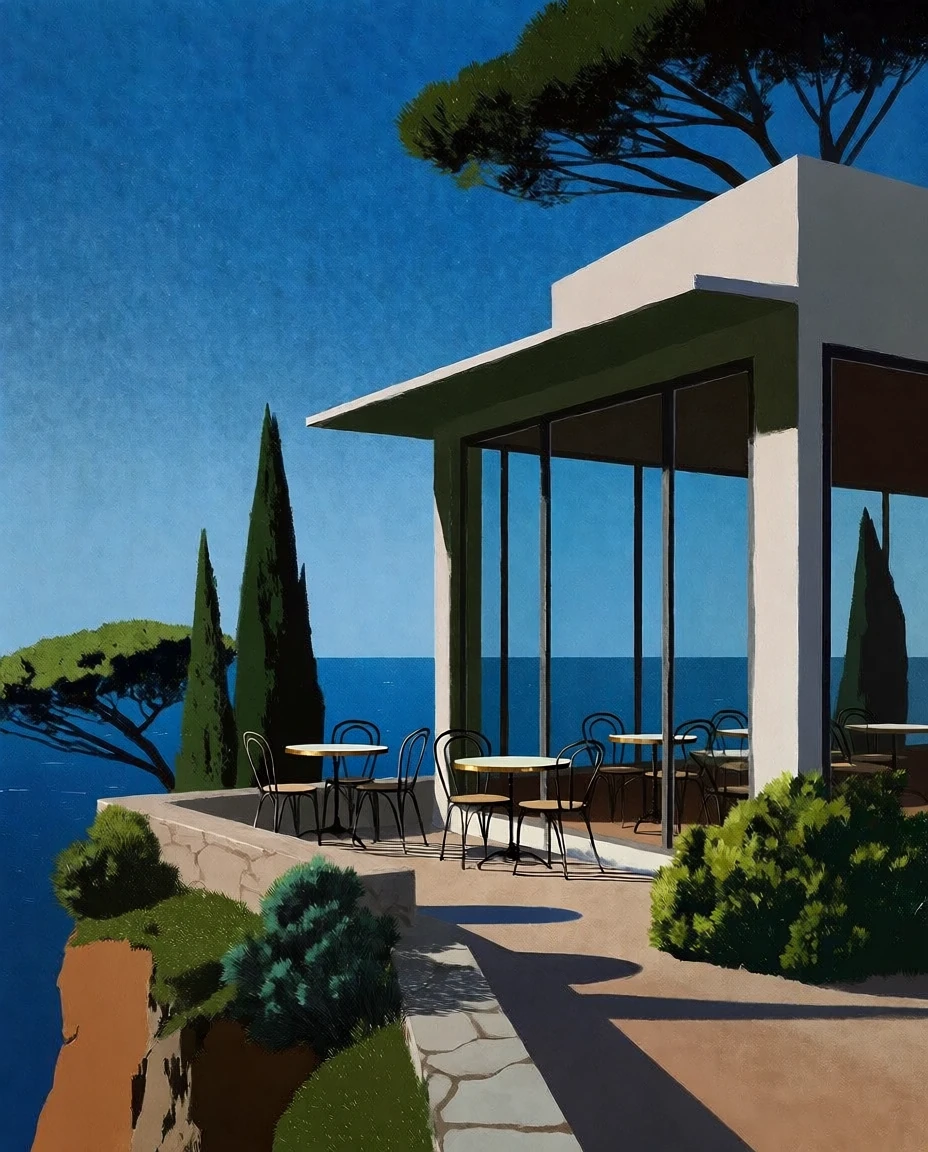
A homepage design that follows your brand guidelines and product images, in a moody editorial style.
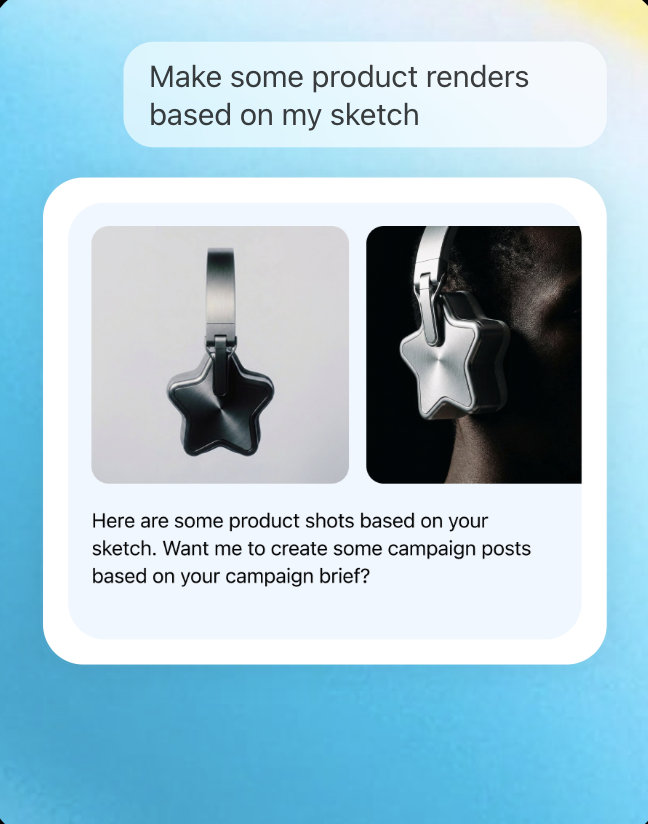
Studio product shots from a rough sketch, ready to turn into campaign posts.
Find Krea in ChatGPT's Plugins directory, sign in with your Krea account, and start generating.
Prefer to add Krea as an MCP server? See Krea MCP.
In ChatGPT, open Settings from the menu.
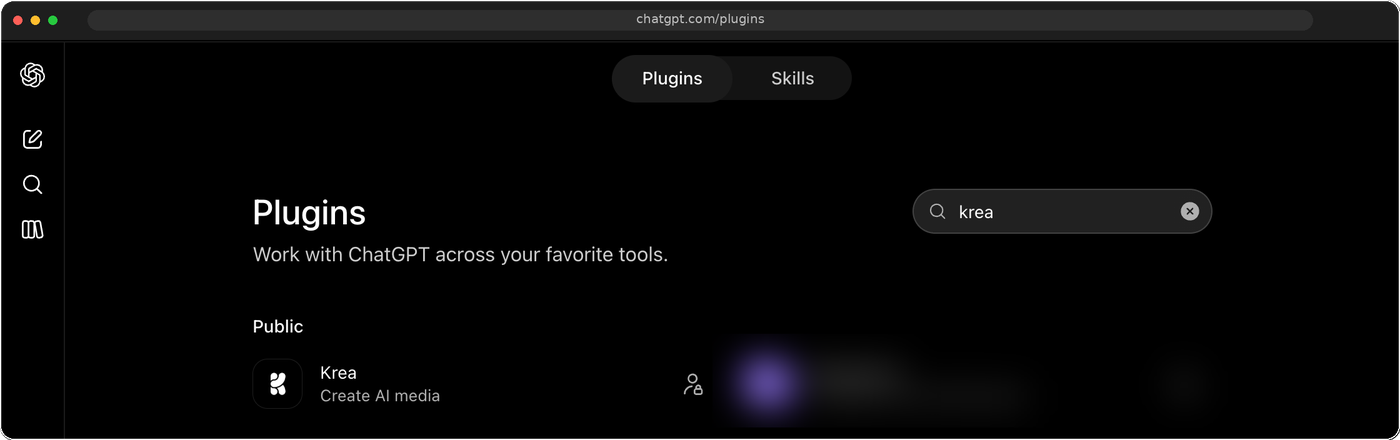
Select the Plugins tab. It lists every app you can add to ChatGPT.
Type “Krea” in the search field, select Krea, and sign in with your Krea account when ChatGPT asks.
Everything you need to know about Krea for ChatGPT.
Krea for ChatGPT is Krea's MCP server, submitted to OpenAI and approved as a ChatGPT app. It brings Krea's image generation, video generation, and context library into a ChatGPT conversation.
In ChatGPT, open Settings → Plugins, search for Krea, and add it. Then sign in with your Krea account. You can also open the Krea install link directly.
You can generate images, generate video, and manage your Krea context library — create folders and mirror files into them — without leaving ChatGPT.
Name a model in your prompt, like "Krea 3." If you don't name one, the app picks the closest match for your request.
Yes. Share or upload an image in the conversation, describe the change, and ask for Krea 3. It is Krea's image editing model: it keeps your product intact and finishes an edit in under 8 seconds.
Yes. Sign in with your Krea account when ChatGPT asks you to connect.
Yes. Krea for ChatGPT uses the same public Krea MCP server as Krea's connections for Claude and Codex.

Add the Krea app and start generating images and video, right where you're already chatting.