




 Conectar con ChatGPT
Crear

Agente Krea Nuevo
Descríbelo, el Agente lo crea

Imagen
Krea 3, Nano Banana y más

Video
Seedance, Kling, Veo y más

De imagen a video
Anima cualquier foto con IA

Voz con IA
Locuciones a partir de cualquier guion

En tiempo real
Renderizados instantáneos mientras dibujas
Objetos 3D
Modelos a partir de texto o imágenes
Editar y mejorar
Genera videos e imágenes con Krea MCP, directo en  Claude
make me an image with Krea 3
Genera videos e imágenes
con Krea MCP, directo en
Claude y ChatGPT
Lo que tu agente crea con Krea
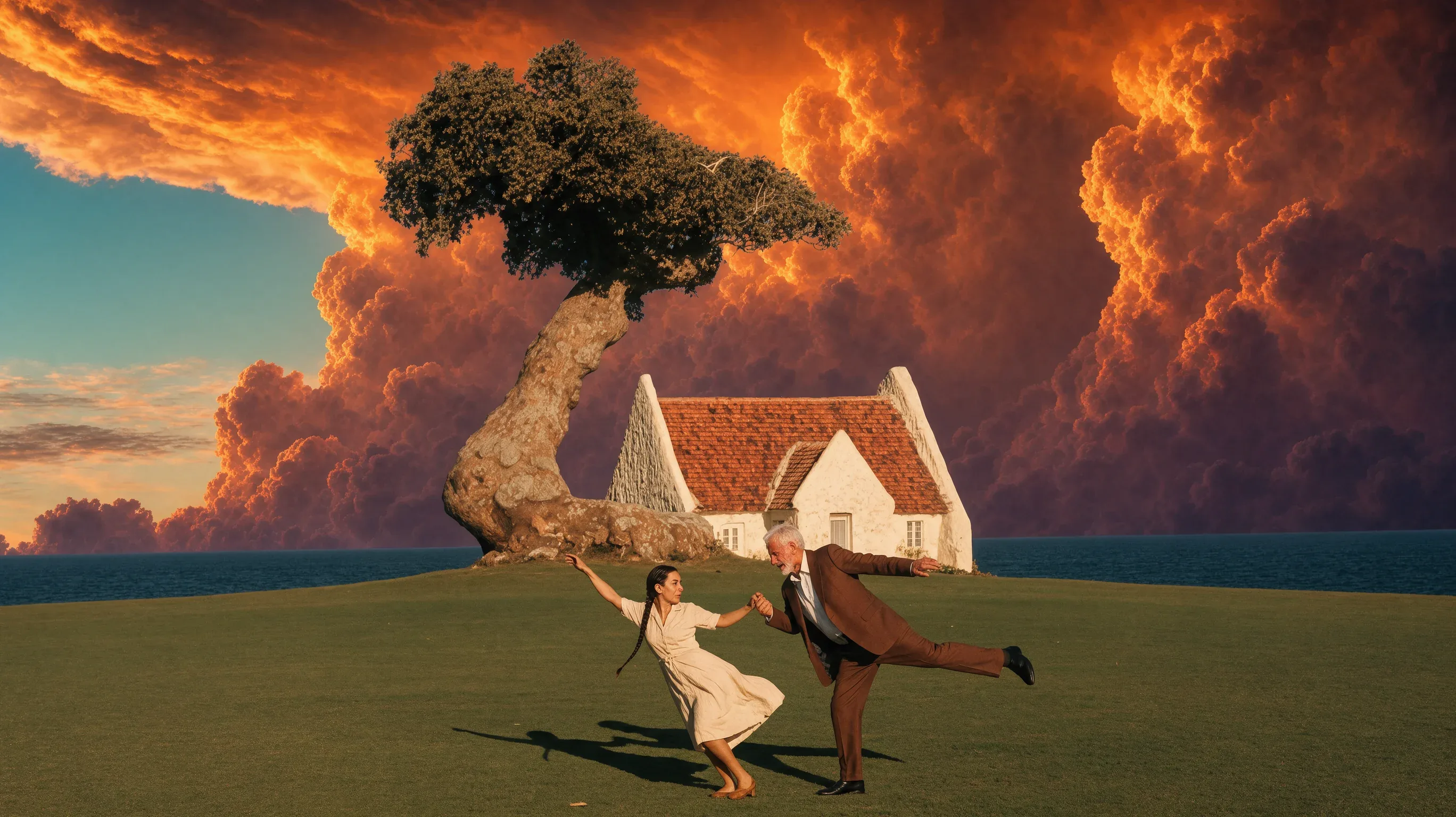

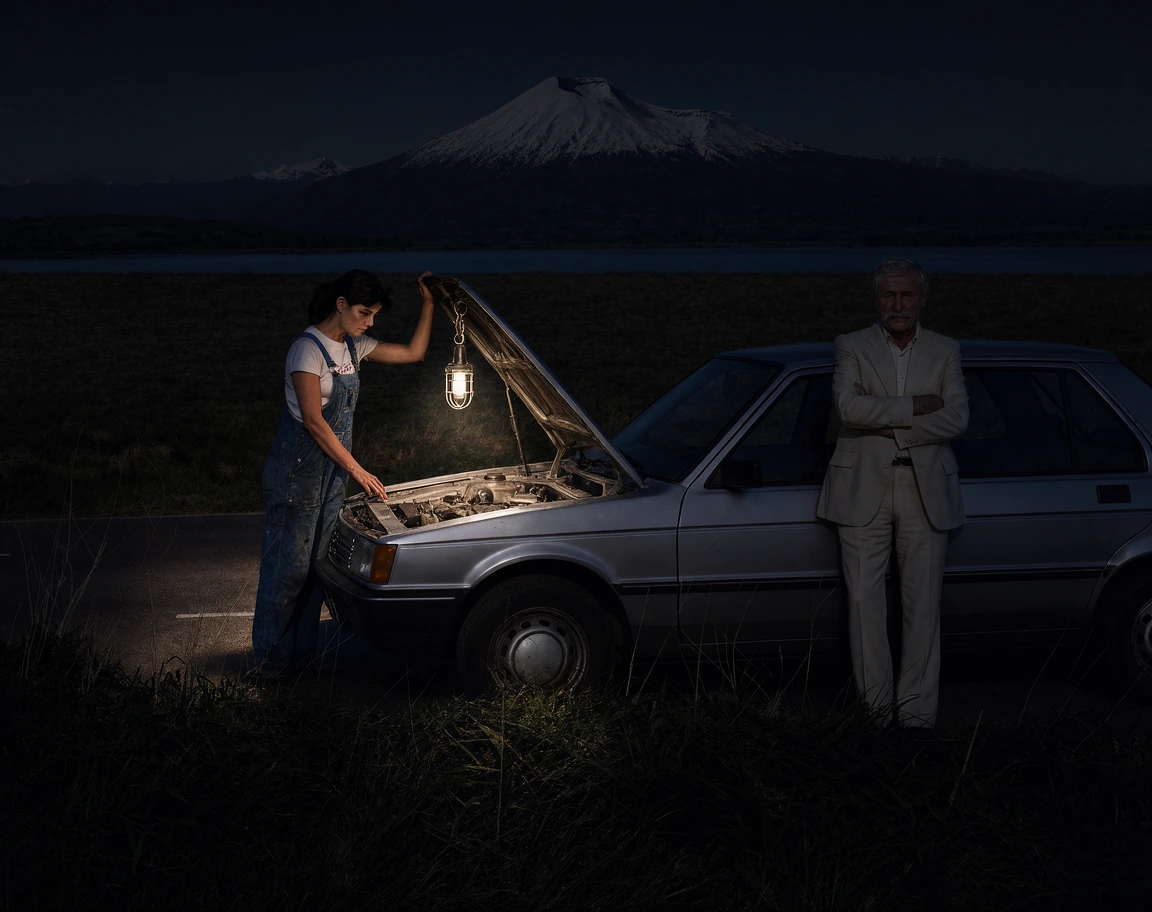
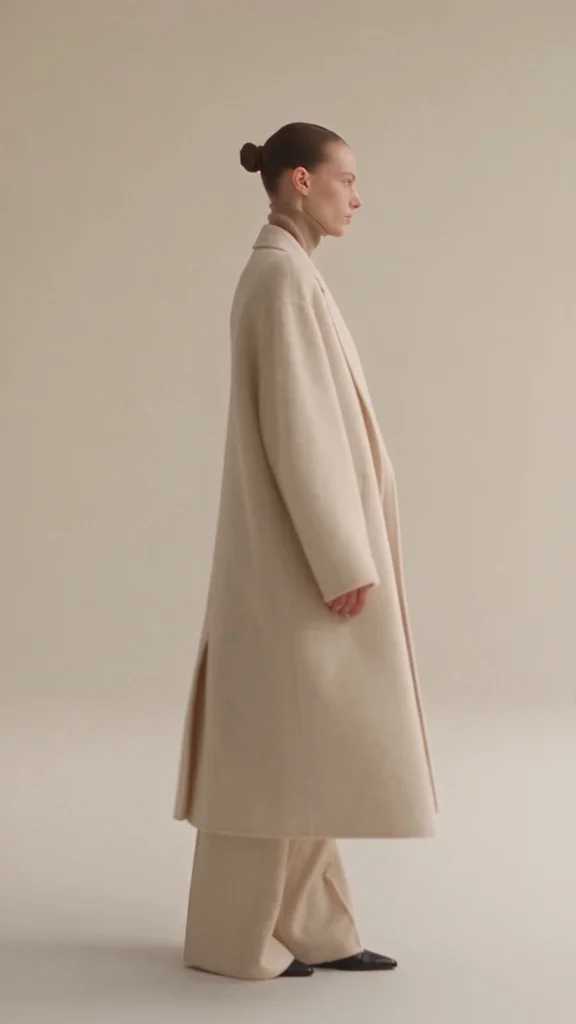
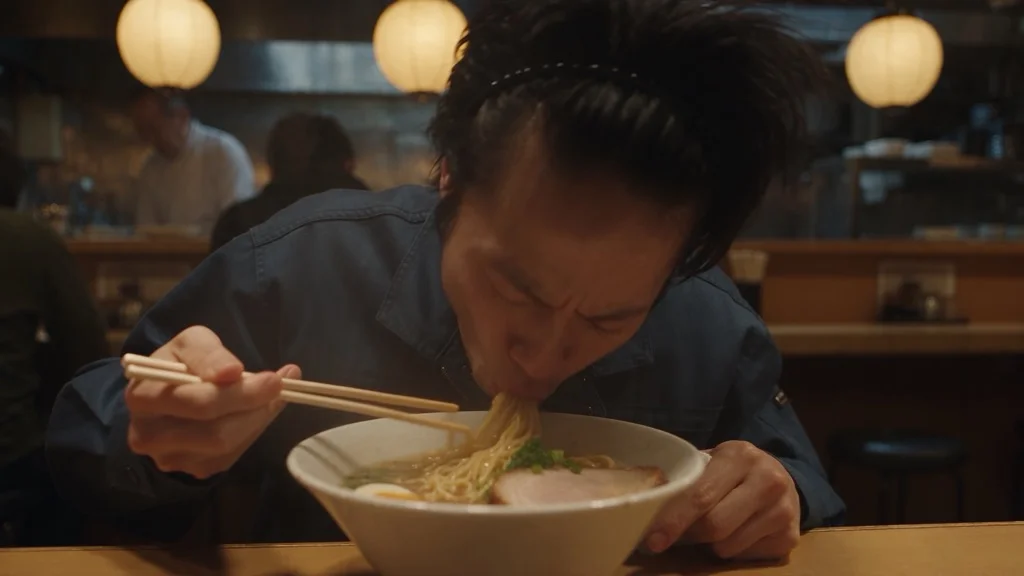
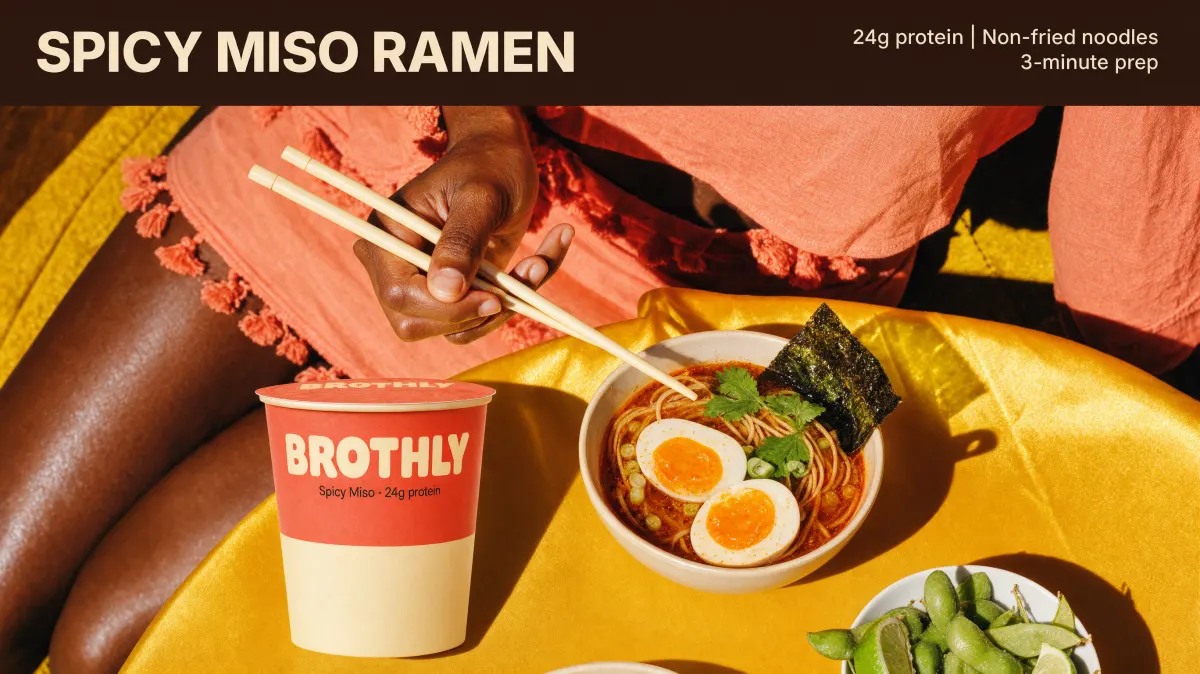
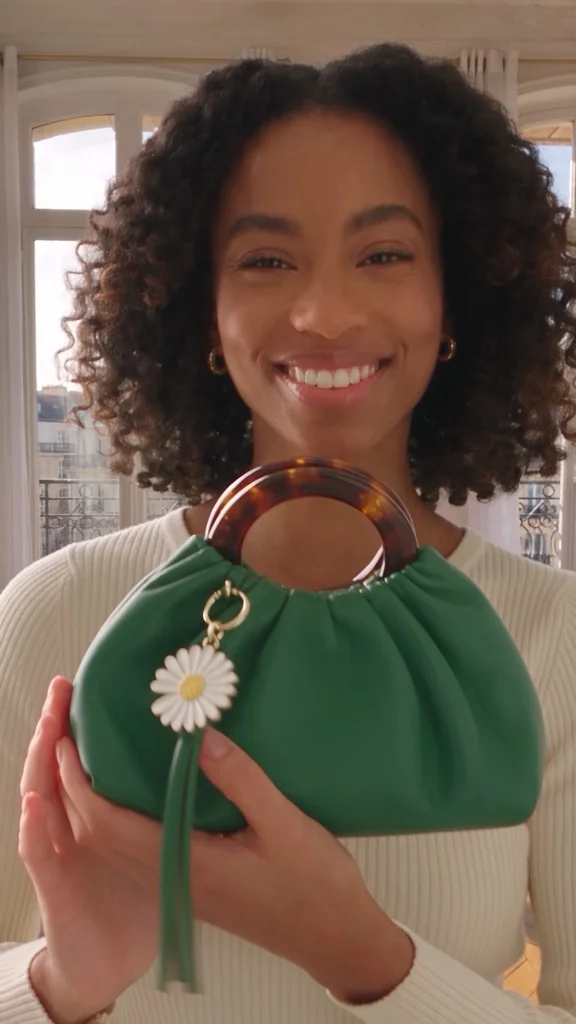
Use Krea MCP and Seedance 2.5 to make a 10-second 16:9 video: a golden-hour tracking shot of a matte-black motorcycle on a cliff road above the Mediterranean, the camera low by its front wheel. A rider in a faded red jacket draws alongside, then a low aerial follows both bikes through cypress trees into the sea haze.
Seedance 2.5
Una sola conexión con los principales modelos de imagen y video del mundo, listos dentro de tu agente:
Presets de un clic para Claude
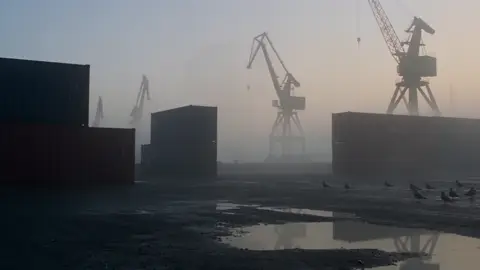
Mecha en el puerto al amanecer
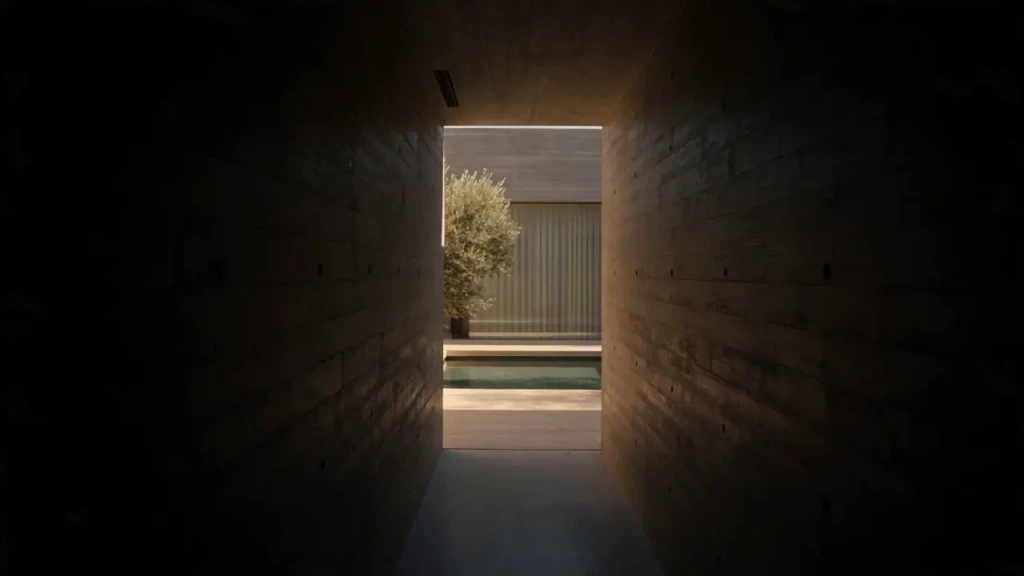
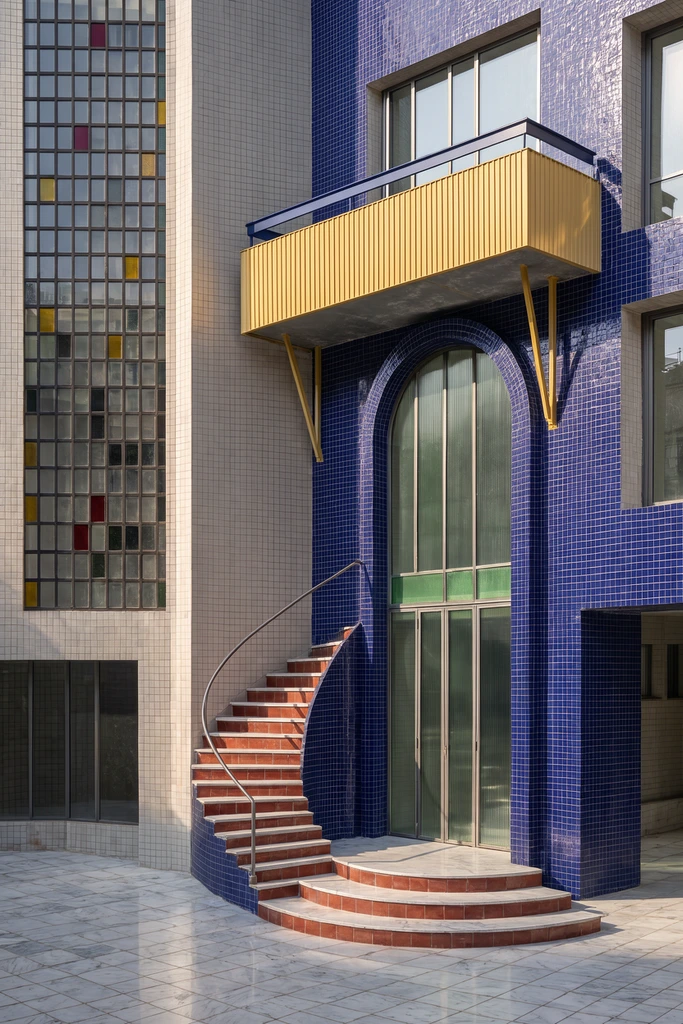
Dirige un recorrido por un patio
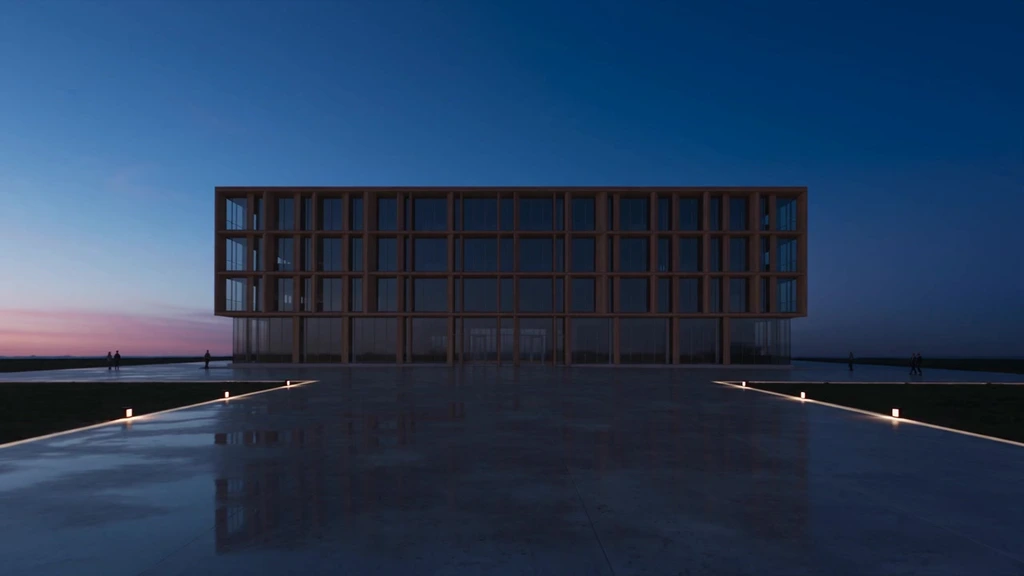
Encendido al crepúsculo

Opening de anime

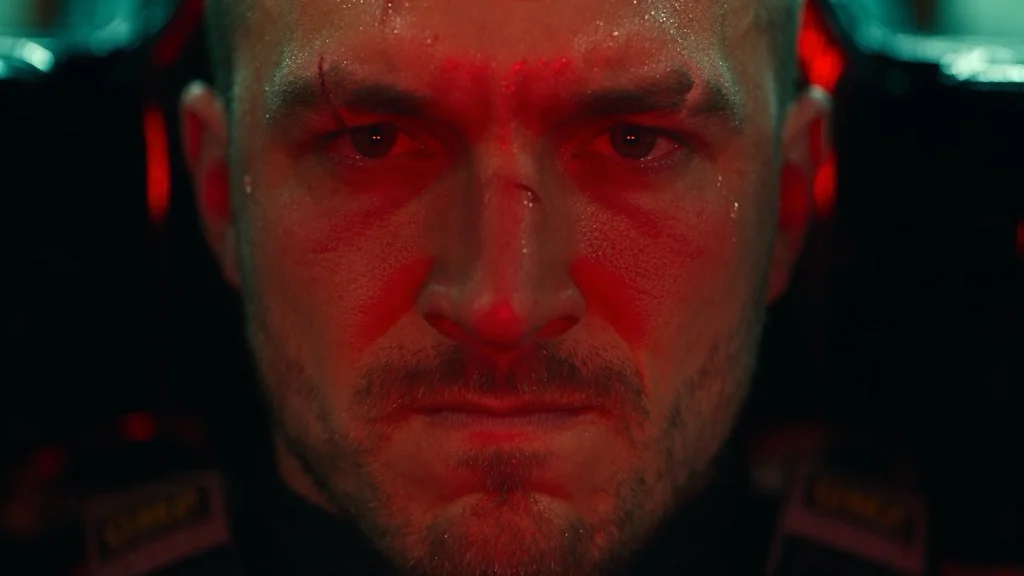
Tráiler de película de carreras


Video de lanzamiento de aspiradora coral
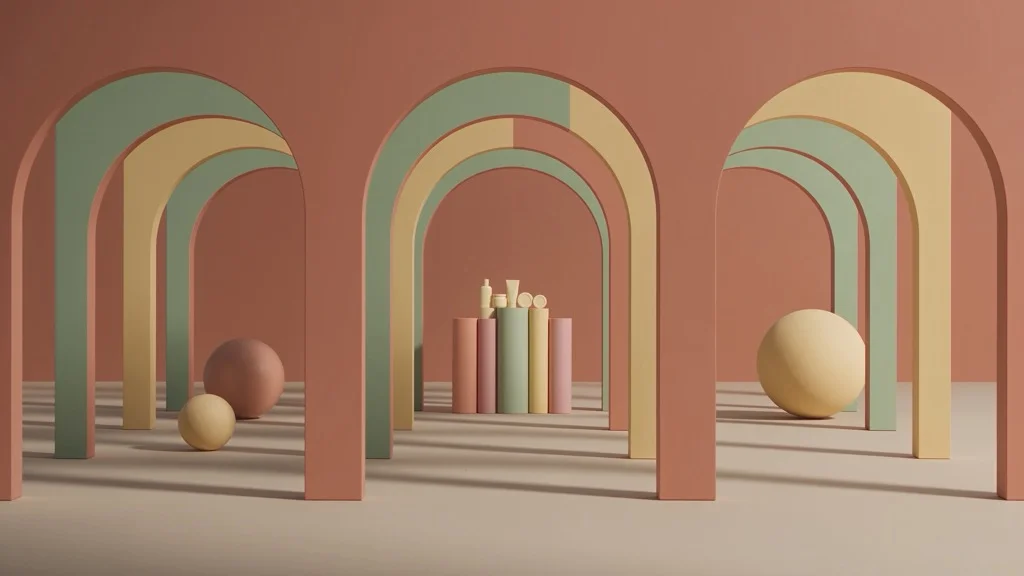
Teaser del mundo de marca
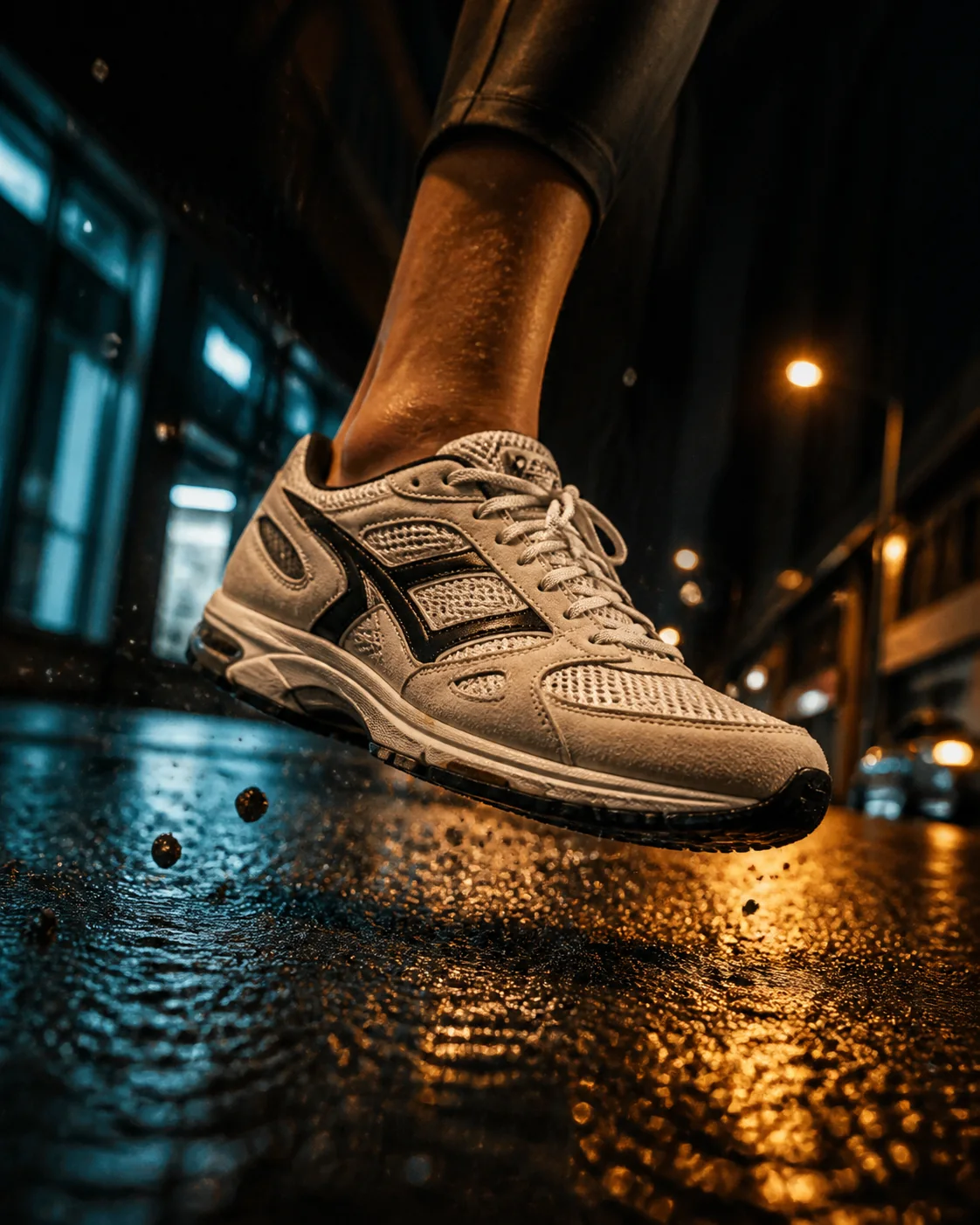
Dirige un video de lanzamiento que frene el scroll
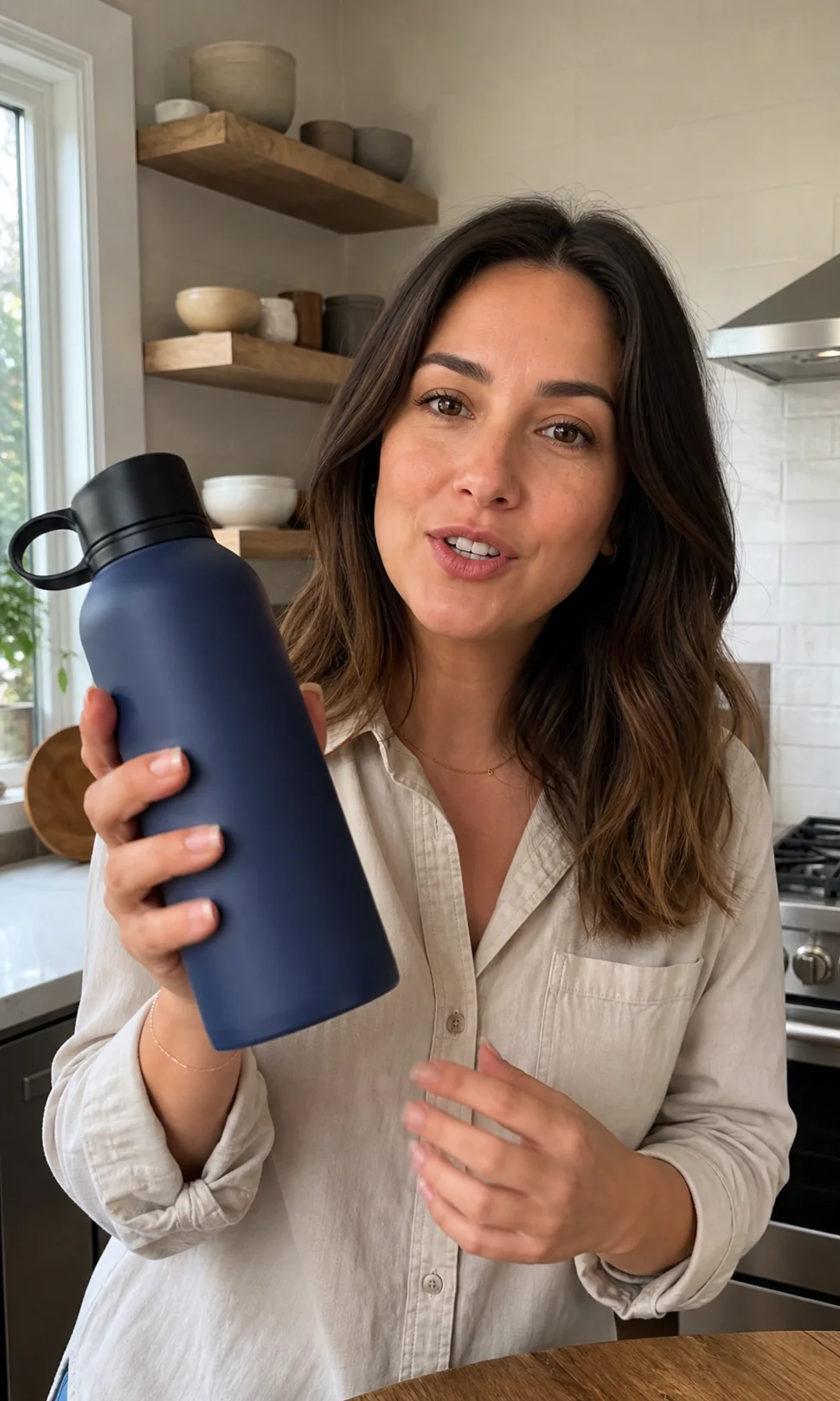
Crea un concepto UGC de estilo nativo

Dirige un video de campaña de fragancia
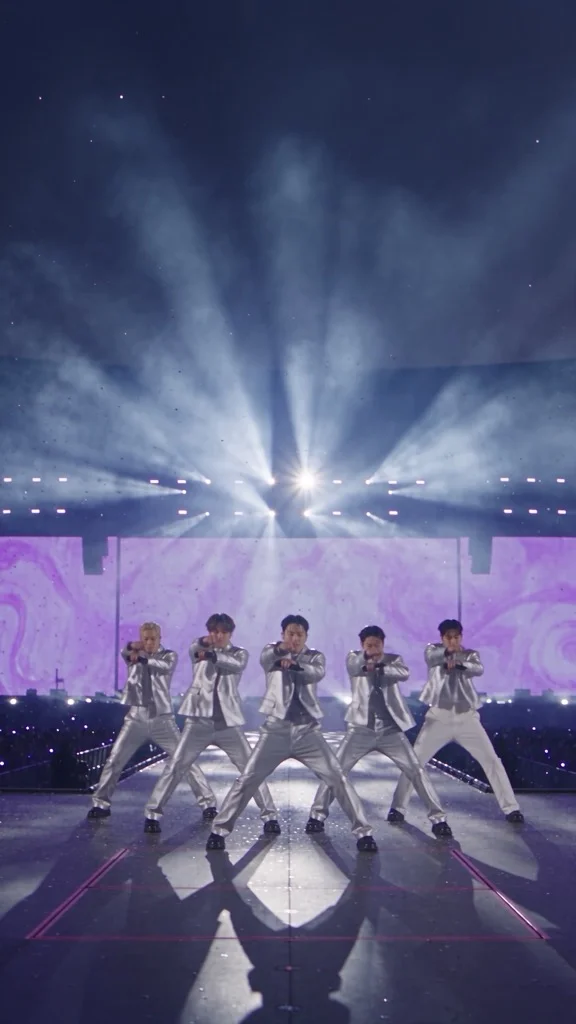
Concierto en estadio
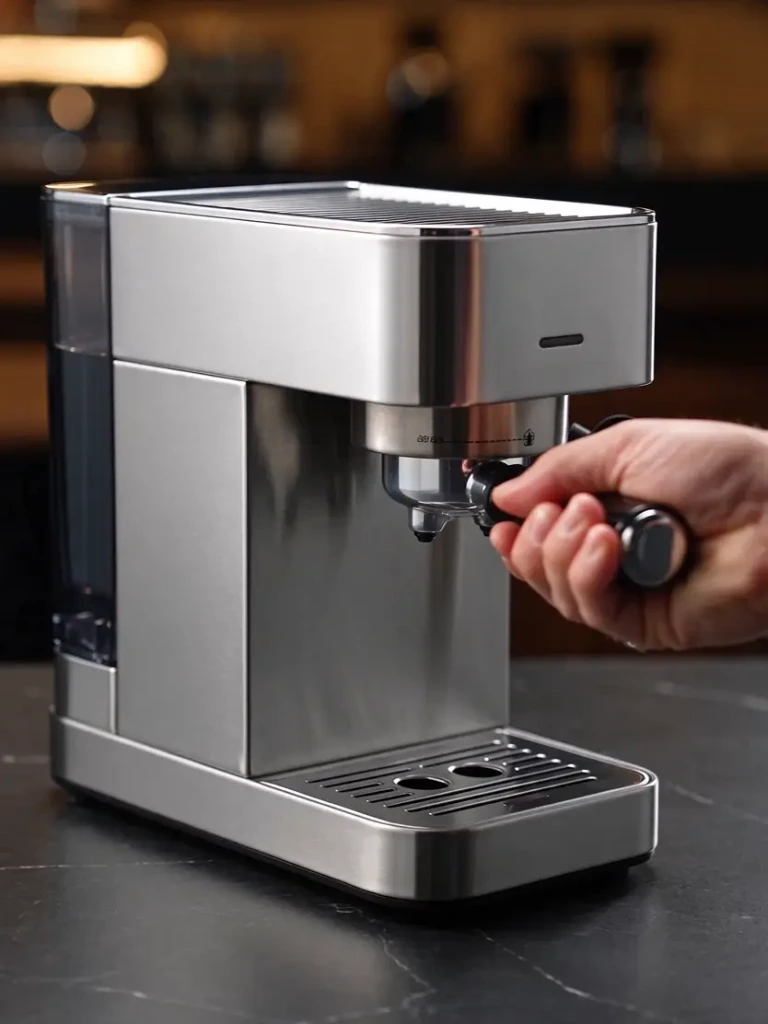
Haz un anuncio de espresso
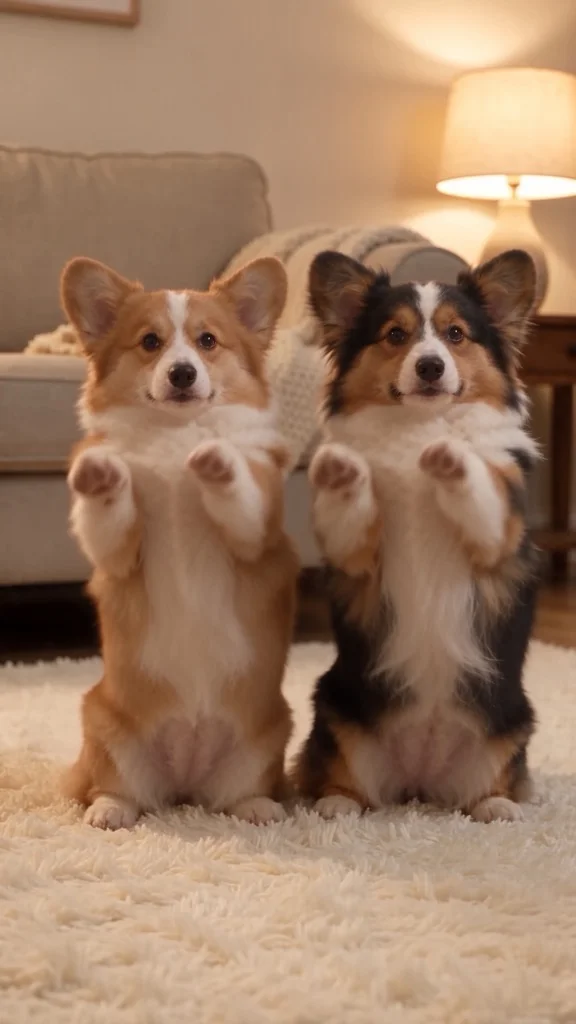
Cambia las mascotas
De dibujo de entrada a foto

Crea una secuencia cinematográfica de pitch
Dirige un recorrido por un patio
Opening de anime
Video de lanzamiento de aspiradora coral
Dirige un video de lanzamiento que frene el scroll
Dirige un video de campaña de fragancia
Haz un anuncio de espresso
De dibujo de entrada a foto
Mecha en el puerto al amanecer
Encendido al crepúsculo
Tráiler de película de carreras
Teaser del mundo de marca
Crea un concepto UGC de estilo nativo
Concierto en estadio
Cambia las mascotas
Crea una secuencia cinematográfica de pitch
Dirige un video de campaña de fragancia
Tráiler de película de carreras
Dirige un video de lanzamiento que frene el scroll
Encendido al crepúsculo
Cambia las mascotas
Mecha en el puerto al amanecer
Concierto en estadio
Video de lanzamiento de aspiradora coral
Crea un concepto UGC de estilo nativo
Opening de anime
De dibujo de entrada a foto
Dirige un recorrido por un patio
Haz un anuncio de espresso
Teaser del mundo de marca
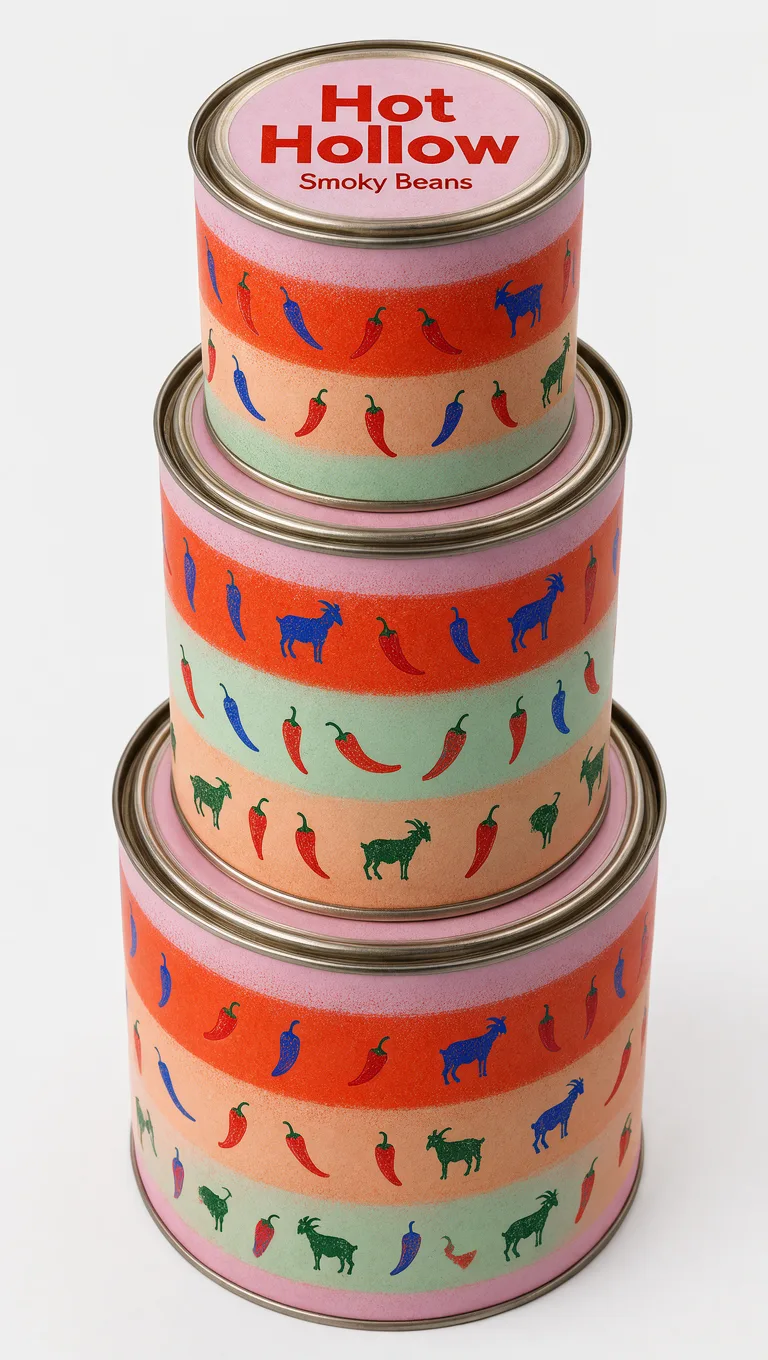
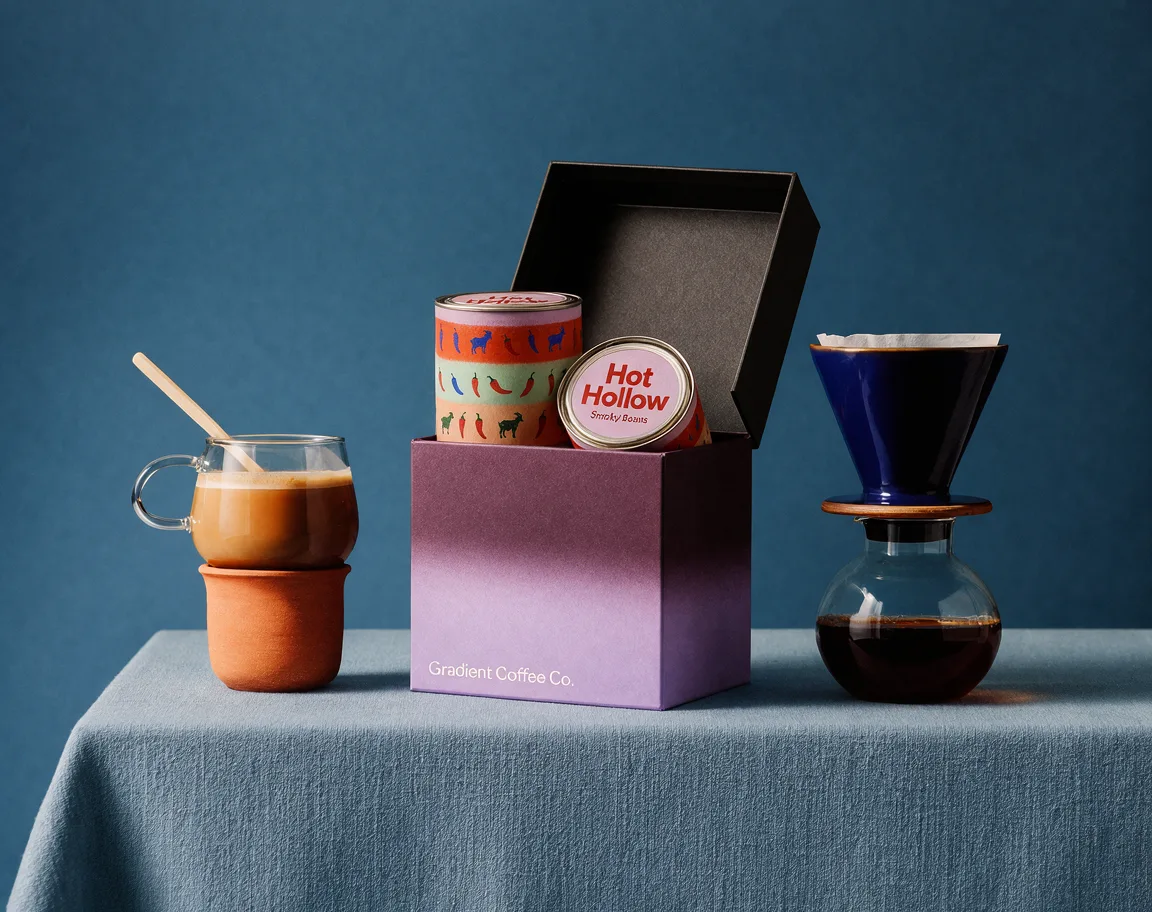
Tu flujo de trabajo con MCP
Tu agente encadena imágenes, videos, escalados y sonido en Krea, un paso tras otro.
Conectar Krea MCP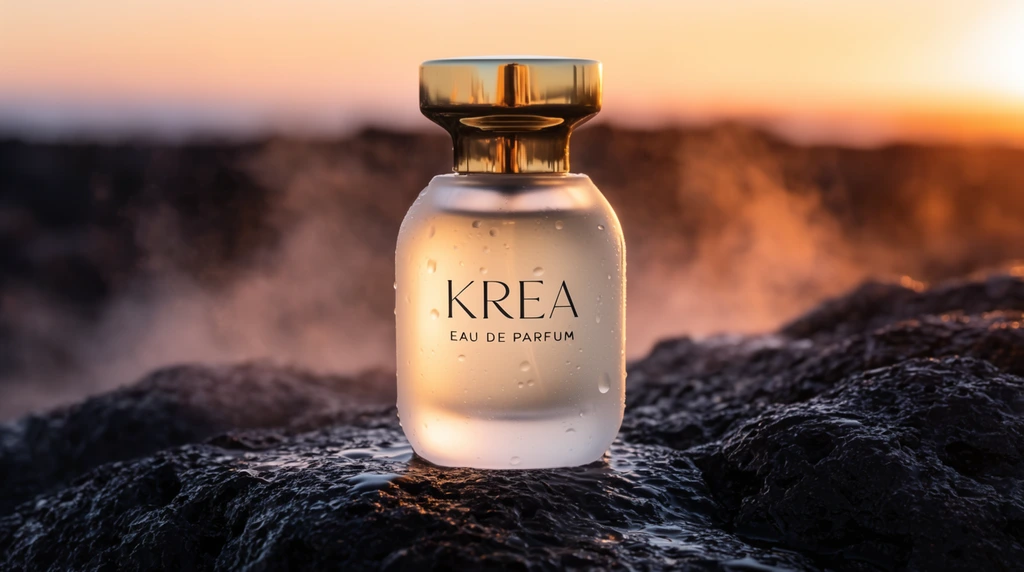 Ecommerce
De foto de producto a set de anuncios
Use Krea MCP to turn my product photo into an ad set. I will upload the photo first. Keep the product exactly as it is: shape, label, colours and logo. Place it in four scenes: a clean studio sweep, a kitchen counter in morning light, an outdoor café table and a flat lay with matching props. Render each scene at 4:5 for the feed and 9:16 for stories with Nano Banana Pro, then show me all eight images side by side.
- Animación
Anima una foto
Use Krea MCP to animate my photo. I will upload it first. Describe what is in the frame, then write a short motion prompt that keeps the subject, the light and the composition. Generate a 6-second clip with Seedance 2.5 using my photo as the start frame, with a slow push-in and subtle natural motion. Show me the clip, and offer two other camera moves to try.
- Cine
De storyboard a toma en movimiento
Use Krea MCP to storyboard a 30-second short about a lighthouse keeper on the last night before the light is automated. First define one visual language: lens, palette and light. Generate six cohesive 2.39:1 storyboard frames that follow the story beat by beat. Ask me which frame is strongest, then animate it into a 6-second shot with Seedance 2.5 and restrained camera movement.
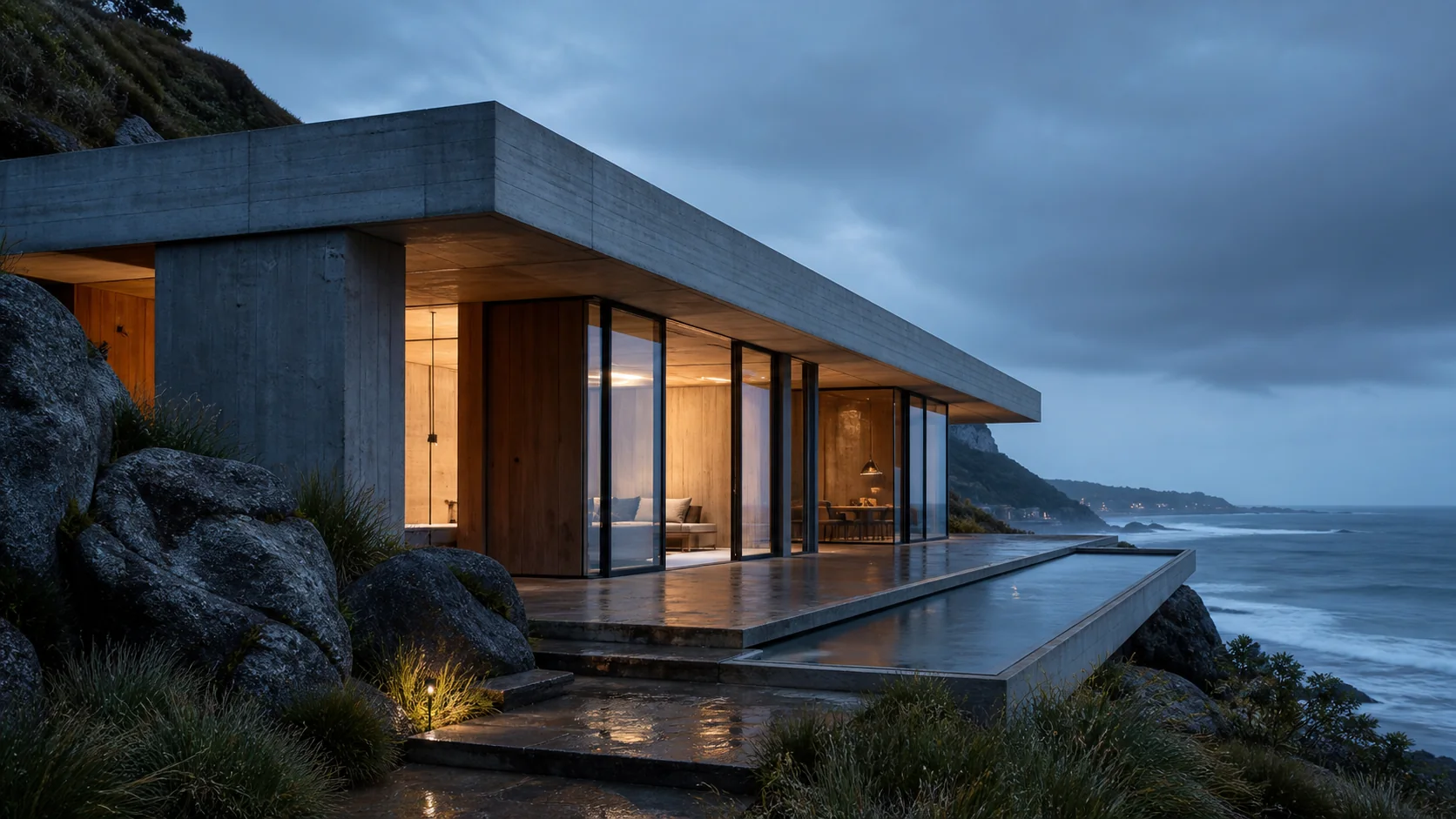 Arquitectura
De boceto a render listo para imprimir
Use Krea MCP to turn my architectural sketch into a presentation render. I will upload the sketch first. Keep its massing, openings and proportions. Render it in four directions: golden hour, overcast daylight, blue hour and a night view with warm interior light. When I pick one, upscale it with Topaz so it is sharp enough to print at A1.
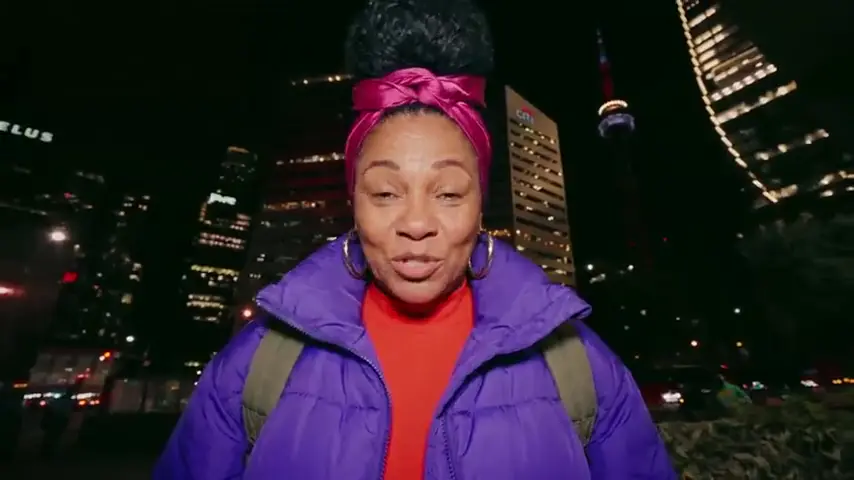 UGC
Anuncio UGC con voz en off
Use Krea MCP to make a TikTok-style UGC ad for a reusable water bottle. Generate a natural selfie-style frame of a creator holding the bottle in a bright kitchen. Animate it into an 8-second 9:16 clip with Seedance 2.5 in which she talks to camera and takes a sip. Write a 20-word voiceover in a casual tone, generate it with ElevenLabs, and give me the clip and the audio.
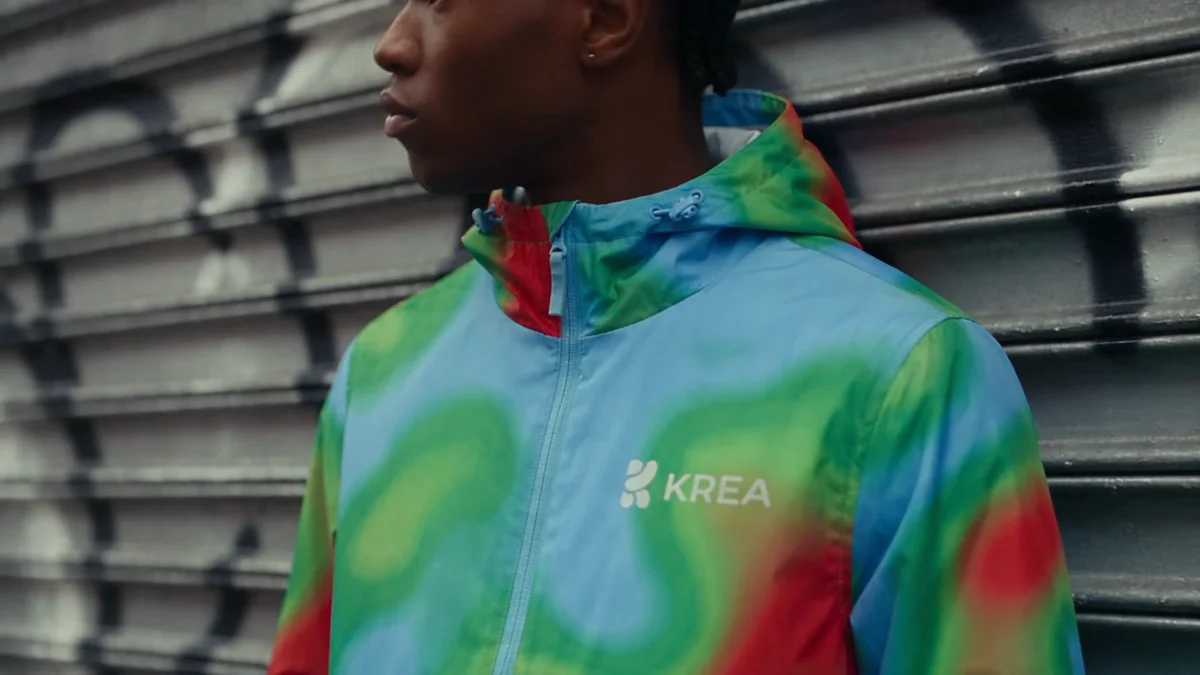 Moda
Lookbook a partir de un outfit
Use Krea MCP to build a six-image lookbook. I will upload photos of the outfit pieces first. Create one model and keep her face, hair and build the same in every image. Dress her in my pieces exactly as they are and shoot six looks: a street corner, a gallery, a café, a rooftop, a studio full length and a close-up of the details. Use 4:5 and an editorial film look.
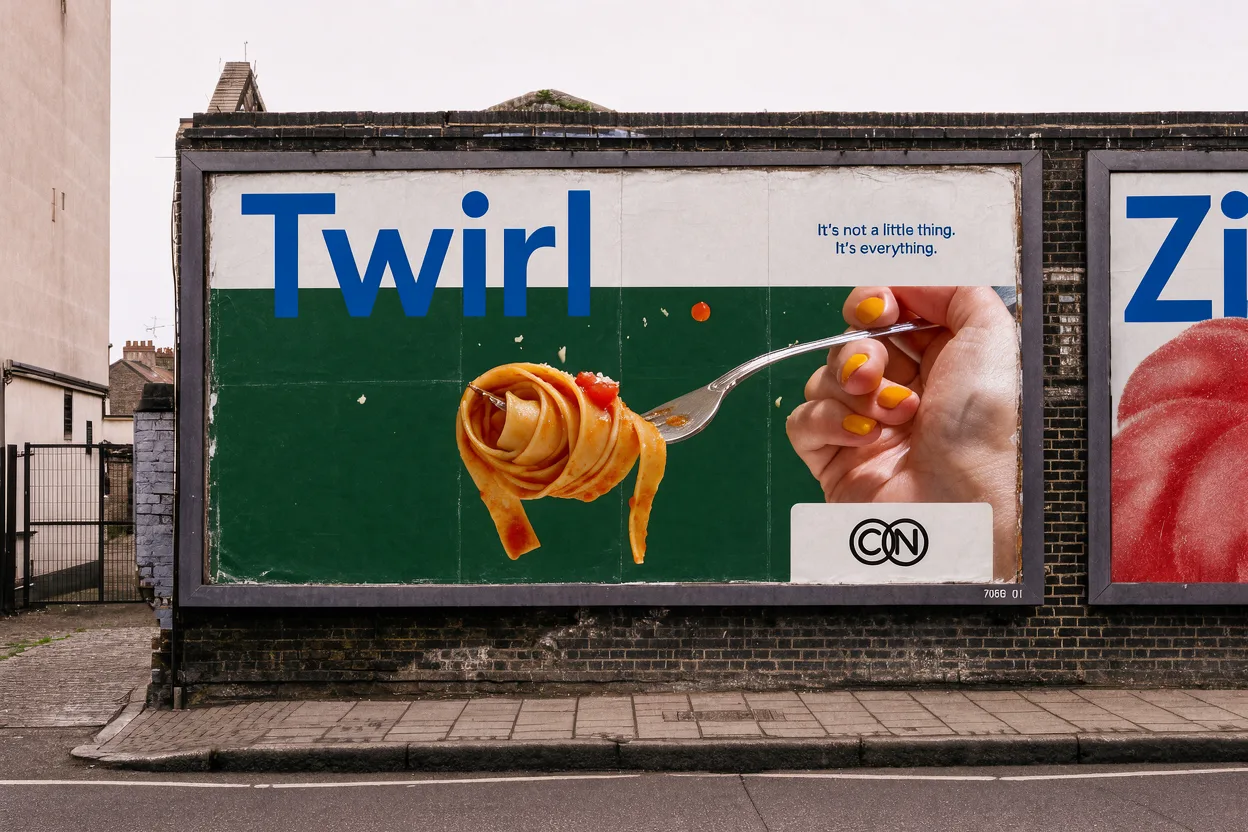 Marketing
Campaña a partir de un brief
Use Krea MCP to take a campaign from brief to key visuals. The brief: a summer launch for a small pasta brand that wants to feel warm and Italian. Propose three creative routes with a one-line idea each and one image per route. When I pick a route, make its key visual at 16:9, 4:5 and 9:16, then upscale the 16:9 version for the website hero.
- Publicidad
Video de lanzamiento con sonido
Use Krea MCP to make a 6-second launch film for a new running shoe. Generate a hero frame of the shoe on wet asphalt at night. Animate it with Seedance 2.5: the shoe lands hard in a puddle, spins once in mid-air and settles on the court line, with native sound effects. Then generate a 10-second energetic electronic track with ElevenLabs Music to go under it.
Cómo conectar
Krea MCP a Claude
-
Agrega Krea a Claude Agrega Krea a Claude
Claude se abre con los datos de Krea ya completados. Verifica que la dirección sea api.krea.ai y haz clic en “Add”. La app de Claude se abre con los datos de Krea ya completados. Verifica que la dirección sea api.krea.ai, luego desplázate hacia abajo y toca “Add”.
Agregar conector de Krea Add custom connector
Krea
https://api.krea.ai/mcp
Authentication
Sign in now Detected
Each user signs in through the server’s OAuth flow.
Add
Back
-
Inicia sesión en Krea Inicia sesión en Krea
Haz clic en “Connect”, elige tu espacio de trabajo y haz clic en “Authorize”. Elige tu espacio de trabajo y toca “Authorize”.
krea.ai
Connect Claude to Krea
Review the access you’re sharing with this app.
Signed in to Krea as
you@example.com
Choose a workspace
Your workspace
Your team
-
Haz clic en “Always allow” Toca “Always allow”
Claude pregunta la primera vez que usa Krea. Después, solo pide una imagen o un video. Claude pregunta la primera vez que usa Krea. Después, solo pide una imagen o un video.
make me an image with Krea 3
Claude wants to use
Generate Image from Krea
Show details
Allow once
Always allow
Decline
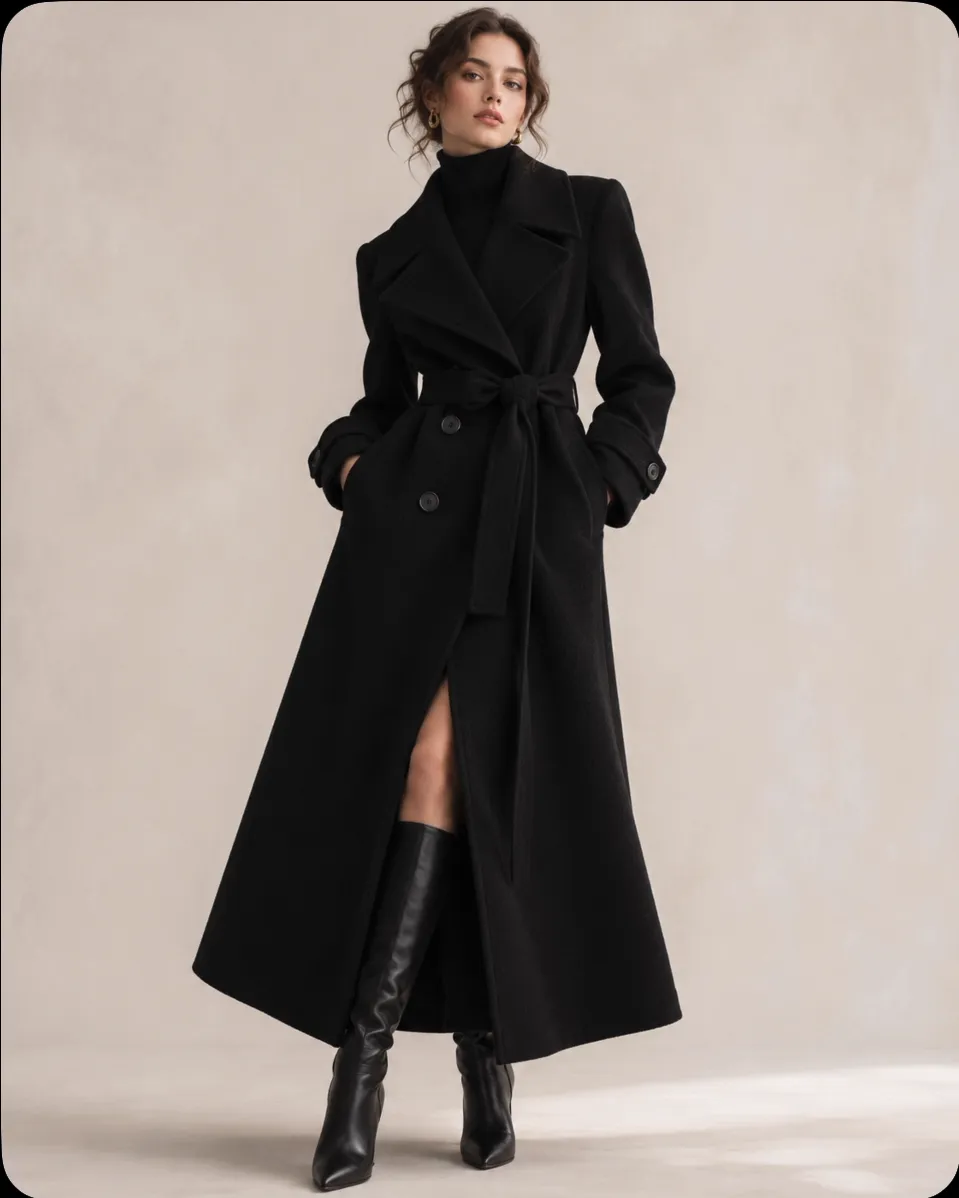
 Agregar plugin de Krea
 Agregar plugin de Krea
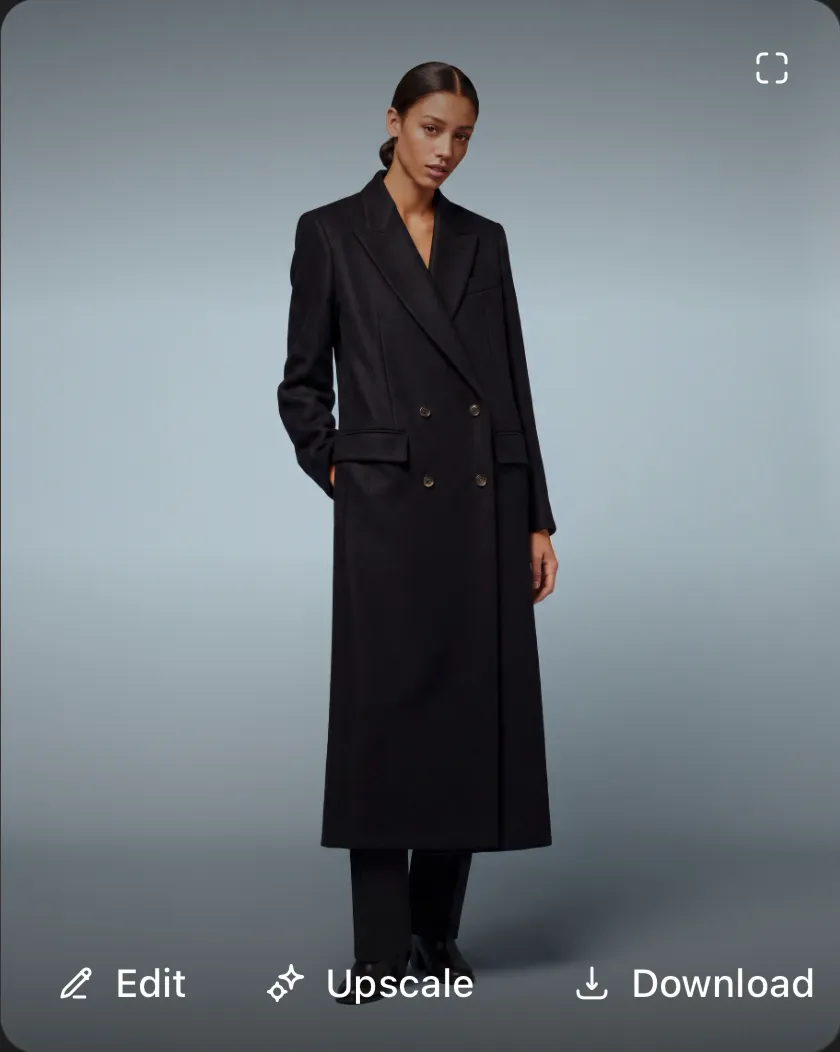
Tu nuevo equipo creativo
Krea Bots son agentes de IA que hacen trabajo creativo de verdad

Preguntas frecuentes
Krea MCP conecta tu agente de IA directamente con Krea para que genere imágenes y videos, mejore recursos y ejecute tus flujos de trabajo creativos por ti.
Genera imágenes y videos, mejora y escala imágenes, usa tus estilos entrenados y ejecuta tus propios flujos de trabajo de Krea de varios pasos, todo desde un prompt sencillo.
Funciona con Claude, ChatGPT, Claude Code, Codex, Cursor, Grok Bot, OpenClaw, Hermes y otros agentes que permiten conectar herramientas.
En ChatGPT, Cursor y Grok Bot, agrega el plugin de Krea. En Claude, agrega Krea como conector. En Claude Code, Codex y otros agentes de terminal, envía la solicitud de configuración de esta página y el agente agrega el servidor MCP de Krea por ti. Luego inicia sesión con tu cuenta de Krea. La configuración toma menos de un minuto.
Todos los modelos de imagen, video y mejora de Krea, incluidos Krea 3, Nano Banana Pro, Seedance 2.5, Kling 4.0, Wan 3.0 y Topaz Bloom 2. Míralos todos en la biblioteca de modelos.
Las imágenes suelen llegar en segundos. Los videos y los trabajos más grandes se ejecutan en segundo plano y llegan en cuanto están listos.
No. Usa https://api.krea.ai/mcp como URL del servidor MCP y autentícate con tu cuenta de Krea cuando tu agente te pida conectarte.
Explora el panel de Krea API para ver el playground, los precios y la documentación de integración. La documentación del servidor MCP cubre la autenticación, las herramientas y la solución de problemas, y Krea CLI ejecuta Krea desde tu terminal.
Lleva Krea a tu agente
Conecta Krea en menos de un minuto y empieza a generar imágenes y videos justo donde ya trabajas.