
















Step 1
Upload
Add a clear portrait with good lighting. The tool detects the face and maps key features to keep identity consistent in the ceramic transformation.
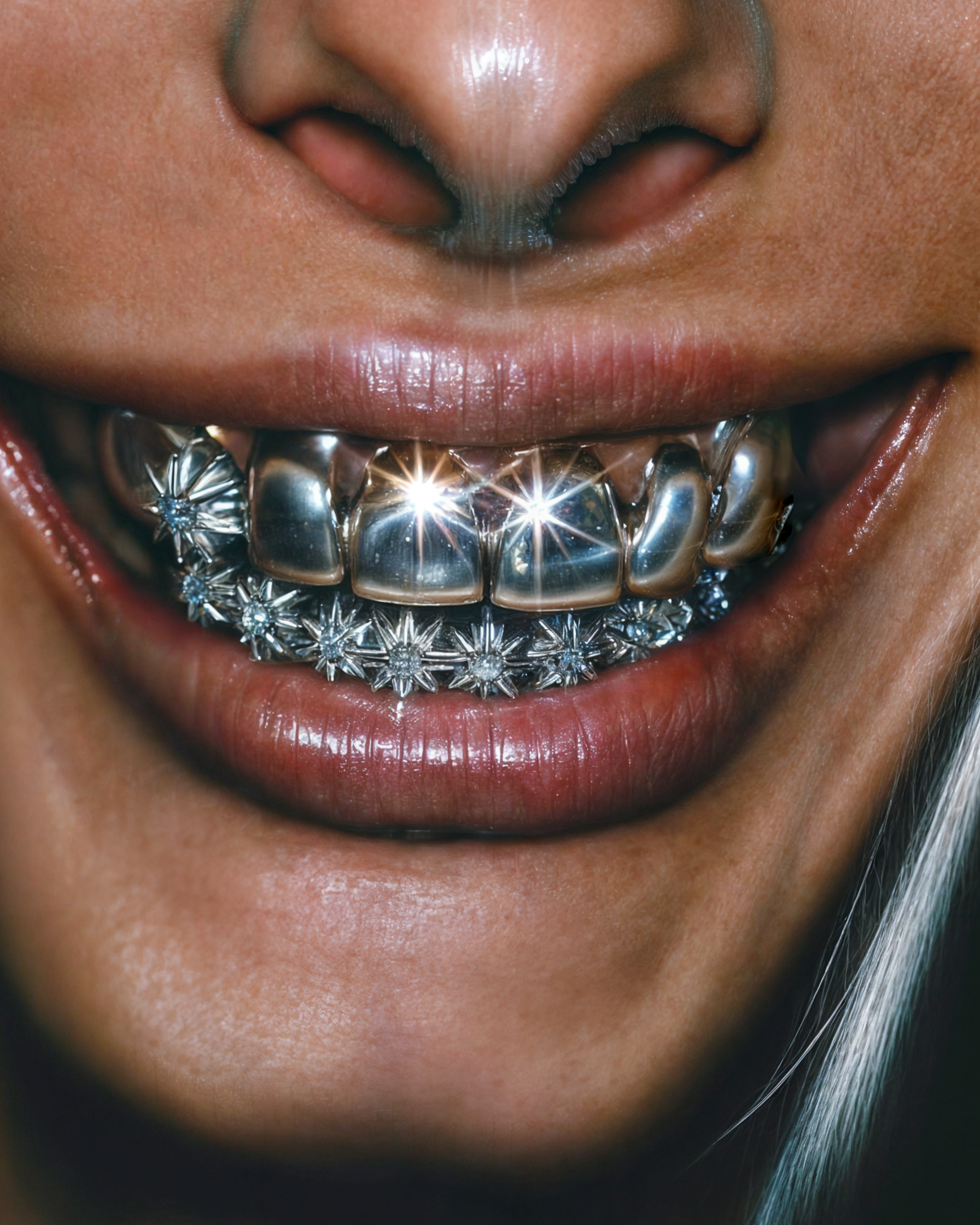 App by Beccu
Transform any portrait into a realistic ceramic sculpture with glossy finishes. Ceramic Me preserves facial features in seconds—upload and generate now.
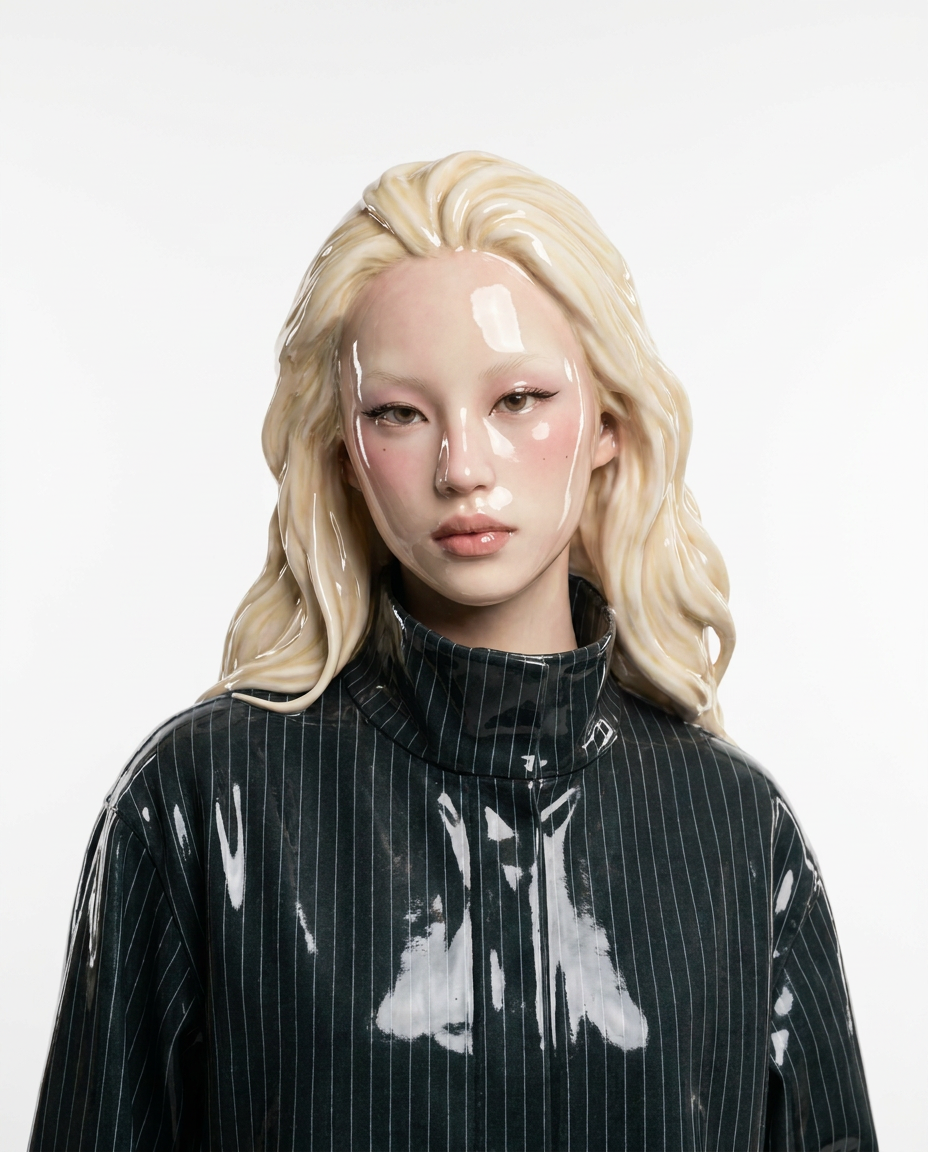
How to use Ceramic Me
Upload your portrait, choose a ceramic finish, and let the AI generate a realistic ceramic sculpture. In minutes, you’ll have a high-quality ceramic-style image ready to download and share.
Step 1
Add a clear portrait with good lighting. The tool detects the face and maps key features to keep identity consistent in the ceramic transformation.

Step 2
Select a glossy ceramic look and adjust styling preferences. Preview variations to find the best balance of realism, shine, and sculpted texture.

Step 3
Click generate to create your ceramic artwork in seconds. Download the final image for social, print mockups, or design references.
Features
Convert photos into lifelike ceramic sculptures with AI that preserves facial structure and expression. Ceramic Me reimagines your subject as a polished ceramic artwork with realistic gloss, highlights, and sculpted depth. Generate multiple variations fast, then download high-quality results for sharing, mockups, or inspiration.
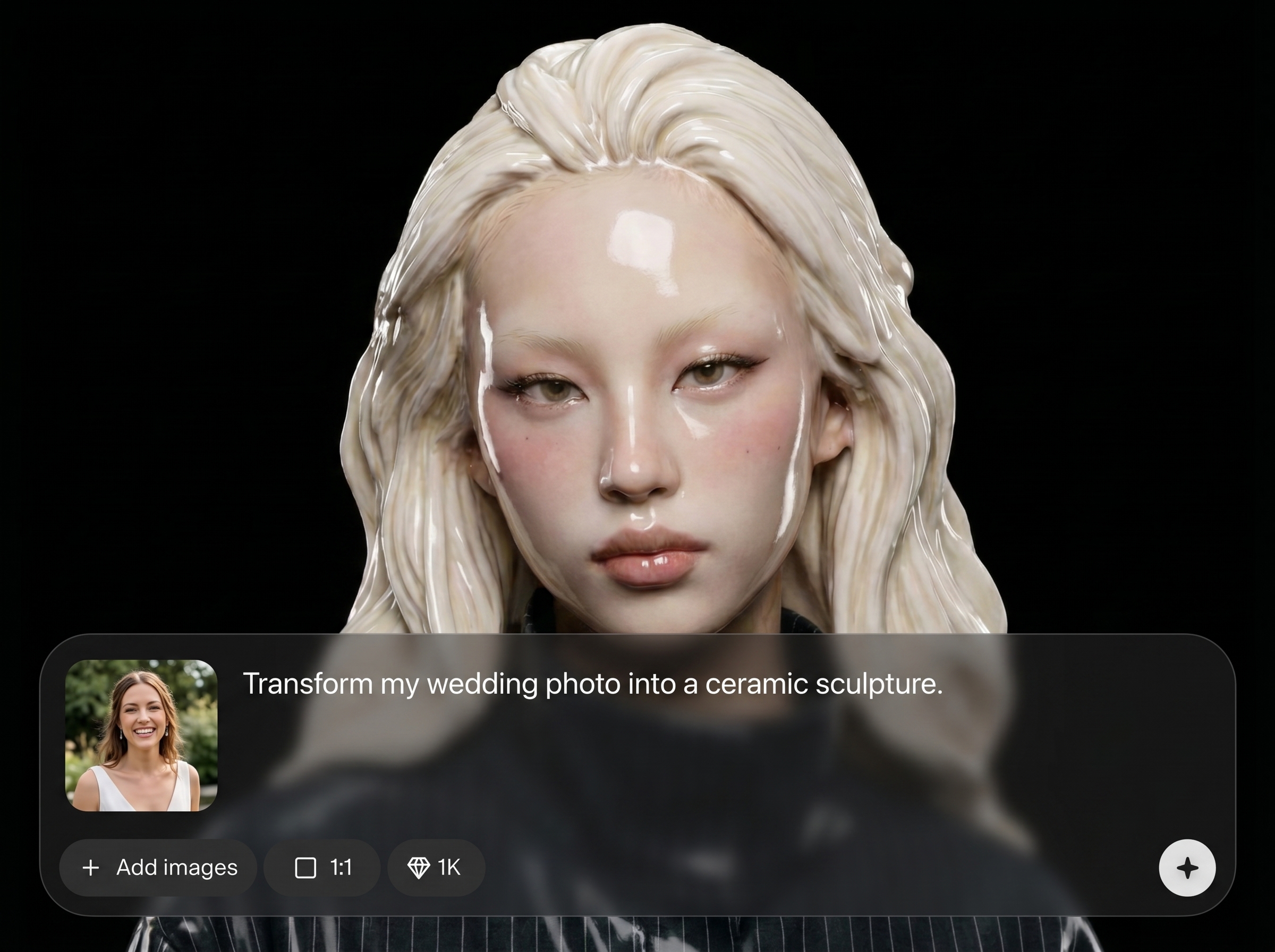
Maintain key facial features while transforming the image into a ceramic sculpture. The AI keeps proportions and expression stable, so results look recognizable and artfully sculpted.
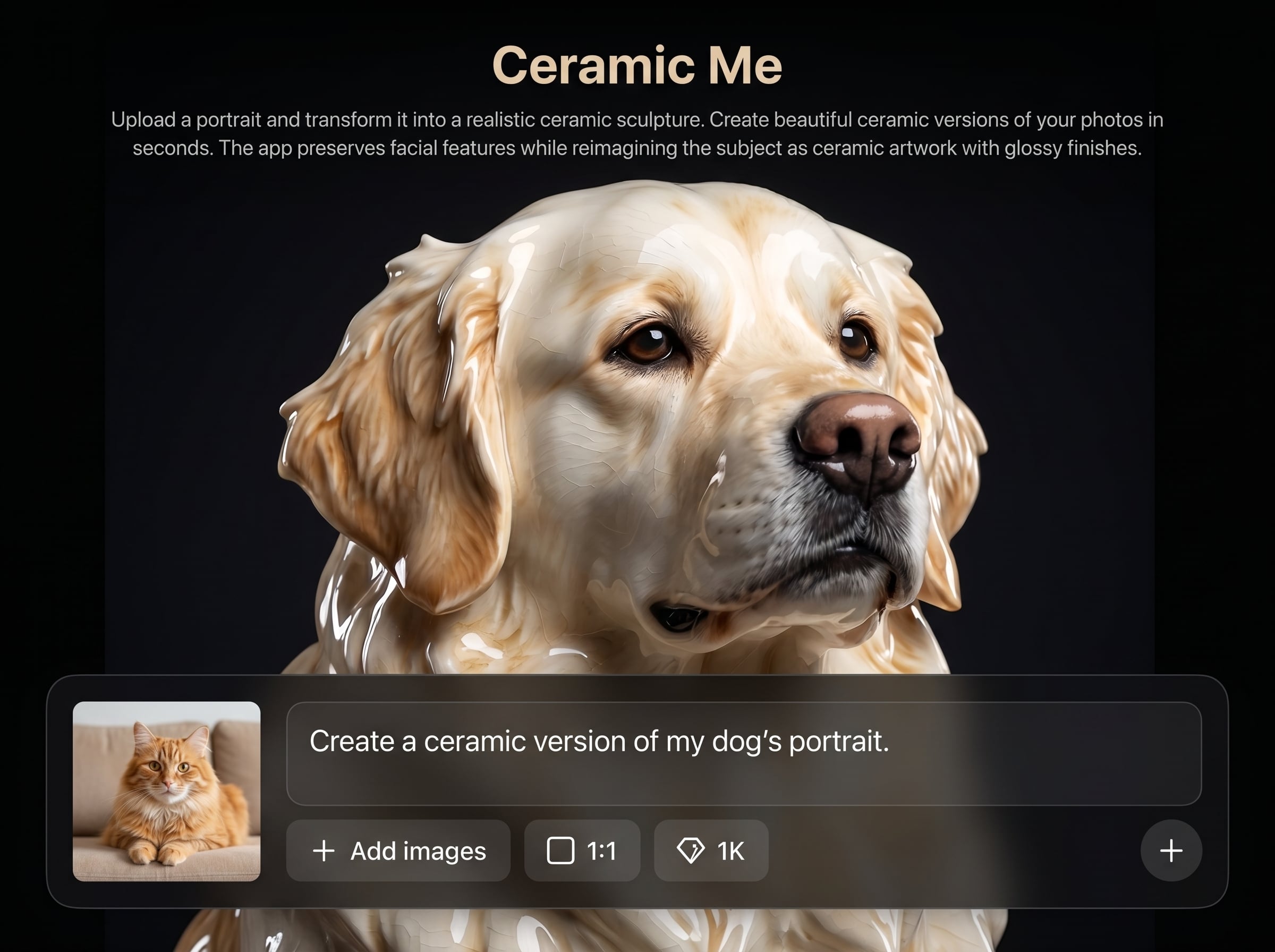
Create a polished ceramic look with realistic sheen, specular highlights, and subtle surface texture. Get a gallery-style result that reads as ceramic, not a simple filter.
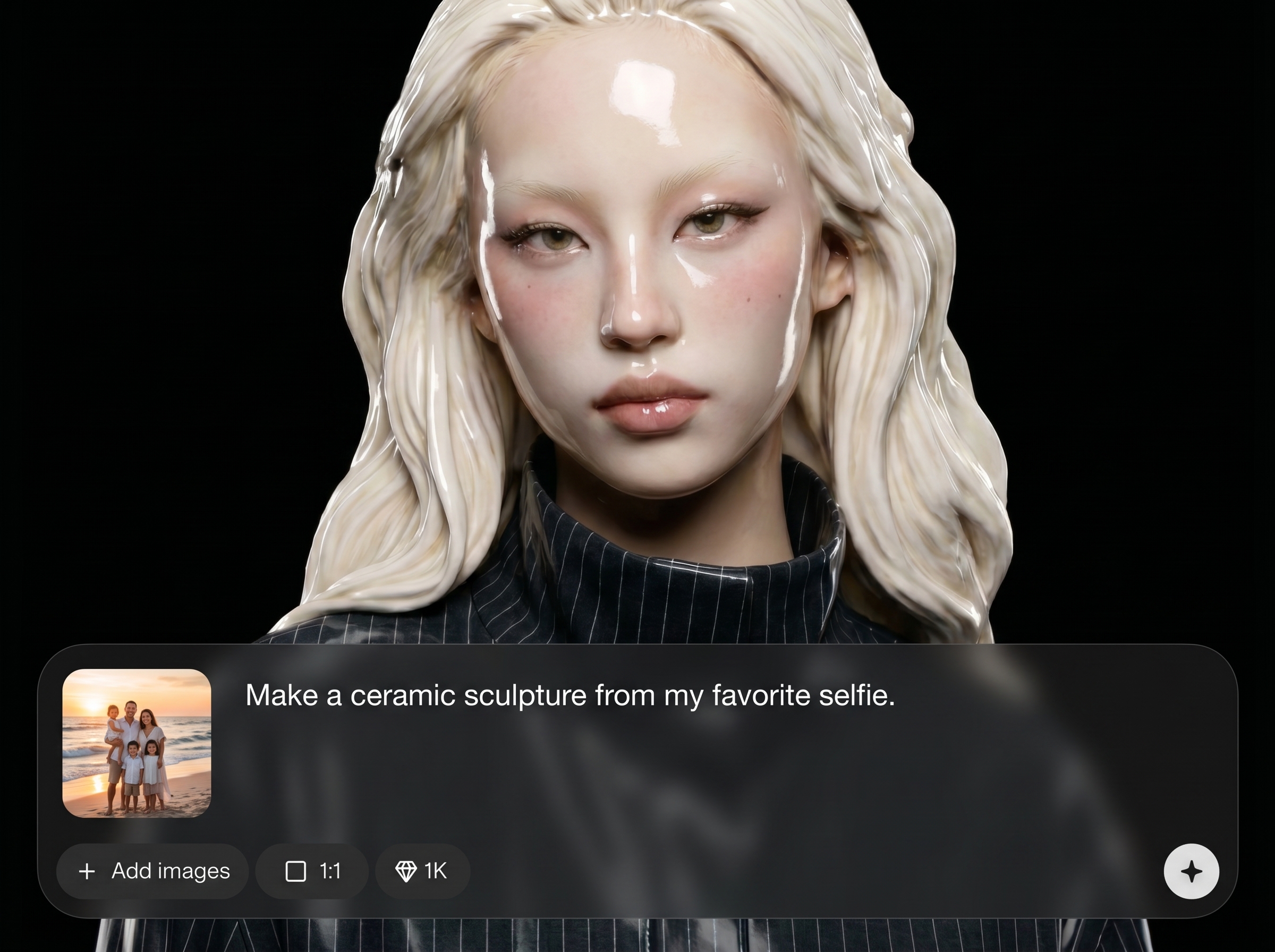
Upload, generate, and export in seconds—no complex editing workflow. Produce multiple options quickly and download your favorite ceramic portrait for use across platforms.
About
Ceramic Me turns a portrait into a realistic ceramic sculpture with glossy, gallery-ready finishes. Upload a photo and generate a ceramic-style artwork in seconds while preserving key facial features and proportions. Perfect for unique profile images, gifts, and concept mockups—no editing skills required.
Ceramic Me delivers realistic ceramic sculpture transformations with facial-feature preservation and polished gloss. Generate multiple high-quality variations quickly, with a simple workflow built for consistent, share-ready results across portraits and styles.
Choose a clear portrait, upload it, and generate your ceramic version instantly. Preview variations, pick the best glossy finish, then download a high-quality image for social, mockups, or print ideas.
Use cases
Discover how different creators use this app in their workflow.
Turn a standard headshot into a ceramic-style portrait that stands out. Keep recognizable features while adding a refined, glossy sculpture aesthetic.
Generate ceramic portrait concepts for cards, posters, or keepsakes. Create multiple variations quickly to find the most flattering, realistic ceramic finish.
Use ceramic transformations for mood boards, branding directions, and product-style visuals. Explore sculptural looks without manual retouching or 3D modeling.
Krea is one of the world's leading generative AI platforms. See what others say.
Real reviews on TrustpilotSo many AI tools out there but I always come back to Krea. It's really the one AI platform that 'just works'.

FYN
Krea's interfaces are still the best in the industry. Everything looks and feels so clean and easy to use! Imo the easiest to use gen AI website.

Lynn
Ultra fast generations. Extremely simple to use. All the latest AI models.

Daniel
KREA is the only AI subscription I have right now besides ChatGPT.

Sophia M.
Answers to common questions about Ceramic Me, AI ceramic portraits, and realistic glossy sculpture results.
Ceramic Me is an AI photo transformation tool that turns portraits into realistic ceramic sculpture images. It preserves key facial features while applying sculpted depth and glossy ceramic finishes.
The model analyzes facial landmarks and overall proportions, then maps them into a ceramic sculpture style. This helps keep identity consistent while reimagining textures, shine, and material depth.
Use a clear, front-facing portrait with good lighting and minimal blur. Higher-resolution images help the AI capture eyes, nose, and mouth details for more realistic ceramic results.
Yes. Ceramic Me is designed to produce polished, glossy ceramic effects with realistic highlights. You can generate multiple variations to explore different shine levels and sculpted texture.
It’s a true AI transformation, not a basic overlay. The system reconstructs the portrait in a ceramic sculpture style, adding depth, material cues, and lighting that resemble real ceramics.
Most generations complete in seconds. Time can vary slightly depending on image size and the number of variations requested, but the workflow stays fast and straightforward.
Yes—download high-quality outputs suitable for social profiles, presentations, and print mockups. For best results, choose the highest resolution option available before exporting.
The tool aims for realistic ceramic cues such as gloss, highlights, and subtle surface texture. Results vary by input photo, but strong lighting and sharp portraits produce the most lifelike look.
No. Upload a portrait, pick a preferred look, and generate. The AI handles the ceramic sculpture styling automatically, so you can get professional-looking results without manual edits.
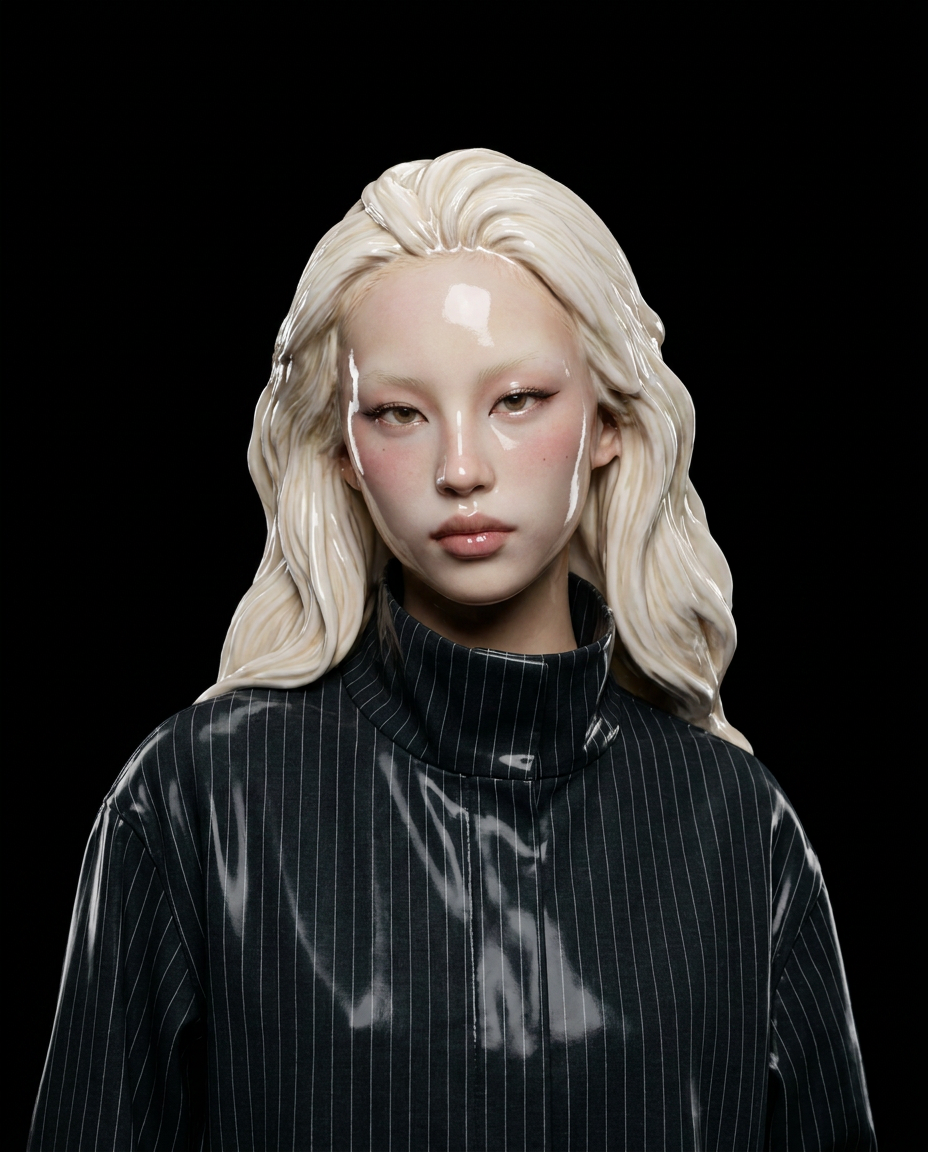
Upload a portrait and get a glossy, realistic ceramic sculpture image in seconds—ready to download and share.

