










Create
Edit & enhance
AI Hairstyle Changer: Try Haircuts & Hair Color Online Free
Try any haircut or hair color before you commit. Upload a selfie and use Krea's AI hairstyle changer to preview bobs, pixie cuts, curtain bangs, ombre, highlights, bold colors, and natural shades online for free.
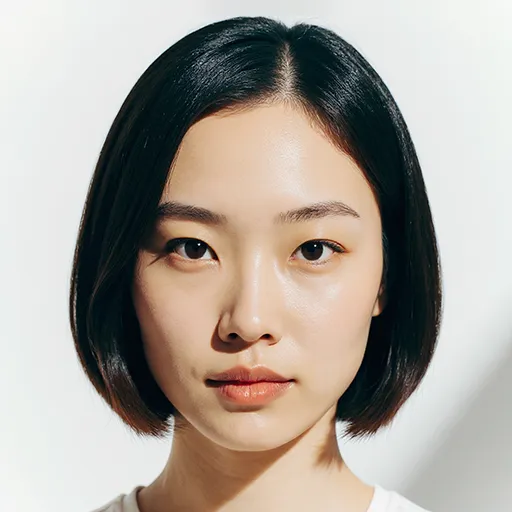
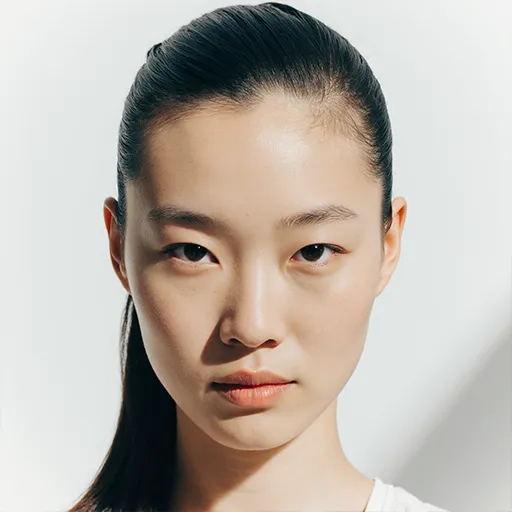
How to try haircuts and hair colors with AI
See Yourself with Any Hairstyle or Hair Color in 3 Steps
1 Upload a clear photo of yourself
Take or upload a well-lit selfie facing the camera. The clearer your photo, the better your results will be. Works with any photo format including phone pictures.
2 Describe the haircut or hair color you want to try
Tell our AI what you want to see: "shoulder-length bob with side bangs," "short pixie cut," "long beach waves," "men's textured crop," "copper balayage," or "ombre blonde highlights." Be as specific as you like!
3 See your transformation instantly
Watch as our AI shows you exactly how you'd look with your new hairstyle or color. Love it? Download and save it to show your stylist, or try another look!
AI hair color
Virtual Hair Color Try-On - See Your New Color Before You Commit
Krea works as a virtual hair color try on for natural shades, highlights, balayage, ombre, pastels, and bold fantasy colors. Upload a selfie, describe the shade you want, and use AI hair color previews to compare different looks before dyeing your hair.
You can change hair color online alongside a new cut, so one preview can show a copper bob, blonde curtain bangs, dark brunette layers, or a pink pixie cut. It is a quick way to test hairstyles on your face for free before your next salon appointment.
AI Hairstyle Changer for Haircuts and Hair Color
Test hairstyles on your face for free before committing to a cut or color. Preview bobs, pixie cuts, layers, highlights, ombre, and bold hair colors with realistic, personalized results.
Explore all hairstyle tools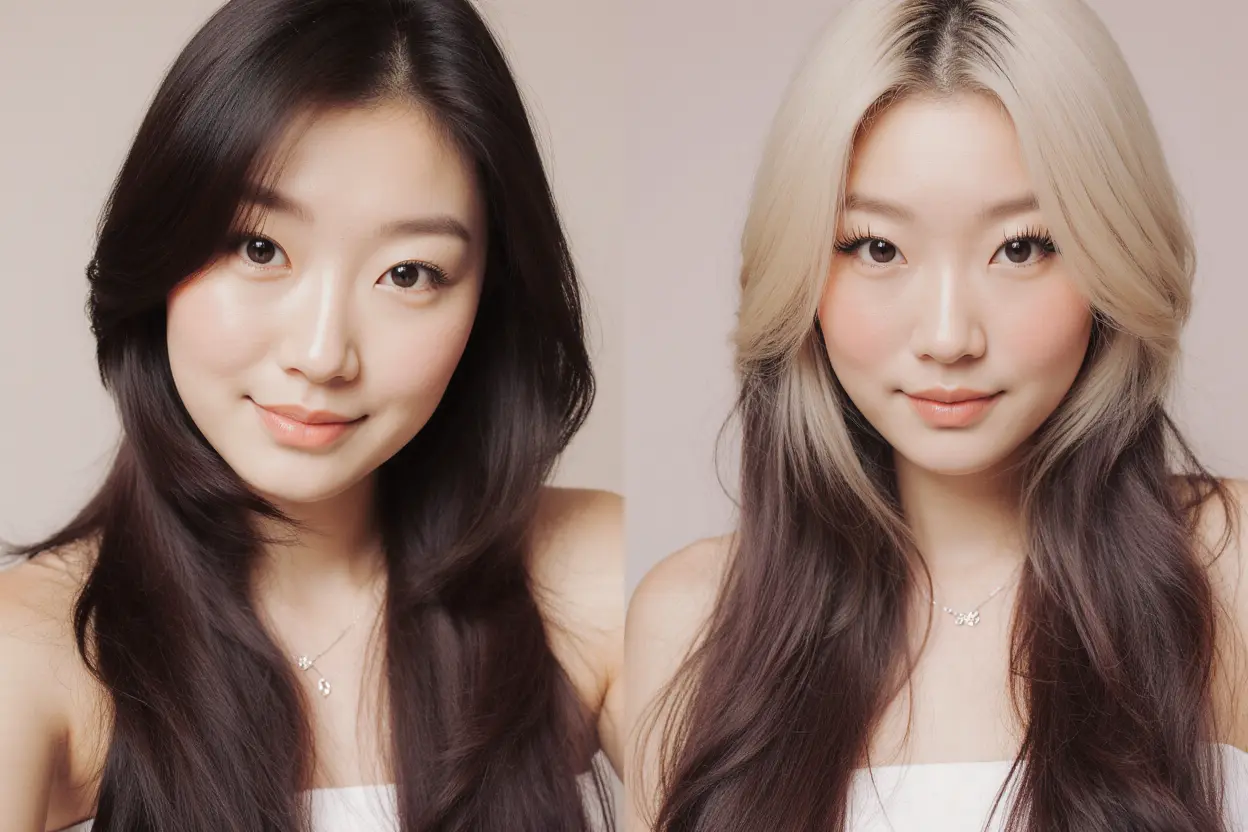
Completely Free - No Catch, No Sign-Up
Try as many hairstyles as you want, completely free. No hidden fees, no accounts required, no credit card needed. Whether you're considering a dramatic change like a pixie cut or just want to see yourself with bangs, experiment freely until you find the perfect look.
Explore other Krea toolsRealistic Haircut and Hair Color Previews
Our AI understands your unique face shape, skin tone, and features to show you how haircuts and hair colors will actually look on you - not just a generic overlay. Get honest previews of bob cuts, layers, highlights, ombre, bold color changes, and trendy styles that respect your natural features.
Explore other Krea toolsPerfect for Pre-Salon Confidence
Skip the salon regret! See exactly how that haircut will look before you commit. Show your stylist exactly what you want, or discover that a different style might be even better. Try curtain bangs, face-framing layers, or that bold color change with confidence.
Explore other Krea toolsTrusted by over 30 million users and companies worldwide. Krea is one of the world's leading generative AI platforms.
Intuitive, powerful, and free. See what others say about Krea.
Read our testimonials
Real reviews on TrustpilotSo many AI tools out there but I always come back to Krea. It's really the one AI platform that 'just works'.

FYN
Krea's interfaces are still the best in the industry. Everything looks and feels so clean and easy to use! Imo the easiest to use gen AI website.

Lynn
Ultra fast generations. Extremely simple to use. All the latest AI models.

Daniel
KREA is the only AI subscription I have right now besides ChatGPT.

Sophia M.


Frequently Asked Questions
Yes! Our AI hairstyle changer analyzes your unique facial features, face shape, and skin tone to show how different haircuts and colors will actually look on you specifically. It's not just a generic overlay - you'll see realistic results that help you make confident decisions about your next salon visit.
Upload a clear, front-facing photo with good lighting, then describe exactly what you want to try. Be specific! Instead of just "short hair," try "shoulder-length bob with side-swept bangs" or "pixie cut with longer top." The more detail you give, the better your preview will be.
Try a few different styles and see what feels right! Generally, bobs work great for round faces, layers soften square faces, and curtain bangs flatter most face shapes. For men, textured crops and fades are universally flattering. But honestly, the best way to know is to experiment with our tool and see what you love.
Use a clear selfie where you're facing the camera directly. Natural lighting works best - avoid heavy shadows or bright backlighting. If you have long hair, try pulling it back so the AI can better see your face shape and hairline.
Absolutely. Use Krea as a virtual hair color try-on to experiment with subtle highlights, brunette, blonde, copper, rose gold, purple, or rainbow hair. You can change hair color online by describing the shade on its own, or combine the color with a cut like a bob, pixie, layers, or bangs.
Yes, completely free! You can test hairstyles on your face for free without signing up or entering any payment info. Create a free account if you want to save your favorites or access additional features.
Right now, people are loving curtain bangs, wolf cuts, shag haircuts, and "lived-in" bobs for women. For men, textured crops, modern mullets, and skin fades are trending. People also use the AI haircut simulator to preview blonde highlights, copper tones, brunette shades, and pastel colors before a salon visit. The best hairstyle is whatever makes you feel confident - use our tool to explore what speaks to you!
Definitely! Download your favorite results and bring them to your salon appointment. It's a great way to communicate exactly what you want, and many stylists appreciate having a clear visual reference of your ideal look.
Curious about bangs? Thinking about going short? Upload your photo and try any haircut or color before you commit. No signup needed.
See yourself with any hairstyle - completely free
Try hairstyles nowTry out other apps
Explore more AI tools created by the Krea community.
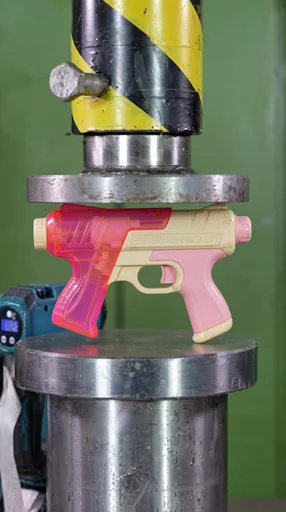
Hydraulic Press
Watch your favourite item get crushed!
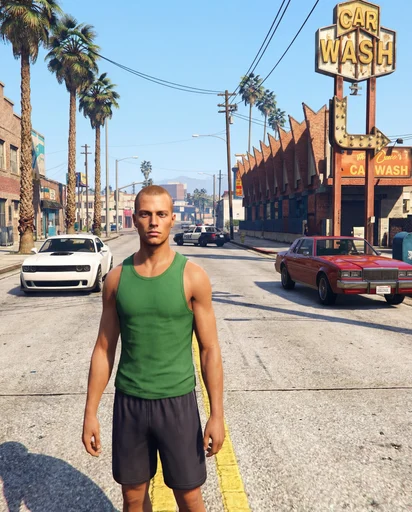
GTA Me!
Upload a photo of yourself and complete the mission.
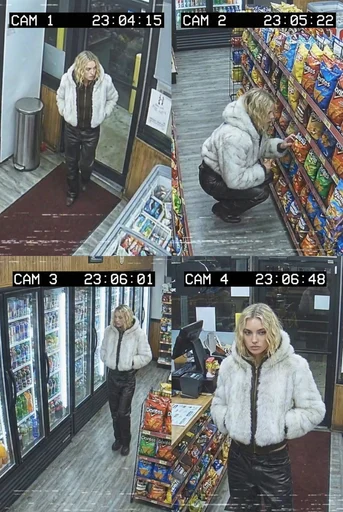
CCTV Footage
Generate realistic multi-camera CCTV-style footage from a single image. Upload a photo and the app creates four different security-camera angles inside a convenience store.
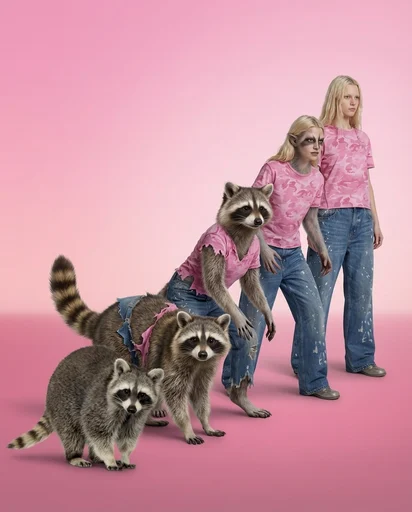
Animorph Yourself
Upload your photo and an animal image, and get your own Animorph-style transformation sequence.
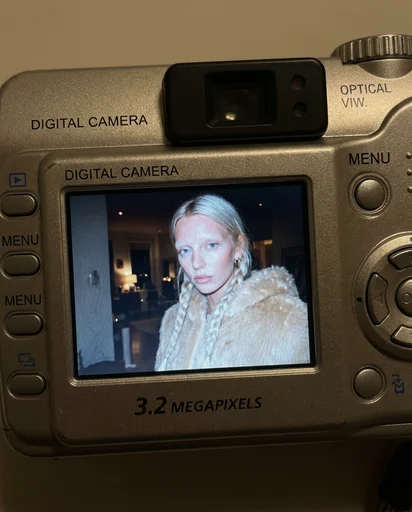
Digicam
Upload an image and the app places your face onto the screen of an early-2000s point-and-shoot camera.
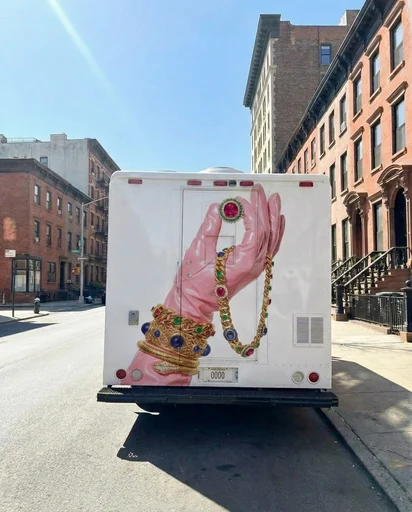
Moving Ad
Upload an image or a poster, and the app places your design on the back of the vehicle and generates a video of the van driving.
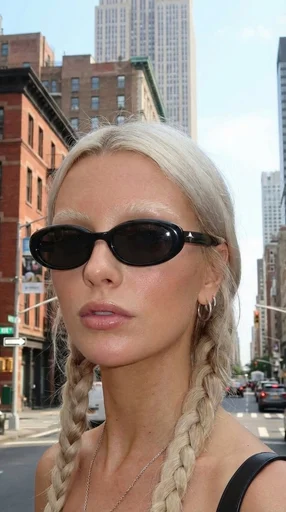
360 Sunglasses Product Video
Upload an image of your model and an image of the glasses, and get a 360° rotation video showing the model wearing the glasses.
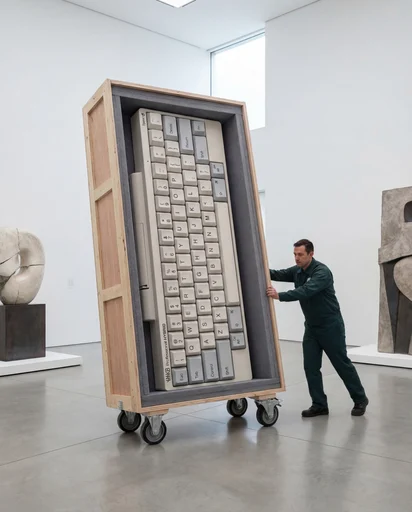
Rare Artifact
Upload a product image (a high quality image with a white background will work best)
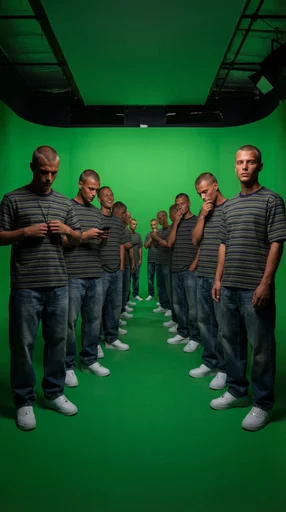
Duplicate Me
Insert a full length photo for best results!
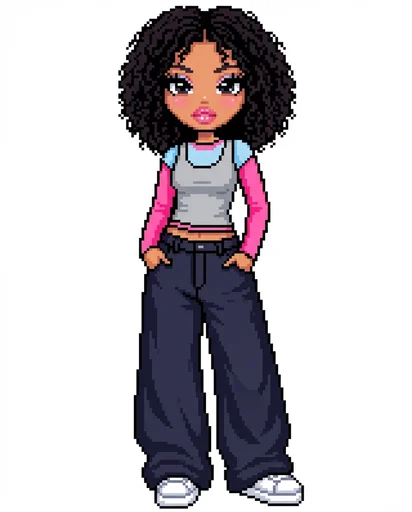
Dollz Maker
Upload your image and instantly get a cute pixel-art version of yourself inspired by early 2000s doll makers.
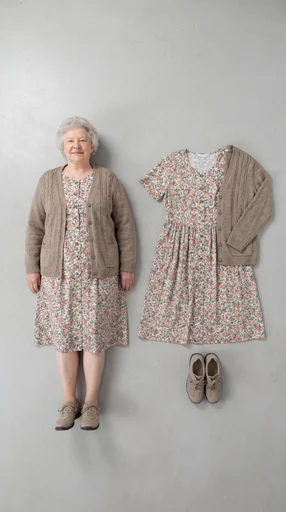
Outfit Check
Insert a full length photo for best results
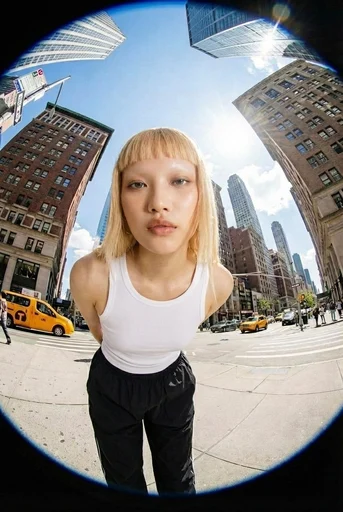
Fisheye
Upload your photo and we’ll turn you into a fisheye video shot on the streets of New York.
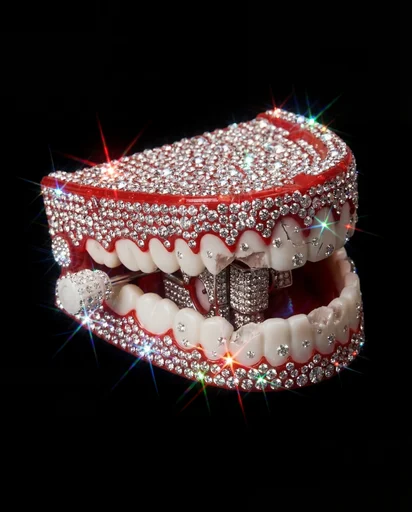
Crystallize This
Turn any object into a piece of art!
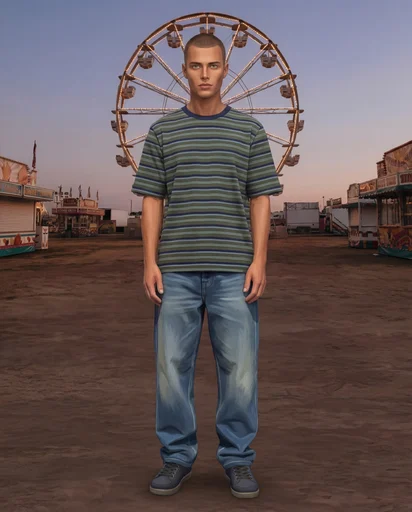
Sims Character
Upload an image of yourself and an environment!
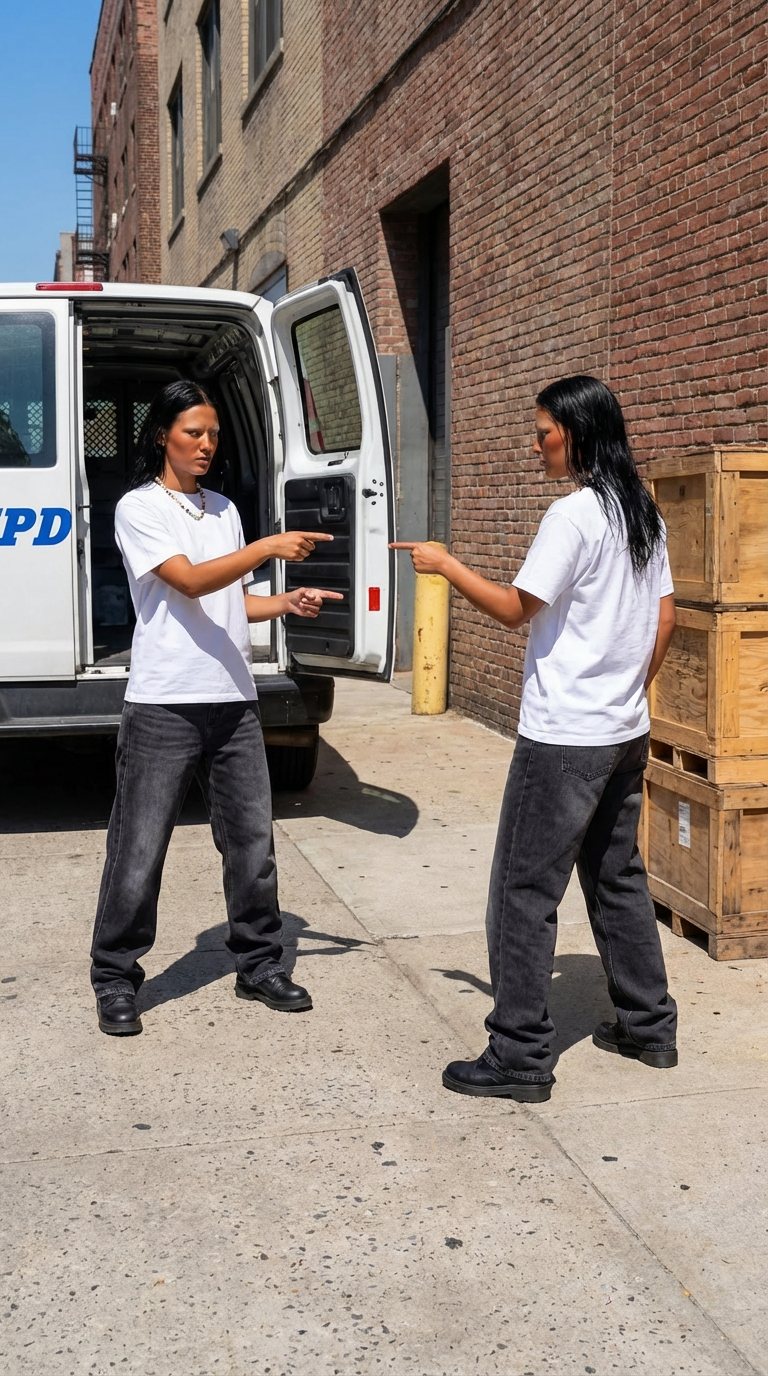
Who Me?
Insert one full length photo of yourself for the best result
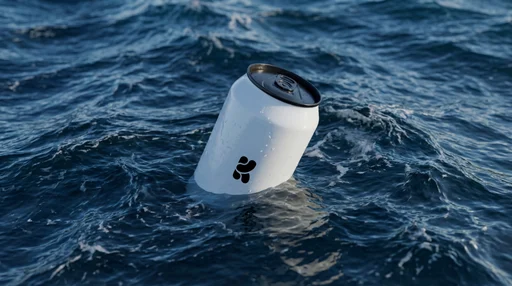
Floating On Water
Upload your product image and let Krea do the rest.
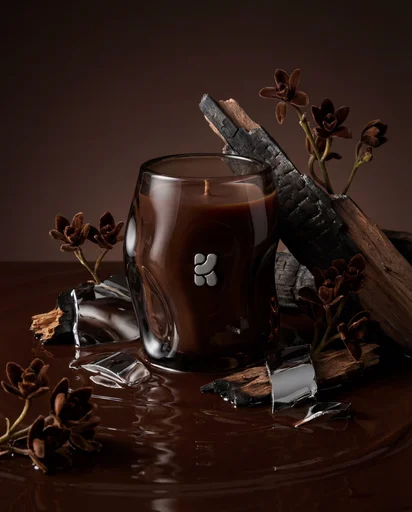
Product Editorial Shot
Just upload a single product image.
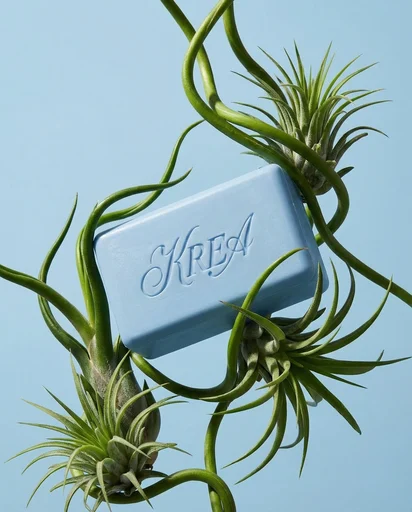
Botanical editorial
Upload your product and generate elegant botanical product editorials.
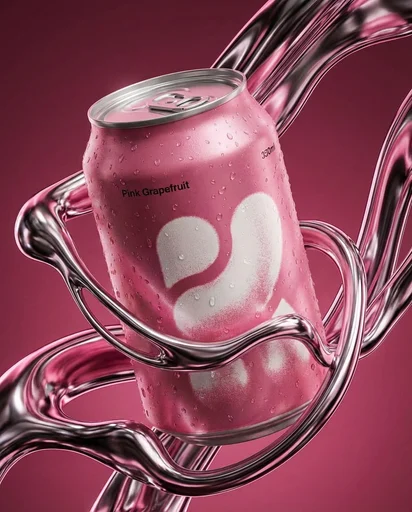
Liquid Chrome Editorial
Create a styled product editorial in one click. Upload a product image and generate a sculptural scene around it using liquid chrome.
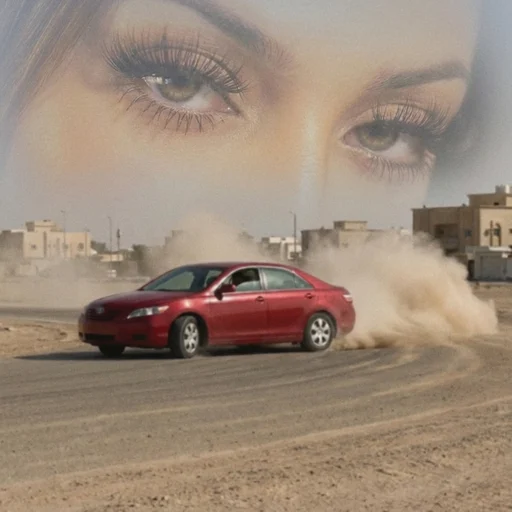
Arabian drift core
Upload your portrait and a car image, and we’ll turn them into a surreal desert-drift artwork like this.
Supersize Me
This mini app works best with a full length image.
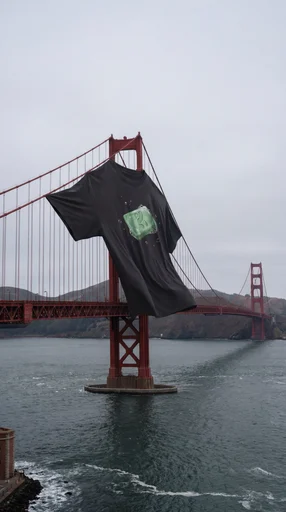
XXXL T Shirt
Upload a photo of your t shirt and let Krea do the rest!
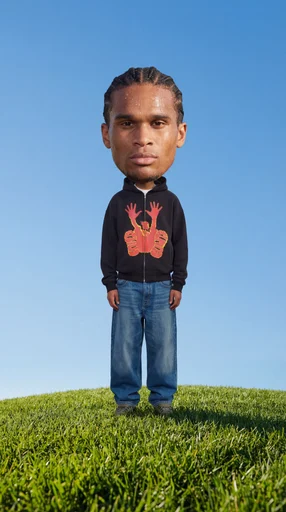
Big Head!
Insert a full length photo for best results
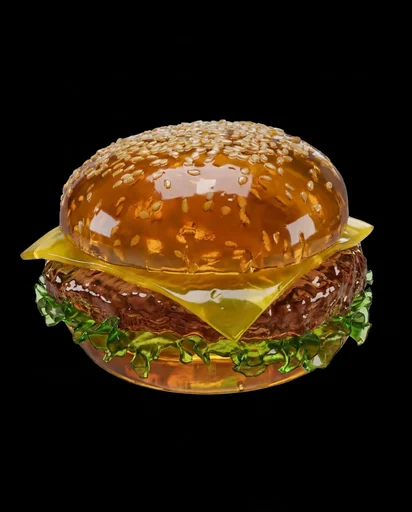
Jell-O This
Turn any object into soft Jell-O!
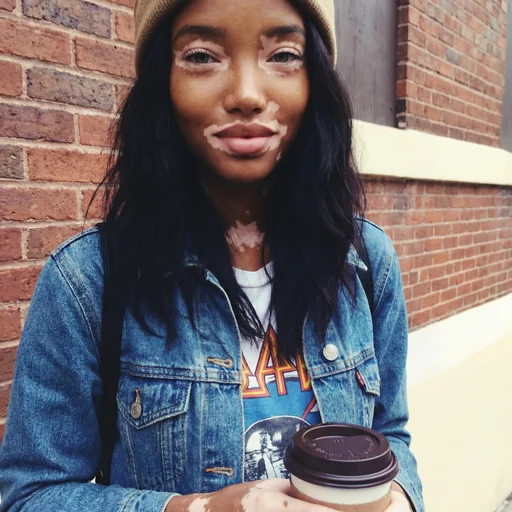
2016
Not got any throwbacks from 2016? No problem!
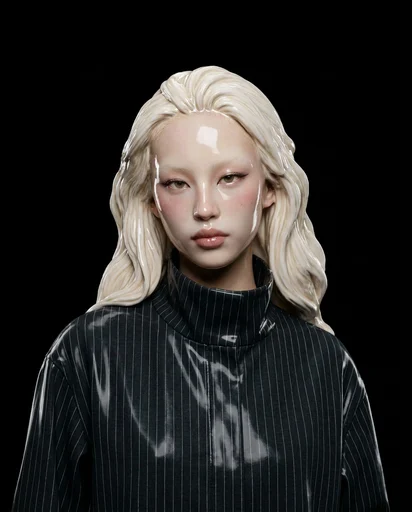
Ceramic Me
Upload a portrait and transform it into a realistic ceramic sculpture. Create beautiful ceramic versions of your photos in seconds. The app preserves facial features while reimagining the subject as ceramic artwork with glossy finishes.
Jungle Run
Jungle Run
Monday Blues
Monday Blues
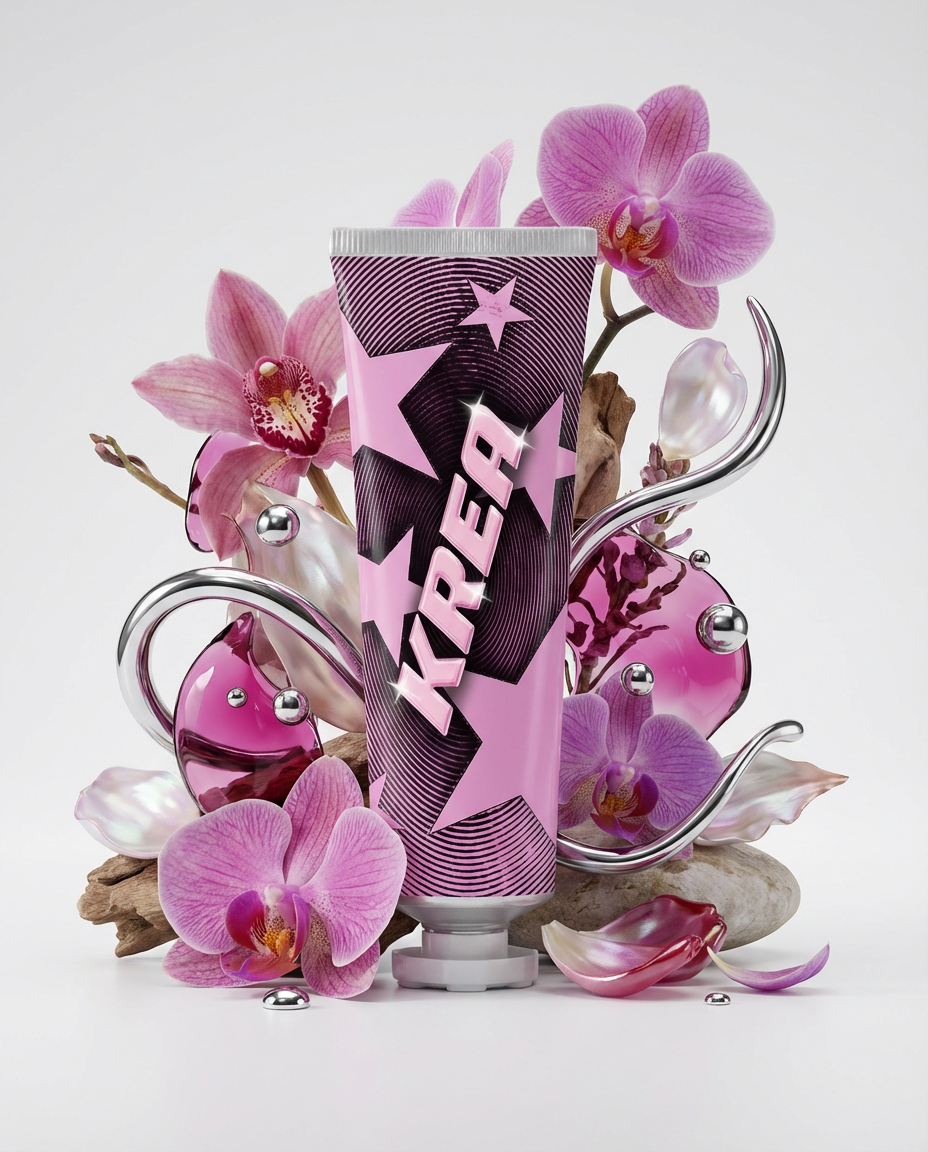
Floral Product Editorial
Create a floral product editorial in one click. Upload an image of your product and the template will generate a styled scene using florals, liquid splashes, and chrome elements inspired by the product’s colors.
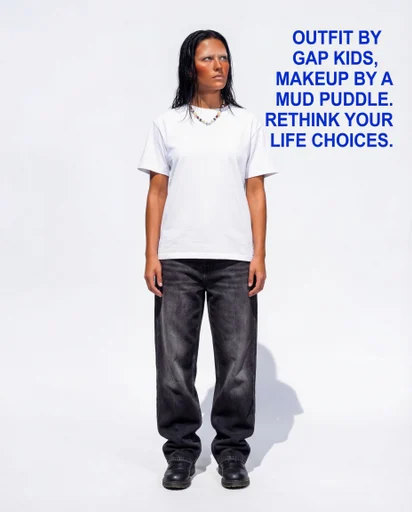
Roast Me
Upload a full outfit pic and let the Node roast you!