AI Character Generator
Generate original character concepts for stories, games, and visual development. Prompt style, outfit, mood, and pose to explore character directions quickly.
How to create AI characters with Krea
Design characters in 3 easy steps
1 Describe your character
Write who the character is and how they should look. Include age, style, outfit, mood, and setting to get stronger results.
2 Generate and iterate
Generate your first concept, then refine with prompt edits like camera angle, materials, color palette, and lighting direction.
3 Download and expand
Download your favorite character concepts and continue production in the full Krea image tool for larger workflows.
Why use Krea for character AI?
Krea helps you develop character concepts quickly with prompt-driven iteration. Create portraits, full-body designs, style variants, and mood directions in minutes.
Build characters in the full image tool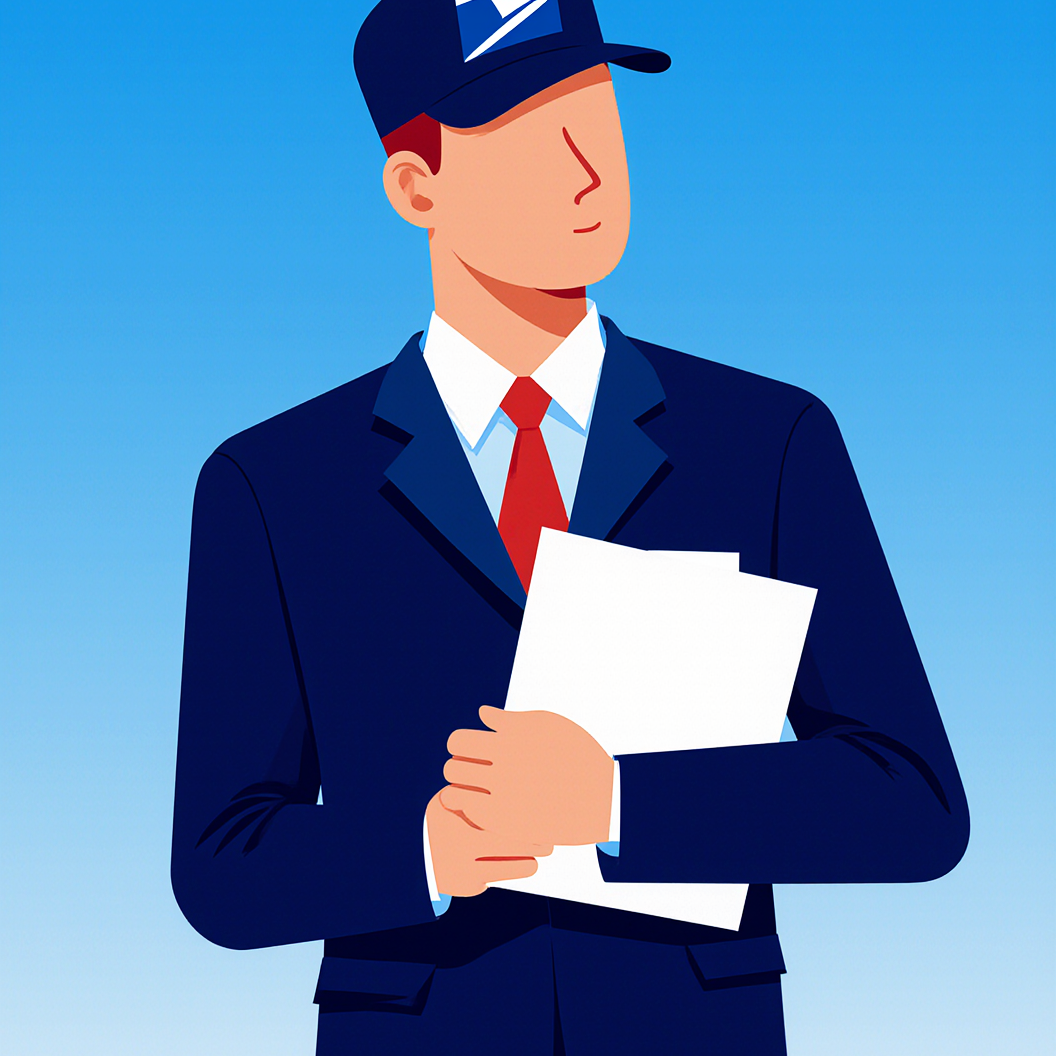
Free to try and easy to start
Jump into character creation with a simple prompt-first workflow. Great for storyboarding, game ideas, and visual development.
Explore other Krea toolsPrompt-based style control
Adjust wardrobe, era, materials, camera language, and mood with natural text prompts to explore multiple character identities.
Explore other Krea tools
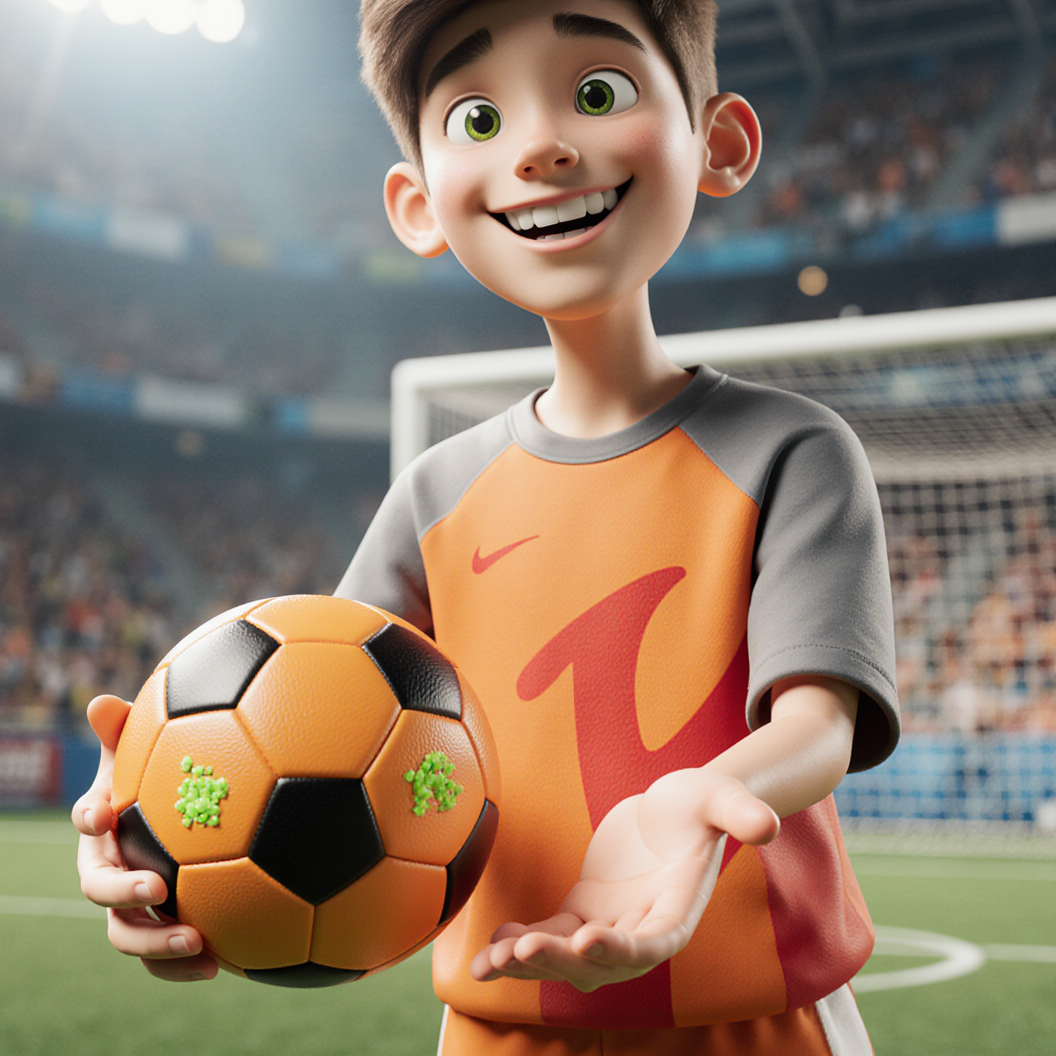
Fast iteration for teams
Generate variations quickly to review options with collaborators and lock visual direction faster.
Explore other Krea toolsTrusted by over 30 million creators and companies worldwide
Intuitive, powerful, and focused on fast character exploration.
Read our testimonials
Real reviews on TrustpilotSo many AI tools out there but I always come back to Krea. It's really the one AI platform that 'just works'.

FYN
Krea's interfaces are still the best in the industry. Everything looks and feels so clean and easy to use! Imo the easiest to use gen AI website.

Lynn
Ultra fast generations. Extremely simple to use. All the latest AI models.

Daniel
KREA is the only AI subscription I have right now besides ChatGPT.

Sophia M.


Frequently Asked Questions
Character AI on Krea is a prompt-driven tool for generating original character concepts. You describe a character's appearance, style, and mood in text, and the AI generates high-quality visuals you can iterate on and download.
You can create portraits, full-body character concepts, costume variations, stylized illustrations, mascots, and visual identities for stories, games, animations, and creative projects.
Character AI requires a Krea account with a paid plan. Sign up to access Character AI and all of Krea's creative tools.
Yes. You need a Krea account to generate characters. Sign up to start creating AI character concepts.
You can generate characters in a wide range of styles including photorealistic portraits, 3D animation film-style, corporate memphis illustration, pixel art, anime, comic book, concept art, and more. Just describe the style you want in your prompt.
Most character images generate in 10-30 seconds depending on complexity. Generation time may vary slightly depending on server load. Users with a subscription get priority processing.
Keep key descriptors consistent across prompts: facial features, hairstyle, outfit, palette, and camera style. Then iterate one variable at a time to explore variations while preserving the core identity.
Yes. You can use generated character images for commercial purposes, subject to Krea's usage policies. Review your current subscription terms for details on commercial licensing.
No. Start with a short character description and the AI will fill in the details. You can progressively add specifics like pose, lighting, camera angle, and materials as you iterate.
Character images are generated at 1024x1024 pixels by default. For higher resolutions and more control over dimensions, use the full Krea image tool.
This mini-app is prompt-only, but the full Krea image tool supports image references for guiding generation. You can start here and continue in the full tool for more advanced workflows.
This Character AI mini-app is a streamlined, prompt-first experience focused on character creation. The full Krea image tool offers additional features like image-to-image, model selection, batch generation, and advanced parameter controls.
Prompt, iterate, and download polished character visuals fast.
Create your next character concept in seconds
Start designingTry out other apps
Explore more AI tools created by the Krea community.
Hydraulic Press
Watch your favourite item get crushed!
GTA Me!
Upload a photo of yourself and complete the mission.
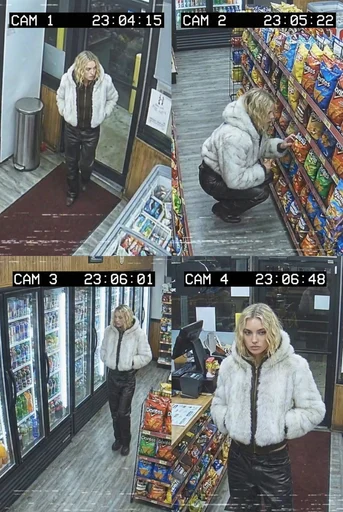
CCTV Footage
Generate realistic multi-camera CCTV-style footage from a single image. Upload a photo and the app creates four different security-camera angles inside a convenience store.
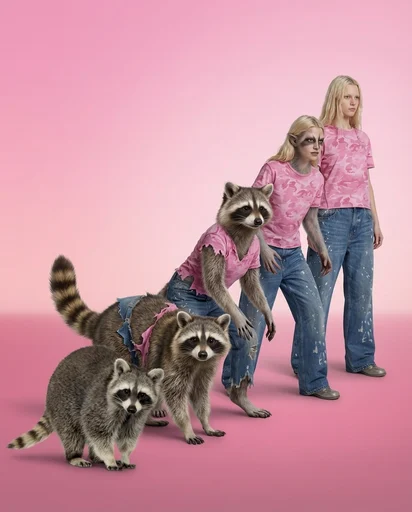
Animorph Yourself
Upload your photo and an animal image, and get your own Animorph-style transformation sequence.
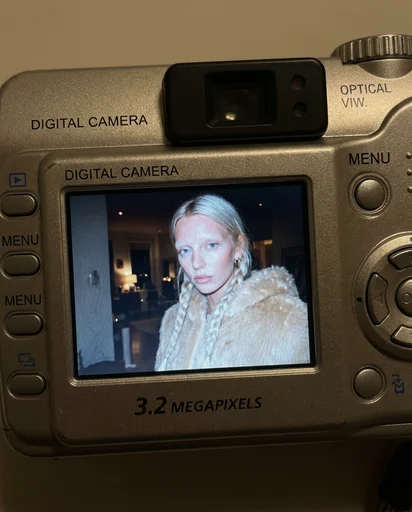
Digicam
Upload an image and the app places your face onto the screen of an early-2000s point-and-shoot camera.
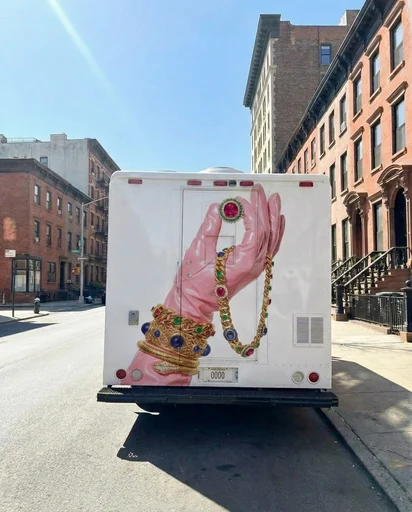
Moving Ad
Upload an image or a poster, and the app places your design on the back of the vehicle and generates a video of the van driving.
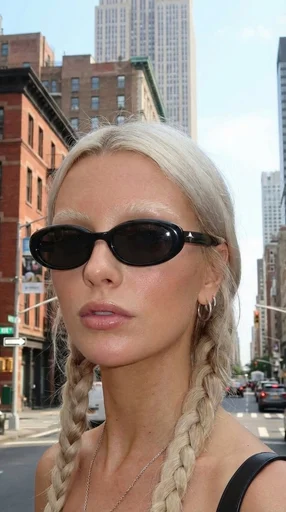
360 Sunglasses Product Video
Upload an image of your model and an image of the glasses, and get a 360° rotation video showing the model wearing the glasses.
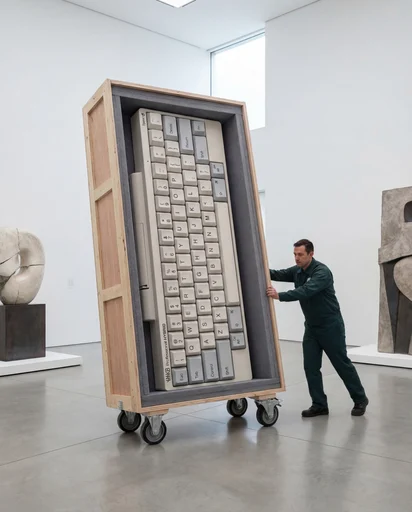
Rare Artifact
Upload a product image (a high quality image with a white background will work best)
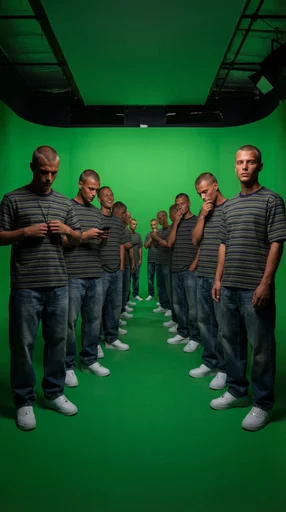
Duplicate Me
Insert a full length photo for best results!
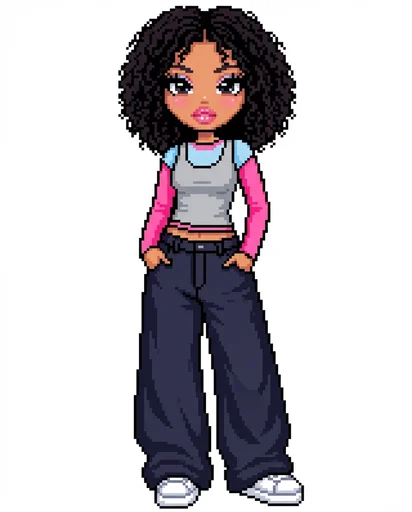
Dollz Maker
Upload your image and instantly get a cute pixel-art version of yourself inspired by early 2000s doll makers.
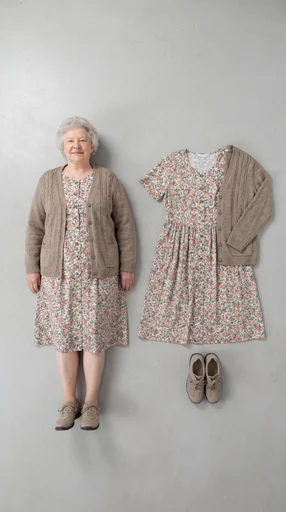
Outfit Check
Insert a full length photo for best results
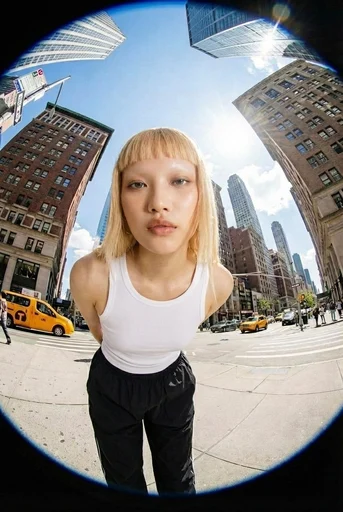
Fisheye
Upload your photo and we’ll turn you into a fisheye video shot on the streets of New York.
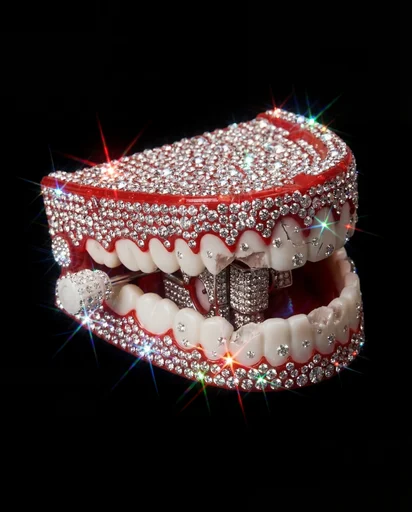
Crystallize This
Turn any object into a piece of art!
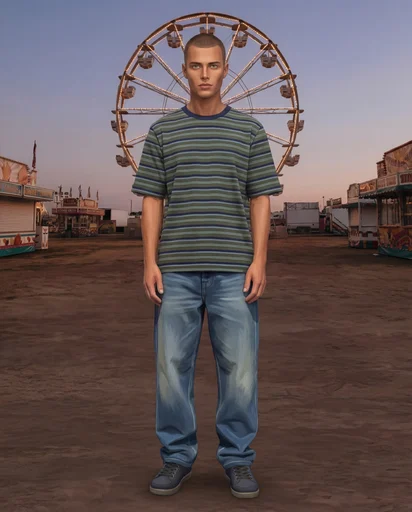
Sims Character
Upload an image of yourself and an environment!
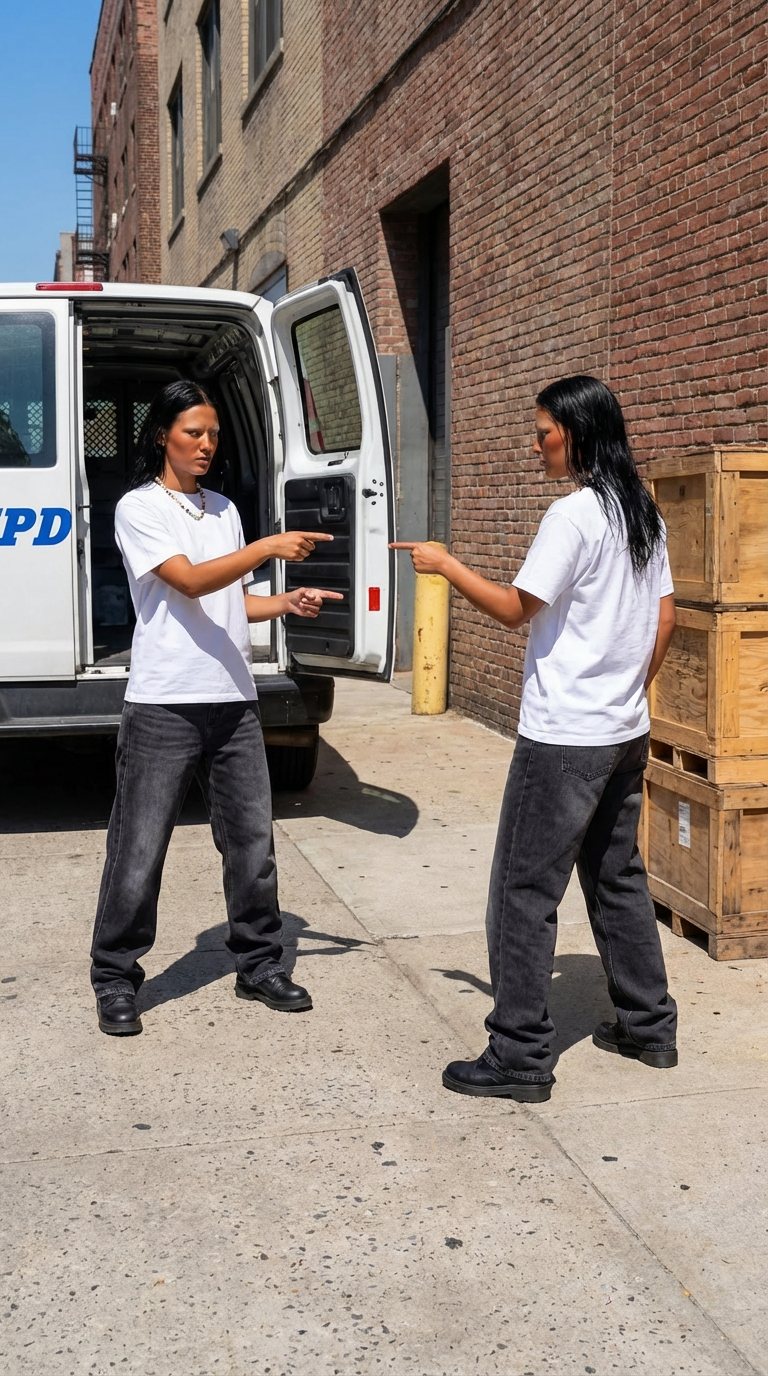
Who Me?
Insert one full length photo of yourself for the best result
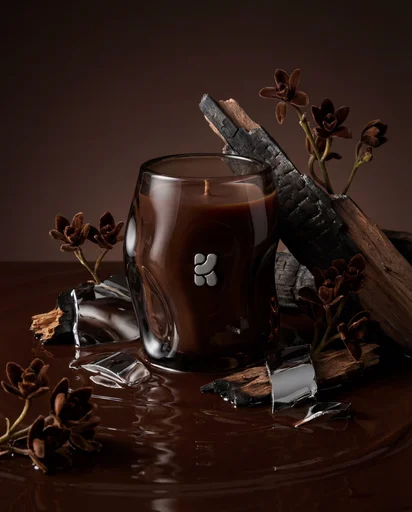
Product Editorial Shot
Just upload a single product image.
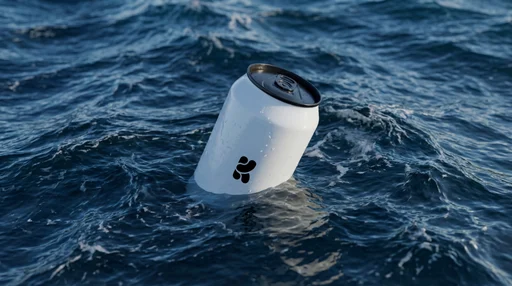
Floating On Water
Upload your product image and let Krea do the rest.
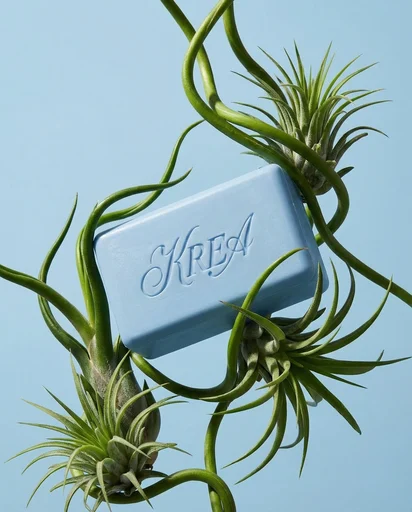
Botanical editorial
Upload your product and generate elegant botanical product editorials.
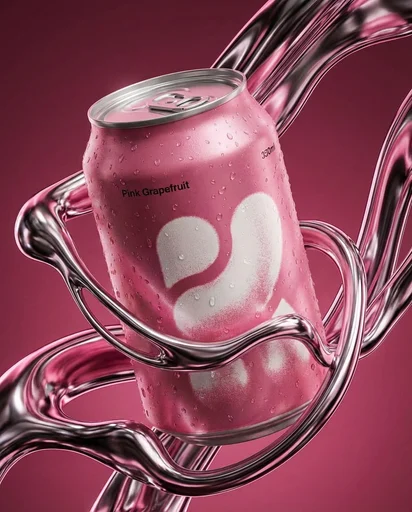
Liquid Chrome Editorial
Create a styled product editorial in one click. Upload a product image and generate a sculptural scene around it using liquid chrome.
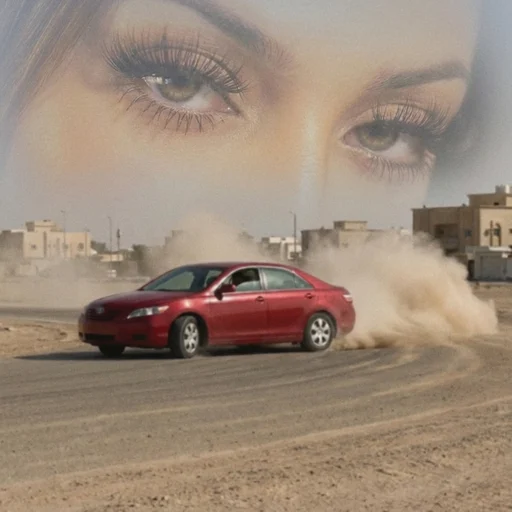
Arabian drift core
Upload your portrait and a car image, and we’ll turn them into a surreal desert-drift artwork like this.
Supersize Me
This mini app works best with a full length image.
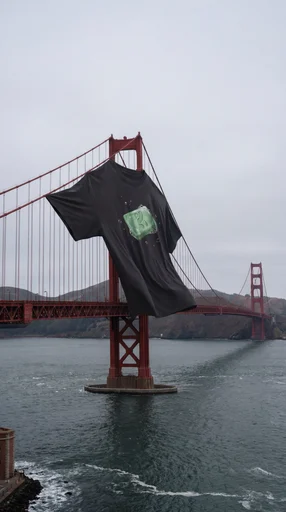
XXXL T Shirt
Upload a photo of your t shirt and let Krea do the rest!
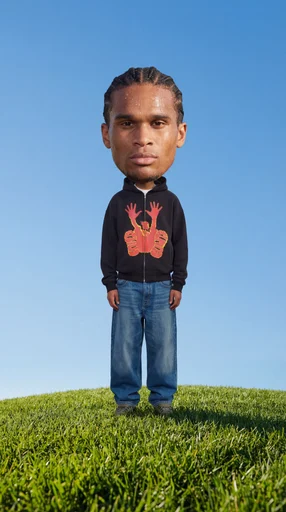
Big Head!
Insert a full length photo for best results
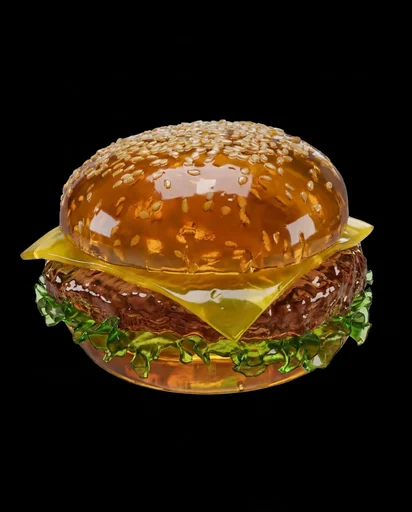
Jell-O This
Turn any object into soft Jell-O!
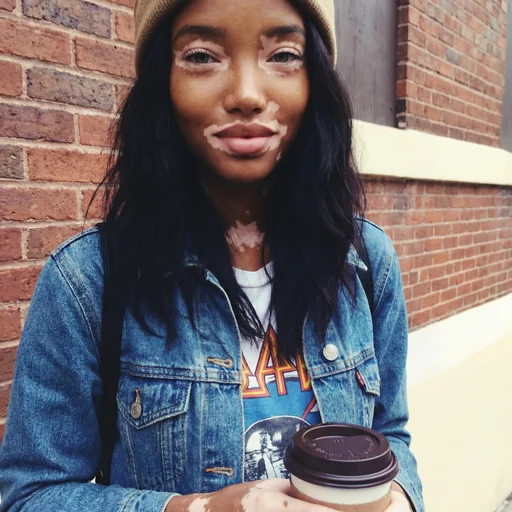
2016
Not got any throwbacks from 2016? No problem!
Jungle Run
Jungle Run
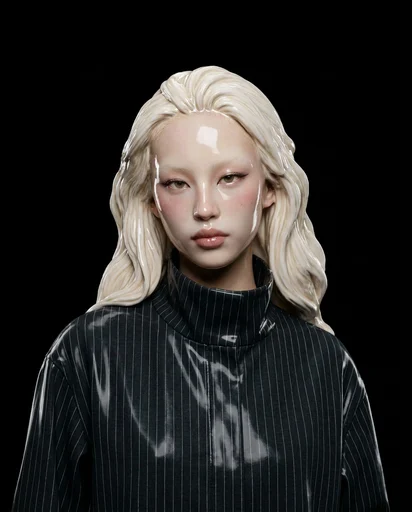
Ceramic Me
Upload a portrait and transform it into a realistic ceramic sculpture. Create beautiful ceramic versions of your photos in seconds. The app preserves facial features while reimagining the subject as ceramic artwork with glossy finishes.
Monday Blues
Monday Blues
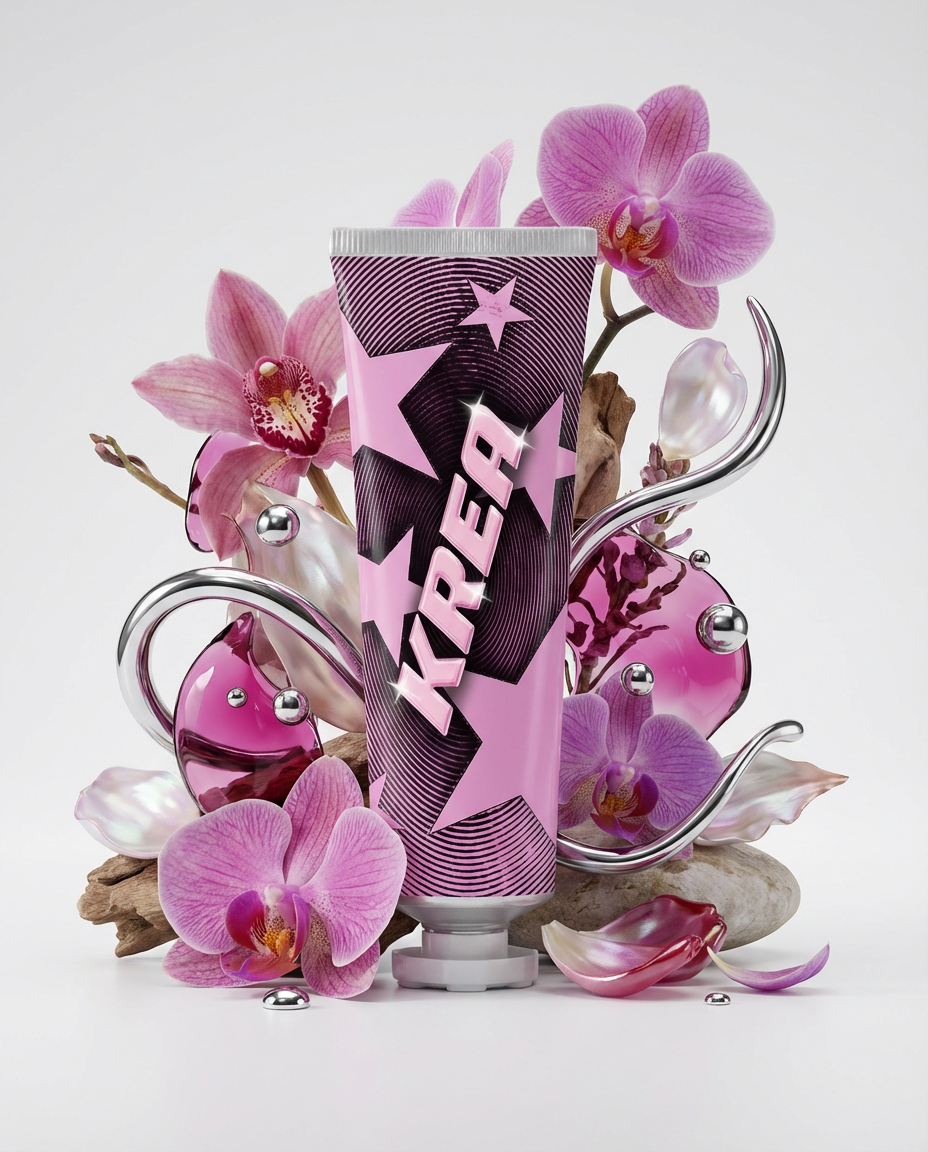
Floral Product Editorial
Create a floral product editorial in one click. Upload an image of your product and the template will generate a styled scene using florals, liquid splashes, and chrome elements inspired by the product’s colors.
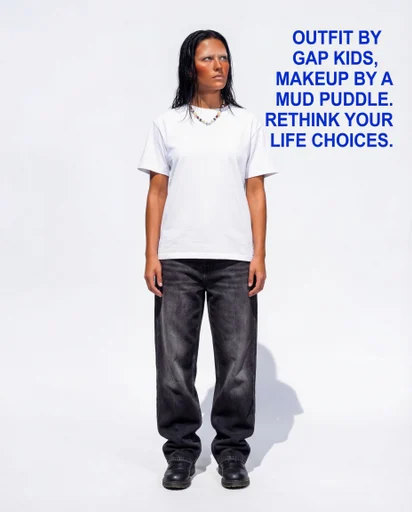
Roast Me
Upload a full outfit pic and let the Node roast you!