
















Step 1
Upload
Add a front-facing portrait with good lighting and sharp details. Choose a location image or describe a scene to guide the environment and mood.
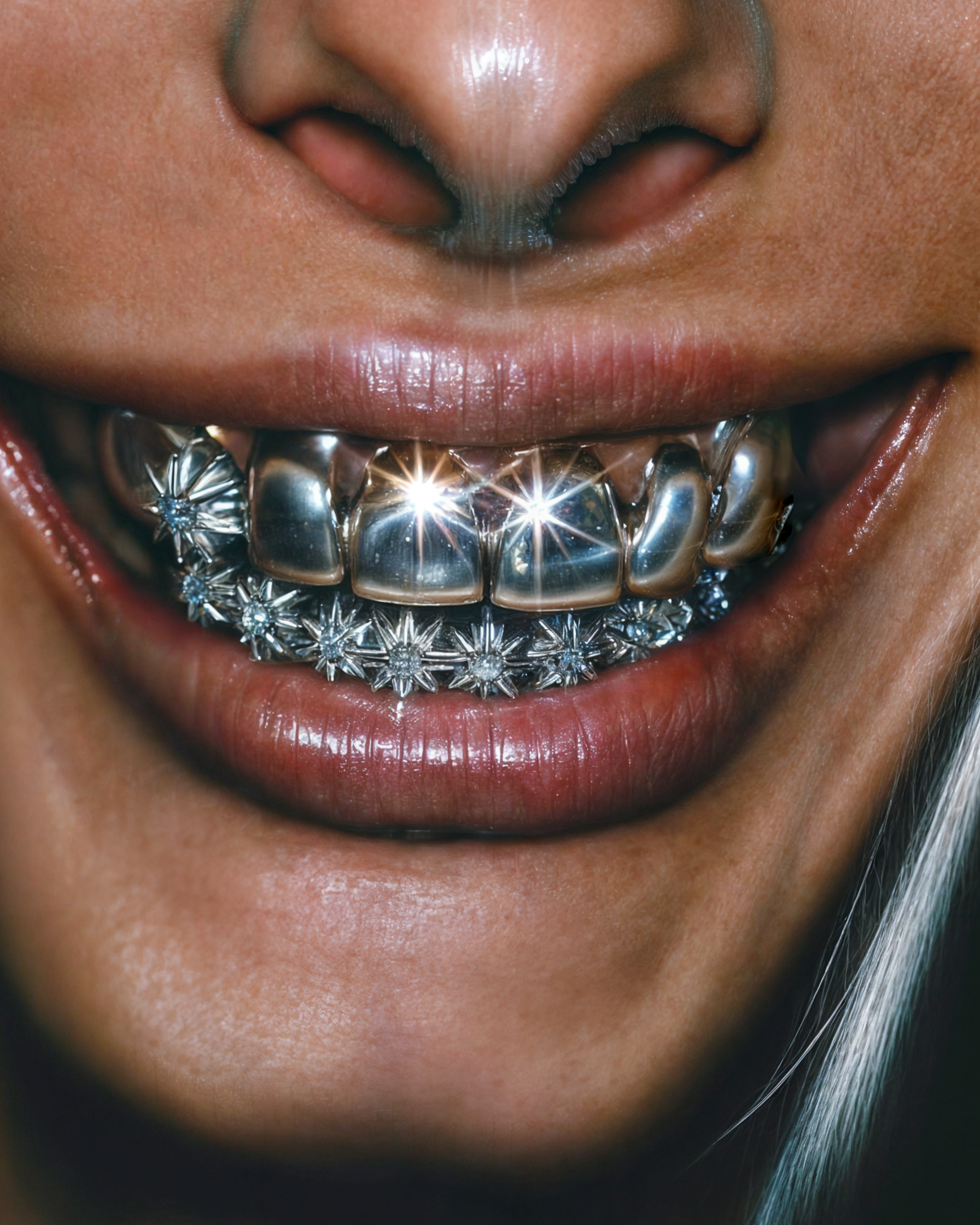 App by Beccu
Make gravity-defying freeze-frame videos from your portrait and a location. Generate realistic motion scenes fast with Frozen! Try it online now.
How to use Frozen!
Upload a clear portrait, then pick a location or background reference. Frozen! generates a realistic scene where you’re frozen mid-air while everything else keeps moving naturally, ready to export and share.
Step 1
Add a front-facing portrait with good lighting and sharp details. Choose a location image or describe a scene to guide the environment and mood.

Step 2
Select a style and motion intensity, then run the AI video generation. Preview the freeze effect and adjust prompts for pose, realism, and background motion.

Step 3
Download your clip in a share-ready format. Use the final video for social posts, promos, or cinematic edits, and regenerate variants for different locations.
Features
Frozen! is an AI freeze-frame video generator that creates realistic mid-air suspension shots from a portrait and location. The subject stays perfectly frozen while the world moves with natural motion cues for a cinematic look. Customize scene style, motion energy, and realism to match your brand or story.
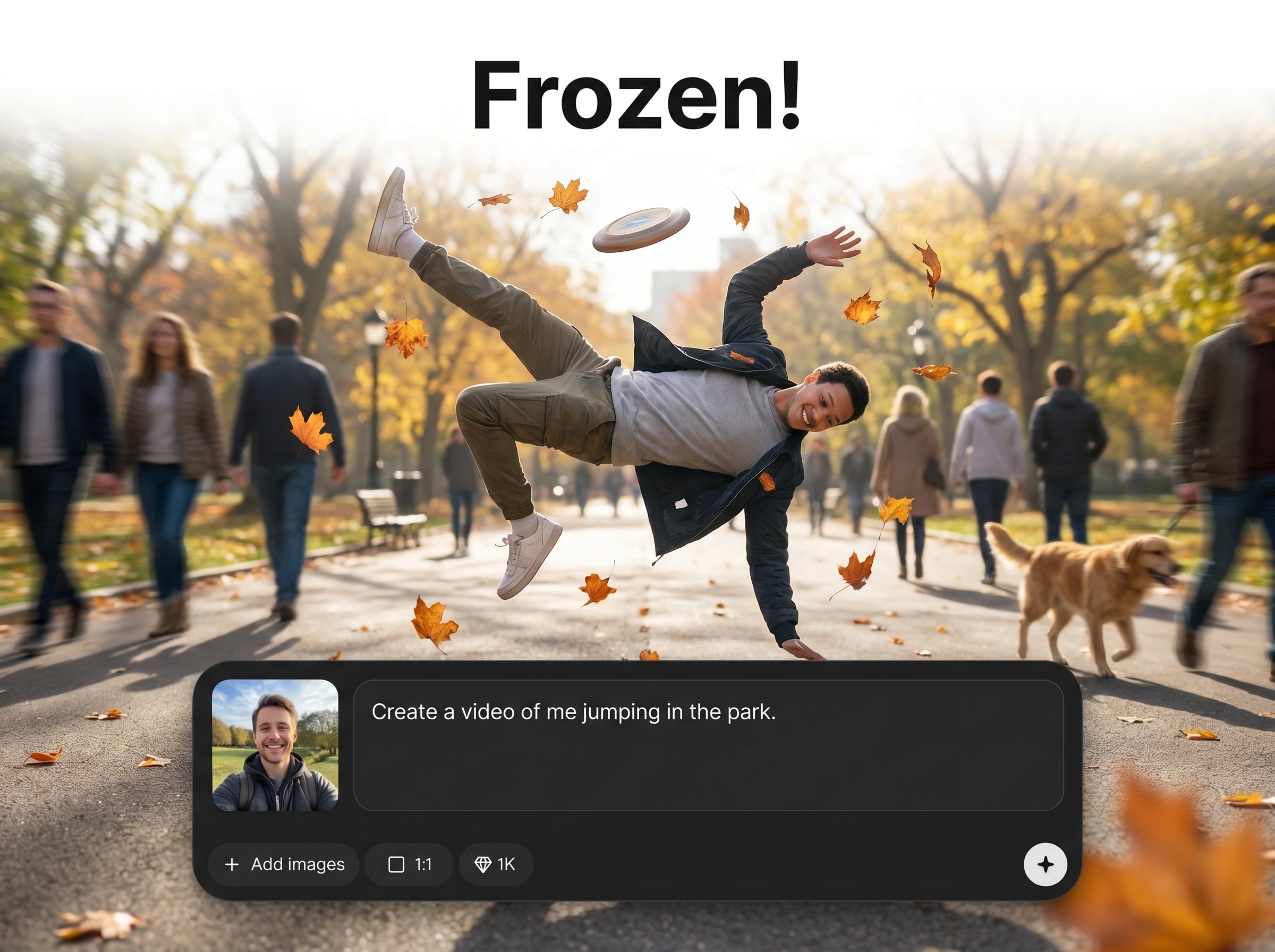
Create a believable mid-air freeze with stable subject detail and lifelike environmental movement. The result looks like a captured moment while the scene continues around you.
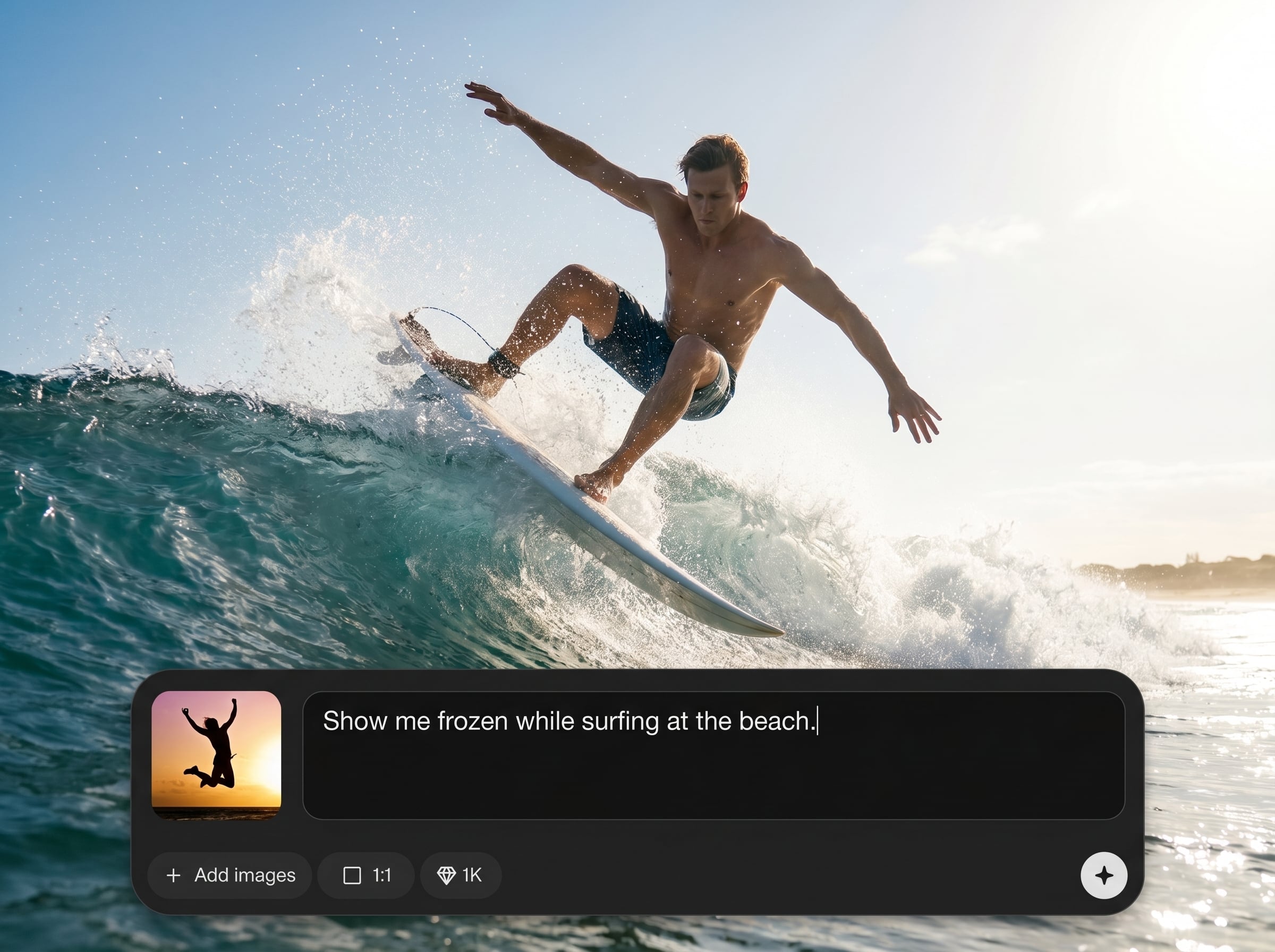
Go from portrait and location to a finished motion clip in minutes. Simple controls help you iterate quickly without complex video editing or VFX pipelines.
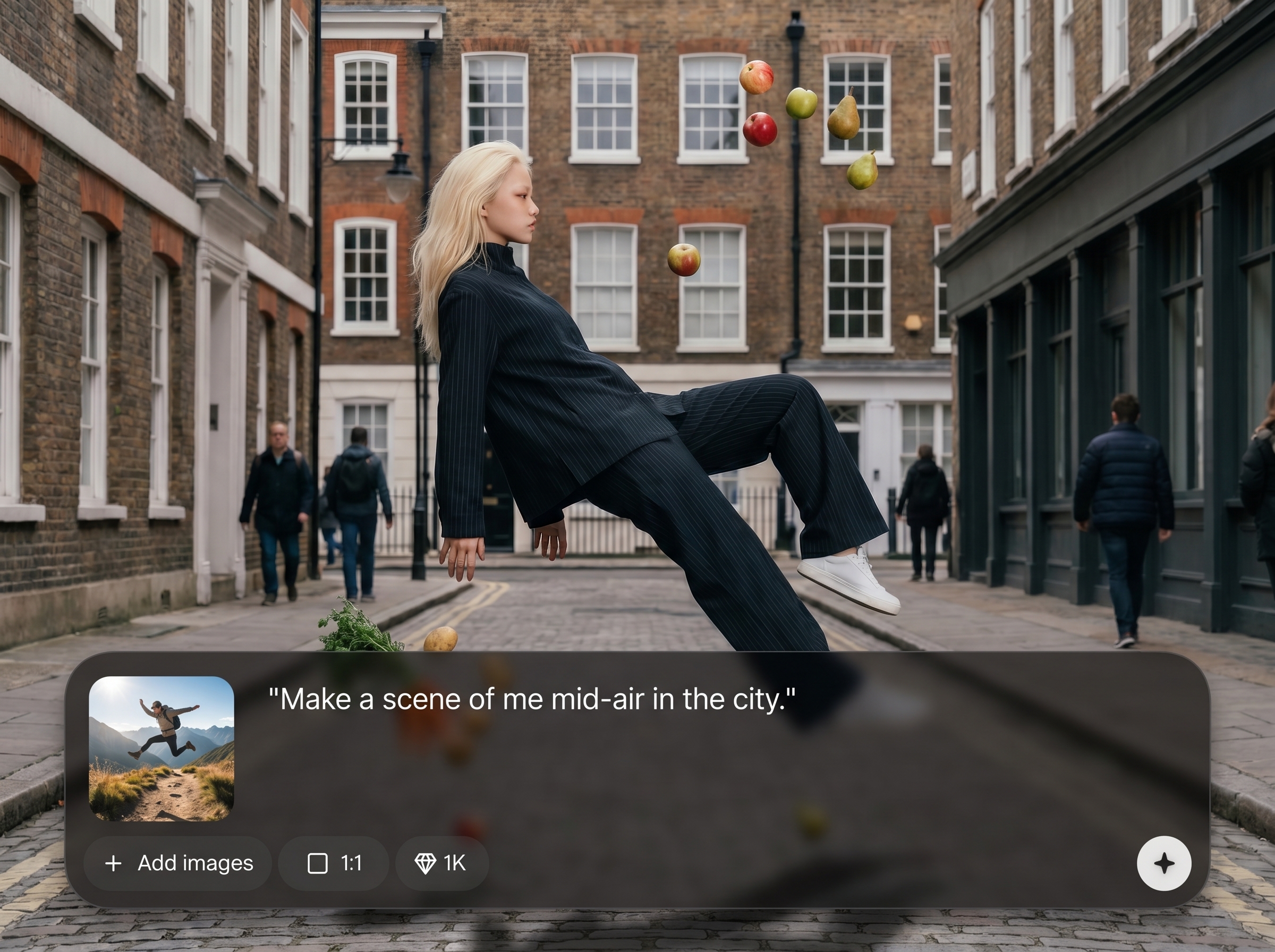
Tune motion intensity, cinematic mood, and scene direction to match your vision. Generate multiple variations for different locations, lighting styles, and storytelling beats.
About
Frozen! turns your portrait and a chosen location into a gravity-defying freeze-frame video. You appear suspended mid-air while the environment stays alive with realistic motion. Generate cinematic, believable results in minutes with simple inputs, flexible styles, and export-ready clips for social, ads, or storytelling.
Frozen! focuses on a high-impact freeze-frame video effect with realistic motion contrast and simple controls. It reduces the need for complex VFX workflows while still delivering cinematic, export-ready clips. Iterate quickly across locations and styles to find the most eye-catching result.
Start by uploading a clear portrait and selecting a location image or describing a scene. Choose motion intensity and style, generate a preview, then refine prompts and export your best version.
Use cases
Discover how different creators use this app in their workflow.
Create scroll-stopping clips that look like high-end VFX. Perfect for short-form platforms where strong motion contrast boosts watch time and shares.
Place a subject in a dynamic location while keeping them frozen for emphasis. Ideal for ads, launch teasers, and attention-grabbing hero moments.
Generate surreal, gravity-defying scenes to introduce a character or highlight a moment. Use variations to build sequences across multiple locations.
Krea is one of the world's leading generative AI platforms. See what others say.
Real reviews on TrustpilotSo many AI tools out there but I always come back to Krea. It's really the one AI platform that 'just works'.

FYN
Krea's interfaces are still the best in the industry. Everything looks and feels so clean and easy to use! Imo the easiest to use gen AI website.

Lynn
Ultra fast generations. Extremely simple to use. All the latest AI models.

Daniel
KREA is the only AI subscription I have right now besides ChatGPT.

Sophia M.
Answers to common questions about Frozen! and AI freeze-frame video generation.
Frozen! is an AI video tool that generates a realistic freeze-frame scene from your portrait and a location. You appear suspended mid-air while the background stays alive with natural motion.
The system keeps the subject visually stable while synthesizing motion in the environment, like wind, crowds, or camera movement cues. This contrast creates a believable “frozen in time” mid-air moment.
You need a clear portrait and either a location image or a text description of the scene. Better lighting and sharp facial detail typically produce more realistic results.
Use a front-facing photo with good lighting, minimal blur, and high resolution. Avoid heavy filters or extreme angles so the AI can preserve identity and match the subject cleanly to the scene.
Yes. You can supply a real location photo or describe a setting like a street, rooftop, or forest. The AI uses it to shape composition, lighting, and environmental motion.
You can adjust motion intensity and style to keep the scene subtle or dramatic. Generate multiple versions to find the right balance between realism and eye-catching motion.
Generation time depends on settings and output length, but it’s designed for fast iteration. You can preview results, refine prompts, and regenerate quickly without manual editing.
Export a share-ready video clip you can upload to major platforms. If you need different aspect ratios or looks, regenerate variants tailored to vertical, square, or widescreen framing.
Frozen! processes your inputs to generate the requested video. Data handling can vary by settings and policy, so review the in-product options to control retention and usage.
Try a sharper portrait, a clearer location reference, or more specific prompts about lighting and camera angle. Lower extreme motion settings and regenerate to reduce artifacts around edges.
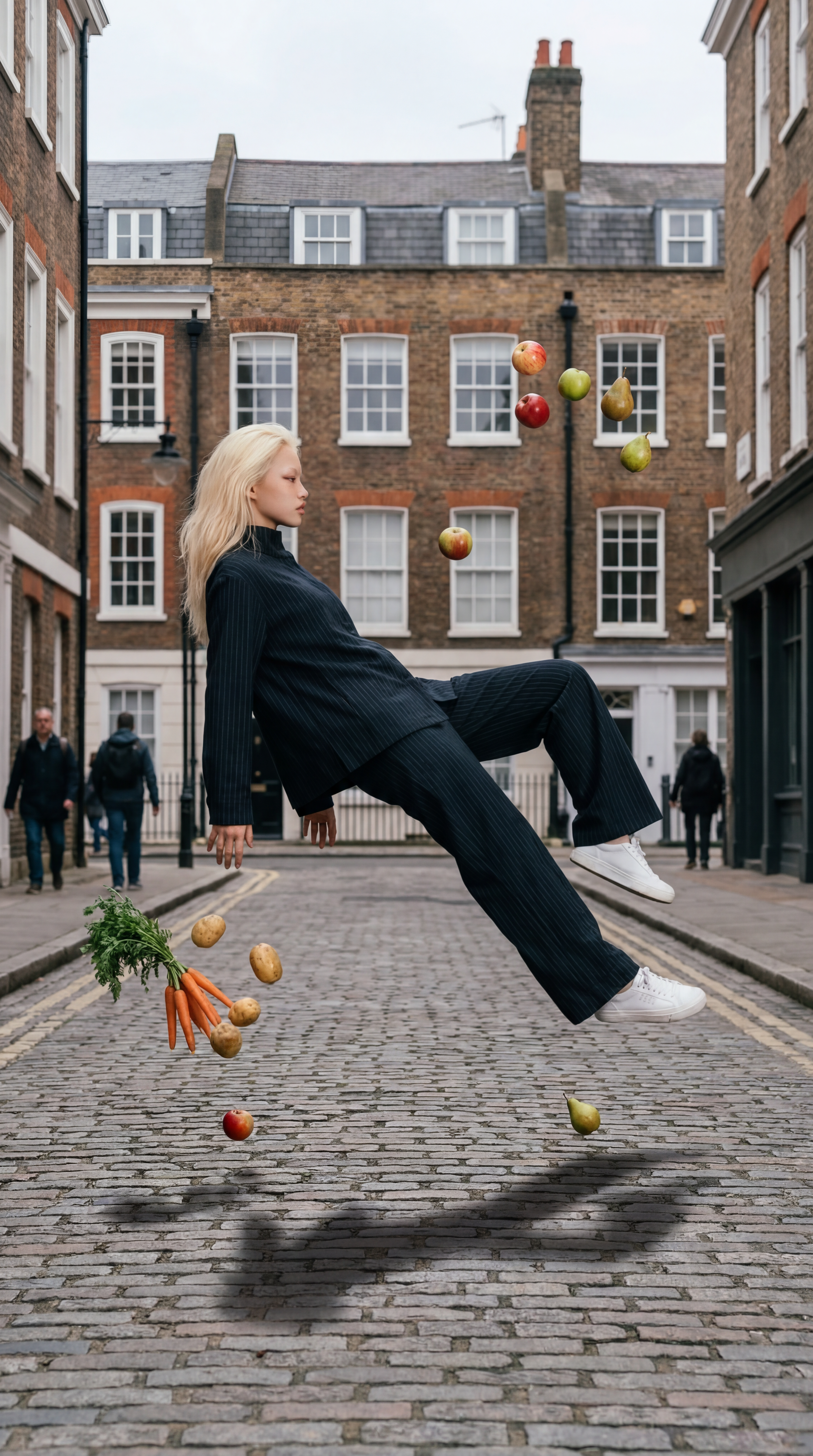
Upload a portrait, choose a location, and generate a realistic frozen-in-mid-air scene in minutes.

