















Step 1
Upload
Add a portrait or product photo in common formats. The AI analyzes lighting, colors, and composition to prepare a smooth, consistent stylization workflow.
Transform photos into the Sicoob-inspired look with AI styling. Upload, preview, and export high-quality results in seconds. Try Foto para Estilo Sicoob now.
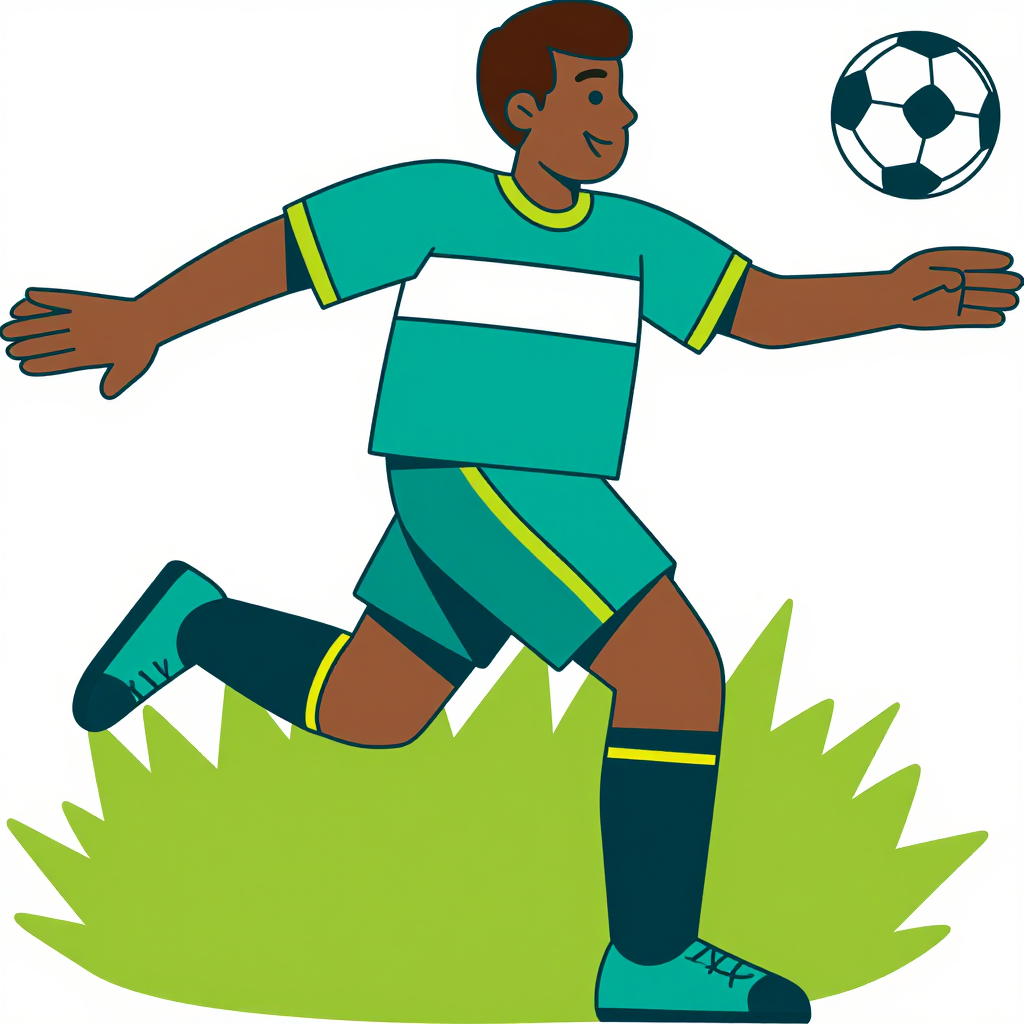
How to use Foto para Estilo Sicoob
Foto para Estilo Sicoob makes AI photo stylization simple. Upload your image, adjust style options, and generate a polished result. Use the preview to refine details before exporting your final image.
Step 1
Add a portrait or product photo in common formats. The AI analyzes lighting, colors, and composition to prepare a smooth, consistent stylization workflow.

Step 2
Choose the Sicoob-inspired look and tune intensity, background, and color balance. Preview changes instantly to keep your photo clean, professional, and on-style.

Step 3
Generate the final image in high quality, then download for web or social use. Re-run variations quickly to find the best version for your needs.
Features
Foto para Estilo Sicoob applies AI-driven style transfer to give photos a cohesive, modern look. Improve color harmony, clarity, and overall presentation while keeping key facial and product details recognizable. Generate multiple variations quickly, compare previews, and export high-quality images ready for digital channels.
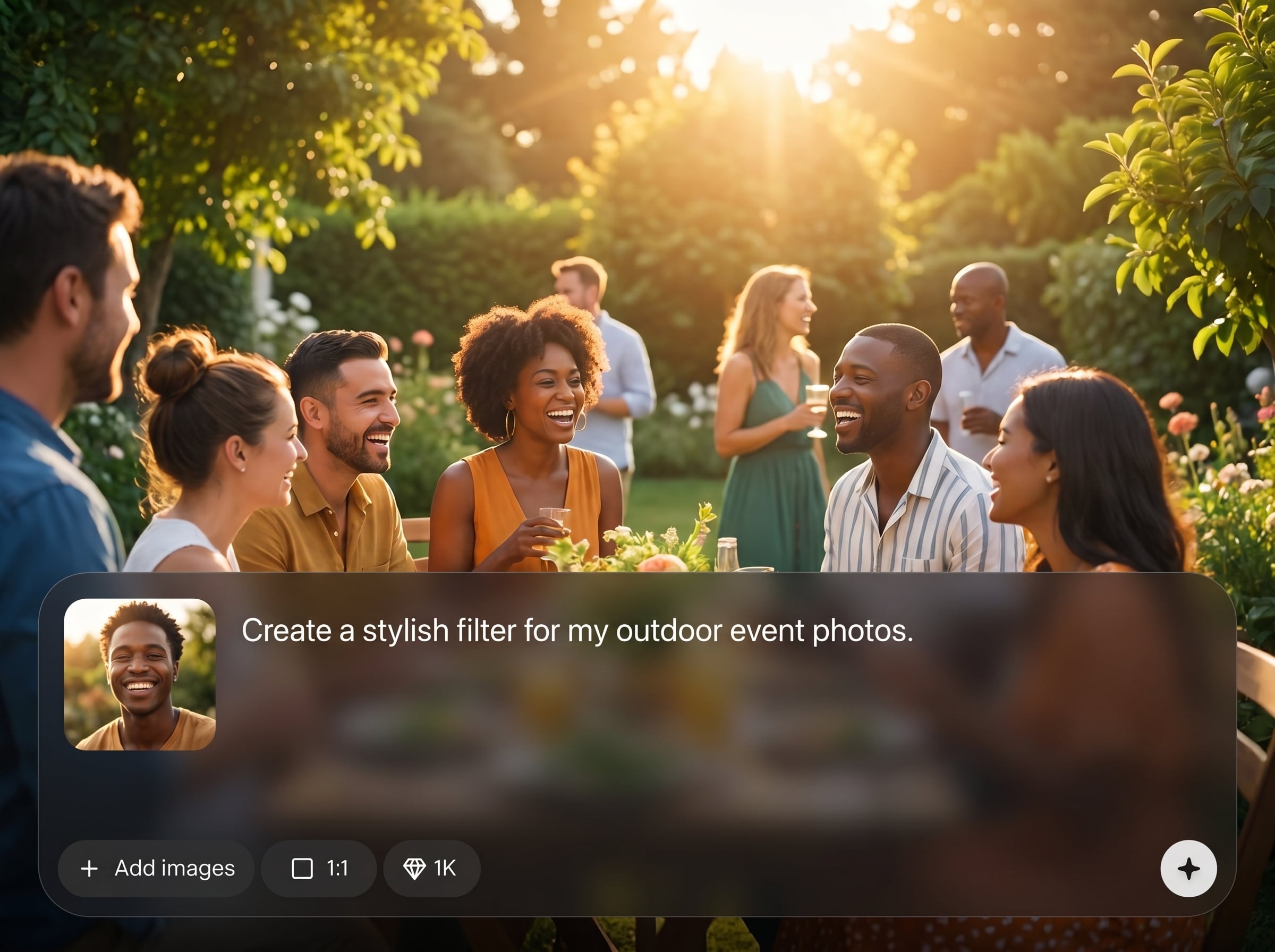
Apply a clean, consistent aesthetic across portraits and images. The AI balances tones and contrast while preserving core details, helping your visuals look unified across posts and pages.
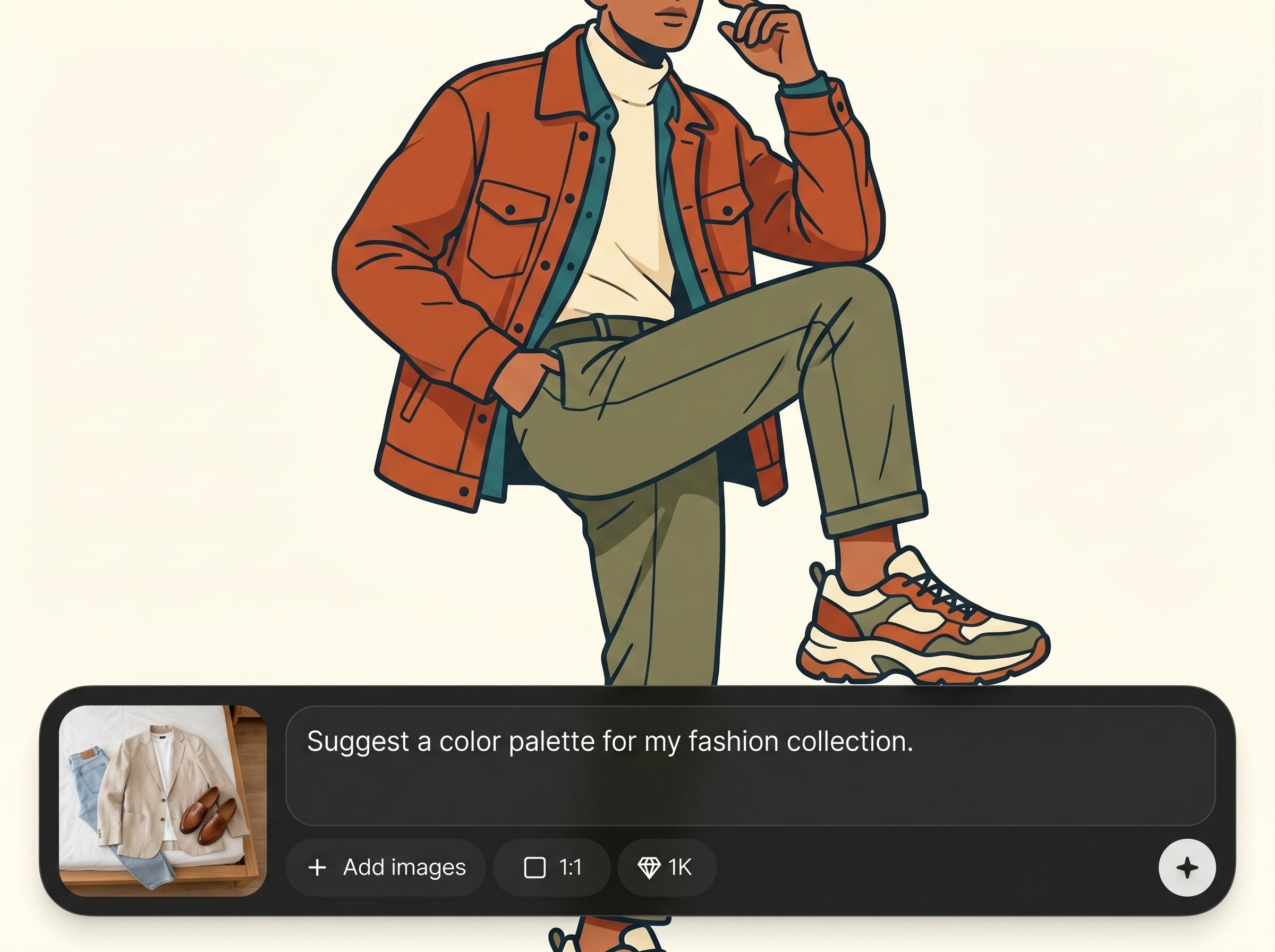
Generate multiple options in seconds and pick the best result. Iterate with small adjustments to intensity and color, so you can refine the look without restarting your workflow.
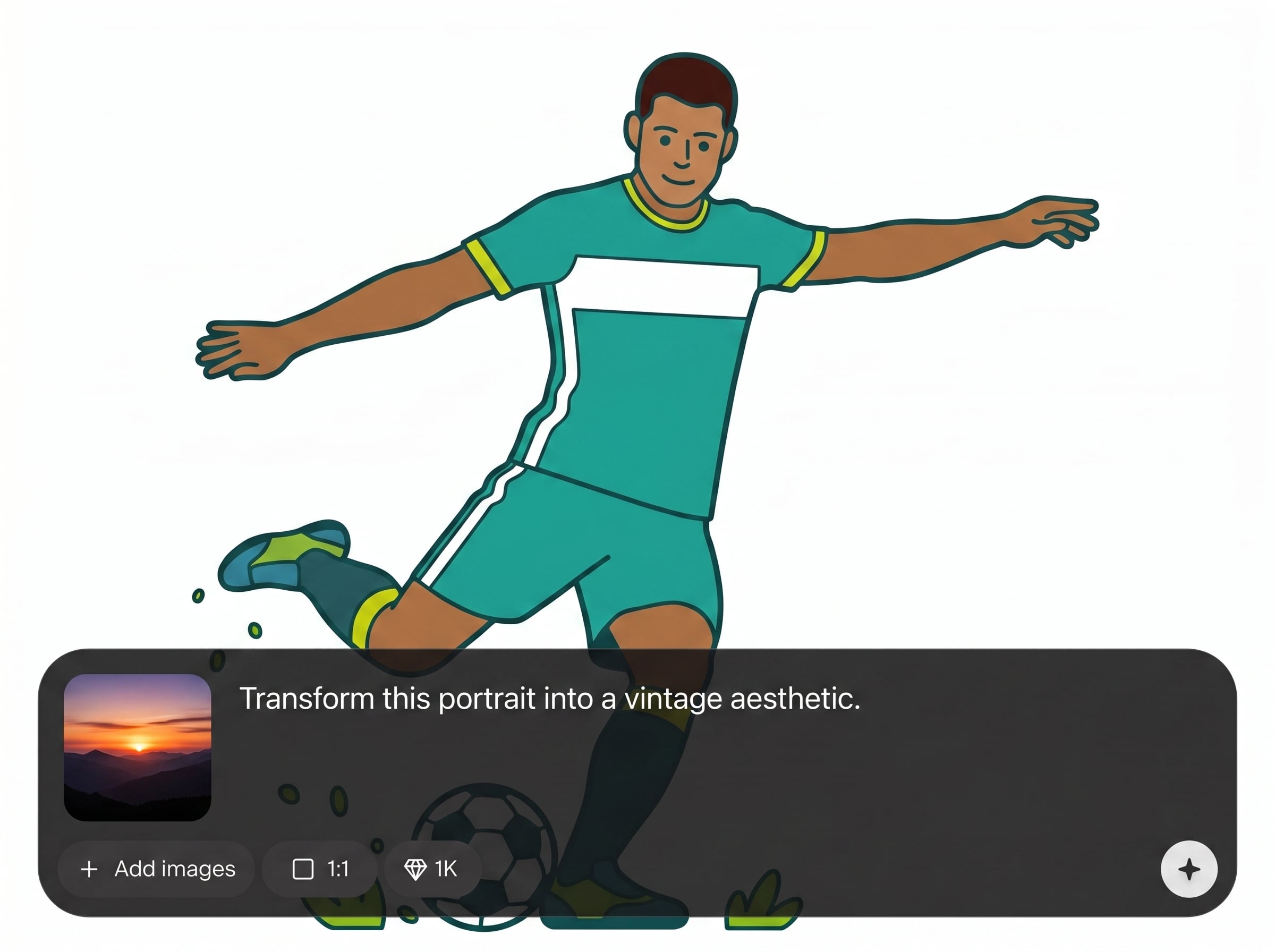
Enhance backgrounds and overall clarity for a more professional finish. Reduce distractions, improve visual consistency, and produce export-ready images that look sharp on any screen.
About
Foto para Estilo Sicoob transforms your images into a clean, modern Sicoob-inspired visual style using AI. Upload a photo, choose a look, and generate consistent results for profiles, campaigns, and social posts. Get fast previews, sharp details, and export-ready images that match a unified brand-like aesthetic in minutes.
Get consistent, professional-looking outputs with a simple AI workflow. Foto para Estilo Sicoob focuses on clean styling, fast iteration, and export-ready quality, helping you standardize visuals without complex editing. Adjust intensity, compare variants, and keep details sharp and recognizable.
Open the tool, upload a photo, and choose the Sicoob-inspired style. Preview results, tweak intensity and color, then generate and download the version that best fits your channel.
Use cases
Discover how different creators use this app in their workflow.
Stylize headshots with a consistent, polished look. Great for directories, internal pages, and social avatars that need a unified visual standard.
Create on-style images for posts, banners, and announcements. Keep colors and contrast consistent across campaigns while generating quick variations for testing.
Upgrade photos for thumbnails and landing sections. Improve clarity and presentation so offerings look professional, cohesive, and ready for digital publishing.
Krea is one of the world's leading generative AI platforms. See what others say.
Real reviews on TrustpilotSo many AI tools out there but I always come back to Krea. It's really the one AI platform that 'just works'.

FYN
Krea's interfaces are still the best in the industry. Everything looks and feels so clean and easy to use! Imo the easiest to use gen AI website.

Lynn
Ultra fast generations. Extremely simple to use. All the latest AI models.

Daniel
KREA is the only AI subscription I have right now besides ChatGPT.

Sophia M.
Answers to common questions about Foto para Estilo Sicoob and AI photo stylization.
Foto para Estilo Sicoob is an AI photo style generator that transforms images into a Sicoob-inspired aesthetic. Upload a photo, apply stylization, and export a clean, consistent result for digital use.
Yes. The model is designed to preserve important identity and object details while adjusting color, contrast, and overall styling. You can control intensity to keep results subtle or more stylized.
Clear, well-lit photos with a sharp subject work best. Front-facing portraits and centered products typically produce the most consistent outputs, with fewer artifacts and better background cleanup.
Yes. Create variations by changing style intensity and color balance, then compare previews. This helps you choose the best output for different channels without repeating the entire process.
Yes. It’s an online AI image styling tool, so you can upload, generate, and download from your browser. No complex setup is required to start producing styled images.
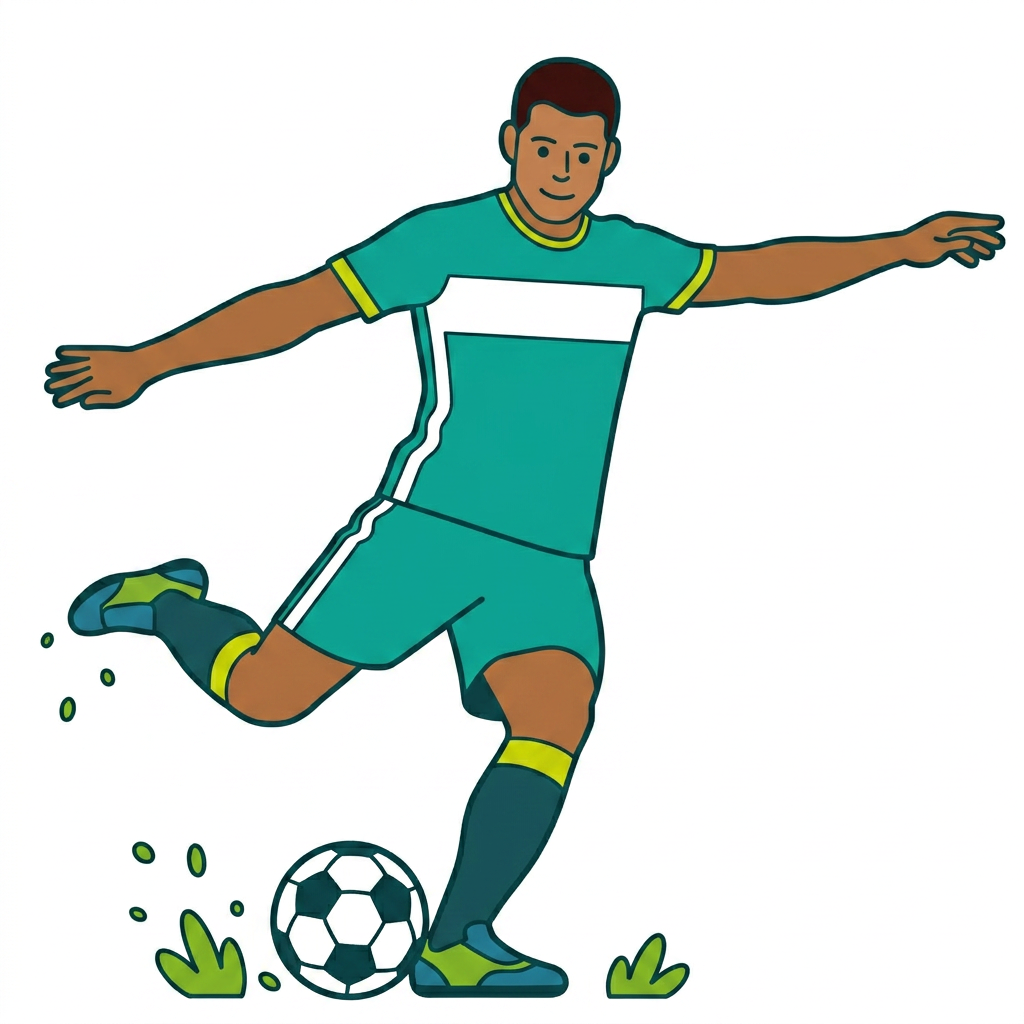
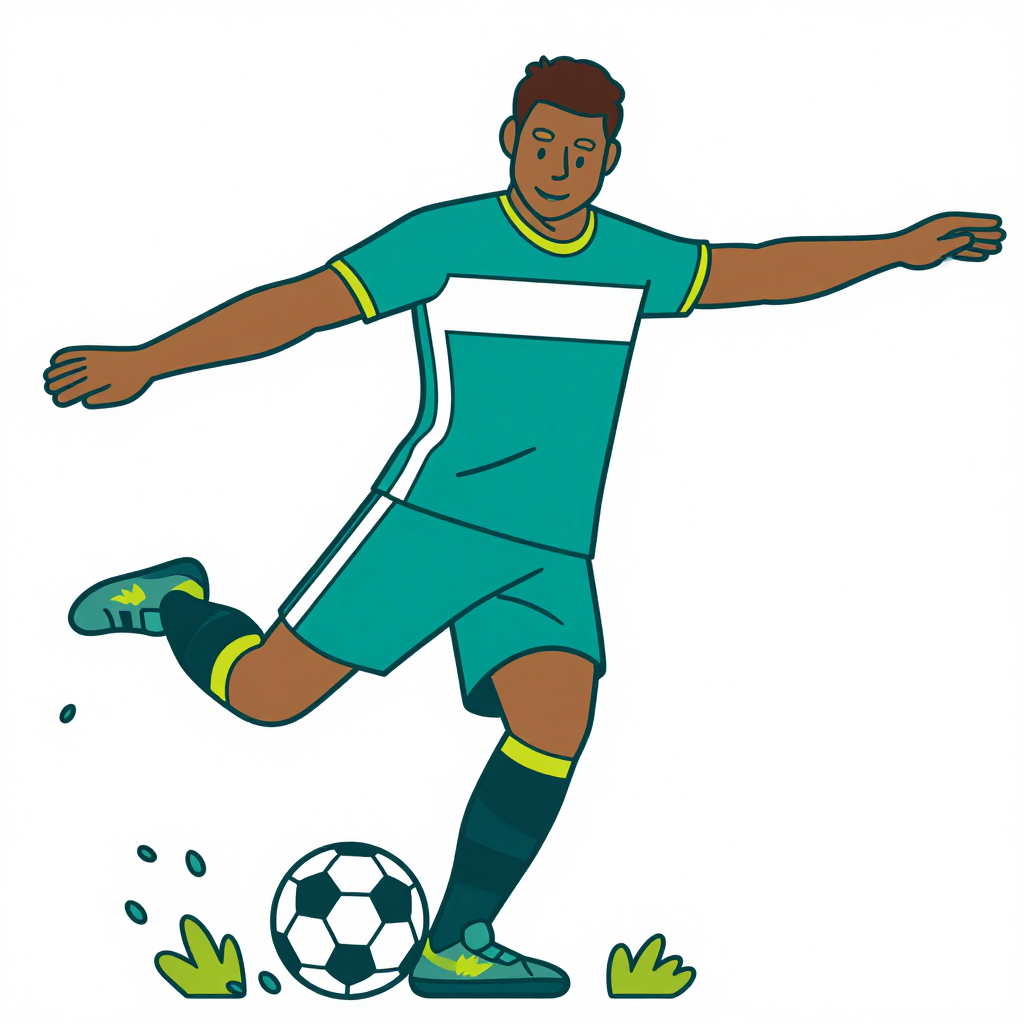
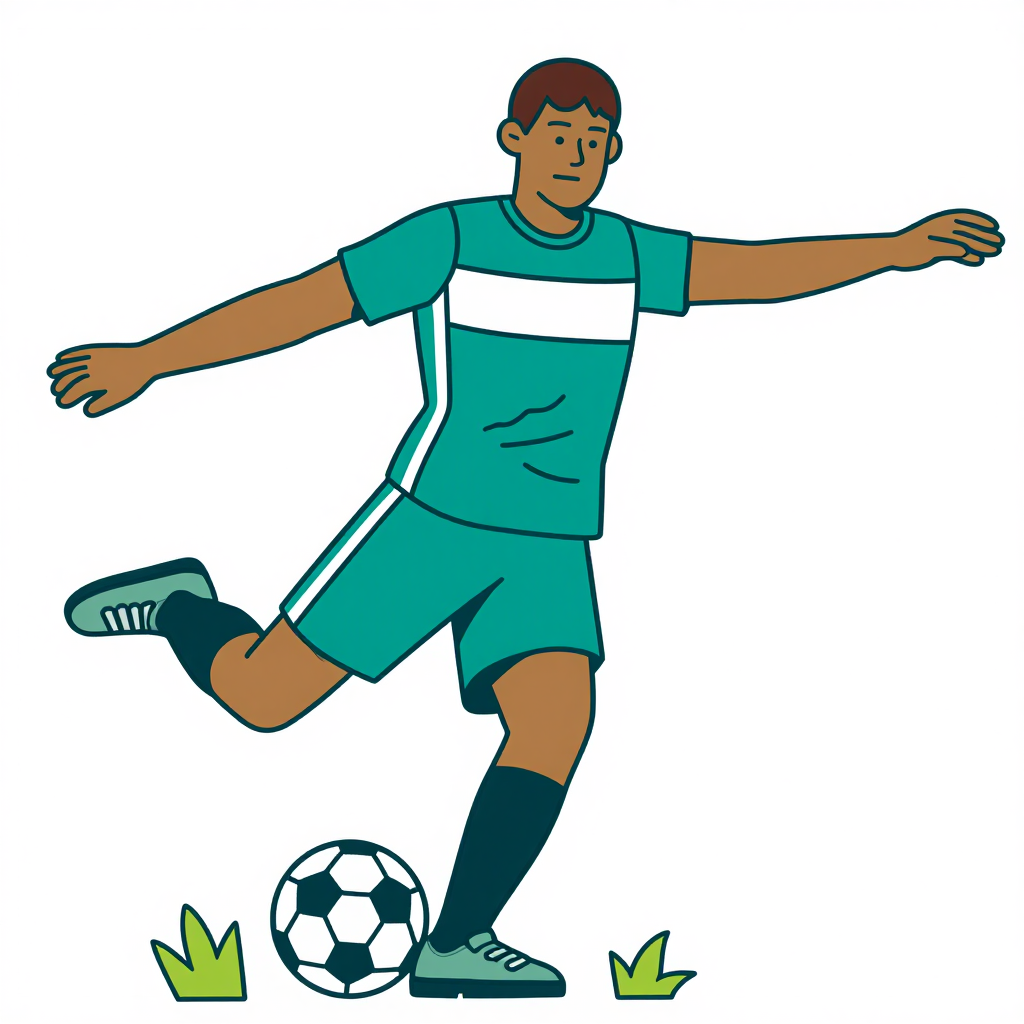
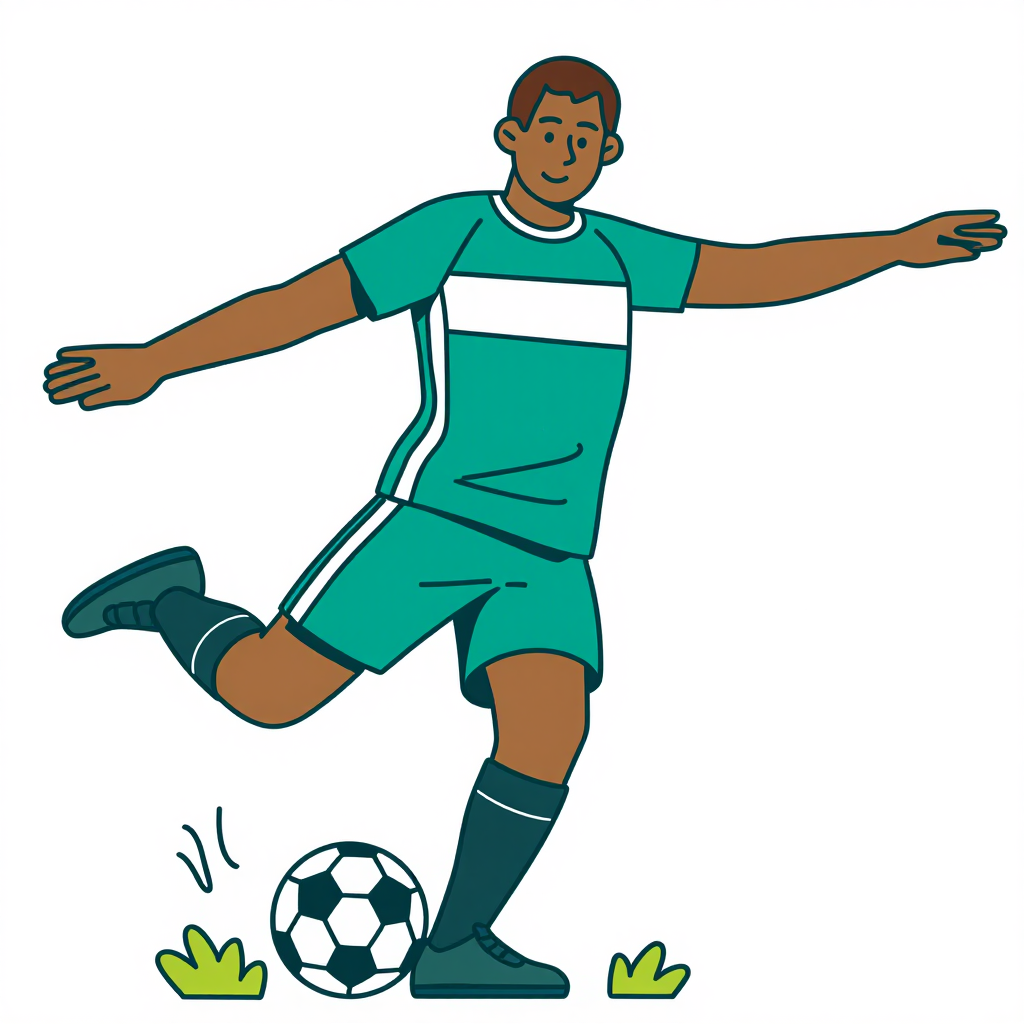
Upload an image, apply AI styling, and export a clean, consistent result in minutes.

