















Step 1
Add Details
Upload the employee photo, then enter the award title, achievements, and favorite things. Choose a tone and style to match your company culture and event.
Create personalized employee recognition videos with AI. Upload a photo, add awards and favorites, and generate cinematic tribute videos in minutes—try it now.

How to use Employee Recognition Video Builder
Follow these steps to generate a polished employee recognition video using AI. Add a photo, choose an award, include favorites, and export a share-ready cinematic tribute for your team.
Step 1
Upload the employee photo, then enter the award title, achievements, and favorite things. Choose a tone and style to match your company culture and event.

Step 2
Run the AI video generator to create a cinematic tribute with dynamic scenes and captions. Review the timeline and quickly adjust text, pacing, or emphasis.

Step 3
Export your recognition video in a presentation-ready format. Share it in all-hands, Slack/Teams, or internal portals to spotlight the employee and boost morale.
Features
Generate consistent, high-quality employee recognition videos without manual editing. The AI assembles cinematic scenes, captions, and pacing from simple inputs like a photo, award, and favorites. Ideal for HR, managers, and teams who want a fast recognition workflow that feels personal and polished.
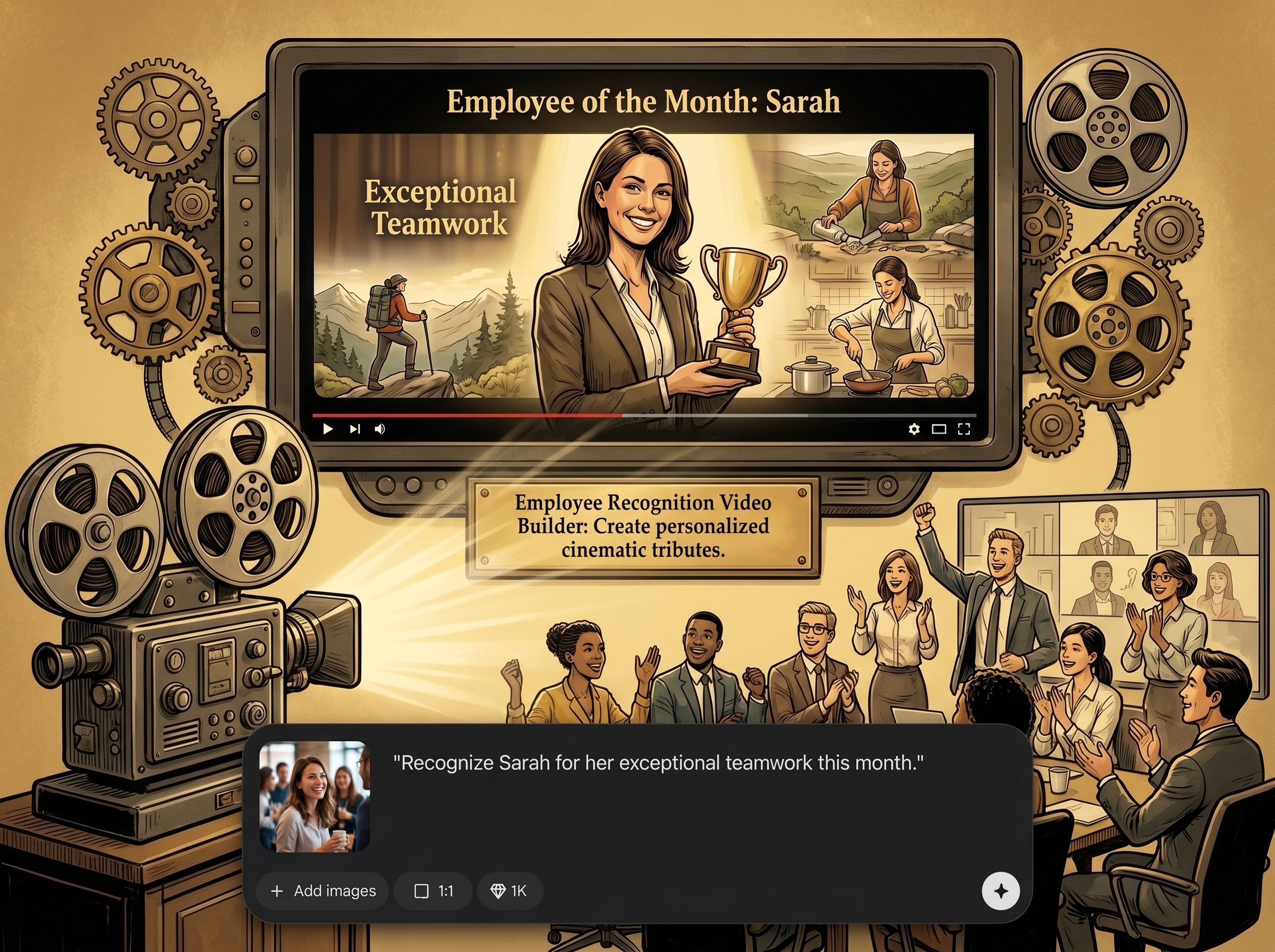
Turn an employee photo and key details into a cinematic tribute video with engaging visuals and on-screen captions. Keep recognition heartfelt while maintaining a consistent, professional presentation style.
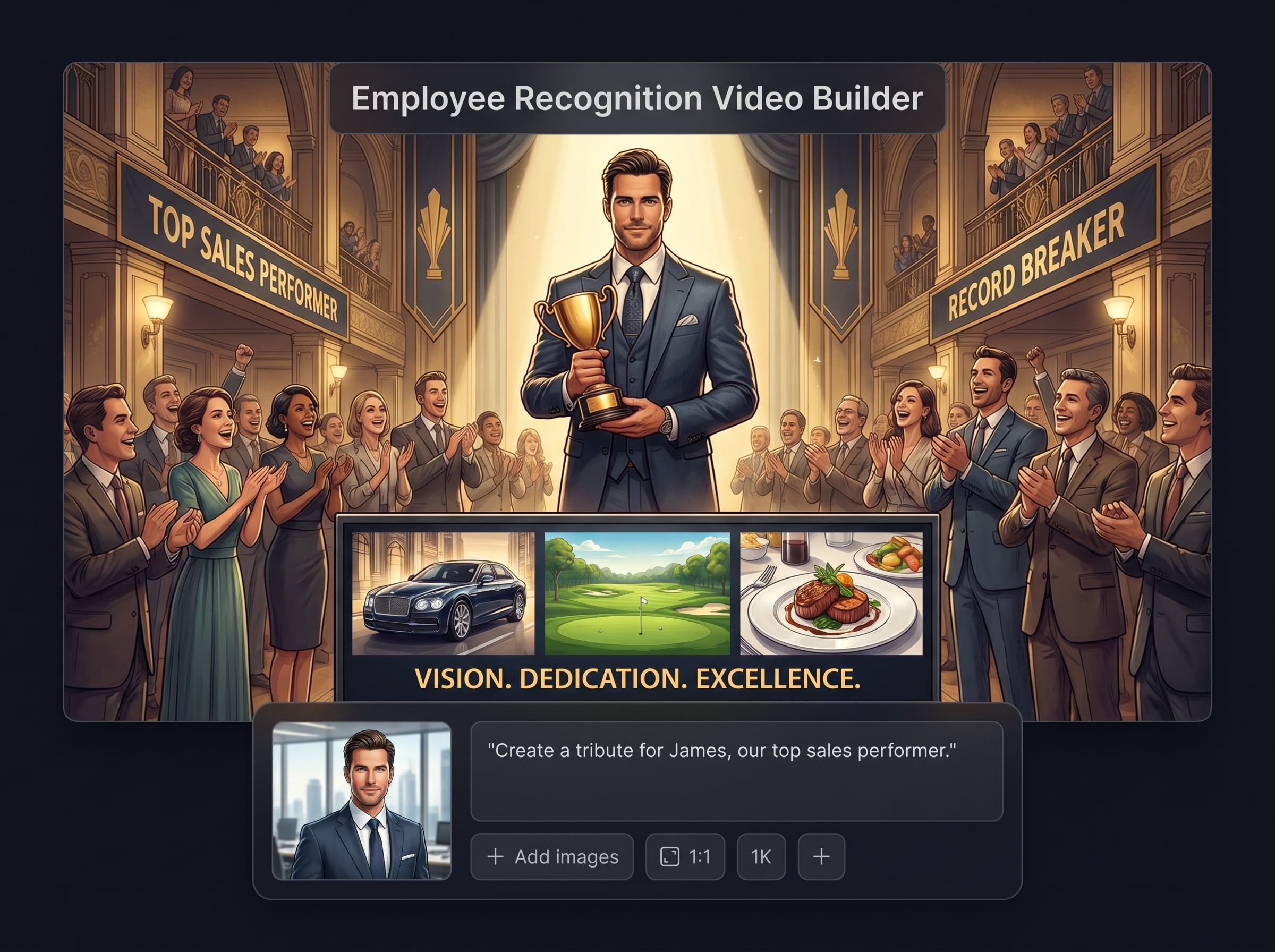
Create morale-boosting recognition videos in minutes using a simple form-based setup. Reuse formats for monthly awards, milestones, and shout-outs while keeping every video personalized.
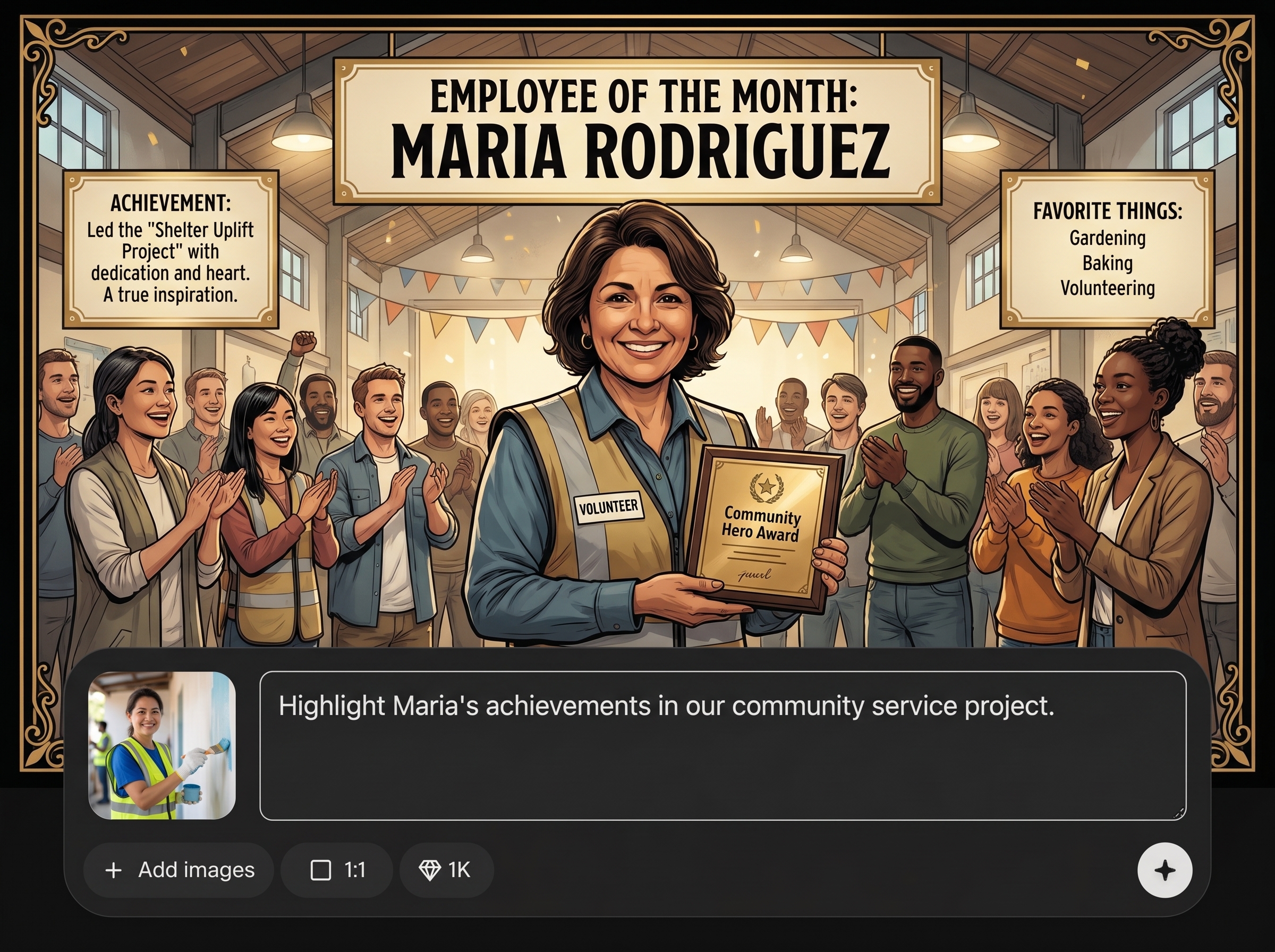
Export videos optimized for all-hands meetings, internal socials, and messaging platforms. Deliver a clean, watchable recognition moment that helps the whole team tune in and celebrate.
About
Employee Recognition Video Builder helps teams celebrate wins with a personalized, cinematic employee tribute video. Upload a photo, add an award, and include favorite things to generate an engaging recognition video that boosts morale. Perfect for all-hands meetings, internal channels, and milestone moments—fast, fun, and consistent.
Make employee appreciation consistent, engaging, and fast. This AI video tool turns simple inputs into cinematic recognition moments that work for meetings and internal channels. Save time, reduce manual editing, and deliver a polished tribute that keeps morale high.
Enter the employee’s name and award, upload a photo, and add a few favorites or highlights. Generate the video, review the captions, and export a share-ready tribute in minutes.
Use cases
Discover how different creators use this app in their workflow.
Standardize employee appreciation with a scalable recognition video tool. Create consistent awards content for programs, onboarding milestones, and quarterly celebrations.
Celebrate wins quickly with a personalized tribute video. Recognize performance, ownership, and teamwork in a format that energizes team meetings.
Produce highlight-ready recognition moments for live presentations. Keep the audience engaged with cinematic scenes and clear captions that spotlight impact.
Krea is one of the world's leading generative AI platforms. See what others say.
Real reviews on TrustpilotSo many AI tools out there but I always come back to Krea. It's really the one AI platform that 'just works'.

FYN
Krea's interfaces are still the best in the industry. Everything looks and feels so clean and easy to use! Imo the easiest to use gen AI website.

Lynn
Ultra fast generations. Extremely simple to use. All the latest AI models.

Daniel
KREA is the only AI subscription I have right now besides ChatGPT.

Sophia M.
Answers to common questions about AI employee recognition video generation.
Employee Recognition Video Builder is an AI tool that generates personalized employee tribute videos. Add a photo, an award, and favorite things, then export a cinematic recognition video ready to share with your team.
The AI converts your inputs into a structured video with scenes, captions, and pacing. It uses artificial intelligence to assemble a coherent tribute while keeping the employee details accurate and easy to review.
You typically need one employee photo, an award title, a short achievement summary, and a few favorites. The tool then generates a cinematic employee recognition video you can preview and refine.
Yes. The workflow is designed for repeatable recognition programs like Employee of the Month, work anniversaries, and project wins. Create consistent videos quickly while tailoring details to each recipient.
Absolutely. Export the video and share it in Slack, Teams, email, or an all-hands stream. It helps distributed teams celebrate together with a clear, engaging recognition moment.
Yes. You can review and adjust key text, emphasis, and timing to match your culture and event. This keeps the video accurate, inclusive, and aligned with your recognition message.
You can export share-ready files suitable for presentations and internal platforms. Choose a format that works for live all-hands playback, internal channels, or on-demand viewing.
Use only the information you’re authorized to share. The tool is designed to generate videos from the details you provide, so you can keep inputs minimal and avoid sensitive data when needed.
Yes. You can tailor the recognition tone—formal, fun, or inspirational—and keep wording aligned with company values. This helps every tribute feel on-brand and appropriate for the audience.
It’s ideal for HR teams, managers, and internal communications who need fast employee appreciation content. Create cinematic recognition videos without complex editing, while keeping results consistent and personal.
Upload a photo, add an award and favorites, and generate a cinematic recognition video your team will remember.

