















Step 1
Upload
Add a photo or image, then crop or frame it for the best composition. Clear subjects and good contrast typically produce sharper lines and cleaner sketch detail.
Create hand-drawn sketch looks in seconds with Sketchy Style. Upload a photo, pick a pencil style, and export crisp AI sketches for web or print.
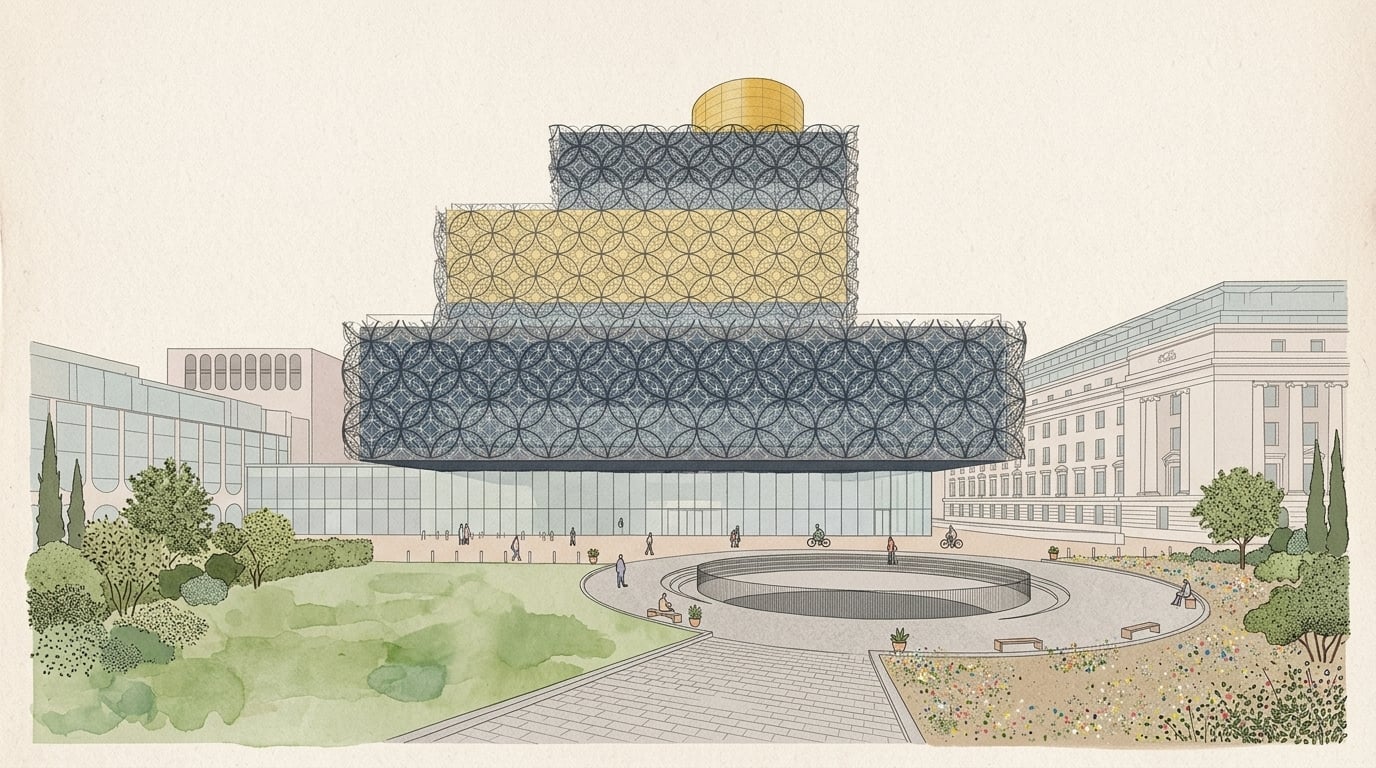
How to use Sketchy Style
Sketchy Style makes photo-to-sketch conversion simple. Upload an image, choose a sketch preset, and fine-tune line weight and texture. In a few clicks, you’ll get export-ready results for digital or print.
Step 1
Add a photo or image, then crop or frame it for the best composition. Clear subjects and good contrast typically produce sharper lines and cleaner sketch detail.

Step 2
Select a pencil, ink, or charcoal look and adjust intensity, line thickness, and shading. Preview variations quickly to match your brand, mood, or project needs.

Step 3
Generate the final sketch and download in high resolution. Use the output for thumbnails, product mockups, posters, or concept drafts, ready for editing or sharing.
Features
Sketchy Style uses AI to convert images into pencil sketches and line art with controllable detail. Choose from clean outlines to textured shading, then refine intensity for consistent, on-brand results. Fast generation and high-resolution exports help you create ready-to-use visuals for web, print, and prototyping workflows.
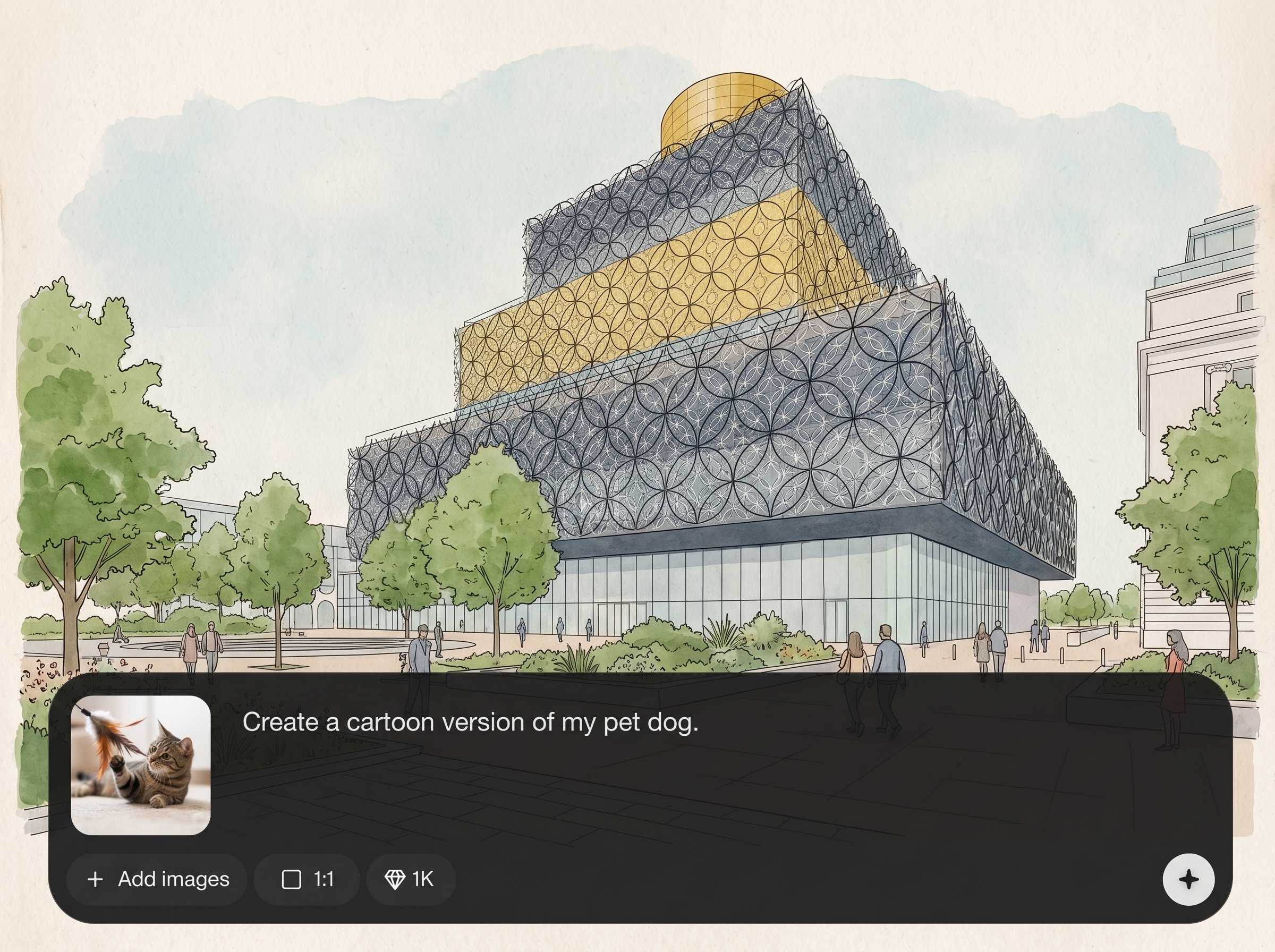
Turn portraits, products, and scenes into sketch-style renders with crisp lines and balanced shading. Preserve key shapes while simplifying visual noise for a clean, illustrative finish.
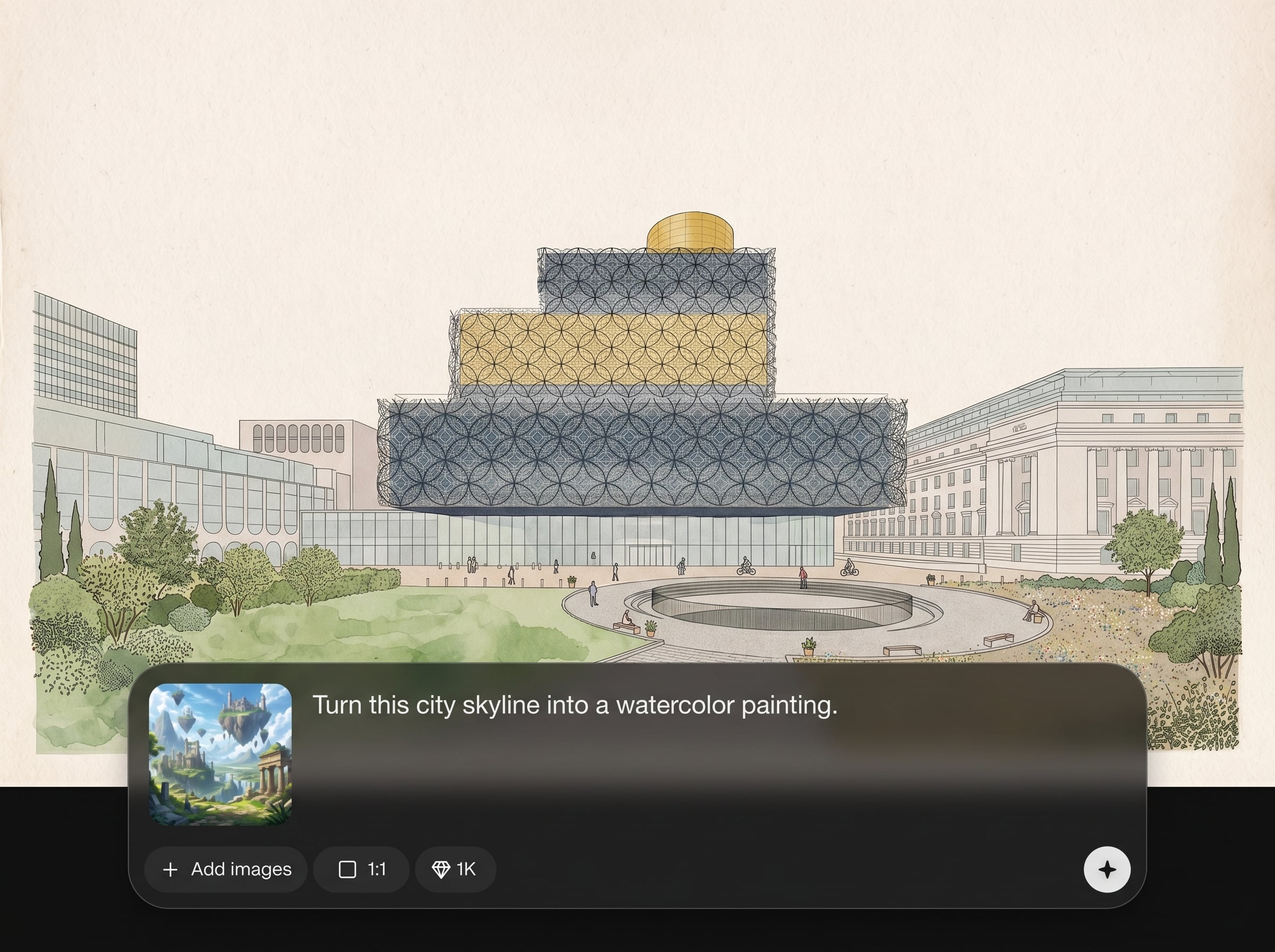
Dial in line weight, contrast, and texture to match pencil, ink, or charcoal aesthetics. Create consistent outputs across a series for branding, storyboards, or UI mockups.
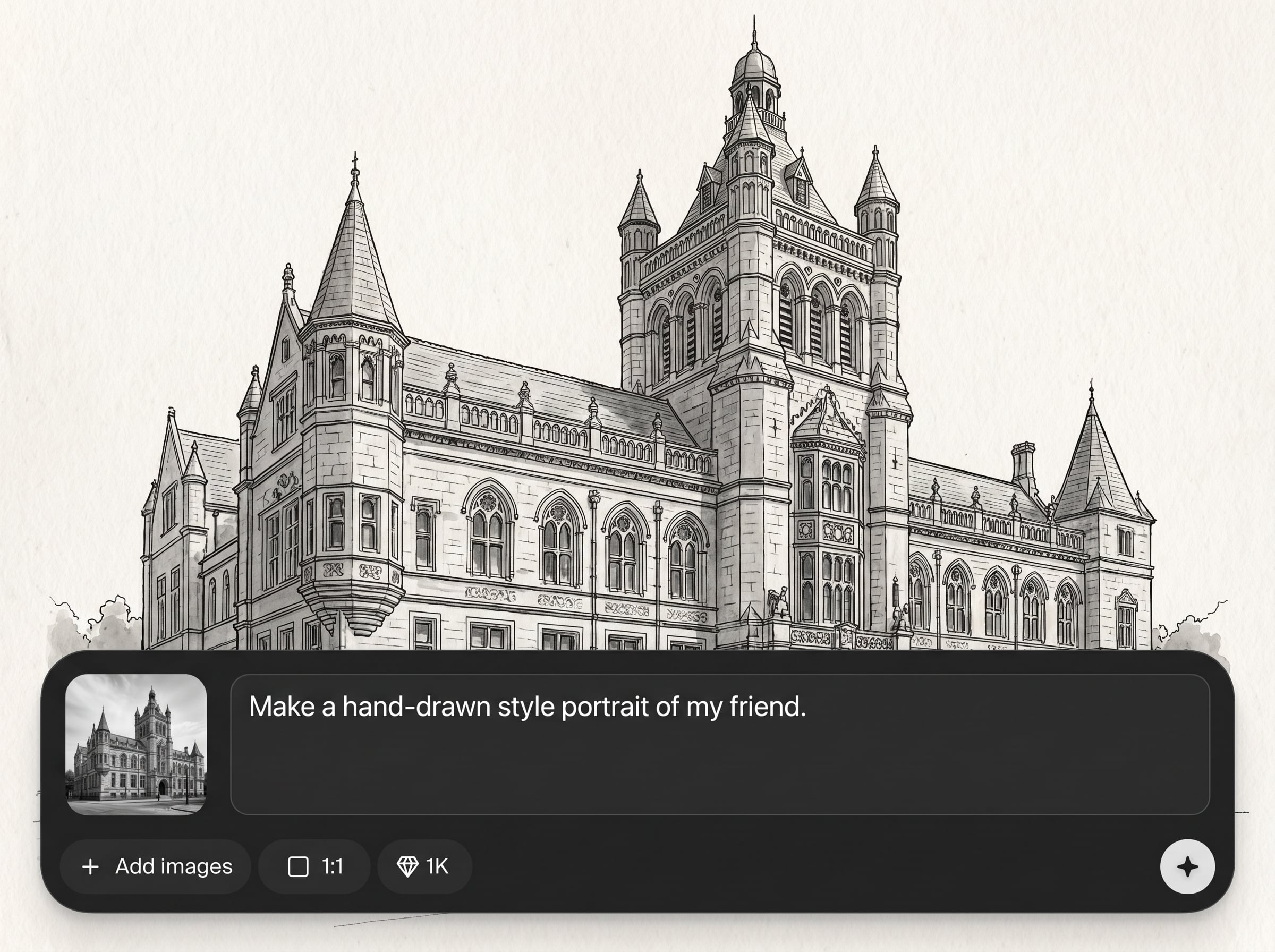
Generate multiple sketch variations quickly, then export high-resolution results for print and digital use. Save time on manual filters and get production-ready images in fewer steps.
About
Sketchy Style is an AI sketch style generator that turns photos and images into clean pencil drawings, ink line art, and textured sketch renders. Upload an image, choose a sketch intensity and line detail, then generate consistent results in seconds. Export high-resolution sketches for thumbnails, product visuals, posters, or concept art with a natural hand-drawn look.
Sketchy Style delivers controllable sketch effects with clean linework, fast previews, and high-resolution exports. Create pencil, ink, or charcoal looks without manual editing, and keep results consistent across multiple images for cohesive visual sets.
Open Sketchy Style, upload an image, and pick a sketch preset. Adjust line weight and shading, generate variations, then download the best result in high resolution.
Use cases
Discover how different creators use this app in their workflow.
Create sketch-style ads, thumbnails, and social posts that stand out. Turn product photos into clean line art for consistent campaigns and faster creative iteration.
Generate quick sketch renders for storyboards, UI concepts, and mood boards. Keep ideas lightweight, readable, and easy to refine before moving to final production.
Make pencil and ink illustrations for posters, packaging, and merch. Export high-resolution sketches that stay crisp for printing and scalable layouts.
Krea is one of the world's leading generative AI platforms. See what others say.
Real reviews on TrustpilotSo many AI tools out there but I always come back to Krea. It's really the one AI platform that 'just works'.

FYN
Krea's interfaces are still the best in the industry. Everything looks and feels so clean and easy to use! Imo the easiest to use gen AI website.

Lynn
Ultra fast generations. Extremely simple to use. All the latest AI models.

Daniel
KREA is the only AI subscription I have right now besides ChatGPT.

Sophia M.
Answers to common questions about Sketchy Style, AI sketch generation, and exports.
Sketchy Style is an AI sketch generator that converts photos or images into pencil, ink, or charcoal-style drawings. It focuses on clean linework, controllable shading, and export-ready results.
The tool uses artificial intelligence and machine learning to detect edges, shapes, and tonal regions, then redraws them as sketch-like lines and shading. You can adjust intensity and detail for different looks.
Yes. Upload your image, choose a pencil-style preset, tweak line thickness and contrast, then generate. Sketchy Style produces a clean photo-to-sketch result you can download immediately.
Images with clear subjects, good lighting, and strong contrast work best. Sharp focus and simple backgrounds help the AI create cleaner outlines, more readable shading, and fewer artifacts in fine detail.
You can generate multiple sketch aesthetics, including pencil-like shading and ink-style line art. Adjust texture and contrast to move from soft graphite to bold outlines and minimal shading.
Yes. Export high-resolution outputs suitable for web graphics and print layouts. Higher detail settings can improve line definition, especially for posters, packaging, and larger format designs.
Yes. Use the same preset and detail settings across images to keep line weight and shading consistent. This is useful for brand sets, product catalogs, storyboards, and multi-image campaigns.
It’s an AI image stylization tool focused on sketch effects. Instead of manual filters, it uses machine learning to transform structure and tone into hand-drawn-like lines and shading.
Generation is designed to be fast, so you can preview variations quickly. Speed depends on image size and selected detail, but most sketches complete within moments for rapid iteration.
Yes, it’s built for practical use cases like marketing assets, product visuals, and print-ready artwork. Always ensure you have the rights to the images you upload and transform.
Upload a photo, choose a style, and export clean AI sketches in seconds for web or print.

