












Step 1
Upload
Add your images or an existing panorama. The AI analyzes overlap, horizon alignment, and lighting to prepare a clean 360° base for generation.
Generate seamless 360° panoramas and virtual tours with AI. Upload photos, enhance stitching, and export web-ready views in minutes—try it now.
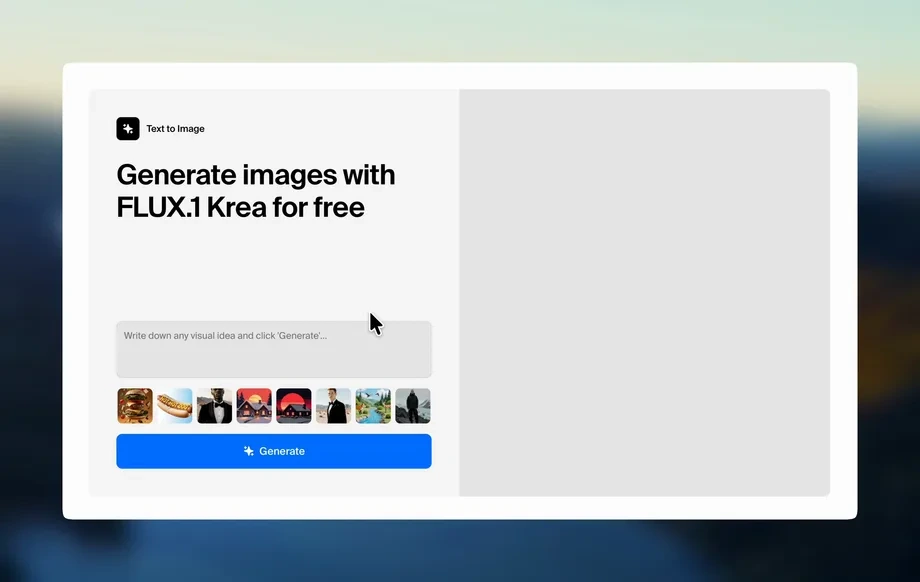
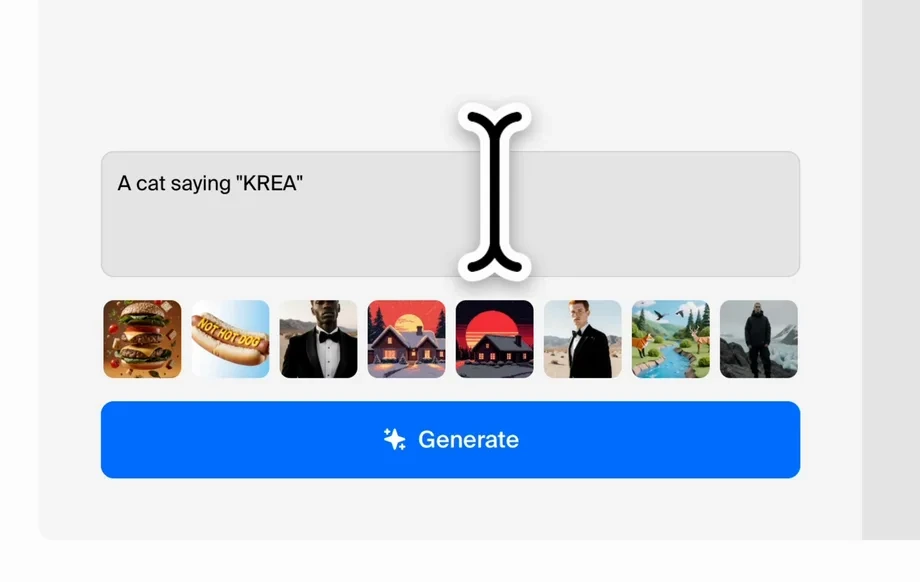
Run the app to see your first output
How to use 360 Chicago Workshop Group 4
Turn standard images into polished 360° panoramas with AI in a simple workflow. Upload your files, choose output settings, and generate a web-ready equirectangular panorama you can preview and download instantly.
Step 1
Add your images or an existing panorama. The AI analyzes overlap, horizon alignment, and lighting to prepare a clean 360° base for generation.
Step 2
Choose panorama size, enhancement level, and seam cleanup. Adjust color consistency and perspective so the 360 view looks natural and immersive.
Step 3
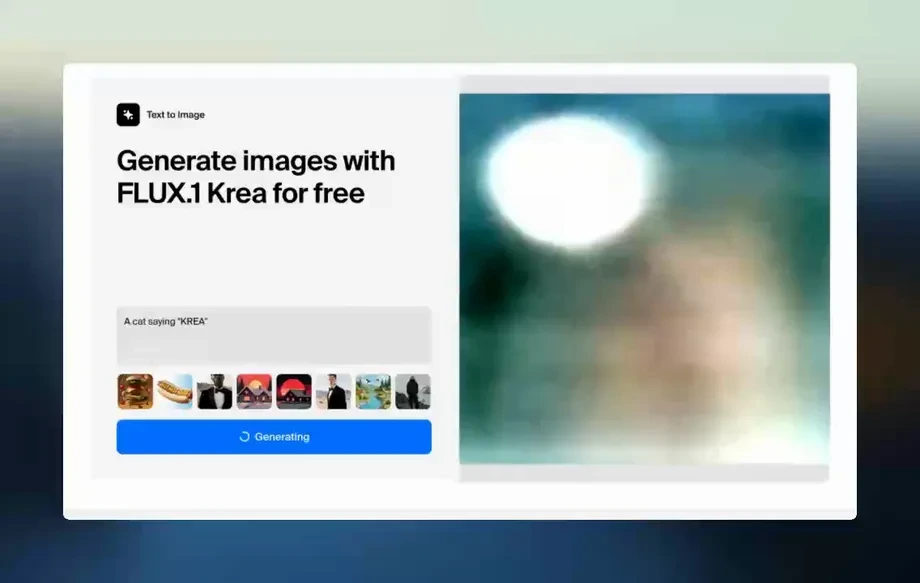
Generate and preview the final 360 panorama. Download an equirectangular image optimized for virtual tours, web viewers, and VR platforms.
Features
Create smooth, immersive 360° panoramas with AI enhancement built in. Automatically improve seams, reduce ghosting, and balance exposure for consistent results. Export high-resolution equirectangular outputs ready for virtual tours, real estate listings, travel experiences, and interactive web viewers—without complex manual stitching or lengthy post-processing.
Machine learning reduces stitching artifacts, ghosting, and edge mismatches. Get a cleaner horizon and smoother transitions for professional-looking 360 panoramas.
Generate web-ready 360 images quickly with controllable resolution. Produce equirectangular files suitable for VR headsets, embeds, and virtual tour software.
Tune clarity, color balance, and lighting consistency with AI assistance. Keep details sharp while maintaining a natural look across the full 360° scene.
About
360 Chicago Workshop Group 4 is an AI 360 photo generator that helps you create clean panoramas, immersive views, and virtual-tour-ready visuals from your images. Upload photos or a panorama, let artificial intelligence enhance stitching, color, and clarity, then export equirectangular files optimized for web and VR. Build consistent, high-quality 360 content faster with fewer artifacts and smoother edges.
Get a streamlined AI workflow for 360 panorama generation with fewer artifacts and more consistent lighting. Produce equirectangular outputs that work across web and VR, with simple controls for resolution and enhancement. Create immersive visuals faster while maintaining a clean, professional look.
Open 360 Chicago Workshop Group 4, upload photos or a panorama, select output resolution and enhancement strength, then generate and download your equirectangular 360 image for web or VR use.
Use cases
Discover how different creators use this app in their workflow.
Create polished 360 panoramas for listings and walkthroughs. Improve seams and exposure so rooms look brighter, cleaner, and more accurate online.
Generate immersive 360 views for destinations, venues, and attractions. Export equirectangular images that load smoothly in web viewers and VR.
Build interactive 360 scenes for products and spaces. Deliver consistent lighting and clean edges for a premium, conversion-focused experience.
Krea is one of the world's leading generative AI platforms. See what others say.
Real reviews on TrustpilotSo many AI tools out there but I always come back to Krea. It's really the one AI platform that 'just works'.
FYN
Krea's interfaces are still the best in the industry. Everything looks and feels so clean and easy to use! Imo the easiest to use gen AI website.

Lynn
Ultra fast generations. Extremely simple to use. All the latest AI models.
Daniel
KREA is the only AI subscription I have right now besides ChatGPT.
Sophia M.
Answers to common questions about AI 360 panorama generation and exports.
It’s an AI 360 photo generator that creates or enhances equirectangular panoramas from your images. It helps improve seams, balance lighting, and export 360 visuals ready for web viewers and VR.
No. You can upload standard photos or an existing panorama. The AI helps align and enhance results, though overlapping images or a dedicated 360 capture typically yields cleaner panoramas.
You can export high-resolution equirectangular panorama images designed for common virtual tour platforms and 360 web viewers. Outputs are optimized for smooth scrolling and consistent projection.
Artificial intelligence analyzes seams, exposure differences, and overlapping details to reduce ghosting and visible joins. It also helps correct minor alignment issues for a more immersive 360 scene.
Yes. Choose output size and enhancement strength to match your workflow. Generate lightweight web versions for fast loading or higher-resolution panoramas for detailed VR viewing.
It helps balance exposure and color shifts so the panorama looks consistent. Results depend on the source images, but AI enhancement typically reduces harsh transitions between frames.
Yes. It’s designed for fast, consistent panorama outputs that work well in real estate virtual tours. Seam cleanup and exposure balancing help rooms look more natural and professional.
Generation time varies by resolution and file size, but most panoramas render quickly. You can preview results immediately and export when the 360 scene meets your quality needs.
Upload images, let AI enhance stitching and clarity, then export an equirectangular 360 view in minutes.