















Step 1
Set your inputs
Choose portrait type and define key attributes like age range, expression, framing, and background. Add a short prompt to guide identity, mood, and overall realism.
 App by adii
Generate realistic AI people in seconds with a person. Create diverse portraits, adjust style and details, and export high-quality images online—try it now.
How to use a person
This quick tutorial shows how to generate realistic AI portraits with a person. Set the look you want, refine details with prompts, and export clean, high-quality images for your next design or campaign.
Step 1
Choose portrait type and define key attributes like age range, expression, framing, and background. Add a short prompt to guide identity, mood, and overall realism.

Step 2
Click generate to create multiple AI people variations. Adjust lighting, style, and detail settings, then regenerate until the face, hair, and skin texture match your needs.

Step 3
Download your selected image in high resolution for web or print. Reuse the same settings to keep a consistent look across a full set of AI portraits.
Features
a person turns prompts into realistic human portraits with controllable style and detail. Generate diverse faces, iterate quickly, and keep consistency across multiple images. Fine-tune lighting, framing, and background to fit brand guidelines, mockups, or storytelling. Export high-quality results ready for presentations, websites, and ads.
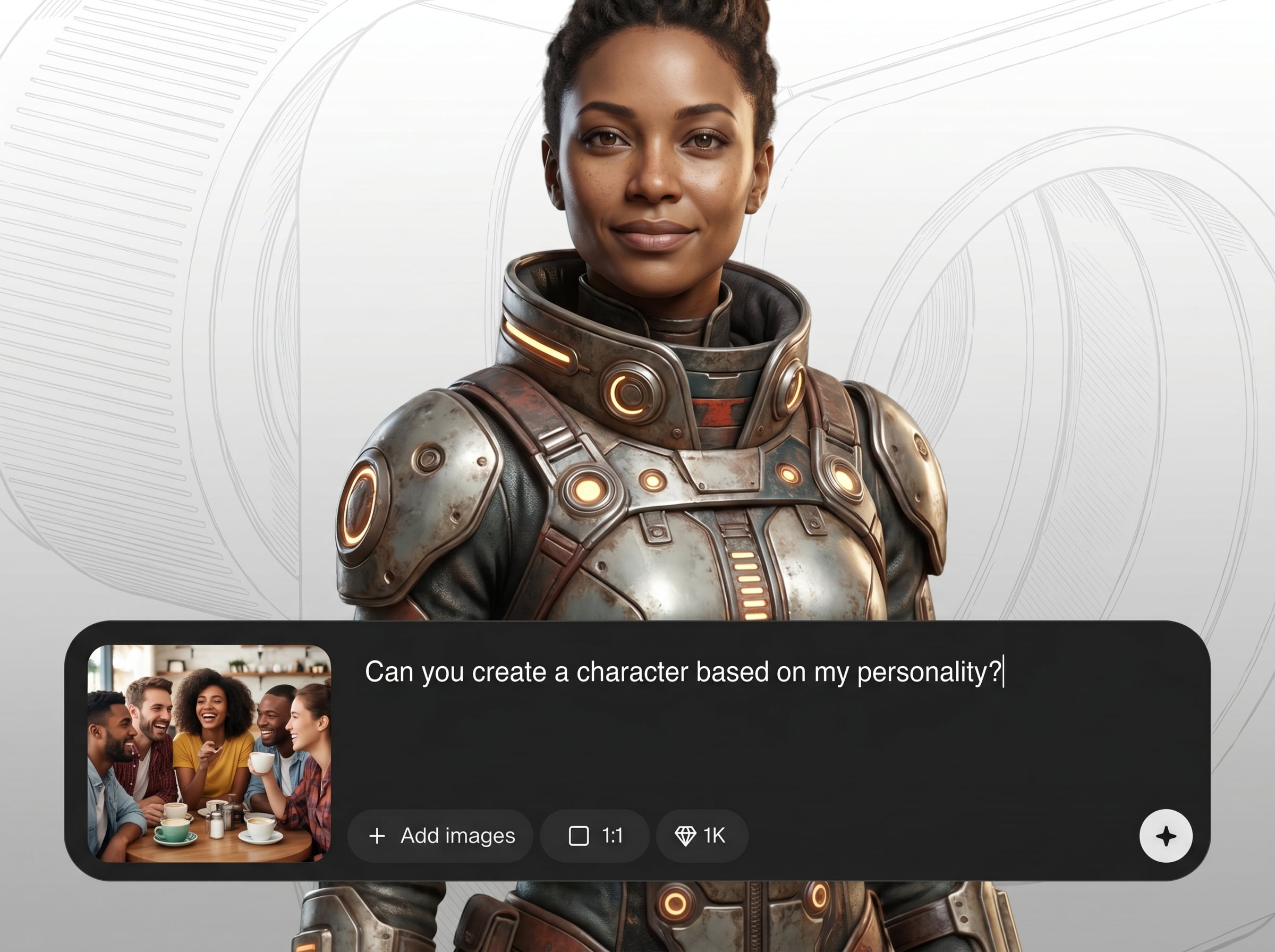
Create realistic AI portraits from a short text prompt and simple controls. Produce natural facial details, expressions, and styles while keeping outputs clean and usable for real projects.
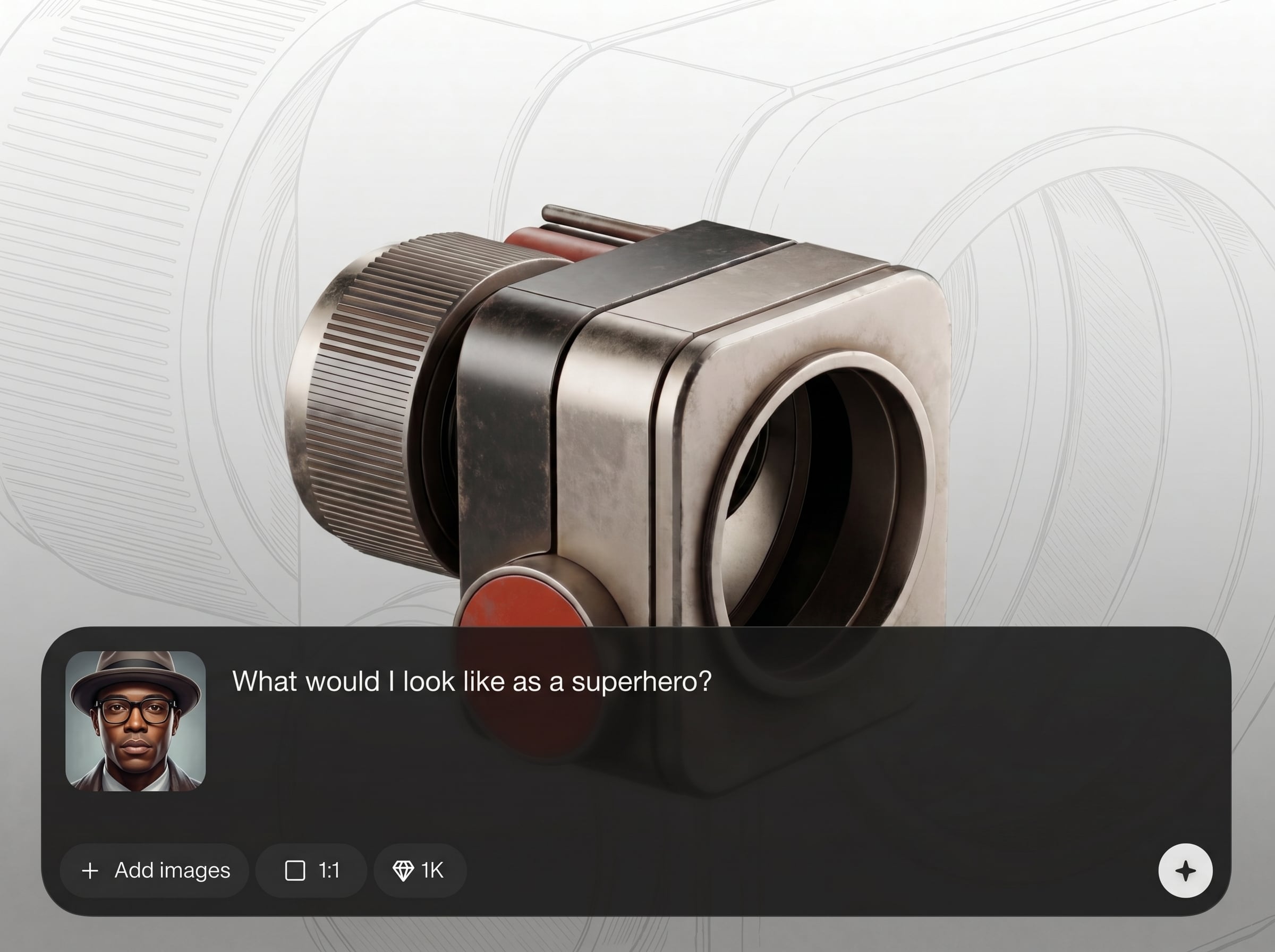
Generate multiple options in seconds and refine the look with quick adjustments. Compare variations for hair, lighting, background, and framing to reach the right result faster.
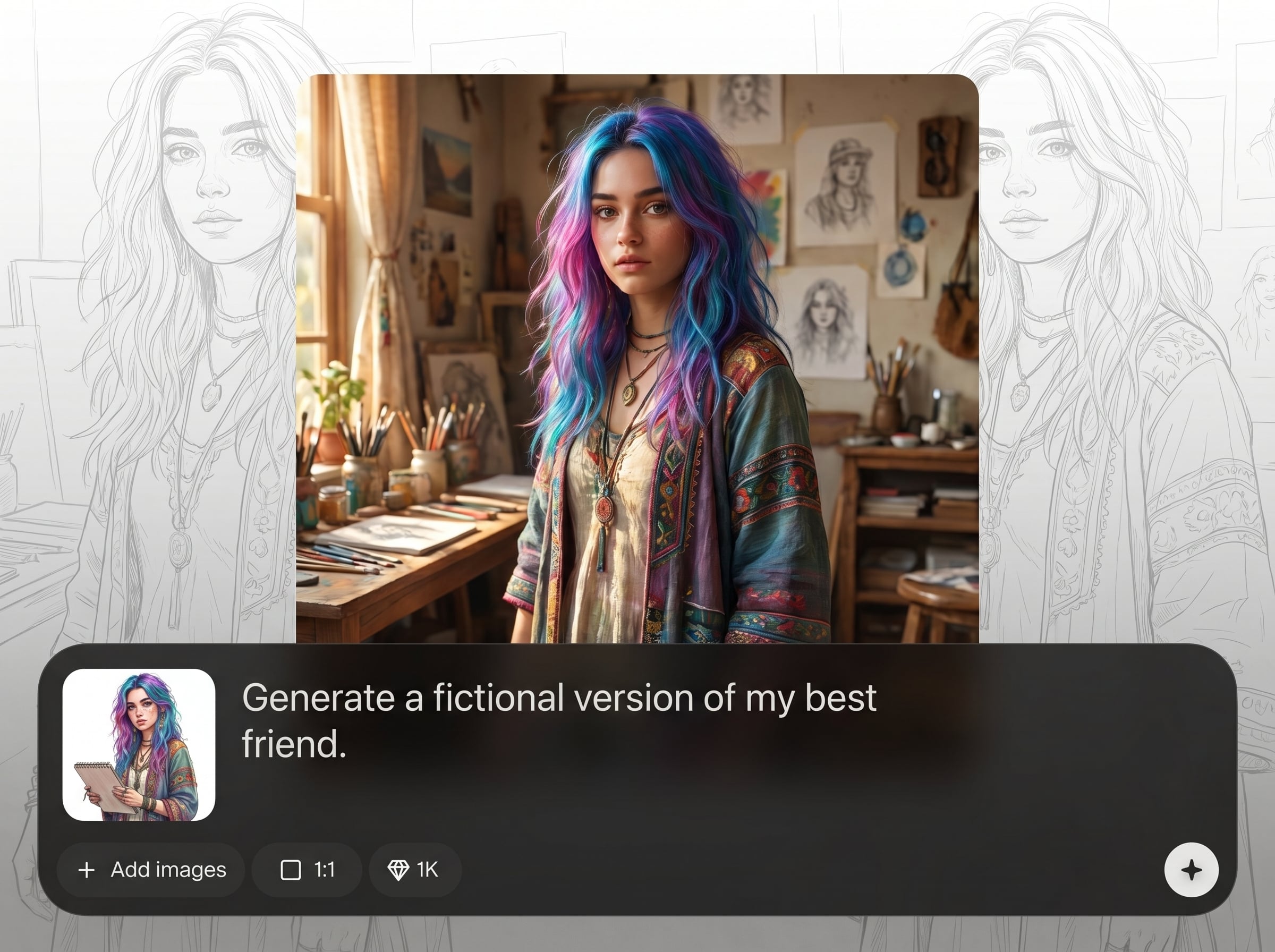
Keep a cohesive visual identity across a set of AI people. Reuse settings to maintain style, tone, and composition, making it easy to build consistent portrait collections.
About
a person is an AI person generator that creates realistic human portraits from simple prompts and settings. Customize age, expression, lighting, and style to match your project, then export high-resolution images in seconds. Use it to produce consistent, diverse AI people for mockups, ads, product concepts, and visual storytelling—without complex photo editing.
a person focuses on realistic portrait generation with practical controls for style, lighting, and framing. It’s built for quick iteration and consistent outputs, so you can create usable AI people without complex editing or slow trial-and-error.
Open a person, enter a short prompt, and choose key attributes like mood and framing. Generate variations, refine with small adjustments, then download the best result in high resolution.
Use cases
Discover how different creators use this app in their workflow.
Generate lifestyle portraits for banners, landing pages, and social ads. Quickly match demographics, mood, and styling to fit campaign concepts and A/B tests.
Create realistic profile images for prototypes, dashboards, and onboarding flows. Keep consistent framing and style across screens without hunting for stock photos.
Build character portraits for pitches, storyboards, and concept art. Iterate on expressions, lighting, and visual tone to support narrative direction.
Krea is one of the world's leading generative AI platforms. See what others say.
Real reviews on TrustpilotSo many AI tools out there but I always come back to Krea. It's really the one AI platform that 'just works'.

FYN
Krea's interfaces are still the best in the industry. Everything looks and feels so clean and easy to use! Imo the easiest to use gen AI website.

Lynn
Ultra fast generations. Extremely simple to use. All the latest AI models.

Daniel
KREA is the only AI subscription I have right now besides ChatGPT.

Sophia M.
Answers to common questions about generating realistic AI people with a person.
a person is an AI person generator that creates realistic human portraits from prompts and settings. It helps you produce diverse, high-quality AI people quickly for design, marketing, and concept workflows.
Start with a clear prompt describing age, mood, and style, then adjust lighting and framing settings. Generate multiple variations and refine until facial features, skin texture, and background look natural.
Yes. Use prompt details and built-in controls to influence age range, expression, hair, lighting, and overall aesthetic. Iteration is fast, so you can dial in a consistent look across outputs.
It’s well-suited for avatars and profile images. Generate headshots with consistent framing and clean backgrounds, then export high-resolution results for web apps, prototypes, or internal directories.
Export options typically include high-quality image downloads suitable for web and print use. Choose the best resolution available for your workflow, then resize or compress as needed for performance.
Reuse the same prompt structure and keep key settings consistent, such as lighting, lens/framing, and style. Generate in batches and refine with small changes to maintain a cohesive portrait series.
Yes. a person uses artificial intelligence and machine learning to synthesize realistic portraits from text and parameters. The system generates new images rather than editing a single existing photo.
Use specific prompts, avoid conflicting descriptors, and prefer simple backgrounds. Generate multiple variations and select the cleanest result, then adjust lighting and detail settings to reduce artifacts.
Generate diverse, high-quality portraits fast and export images ready for ads, mockups, and storytelling.

