















Step 1
Describe
Enter a flavor concept and visual details like cone or cup, toppings, lighting, and background. Add packaging notes for pint labels, lids, or brand colors.
 App by adii
Generate mouthwatering ice cream concepts, flavors, and menu visuals with AI. Create photoreal mockups, labels, and ads in minutes—try it online.
How to use ice cream
Learn how to create AI ice cream images and concepts from a simple prompt. Follow three quick steps to set a style, generate options, and export assets for menus, ads, or product mockups.
Step 1
Enter a flavor concept and visual details like cone or cup, toppings, lighting, and background. Add packaging notes for pint labels, lids, or brand colors.

Step 2
Choose a style—photoreal, studio product shot, or playful illustration—then generate variations. Refine by adjusting ingredients, textures, and composition to match your brand.

Step 3
Download high-quality images for menus, social posts, and marketing. Save winning prompts to keep a consistent look across seasonal flavors and product launches.
Features
Create AI-generated ice cream visuals and flavor concepts tailored to your needs. Generate photoreal product shots, illustrated menu art, and packaging-ready mockups from text prompts. Iterate fast with consistent styles, quick variations, and reusable settings for campaigns, seasonal releases, and brand refreshes.
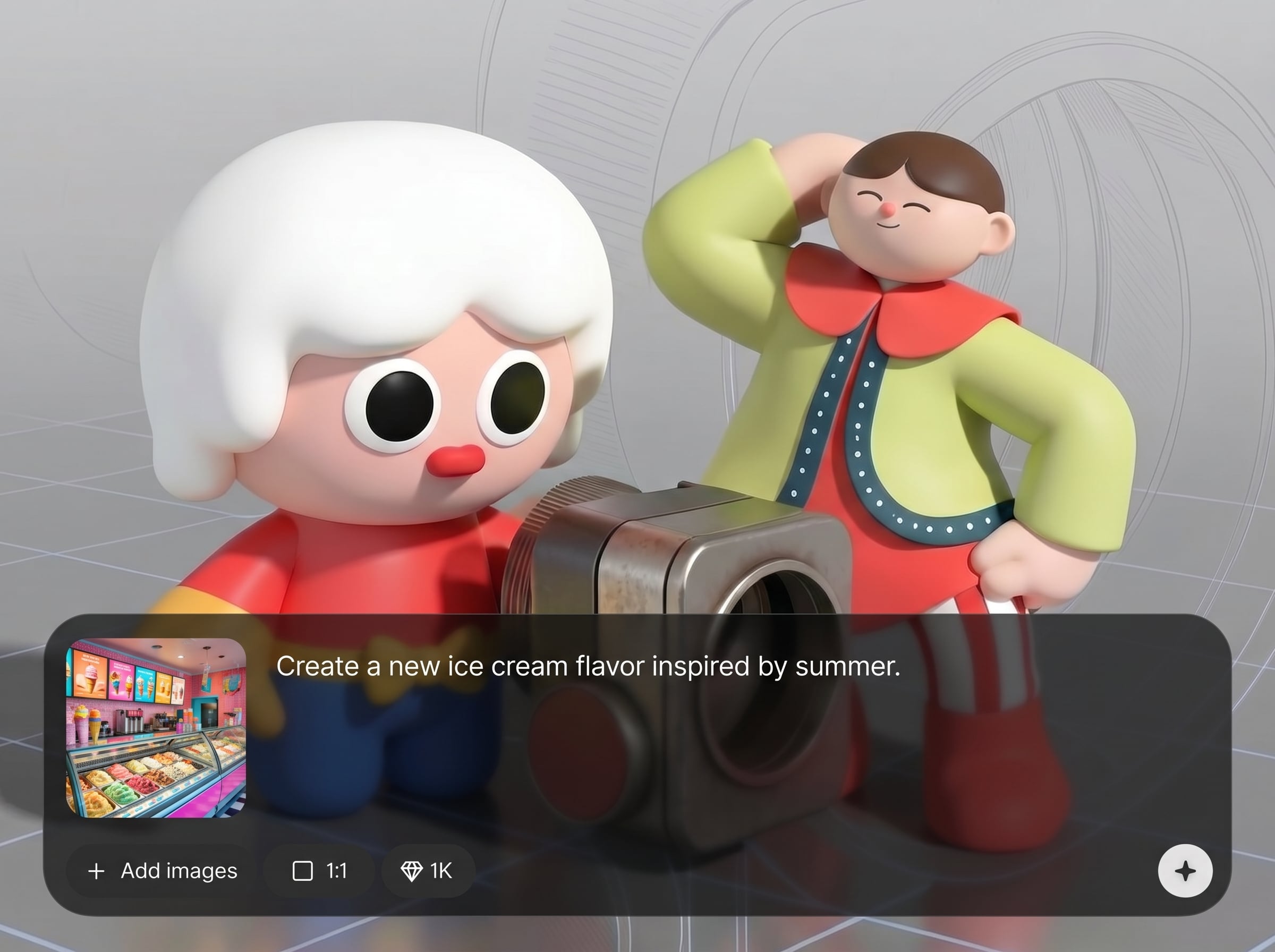
Generate studio-style ice cream images with realistic textures, melting details, and toppings. Produce pints, scoops, cones, and sundaes suitable for menus, ads, and product concept reviews.
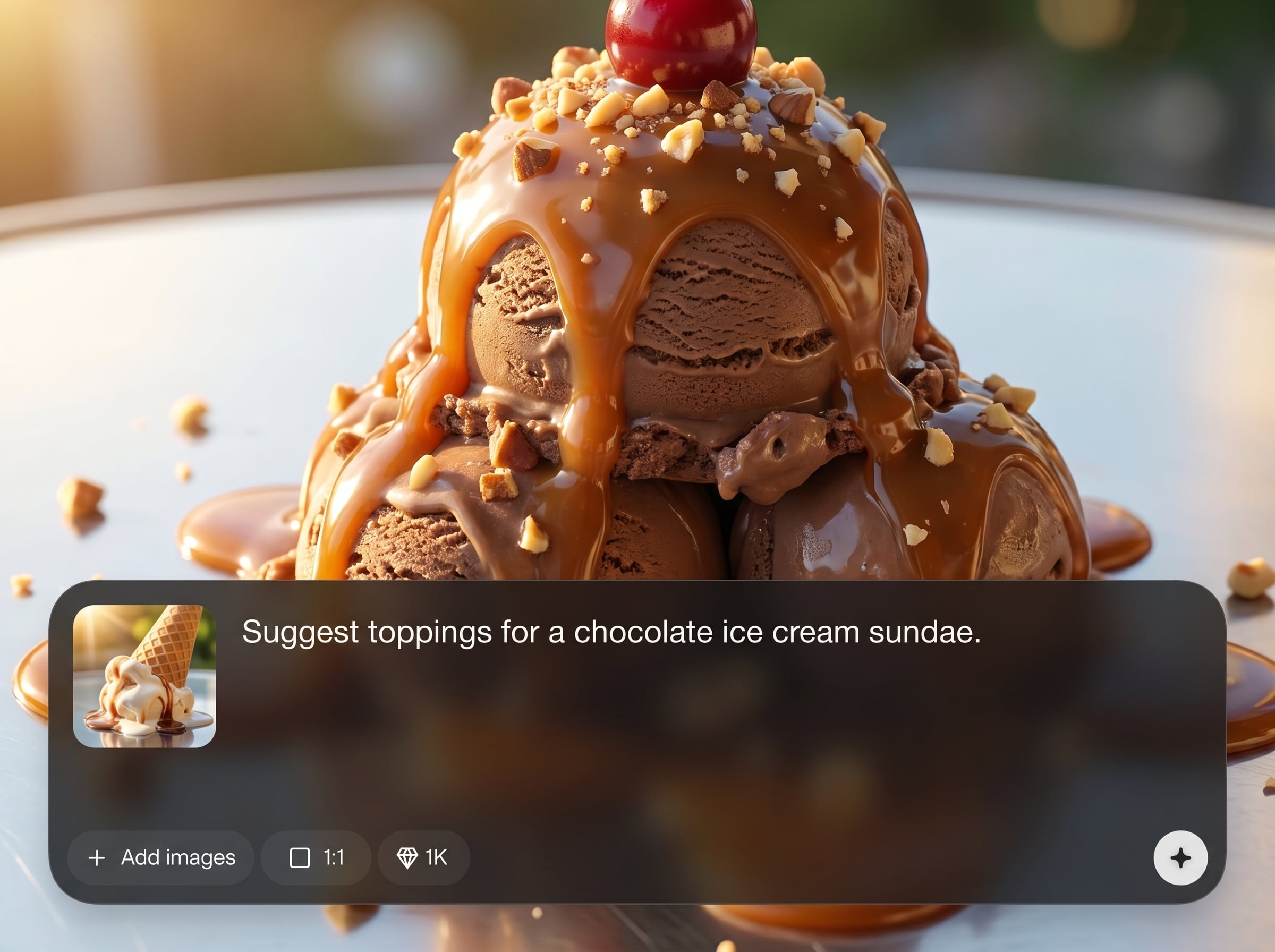
Explore multiple looks quickly—minimal, colorful, retro, or premium—without restarting. Adjust lighting, angles, and backgrounds to fit seasonal promotions, brand guidelines, and channel formats.
Mock up pint labels, lids, and packaging scenes with AI. Test flavor names, color palettes, and layout ideas to preview shelf impact before committing to full production design.
About
Ice cream turns prompts into irresistible ice cream concepts—flavor ideas, menu-ready visuals, and product mockups. Use AI to generate photoreal scoops, pints, toppings, and packaging styles in seconds. Perfect for rapid brainstorming, campaign images, and consistent branding across menus, ads, and social posts—without expensive photoshoots or lengthy design cycles.
Ice cream helps you move from idea to visual fast with AI-powered generation and quick variations. Create photoreal food mockups, illustrated menu art, and packaging concepts in one workflow. Save time, test more directions, and keep a consistent look across campaigns and seasonal launches.
Type a flavor prompt, pick a style, and generate variations in seconds. Refine details like toppings, lighting, and packaging, then export ready-to-use visuals for menus, ads, and product mockups.
Use cases
Discover how different creators use this app in their workflow.
Generate consistent ice cream images for printed menus, boards, and kiosks. Quickly update visuals for new flavors, limited drops, and seasonal specials.
Create AI product shots for ads, social media, and email headers. Produce multiple concepts fast to A/B test styles, colors, and flavor messaging.
Visualize new flavors and toppings before making samples. Align teams with clear concept images, then iterate on ingredients, plating, and packaging direction.
Krea is one of the world's leading generative AI platforms. See what others say.
Real reviews on TrustpilotSo many AI tools out there but I always come back to Krea. It's really the one AI platform that 'just works'.

FYN
Krea's interfaces are still the best in the industry. Everything looks and feels so clean and easy to use! Imo the easiest to use gen AI website.

Lynn
Ultra fast generations. Extremely simple to use. All the latest AI models.

Daniel
KREA is the only AI subscription I have right now besides ChatGPT.

Sophia M.
Answers to common questions about generating ice cream images and concepts with AI.
Ice cream is an AI tool that generates ice cream visuals and flavor concepts from text prompts. Create photoreal scoops, pints, toppings, and packaging mockups for menus, marketing, and ideation.
Yes. Generate studio-style images with realistic lighting, textures, and melting effects. You can specify angles, backgrounds, and props to produce product-shot mockups for ads and menus.
Include the base flavor, mix-ins, topping details, and serving format. Add cues like “macro texture,” “glossy chocolate drizzle,” or “crushed pistachio” plus lighting and background for consistency.
Yes. Describe the pint shape, label style, brand colors, typography vibe, and flavor name. Generate multiple packaging mockups to compare shelf appeal and refine direction quickly.
It supports photoreal, illustrated, minimal, and playful looks depending on your prompt. Specify “vector,” “hand-drawn,” “3D render,” or “premium studio photo” to steer the output style.
Reuse prompt structure, color palettes, and styling keywords across generations. Save preferred settings and iterate with small changes so new flavors match existing menu and campaign visuals.
Download high-quality images suitable for web and print workflows. Export outputs for menus, social posts, and ads, then resize or crop for different placements as needed.
Yes. Generate many variations in minutes to compare flavor themes, packaging directions, and hero images. It’s ideal for quick iterations before committing to photography or full design production.
Generate flavor ideas, product shots, and packaging mockups online with AI—fast, flexible, and brand-ready.

