















Step 1
Prompt
Enter a clear text prompt describing subject, style, lighting, and composition. Add keywords for realism, illustration, or 3D to steer the AI output.
 App by adii
Use image generation to create high-quality AI images from prompts. Customize styles, upscale results, and export fast for web, ads, and design.
How to use image generation
Follow these quick steps to create polished AI images with image generation. Start with a prompt, choose a style and settings, then generate, refine, and export high-resolution results for any project.
Step 1
Enter a clear text prompt describing subject, style, lighting, and composition. Add keywords for realism, illustration, or 3D to steer the AI output.

Step 2
Select aspect ratio, style presets, and quality settings, then generate variations. Iterate by adjusting prompt terms to fix details, colors, or framing.

Step 3
Choose your best result, upscale for higher resolution, and download in a web-friendly format. Use the final image in designs, ads, decks, or posts.
Features
Create original visuals with fast, flexible image generation. Turn prompts into consistent, high-quality images, explore styles, and iterate quickly with variations. Fine-tune composition with aspect ratios and settings, then upscale for clean edges and sharper detail. Export assets ready for marketing, product design, and content workflows.

Guide results with prompt-driven controls for style, mood, lighting, and composition. Generate multiple variations to explore ideas quickly and converge on the look you need.
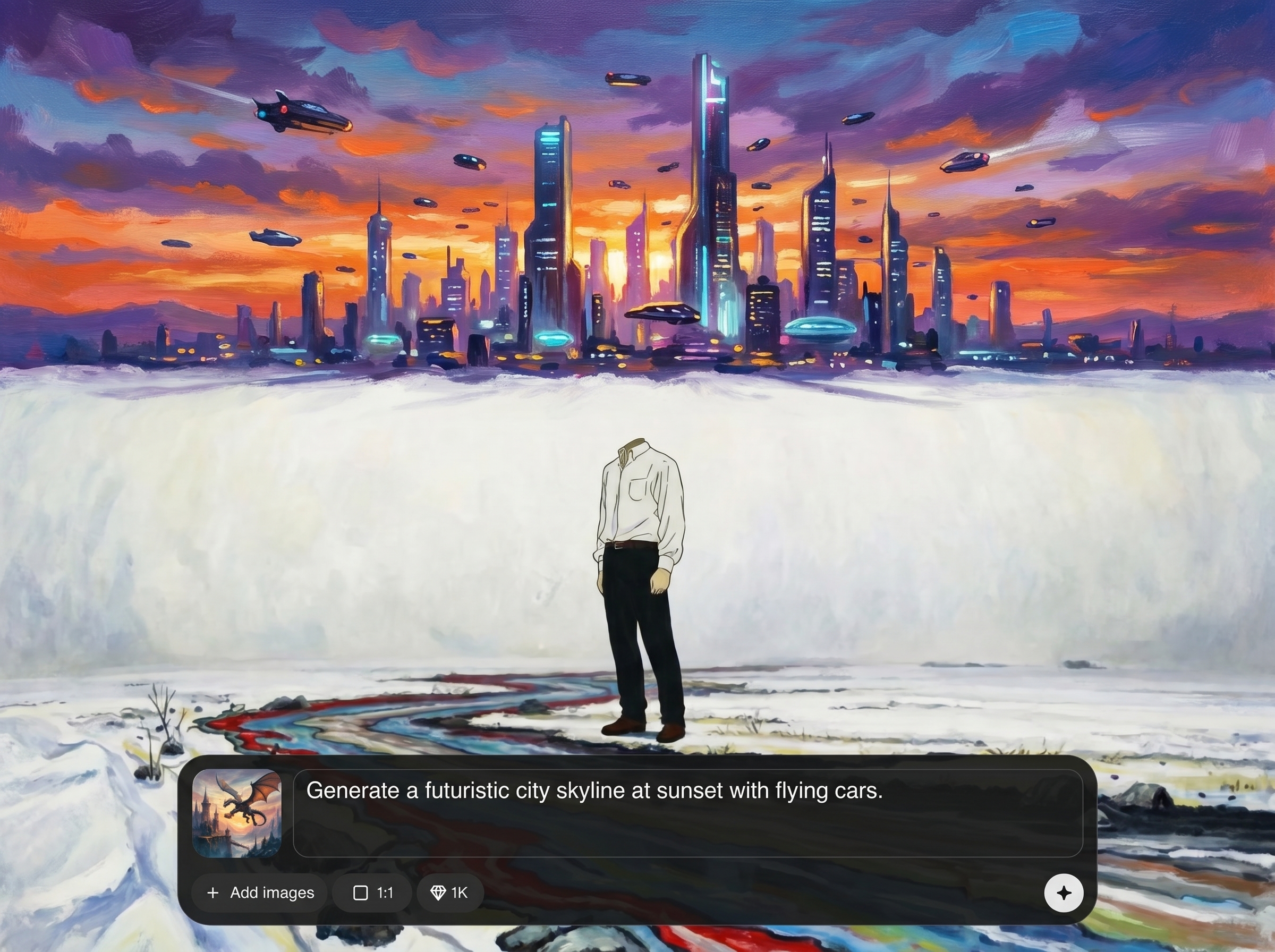
Create, compare, and refine images in seconds. Adjust settings and prompt details to correct anatomy, improve clarity, and maintain a consistent visual direction across outputs.
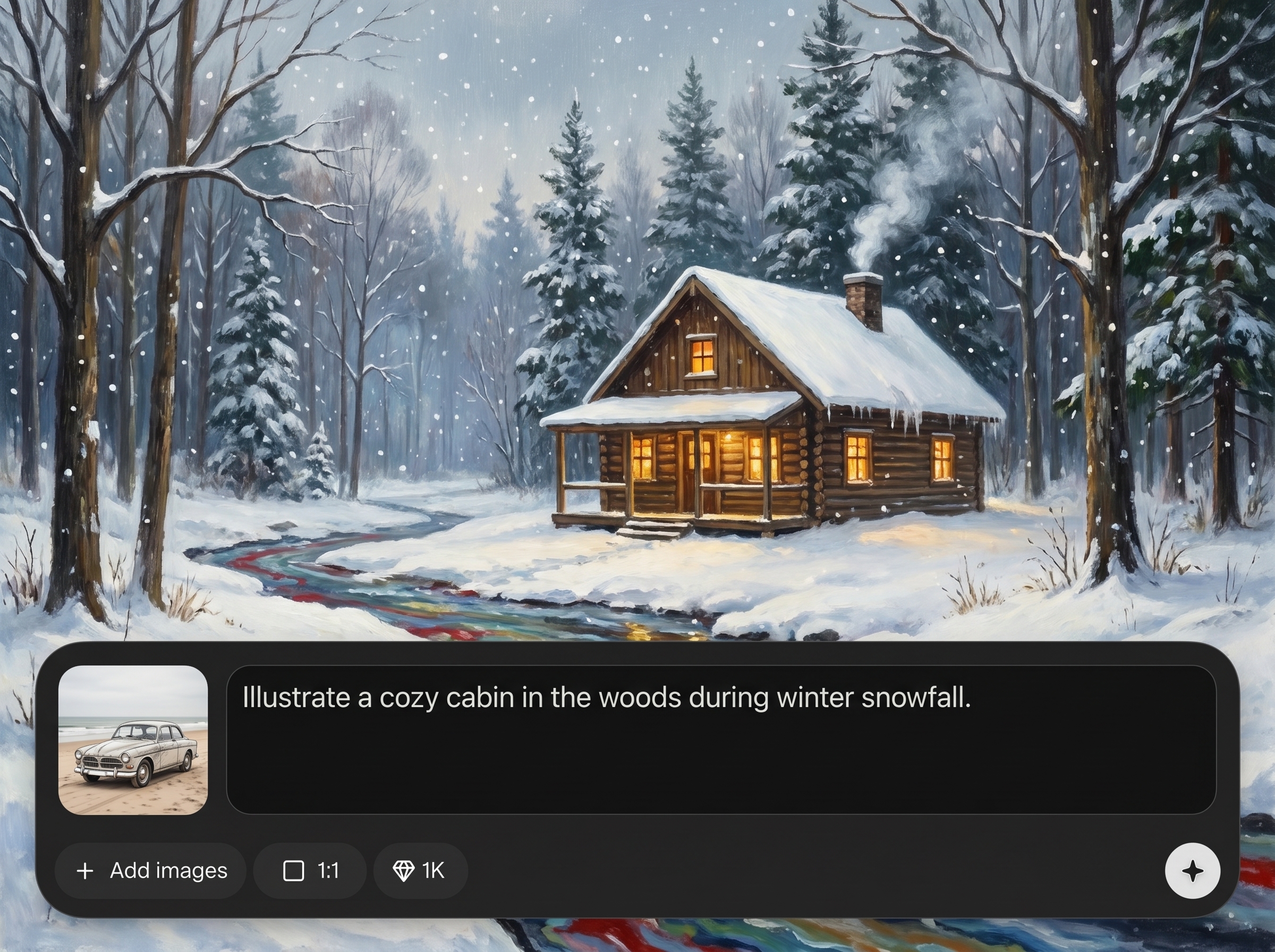
Upscale AI images for sharper lines and improved detail. Download high-resolution files optimized for web, social, presentations, or print so assets fit your workflow immediately.
About
image generation turns text prompts into high-quality visuals in seconds. Generate AI images in multiple styles, refine details with prompt controls, and upscale for crisp results. Perfect for rapid ideation, marketing creatives, product mockups, and social content—export ready-to-use images for web or print with consistent quality.
image generation combines fast AI rendering with practical controls for style, aspect ratio, and quality. Create multiple variations quickly, refine with targeted prompt edits, and upscale for crisp exports. It’s built for reliable results that fit real design, marketing, and product workflows.
Type a prompt, pick a style and aspect ratio, and generate variations. Choose the best result, refine details with prompt tweaks, then upscale and download a high-resolution image ready to use.
Use cases
Discover how different creators use this app in their workflow.
Generate scroll-stopping visuals for campaigns, landing pages, and social ads. Quickly test styles and concepts, then export consistent assets sized for each channel.
Create product scenes, packaging concepts, and lifestyle imagery from prompts. Iterate fast on look and feel before committing to full design or photography.
Produce illustrations, backgrounds, and hero images for websites, apps, and articles. Keep output aligned with your brand by reusing prompt patterns and presets.
Krea is one of the world's leading generative AI platforms. See what others say.
Real reviews on TrustpilotSo many AI tools out there but I always come back to Krea. It's really the one AI platform that 'just works'.

FYN
Krea's interfaces are still the best in the industry. Everything looks and feels so clean and easy to use! Imo the easiest to use gen AI website.

Lynn
Ultra fast generations. Extremely simple to use. All the latest AI models.

Daniel
KREA is the only AI subscription I have right now besides ChatGPT.

Sophia M.
Answers to common questions about AI image generation, prompts, quality, and exports.
image generation is an AI image generator that turns text prompts into original images. It uses artificial intelligence and machine learning to synthesize visuals in different styles, compositions, and aspect ratios.
Describe the subject, style, setting, lighting, and camera/framing details. Add specific keywords like “studio lighting” or “watercolor illustration,” and remove vague terms to improve AI image quality.
Yes. Select style presets and pick an aspect ratio for social posts, banners, or print layouts. These settings help the AI model generate images that match your format and aesthetic.
Generate multiple variations, then refine the prompt to fix details like color or framing. Use the upscaler to increase resolution and produce sharper edges for export-ready results.
It’s designed for rapid iteration. Generate, compare, and adjust prompts quickly so you can explore concepts, align on direction, and deliver visuals on tight deadlines.
Download images in common formats suitable for web and design workflows. Use the export options after upscaling to ensure the final files meet resolution and quality requirements.
You can generate assets for marketing, products, and content, depending on your usage needs and applicable terms. For critical commercial projects, review licensing and compliance requirements before publishing.
Consistency improves when you reuse prompt templates, style settings, and aspect ratios. Save your best prompt patterns and iterate with small changes to keep outputs aligned across a series.
image generation focuses on controlled text-to-image results, fast variation cycles, and export-ready upscaling. It’s built to help you move from idea to usable visual assets with fewer steps.
Turn prompts into polished visuals in seconds—generate, refine, upscale, and export assets for any workflow.

