




Step 1
Describe
Enter a detailed text prompt with subject, style, lighting, and background. Add constraints like aspect ratio or color palette to guide the AI toward your intended look.
Use test, an AI image generator, to create unique visuals from text prompts in seconds. Fast, flexible, and ready for downloads—try it now.
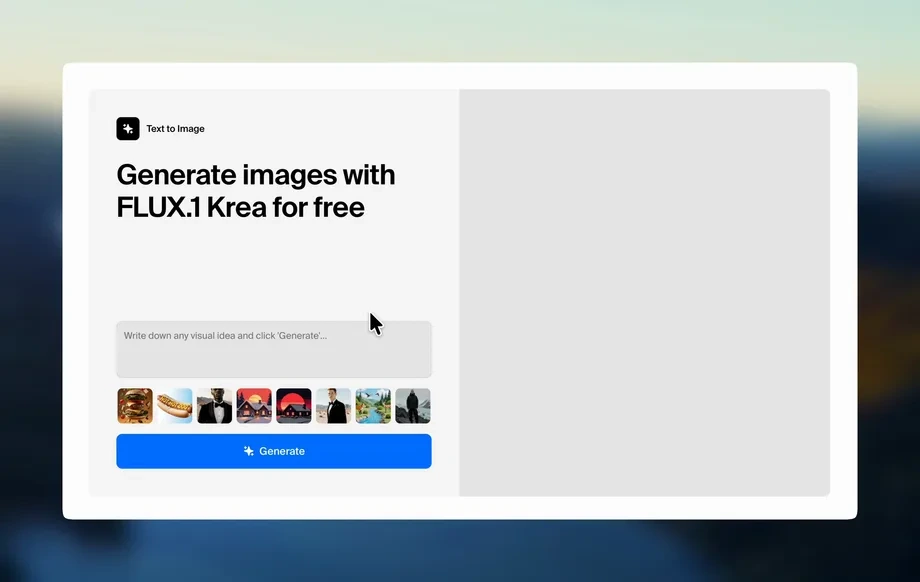
Run the app to see your first output
How to use test
Create professional images with test in minutes. Write a clear prompt, choose your preferred style and settings, then generate and refine results until the output matches your goal.
Step 1
Enter a detailed text prompt with subject, style, lighting, and background. Add constraints like aspect ratio or color palette to guide the AI toward your intended look.
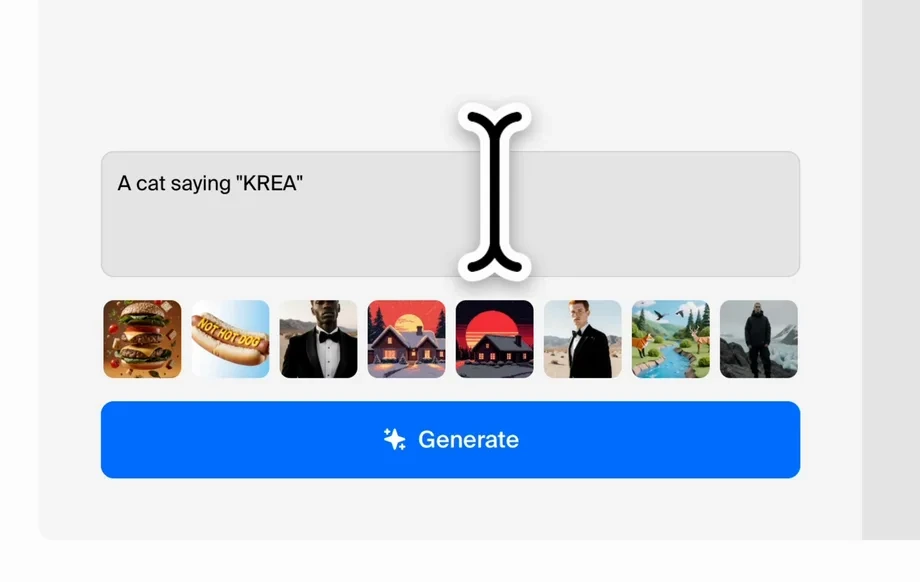
Step 2
Click generate to produce multiple image variations. Iterate by adjusting keywords, style, and quality settings to improve composition, realism, and overall consistency across outputs.
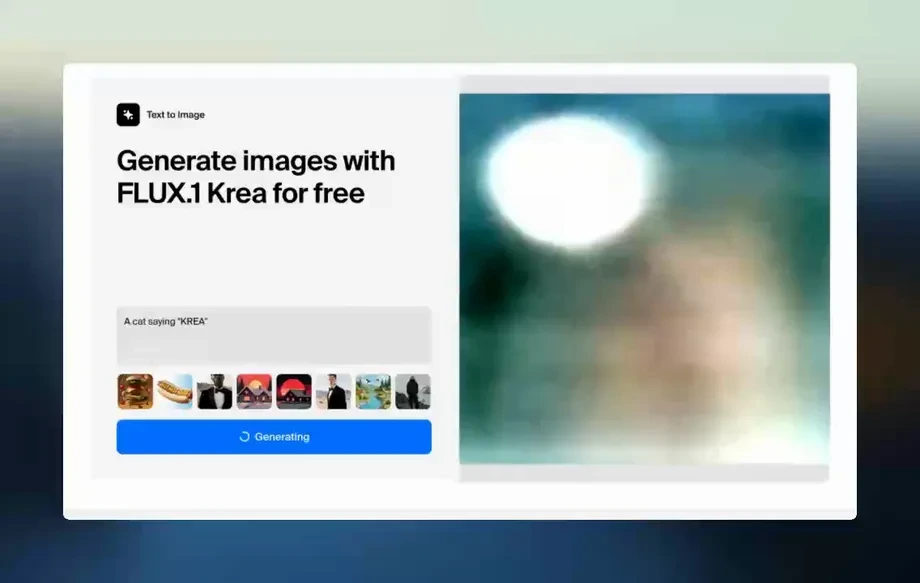
Step 3
Select your best result and download in a practical resolution. Use the image in design tools, marketing assets, or mockups, and save prompts for repeatable generation later.
Features
test combines fast text-to-image generation with practical controls for style and quality. Fine-tune prompts, iterate on variations, and keep results consistent across a project. Export ready-to-use images for marketing, product concepts, storyboards, and design comps without complex editing or long rendering times.
Turn detailed prompts into on-brand visuals using AI and machine learning. Guide style, mood, and composition with structured wording and consistent settings for repeatable results.
Generate multiple variations quickly and refine with small prompt edits. Compare outputs side-by-side to lock in the best layout, colors, and level of detail.
Explore different aesthetics without changing your core idea. Adjust style direction and quality to produce clean product shots, illustrative artwork, or cinematic concept frames.
About
test is an AI image generator that turns text prompts into high-quality visuals in seconds. Use artificial intelligence to explore styles, refine results, and generate consistent outputs for ads, social posts, and design mockups. Adjust prompts and settings to control composition, color, and detail, then export images ready for web or print workflows.
test helps you move from idea to image quickly with reliable text-to-image generation, fast iteration, and practical export-ready outputs. Use clear prompt controls to steer style and quality, then refine with variations to reach the look you need without heavy editing.
Open test, write a prompt describing your subject and style, and generate a set of variations. Refine with small prompt edits, choose the best result, and download an image ready for design or marketing use.
Use cases
Discover how different creators use this app in their workflow.
Generate ad creatives, banners, and social images from a single brief. Keep style consistent across campaigns while testing multiple concepts quickly.
Create concept images for product ideas, UI mockups, and packaging directions. Iterate on form, materials, and mood before committing to production.
Build scene options and visual references for pitches and planning. Produce cohesive sets of images that communicate tone, lighting, and composition.
Krea is one of the world's leading generative AI platforms. See what others say.
Real reviews on TrustpilotSo many AI tools out there but I always come back to Krea. It's really the one AI platform that 'just works'.
FYN
Krea's interfaces are still the best in the industry. Everything looks and feels so clean and easy to use! Imo the easiest to use gen AI website.
Lynn
Ultra fast generations. Extremely simple to use. All the latest AI models.
Daniel
KREA is the only AI subscription I have right now besides ChatGPT.
Sophia M.
Answers to common questions about test AI image generation and exports.
test is an AI image generator that creates images from text prompts using artificial intelligence and machine learning. It helps you explore styles, generate variations, and export visuals for marketing, design, and concept work.
Include the subject, setting, style, lighting, and camera details when relevant. Add constraints such as aspect ratio or color palette. Start simple, then refine with small edits to improve consistency.
Yes. test can produce a range of looks—from clean product-style renders to illustrative and cinematic visuals. Use descriptive style keywords and iterate to steer the model toward the aesthetic you want.
Generation speed depends on settings like quality and resolution, but results typically appear within seconds. You can quickly generate multiple variations and refine prompts without long rendering workflows.
Download options vary by configuration, but test is designed to export practical image resolutions for web and design use. Choose the best output, then download and use it in your preferred editing tools.
Reuse a proven prompt structure and keep key descriptors consistent, such as subject details, style terms, and lighting. Save prompt versions and make incremental changes so outputs remain aligned across iterations.
test is built for producing marketing-ready visuals quickly, including ads and social graphics. Always review outputs for accuracy and brand fit, and ensure your usage aligns with your required licensing policies.
Clarify the prompt with specific details and remove conflicting keywords. Try generating more variations, adjusting style terms, and increasing quality settings. Small changes often improve composition, clarity, and realism.
Turn ideas into polished visuals in seconds with test. Generate, refine, and export images for any workflow.