















Step 1
Describe
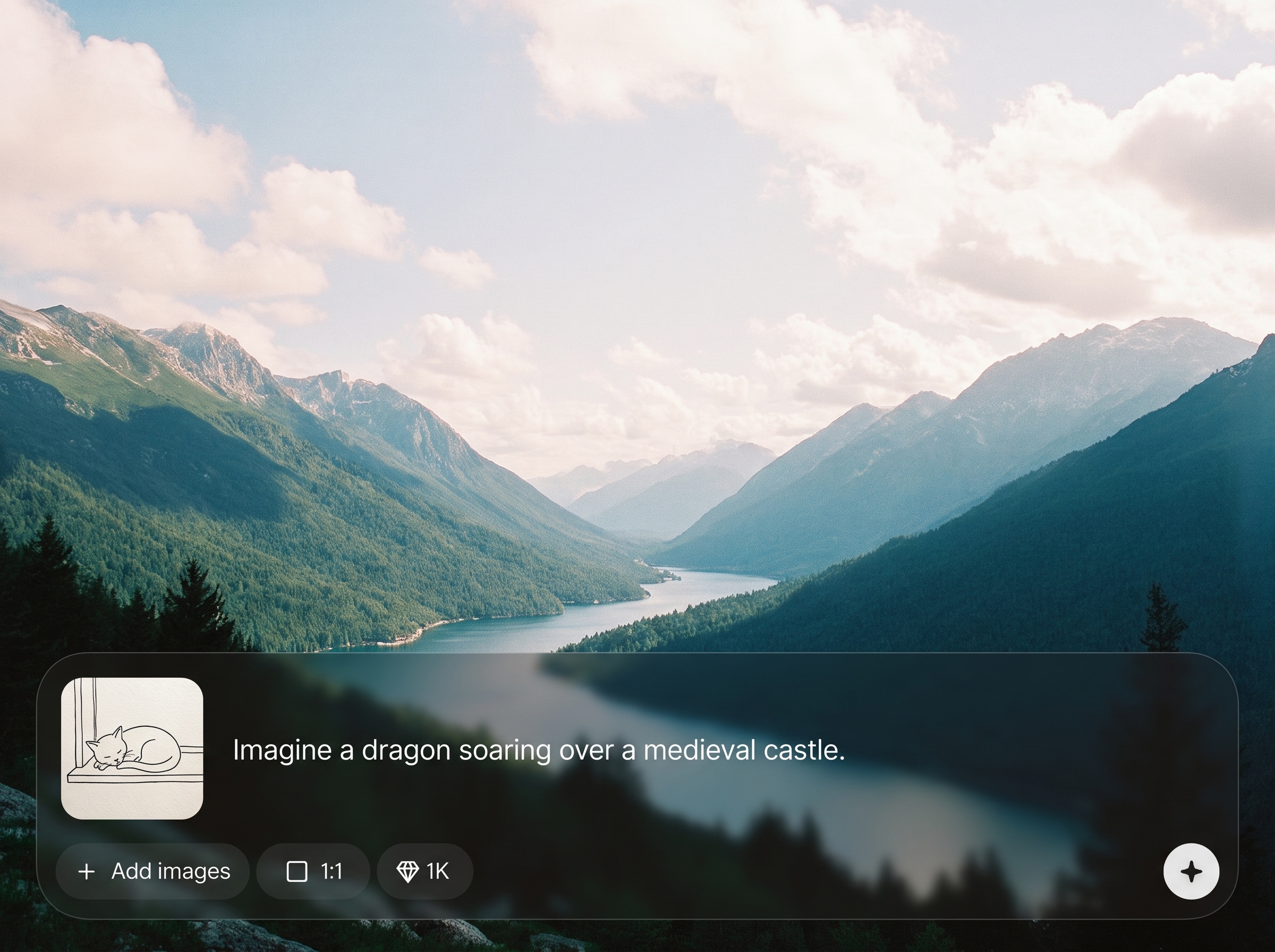
Enter a clear prompt with subject, style, and mood. Add details like lighting, lens, color palette, or aspect ratio to guide the AI image generation.
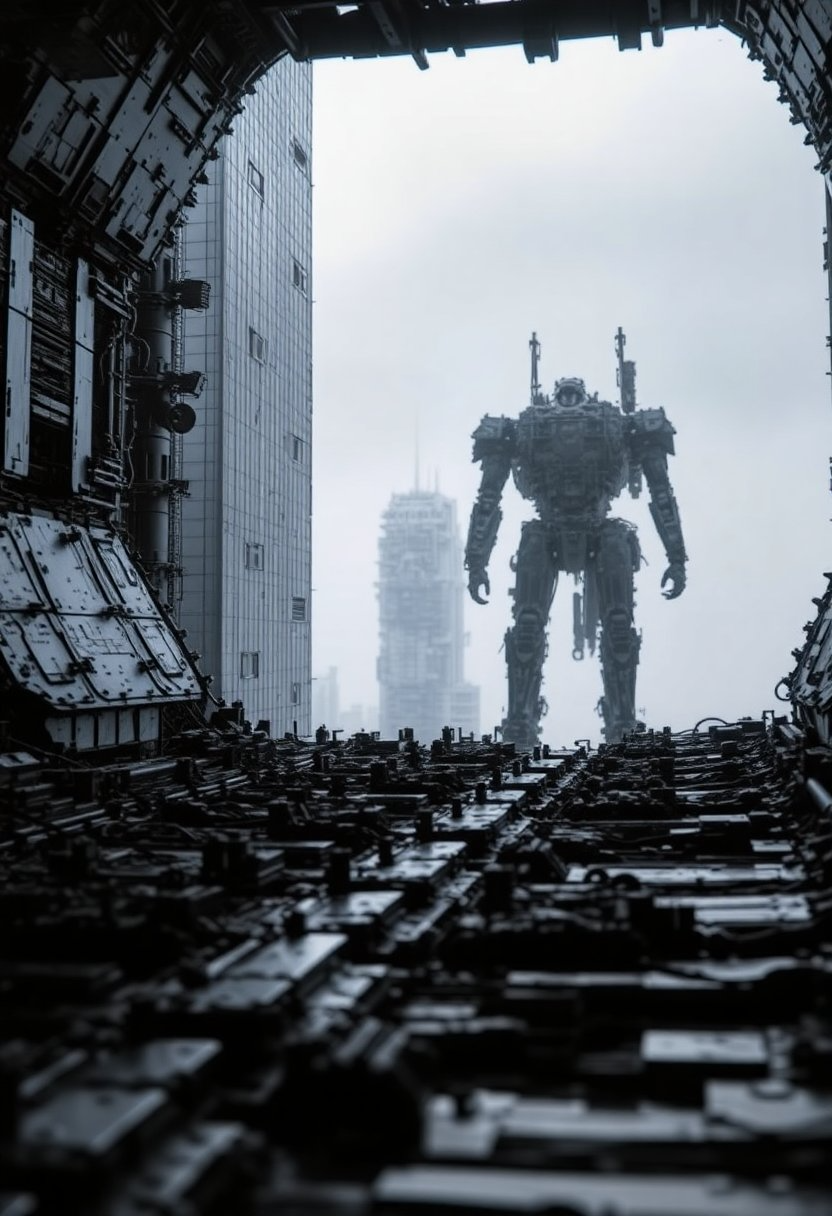 App by atfundum
Generate high-quality images in seconds with creator, an intelligent AI image generator. Turn prompts into polished visuals for ads, social, and design—try it now.
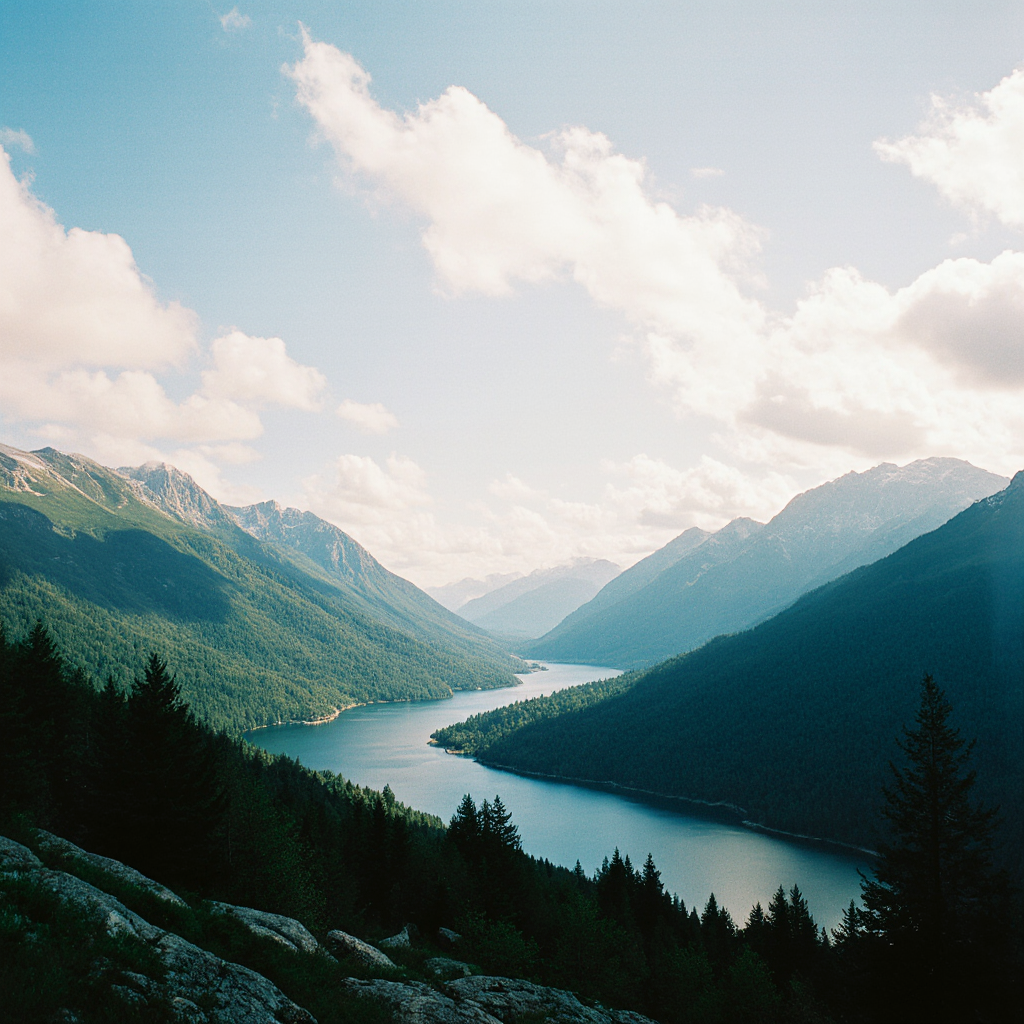
How to use creator
Use creator to generate images from a prompt with optional style controls. Follow these steps to set your look, iterate quickly, and export ready-to-use visuals for any project.
Step 1
Enter a clear prompt with subject, style, and mood. Add details like lighting, lens, color palette, or aspect ratio to guide the AI image generation.

Step 2
Click generate to produce multiple variations. Adjust style settings and refine the prompt to improve realism, composition, or illustration quality in seconds.

Step 3
Select the best result and download in a share-ready format. Use the image in presentations, marketing assets, product mockups, or social posts.
Features
creator delivers fast, high-quality AI image generation from simple text prompts. Generate photorealistic scenes or stylized illustrations, then iterate with controllable settings for composition and detail. Built for speed and consistency, it helps you produce polished visuals for campaigns, concepts, and everyday design workflows.
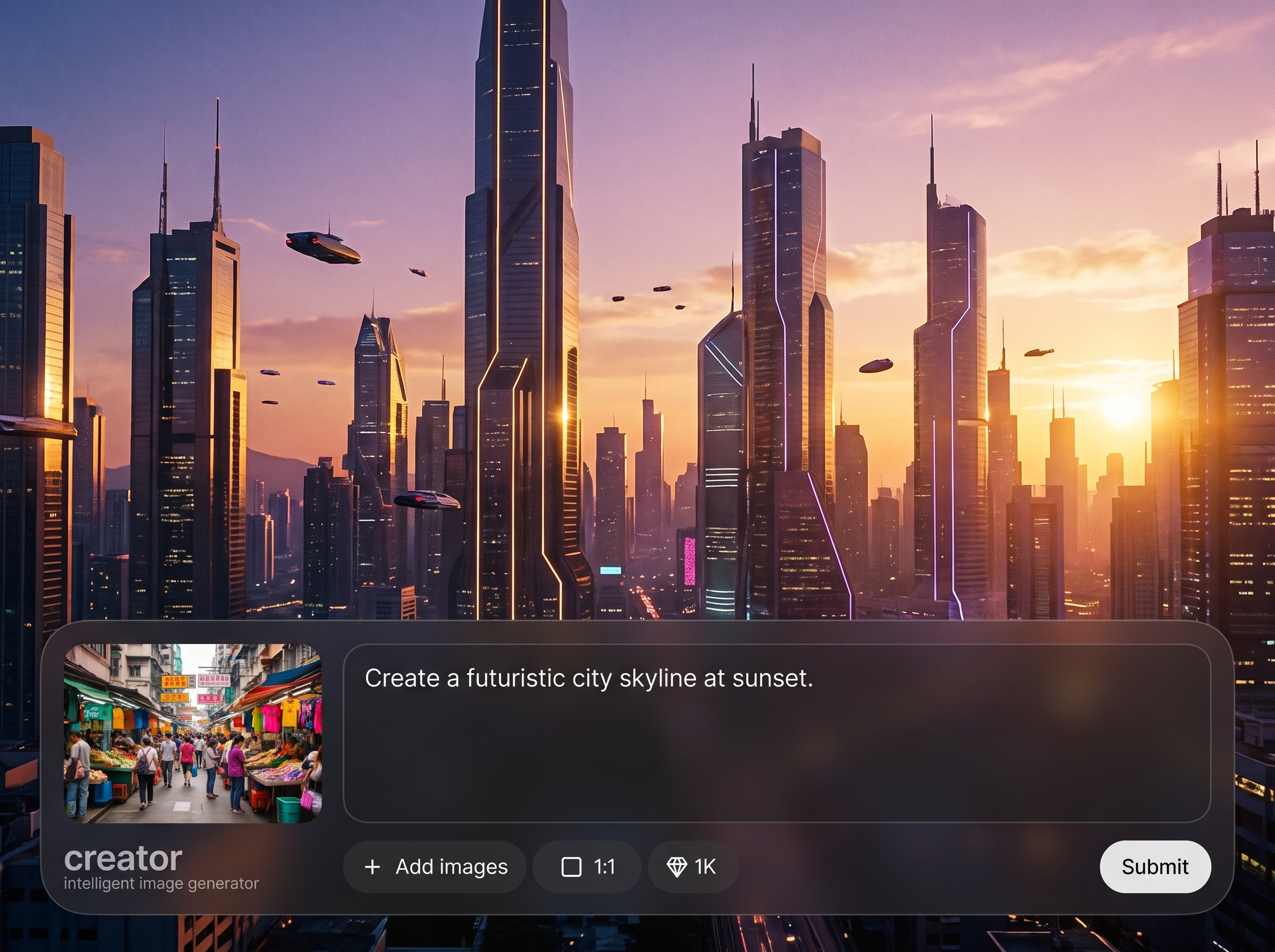
Turn prompts into clean, detailed images with intelligent prompt handling. Guide style, mood, lighting, and subject clarity to produce more accurate outputs with fewer retries.
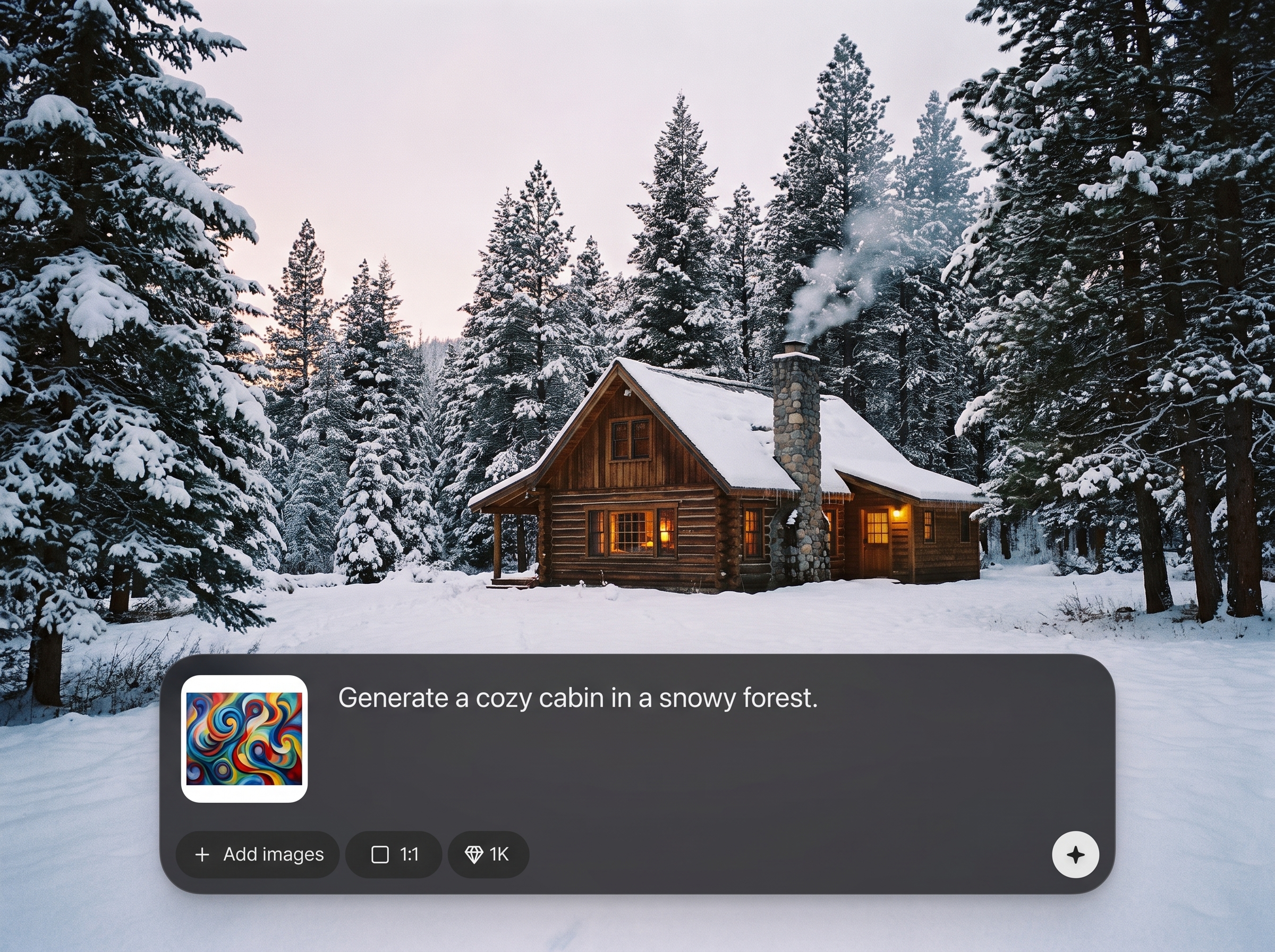
Generate multiple variations quickly and refine in small steps. Iterate on composition and realism without restarting, so you can reach a final look faster and with less manual effort.
Create consistent visuals across a set by reusing prompt structure and style choices. Switch between photoreal, illustration, and concept art while keeping a cohesive aesthetic.
About
creator is an intelligent AI image generator that turns text prompts into high-quality visuals for marketing, social media, and design. Choose a style, refine results with simple edits, and generate consistent outputs fast. Create photorealistic images, illustrations, and concept art with flexible controls for composition, lighting, and detail.
creator combines intelligent image generation with fast iteration for dependable results. Produce photorealistic or stylized visuals with clear prompt control, consistent aesthetics, and rapid variation testing. Get polished outputs quickly for campaigns, social graphics, and concept exploration.
Type a prompt, choose a style direction, and generate multiple variations. Refine with small prompt edits until the result matches your goal, then download and use it immediately.
Use cases
Discover how different creators use this app in their workflow.
Generate campaign visuals, banners, and product scenes quickly. Produce multiple concepts from one brief and test different styles without lengthy design cycles.
Create scroll-stopping images for posts and thumbnails. Match a consistent style across a series and generate fresh variations for daily content needs.
Explore environments, characters, and mood boards from text prompts. Rapidly iterate ideas to align on direction before committing to production work.
Krea is one of the world's leading generative AI platforms. See what others say.
Real reviews on TrustpilotSo many AI tools out there but I always come back to Krea. It's really the one AI platform that 'just works'.

FYN
Krea's interfaces are still the best in the industry. Everything looks and feels so clean and easy to use! Imo the easiest to use gen AI website.

Lynn
Ultra fast generations. Extremely simple to use. All the latest AI models.

Daniel
KREA is the only AI subscription I have right now besides ChatGPT.

Sophia M.
Find quick answers about creator, AI image generation, quality, and workflow options.
creator is an intelligent image generator that converts text prompts into high-quality visuals. It supports photorealistic and stylized outputs, helping you create fast iterations for design, marketing, and concept work.
You describe the image in a prompt, and the model uses machine learning to predict pixels that match your description. Adjusting style cues and details improves composition, realism, and overall consistency.
Yes. Use prompts that include camera, lighting, and material details to push realism. Generating multiple variations and refining a few keywords typically yields sharper results and more natural textures.
Reuse a stable prompt structure and keep key style descriptors consistent. Make small, controlled edits between generations to preserve the look while changing subject details or scene layout.
Best results come from specific prompts: subject, environment, style, lighting, and mood. Add constraints like aspect ratio or color palette, and remove vague adjectives that can confuse image generation.
creator is built for quick iteration, letting you generate several options and refine them rapidly. This helps you compare compositions, test styles, and choose a final direction with minimal waiting.
Yes. Generate product scenes, lifestyle images, and ad concepts from prompts. Iterate quickly on backgrounds, lighting, and styling to produce assets suitable for marketing and presentation use.
You can export generated images in common, share-ready formats suitable for web and design workflows. Download your selected result and place it directly into ads, slides, or social media layouts.
Turn prompts into high-quality images fast—iterate styles, refine details, and export visuals ready for work.

