
















Step 1
Upload
Add a photo or drag and drop your image. Frozen! analyzes the subject and scene to prepare a clean, high-contrast freeze-frame base.
Frozen! turns photos into crisp freeze-frame visuals with AI. Add icy motion-stop effects, adjust style, and export fast—try it online now.
How to use Frozen!
Frozen! makes it simple to create a freeze-frame look with AI. Upload any photo, choose your frozen style, then refine the effect and export a high-quality image for sharing or design.
Step 1
Add a photo or drag and drop your image. Frozen! analyzes the subject and scene to prepare a clean, high-contrast freeze-frame base.

Step 2
Choose a frozen effect style and adjust intensity, sharpness, and color tone. Preview changes instantly until the motion-stop look matches your goal.

Step 3
Download your frozen image in high resolution. Use it in social posts, thumbnails, ads, or print designs while keeping details crisp and consistent.
Features
Frozen! combines AI image stylization with precise controls to create a crisp freeze-frame look from any photo. Adjust effect strength, detail, and tone for consistent results across a series. Generate clean, high-quality outputs for marketing, social, and design—without complex editing workflows.
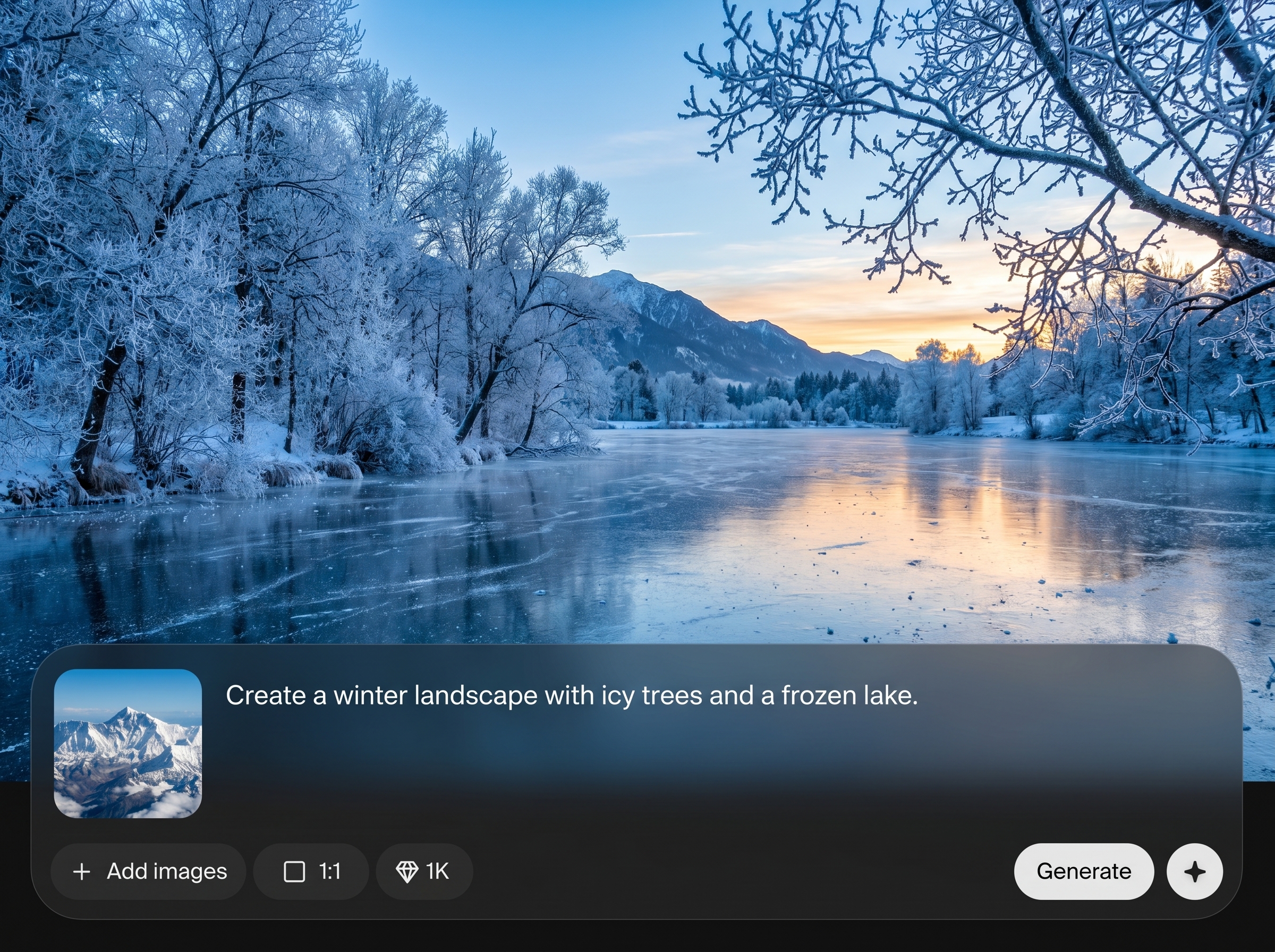
Generate a sharp frozen effect with AI that enhances edges, contrast, and clarity. Create a motion-stop aesthetic from portraits, products, or action shots in seconds.
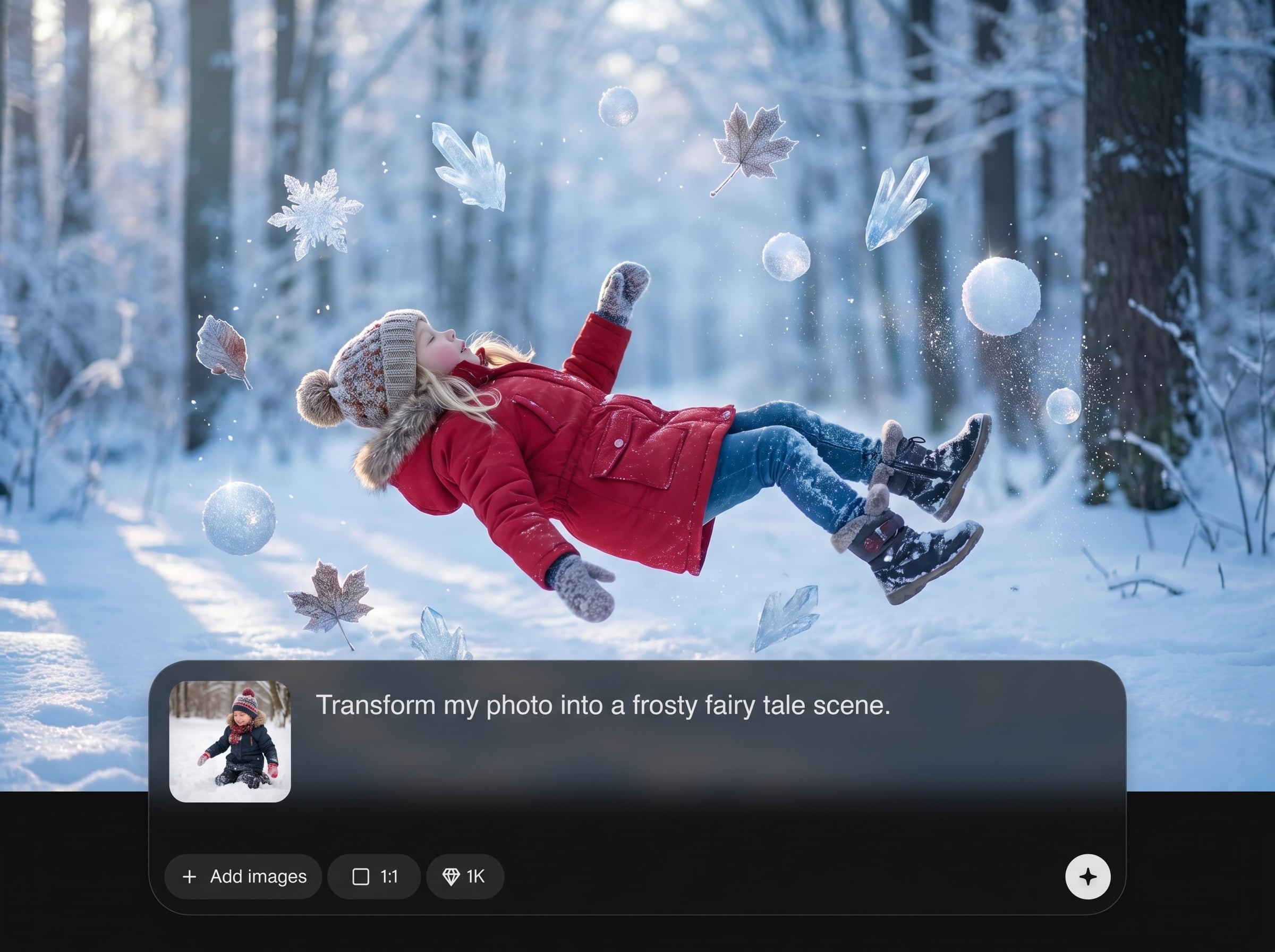
Iterate quickly with responsive previews and streamlined exporting. Produce multiple variations for A/B testing, thumbnails, and campaign assets without slowing down your workflow.
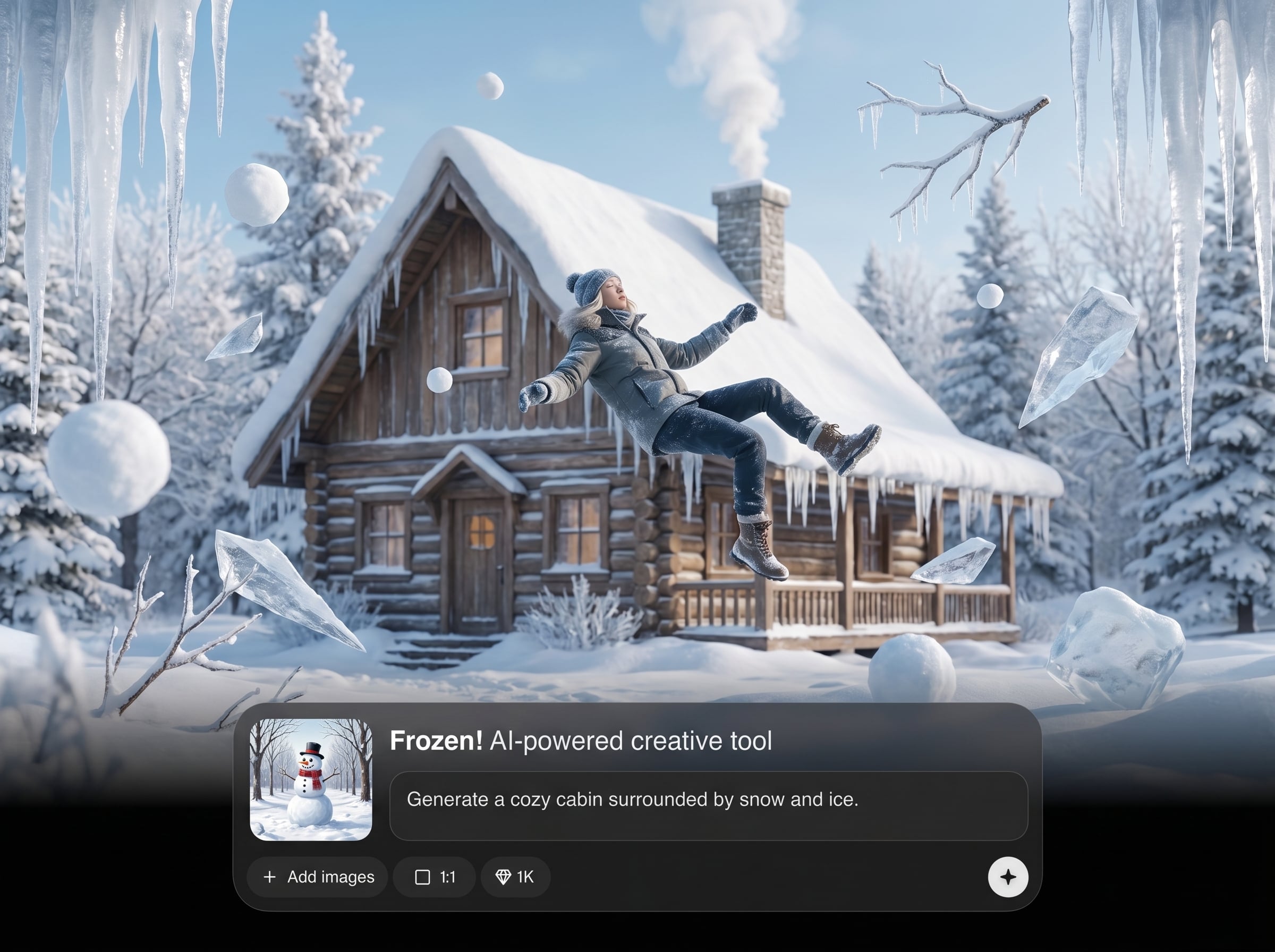
Dial in the exact look with simple controls for intensity, sharpness, and color mood. Keep outputs consistent across batches for cohesive brand-ready visuals.
About
Frozen! is an AI freeze-frame generator that turns ordinary photos into sharp, motion-stopped visuals with a clean frozen effect. Upload an image, pick a style, and fine-tune strength, detail, and color for the exact look you want. Export high-quality results for social posts, product shots, posters, and ads—fast, consistent, and easy to repeat.
Frozen! delivers a clean, repeatable freeze-frame aesthetic with practical controls for intensity and tone. Generate consistent, high-quality outputs fast, reduce manual retouching, and produce multiple variations for different formats and campaigns—all in one streamlined AI tool.
Open Frozen!, upload your image, choose a frozen style, and fine-tune strength and color. Preview instantly, then export a high-resolution result ready for posts, ads, or print layouts.
Use cases
Discover how different creators use this app in their workflow.
Turn everyday photos into scroll-stopping freeze-frame visuals. Create crisp, high-contrast images that read well at small sizes across feeds and video thumbnails.
Add a clean frozen effect to highlight detail and shape. Generate consistent product imagery for listings, promos, and seasonal campaigns with minimal manual editing.
Create bold, stylized frozen imagery for print and digital ads. Export high-resolution assets that maintain sharpness and impact across formats.
Krea is one of the world's leading generative AI platforms. See what others say.
Real reviews on TrustpilotSo many AI tools out there but I always come back to Krea. It's really the one AI platform that 'just works'.

FYN
Krea's interfaces are still the best in the industry. Everything looks and feels so clean and easy to use! Imo the easiest to use gen AI website.

Lynn
Ultra fast generations. Extremely simple to use. All the latest AI models.

Daniel
KREA is the only AI subscription I have right now besides ChatGPT.

Sophia M.
Common questions about Frozen! and creating AI frozen effects quickly, consistently, and in high quality.
Frozen! is an AI freeze-frame generator that stylizes photos with a crisp frozen effect. It’s ideal for social graphics, product images, thumbnails, posters, and ad creatives that need sharp, high-impact visuals.
The tool uses artificial intelligence to enhance edges, contrast, and detail while applying a freeze-frame style. You control intensity and tone to match your desired look without complex photo editing.
No. Upload a photo, select a frozen style, and adjust a few sliders for strength and color. Frozen! handles the heavy lifting so you can generate polished results quickly.
Clear subjects with good lighting and contrast typically produce the strongest freeze-frame results. Action shots, portraits, and product photos all work well, especially when the subject is well separated from the background.
Yes. Create several versions by adjusting intensity, sharpness, and color tone. This makes it easy to produce variations for A/B testing across ads, thumbnails, and social posts.
Frozen! is designed to export high-quality images suitable for digital campaigns and print-ready layouts. Use the export options to keep details crisp and maintain visual consistency across assets.
Yes. Frozen! works as an online AI image editor focused on freeze-frame styling. Generate a frozen effect directly in your browser, then download the result without extra software.
Reuse the same style selection and similar intensity and tone settings across images. Consistent lighting and framing in your source photos also helps Frozen! deliver a cohesive frozen effect set.
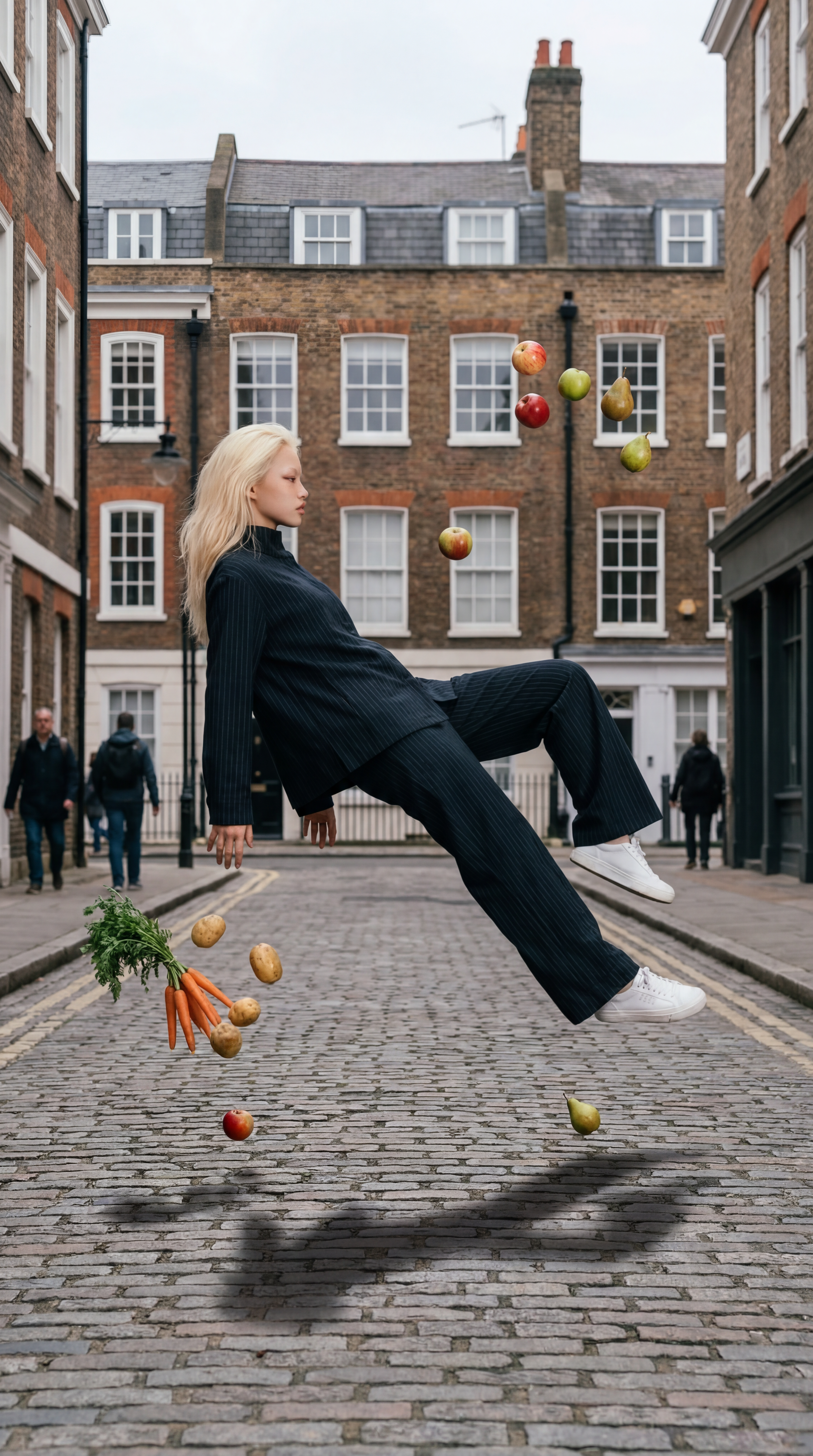
Upload a photo, apply the AI freeze-frame style, and export crisp visuals for social, ads, and design.

