















Step 1
Upload
Upload one clear full-body image. Use a well-lit photo with your entire body visible to get accurate cutout, scale, and natural perspective matching.
Giant Me turns one full-body photo into a giant-in-the-city scene using AI. Upload, generate cinematic scale, and download in minutes—try it now.
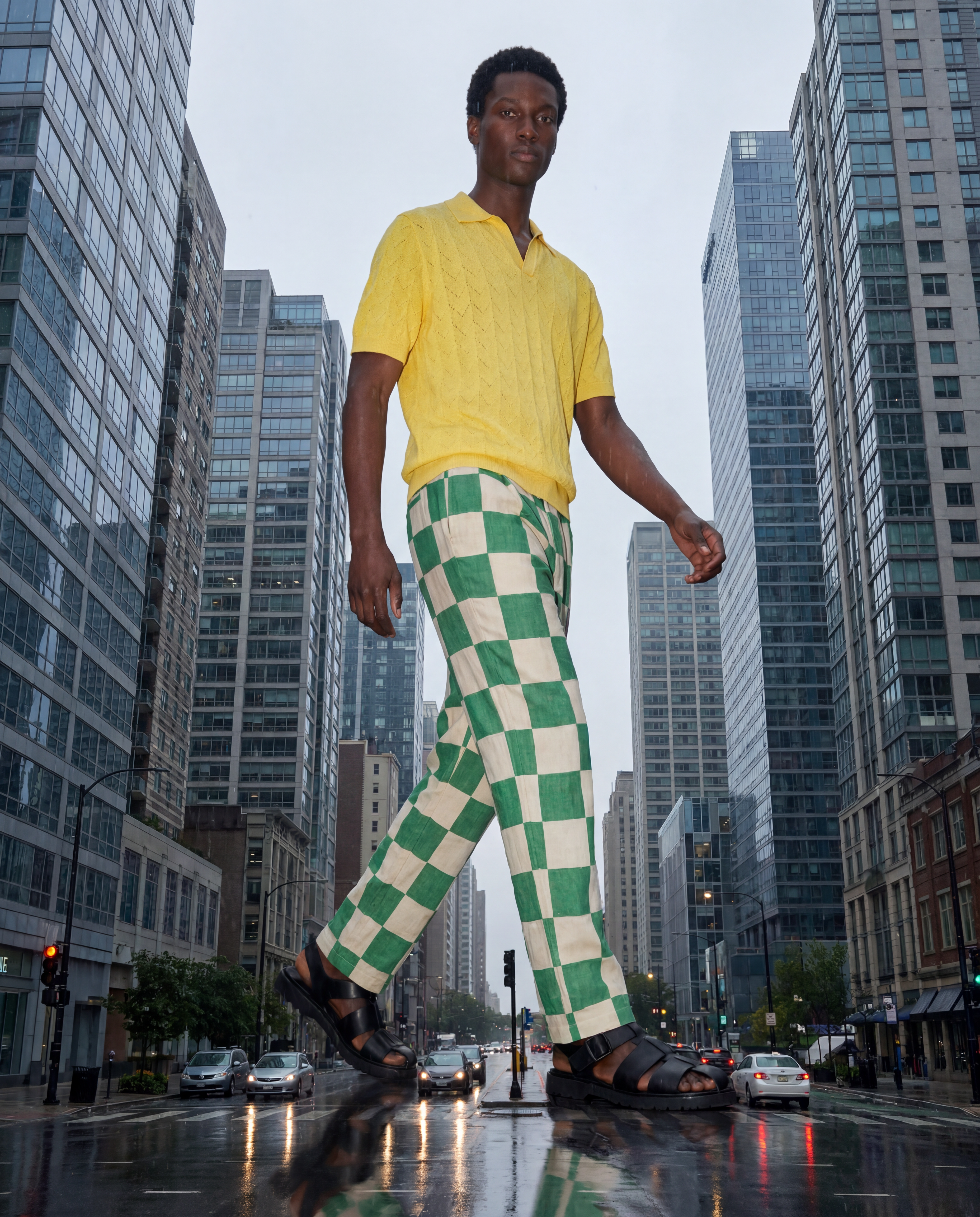
How to use Giant Me
Turn one full-body photo into a towering city scene with Giant Me. Follow three quick steps to upload, generate, and export a realistic giant scale effect with cinematic lighting and perspective.
Step 1
Upload one clear full-body image. Use a well-lit photo with your entire body visible to get accurate cutout, scale, and natural perspective matching.

Step 2
Pick a city style and giant vibe, then generate. The AI blends scale, shadows, and atmosphere so you look like you’re roaming streets and skylines.

Step 3
Download your giant photo in high resolution. Save variations, share instantly, or reuse the output for posters, thumbnails, and social content.
Features
Giant Me uses AI image editing to turn your full-body photo into a believable giant-in-city composite. Create dramatic scale with coherent perspective, lighting, and shadows, then refine the look with style choices and quick re-generations. No manual masking or advanced retouching required—just upload, generate, and export polished results.
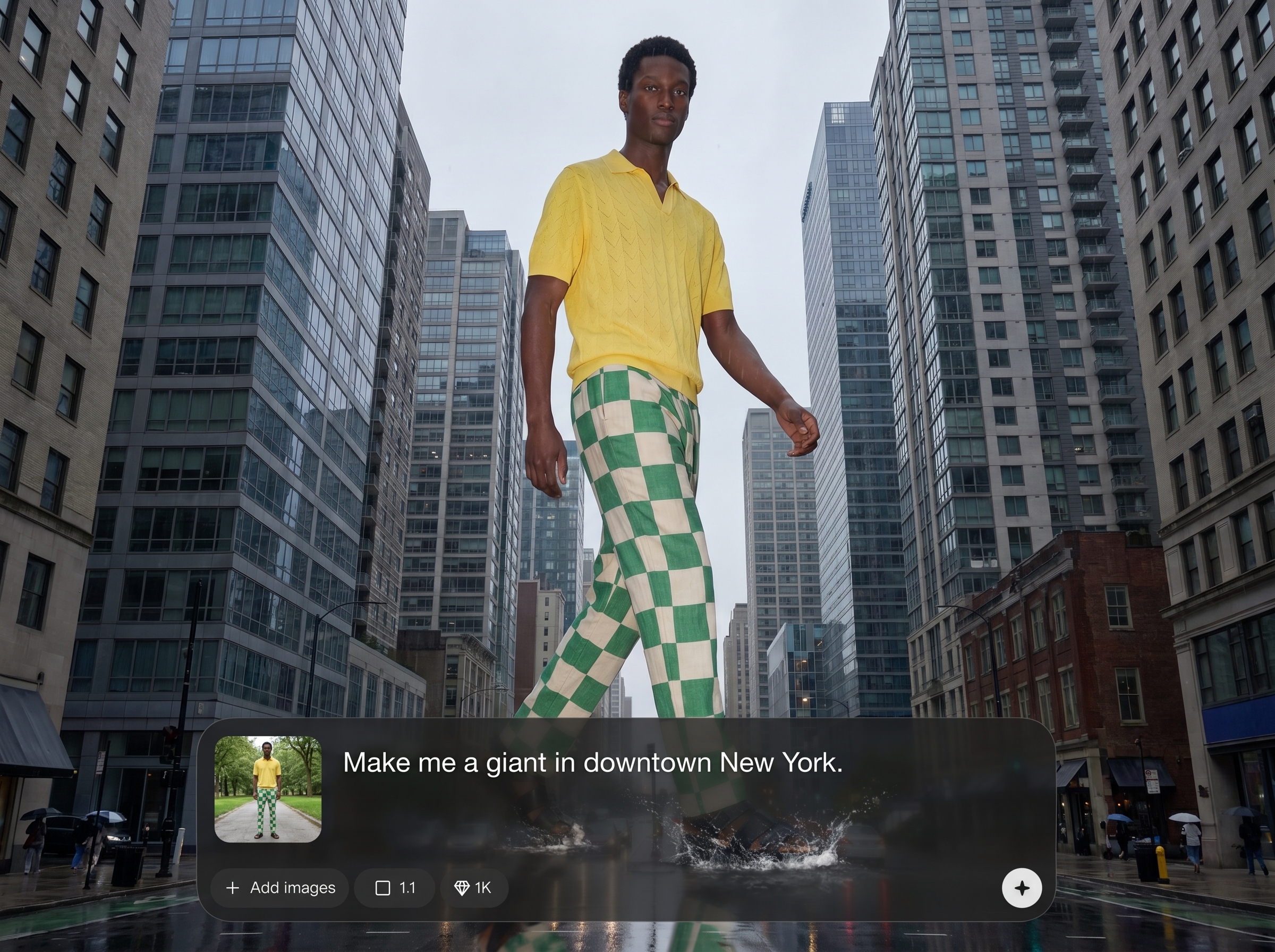
Upload a single full-body image and generate a complete giant scene. The model handles cutout, scale changes, and background blending for a clean, realistic composite.
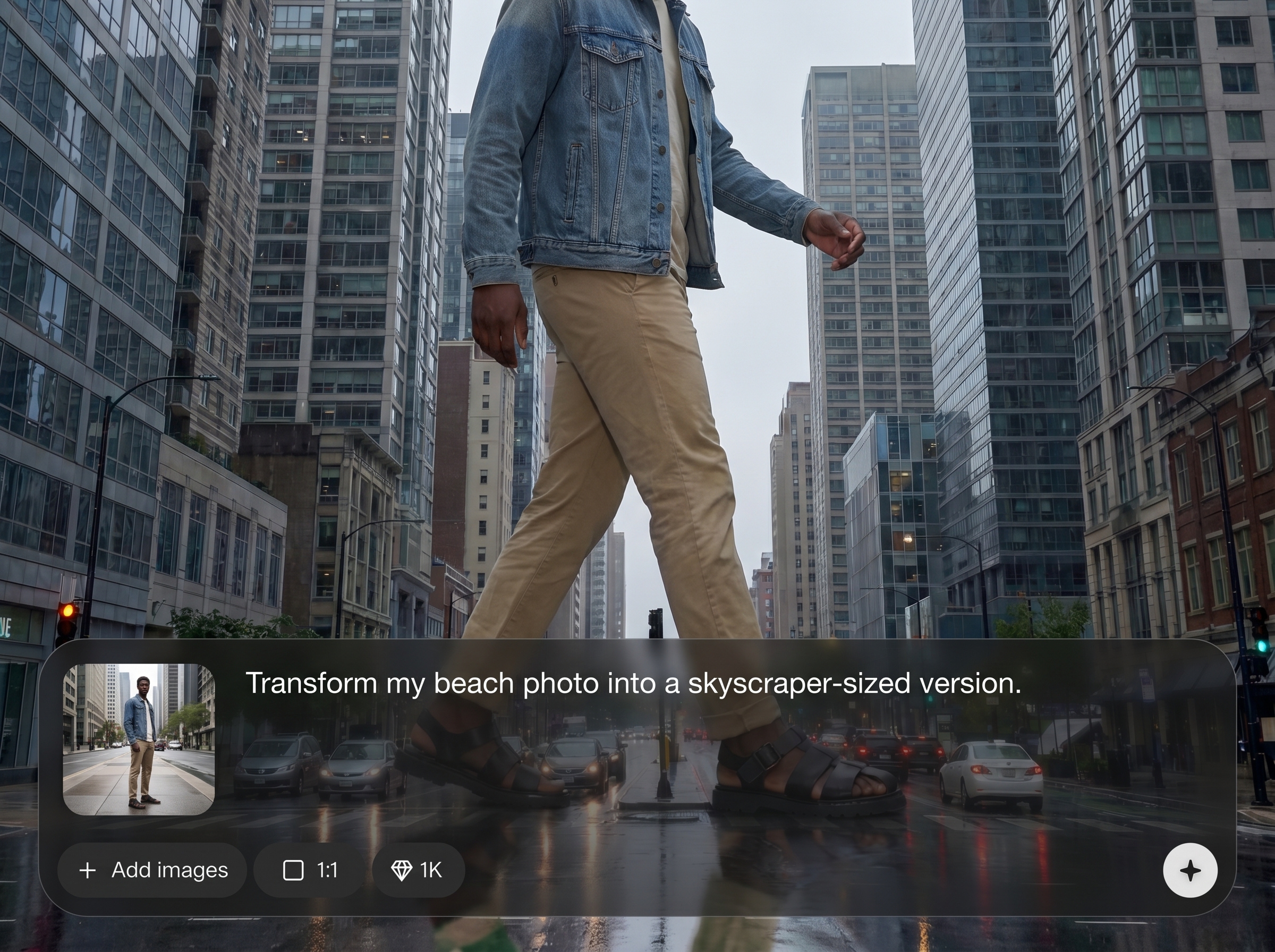
Choose urban looks that add drama—daylight, dusk, neon, or moody haze. Create consistent atmosphere and color grading so the giant effect feels film-like and cohesive.
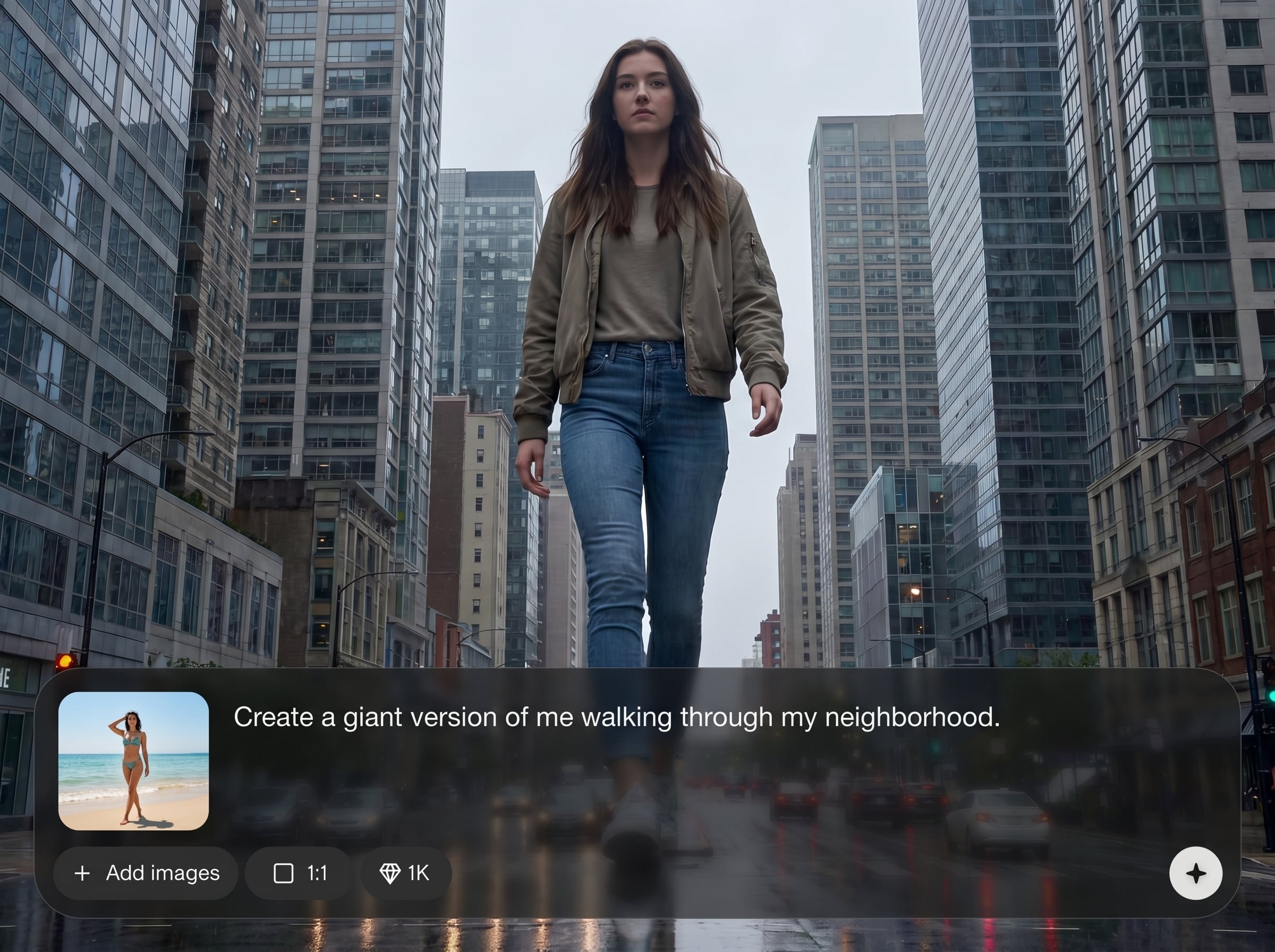
Generate multiple variations quickly, then download sharp results for social, posters, and thumbnails. Save time compared to manual compositing in traditional photo editors.
About
Giant Me transforms a single full-body photo into a realistic giant roaming the city. Upload your image, choose a city vibe, and generate a cinematic, high-scale composite in seconds. Get bold perspective, believable shadows, and dramatic atmosphere—perfect for social posts, posters, and fun “monster-size” edits without complex photo editing.
Giant Me delivers a fast, believable giant effect with AI-driven scaling, perspective, and atmospheric blending. Get cinematic city styles, quick variations, and clean composites without manual masking or complex photo editing tools—ideal for rapid concepting and shareable visuals.
Open Giant Me, upload one clear full-body image, and choose a city style. Generate a few variations, then download the best result in high resolution for sharing or reuse.
Use cases
Discover how different creators use this app in their workflow.
Create eye-catching giant-in-the-city images for posts, reels covers, and profile banners. Stand out with cinematic scale and dramatic perspective in minutes.
Generate bold key art concepts for posters, video thumbnails, and promo visuals. Quickly explore different city moods and compositions without complex editing workflows.
Make playful “giant takeover” images for birthdays, events, and group chats. Produce memorable visuals that look realistic enough to surprise people.
Krea is one of the world's leading generative AI platforms. See what others say.
Real reviews on TrustpilotSo many AI tools out there but I always come back to Krea. It's really the one AI platform that 'just works'.

FYN
Krea's interfaces are still the best in the industry. Everything looks and feels so clean and easy to use! Imo the easiest to use gen AI website.

Lynn
Ultra fast generations. Extremely simple to use. All the latest AI models.

Daniel
KREA is the only AI subscription I have right now besides ChatGPT.

Sophia M.
Quick answers about Giant Me, photo requirements, AI generation, and downloads.
Giant Me is an AI photo tool that turns one full-body image into a realistic giant roaming a city. It generates a composite with believable scale, perspective, and atmosphere.
Use a clear, well-lit full-body photo where your entire body is visible. Neutral backgrounds help, but the key is sharp focus and minimal motion blur for clean results.
No. Giant Me automates cutout, scaling, and scene blending with AI image editing. You simply upload, choose a vibe, generate variations, and download the final image.
Yes. Select city looks and cinematic styles to guide the output. You can re-generate to explore different lighting, moods, and compositions until it matches your goal.
Generation typically takes seconds to a couple of minutes depending on demand and settings. You can iterate quickly to compare multiple giant scenes and pick the best one.
The model prioritizes realistic scale by adding perspective cues, shadowing, and atmospheric depth. For best realism, upload a photo with clear edges and consistent lighting.
Yes. Giant Me supports high-resolution downloads suitable for social, posters, and thumbnails. Export, save variations, and reuse your favorite result across different formats.
Your photo is used to generate your requested output. Training usage depends on the platform’s current data settings—check the in-app privacy and data controls for details.
Partial-body images can reduce accuracy and realism. For best results, upload a complete full-body shot so the AI can scale proportions correctly and place you naturally in the city scene.
Yes. Re-generate to create multiple giant scenes from the same photo. This makes it easy to test different city moods, framing, and “giant” intensity without re-uploading.
Upload a full-body photo and generate a cinematic giant-in-the-city image you can download and share instantly.

