















Step 1
Upload
Upload a well-lit full-body image with your face visible. Simple backgrounds work best, but the AI can handle most photos and angles.
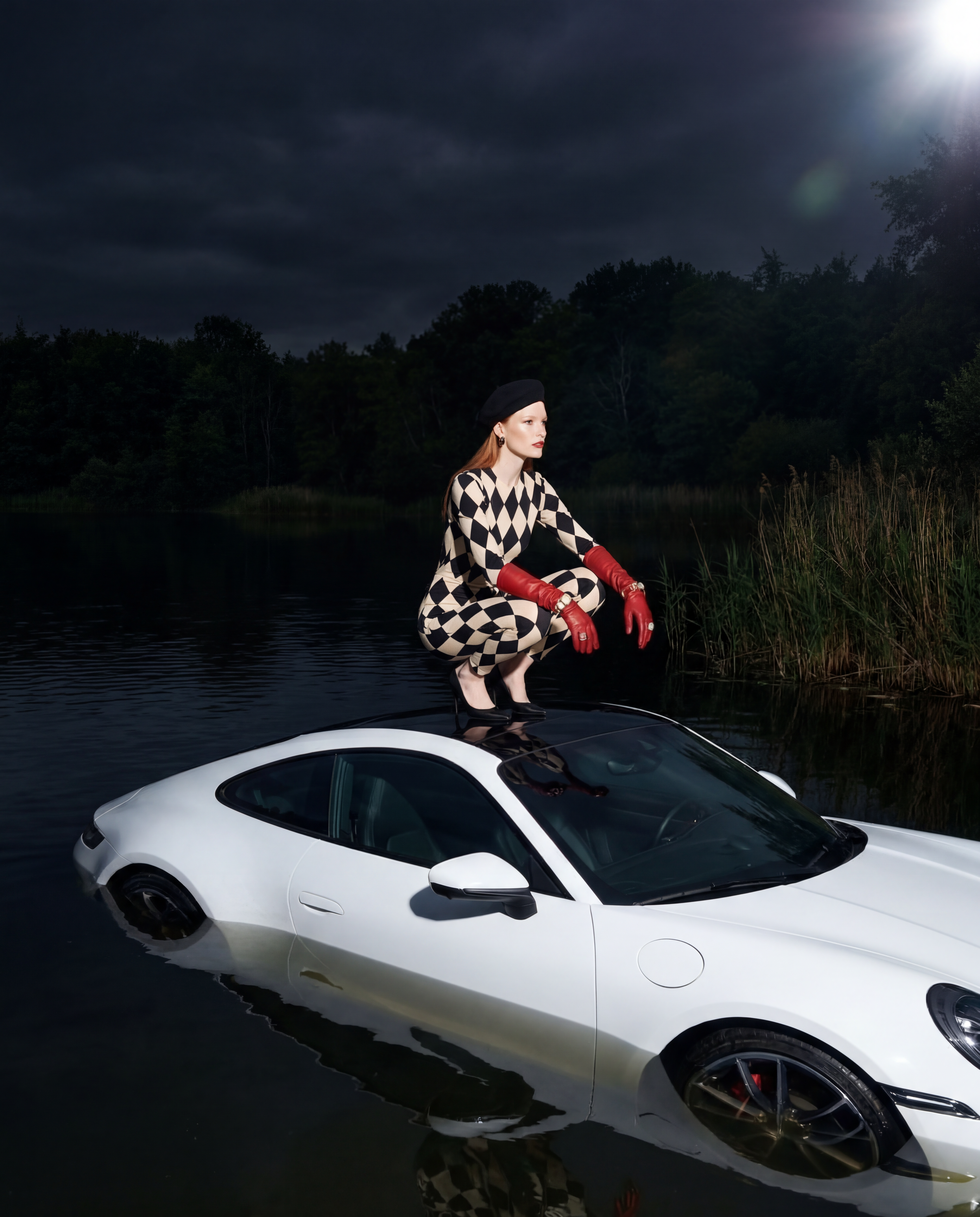
Upload a full-body photo and let Gone Fishin' use AI to place you posing on a sports car in a lake. Generate surreal, share-ready images now.
How to use Gone Fishin'
Create a realistic, stylized lake scene in minutes with Gone Fishin'. Start with a clear full-body photo, choose your look, and let the AI generate a clean composite you can download and share.
Step 1
Upload a well-lit full-body image with your face visible. Simple backgrounds work best, but the AI can handle most photos and angles.

Step 2
Pick a style and mood, then adjust details like car vibe, water look, and overall realism. Preview variations to find the best pose and composition.

Step 3
Click generate to create multiple options. Choose your favorite, then download a high-quality image ready for social posts, profiles, or quick edits.
Features
Gone Fishin' is an AI photo generator that transforms a single full-body upload into a striking lake sports-car scene. It blends pose, perspective, and lighting for a cohesive composite, then outputs multiple variations so you can pick the cleanest, most realistic result. No manual masking required.
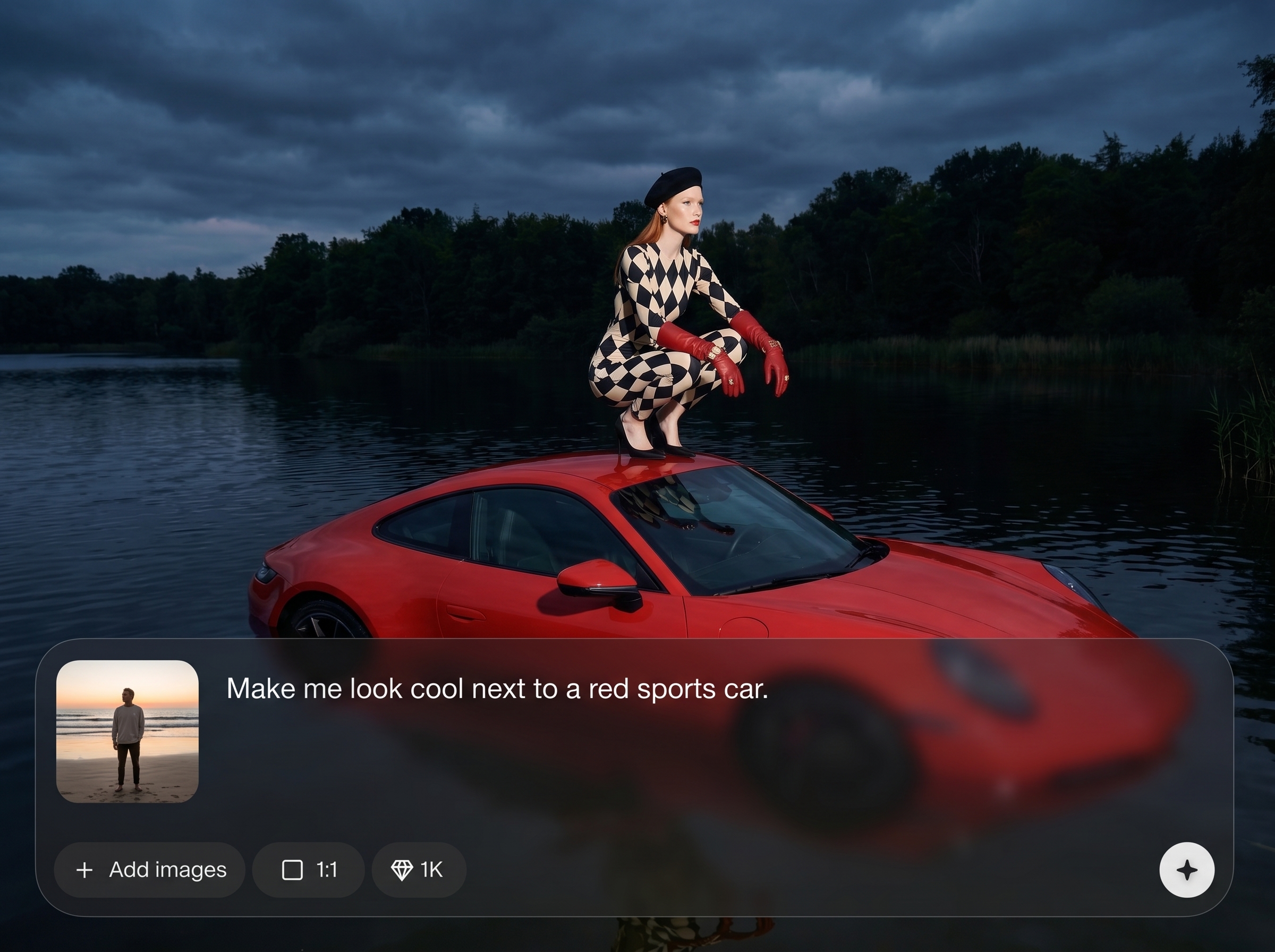
Upload one photo and generate a stylized, share-ready composite. The AI preserves your identity while placing you on a sports car in a lake with cohesive framing.
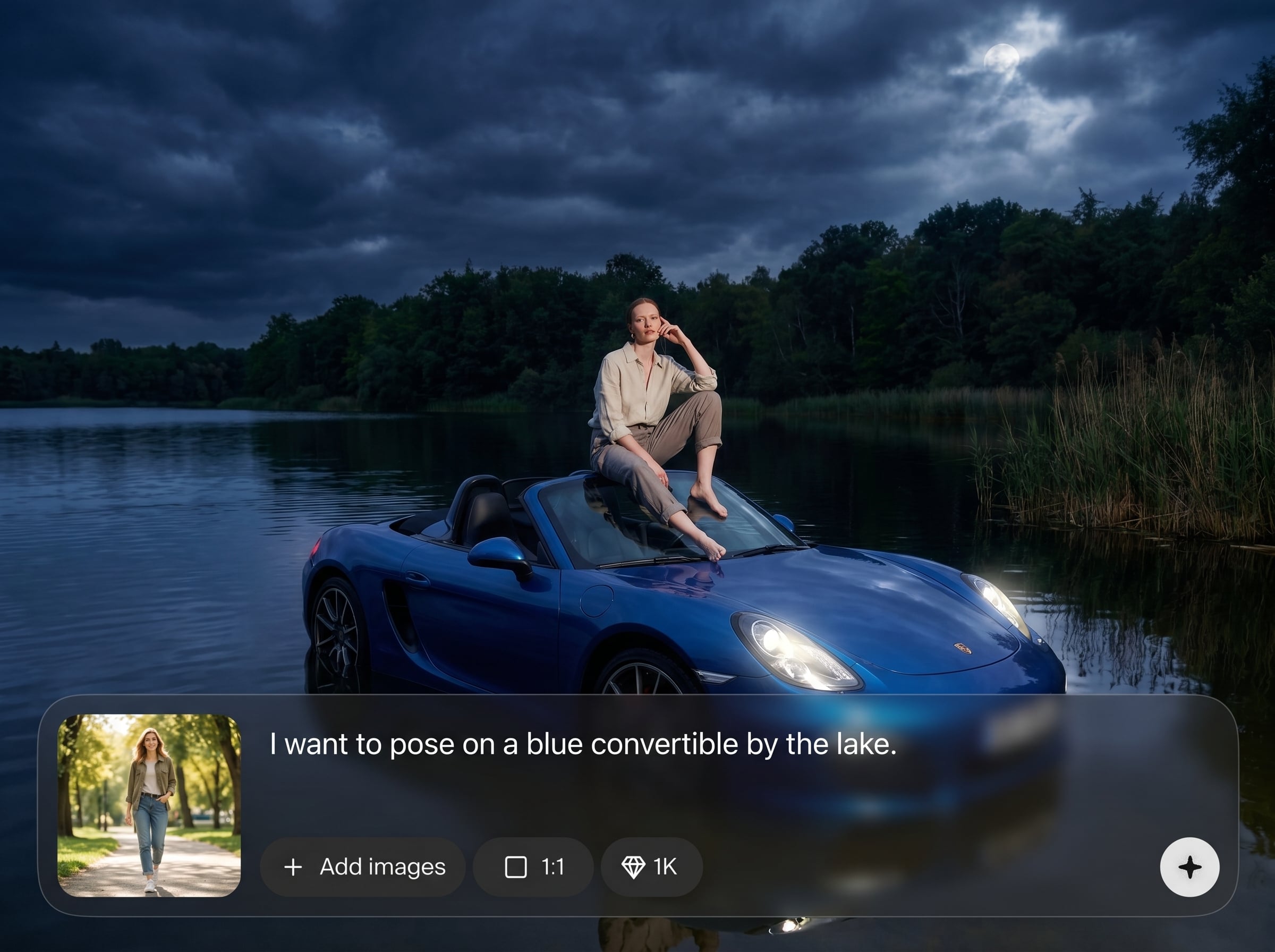
Automatic compositing helps match shadows, reflections, and color tone for a believable scene. Get cleaner edges and better depth without manual photo editing steps.
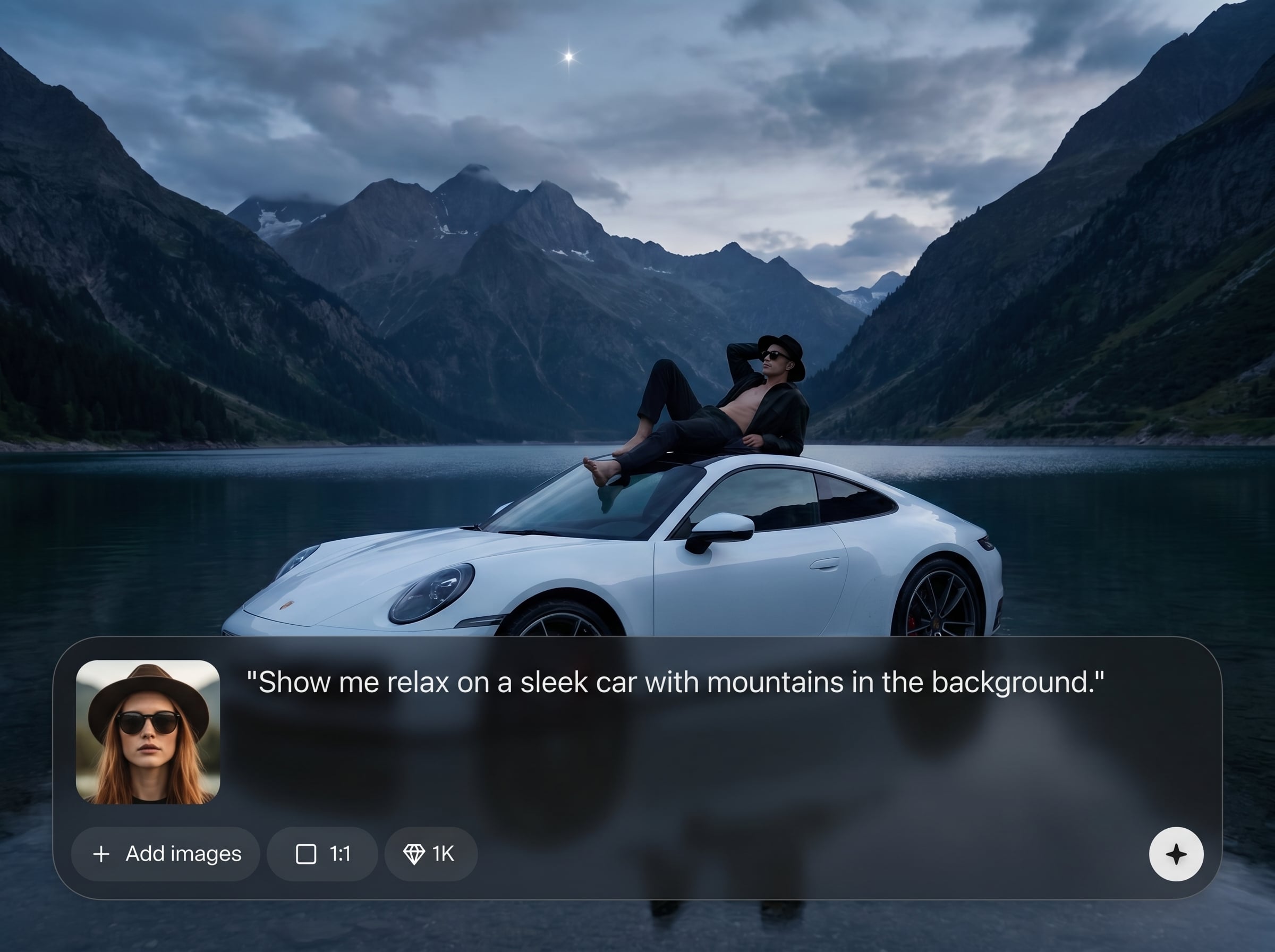
Generate multiple outputs quickly to explore different poses, water textures, and car styles. Save time by selecting the best version instead of re-editing repeatedly.
About
Gone Fishin' turns a full-body photo into a surreal scene of you posing on a sports car in the middle of a lake. Upload your image, let AI handle compositing, lighting, and style, and get a share-ready result in minutes. Perfect for bold profile pics, humorous posts, and standout visuals with minimal editing.
Gone Fishin' focuses on one iconic scene and does it well: strong compositing, consistent lighting, and fast variation generation. Upload once, explore multiple looks, and pick the most realistic output without complex photo-editing workflows or time-consuming masking.
Upload a clear full-body image, choose a style, and click generate. Review variations, select your favorite, and download a high-quality result ready for posting or further edits.
Use cases
Discover how different creators use this app in their workflow.
Make an eye-catching profile image with a surreal sports-car-in-a-lake scene. Great for standing out while keeping your face and full-body look recognizable.
Turn a normal photo into an absurd, shareable visual for reels, stories, and group chats. Generate multiple versions to match different vibes and punchlines.
Create quick scene concepts for layouts, posters, or campaign ideas. Use AI variations to explore color, lighting, and composition without a full photoshoot.
Krea is one of the world's leading generative AI platforms. See what others say.
Real reviews on TrustpilotSo many AI tools out there but I always come back to Krea. It's really the one AI platform that 'just works'.

FYN
Krea's interfaces are still the best in the industry. Everything looks and feels so clean and easy to use! Imo the easiest to use gen AI website.

Lynn
Ultra fast generations. Extremely simple to use. All the latest AI models.

Daniel
KREA is the only AI subscription I have right now besides ChatGPT.

Sophia M.
Everything you need to know about generating Gone Fishin' AI photos quickly and cleanly.
Gone Fishin' is an AI photo generator that takes a full-body upload and creates an image of you posing on a sports car in a lake. It outputs several variations you can download.
Use a sharp, well-lit full-body photo with your face visible and minimal motion blur. Plain or uncluttered backgrounds help, but the AI can still generate strong results from typical phone shots.
The model aims to preserve your recognizable features from the upload while adapting the scene and styling. Results vary by input quality, so clear lighting and higher resolution improve fidelity.
Yes—use style options and variation generation to influence realism, color grade, and scene mood. Generate multiple outputs to get different car vibes, water textures, and compositions.
Generation typically takes a short time, depending on server load and output settings. You’ll receive multiple variations quickly, making it easy to compare and select the best final image.
Yes. Download your chosen image in high quality, suitable for profile pictures, posts, and stories. For best clarity, start from a higher-resolution full-body upload when possible.
It’s an image-to-image AI tool that transforms your upload into a new scene. Instead of manual editing, it generates a fresh composite with lighting and perspective matched automatically.
Try a clearer full-body image, avoid heavy filters, and regenerate more variations. Small changes in pose visibility and lighting can significantly improve edges, proportions, and overall realism.
Upload a full-body photo and generate bold, share-ready AI images with realistic blending in minutes.

