















Step 1
Upload
Add a clear, front-facing headshot with good lighting. Crop to the face and avoid heavy blur or extreme angles for the most accurate robotic transformation.
Upload a clear headshot and transform it into a robotic experiment with Robotics. Fast AI photo effects, realistic metal textures, and easy downloads.
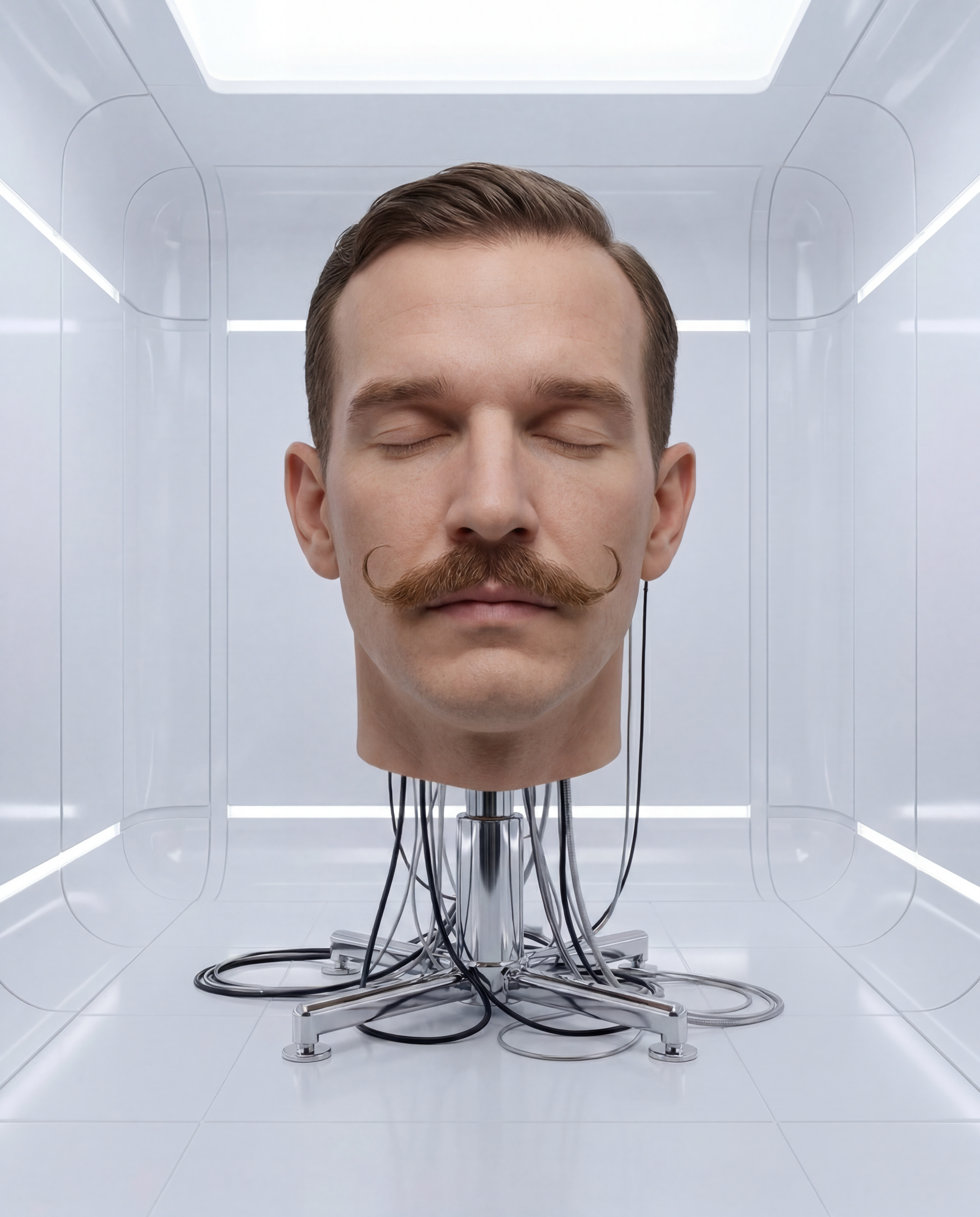
How to use Robotics
Robotics makes it simple to transform a headshot into a robotic experiment. Follow these quick steps to upload your image, apply an AI robot style, and export a high-quality result.
Step 1
Add a clear, front-facing headshot with good lighting. Crop to the face and avoid heavy blur or extreme angles for the most accurate robotic transformation.

Step 2
Pick a robotic style and adjust intensity for metal, chrome, or cyborg details. Generate multiple variations to compare textures, lighting, and facial structure fidelity.

Step 3
Choose your favorite result and download instantly. Use the robotic portrait for avatars, sci-fi concepts, thumbnails, or social headers in a clean, share-ready format.
Features
Robotics transforms portraits into realistic robot and cyborg looks with crisp detail. Generate metallic skin, chrome highlights, and futuristic components while keeping key facial features recognizable. Create multiple variations fast, refine the intensity, and export high-quality images ready for online use.
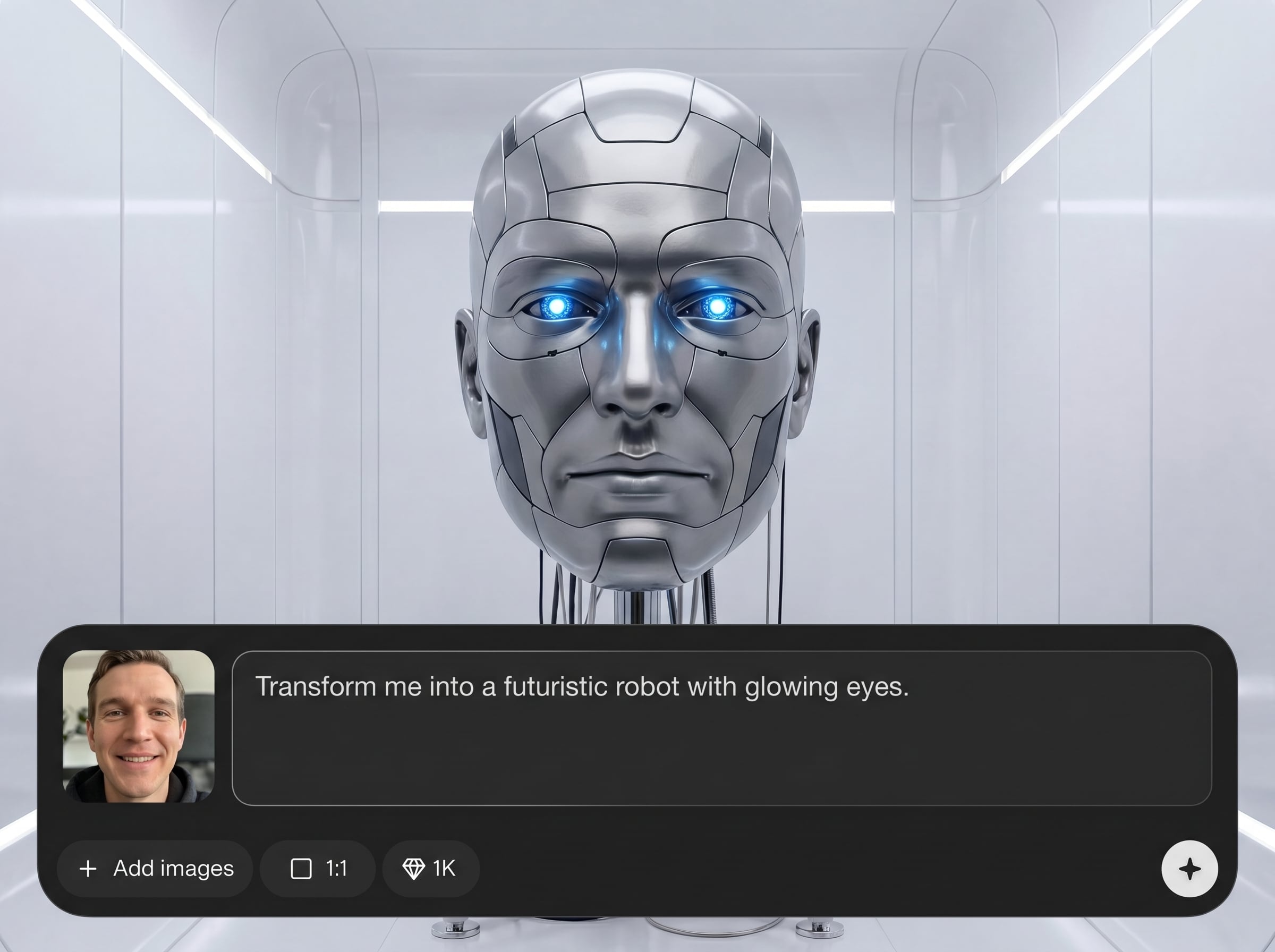
Create believable metal, chrome, and synthetic materials with clean highlights and shadows. Robotics preserves facial structure while adding robotic panels, seams, and futuristic surface detail.
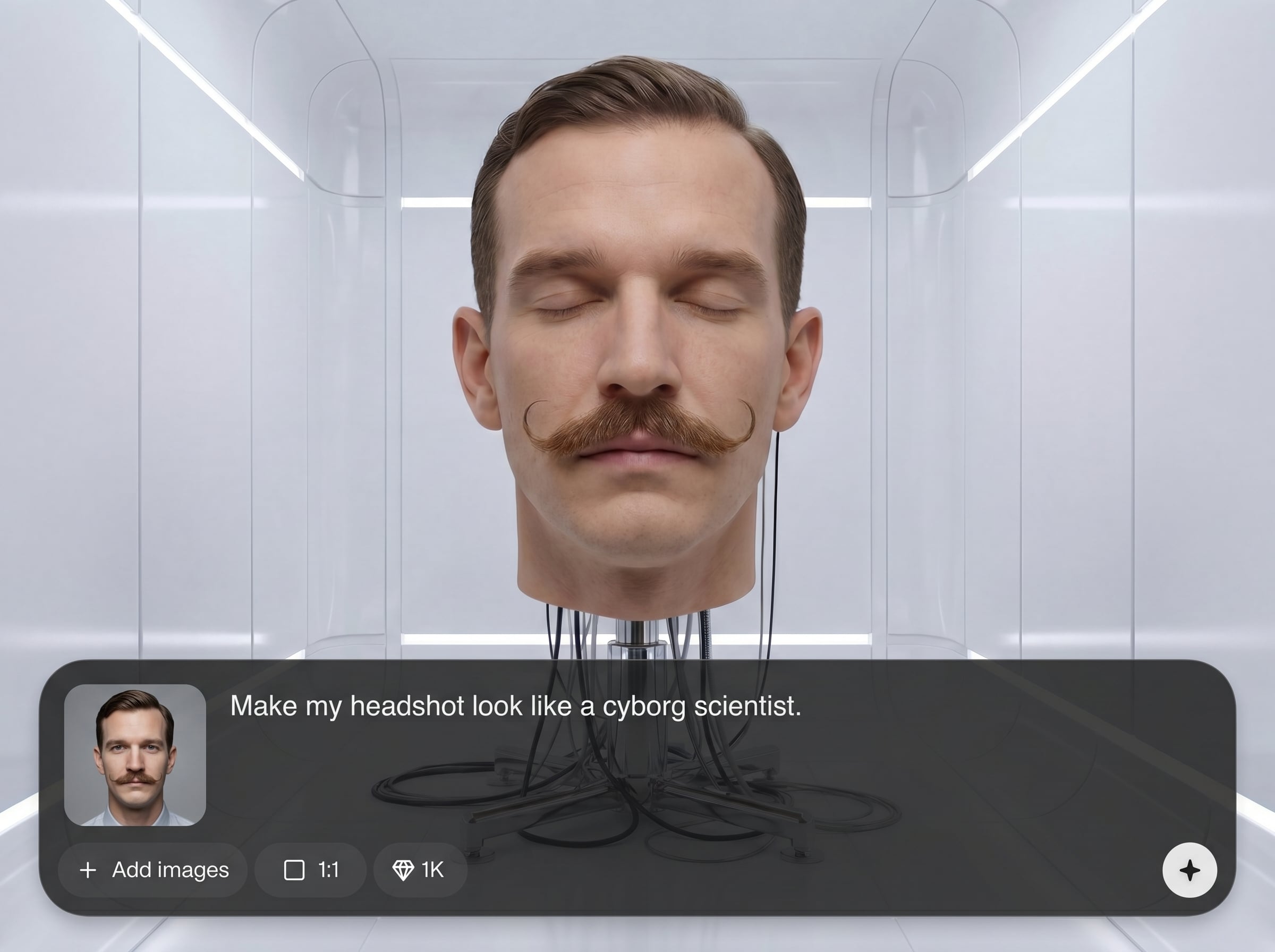
Generate multiple robotic experiment options in seconds. Compare looks like cyborg, android, or mech-inspired portraits, then iterate quickly until the style matches your vision.
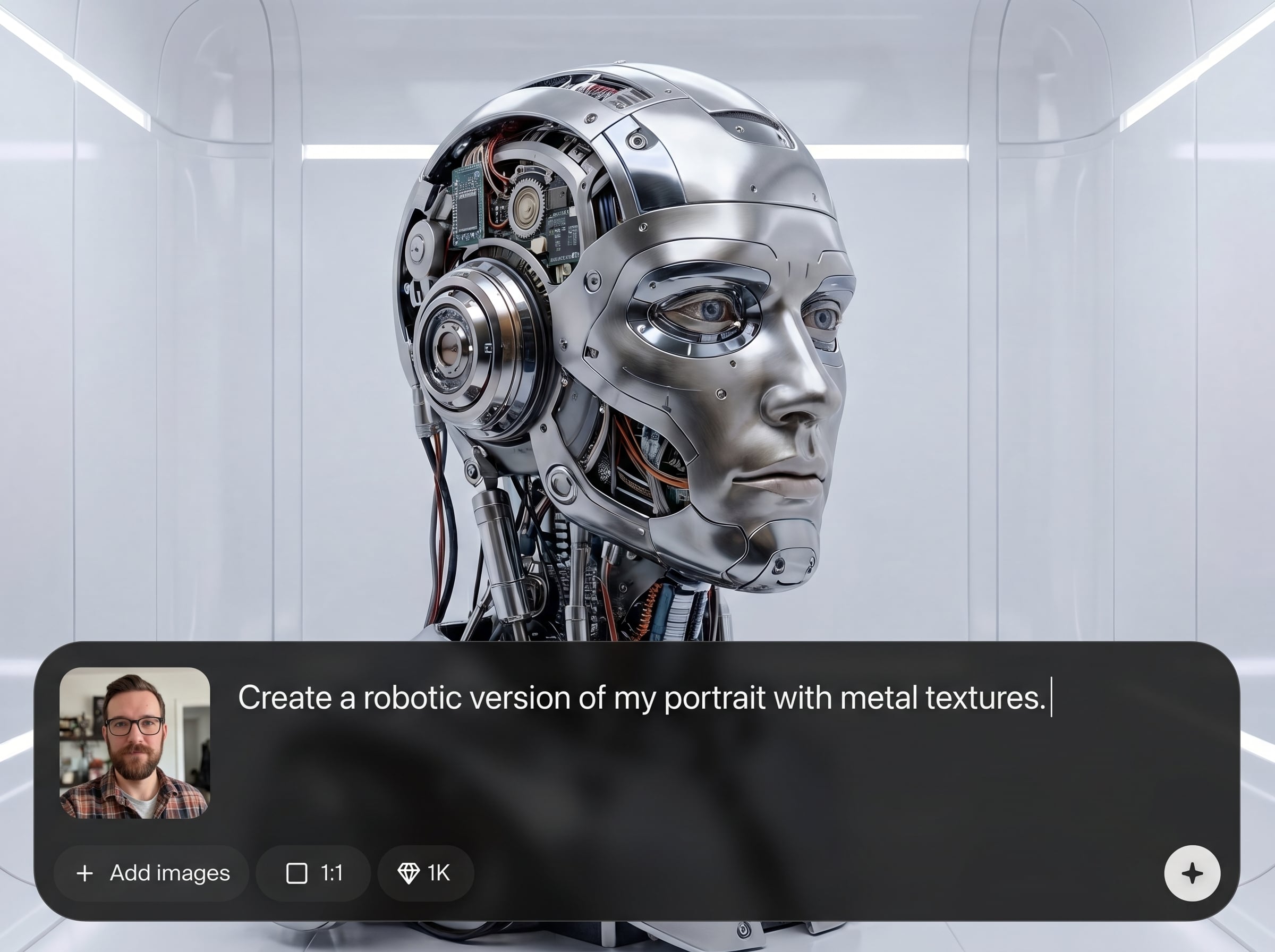
Upload, apply the AI robot effect, and download with minimal steps. Great for creating consistent sci-fi avatars and profile images without complex photo editing tools.
About
Robotics turns a clear headshot into a striking robotic experiment in seconds. Upload your photo, choose a futuristic style, and generate a high-detail robot portrait with metallic textures and clean lighting. Get a sci-fi avatar for profiles, posters, or concept art—no editing skills required.
Robotics delivers a fast, reliable AI robot photo effect with crisp metallic detail and strong face preservation. Generate multiple styles quickly, fine-tune intensity, and export clean results designed for avatars, thumbnails, and sci-fi concept visuals.
Upload a well-lit headshot, select a robotic style, and generate variations until you find the perfect look. Download your favorite image and use it instantly across profiles or creative projects.
Use cases
Discover how different creators use this app in their workflow.
Turn a headshot into a robotic avatar for social profiles, gaming accounts, and forums. Keep identity recognizable while adding futuristic robot styling and metallic detail.
Quickly visualize android and cyborg character ideas from real photos. Generate variations to explore materials, facial tech components, and overall robotic design direction.
Create attention-grabbing robotic portraits for banners, posters, and video thumbnails. Produce high-contrast, futuristic visuals that stand out without manual retouching.
Krea is one of the world's leading generative AI platforms. See what others say.
Real reviews on TrustpilotSo many AI tools out there but I always come back to Krea. It's really the one AI platform that 'just works'.

FYN
Krea's interfaces are still the best in the industry. Everything looks and feels so clean and easy to use! Imo the easiest to use gen AI website.

Lynn
Ultra fast generations. Extremely simple to use. All the latest AI models.

Daniel
KREA is the only AI subscription I have right now besides ChatGPT.

Sophia M.
Find quick answers about Robotics, headshot requirements, and how the AI robot photo effect works.
Robotics is an AI photo tool that transforms a headshot into a robotic experiment portrait. It adds metallic textures and futuristic elements while keeping key facial features recognizable.
Use a clear, front-facing headshot with good lighting and minimal blur. Neutral backgrounds help, and avoiding extreme angles improves how the AI places robot panels and textures.
Yes—Robotics is designed to preserve overall facial structure while applying a robot effect. Results vary by image quality, pose, and lighting, so generating a few variations is recommended.
You can generate a range of robotic looks, from subtle cyborg enhancements to full android transformations. Adjust intensity and try multiple outputs to find the right balance of human and machine.
Robotics generates results quickly, typically within seconds depending on demand and settings. You can iterate fast by creating several variations and selecting the best robotic experiment portrait.
Yes, downloads are ready for common online uses like avatars, headers, and thumbnails. For best clarity, start with a high-resolution headshot and choose a clean, well-lit output.
No—Robotics is built for a simple upload-and-generate workflow. The AI handles robotic textures and detail automatically, so you can focus on choosing the style and best variation.
AI results can vary based on lighting, angle, facial occlusions, and image sharpness. Try a clearer headshot, reduce extreme shadows, and generate multiple variations for closer matches.
Robotics supports common image formats for upload and provides easy downloads for sharing online. If a file fails, try exporting your headshot as a standard JPG or PNG first.
Upload a clear photo, generate robotic variations, and download a futuristic AI portrait in seconds.

