















Step 1
Upload
Add a clear selfie or portrait with good face visibility. Choose your framing, orientation, and an editorial vibe to guide the final look.
Create a high-quality editorial photo of you posing through the blinds. Generate dramatic lighting, sharp detail, and studio style in minutes—try it now.
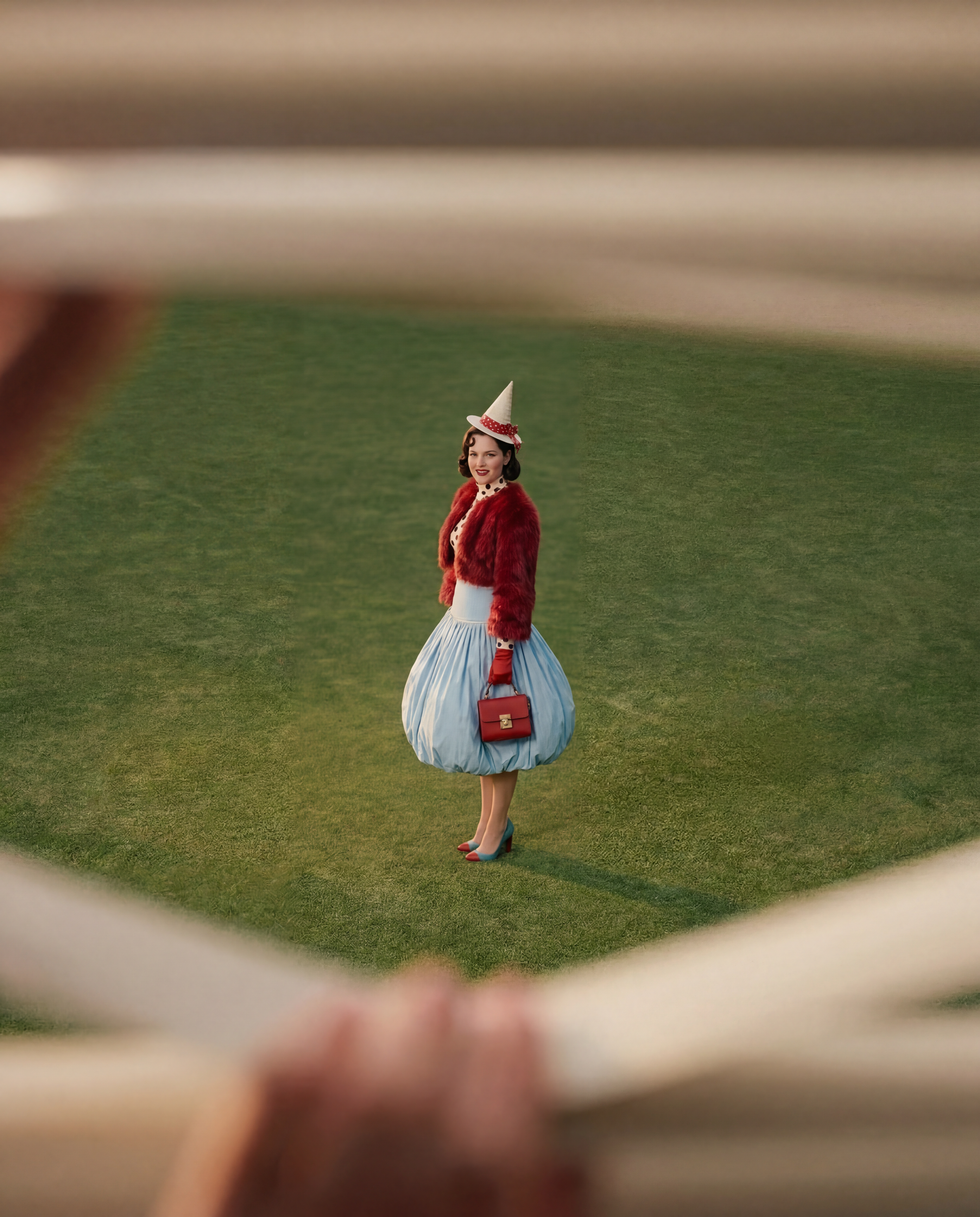
How to use Through The Blinds
Create a dramatic, magazine-style portrait with realistic blinds shadows. Upload your photo, choose an editorial look, then generate and refine until the lighting and pose feel perfect.
Step 1
Add a clear selfie or portrait with good face visibility. Choose your framing, orientation, and an editorial vibe to guide the final look.

Step 2
Run the AI to create a photoreal blinds-lighting shot. Adjust intensity, contrast, and mood to get sharp detail and natural skin tones.

Step 3
Pick your favorite result, upscale if needed, and download in high resolution. Use it for social profiles, lookbooks, or campaign-style visuals.
Features
Through The Blinds turns a simple photo into a polished editorial portrait with realistic blinds shadows and studio-style contrast. Control lighting direction, intensity, and mood while keeping facial detail clean and natural. Generate multiple variations fast, then export high-resolution images for professional use.
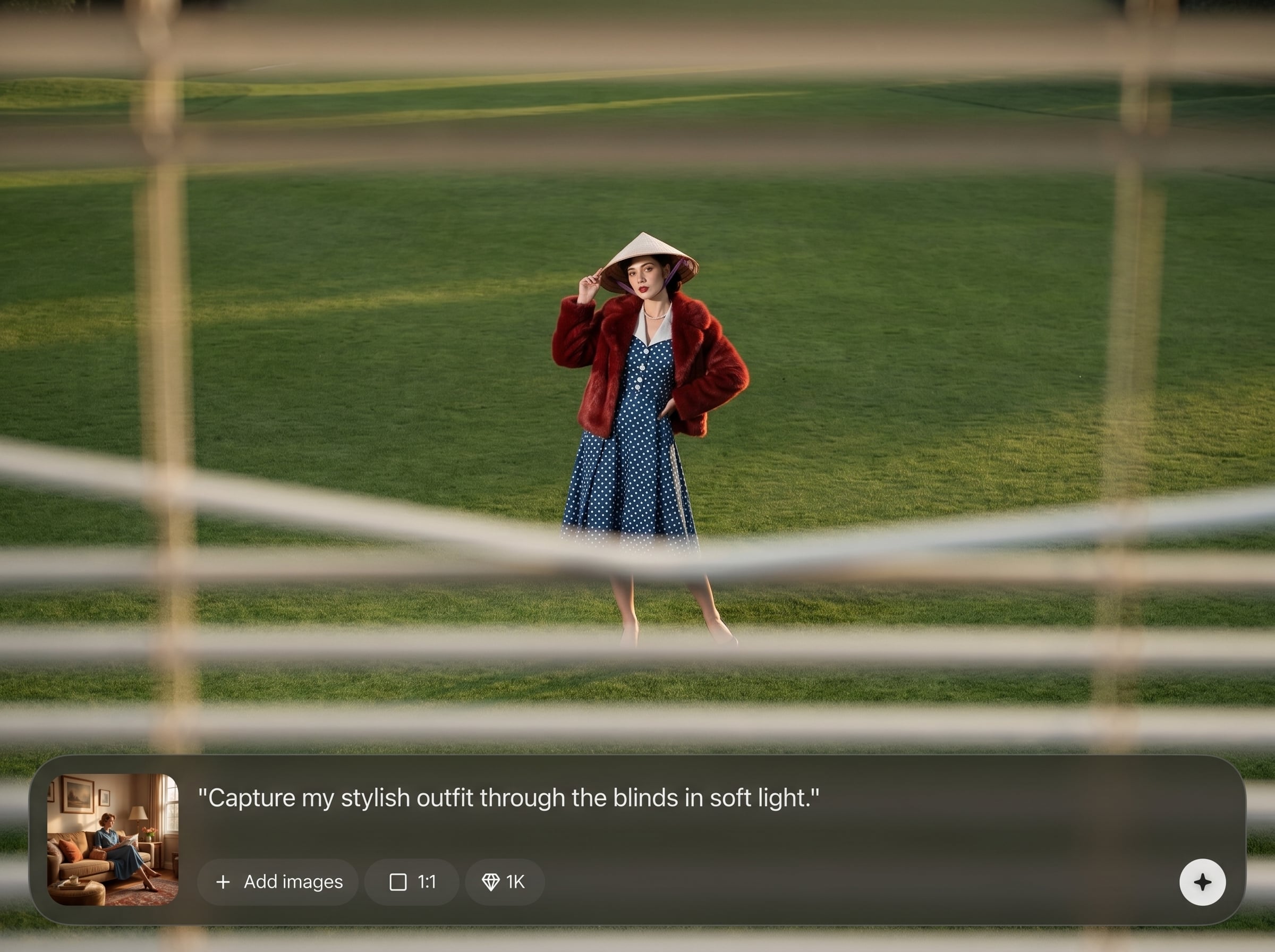
Create authentic slatted light patterns with natural falloff and depth. Get the iconic “through the blinds” look without complex lighting setups or retouching workflows.
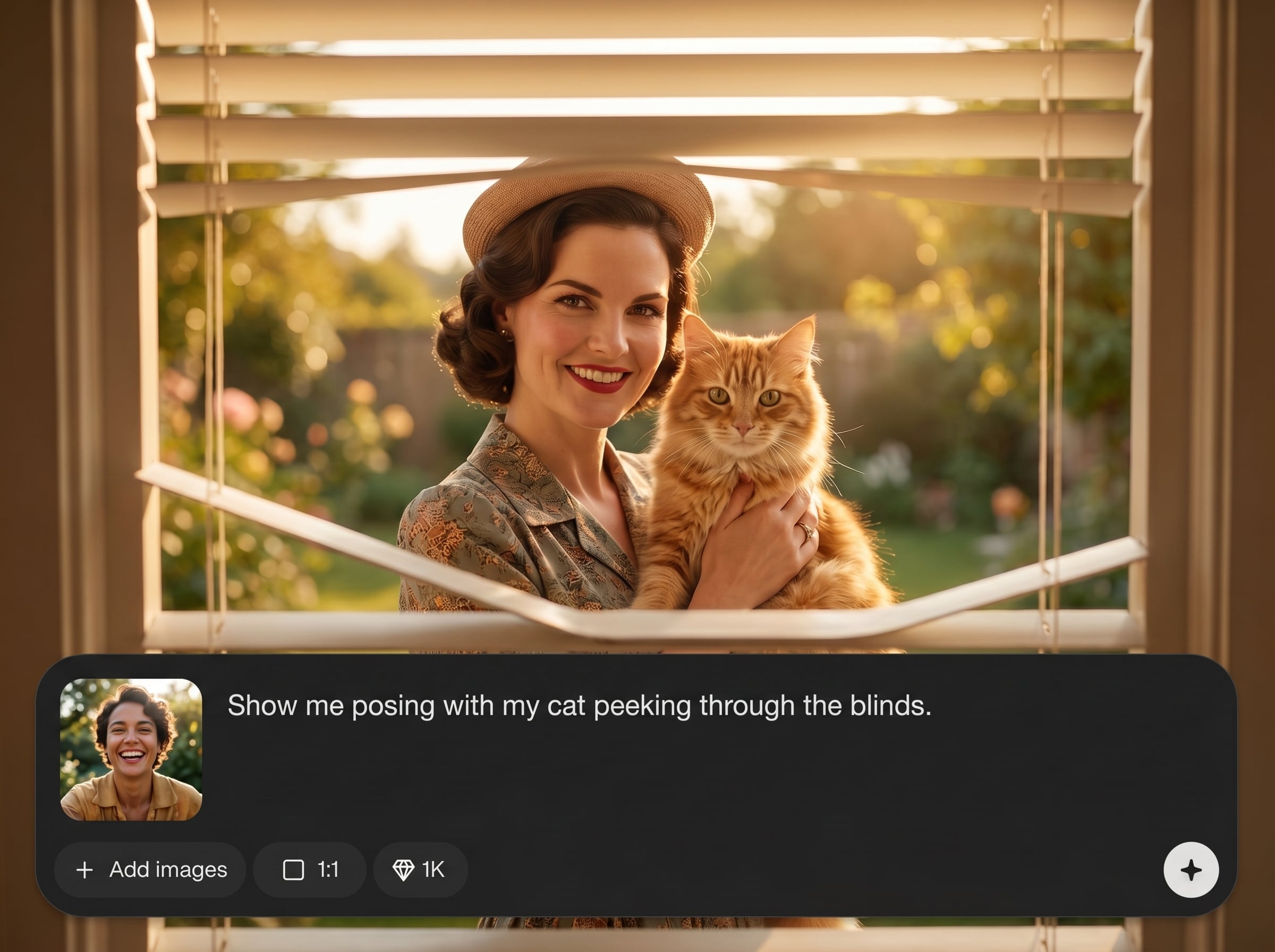
Generate multiple poses and moods in minutes. Explore subtle changes in contrast, framing, and shadow intensity to find a magazine-ready result that fits your concept.
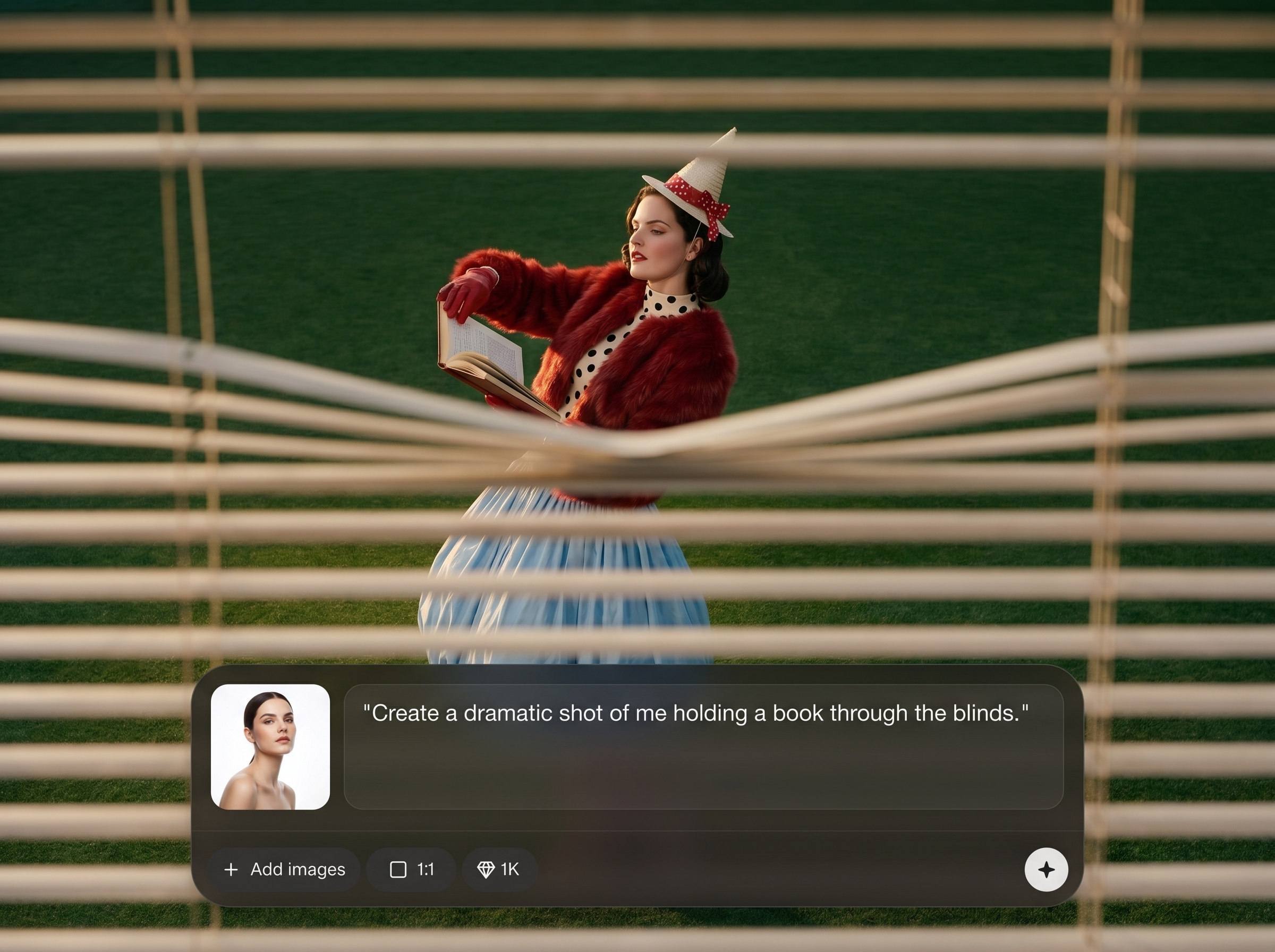
Preserve facial features and skin realism while adding dramatic lighting. Output sharp, high-quality portraits suitable for profiles, portfolios, and branded visuals.
About
Through The Blinds generates a high-quality editorial portrait of you posing through window blinds for a dramatic, studio-lit look. Upload a photo and instantly get cinematic shadows, crisp detail, and magazine-ready styling. Fine-tune pose, mood, and framing to match your aesthetic, then export a polished image for profiles, campaigns, or portfolios.
Get a signature editorial lighting effect without complicated setups. Through The Blinds delivers realistic slatted shadows, clean facial detail, and fast variations so you can iterate quickly and export high-resolution results for professional-looking visuals.
Upload a clear portrait, choose your editorial mood, and generate variations until the blinds lighting feels right. Download your favorite image in high resolution and use it anywhere.
Use cases
Discover how different creators use this app in their workflow.
Create a standout portrait with cinematic blinds lighting for LinkedIn, portfolios, and social profiles—without booking a studio session.
Generate magazine-style looks for mood boards, pitch decks, and campaign mockups with consistent lighting, framing, and dramatic contrast.
Design striking portrait-based artwork featuring slatted shadows and high contrast, ideal for covers, posters, and promotional visuals.
Krea is one of the world's leading generative AI platforms. See what others say.
Real reviews on TrustpilotSo many AI tools out there but I always come back to Krea. It's really the one AI platform that 'just works'.

FYN
Krea's interfaces are still the best in the industry. Everything looks and feels so clean and easy to use! Imo the easiest to use gen AI website.

Lynn
Ultra fast generations. Extremely simple to use. All the latest AI models.

Daniel
KREA is the only AI subscription I have right now besides ChatGPT.

Sophia M.
Find quick answers about generating editorial portraits with realistic blinds lighting using AI.
It generates a high-quality editorial portrait of you posed through window blinds. The AI adds realistic slatted shadows, studio contrast, and a cinematic look from a single uploaded photo.
Use a clear portrait or selfie with good lighting and an unobstructed face. Higher-resolution images typically produce sharper detail and more natural skin tones in the final editorial shot.
Yes. Adjust the shadow strength, contrast, and mood to match your style. Generate multiple versions to compare subtle differences in slat spacing, angle, and overall drama.
The tool is designed for photorealistic editorial output, preserving facial detail while adding stylized lighting. Results depend on input quality, but you can regenerate and refine for realism.
Yes. Close-ups emphasize facial detail and shadows, while wider shots highlight pose and styling. Choose your framing first, then generate variations to match your preferred composition.
Yes. The AI simulates editorial-grade contrast and directional light with blinds shadows. Tweak intensity and mood to create a clean studio look or a darker, cinematic vibe.
Most results generate in minutes, depending on settings and demand. Create several variations quickly, then select the best image and export in high resolution.
You can export high-resolution results for professional use cases like campaigns and portfolios. For specific commercial requirements, review your plan terms and ensure your input image rights are clear.
Start with a high-resolution, in-focus photo and avoid heavy compression. Generate multiple options, then choose the cleanest facial detail and use upscale/export settings for best clarity.
It’s an AI-powered generator with editing-style controls. You upload a photo, choose an editorial direction, generate results, then refine lighting, contrast, and mood through variations.
Upload a photo and generate a dramatic, magazine-ready shot with realistic blinds shadows in minutes.

