















Step 1
Write reactions
Type your sticker reactions one per line (e.g., “LOL”, “Shocked”, “Nope”). Keep phrases short for clearer typography and consistent sticker readability.
Generate a full TikTok sticker pack in one consistent style. Enter reactions line by line to get die-cut PNG stickers with透明 backgrounds. Try it now.
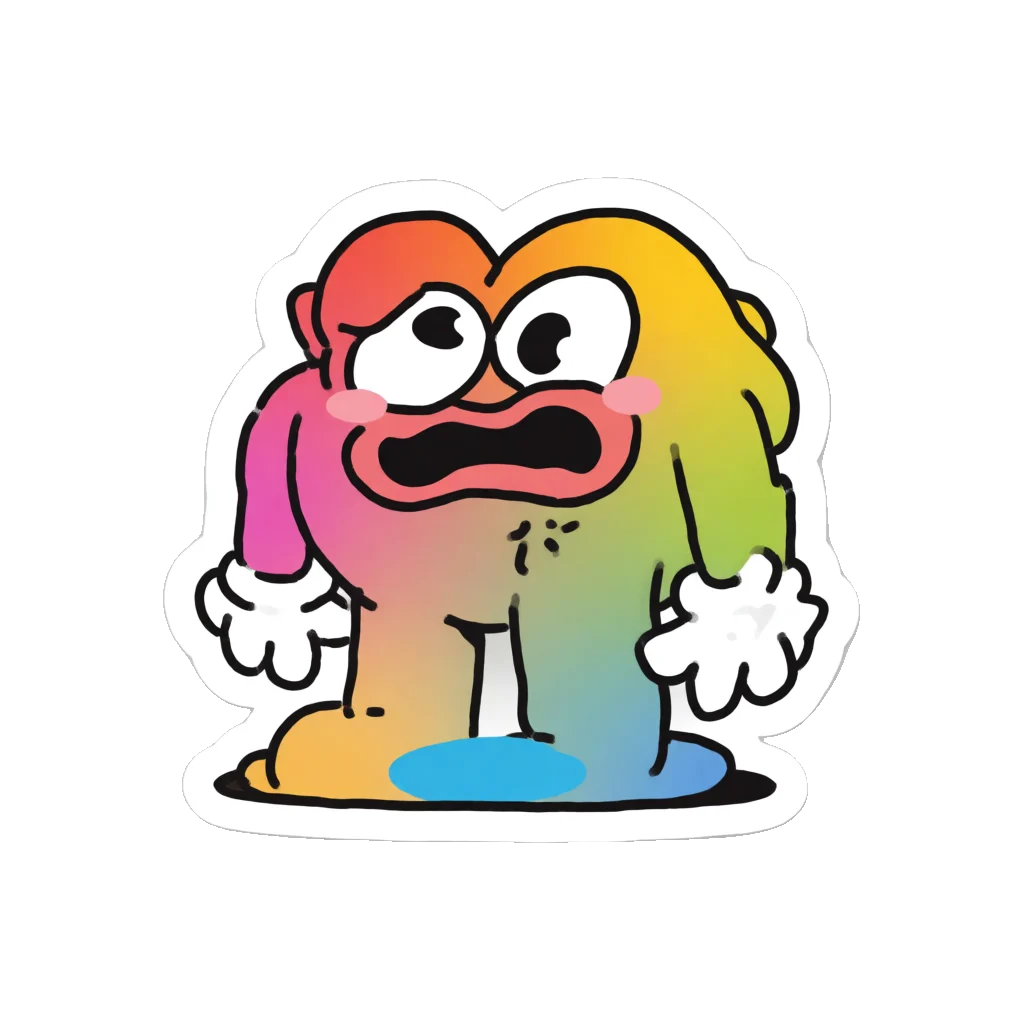
How to use TikTok x Krea 2
Create a full sticker set in minutes with a simple reaction list. Add one reaction per line, choose your look, then generate transparent, die-cut PNGs sized and ready for TikTok upload.
Step 1
Type your sticker reactions one per line (e.g., “LOL”, “Shocked”, “Nope”). Keep phrases short for clearer typography and consistent sticker readability.

Step 2
Pick a cohesive visual style and any key details like color vibe or mood. The generator keeps every sticker aligned to the same look and outline.

Step 3
Generate the full pack at once, then download transparent PNG stickers with die-cut edges. Upload directly to TikTok or organize the files into your sticker library.
Features
Generate a full set of TikTok stickers from plain text, with every reaction rendered in a unified visual style. The AI keeps outlines, colors, and typography cohesive across the pack. Export transparent-background, die-cut PNGs that are clean, reusable, and ready to upload without extra editing.
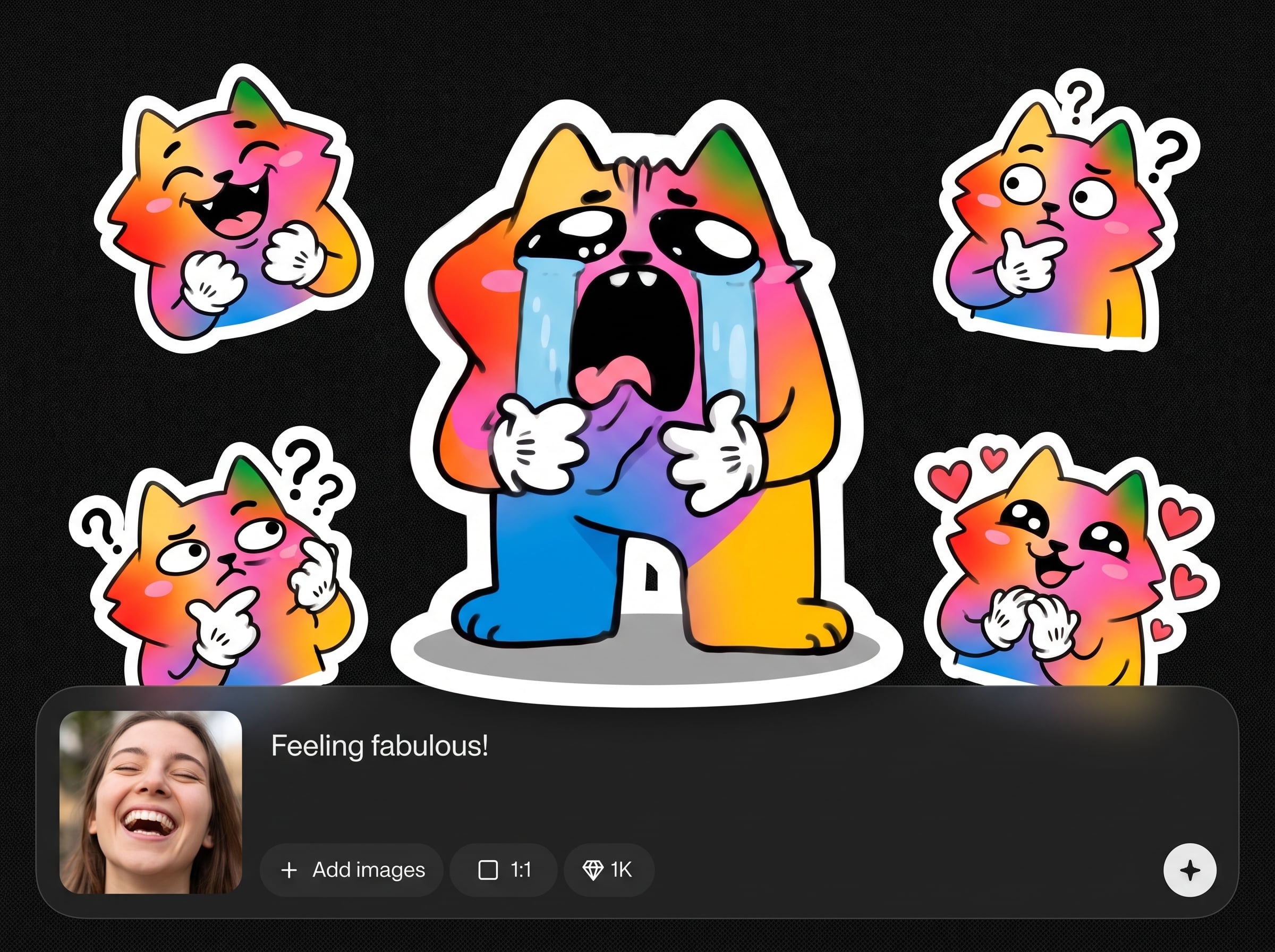
Turn a multi-line reaction list into a complete sticker set in one run. Save time by generating matching variations together instead of creating stickers one-by-one.
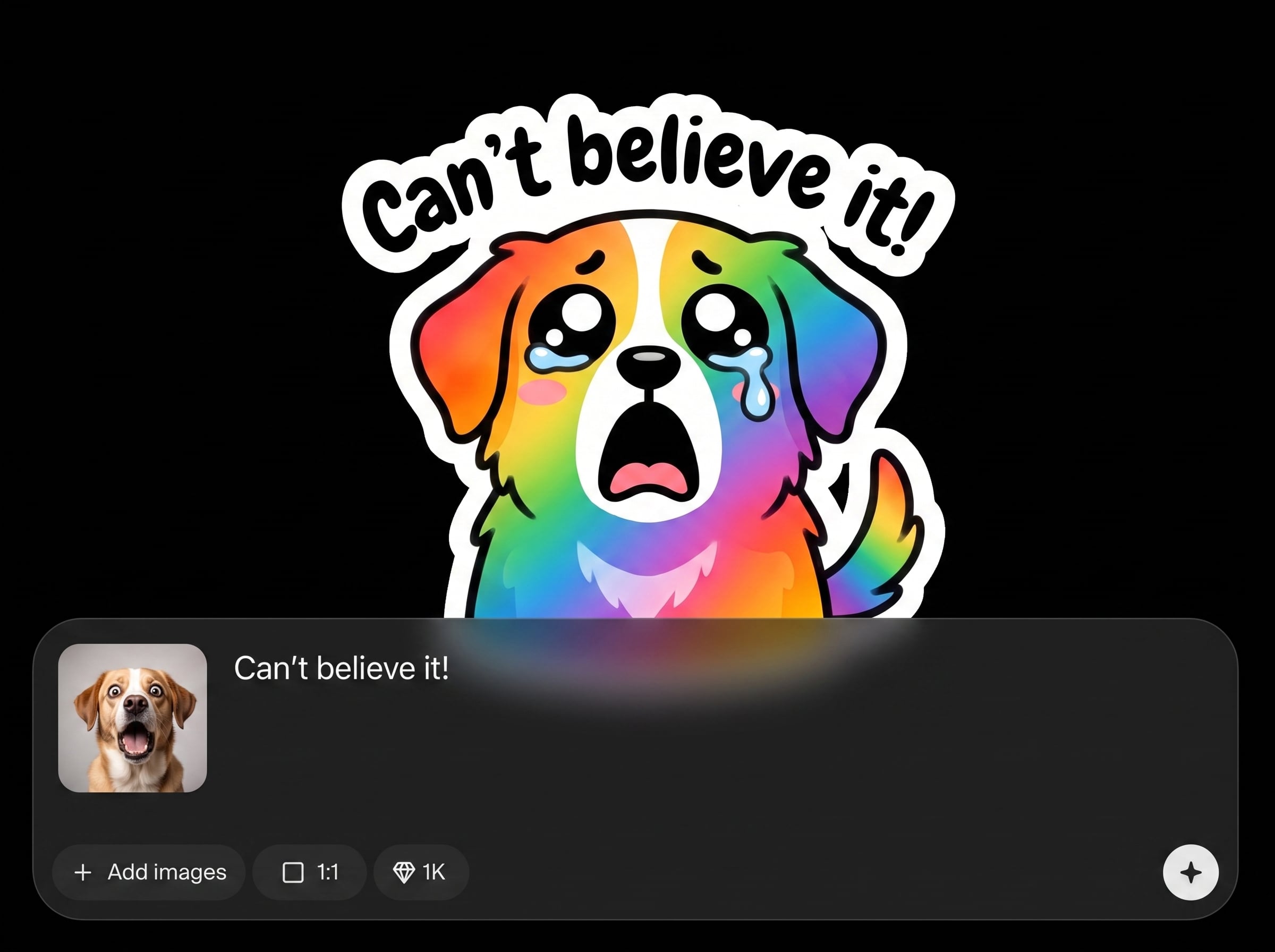
Maintain the same aesthetic across every sticker with cohesive color, outline, and typography. Ideal for packs that look unified and professional on TikTok.
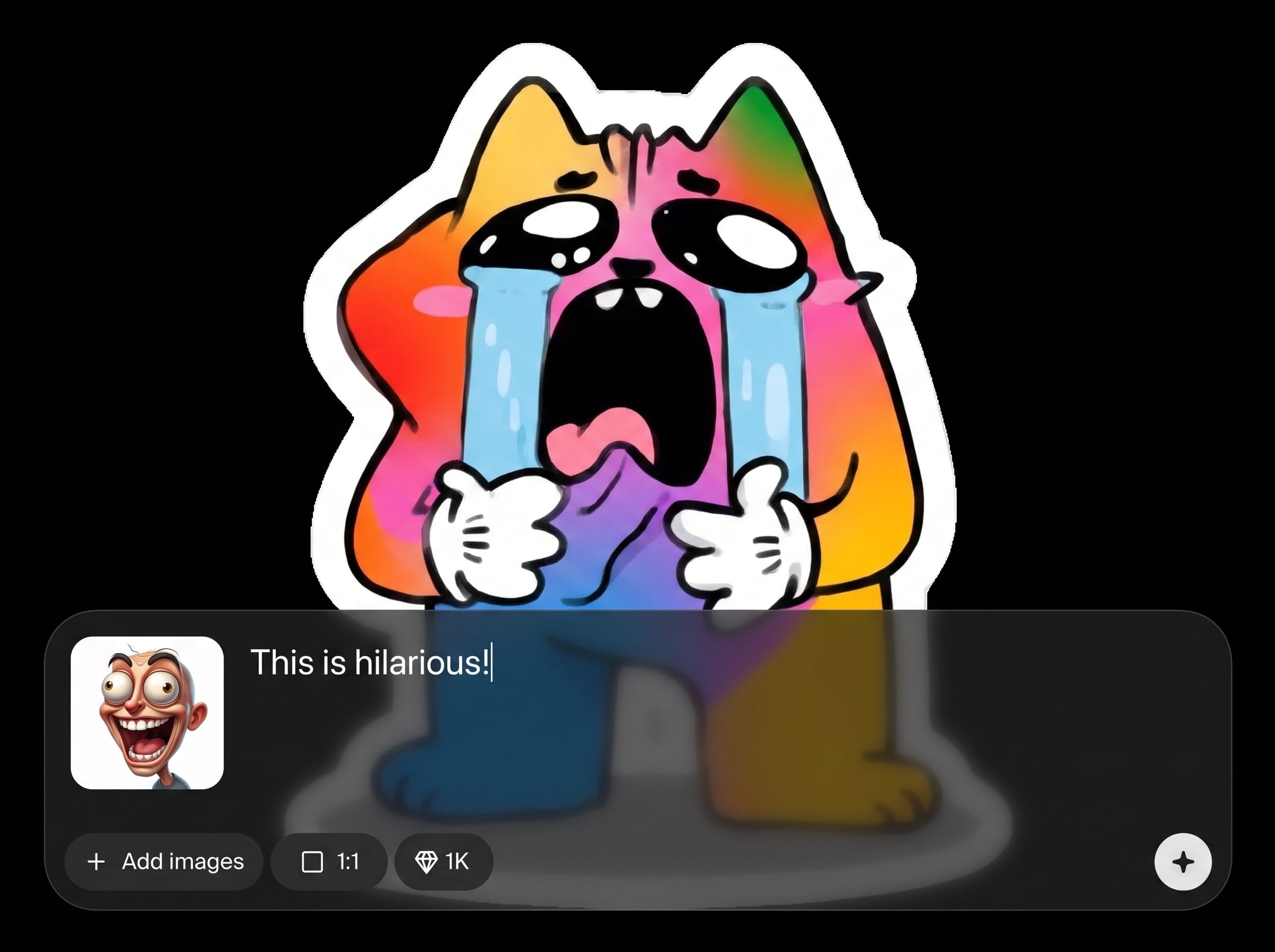
Export transparent PNG stickers with clean, die-cut edges for smooth placement on content. Files are upload-ready, so you can publish faster with minimal cleanup.
About
TikTok x Krea 2 - Sticker Pack Generator v001 turns your reaction list into a complete TikTok sticker pack in one consistent style. Type one reaction per line and generate matching die-cut stickers with transparent backgrounds. Download upload-ready PNGs fast, keeping your stickers cohesive, clean, and easy to reuse across posts and comments.
Get cohesive sticker packs without manual cutting, background removal, or one-by-one exports. The AI keeps style consistency across the set while delivering transparent, die-cut PNGs that look clean on any content. Move from text to upload-ready assets in minutes.
Enter your reactions one per line, choose a style direction, and generate the full pack. Download the transparent PNG stickers and upload them to TikTok or save them for repeat use.
Use cases
Discover how different creators use this app in their workflow.
Create cohesive reactions like “Yes”, “No”, “OMG”, and “Bruh” in one visual style, perfect for quick replies and recurring themes.
Generate stickers that match a specific vibe, palette, or tone to keep social assets consistent across posts, comments, and edits.
Spin up themed packs for launches, holidays, and trends by swapping the reaction list—then export a fresh, matching set in minutes.
Krea is one of the world's leading generative AI platforms. See what others say.
Real reviews on TrustpilotSo many AI tools out there but I always come back to Krea. It's really the one AI platform that 'just works'.

FYN
Krea's interfaces are still the best in the industry. Everything looks and feels so clean and easy to use! Imo the easiest to use gen AI website.

Lynn
Ultra fast generations. Extremely simple to use. All the latest AI models.

Daniel
KREA is the only AI subscription I have right now besides ChatGPT.

Sophia M.
Answers to common questions about AI TikTok sticker pack generation and exports.
It generates a complete TikTok sticker pack from your reaction list, one line per sticker. The AI outputs matching die-cut stickers with transparent backgrounds, ready to download and upload.
Write one reaction per line and keep wording short and clear. This helps the AI produce readable typography, consistent spacing, and a cohesive sticker look across the pack.
Yes. The generator is designed to maintain consistent outlines, colors, and overall aesthetic across all stickers, so the set looks unified when used together on TikTok.
You’ll get transparent PNG files with clean die-cut edges. Transparent backgrounds make the stickers easy to place over video frames and UI without unwanted boxes.
Yes—mix emotions, slang, and short phrases freely. The AI will render each line as a separate sticker while keeping the pack’s styling consistent and upload-friendly.
No. You only need a list of reactions and a style preference. The tool generates the stickers and exports transparent files, reducing the need for manual cutting or cleanup.
Yes. Adjust your reaction text or style notes and regenerate to explore variations. Iteration helps you dial in typography, color balance, and the overall vibe of the pack.
You can generate a full set in one batch based on your line list. For best consistency and organization, keep the pack focused and split very large lists into multiple runs.
The generator outputs stickers with transparent backgrounds and die-cut edges by design. This ensures clean placement and faster publishing without extra background removal steps.
It’s an AI sticker generator that creates new sticker visuals from your text prompts. That means you can produce unique, consistent packs without relying on fixed templates.
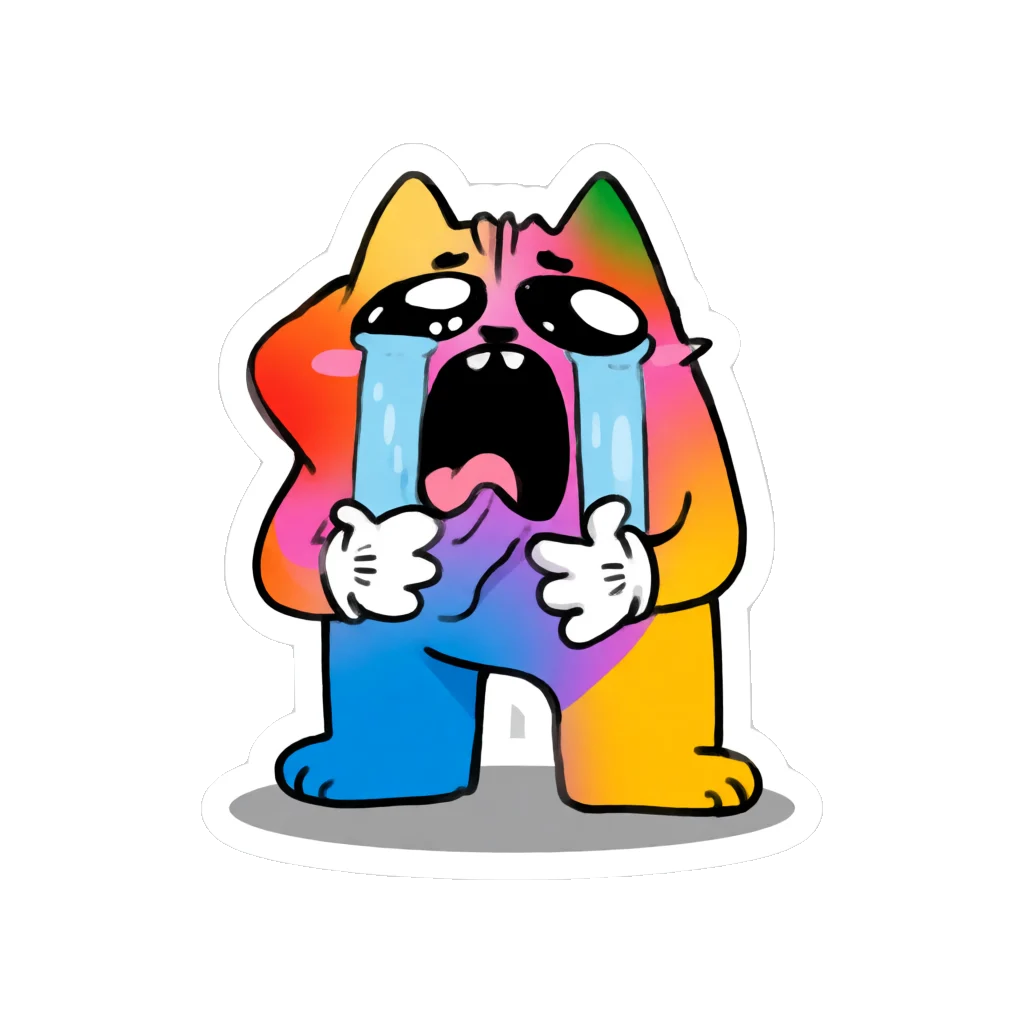
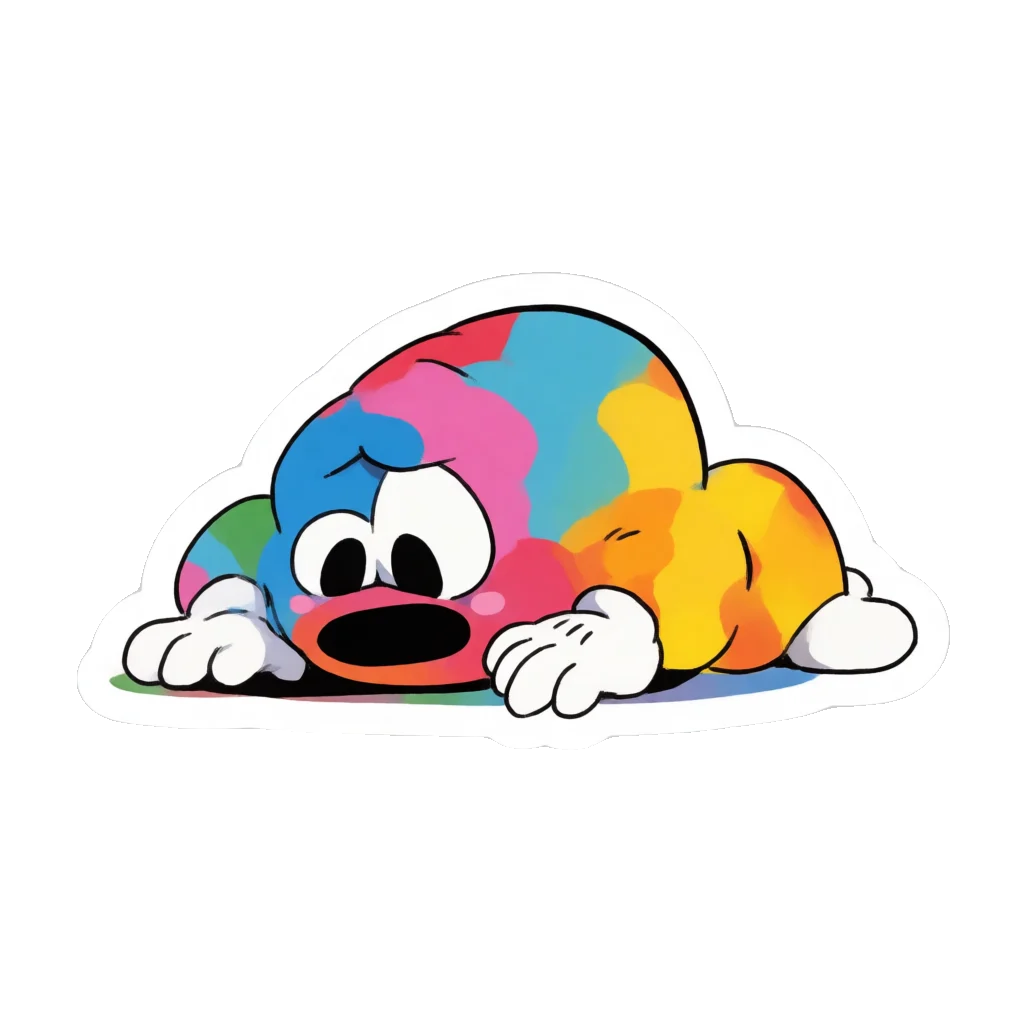
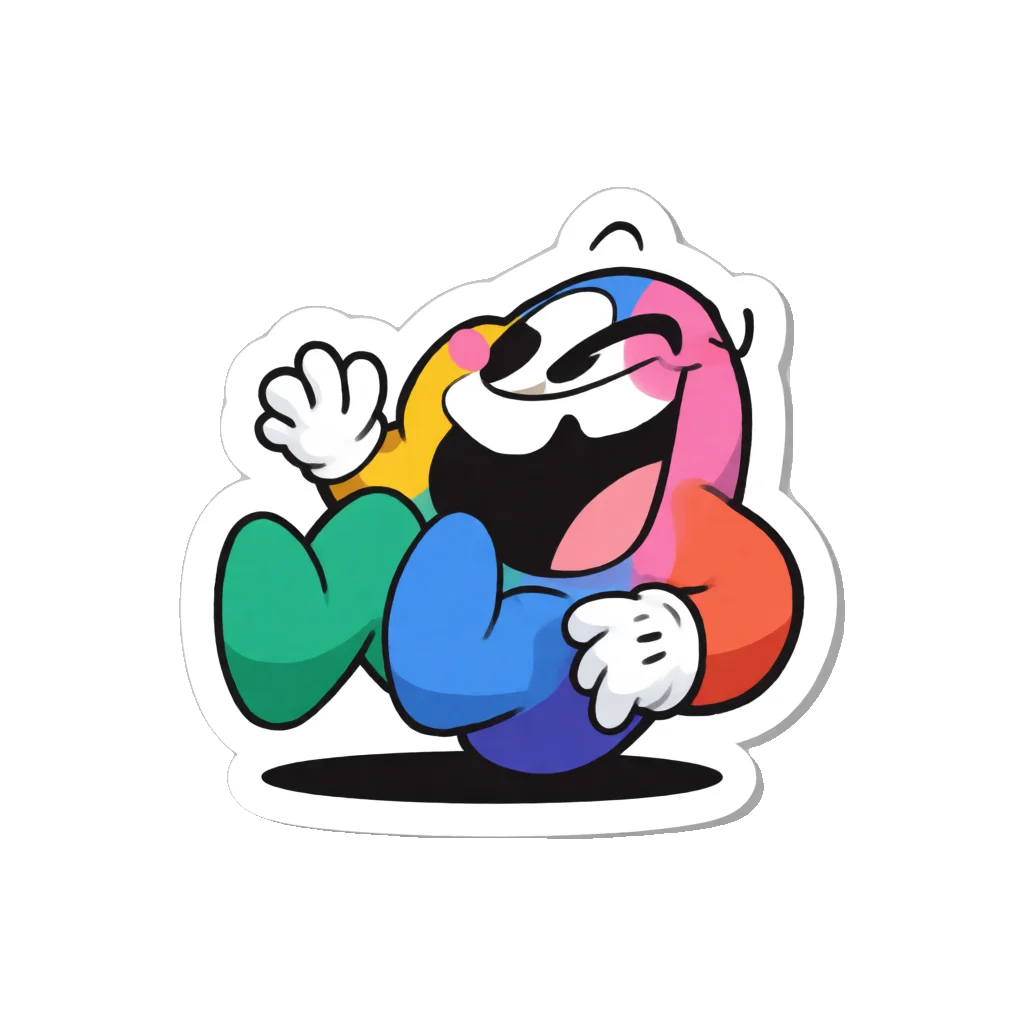
Type reactions, generate a cohesive die-cut set, and export transparent PNG stickers ready for TikTok upload.

