














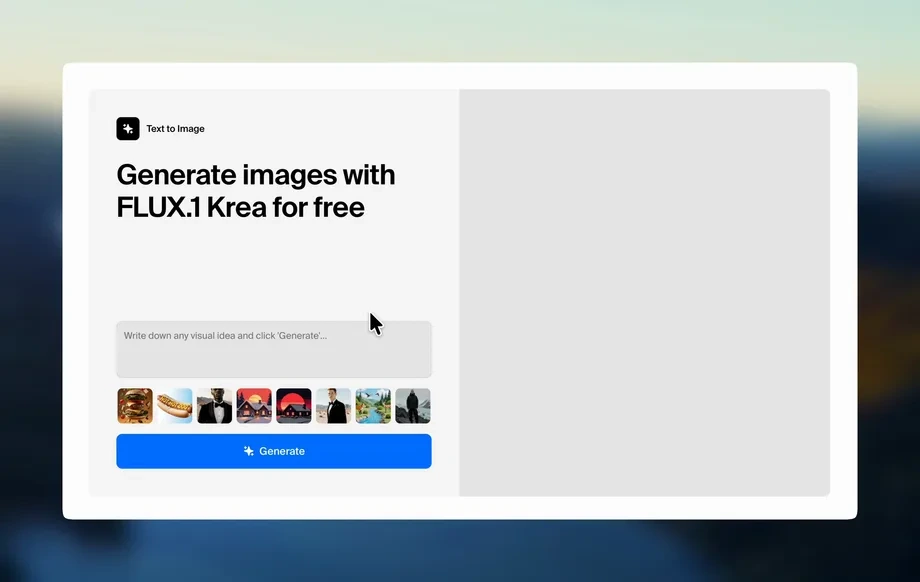
Step 1
Upload
Drag and drop ID photos or document scans. Add multiple files for batch enhancement and keep your workflow moving without manual edits.
Enhance ID images fast with AWOS_ENHANCER_LITE. AI improves clarity, reduces blur, and boosts readability for teams. Upload and export in seconds.

How to use AWOS_ENHANCER_LITE
Follow these steps to enhance ID photos quickly with AWOS_ENHANCER_LITE. Upload your images, pick an enhancement level, and export clearer results optimized for readability and fast team reviews.
Step 1
Drag and drop ID photos or document scans. Add multiple files for batch enhancement and keep your workflow moving without manual edits.
Step 2
Choose a quick preset to sharpen details, reduce blur, and improve contrast. Preview results instantly and adjust strength for best legibility.
Step 3
Download enhanced images in your preferred format. Save consistent, clearer files for verification, records, and internal sharing across the team.
Features
AWOS_ENHANCER_LITE uses AI to improve ID photo clarity with minimal effort. Enhance readability by sharpening fine details, balancing contrast, and reducing noise from low-quality captures. Designed for teams, it supports quick previews and batch-ready workflows to deliver consistent results at a low cost.

Automatically sharpens edges and restores lost detail to make faces, numbers, and micro-text easier to read. Get cleaner outputs from low-resolution or compressed ID images.
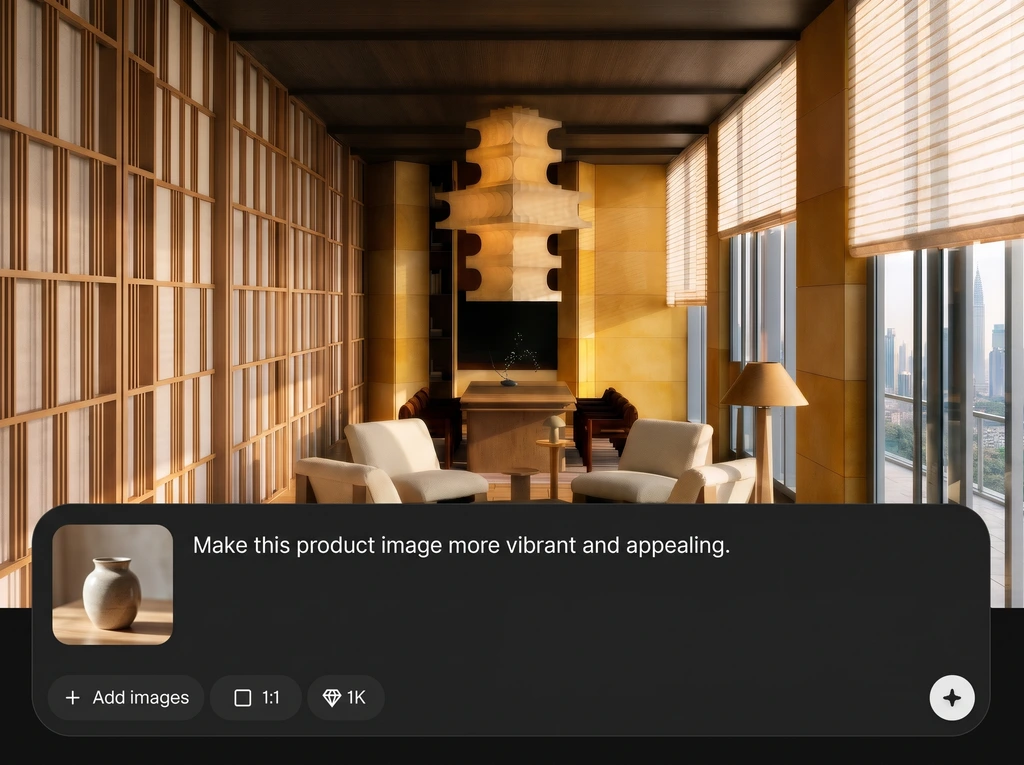
Process multiple ID photos quickly with consistent enhancement settings. Preview, iterate, and export without slowing down reviews, queues, or internal ticket-based verification tasks.

Get practical document enhancement without complex editing tools. AWOS_ENHANCER_LITE focuses on the essentials—speed, clarity, and predictable results—so teams can ship work efficiently.
About
AWOS_ENHANCER_LITE is a cheap, quick AI ID enhancer built for team workflows. Upload ID photos to improve sharpness, reduce blur, and boost text readability with automatic cleanup. Export clearer images in seconds for reviews, verification, and internal documentation—without complex editing or costly software.
AWOS_ENHANCER_LITE focuses on practical ID enhancement: fast processing, consistent outputs, and low cost for teams. AI sharpening and cleanup improve readability without complex controls. Use it to reduce re-uploads, speed up verification steps, and keep document quality predictable across workflows.
Open AWOS_ENHANCER_LITE, upload one or more ID images, and select an enhancement preset. Preview the improved clarity, then export your files for sharing, archiving, or verification.
Use cases
Discover how different creators use this app in their workflow.
Improve legibility before internal review by sharpening details and reducing blur, helping teams quickly confirm key fields without re-requests.
Standardize clearer ID attachments for tickets and audits. Batch enhancements keep response times low and reduce back-and-forth on unreadable uploads.
Create cleaner stored copies from older scans or low-light photos. Enhanced clarity helps future retrieval, compliance checks, and cross-team handoffs.
Krea is one of the world's leading generative AI platforms. See what others say.
Real reviews on TrustpilotSo many AI tools out there but I always come back to Krea. It's really the one AI platform that 'just works'.

FYN
Krea's interfaces are still the best in the industry. Everything looks and feels so clean and easy to use! Imo the easiest to use gen AI website.

Lynn
Ultra fast generations. Extremely simple to use. All the latest AI models.

Daniel
KREA is the only AI subscription I have right now besides ChatGPT.

Sophia M.
Quick answers about AI ID enhancement, quality, privacy, and best practices for clean exports.
It improves overall clarity by sharpening details, reducing blur and noise, and boosting contrast for better readability. It’s optimized for common ID issues like compression artifacts and low-light captures.
Yes. AWOS_ENHANCER_LITE uses AI and machine learning techniques to predict cleaner detail and reduce visual artifacts. You get faster results than manual editing while keeping outputs consistent.
In many cases, yes. The enhancer increases local contrast and edge definition, which helps letters and numbers stand out. Results depend on the original quality and amount of motion blur.
Yes, it supports batch-friendly workflows. Upload several images, apply the same enhancement settings, and export together to keep team processing fast and uniform.
It can improve perceived detail and sharpness, and may upscale depending on settings. The main goal is clearer readability—cleaner edges, fewer artifacts, and more usable images for review.
High-quality JPG or PNG typically works best. If possible, upload the least-compressed source available. Avoid screenshots of screenshots, which add artifacts and reduce enhancement effectiveness.
Use a well-lit, in-focus photo when possible, then apply moderate enhancement first. Check the preview for halos or over-sharpening, and dial back strength for a more natural look.
Yes. It’s designed for quick turnarounds, consistent outputs, and low effort per file. This makes it a practical tool for operations, support, and verification pipelines.
It can improve many borderline cases, but it can’t recover information that isn’t present. If text is fully smeared or missing, a recapture may still be required.
It may adjust contrast and brightness to improve readability, but aims to keep a natural look. Review the preview and choose a lighter setting when color accuracy is critical.
Upload an ID photo, enhance clarity with AI, and export consistent results for faster team reviews.

