















Step 1
Add content
Paste your text, stats, or outline. The AI structures sections, titles, and callouts while keeping the 4:5 infographic format clear and readable.
Generate polished 4:5 infographics with Инфографика 4:5. Use AI to design charts, icons, and layouts fast. Export ready-to-post visuals—try it now.

How to use Инфографика 4:5
This quick workflow helps you generate a 4:5 infographic with AI, from content input to export. Add your key points, pick a visual style, then refine the layout for a post-ready result.
Step 1
Paste your text, stats, or outline. The AI structures sections, titles, and callouts while keeping the 4:5 infographic format clear and readable.

Step 2
Choose colors, typography, and icon style. Adjust spacing, chart types, and emphasis to match your brand and improve visual hierarchy.

Step 3
Preview for mobile, then export a high-quality image. Download and post your 4:5 infographic to social platforms or embed it in presentations.
Features
Инфографика 4:5 uses AI to convert raw information into balanced 4:5 layouts optimized for feeds. Generate titles, sections, and visual blocks automatically, then fine-tune design details for clarity. Create consistent infographics for marketing, education, and reporting without starting from scratch each time.
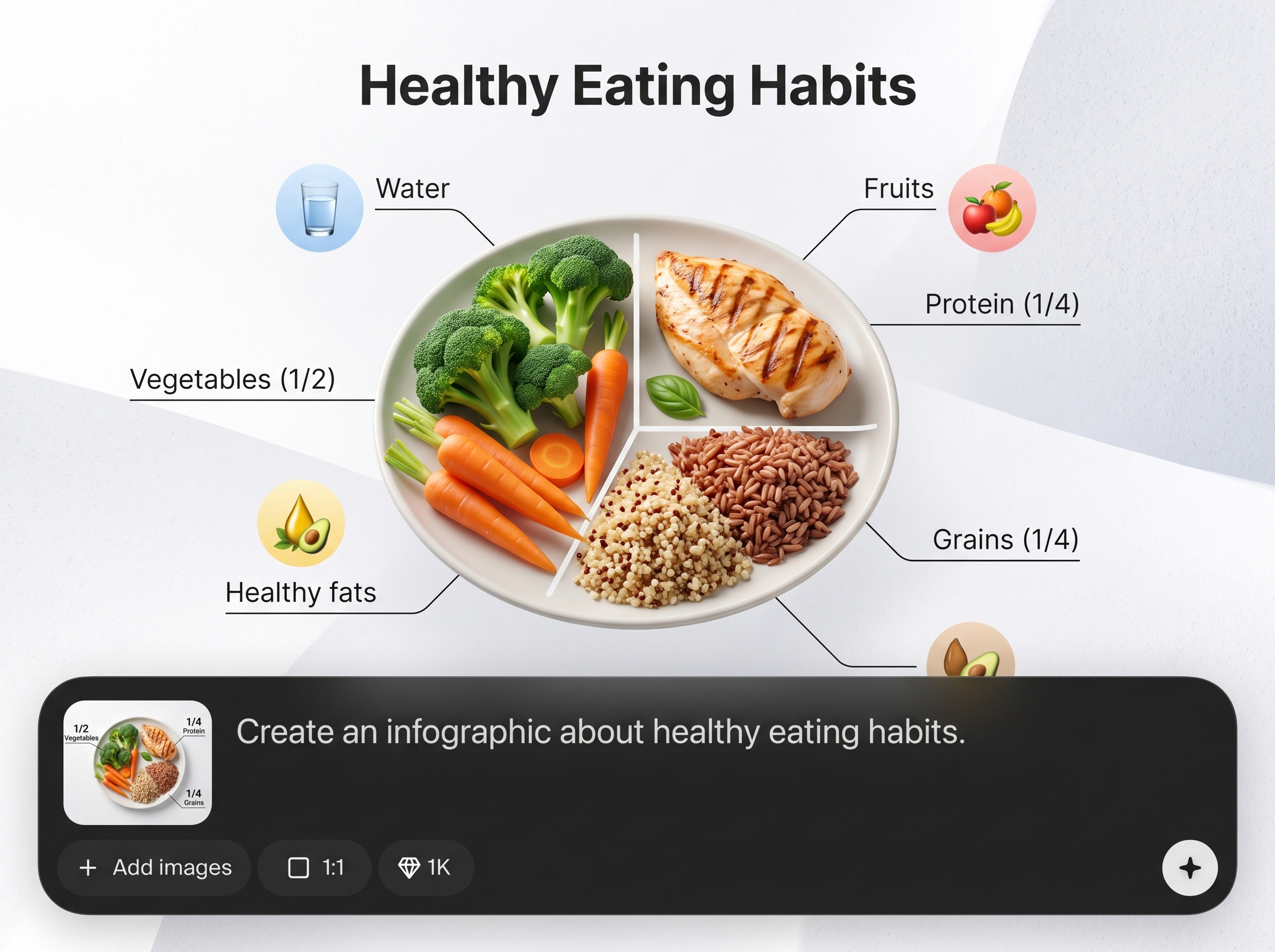
Automatically arranges headings, bullets, charts, and icons into a clean 4:5 infographic grid. Keeps spacing and alignment consistent, so information stays readable on mobile.

Create visual data blocks quickly with AI-assisted charts, callouts, and icon sets. Swap styles and emphasis in seconds to highlight the most important numbers.
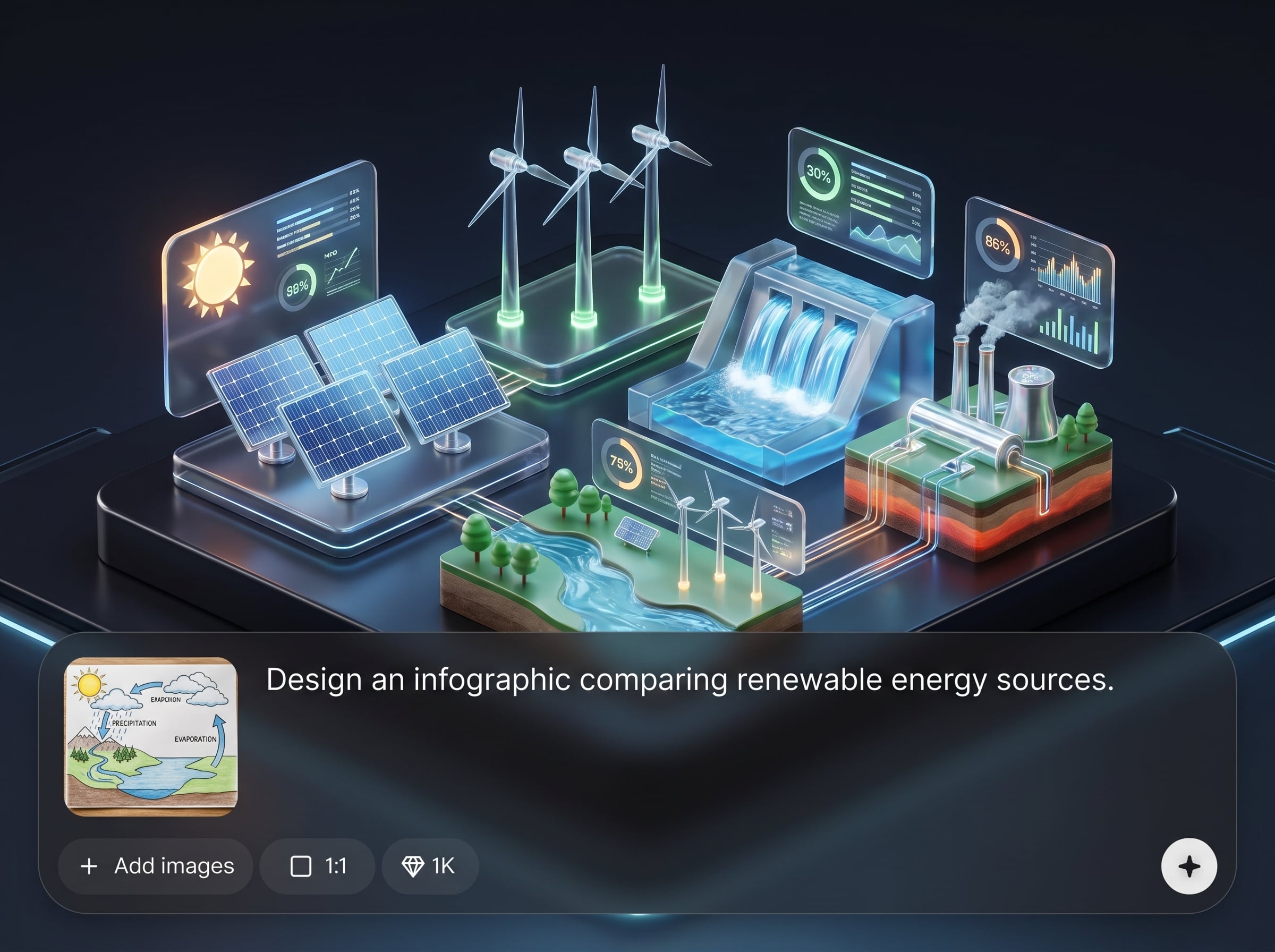
Fine-tune colors, fonts, and contrast for a consistent look across posts. Produce polished, shareable infographics that match your campaign or product branding.
About
Инфографика 4:5 generates clean, scroll-stopping infographics in a 4:5 aspect ratio using AI. Turn data, bullet points, or rough notes into structured layouts with charts, icons, and clear hierarchy. Create consistent, feed-ready visuals for social posts, product highlights, and quick reports—faster than manual design.
Инфографика 4:5 is built specifically for the 4:5 format, so layouts stay clean, aligned, and mobile-readable. AI helps structure content into clear sections, while styling controls keep outputs consistent. Get polished infographics faster without sacrificing clarity or visual hierarchy.
Enter your text or key stats, select a style, and generate a 4:5 layout instantly. Then refine colors, typography, and emphasis before exporting a share-ready image.
Use cases
Discover how different creators use this app in their workflow.
Turn product benefits, stats, and comparisons into 4:5 infographics optimized for feeds. Keep messaging consistent and visually clear across campaigns.
Convert lessons, summaries, and step-by-step processes into structured visuals. Improve comprehension with clean sections, icons, and compact chart elements.
Transform quick performance notes into digestible infographic snapshots. Share KPIs, highlights, and trends in a format that’s easy to scan.
Krea is one of the world's leading generative AI platforms. See what others say.
Real reviews on TrustpilotSo many AI tools out there but I always come back to Krea. It's really the one AI platform that 'just works'.

FYN
Krea's interfaces are still the best in the industry. Everything looks and feels so clean and easy to use! Imo the easiest to use gen AI website.

Lynn
Ultra fast generations. Extremely simple to use. All the latest AI models.

Daniel
KREA is the only AI subscription I have right now besides ChatGPT.

Sophia M.
Answers to common questions about generating 4:5 infographics with AI.
It’s an AI infographic generator focused on the 4:5 aspect ratio. Use it to create structured, feed-ready visuals from text or data, including sections, icons, and chart-style blocks.
A 4:5 layout fits many social feeds and maximizes on-screen space. It helps keep headings and data readable on mobile while maintaining a clean, balanced visual hierarchy.
No. The AI handles layout and structure automatically. You can still refine colors, typography, spacing, and emphasis to match your brand and improve clarity.
Yes. You can generate chart-like sections and data callouts as part of the infographic. Adjust styles and highlights to make key numbers stand out and stay easy to scan.
Use consistent colors, font choices, and spacing rules when customizing the design. This helps produce a uniform look across posts, campaigns, and recurring report snapshots.
Short outlines, bullet points, key statistics, and clear headings work best. Provide a simple structure and the AI can organize it into readable sections with visual emphasis.
Yes. After generation, you can refine the arrangement, swap visual blocks, and adjust typography and colors. This keeps the output on-brand while preserving a clean 4:5 format.
Export a high-quality image suitable for posting or embedding. Preview the final design for readability, then download a share-ready file for social media, slides, or reports.

Generate structured, brand-ready visuals in minutes—perfect for social posts, explainers, and KPI snapshots.

