













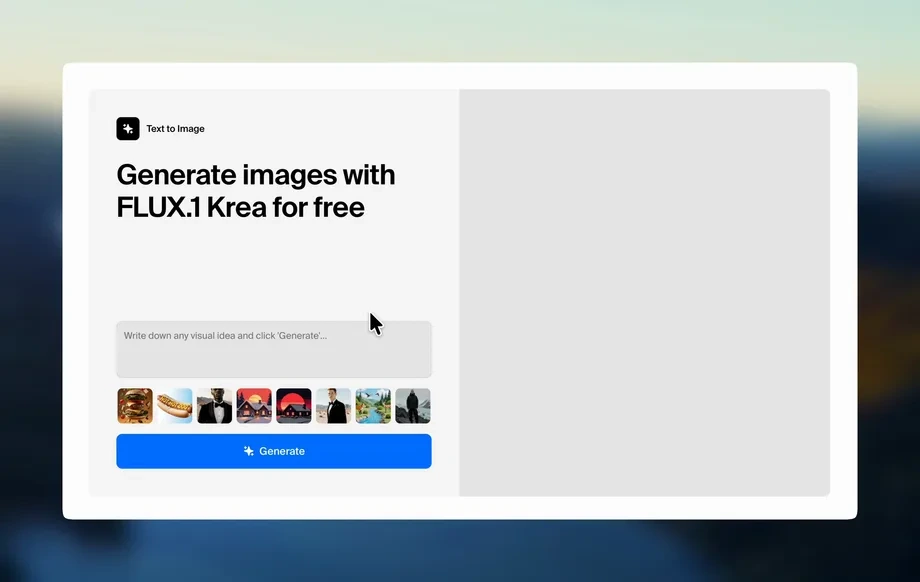
Step 1
Upload
Import your 3D scene or render input, then confirm the aspect ratio is set to 16:9 for consistent widescreen composition and comparison.
Generate clean white-card clay renders from 3D scenes with AI. Create two daytime moods, highlight form and lighting, and export 16:9 results fast.
Run the app to see your first output
How to use Clay Frame - Daytime 1
Upload your 3D scene and let AI convert it into refined white-card visuals. Choose between two daytime moods, keep the output framed for 16:9, and export clean renders for reviews and decks.
Step 1
Import your 3D scene or render input, then confirm the aspect ratio is set to 16:9 for consistent widescreen composition and comparison.
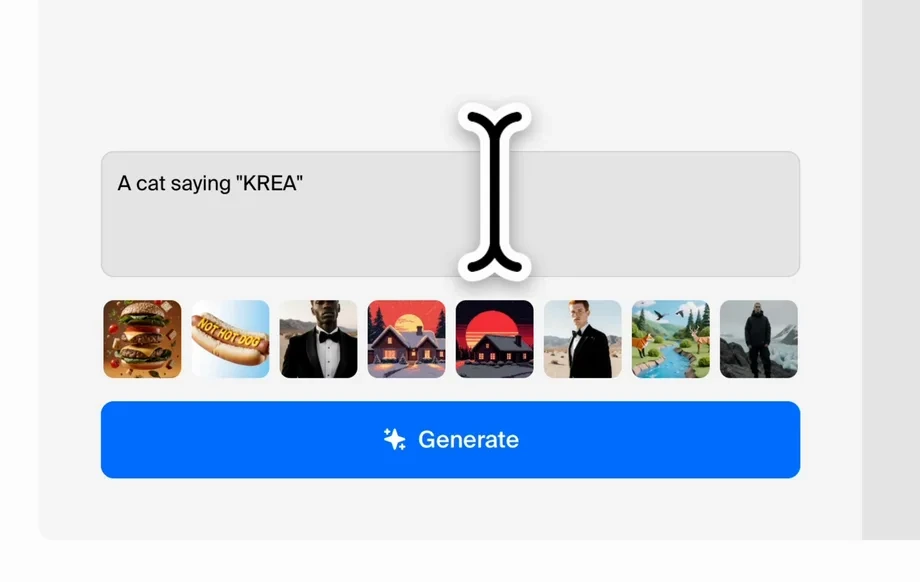
Step 2
Pick one of two daytime mood options to control the lighting feel, then adjust your preferences to emphasize form, space, and shadow clarity.
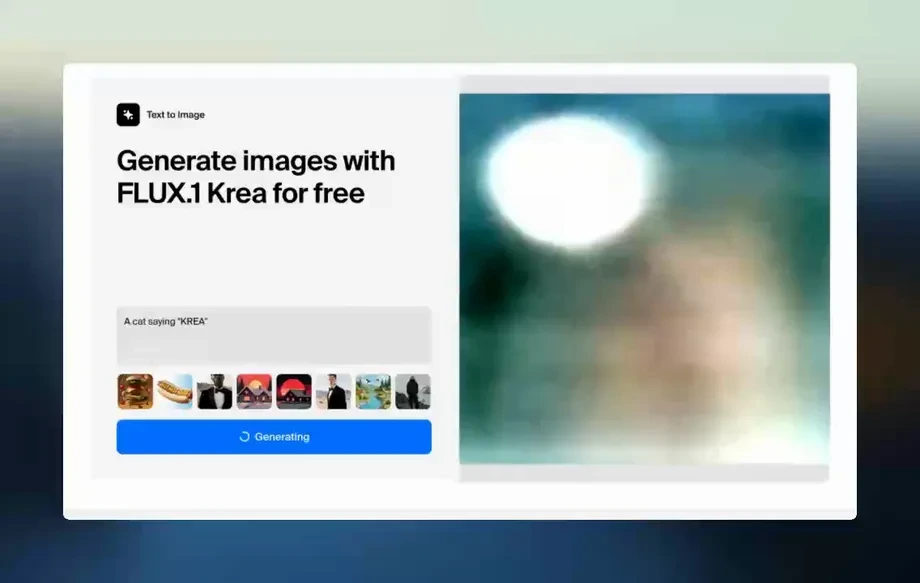
Step 3
Generate the clay-frame result, review both mood outputs, and export high-quality white-card renders for architecture presentations, critiques, or design iterations.
Features
Clay Frame - Daytime 1 produces clean clay renders that remove materials and textures to spotlight geometry, proportion, and architectural detail. Generate two daytime lighting moods for quick comparison and better iteration. Optimized for 16:9 framing, it helps create consistent, presentation-ready visuals from the same scene.
Convert scenes into refined clay renders that reduce visual noise. Emphasize massing, edges, openings, and spatial hierarchy so reviewers focus on the design, not materials.
Generate two distinct daytime lighting moods to compare ambience and shadow behavior. Quickly pick the best direction for critiques, client reviews, or concept development.
Designed for widescreen composition so outputs fit slides, boards, and screens. Keeping 16:9 ensures consistent cropping and a clean, professional read across iterations.
About
Clay Frame - Daytime 1 turns 3D scenes into clean, refined white-card renders that emphasize form, space, and lighting without material distractions. Generate two different daytime moods and compare options instantly for faster design decisions. Set your aspect ratio to 16:9 for best results and consistent presentation-ready framing.
Get consistent, form-first white-card renders that make architecture easier to evaluate. Two daytime moods enable rapid comparison, while 16:9 framing keeps every output presentation-ready. Produce clean, readable visuals without spending time tuning materials or textures.
Set your scene to a 16:9 aspect ratio, upload your input, and choose a daytime mood. Generate both options, compare lighting and shadow clarity, then export the version that best supports your design narrative.
Use cases
Discover how different creators use this app in their workflow.
Test daytime lighting and shadow legibility without texture distractions. Compare two moods to select the clearest spatial read for reviews and iterations.
Create crisp white-card visuals that communicate proportion and form. Use 16:9 framing for consistent slide-ready exports across multiple viewpoints.
Standardize outputs for fast comparison between options. Clay renders help spot geometry issues, composition problems, and detail hierarchy before material work.
Krea is one of the world's leading generative AI platforms. See what others say.
Real reviews on TrustpilotSo many AI tools out there but I always come back to Krea. It's really the one AI platform that 'just works'.

FYN
Krea's interfaces are still the best in the industry. Everything looks and feels so clean and easy to use! Imo the easiest to use gen AI website.

Lynn
Ultra fast generations. Extremely simple to use. All the latest AI models.

Daniel
KREA is the only AI subscription I have right now besides ChatGPT.

Sophia M.
Answers to common questions about AI clay renders, moods, and 16:9 output.
It generates clean white-card clay renders from your 3D scene, highlighting form, space, lighting, and architectural detail while removing material and texture distractions.
White-card renders reduce visual noise so you can evaluate massing, proportions, edges, openings, and light behavior. They’re ideal for early design decisions and clearer critique.
The tool generates two distinct daytime lighting moods to compare ambience and shadow quality. This helps you choose the best lighting direction for presentation and readability.
Yes—set your aspect ratio to 16:9 for best results. This keeps framing consistent and avoids unexpected cropping when exporting for slides, screens, and widescreen layouts.
Yes. It’s built for architectural visualization, concept massing, and lighting studies where you want clean form-first images that read well during reviews and iterations.
It’s designed to keep the scene’s composition and architectural intent while simplifying surface appearance. For best consistency, keep the same camera and 16:9 framing across runs.
Generation is optimized for quick iteration so you can review both mood outputs rapidly. Speed can vary by scene complexity, but the goal is fast comparison and decision-making.
Export options depend on your workflow, but outputs are designed for easy download and presentation use. Generate, review, then export your preferred mood in a clean 16:9 format.
Yes. It uses AI, including machine learning methods, to translate your scene into refined clay-style renders with consistent lighting emphasis and reduced material detail.
Upload a scene, pick a daytime mood, and export clean white-card visuals for faster design review.

