















Step 1
Describe
Paste a prompt, notes, or a structured outline. Specify nodes, relationships, and labels to guide Browner’s AI diagram layout and styling.
Generate Athena-style diagrams with Browner. Turn text into clean, structured visuals fast using AI. Export and share diagrams online—try it now.

How to use Browner
Use Browner to generate Athena-style diagrams from a short prompt or outline. Choose a diagram type, refine the structure, and export a polished visual for documentation, slides, or sharing.
Step 1
Paste a prompt, notes, or a structured outline. Specify nodes, relationships, and labels to guide Browner’s AI diagram layout and styling.

Step 2
Select Athena-style formatting and let the AI build the diagram. Adjust hierarchy, spacing, and wording to match your workflow or architecture.

Step 3
Download or share your diagram for docs and presentations. Keep versions consistent and regenerate quickly when requirements change.
Features
Browner generates Athena-style diagrams with consistent structure, spacing, and labeling. Convert text into readable flows, system maps, and process visuals without manual diagram building. Iterate quickly with AI-assisted edits, then export clean diagrams ready for documentation, presentations, and collaboration.

Turn prompts and outlines into Athena-style diagrams automatically. Browner infers nodes, edges, and hierarchy, so you can go from idea to structured visual in seconds.
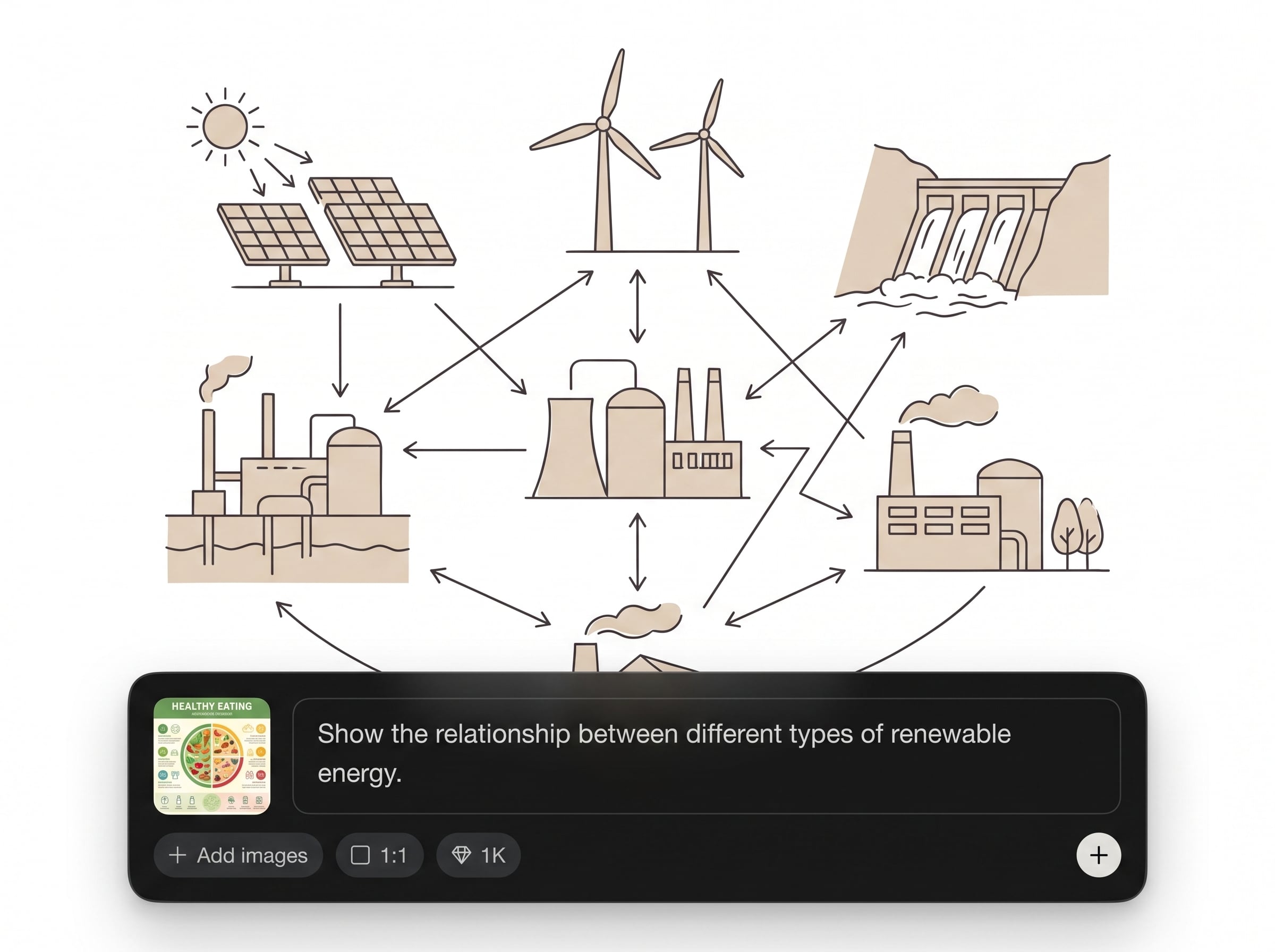
Refine your diagram by tweaking labels, adding steps, or reorganizing sections. Regenerate layout instantly while keeping a consistent Athena-style look and clear readability.

Export polished diagrams for docs, wikis, and slide decks. Keep diagrams crisp and consistent so teams can review workflows and architecture without visual clutter.
About
Browner is an AI diagram generator for Athena-style diagrams that turns plain text into clean, structured visuals in seconds. Create consistent flows, architecture maps, and process diagrams with smart layout and readable labels. Export high-quality results for docs, presentations, and team sharing—right from your browser.
Browner delivers Athena-style diagrams with consistent layout and readable structure, so your visuals stay clean across projects. Generate from text, iterate quickly, and export results that fit documentation and presentations. Spend less time drawing boxes and more time clarifying systems and workflows.
Type a short prompt or paste an outline, choose an Athena-style diagram direction, and generate. Refine labels or structure with quick regenerations, then export a clean diagram for sharing.
Use cases
Discover how different creators use this app in their workflow.
Map services, dependencies, and data flows with Athena-style structure. Generate clear architecture visuals from a spec and keep them updated as systems evolve.
Turn SOPs and checklists into readable flow diagrams. Use AI to structure steps, decisions, and handoffs for faster understanding and alignment.
Create diagrams that look consistent across reports and slides. Export clean visuals quickly to support proposals, technical docs, and project updates.
Krea is one of the world's leading generative AI platforms. See what others say.
Real reviews on TrustpilotSo many AI tools out there but I always come back to Krea. It's really the one AI platform that 'just works'.

FYN
Krea's interfaces are still the best in the industry. Everything looks and feels so clean and easy to use! Imo the easiest to use gen AI website.

Lynn
Ultra fast generations. Extremely simple to use. All the latest AI models.

Daniel
KREA is the only AI subscription I have right now besides ChatGPT.

Sophia M.
Answers to common questions about Browner’s AI Athena-style diagrams.
Browner is an AI diagram generator built for Athena-style diagrams. It converts text prompts or outlines into structured diagrams with nodes, connections, and clean layout for workflows and architecture.
Start with the diagram goal, then list key nodes and relationships. Include ordering, group names, and decision points. Clear labels and simple sentences help the AI produce a more accurate diagram.
Yes. Browner can generate workflow diagrams, process flows, and decision paths in Athena style. Provide steps, conditions, and outcomes, then refine labels and structure with quick regenerations.
Yes. Describe components, services, and data flows, and Browner will generate a structured architecture diagram. You can iterate to adjust hierarchy, groupings, and naming for clarity.
You can refine prompts and regenerate to update layout and wording. This makes it easy to iterate on structure and keep Athena-style consistency as requirements or terminology change.
Export options depend on the workspace, but Browner is designed for easy sharing and clean outputs for docs and presentations. Generate a final version, then download or share the diagram link.
Yes. Browner runs in the browser, so you can generate Athena-style diagrams online without installing desktop software. Create, iterate, and export from one place for faster documentation.
Manual tools require dragging shapes and routing lines. Browner uses artificial intelligence to create structure and layout from text, helping you produce consistent diagrams faster and iterate with less effort.
Browner uses AI techniques to interpret your text and generate diagram structure and layout. It applies consistent Athena-style formatting so results stay readable across workflows, systems, and documentation.
Yes. Browner helps standardize diagrams for wikis, specs, and project docs. Generate consistent visuals from text and update them quickly when processes or architecture change.
Turn text into structured diagrams fast with Browner—ideal for workflows, architecture, and documentation.

