













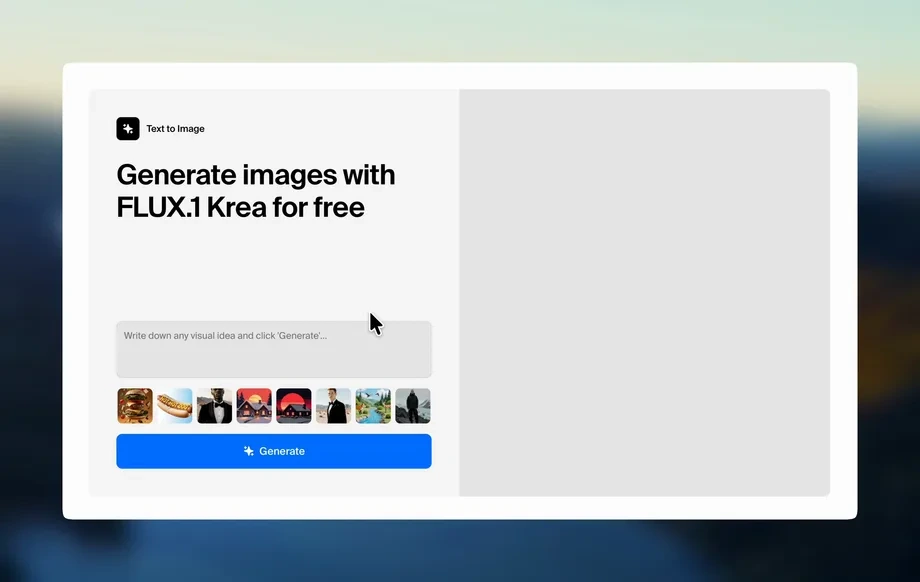
Step 1
Upload
Add a photo or image you want to transform. For best results, use a clear subject and good lighting so seasonal colors and atmosphere render accurately.
Generate spring, summer, autumn, and winter looks from one image with 4 Seasonal App. Fast AI seasonal styling, high quality results. Try it online now.
Run the app to see your first output
How to use 4 Seasonal App
Learn how to turn a single image into spring, summer, autumn, and winter versions using AI. Follow these steps to set your style, generate results, and export high-quality seasonal outputs.
Step 1
Add a photo or image you want to transform. For best results, use a clear subject and good lighting so seasonal colors and atmosphere render accurately.
Step 2
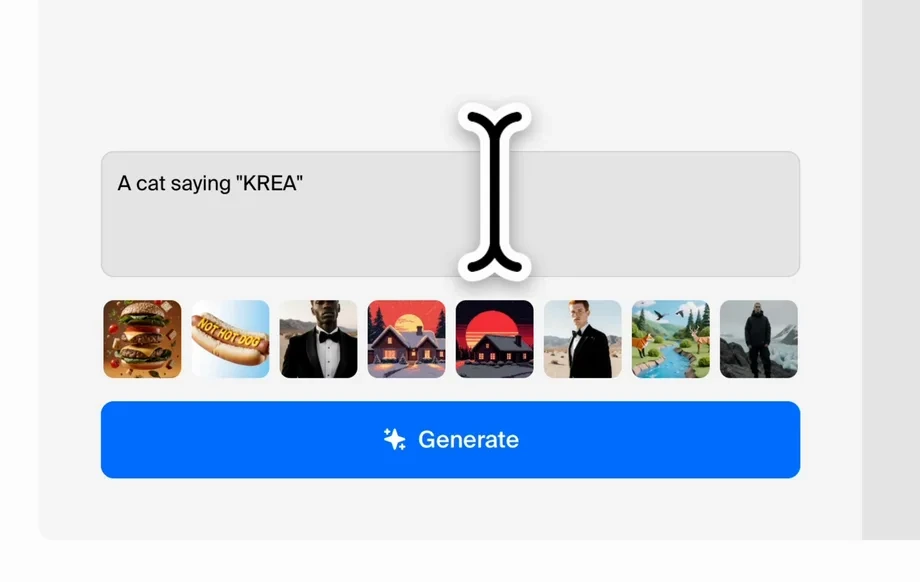
Choose seasonal intensity, color palette, and overall mood. Optionally add a prompt to guide details like warm sunlight, crisp snow, or autumn tones.
Step 3
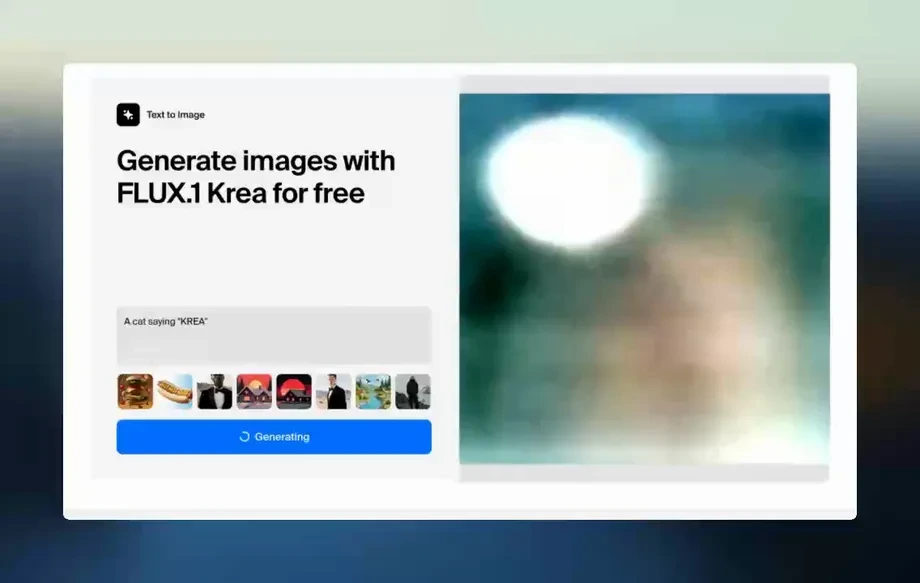
Generate all four seasons and review side-by-side consistency. Download your favorites in high resolution for sharing, planning, or further editing workflows.
Features
4 Seasonal App uses AI to generate coherent spring, summer, autumn, and winter versions from a single source image. Keep identity and composition stable while exploring seasonal lighting, color grading, and atmosphere. Create fast variations for moodboards, styling tests, and visual planning with clean, export-ready outputs.
Instantly create spring, summer, autumn, and winter variants from the same image. Compare seasonal differences side-by-side while preserving key facial features, framing, and overall structure.
Adjust seasonal color palette, lighting warmth, and ambience to match your goal. Fine-tune subtle shifts or bold transformations using simple controls and optional text prompts.
Generate seasonal variations quickly with optimized AI processing. Export clean, high-resolution results suitable for presentations, social posts, concept exploration, and iterative design workflows.
About
4 Seasonal App is an AI seasonal generator that transforms a photo into four distinct looks: spring, summer, autumn, and winter. Upload an image, choose a style direction, and get consistent seasonal variations in seconds. Ideal for testing seasonal aesthetics, color palettes, and mood changes while keeping identity, composition, and details coherent across outputs.
4 Seasonal App delivers reliable seasonal consistency without time-consuming manual edits. Generate four coordinated looks from one image, fine-tune palette and mood, and export clean results for planning, presentation, or campaign reuse—fast and repeatable.
Open 4 Seasonal App, upload your image, and choose your seasonal settings. Generate the four variations, compare outputs, then download your preferred seasons in high resolution.
Use cases
Discover how different creators use this app in their workflow.
Preview how a subject or scene feels across seasons. Test color temperature, wardrobe mood, and atmosphere before committing to a full creative direction.
Build seasonal moodboards from one hero image. Generate coherent variations for pitches, brand exploration, and visual storytelling without manual recoloring.
Create seasonal versions of the same visual for spring, summer, fall, and winter campaigns. Keep branding consistent while updating the vibe for each season.
Krea is one of the world's leading generative AI platforms. See what others say.
Real reviews on TrustpilotSo many AI tools out there but I always come back to Krea. It's really the one AI platform that 'just works'.

FYN
Krea's interfaces are still the best in the industry. Everything looks and feels so clean and easy to use! Imo the easiest to use gen AI website.

Lynn
Ultra fast generations. Extremely simple to use. All the latest AI models.

Daniel
KREA is the only AI subscription I have right now besides ChatGPT.

Sophia M.
Answers to common questions about 4 Seasonal App and AI seasonal image generation.
4 Seasonal App is an AI tool that transforms one image into four seasonal variations: spring, summer, autumn, and winter. It focuses on seasonal color, lighting, and atmosphere while maintaining overall consistency.
The model uses the uploaded image as a reference to preserve composition and key details. Then it applies controlled changes to color palette, lighting, and environmental cues to match each season.
Yes. You can guide results with seasonal intensity settings and optional prompts like “golden autumn,” “bright spring,” or “snowy winter.” This helps align outputs with your preferred palette and tone.
Clear, well-lit photos with distinct subjects work best, including portraits and scenes with visible depth. Higher-resolution inputs typically produce cleaner details and more natural seasonal lighting transitions.
It works like an AI generator built for seasonal transformation. Instead of manual editing, it creates new seasonal variations from your source image using artificial intelligence and machine learning techniques.
Yes. The app is designed to output a coordinated set of spring, summer, autumn, and winter versions. This makes it easy to compare options and keep a consistent visual series.
Generation typically takes seconds to a minute depending on image size and settings. The tool is optimized for quick iteration so you can test multiple seasonal moods efficiently.
In most workflows, yes—exported images are suitable for marketing and campaign variations. Always review your project requirements and ensure you have rights to the source image you upload.
Upload one image and generate spring, summer, autumn, and winter variations with consistent, high-quality AI results.

