










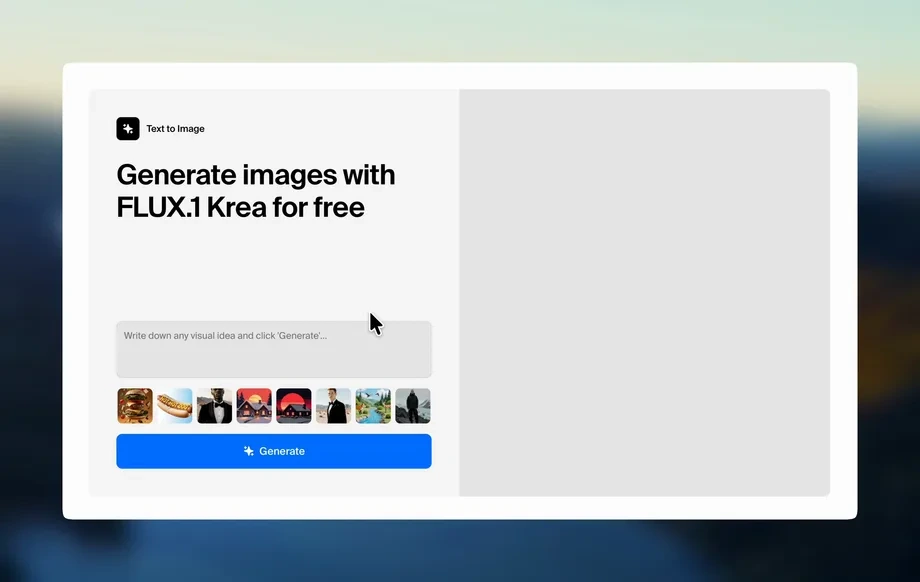
Step 1
Describe
Enter a prompt describing the design, audience, and style. Choose a format like square, story, banner, or poster, and add brand colors or keywords.
Use pad-11-10 to generate polished designs with AI. Create banners, social posts, and mockups from prompts, then export instantly. Try it now.
How to use pad-11-10
Learn how to create professional visuals with pad-11-10 using a simple prompt workflow. In a few steps, you’ll generate options, refine the best result, and export files for your channels.
Step 1
Enter a prompt describing the design, audience, and style. Choose a format like square, story, banner, or poster, and add brand colors or keywords.
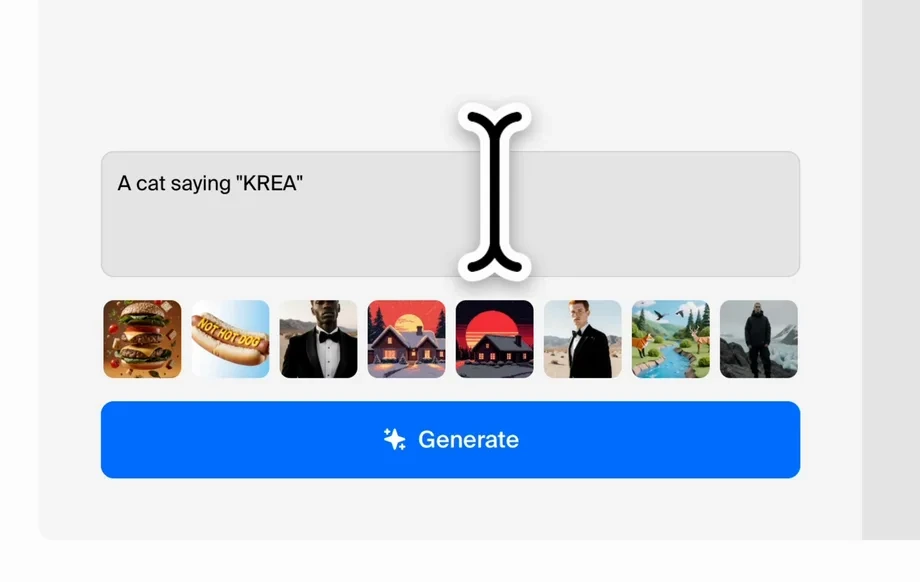
Step 2
Click generate to produce multiple AI design variations. Review layout, typography, and imagery, then pick a direction that fits your goal and message.
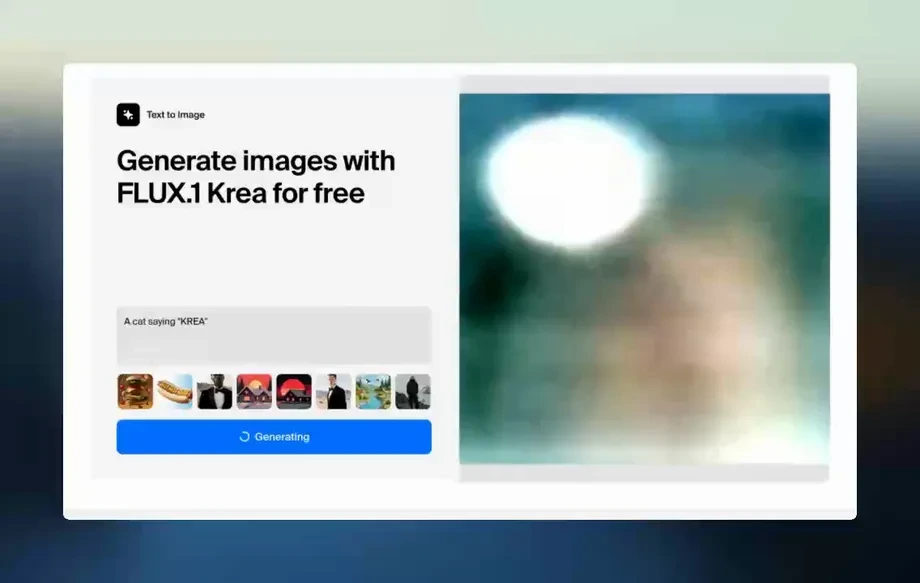
Step 3
Adjust text, spacing, and color, or regenerate specific elements for a cleaner look. Export high-resolution files optimized for social, web, or print delivery.
Features
pad-11-10 combines AI and practical design controls to help you produce consistent assets quickly. Generate multiple layout options from a prompt, fine-tune style and format, and export ready-to-publish files. Ideal for rapid iteration when you need quality visuals without slowing down your workflow.
Turn text prompts into complete design drafts with composition, typography, and style guidance. Produce multiple variations at once, so you can choose the best direction quickly.
Create assets sized for social posts, stories, banners, ads, and posters. Keep margins, hierarchy, and spacing consistent while adapting the same concept across formats.
Iterate with targeted edits—adjust color, density, and detail without restarting. Export high-resolution outputs that are ready for web, presentations, or print production.
About
pad-11-10 is an AI design generator that turns prompts into clean, on-brand visuals in minutes. Create social posts, banners, ads, and concept layouts with smart styling, composition, and typography suggestions. Tweak colors, formats, and detail level, then export high-quality assets for web or print—fast, consistent, and ready to use.
pad-11-10 delivers fast, consistent design generation with practical controls for real workflows. Produce multiple options from a single prompt, keep outputs aligned across formats, and refine without starting over. Get polished visuals quickly for marketing, social, and presentations.
Type a prompt, choose your target format, and generate variations. Pick the best result, make quick refinements, and export high-resolution assets ready for publishing or printing.
Use cases
Discover how different creators use this app in their workflow.
Generate scroll-stopping posts, stories, and announcement graphics quickly. Maintain a consistent look while testing different headlines, layouts, and visual directions.
Create banner concepts and ad variations from a single prompt. Produce multiple options for A/B testing, then refine the strongest design for launch.
Design clean slides, cover images, and one-pagers with AI assistance. Keep typography and spacing organized for a professional, client-ready result.
Krea is one of the world's leading generative AI platforms. See what others say.
Real reviews on TrustpilotSo many AI tools out there but I always come back to Krea. It's really the one AI platform that 'just works'.

FYN
Krea's interfaces are still the best in the industry. Everything looks and feels so clean and easy to use! Imo the easiest to use gen AI website.

Lynn
Ultra fast generations. Extremely simple to use. All the latest AI models.

Daniel
KREA is the only AI subscription I have right now besides ChatGPT.

Sophia M.
Find quick answers about using pad-11-10 as an AI design generator for everyday visual needs.
pad-11-10 is an AI design generator for creating visual assets from prompts. Use it to produce social graphics, banners, ad concepts, and layout drafts you can refine and export.
You describe what you want, pick a format, and generate multiple design variations. The system applies machine learning to suggest layout, styling, and composition, then you refine and export.
Yes. Add brand colors, keywords, and style directions in your prompt, then fine-tune results. You can iterate quickly to match a consistent visual identity across formats.
You can generate social posts, stories, banners, posters, ad creatives, and basic presentation visuals. It’s optimized for fast concept generation and clean, publish-ready layouts.
Yes. pad-11-10 speeds up creative iteration by producing multiple options from one prompt. It’s useful for rapid testing, campaign asset creation, and maintaining consistency across channels.
No. The interface is prompt-first with simple controls, so you can generate strong starting points quickly. You can also make small refinements to improve clarity and hierarchy.
Yes. Generate several variations per prompt, then adjust messaging, colors, or layout density. This makes it easy to compare options and pick the best-performing creative direction.
Export high-resolution outputs suitable for web and print workflows. Choose sizes aligned to your target channels, then download assets that are ready to publish or share with your team.
Generate clean, format-ready visuals in minutes—then refine and export high-quality assets for every channel.

