













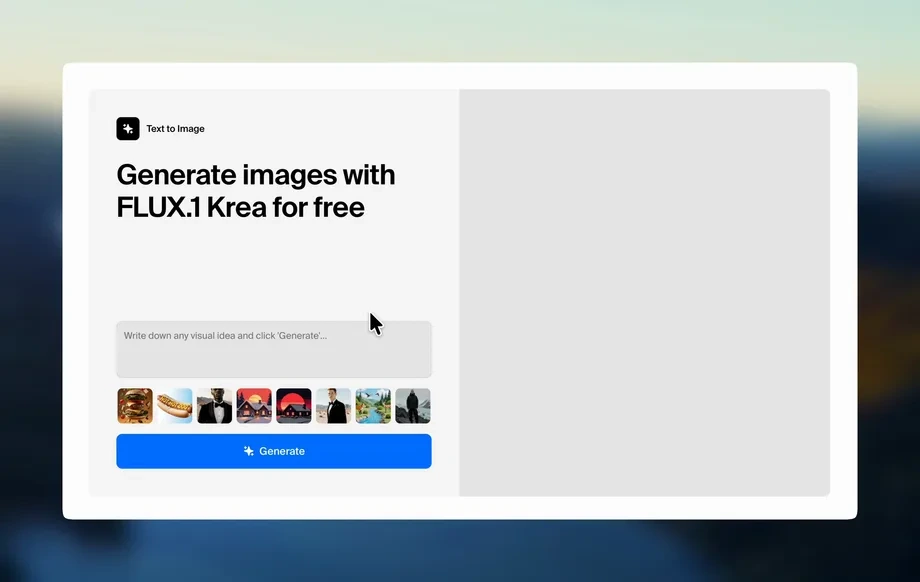
Step 1
Set Prompt & Style
Enter a detailed text prompt and optionally add a reference image. Choose a style preset, aspect ratio, and quality level to guide the AI output.
Use wheel-cylinder-11102026 to generate high-quality AI images from text or reference photos. Fast styles, clean outputs, and easy exports—try it now.
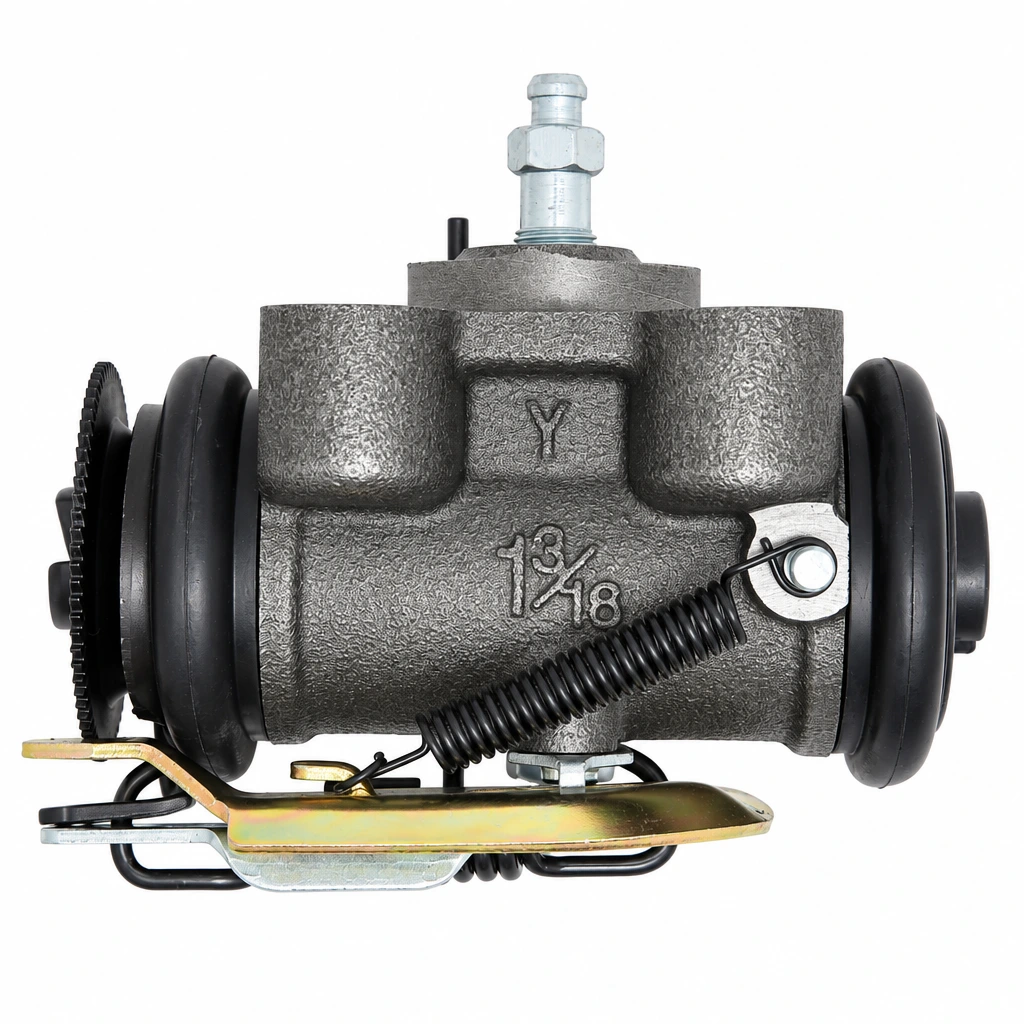
How to use wheel-cylinder-11102026
This quick tutorial shows how to create high-quality AI images with wheel-cylinder-11102026. Set your prompt and style, generate options, then refine and export the best result for your project.
Step 1
Enter a detailed text prompt and optionally add a reference image. Choose a style preset, aspect ratio, and quality level to guide the AI output.
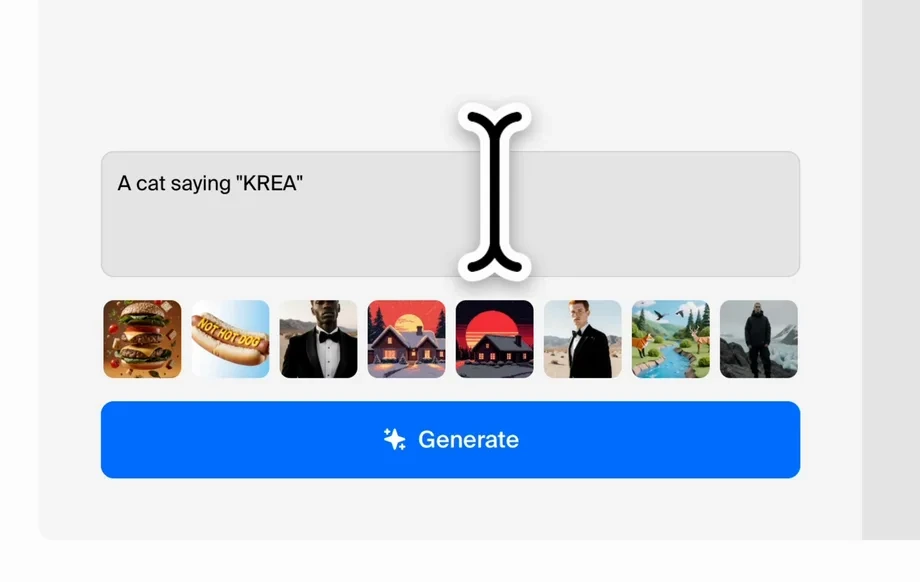
Step 2
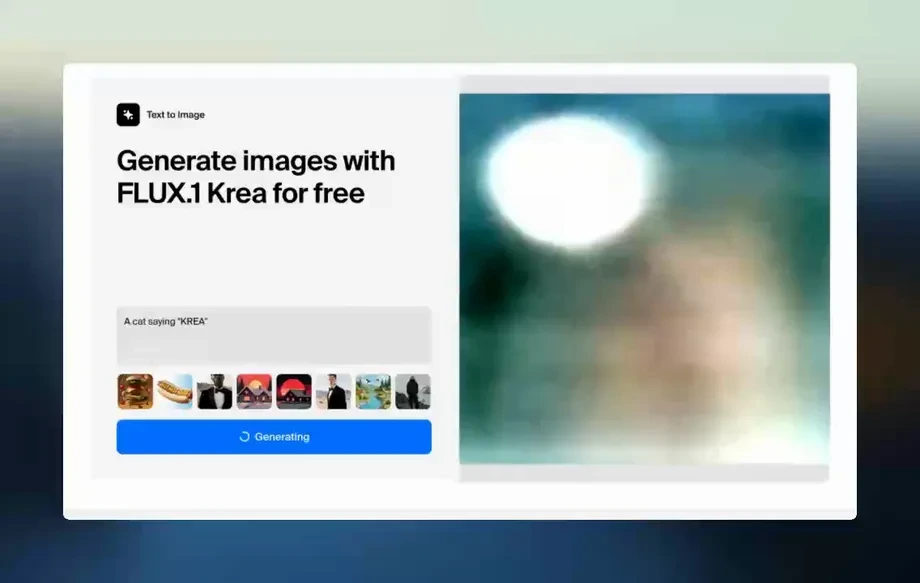
Click generate to create multiple variations. Adjust keywords, composition notes, or strength settings to refine details, improve consistency, and explore alternative looks quickly.
Step 3
Select your best image, upscale for sharper results, and export in the format you need. Re-run with small prompt tweaks to build a cohesive set.
Features
wheel-cylinder-11102026 combines text-to-image and image-to-image generation with practical controls for style, composition, and output quality. Create clean, usable visuals faster than traditional workflows, while keeping results consistent across iterations. Generate multiple options, refine with targeted prompt edits, and export ready-to-use assets for web, ads, or design.

Turn prompts into high-quality visuals with adjustable style presets, aspect ratios, and variation settings. Get consistent compositions and faster iteration for concepting, layouts, and final assets.

Upload a reference to keep structure while changing style, lighting, or mood. Improve coherence, reduce trial-and-error, and produce on-brand variations without restarting from scratch.

Generate multiple candidates in one run, then upscale and download instantly. Built for quick testing, rapid feedback cycles, and delivering polished visuals on tight timelines.
About
wheel-cylinder-11102026 is an AI image generator that turns text prompts and reference images into polished visuals in seconds. Use style presets, aspect ratios, and quality controls to match your exact look. Generate concepts, product shots, thumbnails, and marketing assets with consistent results—then download or iterate instantly.
wheel-cylinder-11102026 delivers fast, controllable AI image generation with practical settings for style, ratio, and quality. Create multiple variations per idea, refine with image-to-image guidance, and export polished assets for real workflows. It’s built for consistency, speed, and repeatable results across projects.
Enter a prompt, pick a style and aspect ratio, and generate variations in seconds. Choose the best result, refine with small prompt edits or a reference image, then upscale and export.
Use cases
Discover how different creators use this app in their workflow.
Create campaign visuals, banners, and product creatives quickly. Iterate on styles and formats to match platforms while keeping brand consistency across assets.
Generate concepts for UI, posters, packaging, and moodboards. Explore directions fast, then refine the strongest option into a usable design starting point.
Produce eye-catching thumbnails, blog headers, and social posts. Test multiple compositions and color palettes to maximize clarity and click-through potential.
Krea is one of the world's leading generative AI platforms. See what others say.
Real reviews on TrustpilotSo many AI tools out there but I always come back to Krea. It's really the one AI platform that 'just works'.

FYN
Krea's interfaces are still the best in the industry. Everything looks and feels so clean and easy to use! Imo the easiest to use gen AI website.

Lynn
Ultra fast generations. Extremely simple to use. All the latest AI models.

Daniel
KREA is the only AI subscription I have right now besides ChatGPT.

Sophia M.
Answers to common questions about generating images with wheel-cylinder-11102026.
wheel-cylinder-11102026 is an AI image generator that creates visuals from text prompts and optional reference images. It uses artificial intelligence to produce multiple variations and lets you refine style, format, and quality.
You provide a prompt describing the scene, subject, and style. The model uses machine learning to generate images based on those instructions, then you can iterate by adjusting prompt details and settings.
Yes. Use image-to-image to guide composition or subject structure while changing style, mood, or details. This helps maintain consistency across outputs while still allowing creative variation.
Add subject, environment, lighting, camera angle, and style keywords. Include constraints like “clean background” or “high contrast.” The more specific the prompt, the more predictable the AI results.
Yes. Choose common aspect ratios for social, web, and print layouts. Setting the ratio before generation reduces cropping and helps the AI compose the image correctly for your target format.
Increase quality settings, generate multiple variations, and pick the cleanest base image. Then upscale for sharper edges and better detail. Small prompt edits can also reduce artifacts and improve realism.
Yes. Reuse a style preset and keep prompt structure consistent across runs. You can also use a reference image to anchor composition and look, then iterate with controlled changes.
Export options depend on your workspace settings, but common formats are supported for easy use in design tools and web publishing. Download after selecting the best variation and upscaling if needed.
Yes. Generate product-style images, clean backgrounds, and lifestyle scenes for listings or ads. Use reference images and precise prompts to keep shapes and details aligned with your requirements.
No. The interface is built for quick results with presets and simple controls. Start with a basic prompt, generate variations, then refine with incremental edits until the output matches your goal.
Generate, refine, and export high-quality visuals in minutes using wheel-cylinder-11102026—no complex setup required.

