















Step 1
Add event details
Enter dates, venues, tracks, speakers, and session titles. Import a simple list or paste text, then select the output you need: agenda, session cards, or promos.
Use Calgary Design Week APP to generate event schedules, session cards, and promo assets with AI. Fast edits, shareable outputs—try it online now.
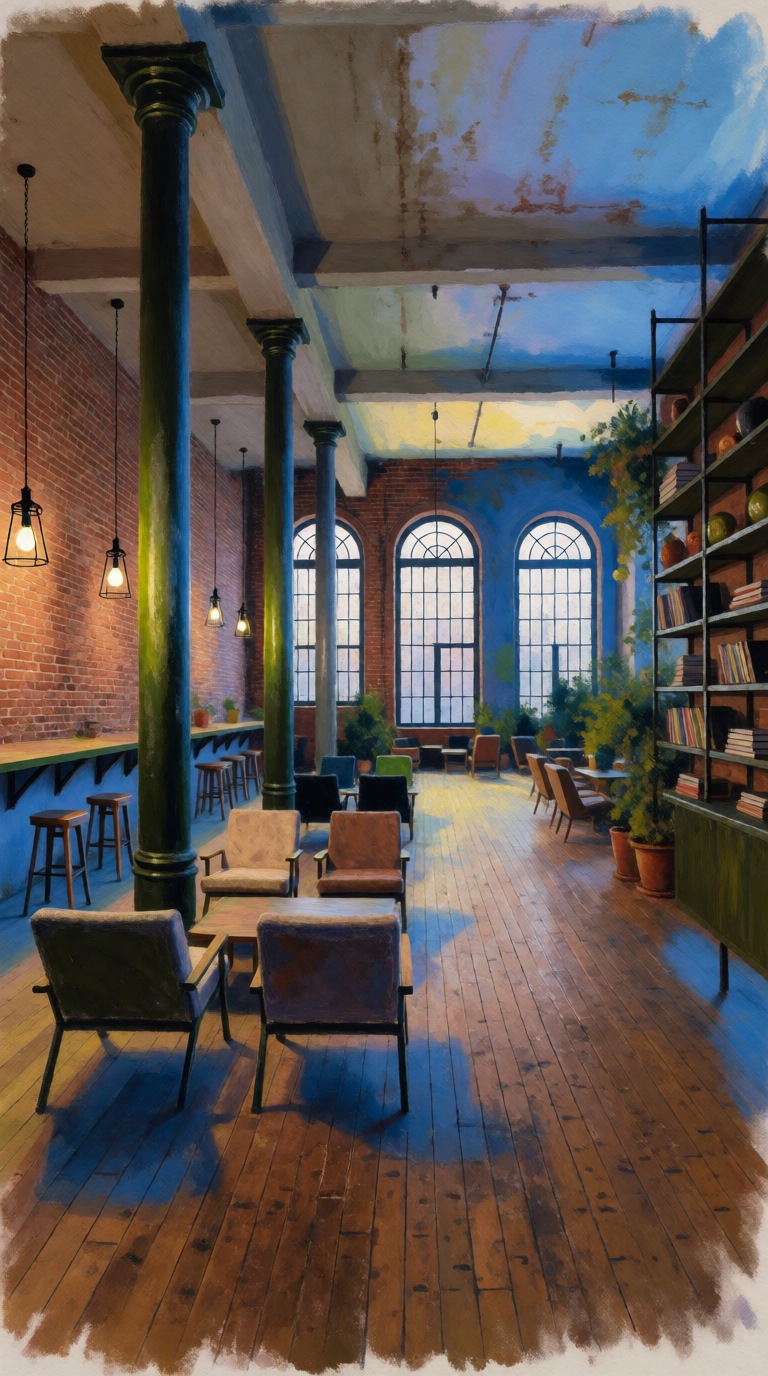
How to use Calgary Design Week APP
Create a polished event agenda and matching promotional visuals with Calgary Design Week APP. Add your event details, choose a style, and let AI generate structured schedules and branded assets you can refine instantly.
Step 1
Enter dates, venues, tracks, speakers, and session titles. Import a simple list or paste text, then select the output you need: agenda, session cards, or promos.

Step 2
Choose a design style and tone, then generate layouts and copy. The AI builds a consistent schedule structure, formats sessions, and produces matching visual assets automatically.

Step 3
Edit timing, titles, colors, and typography in one place. Export images and shareable links, or download ready-to-post assets sized for web, email, and social.
Features
Calgary Design Week APP streamlines event planning visuals with AI-powered agenda building and branded asset generation. Turn raw session data into organized schedules, session cards, and promotional graphics that stay consistent across channels. Make quick revisions, keep typography and colors aligned, and export assets that look professional without manual layout work.
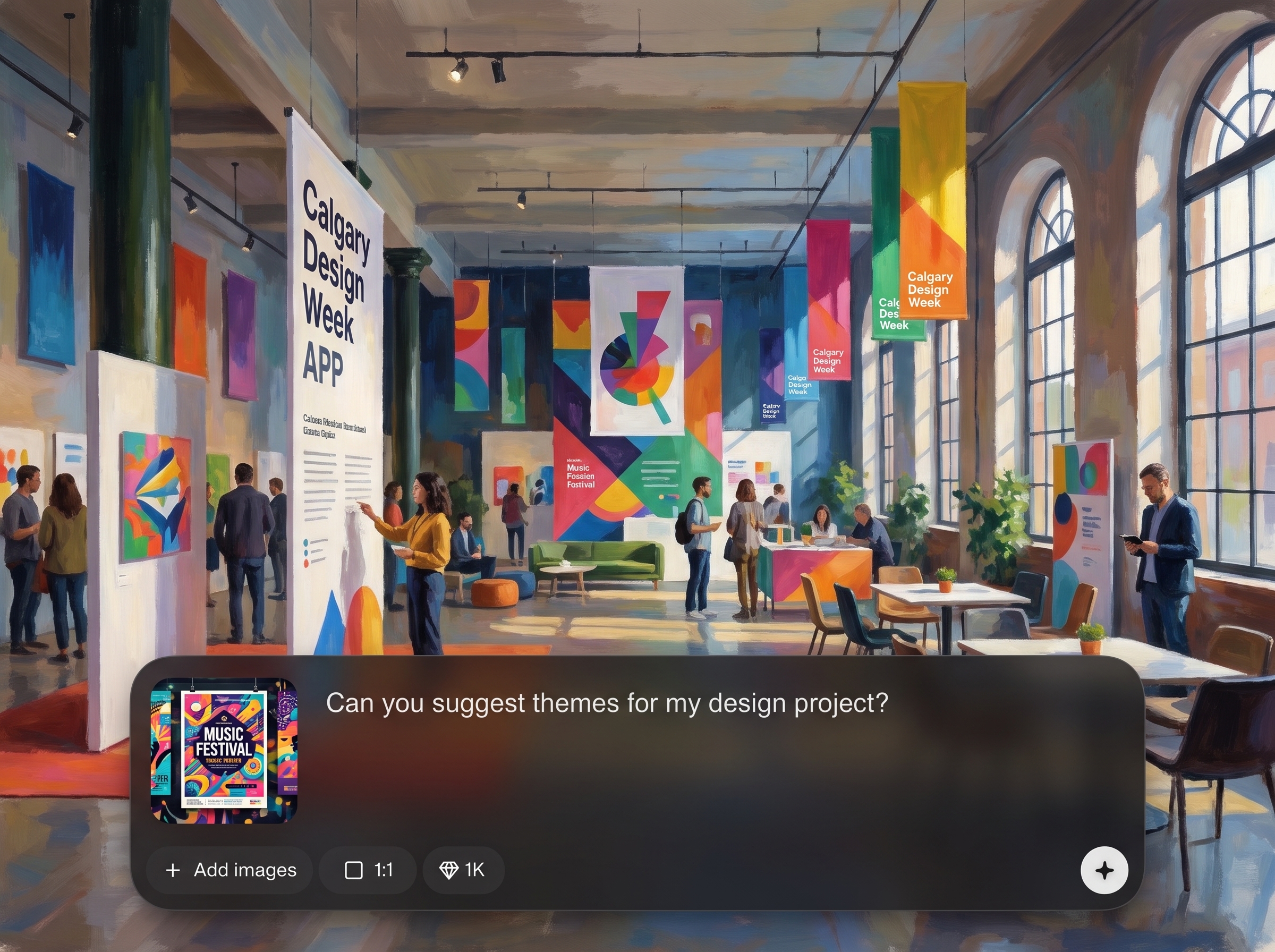
Automatically structures sessions by day, time, and track with clean hierarchy. Keep changes synchronized as you revise titles, speakers, or timing, reducing manual formatting across outputs.
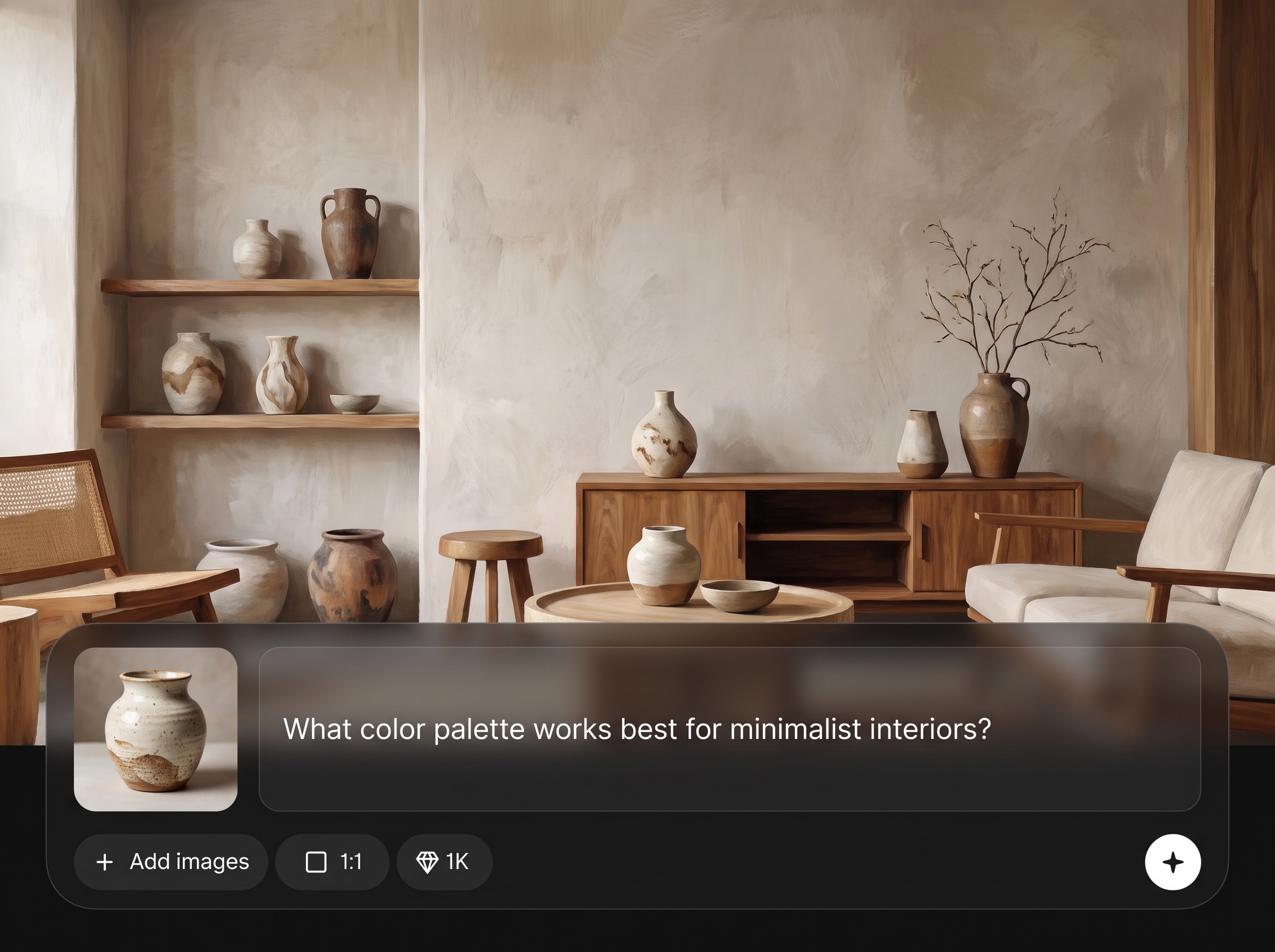
Generate session cards, banners, and social graphics that match your chosen style. AI applies consistent typography, spacing, and color rules so every asset feels part of one system.
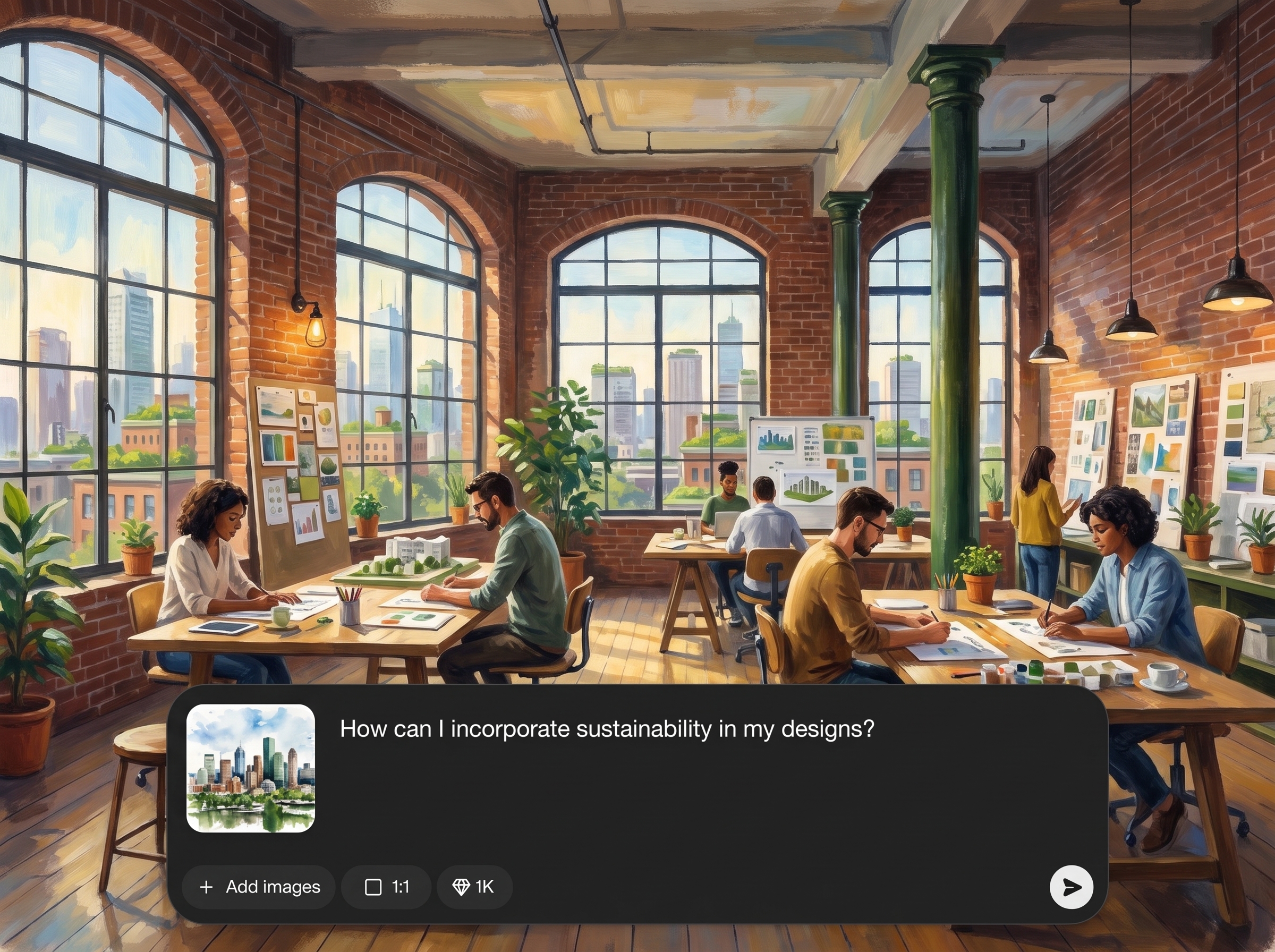
Iterate quickly with reusable templates and one-click resizing for common formats. Export high-quality images and share links so teams can review, approve, and publish faster.
About
Calgary Design Week APP is an AI event design generator that helps you plan schedules, generate session listings, and produce cohesive promo visuals in minutes. Use artificial intelligence to turn basic event details into clean agendas, branded cards, and share-ready graphics. Edit layouts, copy, and styling quickly, then export consistent assets for web, email, and social.
Calgary Design Week APP combines an AI schedule builder with a branded asset generator to keep event information and visuals aligned. Produce agendas, session cards, and promos from the same data, then update once and export everywhere. Save time, reduce manual layout, and deliver consistent event communications across channels.
Add your event details, choose a style, and generate an agenda plus promotional assets in a few clicks. Refine text and layout quickly, then export shareable files sized for web and social.
Use cases
Discover how different creators use this app in their workflow.
Create consistent schedules and social graphics from one source of truth. Reduce design overhead and keep updates accurate across web, email, and campaign posts.
Turn session lists into clean agendas and track layouts quickly. Make last-minute schedule changes without rebuilding every card or promotional asset.
Generate shareable session highlights and daily lineups for partners. Export branded assets that fit multiple channels and remain visually consistent.
Krea is one of the world's leading generative AI platforms. See what others say.
Real reviews on TrustpilotSo many AI tools out there but I always come back to Krea. It's really the one AI platform that 'just works'.

FYN
Krea's interfaces are still the best in the industry. Everything looks and feels so clean and easy to use! Imo the easiest to use gen AI website.

Lynn
Ultra fast generations. Extremely simple to use. All the latest AI models.

Daniel
KREA is the only AI subscription I have right now besides ChatGPT.

Sophia M.
Answers to common questions about using AI for event schedules and promotional design assets.
It generates structured event schedules, session listings, and branded promotional assets such as session cards and banners. You provide event details, and the AI formats information into consistent, ready-to-share outputs.
Yes. Paste a list of sessions, speakers, and times, and the tool converts it into an organized agenda. You can then adjust tracks, ordering, and formatting without redoing layouts manually.
The system applies consistent typography, spacing, and color choices across generated outputs. When you adjust the style, assets update to match, helping maintain a cohesive visual identity across channels.
Yes. You can change session titles, times, and speaker details, plus refine layout and styling. The tool is designed for quick iteration so updates don’t require rebuilding every asset.
Export high-quality image assets suitable for web and social sharing. You can also generate shareable links for review, making it easier to collaborate and publish finalized schedules and promos.
Yes. It supports multi-day agendas with sessions grouped by day and track. The AI helps maintain readability and hierarchy so large programs stay clear and scannable.
Yes. Generate promotional graphics like session cards and banners, then resize for common platforms. This reduces repetitive design work while keeping your event information accurate and consistent.
You can start online and generate assets quickly to evaluate results. If you need more exports, advanced styles, or higher volume production, you can upgrade based on your workflow needs.
Machine learning helps infer structure from raw text, enforce layout consistency, and suggest readable hierarchy. It speeds up formatting and reduces errors when turning session data into polished visuals.
Turn event details into branded agendas and share-ready graphics in minutes with Calgary Design Week APP online.

