















Step 1
Add your prompt
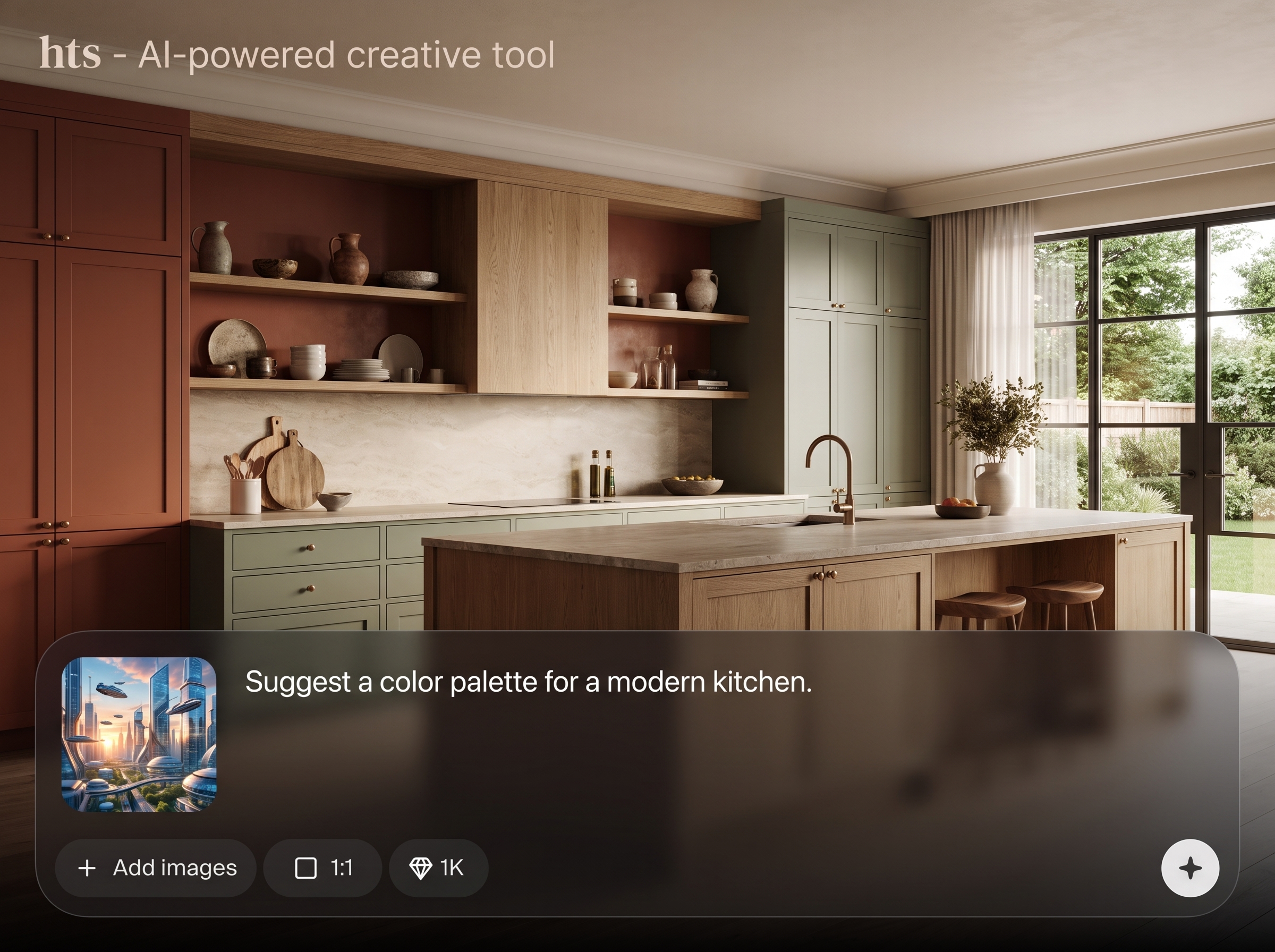
Describe your topic, audience, and goal. Paste source text if rewriting or summarizing, and include keywords or constraints like tone, length, and formatting.
 App by djd
Use hts AI text generator to write, rewrite, summarize, and expand content fast. Get clear results for blogs, ads, and emails—try it now.

How to use hts
This quick tutorial shows how to use hts to create high-quality text with AI. Add a prompt, choose a task, and refine the output until it matches your tone, length, and intent.
Step 1
Describe your topic, audience, and goal. Paste source text if rewriting or summarizing, and include keywords or constraints like tone, length, and formatting.

Step 2
Select write, rewrite, summarize, or expand. Adjust options such as style, structure, and output length to match your use case and channel.

Step 3
Review the draft, request variations, and tighten wording. Copy the final text for publishing, or reuse prompts to generate consistent versions across platforms.
Features
hts combines AI and machine learning to generate clear, on-brand text for common workflows. Create new drafts, improve existing copy, or condense long content into concise summaries. With prompt-based controls, you can iterate quickly, maintain consistent tone, and produce publish-ready output for multiple channels.

Turn a short brief into structured copy for pages, posts, or emails. hts generates coherent paragraphs, headings, and calls-to-action while keeping your topic and intent aligned.
Improve readability, fix awkward phrasing, and adapt tone for different audiences. Generate multiple variations so you can compare options and pick the best version quickly.

Condense long text into key points or expand outlines into full drafts. Use summaries for briefs and expanders for detailed sections, FAQs, and product descriptions.
About
hts is an AI text generator that helps you write, rewrite, summarize, and expand content in seconds. Turn simple prompts into polished copy for blogs, ads, product pages, and emails while keeping tone and clarity consistent. Save time on drafting and iterate faster with flexible options for length, style, and key points.
hts streamlines common writing tasks with prompt-based AI that supports drafting, rewriting, and summarizing in one place. Generate multiple variations quickly, keep tone consistent, and move from idea to publish-ready copy with fewer edits and less back-and-forth.
Enter a brief or paste existing text, choose a mode, and generate results in seconds. Refine with constraints like tone, length, and format, then copy the final output wherever you need it.
Use cases
Discover how different creators use this app in their workflow.
Generate blog intros, headings, and meta copy with keywords. Create quick variations to match search intent and keep messaging consistent across pages.
Write punchy ad headlines, landing page sections, and CTAs. Iterate on tone and length to fit different platforms without starting from scratch.
Draft clear emails, follow-ups, and help center text. Rewrite for politeness, brevity, or clarity to reduce back-and-forth and speed up communication.
Krea is one of the world's leading generative AI platforms. See what others say.
Real reviews on TrustpilotSo many AI tools out there but I always come back to Krea. It's really the one AI platform that 'just works'.

FYN
Krea's interfaces are still the best in the industry. Everything looks and feels so clean and easy to use! Imo the easiest to use gen AI website.

Lynn
Ultra fast generations. Extremely simple to use. All the latest AI models.

Daniel
KREA is the only AI subscription I have right now besides ChatGPT.

Sophia M.
Answers to common questions about hts and AI text generation.
hts is an AI text generator for writing, rewriting, summarizing, and expanding content. It helps you produce clearer drafts faster for blogs, ads, emails, product pages, and internal documents.
Yes. Use rewrite mode with guidance like “keep meaning” and specify tone. hts will improve clarity and flow while preserving key points, names, and original intent as closely as possible.
hts can generate SEO-friendly copy such as titles, meta descriptions, and page sections. Provide target keywords, audience, and search intent so the output stays relevant and avoids keyword stuffing.
Include context, constraints, and examples in your prompt. Specify audience, tone, format, and length, and paste source text when needed. Ask for multiple variations and refine the best draft.
Yes. Paste the text and choose summarize. You can request bullet points, key takeaways, or a short paragraph summary, and control length so it fits briefs, notes, or descriptions.
hts can produce headline ideas, benefit-driven copy, and calls-to-action. Provide product details, offer terms, and target audience, then generate variations to test different angles and tones.
You can guide voice by describing tone, vocabulary, and do/don’t rules, or by providing a sample to mimic. Generate a few drafts and refine until the style stays consistent.
You can typically work by pasting plain text into the editor. For best results, remove extra formatting, include only relevant sections, and add headings or bullet structure you want preserved.
hts generates original outputs based on your prompts and inputs, but results can overlap with common phrasing. For uniqueness, add specific details, request alternative wording, and review before publishing.
Yes. Use rewrite mode with instructions like “fix grammar,” “simplify,” or “make more formal.” It can tighten sentences, reduce repetition, and improve readability while keeping your message intact.
Start with a prompt and generate clean, usable text fast for SEO, marketing, and everyday writing tasks.

