















Step 1
Upload or Prompt
Upload an exterior photo or model screenshot, or describe the building in text. Choose composition and aspect ratio to match your sheet, listing, or presentation layout.
Create photoreal dusk architectural renders from images or prompts. Refine lighting, materials, and mood fast with AI—try Dusk Architectural now.
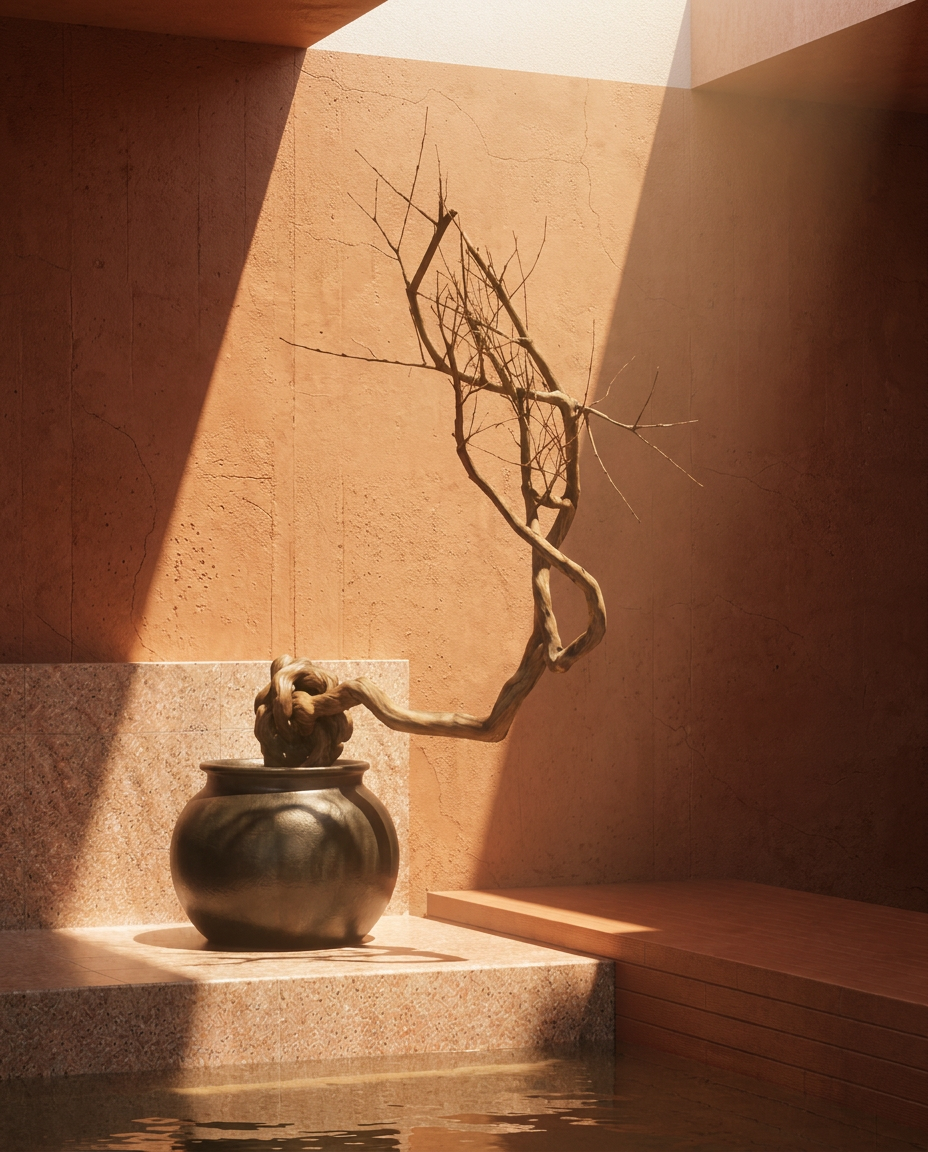
How to use Dusk Architectural
Use Dusk Architectural to turn an exterior image or prompt into a polished dusk visualization. Follow three quick steps to set the scene, generate variations, and export a presentation-ready render with consistent lighting.
Step 1
Upload an exterior photo or model screenshot, or describe the building in text. Choose composition and aspect ratio to match your sheet, listing, or presentation layout.

Step 2
Set time-of-day, sky color, and window glow. Refine material realism, reflections, and contrast, then lock key elements so iterations stay consistent across variations.

Step 3
Generate multiple AI render options, pick the best result, and upscale for clarity. Download high-resolution images for decks, approvals, marketing pages, and client reviews.
Features
Dusk Architectural streamlines exterior rendering with AI-powered lighting, sky, and material enhancements. Create photoreal dusk ambiance, generate controlled variations, and keep key architectural details consistent. Export high-resolution images that look polished for presentations, listings, and design iterations—without a complex workflow.
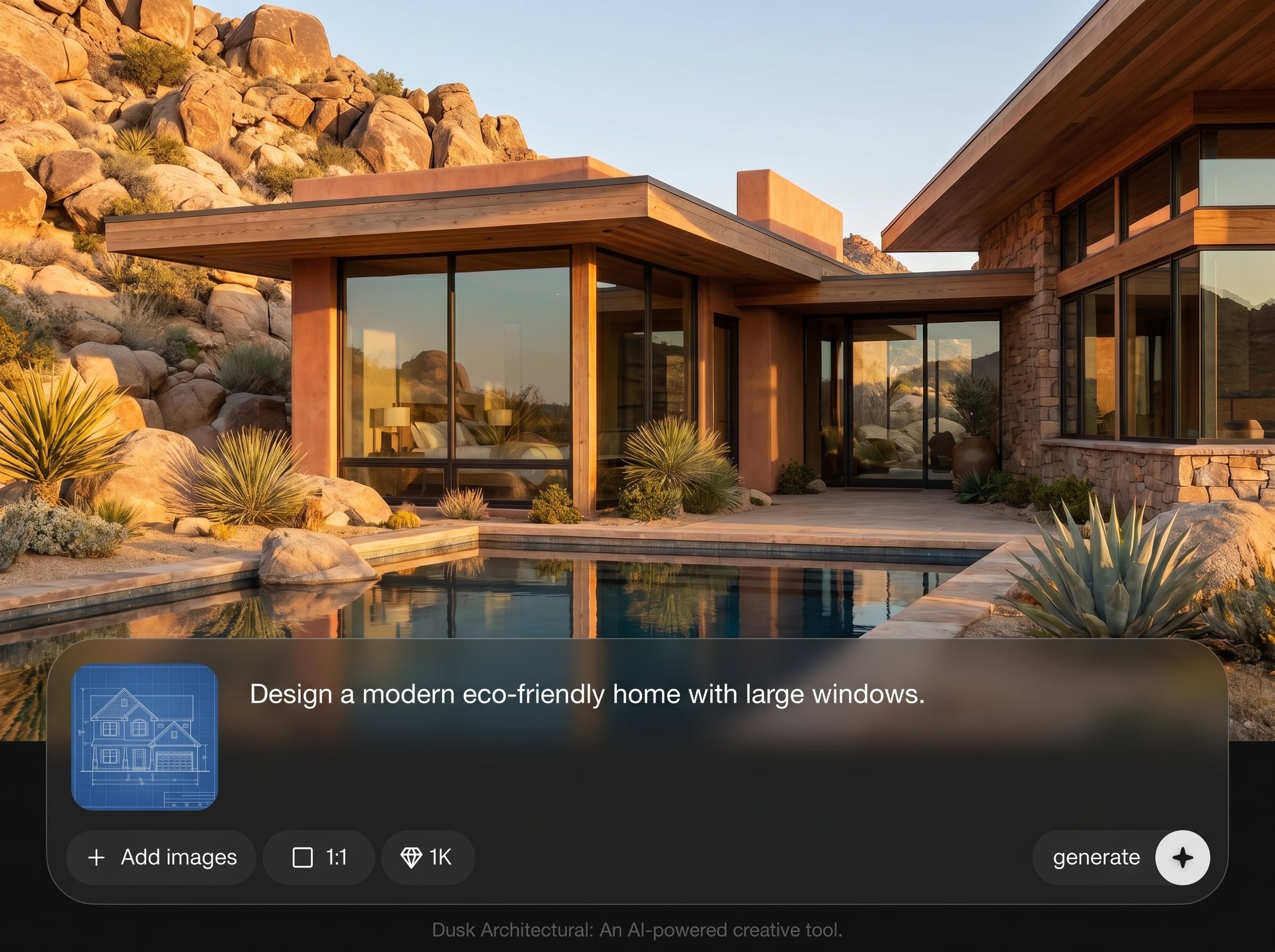
Simulate believable twilight skies, warm interior glow, and balanced exposure. The AI helps shape mood while preserving structural lines, façade geometry, and scene depth for credible architectural renders.
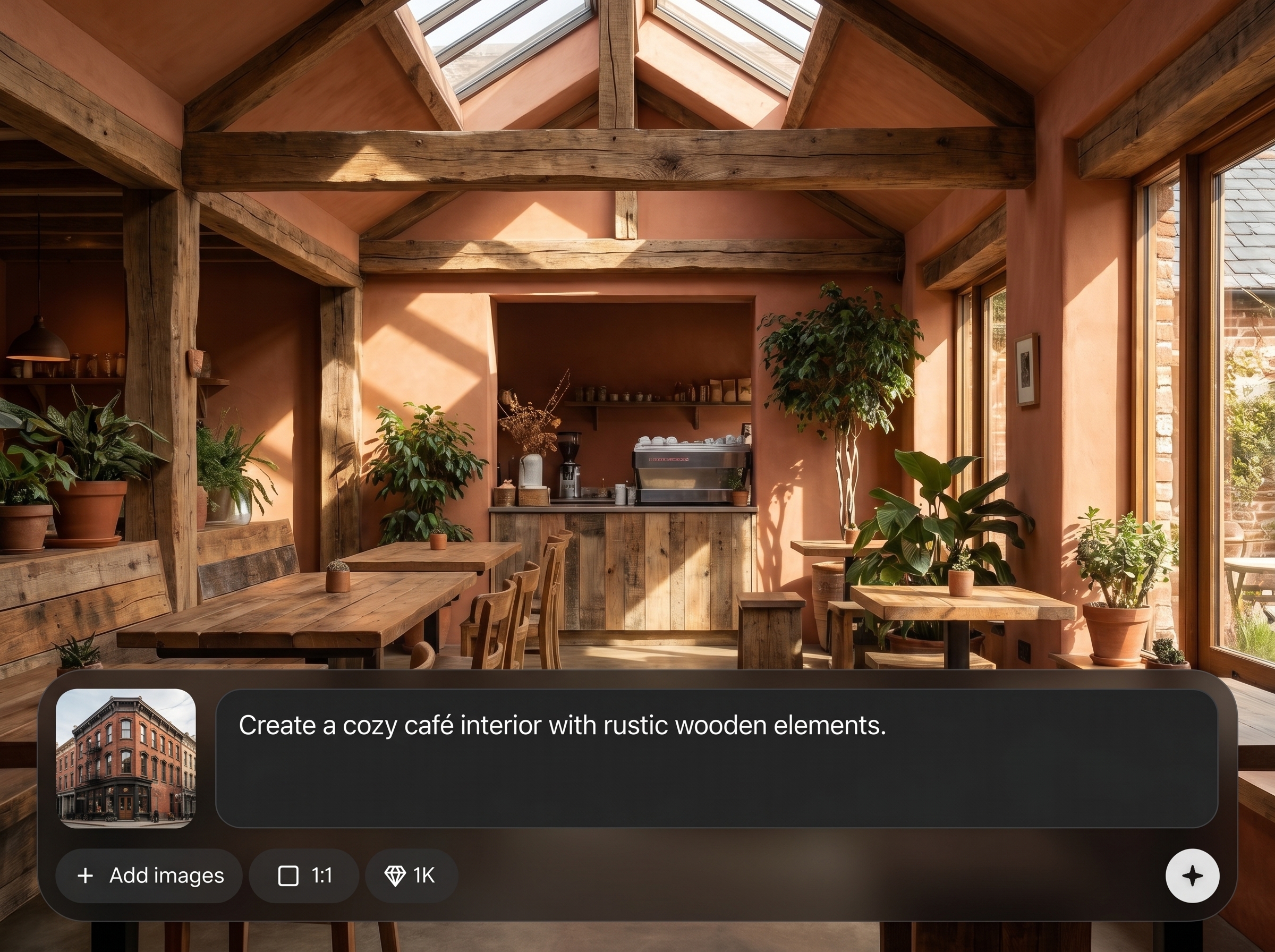
Create multiple dusk options quickly and keep important elements stable across iterations. Lock composition cues and refine prompts to compare lighting, materials, and atmosphere without reworking the whole scene.
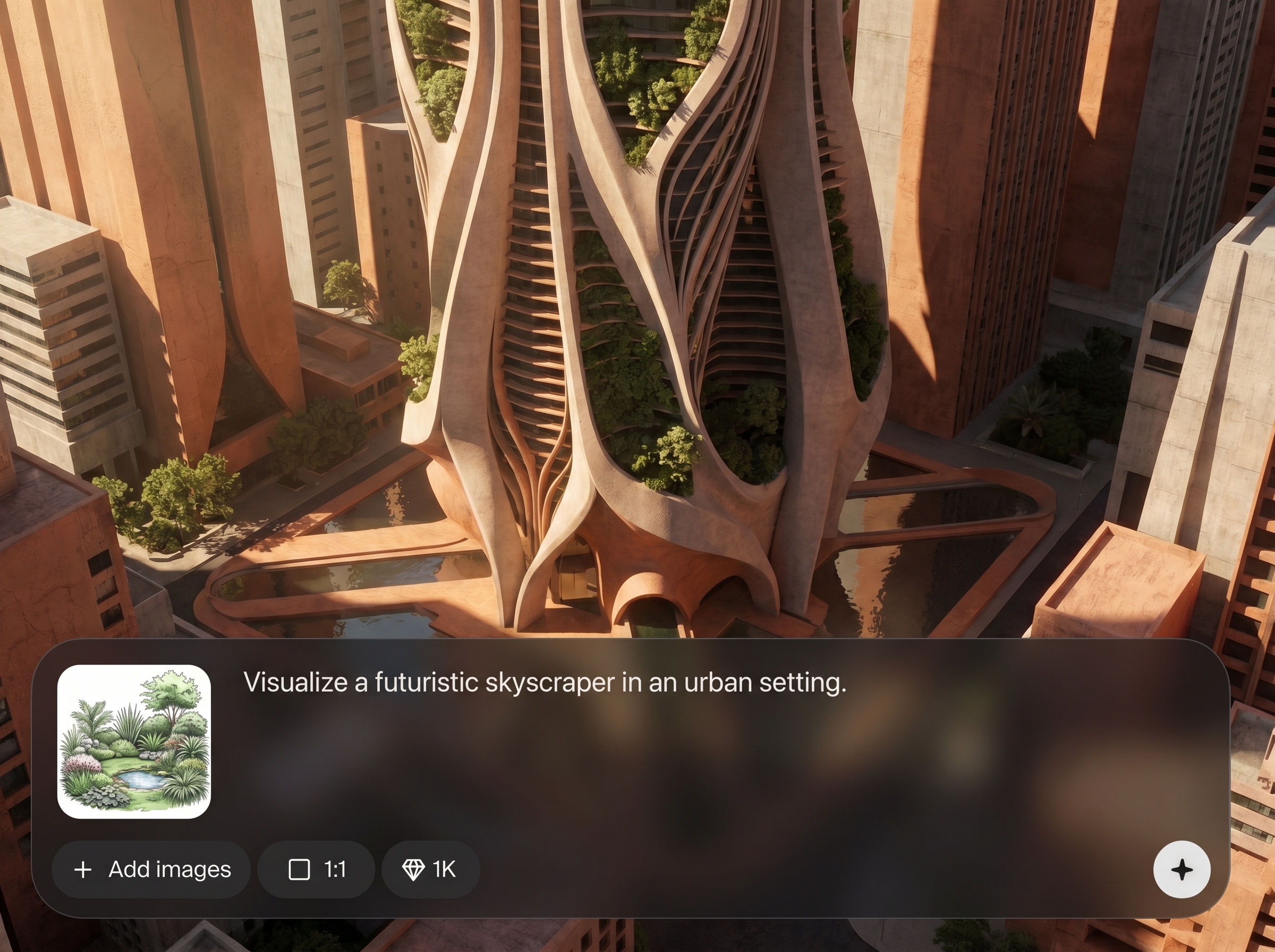
Improve material realism for glass, metal, concrete, and landscaping. Enhance reflections, edge definition, and texture clarity to produce clean exterior visualizations suitable for client-facing deliverables.
About
Dusk Architectural is an AI architectural generator for creating cinematic dusk renders from a photo, model screenshot, or text prompt. Adjust sky glow, window light, reflections, and materials to match your concept in minutes. Produce consistent exterior visualizations for presentations, listings, and design reviews with clean, high-resolution results.
Dusk Architectural focuses on what matters in twilight visualization: believable sky gradients, warm window illumination, and clean material detail. Generate multiple options quickly while keeping composition consistent, so you can compare moods and deliver presentation-ready images with less manual effort.
Open Dusk Architectural, upload an exterior image or add a text prompt, and choose an aspect ratio. Generate variations, refine the dusk lighting and materials, then upscale and download the final render.
Use cases
Discover how different creators use this app in their workflow.
Generate dusk renders for boards and decks that communicate lighting intent and atmosphere. Create multiple mood options quickly for reviews, approvals, and stakeholder alignment.
Produce eye-catching twilight exteriors for listings and ads. Enhance curb appeal with warm window light, balanced skies, and polished materials that read well on web and mobile.
Test façade materials, glazing, and landscape lighting in minutes. Iterate on dusk ambiance to evaluate design direction early, without waiting on long rendering pipelines.
Krea is one of the world's leading generative AI platforms. See what others say.
Real reviews on TrustpilotSo many AI tools out there but I always come back to Krea. It's really the one AI platform that 'just works'.

FYN
Krea's interfaces are still the best in the industry. Everything looks and feels so clean and easy to use! Imo the easiest to use gen AI website.

Lynn
Ultra fast generations. Extremely simple to use. All the latest AI models.

Daniel
KREA is the only AI subscription I have right now besides ChatGPT.

Sophia M.
Answers to common questions about AI dusk architectural rendering and exporting polished results.
Dusk Architectural is an AI tool for generating photoreal dusk architectural renders from images or text prompts. It helps refine twilight lighting, sky mood, and materials for exterior visualization and presentations.
Yes. Upload an exterior photo, sketch, or model screenshot to guide composition and details. The AI enhances the scene into a dusk render while keeping building geometry and key features recognizable.
Use prompt cues and settings to specify time-of-day, sky gradient, and interior lighting intensity. Generate variations, then iterate until the dusk atmosphere and exposure match your target mood.
It can, depending on prompts and variation strength. For consistency, keep prompts precise and lock key elements like massing and façade features so the AI focuses on dusk lighting and material refinement.
Photoreal exterior visualizations work best: clear elevations, strong silhouettes, and clean perspective. Well-lit source images or crisp model screenshots typically produce more accurate materials, edges, and reflections.
Yes. Dusk Architectural is designed for rapid iteration—generate several render variations, compare sky and lighting moods, and select the best option. This speeds up exploration without a lengthy render queue.
You can export high-resolution images suitable for presentations and marketing. Use upscaling for sharper edges and cleaner textures, especially for façade details, glazing reflections, and landscape elements.
It’s optimized for exterior dusk rendering, where sky, window glow, and façade materials matter most. Interior scenes may work, but results are typically strongest on building exteriors and streetscapes.
Reuse a structured prompt, keep composition inputs consistent, and iterate with small changes to lighting and materials. Generating in batches helps maintain a coherent dusk look across multiple views.
Both. It generates dusk renders and also helps refine lighting, mood, and materials through iterative prompting and variations. This makes it useful for quick concepting and polished final outputs.
Upload an exterior image or write a prompt, then generate photoreal dusk variations in minutes.

