














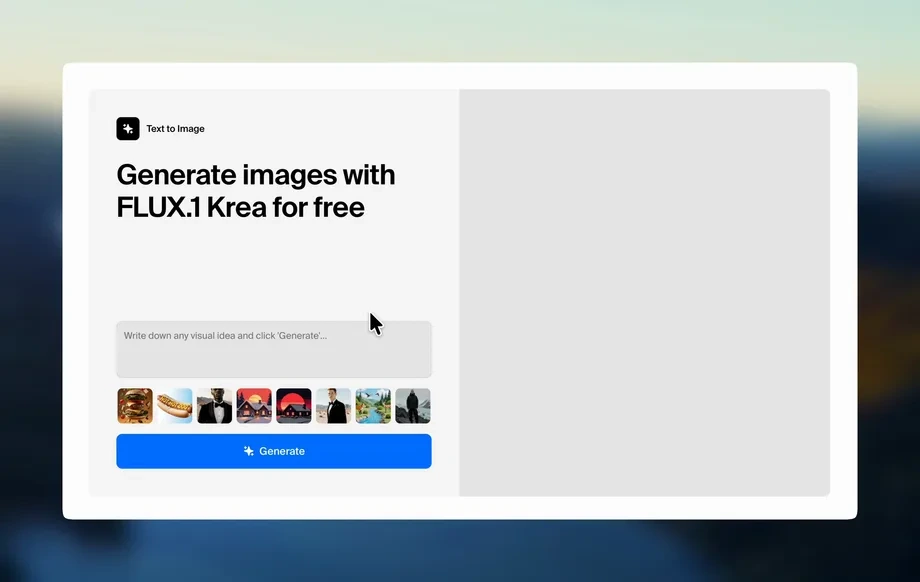
Step 1
Prompt
Enter a clear text prompt describing your subject, style, and lighting. Add keywords like “studio,” “cinematic,” or “minimal” to guide composition and mood.
Generate high-quality images in seconds with sizzes. Use AI prompts, style controls, and fast rendering to create visuals for ads, social, and web. Try now.
How to use sizzes
Learn how to create AI-generated images with sizzes using simple prompts and style controls. Follow these steps to generate, refine, and export high-quality visuals for your next project.
Step 1
Enter a clear text prompt describing your subject, style, and lighting. Add keywords like “studio,” “cinematic,” or “minimal” to guide composition and mood.
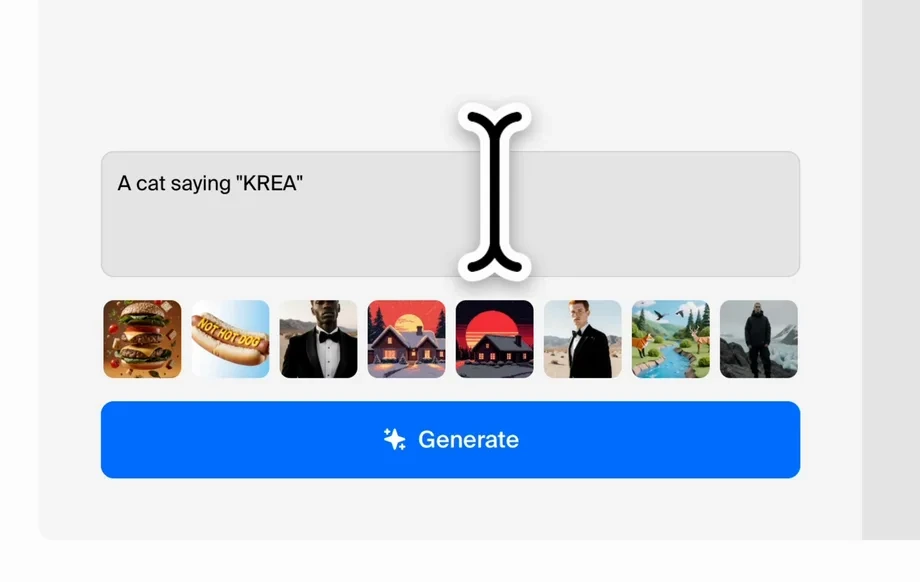
Step 2
Select an aspect ratio and visual style, then adjust quality and variation. Regenerate to explore options while keeping the look consistent across outputs.
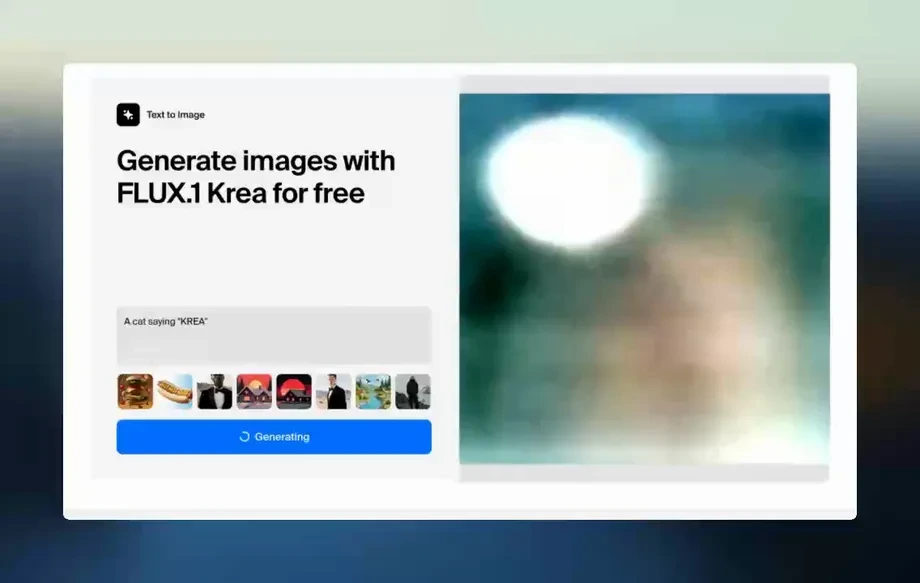
Step 3
Choose your best result and download it for web, social, or print. Reuse prompts to build a repeatable workflow for future campaigns and assets.
Features
sizzes helps you generate high-quality images from text with practical controls for style, layout, and iteration. Produce consistent visuals for campaigns, product pages, and content pipelines without manual design overhead. Create more options faster, refine details through regeneration, and export ready-to-use assets in the right format.

Turn natural language into clean, detailed images. sizzes interprets subjects, environments, and styles from your prompt, helping you generate usable visuals quickly with fewer trial-and-error runs.
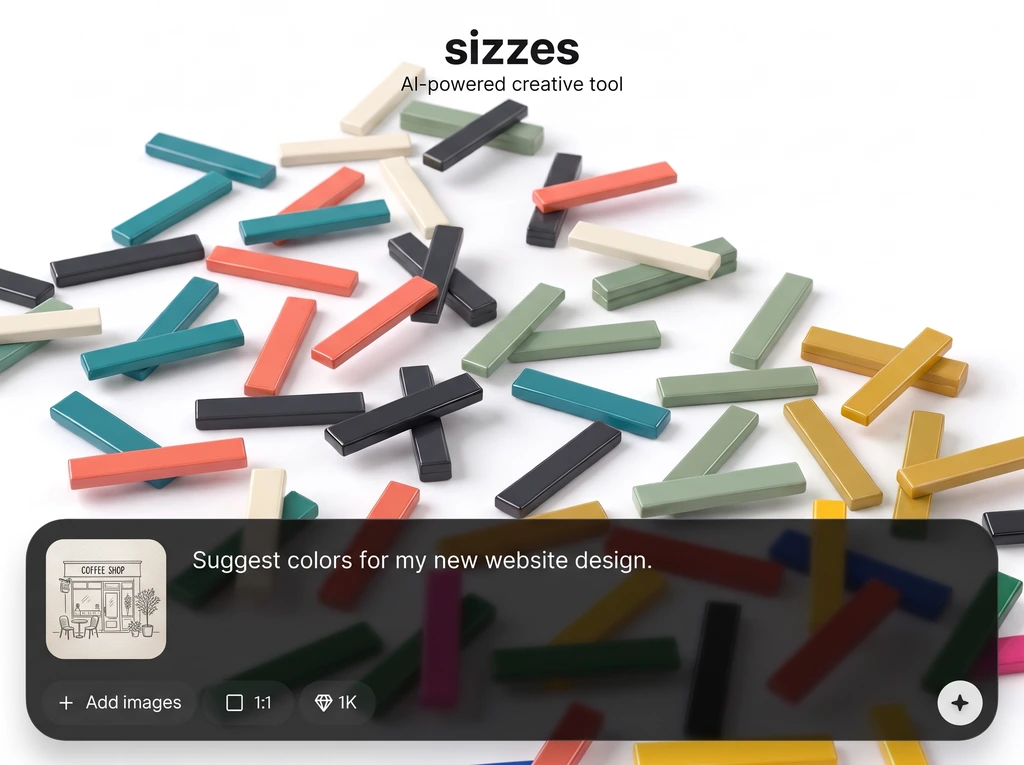
Explore multiple directions in seconds with quick regenerations and variations. Keep momentum while refining composition, color, and detail until the output matches your creative brief.

Choose aspect ratios and stylistic direction to fit ads, social posts, and web layouts. Generate assets that align with brand tone and export images ready for publishing.
About
sizzes is an AI image generator that turns text prompts into polished visuals for marketing, social posts, product mockups, and web design. Choose styles, refine details, and iterate quickly with consistent results. Create unique, on-brand images in seconds—no complex setup, just fast AI generation you can control.
sizzes focuses on fast, controllable AI image generation for real workflows. Get consistent outputs with practical style and format settings, iterate quickly with variations, and export visuals ready for marketing, social, and web use—all in one streamlined tool.
Type a prompt, pick a style and aspect ratio, then generate. Regenerate variations to refine the look, and export your final image in seconds.
Use cases
Discover how different creators use this app in their workflow.
Generate campaign visuals, banner images, and landing-page graphics quickly. Test multiple concepts and styles to find the best-performing creative direction.
Create scroll-stopping images sized for different platforms. Maintain a consistent look across posts while producing fresh variations for ongoing content schedules.
Make hero images, backgrounds, and product mockups from prompts. Produce web-ready assets faster and iterate until the visuals match your layout needs.
Krea is one of the world's leading generative AI platforms. See what others say.
Real reviews on TrustpilotSo many AI tools out there but I always come back to Krea. It's really the one AI platform that 'just works'.

FYN
Krea's interfaces are still the best in the industry. Everything looks and feels so clean and easy to use! Imo the easiest to use gen AI website.

Lynn
Ultra fast generations. Extremely simple to use. All the latest AI models.

Daniel
KREA is the only AI subscription I have right now besides ChatGPT.

Sophia M.
Answers to common questions about sizzes AI image generation, prompts, quality, and exporting.
sizzes is an AI image generator that creates images from text prompts using artificial intelligence. It helps you produce high-quality visuals quickly for marketing, social media, and web projects.
Use specific nouns and adjectives, then add style and lighting cues like “studio lighting” or “cinematic.” Include composition hints such as “close-up” or “wide shot” to guide results.
Yes. Choose styles and set aspect ratios to fit common use cases like social posts, banners, and website headers. Regenerate variations to keep the same direction while refining details.
sizzes is primarily a text-to-image AI tool. It’s designed to generate new visuals from prompts, then iterate quickly with variations to reach the look you want.
Generation is optimized for speed so you can iterate rapidly. Exact timing depends on output settings and complexity, but the workflow is built for quick exploration and refinement.
sizzes generates clean, detailed images suitable for online publishing and creative drafts. For best results, use clear prompts and run a few variations to select the sharpest output.
sizzes is built for practical business and content workflows, including marketing assets. Review your account and platform terms for specific commercial usage details and distribution guidelines.
Export options are designed for common web and content workflows. Download your generated image after selecting the best variation, then use it in design tools, ads, or publishing platforms.
Turn prompts into production-ready images fast with AI controls built for iteration and consistent results.

