















Step 1
Upload or Prompt
Start with an image draft or enter a text prompt. Choose your target look, such as photoreal, studio product, or stylized render.
Generate polished final renders from prompts or drafts with TR:ND - Final Render. Enhance detail, lighting, and style fast with AI—try it online now.
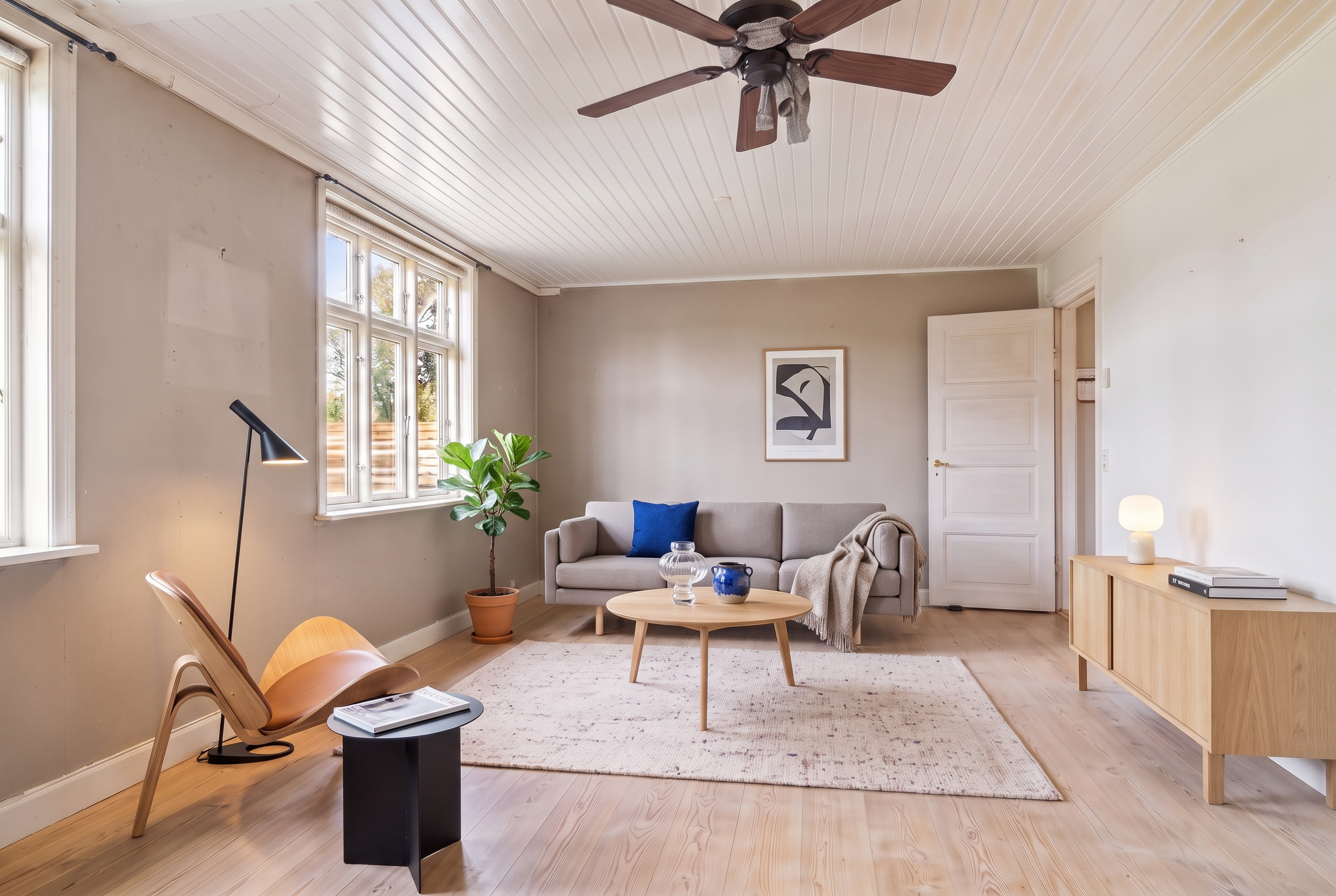
How to use TR:ND - Final Render
Use TR:ND - Final Render to convert a concept, draft, or prompt into a crisp final image. Follow these steps to set style, refine details, and export a high-resolution render quickly.
Step 1
Start with an image draft or enter a text prompt. Choose your target look, such as photoreal, studio product, or stylized render.

Step 2
Adjust detail, lighting, sharpness, and consistency controls. Iterate with variations to lock in composition, materials, and clean edges.

Step 3
Preview the result, then upscale and download. Save multiple versions for different aspect ratios, backgrounds, or presentation-ready outputs.
Features
TR:ND - Final Render is an AI final render generator that enhances drafts into clean, high-impact visuals. Improve realism, lighting, and surface detail while keeping composition stable. Generate multiple variations, upscale for crisp delivery, and export images optimized for product, concept, and visualization workflows—all in one fast online tool.
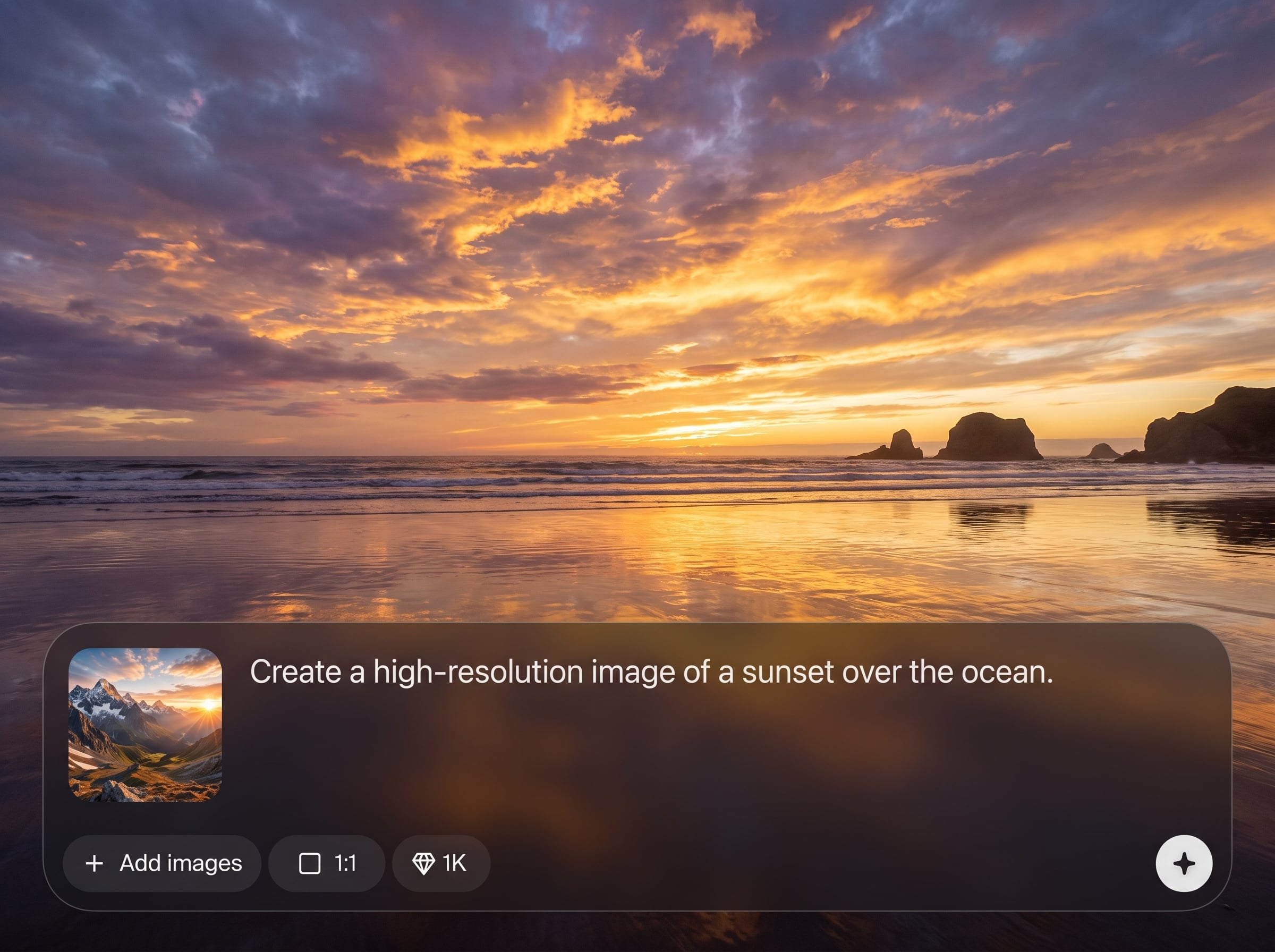
Enhance textures, edges, and micro-details for a more polished, photoreal look. AI helps reduce muddiness while preserving key shapes, materials, and the original visual intent.
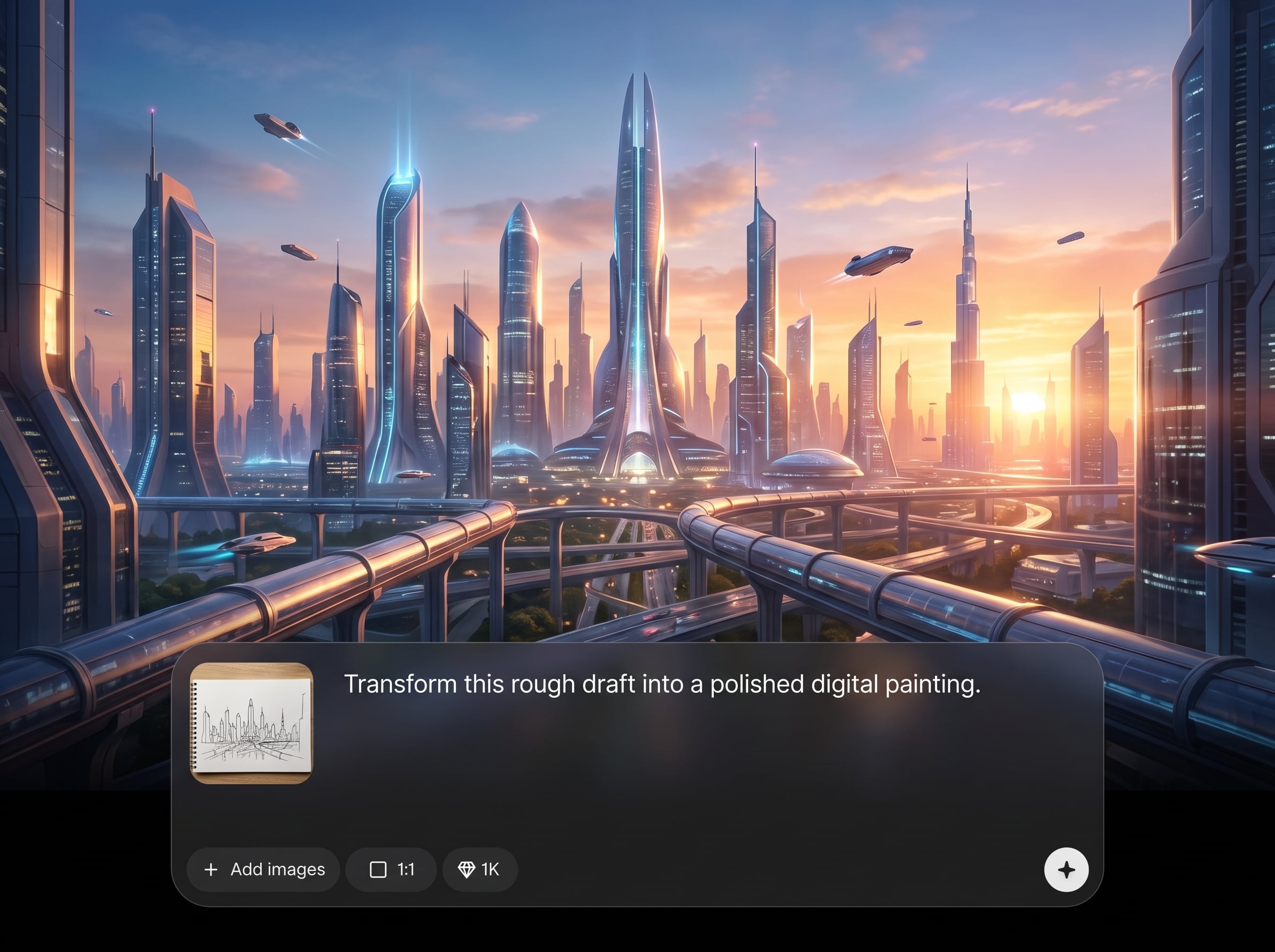
Steer mood with controllable lighting, contrast, and style direction. Create studio-like product renders, cinematic scenes, or clean concept finishes with consistent results across iterations.
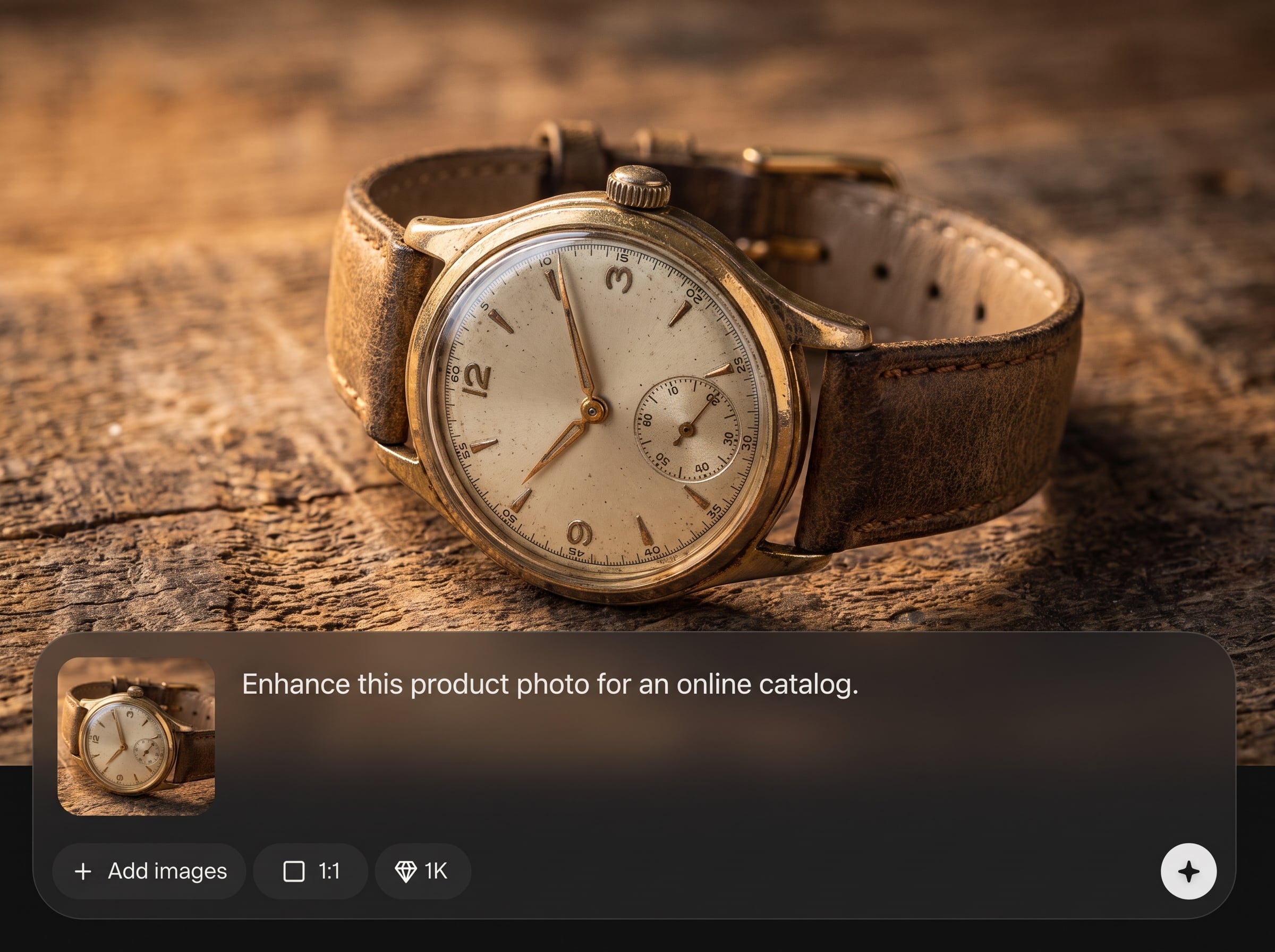
Generate multiple render options quickly, compare outputs, then upscale for high-resolution export. Save time on finalization while producing sharp images suitable for web, pitch decks, or print.
About
TR:ND - Final Render turns rough visuals into polished, production-ready images using AI. Upload a draft or start from a prompt, then refine lighting, materials, and detail with clean, consistent outputs. Get high-quality final renders faster for product shots, environments, and stylized artwork—ready to download and share in minutes.
TR:ND - Final Render focuses on the last-mile finishing that makes images look professional. Get cleaner edges, stronger lighting, and higher detail with controlled variations and fast iteration. It’s designed to reduce manual cleanup while delivering consistent, presentation-ready results online.
Open TR:ND - Final Render, upload an image or enter a prompt, and choose a target style. Tweak detail and lighting controls, generate variations, then upscale and download your final render.
Use cases
Discover how different creators use this app in their workflow.
Turn mockups into clean, high-detail product images. Improve lighting, surface materials, and sharpness for catalog-ready visuals and ads.
Refine architectural drafts into polished visualization renders. Enhance depth, materials, and ambience while keeping composition stable for presentations.
Upgrade sketches and blockouts into finished keyframes. Add detail and cohesive style while generating variations for different moods and directions.
Krea is one of the world's leading generative AI platforms. See what others say.
Real reviews on TrustpilotSo many AI tools out there but I always come back to Krea. It's really the one AI platform that 'just works'.

FYN
Krea's interfaces are still the best in the industry. Everything looks and feels so clean and easy to use! Imo the easiest to use gen AI website.

Lynn
Ultra fast generations. Extremely simple to use. All the latest AI models.

Daniel
KREA is the only AI subscription I have right now besides ChatGPT.

Sophia M.
Common questions about generating polished renders with AI, settings, and exports.
TR:ND - Final Render is an AI tool that converts prompts or rough images into polished final renders. It improves detail, lighting, and overall clarity for product, architecture, and concept visuals.
Yes. Upload a draft, mockup, or concept image, then use AI refinement to enhance realism and sharpness. You can iterate with variations while keeping the core composition and subject intact.
It supports photoreal outputs as well as stylized looks. Choose a direction, then refine lighting and material detail to match studio product renders, cinematic scenes, or clean illustrative finishes.
Use the same prompt structure, keep key descriptors constant, and adjust refinement controls gradually. Generate small variations first, then lock the best result and upscale for final export.
Detail, sharpness, and lighting controls have the biggest impact. Start moderate to avoid over-processing, then increase clarity and contrast while checking edges, textures, and unwanted artifacts.
Yes. Create variations to explore different lighting, styling, and finishing levels. This helps compare options side-by-side and select the most production-ready render without reworking from scratch.
Yes. After refining the image, upscale to produce a sharper, higher-resolution final render. This is useful for presentations, web delivery, and print-ready exports.
Download standard image outputs suitable for sharing and design workflows. Export after previewing, then save multiple versions for different aspect ratios, backgrounds, or campaign placements.
Yes. It runs online so you can generate final renders from prompts or uploads without complex setup. Open the app, refine your settings, and export your image in minutes.
Upload a draft or write a prompt, refine the look, and export a polished render in minutes.

