















Step 1
Add input
Type a style prompt or upload reference images. Choose your theme, brand vibe, and target medium to guide the AI moodboard generator.
Create stunning AI moodboards fast. Generate cohesive color, style, and reference boards from prompts or images. Try TR:ND - Moodboard online now.
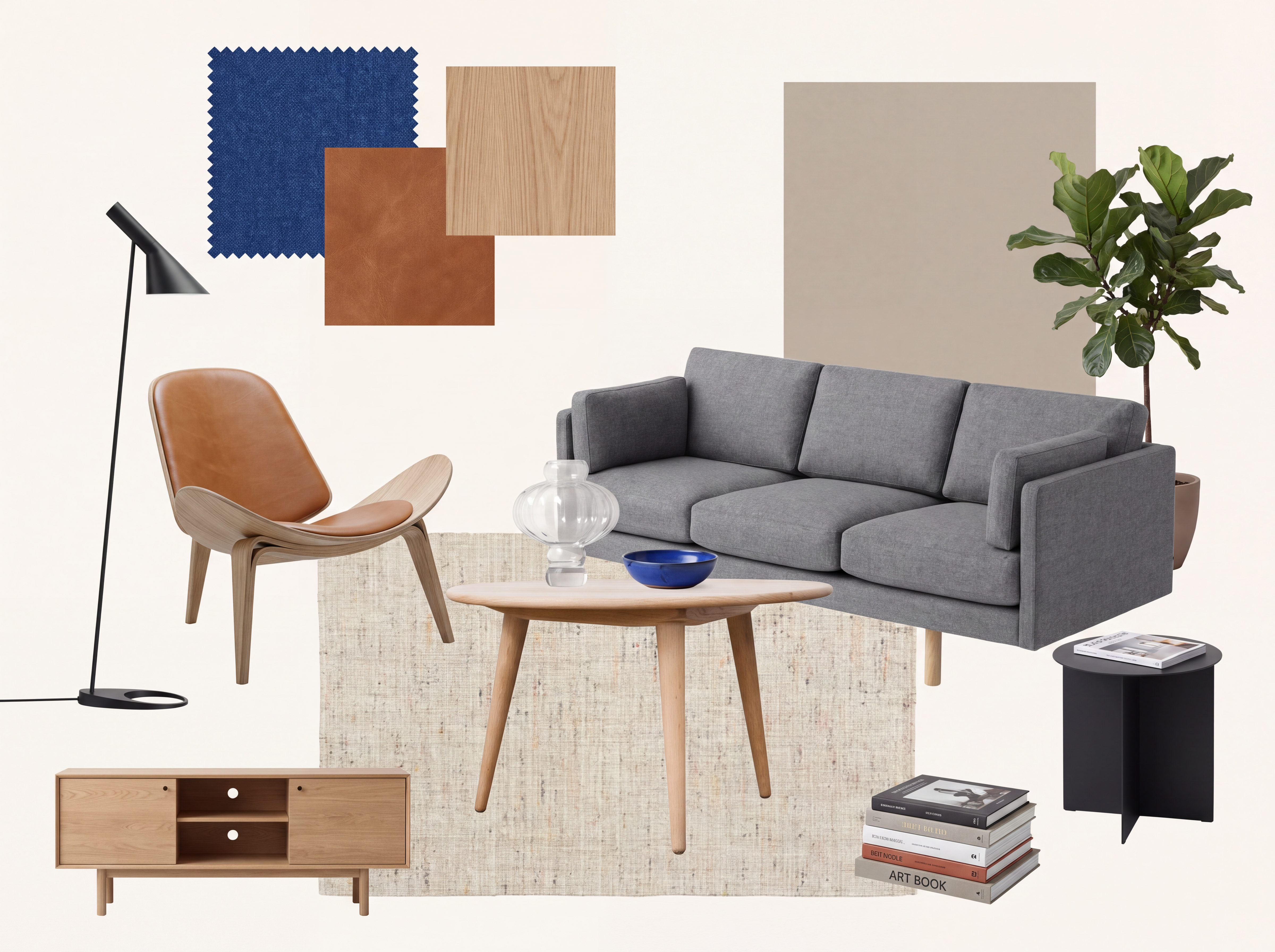
How to use TR:ND - Moodboard
Build a clear visual direction with TR:ND - Moodboard in three quick steps. Start from a prompt or reference images, refine the style, then export a shareable board for fast feedback and alignment.
Step 1
Type a style prompt or upload reference images. Choose your theme, brand vibe, and target medium to guide the AI moodboard generator.

Step 2
Adjust color, tone, and visual density. Regenerate sections, swap references, and lock elements you like to keep iterations consistent.

Step 3
Export your moodboard as images or a presentation-ready layout. Share a single link or download files for teams, clients, or production.
Features
TR:ND - Moodboard helps you generate AI moodboards that feel cohesive, not random. Combine text prompts with image references, control color and style, and iterate without losing consistency. Export boards that work for brand exploration, UI planning, campaign concepts, and product inspiration—ready to present or hand off to production.
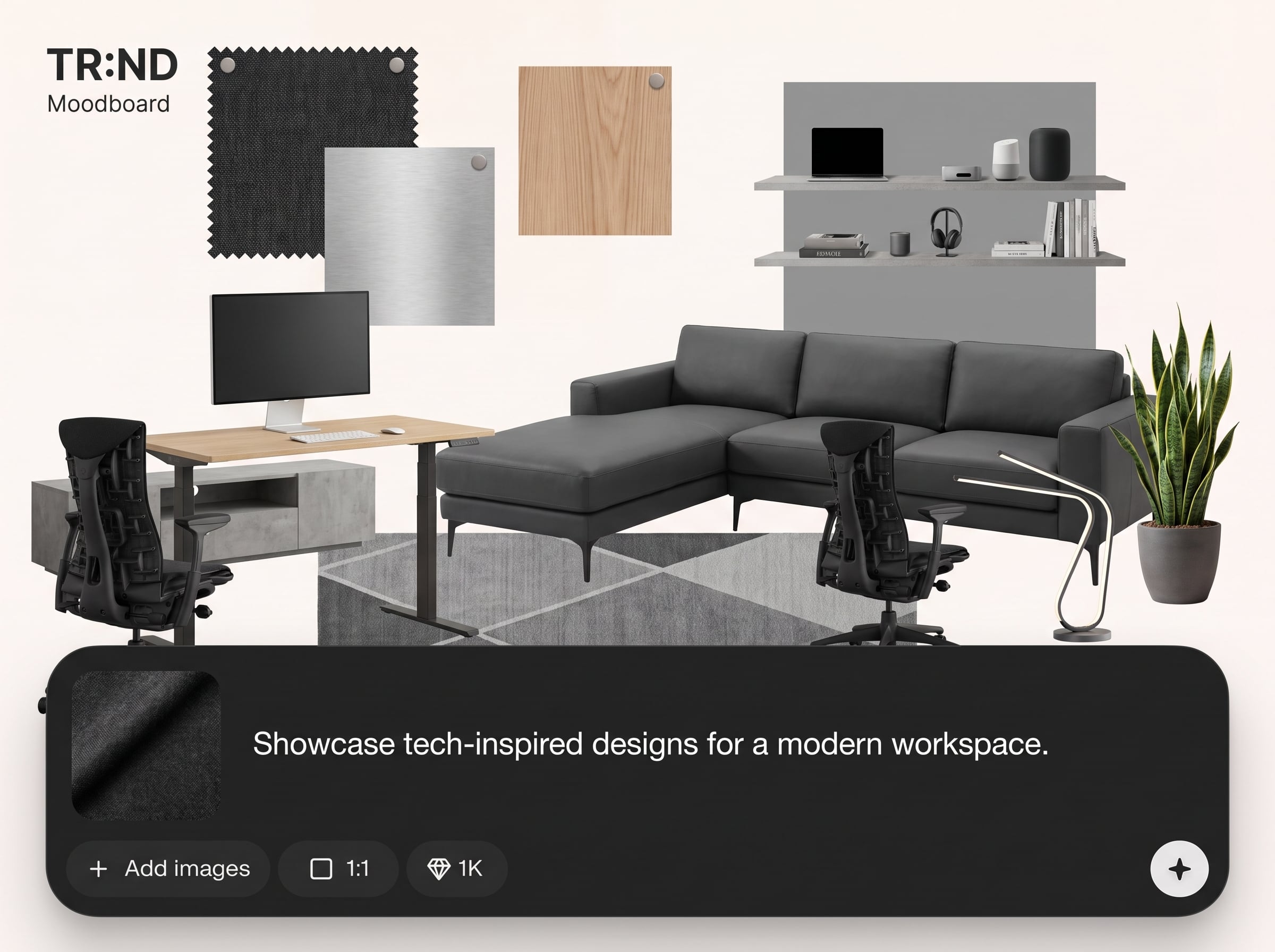
Turn a single prompt into a structured moodboard with style references, textures, typography cues, and visual motifs. Get multiple directions quickly and choose the strongest concept to refine.
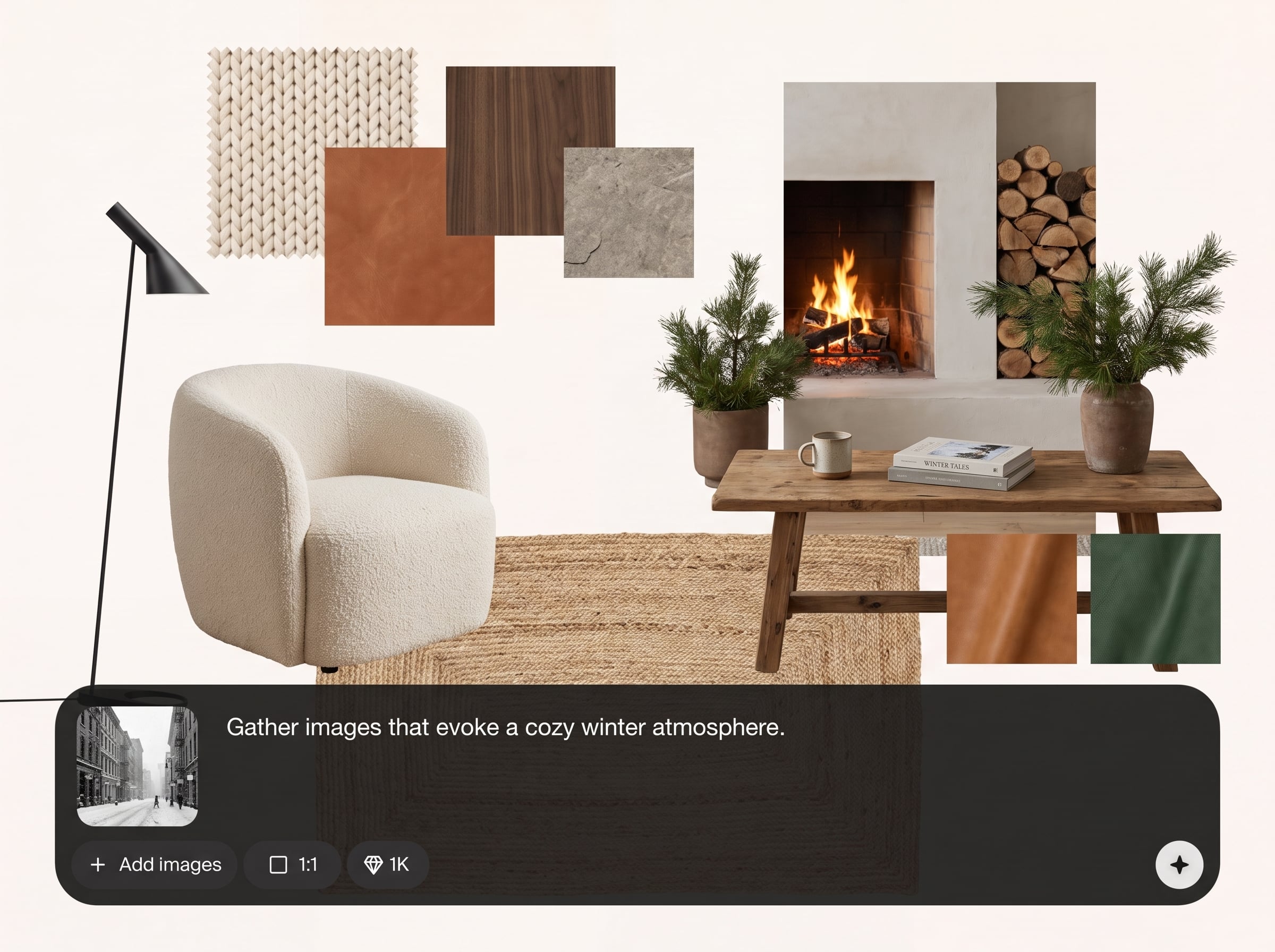
Upload images to anchor the look and keep outputs aligned. Regenerate specific areas, lock preferred elements, and maintain a consistent visual language across iterations and board versions.
Export clean boards for reviews, briefs, and handoffs. Download assets and layouts that slot into presentations, design tools, and production documents without extra formatting work.
About
TR:ND - Moodboard is an AI moodboard generator that turns prompts and images into cohesive visual boards. Create aligned color palettes, styles, and references in minutes for branding, UI, campaigns, and product design. Iterate quickly, compare directions, and export a polished board that keeps every stakeholder on the same visual track.
TR:ND - Moodboard focuses on cohesive direction, not scattered inspiration. Combine prompt control with reference grounding, iterate quickly without losing consistency, and export boards that are clean enough for stakeholders and practical enough for production workflows.
Open TR:ND - Moodboard, add a prompt or a few reference images, and generate your first board. Refine with quick iterations, then export a presentation-ready layout in minutes.
Use cases
Discover how different creators use this app in their workflow.
Generate multiple brand directions with cohesive color, tone, and visual references. Compare options side-by-side and align stakeholders before committing to final design decisions.
Create style boards for apps and web experiences, including layout inspiration and visual motifs. Keep teams aligned on look, feel, and interaction tone.
Build campaign moodboards from a brief, then iterate quickly for seasonal themes, product launches, and ads. Export boards ready for creative review and production.
Krea is one of the world's leading generative AI platforms. See what others say.
Real reviews on TrustpilotSo many AI tools out there but I always come back to Krea. It's really the one AI platform that 'just works'.

FYN
Krea's interfaces are still the best in the industry. Everything looks and feels so clean and easy to use! Imo the easiest to use gen AI website.

Lynn
Ultra fast generations. Extremely simple to use. All the latest AI models.

Daniel
KREA is the only AI subscription I have right now besides ChatGPT.

Sophia M.
Answers to common questions about TR:ND - Moodboard and AI moodboard generation.
TR:ND - Moodboard is an AI moodboard generator that creates cohesive visual boards from prompts and reference images. It helps you explore styles, define direction, and export boards for collaboration and handoff.
You provide a prompt, optional references, and a desired vibe. The artificial intelligence model analyzes style signals and generates coordinated visuals, palettes, and references that match the direction you set.
Yes. Upload reference images to anchor the aesthetic and keep results consistent. You can regenerate portions of the board while preserving the core direction defined by your references.
It can surface coordinated color and style cues as part of the board, helping you communicate tone and visual language. Use the generated board as a practical guide for design, branding, or campaigns.
Use specific prompts, add 3–6 strong references, and keep constraints clear (e.g., era, materials, lighting, mood). Lock what works and iterate in small steps to maintain continuity.
Yes. Export your AI moodboard as downloadable images or presentation-friendly layouts. This makes it easy to share with teams, gather feedback, and document creative direction in briefs.
It’s ideal for branding, UI/product direction, editorial themes, and marketing concepts. Anywhere you need a cohesive visual reference board, TR:ND - Moodboard accelerates exploration and alignment.
Both. Beginners can start with simple prompts and references, while advanced users can fine-tune direction with constraints and iterative regeneration. The output is designed to be clear, structured, and usable.
No design software is required to generate or export boards. You can download outputs and use them in any workflow, from presentations and docs to professional design tools.
Generate cohesive visual directions from prompts or references, then export a board ready for reviews and handoff.

