















Step 1
Upload
Import a room photo or interior render. Choose the area to strip, and zoom in for precise selections on edges, shadows, and overlapping decor.
Strip furniture and decor from photos with TR:ND - Stripper. Use AI object removal to clean interiors fast for listings, staging, and redesign. Try it now.
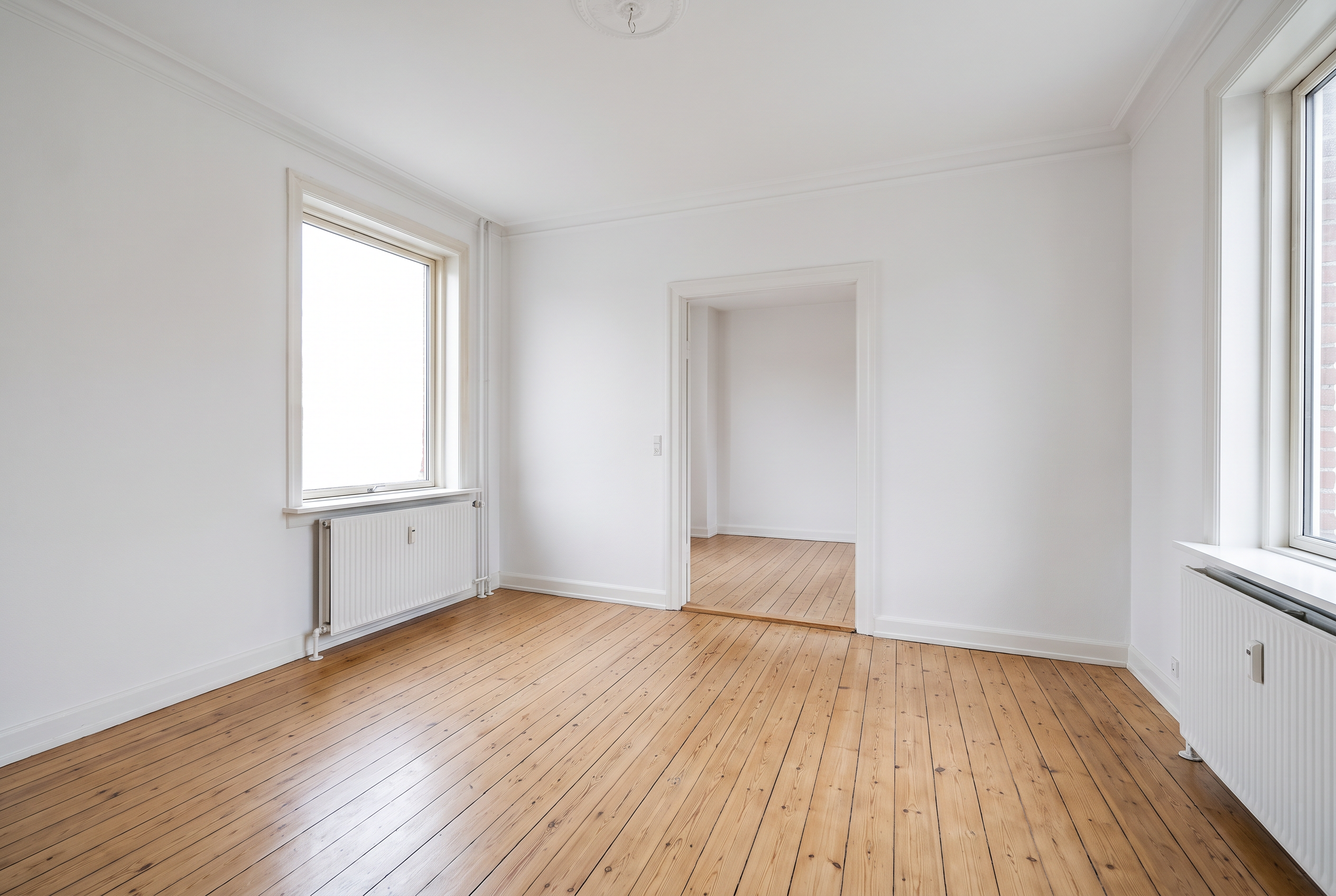
How to use TR:ND - Stripper
Learn how to remove furniture and decor from any room photo with TR:ND - Stripper. Follow these quick steps to highlight objects, generate clean interiors, and export results for staging, listings, or redesign.
Step 1
Import a room photo or interior render. Choose the area to strip, and zoom in for precise selections on edges, shadows, and overlapping decor.

Step 2
Brush over furniture, decor, and clutter you want removed. The AI object removal model fills the space naturally, preserving walls, floors, and lighting continuity.

Step 3
Review the cleaned room and refine with quick touch-ups where needed. Download a high-quality image for virtual staging, marketing assets, or design planning workflows.
Features
TR:ND - Stripper is an AI photo editing tool that strips furniture, decor, and clutter from interiors while keeping architecture intact. Get clean, empty-room images for virtual staging, renovations, and real estate marketing. Save time versus manual masking and keep results consistent across large photo sets.
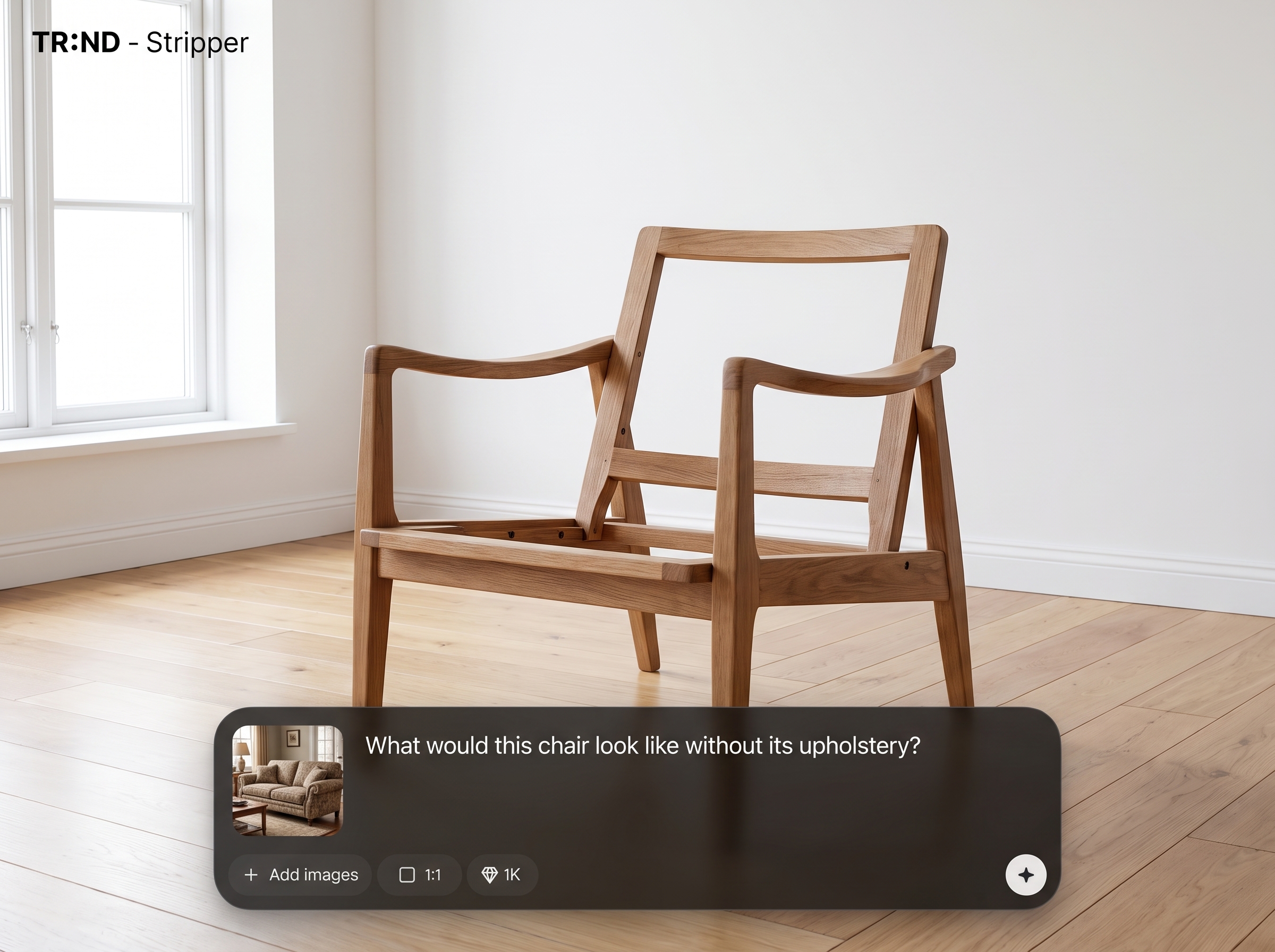
Remove sofas, beds, tables, rugs, and wall decor with clean edges and realistic fill. Preserve structural details like trim, windows, and floor patterns for believable empty-room results.
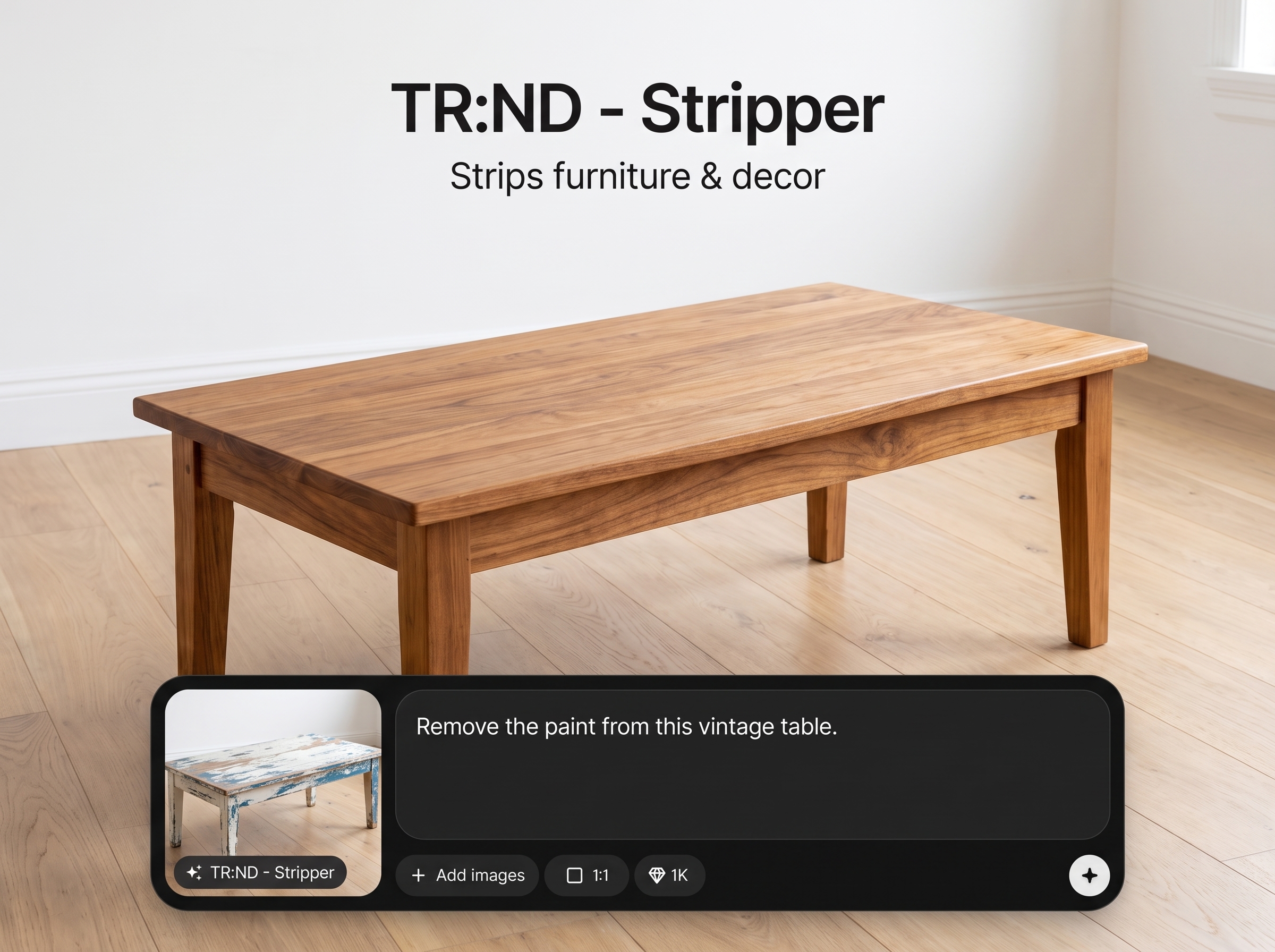
AI inpainting maintains room geometry and lighting so stripped areas blend naturally. Great for removing clutter, staging props, or dated decor without rebuilding the entire image.
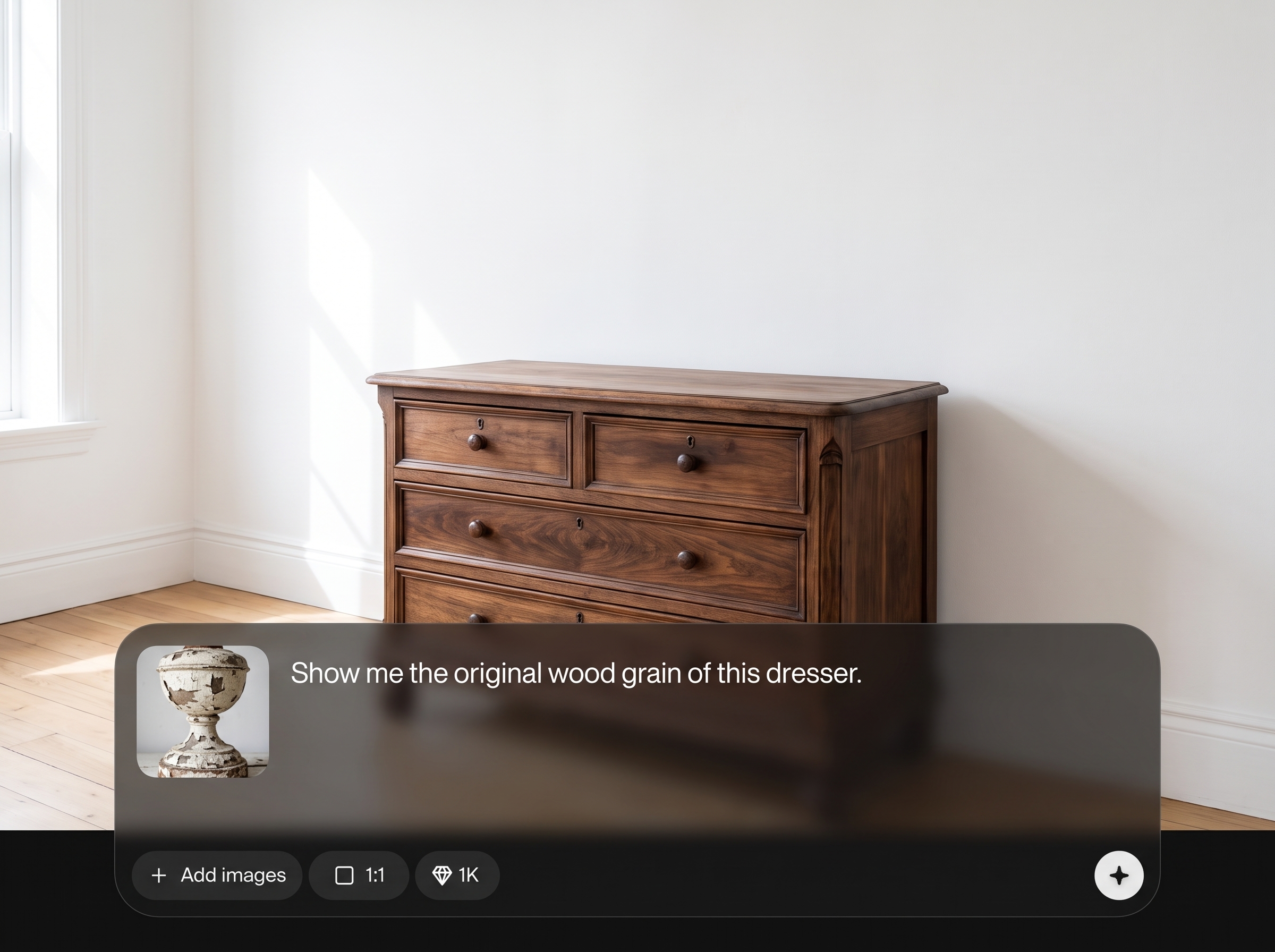
Process photos quickly for listings or design boards. Get consistent outputs across multiple angles, reducing manual retouching time and keeping turnaround fast for teams and clients.
About
TR:ND - Stripper removes furniture and decor from interior photos using AI, leaving clean, editable spaces in seconds. Quickly create empty-room visuals for virtual staging, redesign mockups, and real estate listings without manual masking. Upload an image, highlight what to strip, and export a polished result ready for marketing or planning.
TR:ND - Stripper is built for interiors, focusing on realistic reconstruction after furniture and decor removal. It helps you produce clean, consistent empty-room images quickly, reducing manual editing time while keeping architectural details and lighting continuity intact.
Open TR:ND - Stripper, upload an interior image, and brush over furniture or decor to remove. Generate the cleaned result, refine small areas if needed, then download a high-quality export for your workflow.
Use cases
Discover how different creators use this app in their workflow.
Create clean, empty-room photos that help buyers focus on space and layout. Remove personal items, bulky furniture, and clutter for sharper property marketing images.
Strip existing furniture to generate a blank canvas for virtual staging. Produce consistent base images across rooms before adding new styles and layouts.
Remove outdated decor to visualize new finishes and furniture placements. Use clean interiors in presentations, mood boards, and concept reviews for faster decisions.
Krea is one of the world's leading generative AI platforms. See what others say.
Real reviews on TrustpilotSo many AI tools out there but I always come back to Krea. It's really the one AI platform that 'just works'.

FYN
Krea's interfaces are still the best in the industry. Everything looks and feels so clean and easy to use! Imo the easiest to use gen AI website.

Lynn
Ultra fast generations. Extremely simple to use. All the latest AI models.

Daniel
KREA is the only AI subscription I have right now besides ChatGPT.

Sophia M.
Answers to common questions about AI furniture and decor stripping for interior photos.
TR:ND - Stripper removes furniture and decor from interior images using AI object removal and inpainting. It creates clean, empty-room visuals while keeping walls, floors, and architectural details looking natural.
It’s primarily an AI furniture and decor remover for interiors. It targets objects inside the room and reconstructs the underlying surfaces, rather than simply cutting out backgrounds or isolating subjects.
You can remove couches, beds, chairs, tables, rugs, lamps, artwork, plants, and general clutter. Results are best when objects are clearly visible and you mark them accurately.
Yes. The model is designed to keep structural elements intact and fill removed regions to match nearby textures and lighting. Complex patterns may require a quick refine pass.
Zoom in and brush slightly inside the object boundary to avoid removing wall or floor details. If shadows remain, include them in the selection for a more seamless inpainted result.
Yes. It’s ideal for real estate photo cleanup, pre-staging, and decluttering. Use it to remove personal items and bulky furniture, then export polished images for listings and ads.
Yes. It can strip furniture and decor from both real photos and interior renders. Clean geometry and clear textures typically produce the most consistent AI reconstruction results.
No. TR:ND - Stripper focuses on simple selection and one-click AI removal, reducing manual masking. You can still refine small areas, but the workflow stays fast and beginner-friendly.
Upload the highest-resolution image you have, with good lighting and minimal motion blur. Higher quality inputs help the AI match textures and maintain clean lines in reconstructed areas.
Highly reflective surfaces, intricate repeating patterns, and heavy occlusions can be challenging. If an object covers most of a wall or floor area, expect to do minor refinements for realism.
Upload an interior photo, remove objects with AI, and export clean rooms for staging, listings, or redesign.

