















Step 1
Upload
Add a clear photo from your device. The tool analyzes the image and detects the face area to guide a profile-friendly crop.
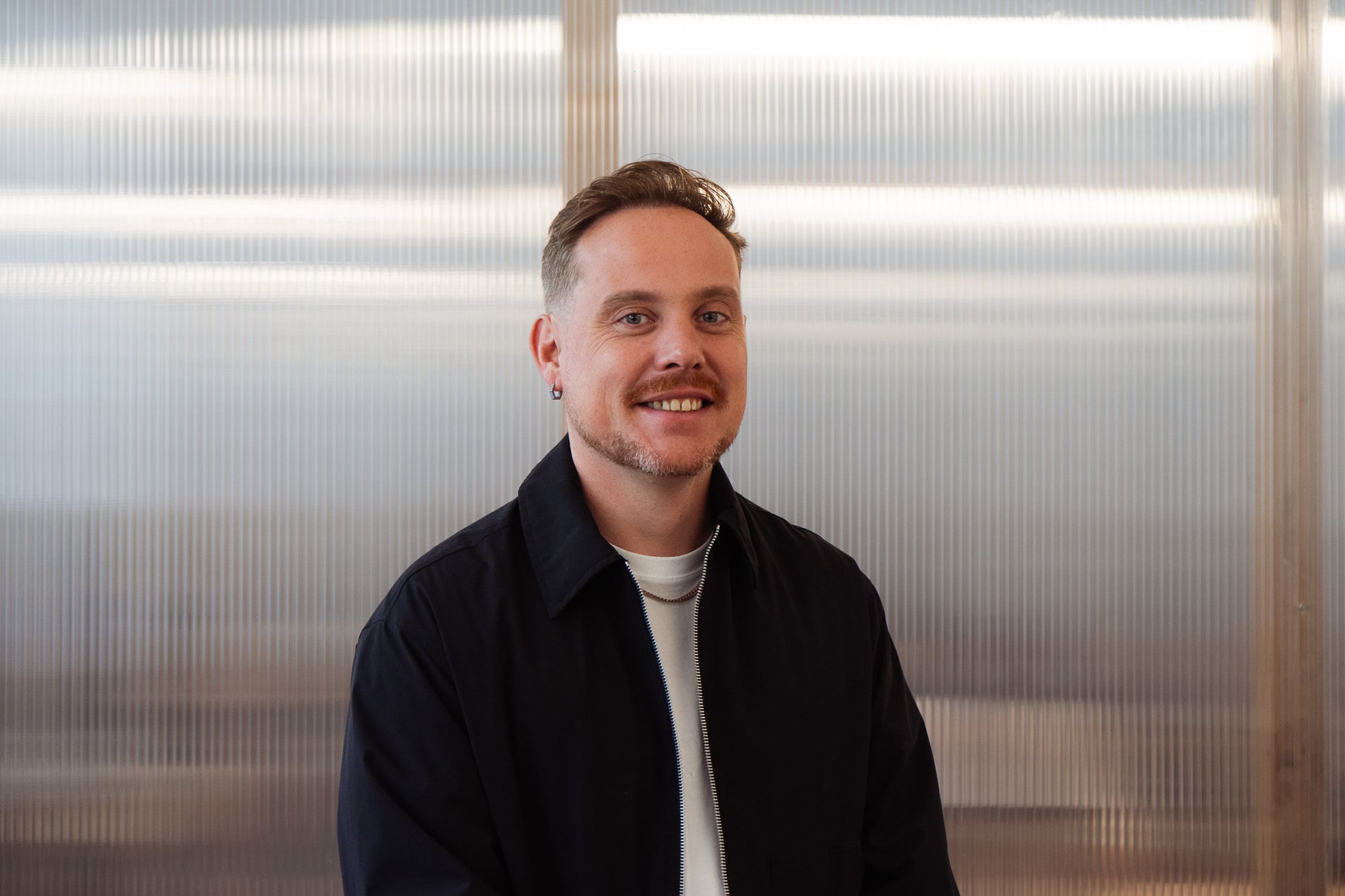 App by Seb Nvzt
Upload your photo and generate a Bivouac-ready profile picture in seconds. AI crops, centers, and exports the right format for fast use. Try now.
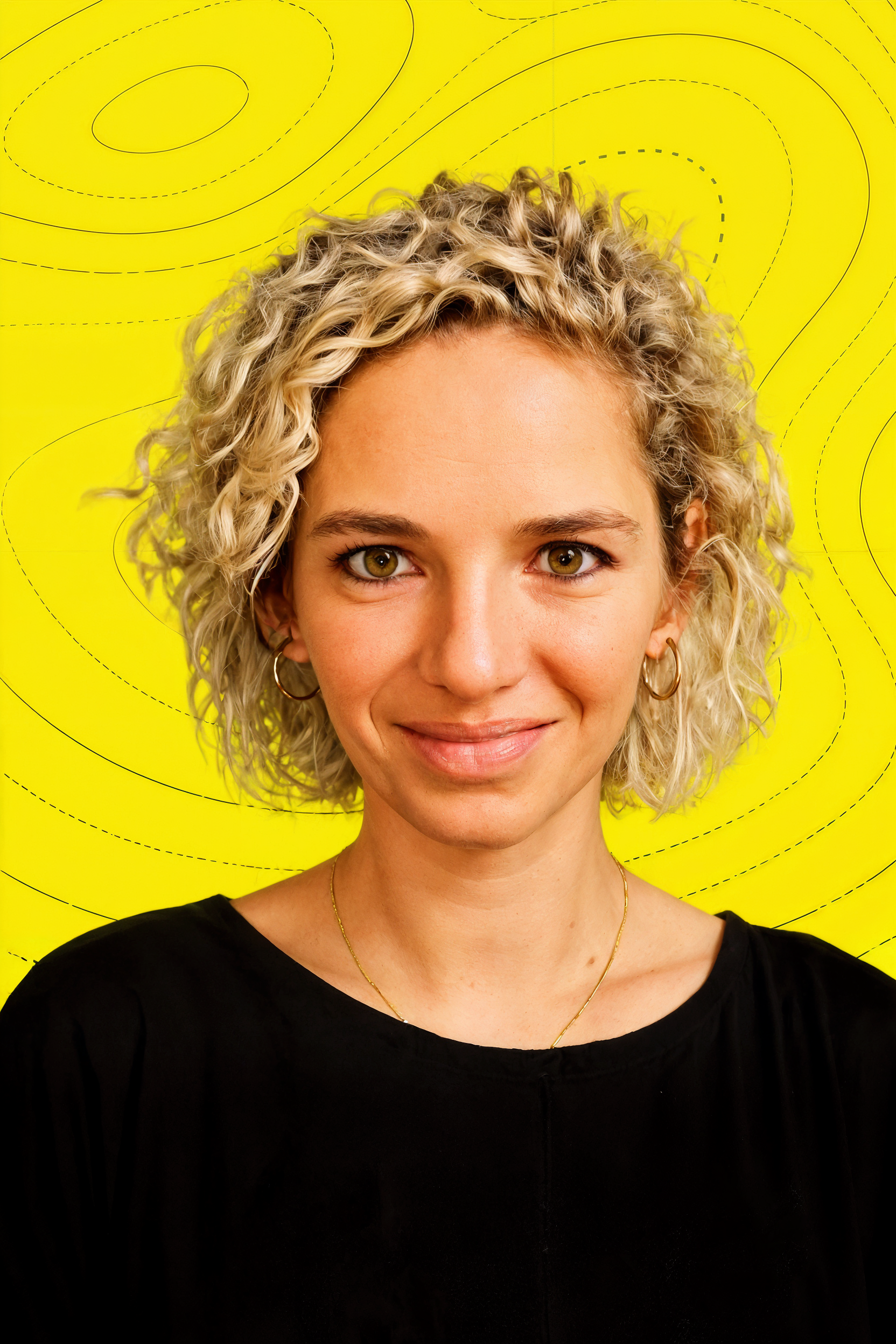
How to use Bivouac Profile Pic
Upload your current profile photo, then let the AI formatter prepare it for Bivouac. In a few clicks you’ll get a clean crop, correct sizing, and an export-ready image.
Step 1
Add a clear photo from your device. The tool analyzes the image and detects the face area to guide a profile-friendly crop.

Step 2
Fine-tune framing with simple controls. Keep your head centered, improve composition, and confirm the output size for a consistent Bivouac profile look.

Step 3
Download the finished profile pic in a ready-to-upload format. Save a crisp square image that looks sharp across devices and profile views.
Features
Bivouac Profile Pic automatically prepares your image for Bivouac by handling cropping, centering, and resizing in one workflow. The AI helps keep your face framed naturally while preserving quality. Export a clean, consistent avatar without jumping between editors or guessing the right dimensions.
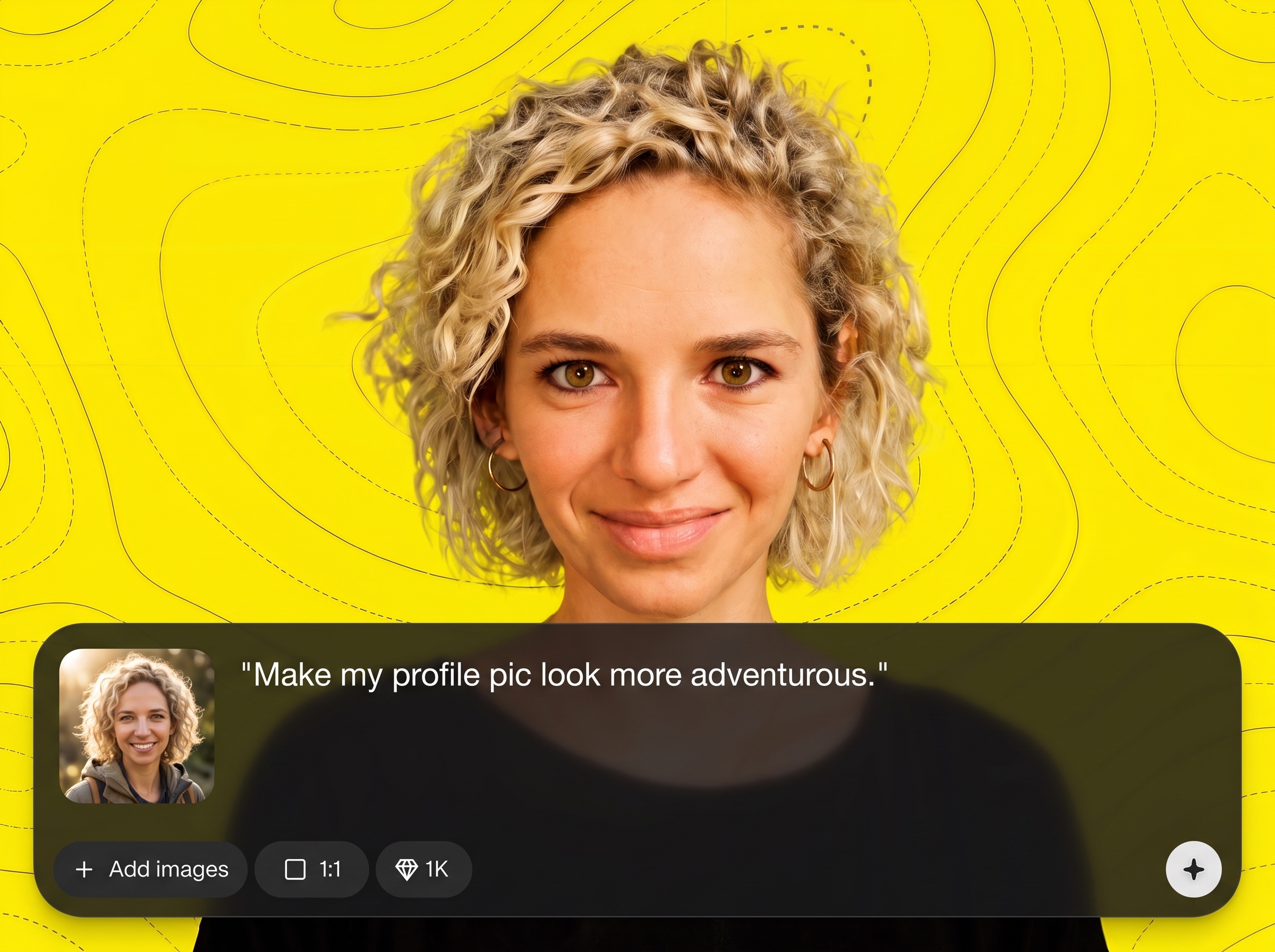
AI detects the subject and creates a balanced crop that keeps your face centered and readable. Get a profile-friendly framing that avoids awkward cutoffs and empty space.
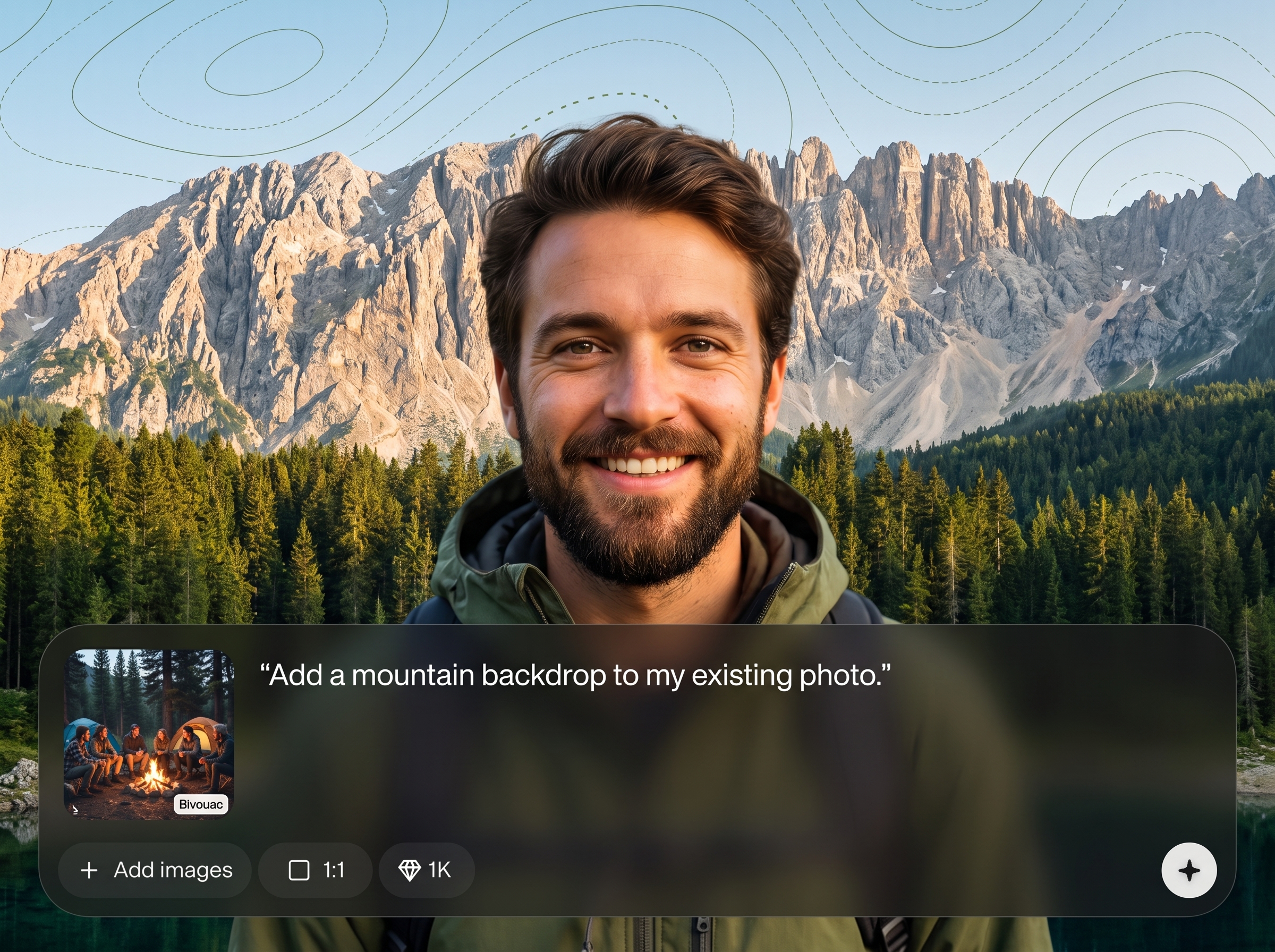
Resize to a consistent profile picture format in seconds. Export a high-quality image ready for upload, with sharp edges and clean compression for web use.
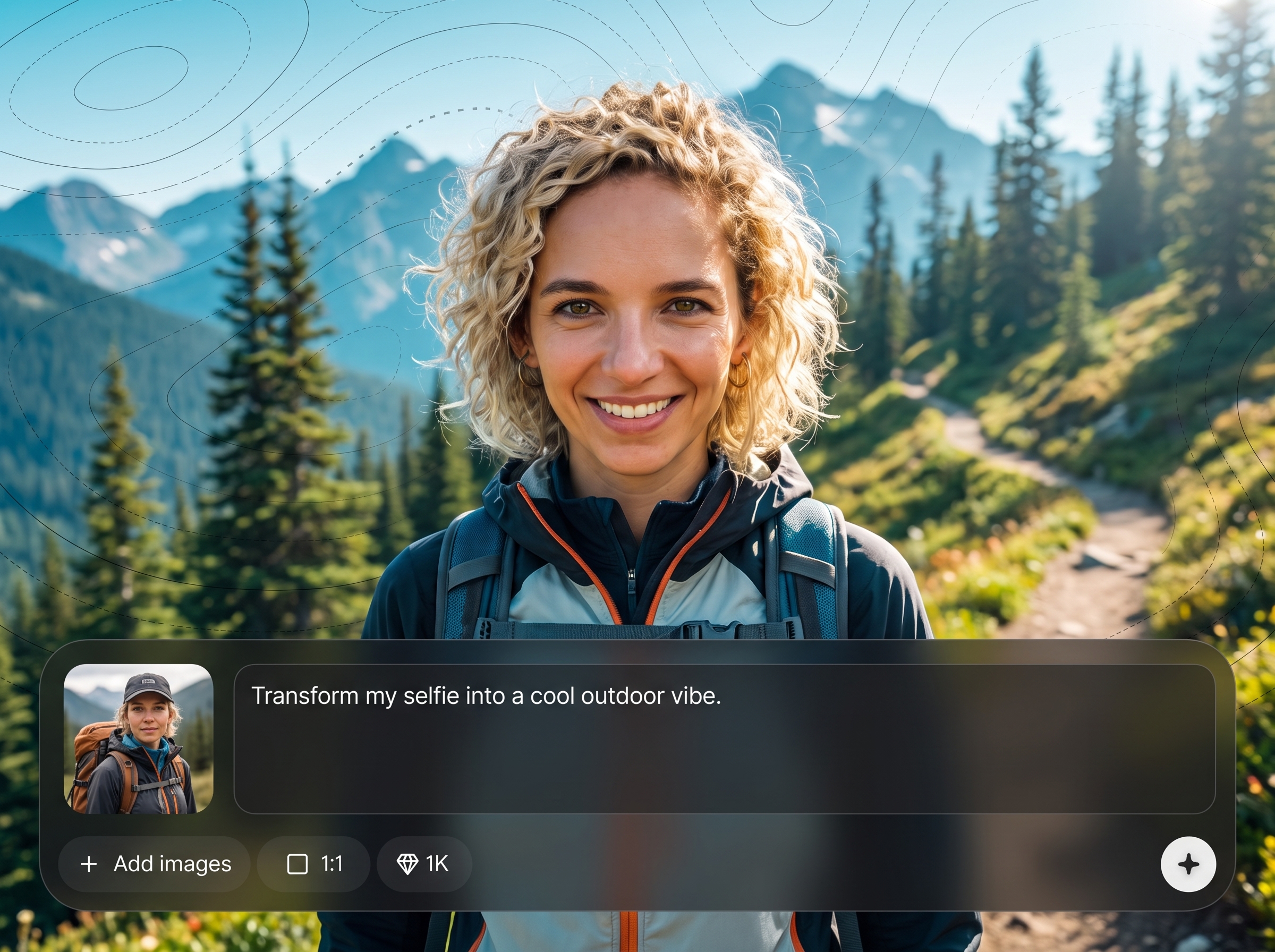
Create a polished avatar that matches common profile photo standards. Reduce manual edits by using AI-guided framing that keeps results uniform across different source photos.
About
Bivouac Profile Pic turns any uploaded photo into a Bivouac-ready profile image in seconds. Use AI to crop, center, and resize your face for a clean, consistent look that fits profile requirements. Export a crisp file optimized for fast upload, with less manual editing and fewer retries.
Skip manual cropping and trial-and-error exports. Bivouac Profile Pic uses AI to keep faces centered, sizes consistent, and results crisp for profile use. It’s built for speed, clarity, and reliable formatting so your avatar looks right the first time.
Choose a clear photo, upload it, and review the AI crop. Adjust framing if needed, then export your Bivouac-ready profile picture for immediate upload.
Use cases
Discover how different creators use this app in their workflow.
Quickly format a new profile picture for Bivouac during onboarding. Upload once, generate the right crop and size, and finish setup without delays.
Standardize profile photos across a team or workspace. Use the same AI framing and sizing so avatars look aligned in lists, cards, and search results.
Improve an existing profile photo without complex editing. Re-crop, re-center, and export a sharper square image that looks modern and clean on Bivouac.
Krea is one of the world's leading generative AI platforms. See what others say.
Real reviews on TrustpilotSo many AI tools out there but I always come back to Krea. It's really the one AI platform that 'just works'.

FYN
Krea's interfaces are still the best in the industry. Everything looks and feels so clean and easy to use! Imo the easiest to use gen AI website.

Lynn
Ultra fast generations. Extremely simple to use. All the latest AI models.

Daniel
KREA is the only AI subscription I have right now besides ChatGPT.

Sophia M.
Answers to common questions about AI profile picture formatting for Bivouac-ready uploads.
It formats your uploaded photo into a Bivouac-ready profile picture. The AI crops, centers, and resizes the image so it fits common profile requirements and looks consistent.
It’s an AI-assisted profile photo formatter. Instead of creating a new face, it prepares your existing image by optimizing crop, alignment, and output sizing for fast upload.
Most common photo types work well, such as JPG and PNG. For best results, upload a clear, well-lit image where the face is visible and not heavily blurred.
Yes. The tool outputs a square, profile-friendly image while keeping the subject centered. You can adjust framing before export to ensure the crop looks natural.
No. The goal is formatting, not altering identity. It focuses on smart cropping and resizing so your photo is ready for Bivouac without heavy effects or restyling.
Start with a photo where your head and shoulders are visible. Use the adjustment step to center your face, leave comfortable space around the head, and preview before exporting.
Yes. It works well for professional headshots, team profiles, and general avatars. The AI helps create consistent framing that looks clean in small circular or square displays.
The export is optimized for web profile use while maintaining clarity. Using a higher-resolution source photo improves sharpness, especially after resizing and compression for faster loading.
You can start by uploading a photo and previewing results quickly. Availability of free usage, limits, or exports depends on your plan and current product access.
Upload a photo, let AI format it, and download a clean avatar ready for Bivouac in seconds.

