















Step 1
Prompt
Enter a clear text prompt describing subject, style, lighting, and framing. Add keywords for mood or materials to guide the AI toward more consistent results.
Generate high-quality images from text with v2. Use AI and machine learning to create, refine, and export visuals fast. Try it online now.
How to use v2
This quick tutorial shows how to create images with v2 using text prompts and smart settings. You’ll generate variations, refine details, and export clean, high-quality results ready for real projects.
Step 1
Enter a clear text prompt describing subject, style, lighting, and framing. Add keywords for mood or materials to guide the AI toward more consistent results.

Step 2
Choose aspect ratio and quality, then generate multiple options. Review the grid, pick favorites, and create variations to explore styles, compositions, and details quickly.

Step 3
Adjust the prompt to fix issues, enhance realism, or change style. When satisfied, upscale and export your image in high resolution for web, print, or social.
Features
v2 combines fast text-to-image generation with practical controls for style, composition, and output quality. Create multiple variations, iterate with prompt edits, and keep results consistent across a set. Export high-resolution visuals for campaigns, product concepts, thumbnails, and more—directly from your browser.
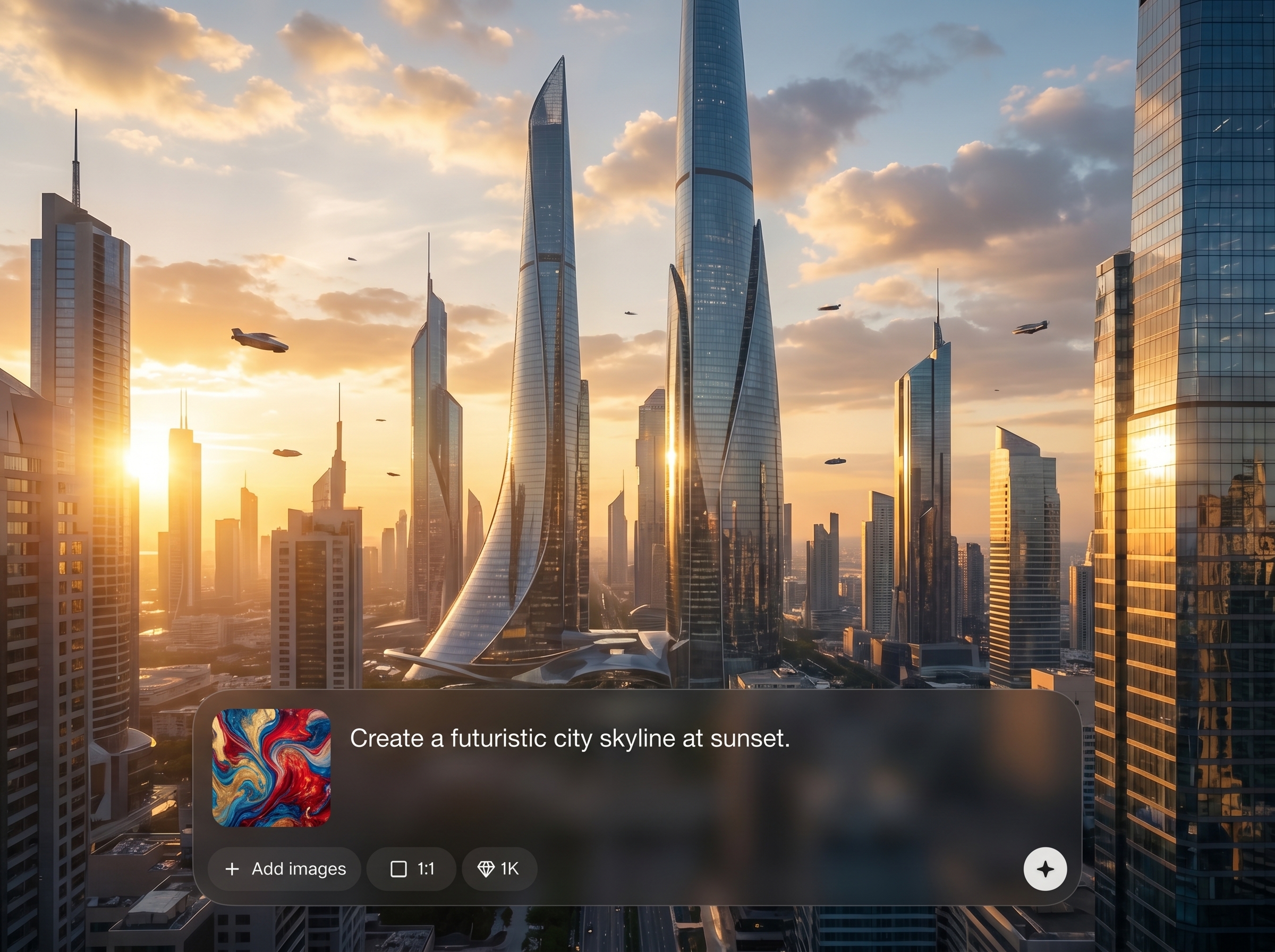
Transform prompts into detailed images using AI and machine learning. Steer outcomes with style cues, composition hints, and descriptive keywords to reach the look you want faster.
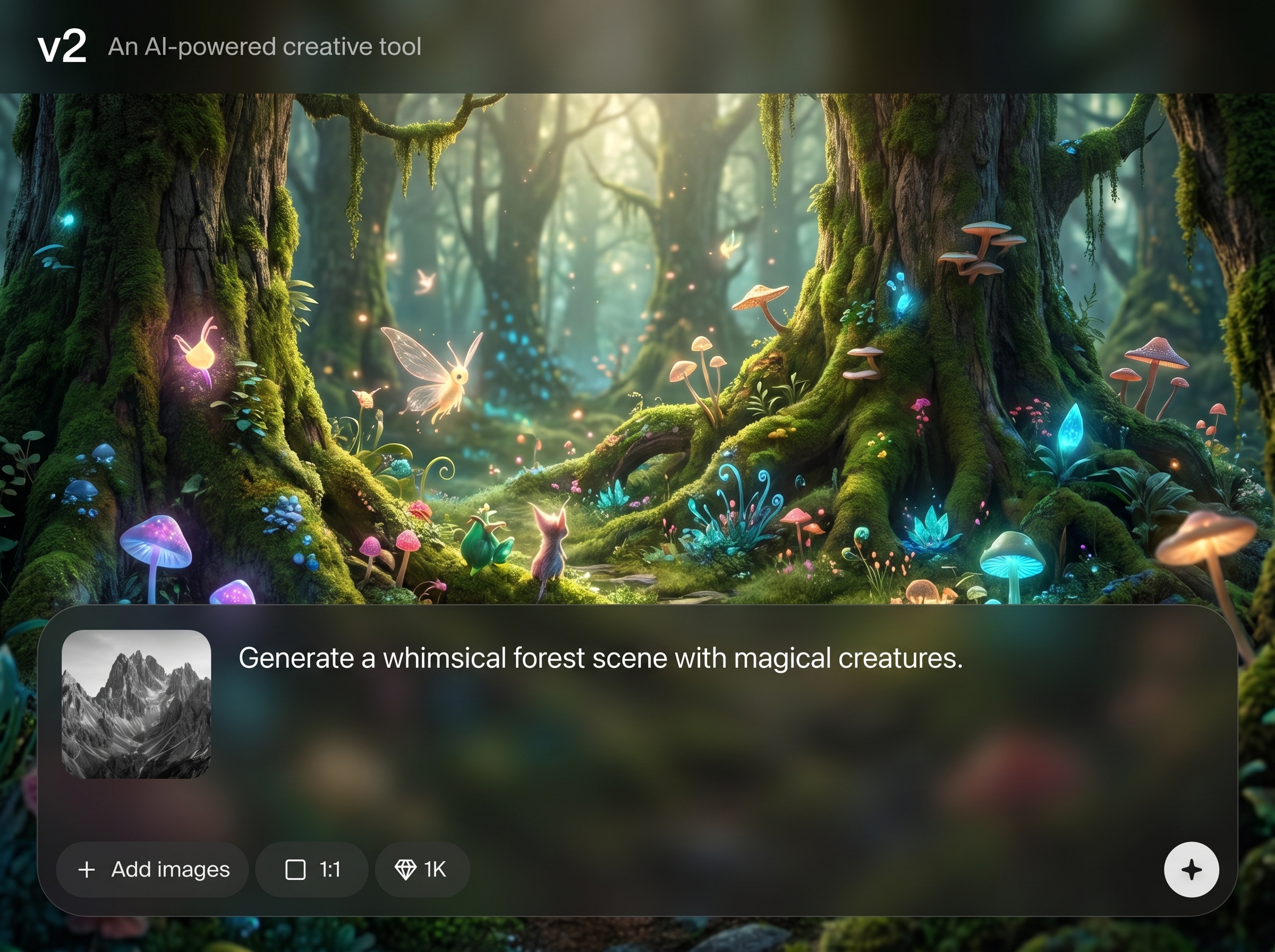
Generate multiple options in one run and iterate without restarting. Create variations, compare results side by side, and refine prompts to converge on a final image quickly.
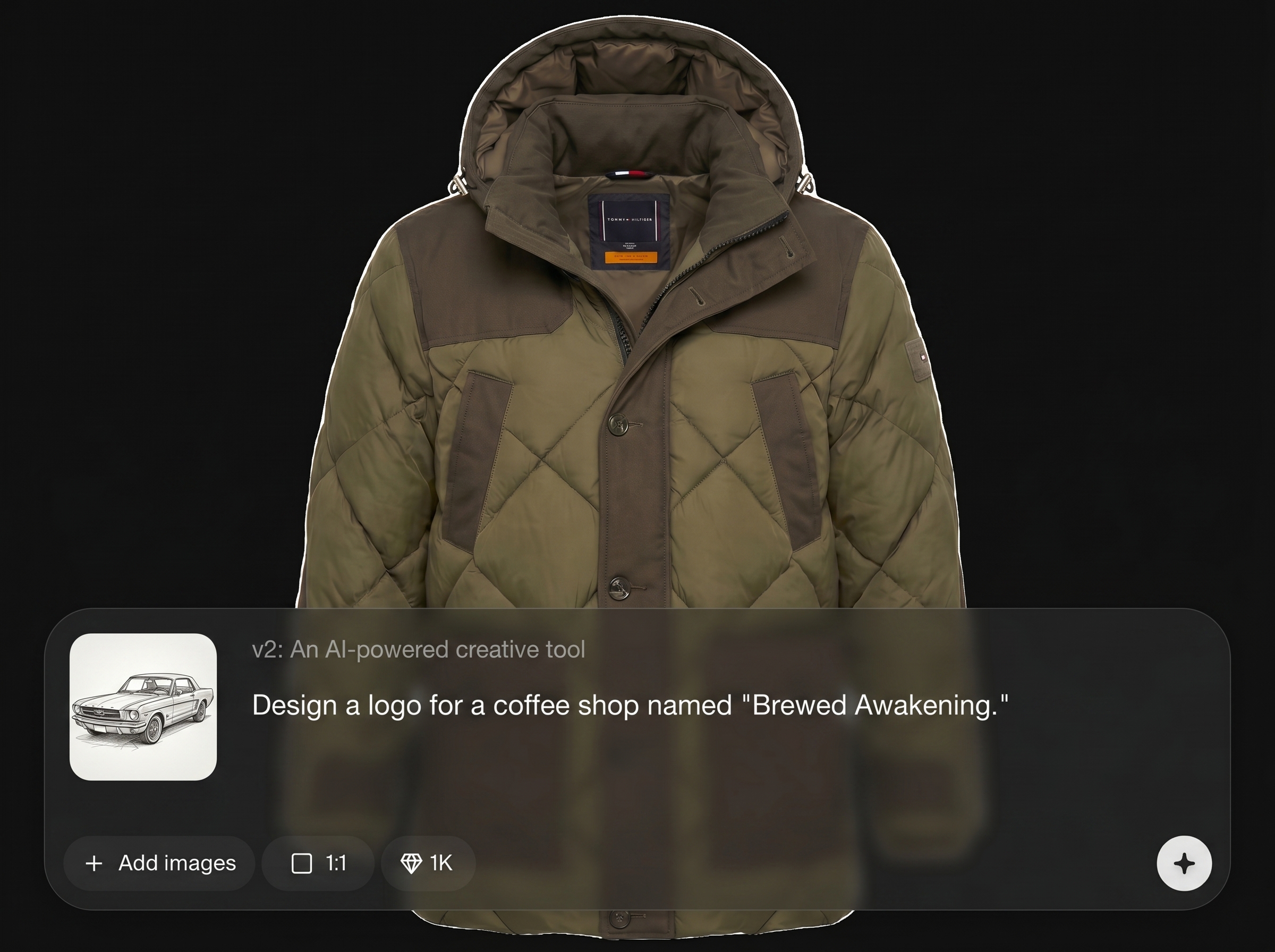
Upscale and export crisp outputs suitable for web and print. Keep files clean and sharable with consistent aspect ratios and quality settings for dependable delivery.
About
v2 is an AI image generator that turns simple text prompts into polished visuals in seconds. Use artificial intelligence to explore styles, iterate quickly, and refine results with prompt and parameter controls. Export high-resolution images for marketing, product mockups, social posts, or concept art—without complex workflows or heavy software.
v2 focuses on speed, control, and output quality for real workflows. Generate multiple variations, refine with prompt-driven iteration, and export high-resolution assets that stay consistent across a series. It’s a streamlined AI image generation tool designed to reduce friction from idea to final visual.
Open v2, type a descriptive prompt, and select an aspect ratio and quality. Generate a batch, iterate with variations, then upscale and export your best result in high resolution.
Use cases
Discover how different creators use this app in their workflow.
Create scroll-stopping campaign visuals, ad concepts, and social graphics from text prompts. Iterate quickly for seasonal themes, brand moods, and multiple sizes.
Generate product scenes, packaging directions, and lifestyle imagery without photoshoots. Test styles and compositions fast before committing to production assets.
Explore characters, environments, and mood boards with rapid AI image generation. Produce variations to spark ideas, then refine prompts for a consistent set.
Krea is one of the world's leading generative AI platforms. See what others say.
Real reviews on TrustpilotSo many AI tools out there but I always come back to Krea. It's really the one AI platform that 'just works'.

FYN
Krea's interfaces are still the best in the industry. Everything looks and feels so clean and easy to use! Imo the easiest to use gen AI website.

Lynn
Ultra fast generations. Extremely simple to use. All the latest AI models.

Daniel
KREA is the only AI subscription I have right now besides ChatGPT.

Sophia M.
Answers to common questions about v2, AI image generation, prompts, and exports.
v2 is an AI image generator that creates visuals from text prompts. It uses artificial intelligence and machine learning to produce multiple styles and compositions you can refine and export.
Use specific subject details, style references, lighting, camera framing, and context. Add modifiers like “cinematic,” “studio lighting,” or “minimal background” to guide the AI toward clearer results.
Yes. Generate a batch, pick the closest result, then create variations and adjust the prompt. This workflow helps you explore options while keeping the concept consistent.
v2 supports a wide range of looks, from photorealistic to illustrative and stylized outputs. Your prompt and settings determine the final aesthetic, color palette, and level of detail.
Yes. Choose aspect ratios for social, web, or print layouts, then export in high resolution. Consistent sizing makes it easier to build cohesive sets for projects.
Refine the prompt with clearer constraints and remove conflicting descriptors. Generate variations and steer details like hands, text, or backgrounds with specific instructions and simpler compositions.
v2 runs online in your browser, so you can generate images without heavy installs. Just open the tool, write a prompt, and export results when ready.
v2 is built for practical creative production, including marketing, product concepts, and content graphics. Review your project requirements and usage needs before publishing or distributing final assets.
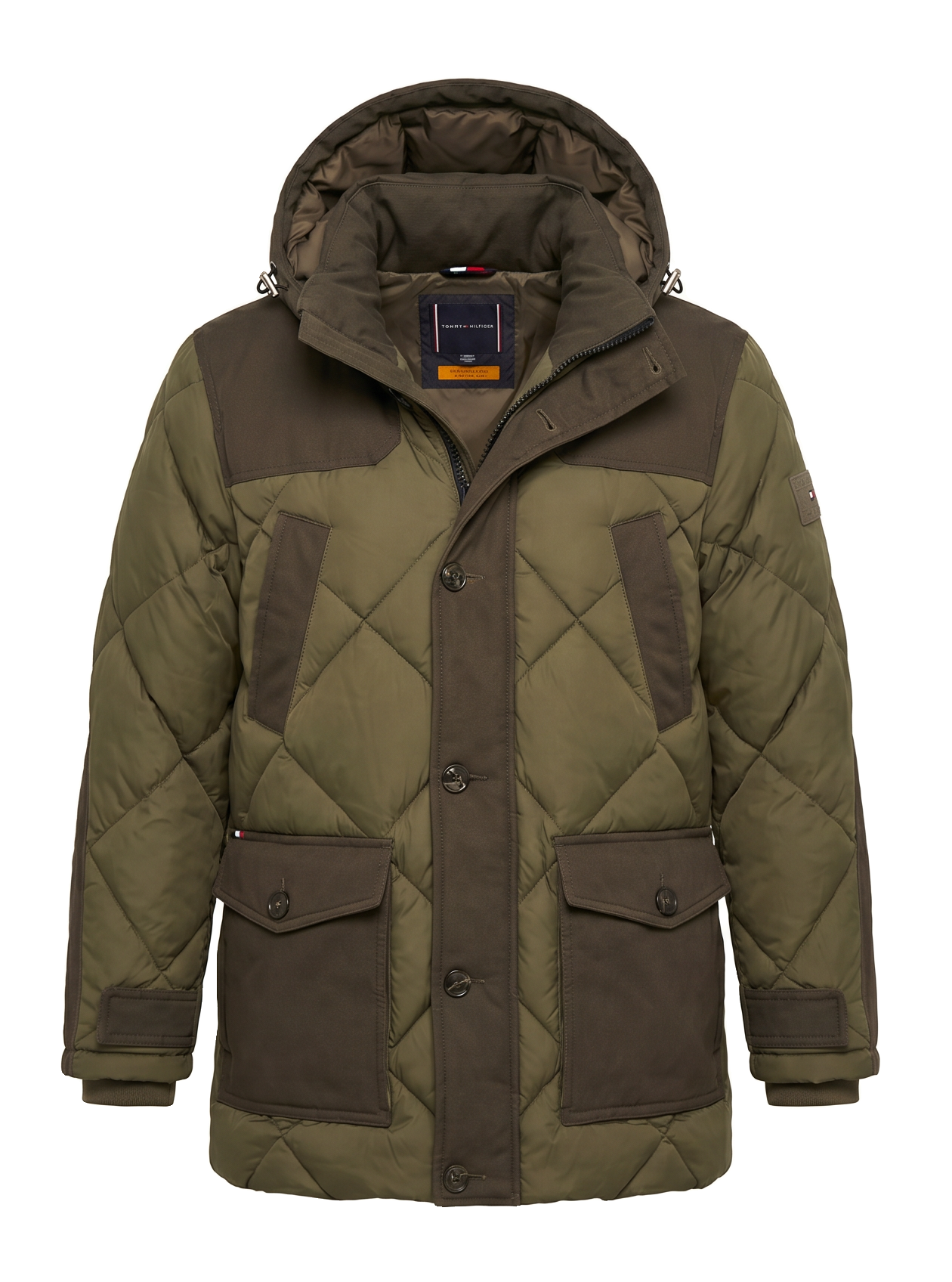
Turn prompts into high-quality images fast with AI controls, variations, and high-res export.

