









Step 1
Upload JPG
Drag and drop your JPG image into the converter. The AI analyzes edges, colors, and shapes to prepare a high-quality vector trace automatically.
 App by umiros
Convert JPG to SVG online with AI vectorization. Create clean, scalable SVGs for logos, icons, and print-ready designs. Try JPG to SVG now.
Run the app to see your first output
How to use JPG to SVG
Turn any JPG into a scalable SVG in minutes. Upload your image, choose vectorization settings for detail and smoothness, then export a clean SVG ready for design, web, or print.
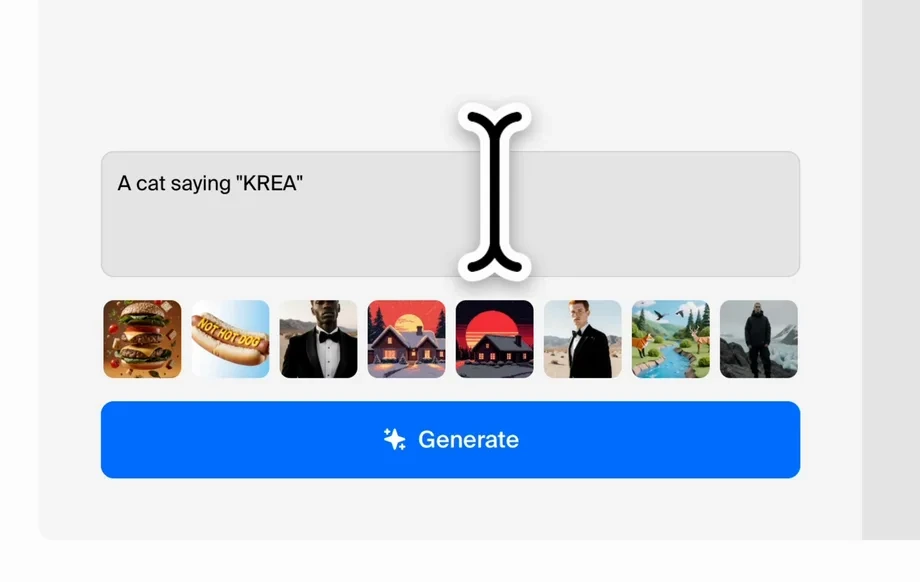
Step 1
Drag and drop your JPG image into the converter. The AI analyzes edges, colors, and shapes to prepare a high-quality vector trace automatically.
Step 2
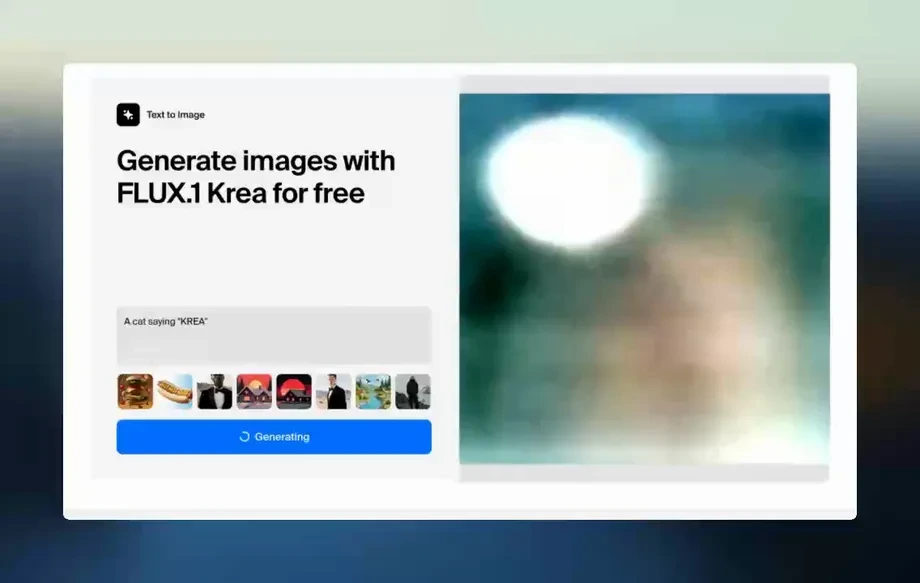
Tune detail level, smoothing, and color handling to match your use case. Preview the vector output to ensure sharp paths and clean curves.
Step 3
Download your SVG file for immediate use in design tools, websites, or print production. Re-scale freely without blur, pixelation, or quality loss.
Features
JPG to SVG uses artificial intelligence and machine learning to trace images into editable vector paths. Get scalable SVG output that preserves key shapes while reducing jagged edges and noise. Built for fast conversions and dependable results for design, web, and print workflows.
Automatically converts JPG pixels into smooth vector paths. The AI prioritizes strong edges and clear shapes to produce SVGs that look crisp at any resolution.
Convert images to SVG directly in your browser. Quick processing and instant previews help you iterate on settings and export without slowing down your workflow.
Export lightweight, scalable SVG files suited for logos, icons, UI elements, and print assets. Keep lines clean and scale confidently across sizes and formats.
About
JPG to SVG converts raster images into clean, scalable vector graphics using AI-powered vectorization. Upload a JPG, refine output settings, and export an SVG that stays sharp at any size. Ideal for logos, icons, UI assets, and print workflows that need crisp lines and lightweight files.
JPG to SVG delivers reliable AI vectorization with fast previews and clean, scalable output. Fine-tune smoothing and detail to match logos, icons, or print assets. Get design-ready SVGs that stay sharp at any size and integrate smoothly into your existing workflow.
Drop in your JPG, pick the vectorization settings, and preview the result. When it looks right, export an SVG and use it immediately in design tools, websites, or print files.
Use cases
Discover how different creators use this app in their workflow.
Convert JPG logos into scalable SVGs for brand kits, signage, and print. Keep edges clean and ensure consistent rendering across all sizes.
Turn raster artwork into SVG icons for websites and apps. Get sharp, lightweight graphics that scale smoothly on every screen density.
Create vector files for cutting, engraving, and large-format printing. SVG output helps avoid pixelation and supports precise, scalable production.
Krea is one of the world's leading generative AI platforms. See what others say.
Real reviews on TrustpilotSo many AI tools out there but I always come back to Krea. It's really the one AI platform that 'just works'.

FYN
Krea's interfaces are still the best in the industry. Everything looks and feels so clean and easy to use! Imo the easiest to use gen AI website.

Lynn
Ultra fast generations. Extremely simple to use. All the latest AI models.
Daniel
KREA is the only AI subscription I have right now besides ChatGPT.

Sophia M.
Find quick answers about AI JPG to SVG conversion, output quality, and best practices.
It converts a JPG (raster image) into an SVG (vector graphic) using AI vectorization. The result scales cleanly without pixelation and works well for logos, icons, and print assets.
AI detects edges, shapes, and color regions to create smoother paths and cleaner curves. This reduces jagged lines and noise compared to basic tracing, producing more usable SVG output.
Yes. The exported SVG can be opened and edited in common vector editors. You can adjust paths, colors, and shapes to fine-tune the result for your exact design needs.
High-contrast images with clear edges, simple shapes, and minimal compression artifacts convert best. Clean logos, icons, and illustrations typically produce sharper vector paths than photos.
You can, but photos often create complex SVGs with many shapes. For best results, use simplified images or reduce colors first to keep the SVG cleaner and easier to edit.
Increase smoothing and adjust the detail level to balance accuracy and clean curves. Preview changes before export to avoid over-tracing small artifacts and unnecessary path complexity.
It runs online in your browser. Upload a JPG, configure settings, and export an SVG without installing software, making it easy to use across devices and operating systems.
Raster images (JPG) are made of pixels and lose quality when scaled up. Vector graphics (SVG) use paths and curves, staying sharp at any size for web and print.
Often, yes for simple graphics like logos and icons. Complex photos may create larger SVGs due to many paths, so simplifying colors and detail can improve size and performance.
Yes. SVG is ideal for responsive web graphics and also useful for print workflows. It scales cleanly, supports crisp lines, and integrates with many design and production tools.
Upload a JPG, let AI vectorize it, and export a crisp SVG ready for design, web, or print.