













Step 1
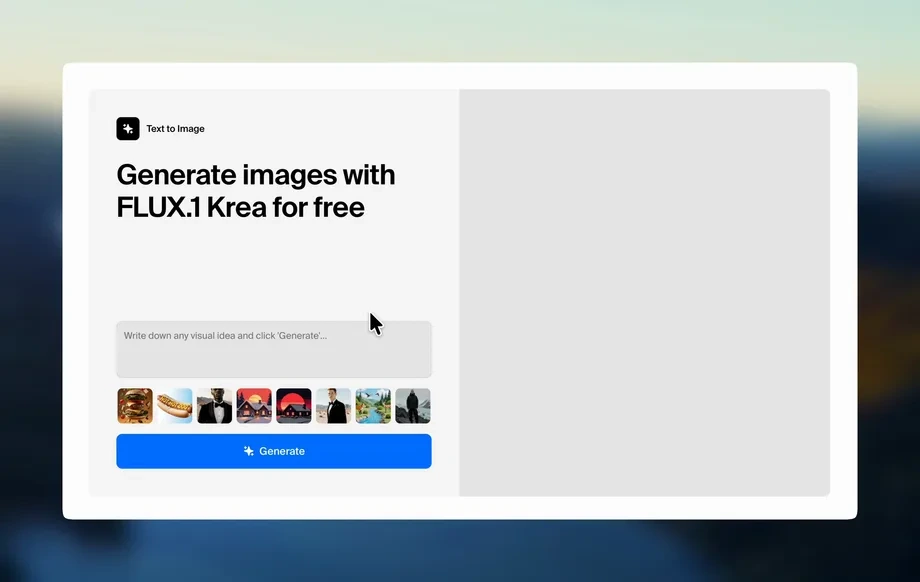
Upload or prompt
Add a product image or type a prompt describing outfit, model, pose, and setting. Optionally include brand colors, mood, and lighting references for accuracy.
 App by vicc
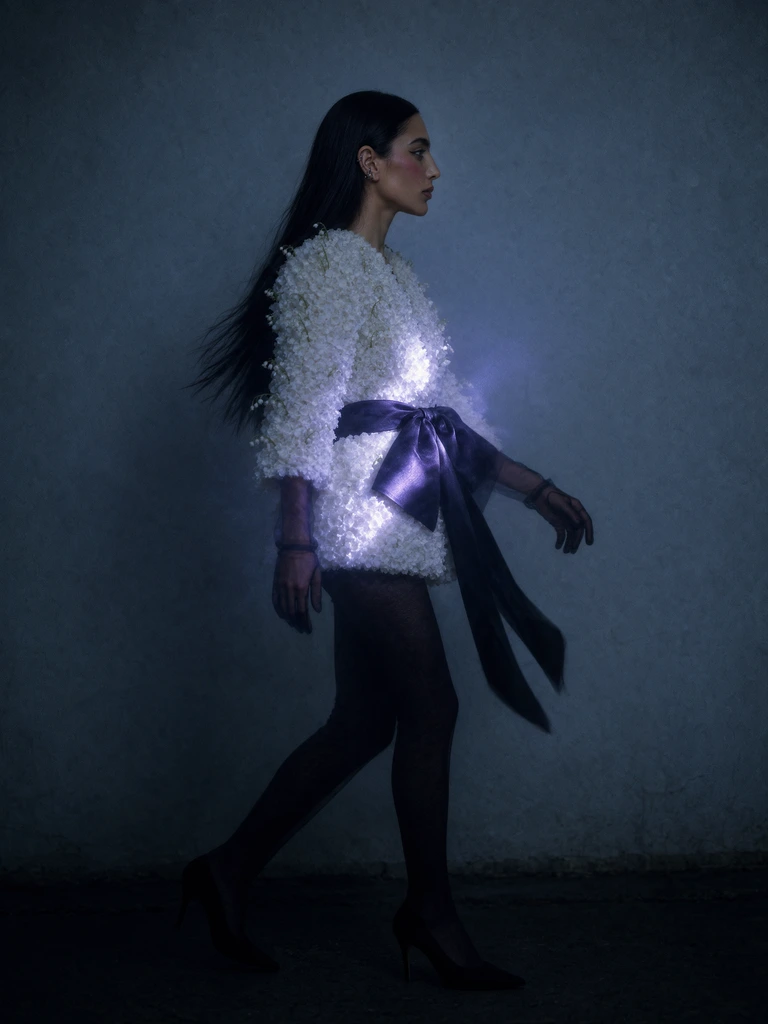
Generate studio-quality fashion photos with AI. Create model shots, outfits, and clean backgrounds from prompts or uploads in minutes. Try Fashion Shoot now.
How to use Fashion Shoot
Use Fashion Shoot to create realistic fashion photos from a prompt or a reference image. Follow these steps to set your style, generate variations, and export assets for ads, lookbooks, or ecommerce.
Step 1
Add a product image or type a prompt describing outfit, model, pose, and setting. Optionally include brand colors, mood, and lighting references for accuracy.
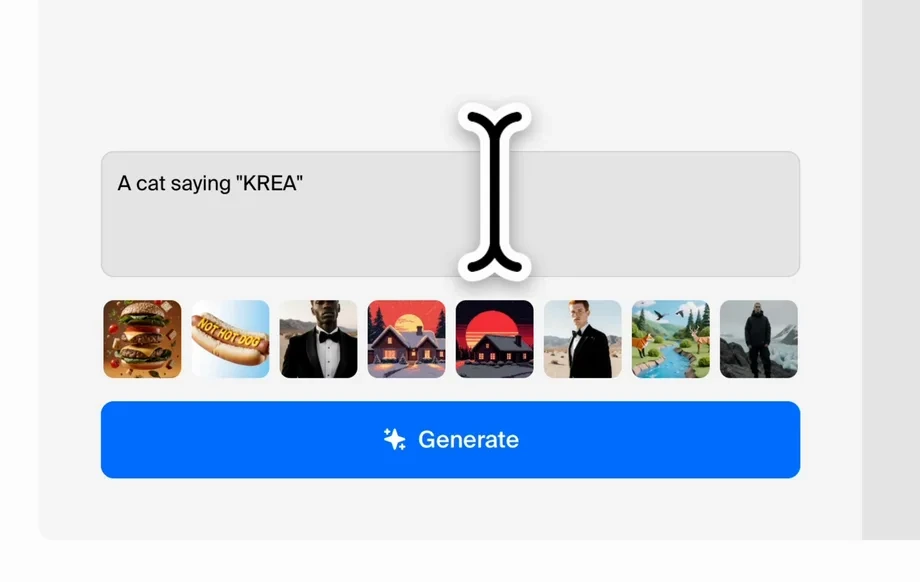
Step 2
Choose background, framing, and lighting, then set realism and variation levels. Lock key details like garment color and logo placement to keep outputs consistent.
Step 3
Generate multiple takes, pick the best results, and refine with quick edits. Download high-resolution images ready for ecommerce listings, social ads, and lookbooks.
Features
Fashion Shoot uses AI image generation to produce studio-style fashion photos from simple inputs. Create cohesive sets across poses, backgrounds, and lighting while keeping product details consistent. Iterate quickly, compare variations, and export polished assets that fit ecommerce, marketing, and brand guidelines.

Turn text prompts into full fashion photo concepts with models, outfits, and environments. Quickly explore styling directions, seasonal campaigns, and editorial looks with realistic composition and lighting.
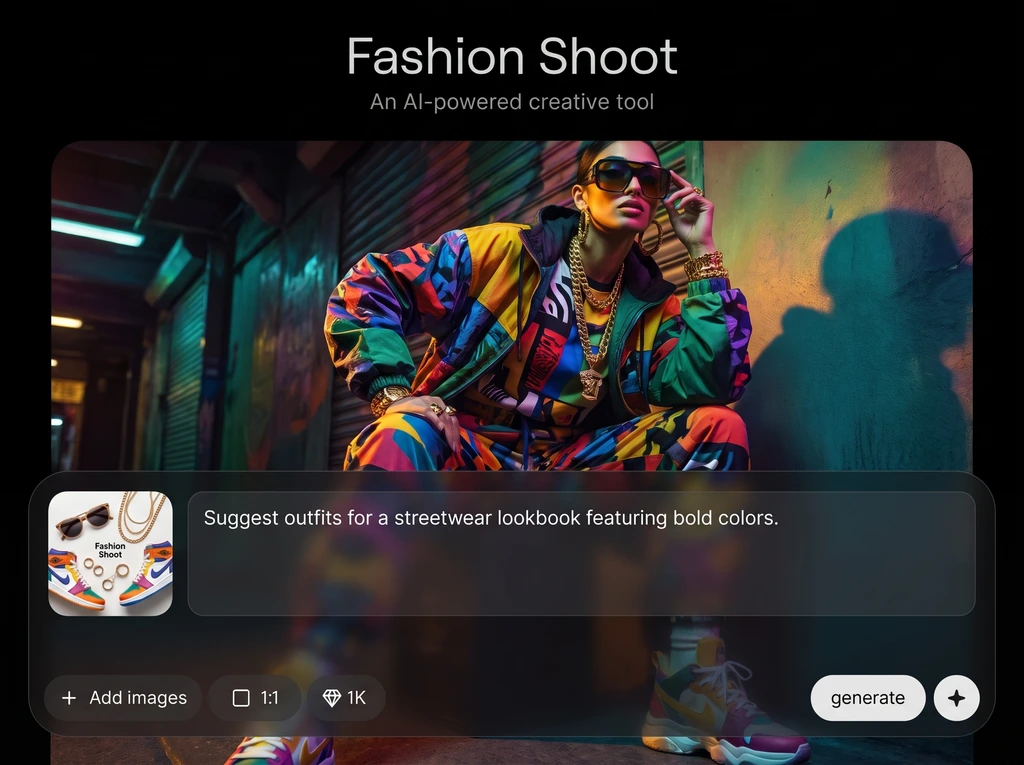
Create multiple angles and variations in seconds while keeping key elements stable. Lock colors, materials, and branding, then iterate on poses, backgrounds, and moods without reshooting.

Swap backgrounds, adjust lighting, and fine-tune framing to match your storefront or campaign style. Produce clean studio backdrops or lifestyle scenes while maintaining a cohesive visual identity.
About
Fashion Shoot is an AI fashion shoot generator that turns prompts or uploaded images into polished campaign-ready visuals. Create consistent model shots, outfits, and backgrounds without a studio, while keeping your brand style on point. Generate multiple angles, lighting looks, and variations fast for lookbooks, ads, and ecommerce product pages.
Fashion Shoot helps you create high-quality fashion imagery without the time and cost of traditional shoots. Get rapid iterations, consistent styling, and flexible scene control for ecommerce and marketing. Use AI to test more creative directions and deliver cohesive visuals across your entire catalog.
Enter a prompt or upload a reference image, pick your background and lighting, and generate variations. Save your favorite settings to produce consistent sets for product pages, ads, and lookbooks.
Use cases
Discover how different creators use this app in their workflow.
Generate consistent model shots and clean backgrounds for product pages. Create multiple angles and colorways quickly to improve listings, reduce reshoots, and speed launches.
Produce campaign-ready visuals for ads, promos, and seasonal drops. Test creative directions with fast AI variations, then export polished images sized for every channel.
Build cohesive lookbooks with consistent lighting, styling, and framing. Generate editorial sets across outfits and scenes, and keep brand aesthetics aligned across the collection.
Krea is one of the world's leading generative AI platforms. See what others say.
Real reviews on TrustpilotSo many AI tools out there but I always come back to Krea. It's really the one AI platform that 'just works'.

FYN
Krea's interfaces are still the best in the industry. Everything looks and feels so clean and easy to use! Imo the easiest to use gen AI website.

Lynn
Ultra fast generations. Extremely simple to use. All the latest AI models.

Daniel
KREA is the only AI subscription I have right now besides ChatGPT.

Sophia M.
Answers to common questions about using Fashion Shoot for AI fashion photography and lookbook generation.
Fashion Shoot is an AI fashion shoot generator that creates realistic fashion photos from prompts or reference uploads. It helps you produce lookbook and ecommerce-ready visuals faster, without a physical studio setup.
Describe the model, outfit, pose, and scene—or upload a reference image—then generate variations. The system uses artificial intelligence and machine learning to render lighting, textures, and composition in a consistent style.
Yes. Upload product photos or references to guide the result and improve accuracy. You can also add notes like fabric type, color, and desired background to keep outputs aligned with your catalog.
You can choose clean studio backdrops or lifestyle scenes and adjust the lighting mood. Generate multiple options to match your brand guidelines, then select the best look for each product or campaign.
Yes. Generate sets with consistent framing, lighting, and style so a collection looks cohesive. Reuse the same settings and references to maintain continuity across different outfits and colorways.
Fashion Shoot is built for ecommerce use cases like product pages, lookbooks, and ads. It helps create clean, high-quality visuals quickly, while reducing the time spent coordinating studio shoots and edits.
Yes. Create variations for different poses, crops, and camera angles to showcase fit and details. This makes it easier to test what performs best across marketplaces and social formats.
Export high-resolution images suitable for web and marketing workflows. Download assets after selecting your preferred variations, then use them across product listings, ads, and brand content with minimal extra editing.
No. Fashion Shoot is designed for simple, guided generation and quick refinements. Start with a prompt or upload, adjust a few style controls, and export results without advanced retouching tools.
Most results generate in minutes, depending on complexity and the number of variations. You can iterate quickly by reusing settings, adjusting prompts, and regenerating alternatives until the look fits.
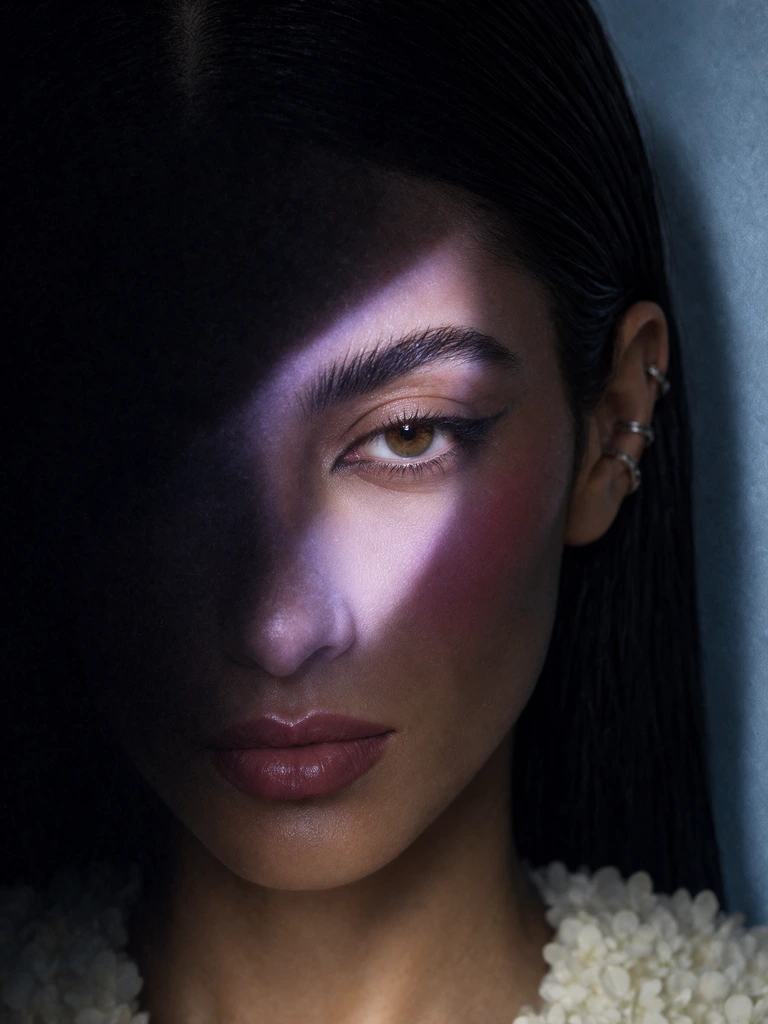
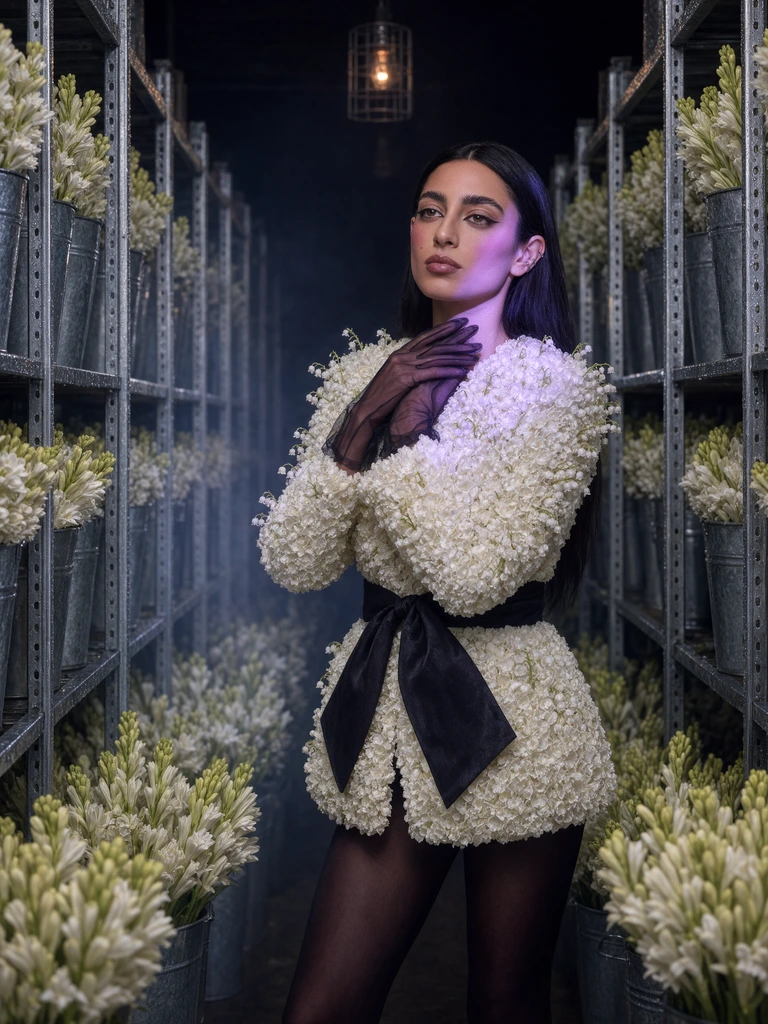
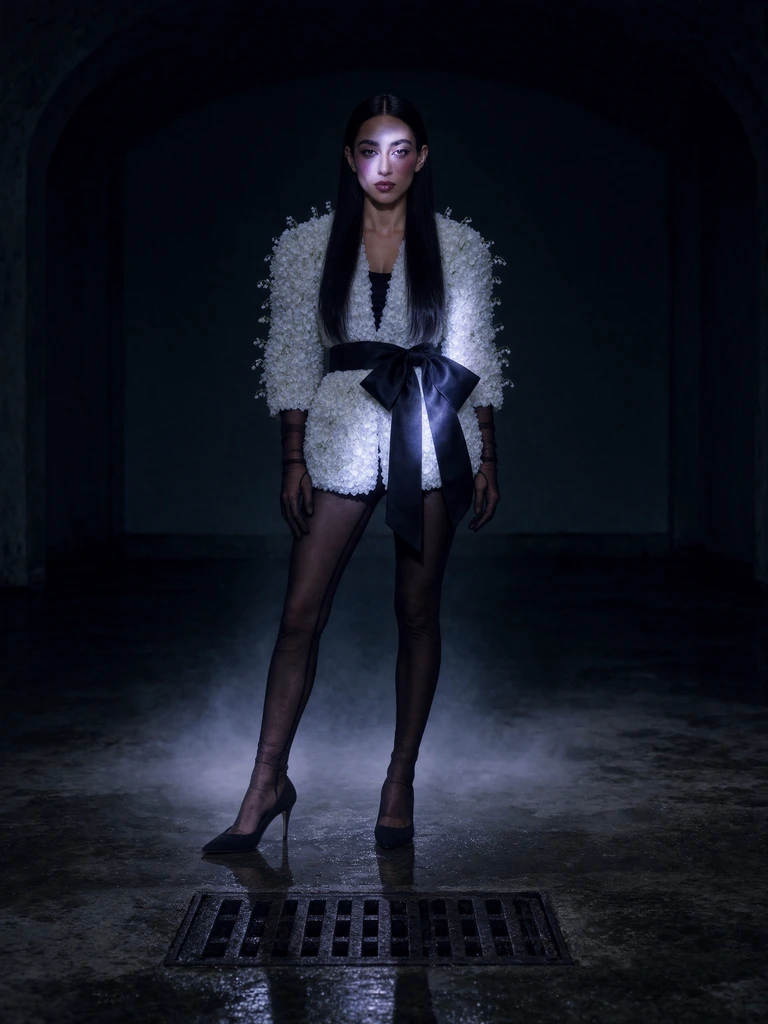
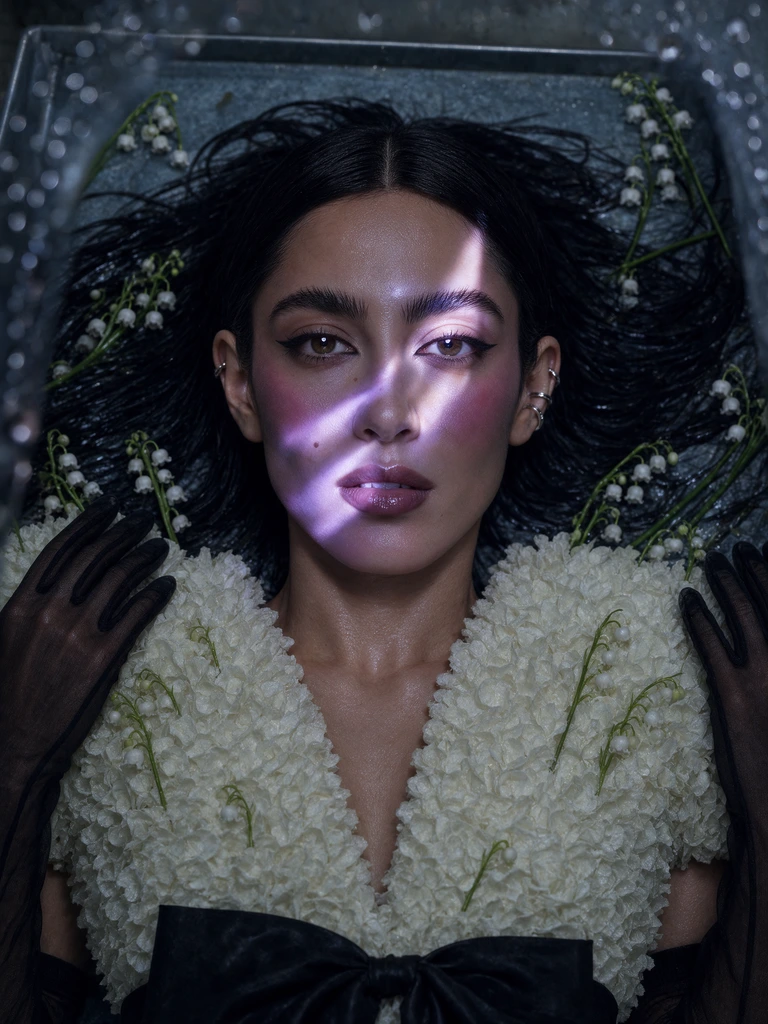
Generate studio-quality fashion visuals from prompts or uploads, then export consistent assets for ecommerce, ads, and lookbooks.

