
Krea, right inside  Figma
Figma
Download 
Install Krea for Figma
-
Download the installer
Download the signed Krea installer for Figma.
Install the plugin
Open the installer and follow the prompts.
Open Krea in Figma
Open Figma and choose Plugins → Krea.
What Krea for Figma can do
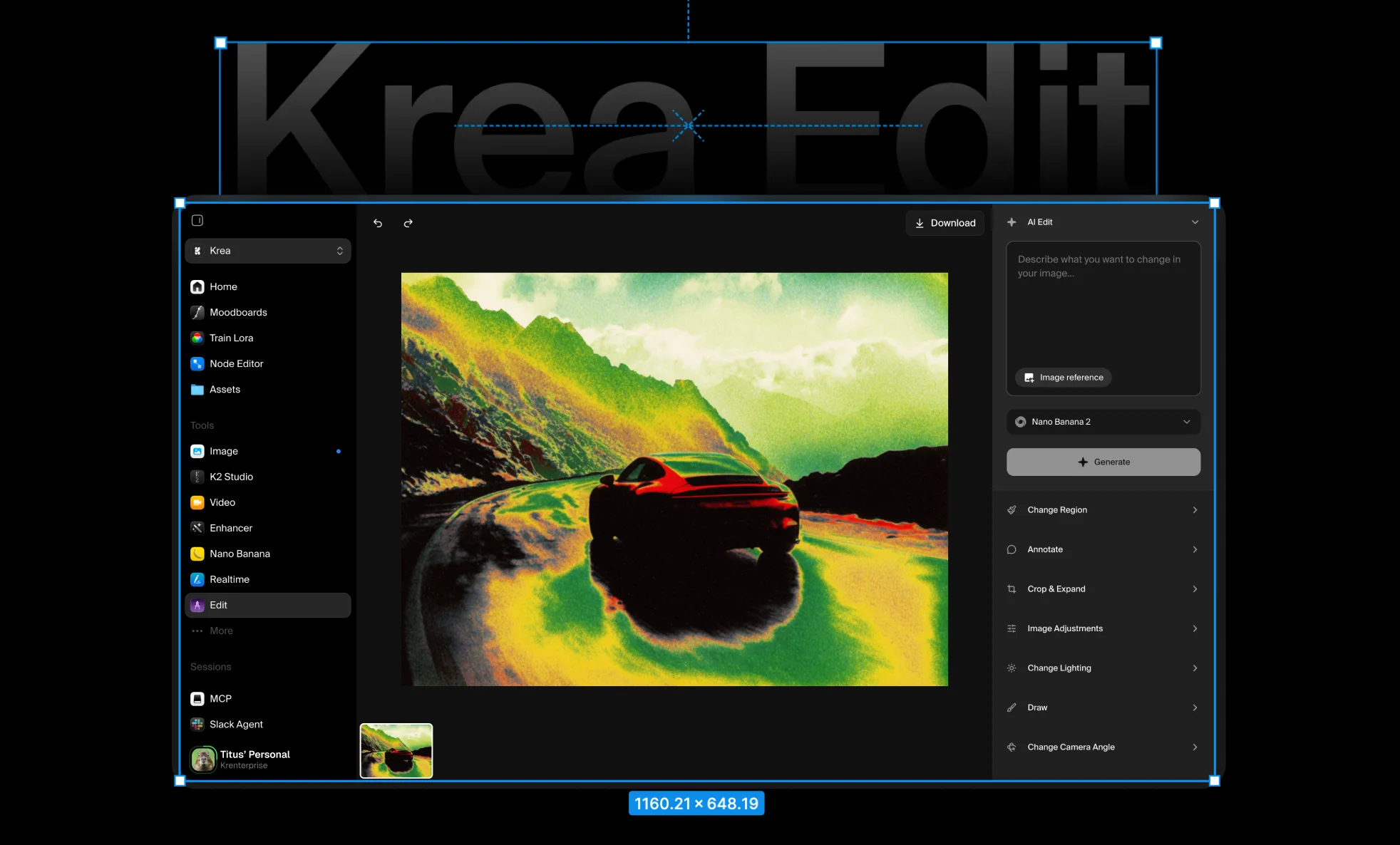
Generate polished visual assets, explore variations, and keep product imagery consistent without leaving your design file.

Explore more visual directions
Generate multiple compositions, styles, and image treatments while you build the interface around them.

Create assets for every frame
Generate square, vertical, widescreen, and custom-format visuals that fit your layouts without awkward cropping.
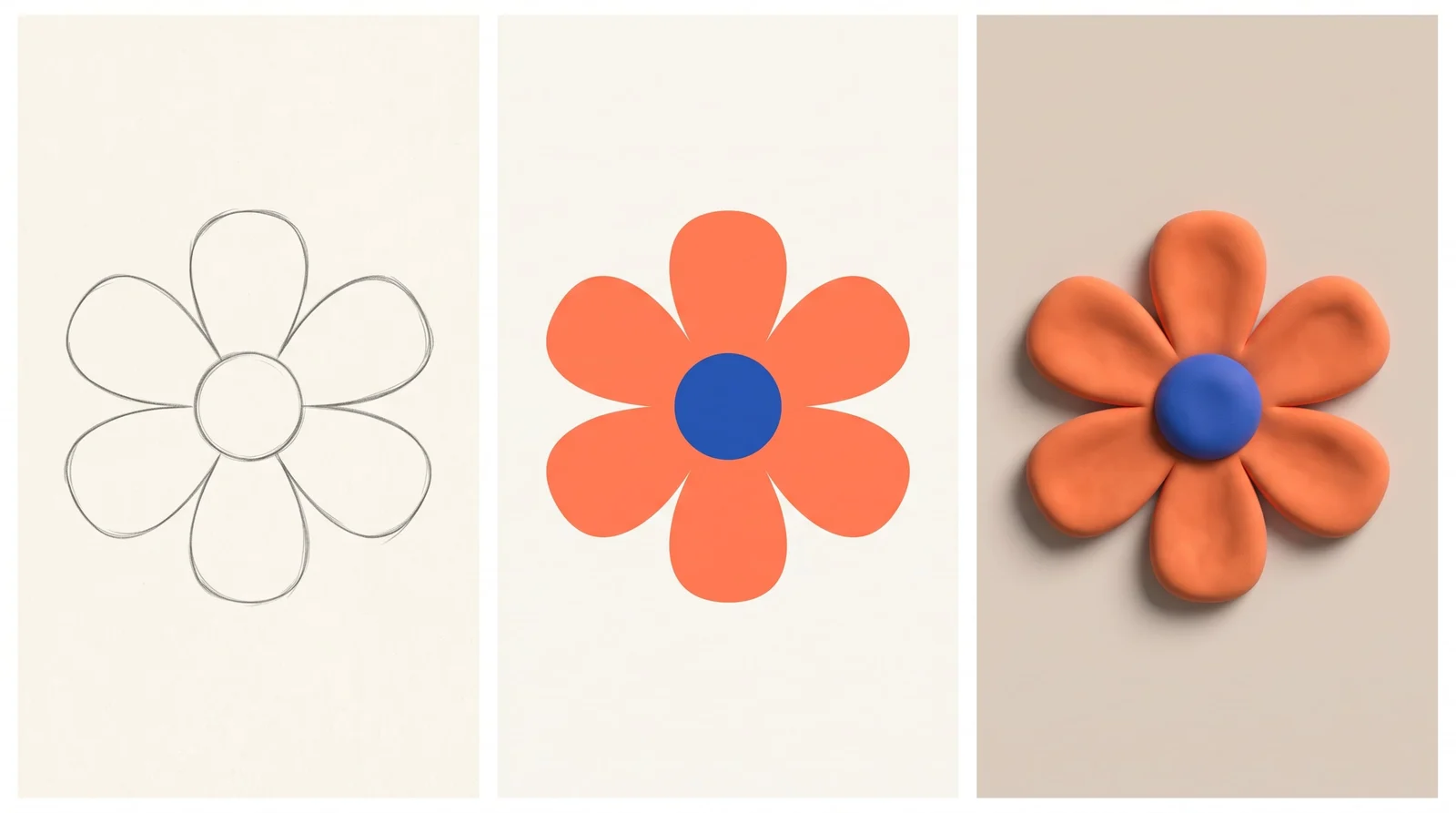
See changes as you design
Watch imagery update as you refine the prompt, composition, colors, and style beside your working frames.

Keep every screen consistent
Develop related images, angles, and treatments that feel coherent across a complete product experience.
Krea, right insideFigma
Trusted by over 30,000,000 users From 191 countries. We've got a plan for everybody...
Free
Get free daily credits to try basic features.
Pro
Advanced features and discounts on compute units
Max
Full access with higher discounts on compute units
For Teams and Enterprises
Workplace management, collaboration, and enterprise customizations
Business
Secure and collaborative workspace for growing teams
Enterprise
Enterprise-grade security with dedicated support and admin features
Frequently asked questions
Everything you need to know about Krea for Figma.
It brings Krea’s creative AI tools into Figma so you can generate and refine visual assets beside your designs.
Download the installer for macOS or Windows, run it, then open Krea from Figma’s Plugins menu.
Yes. Generate new visuals from a prompt and place the result into the active page or selected frame.
Yes. You can generate common aspect ratios and visual assets designed to fit the layout you are working on.
Yes. Generations run on Krea’s servers, so the plugin needs an internet connection.
Yes. Sign in with your Krea account when you first open the plugin.
Generated images enter your Figma file as standard image fills or placed assets that work with Figma’s native tools.
The installer flow supports recent versions of macOS and Windows. Exact requirements will be listed with the download.