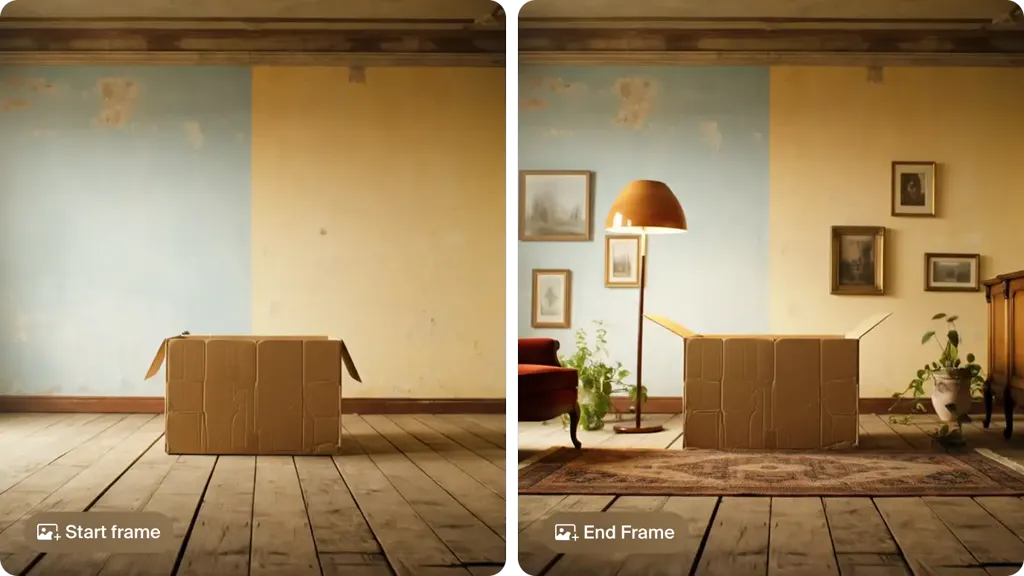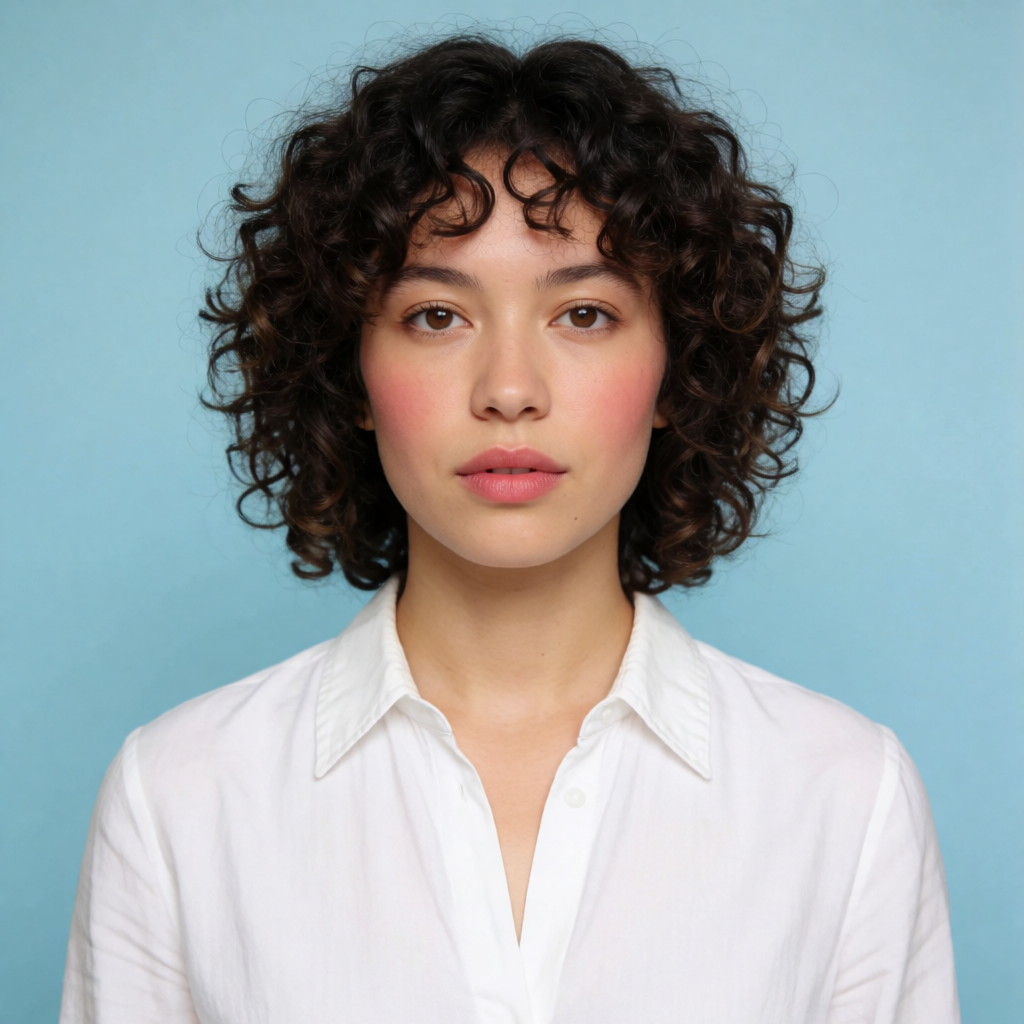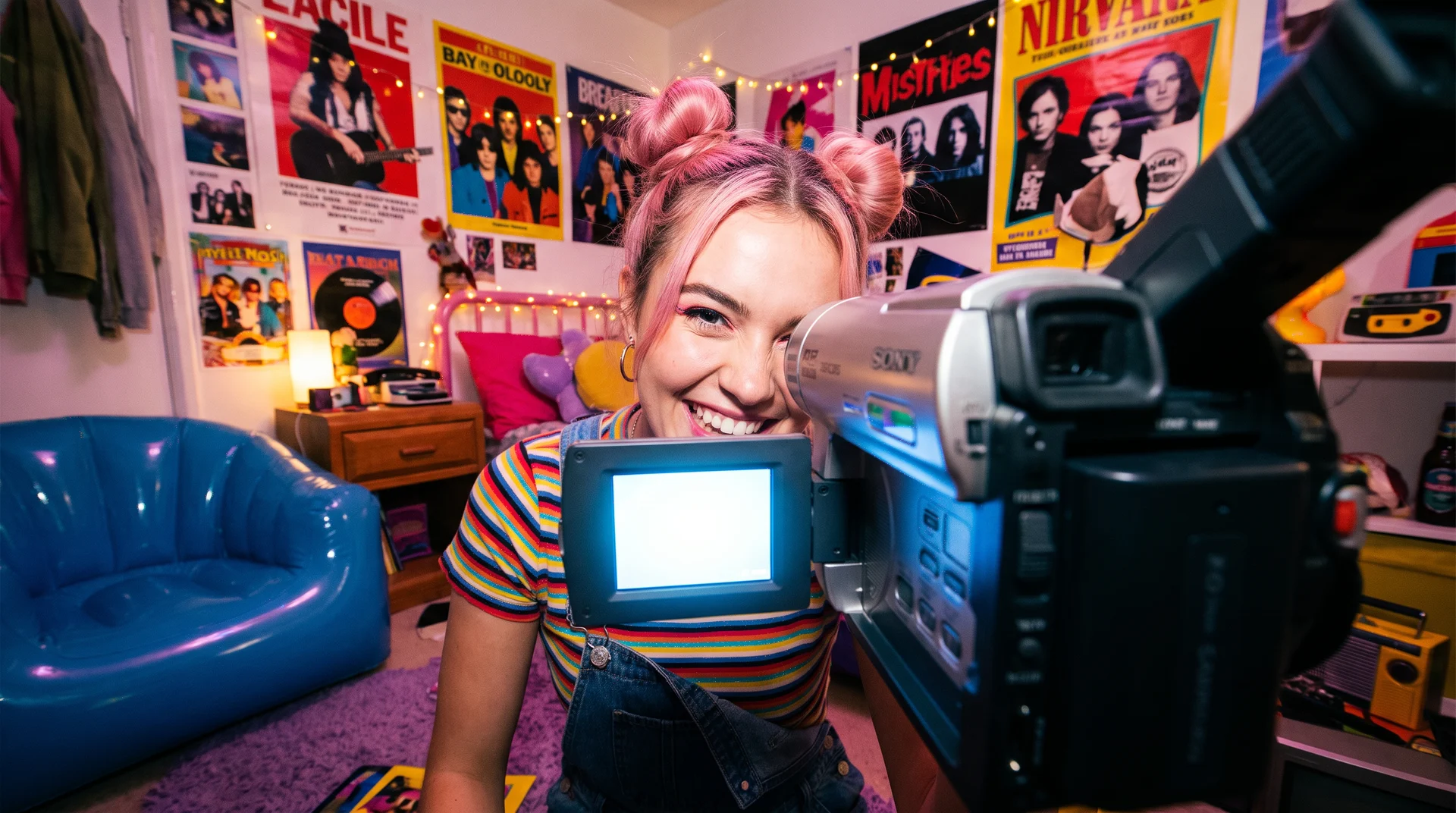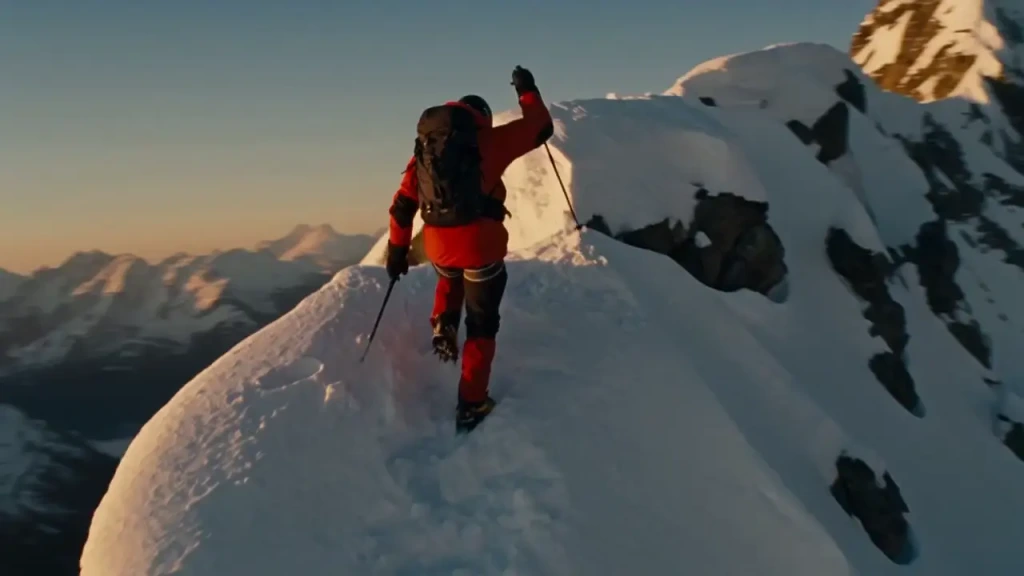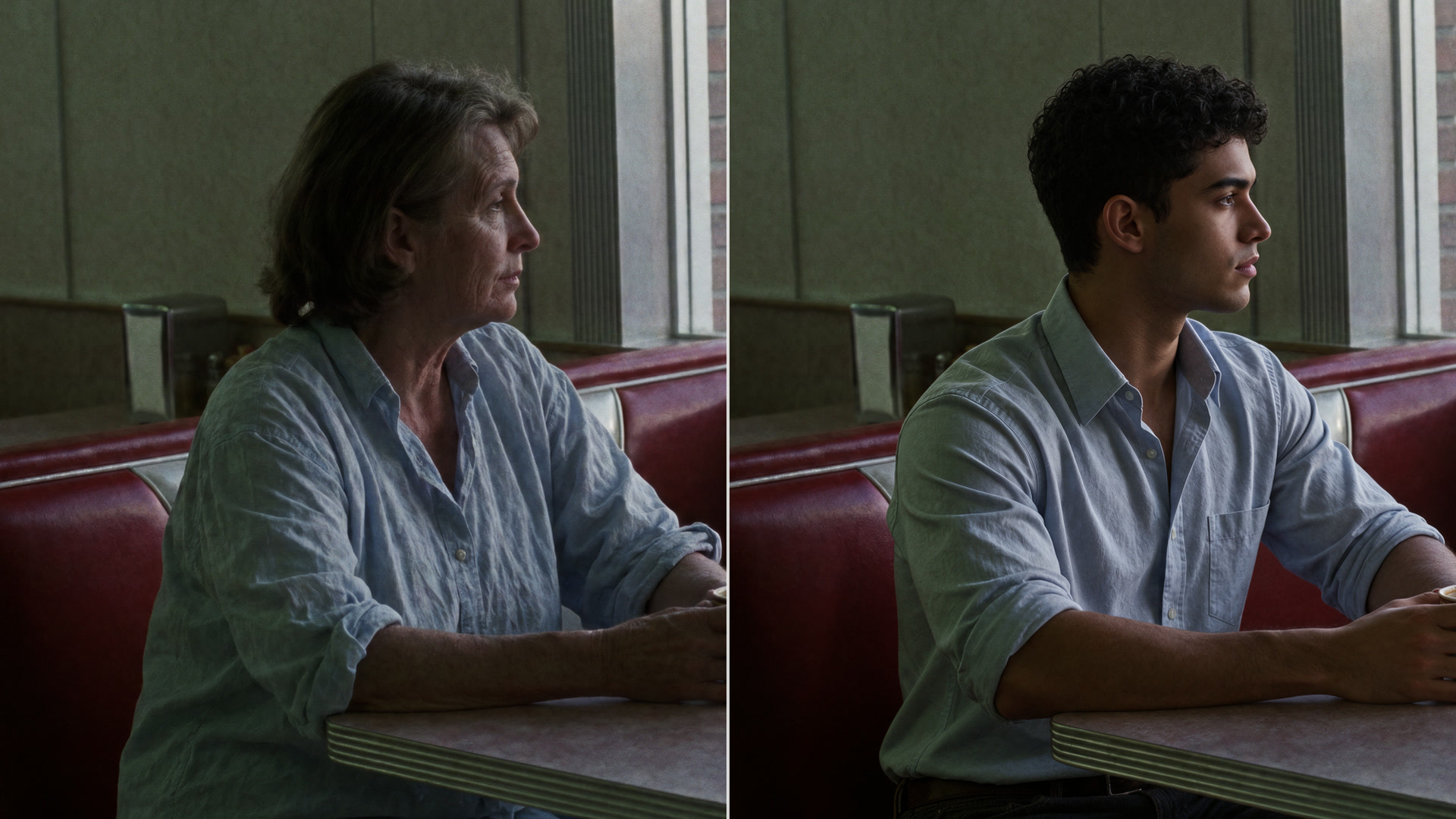
The best AI video face swap tool in 2026 depends on what you need to replace and how long the clip is. For swapping a whole character (face, hair, outfit and body) into a short clip while keeping the motion, camera and sound, Krea Video Swap and Higgsfield Genjutsu are the strongest, with Krea taking up to 4 references and Higgsfield up to 30. For a quick free face-only swap, Magic Hour gives 3 free swaps a day with no account. For long videos, Akool and Vidnoz handle minutes of footage, and VisionStory goes to 3 minutes at 1080p. Viggle is the pick for meme and dance templates.
This guide compares eight AI face swap tools for video on what actually decides the choice: free tier, longest clip, output resolution, watermark, whether it swaps only the face or the full character, and price. Every number comes from the vendor’s own pages, checked on 17 November 2026, and we link the source. Where a vendor does not publish a number, we say so instead of guessing. Krea is our product. We say where it wins and where it doesn’t, including that it has no free tier for video swaps.
The best AI video face swap tools at a glance
| # | Tool | Best for | Free option | Longest clip | Max resolution | Face only or full character |
|---|---|---|---|---|---|---|
| 1 | Krea Video Swap | Swapping whole characters, outfits and objects in short clips, with audio kept | No (paid plans from $9/month, $5 billed yearly) | 29–30 s | 1080p | Full character, outfits, objects, background |
| 2 | Magic Hour | Quick free face swaps, multiple faces, API | 3 swaps/day, 10 s, 480p, watermarked, no account | Not published for paid plans | 1080p (4K on Pro+) | Face (head and body swap are separate tools) |
| 3 | Higgsfield (Face Swap, Genjutsu, Recast) | Character and object swaps with many references | 5 free image face swaps/day; video is paid | 30 s (Genjutsu) | 1080p (Genjutsu) | Both |
| 4 | VisionStory | Longer face swaps, face-only or full-body mode | 10 credits on sign-up | 3 min | 1080p | Both (two modes) |
| 5 | Viggle | Meme, dance and sports templates | Daily free credits, watermarked | 1 min (Pro), 10 min (Live, Max) | Not published | Face plus full-body motion |
| 6 | Akool | Long videos and multi-face swaps | 30 s, 720p, watermarked | 5 min (Pro), up to 15 min (Business) | 1080p on Pro, higher on top tiers | Face |
| 7 | Vidnoz | Very long videos | Daily free use (amount not published) | 50 min | 1080p | Face |
| 8 | OpenArt | Swapping into a saved character from a library | Start for free (limits not published) | Not published | Not published | Face, plus a separate character-replace tool |
Swap a whole character, not just a face
Upload a video and up to 4 reference images. Krea Video Swap replaces people, outfits and objects while the motion, camera and sound stay.
Try Krea Video SwapHow we picked
We started from the tools people actually search for and compare: the pages that rank for “video face swap” and “face swap video,” and the names that come up most in “best face swap app” threads. Then we checked each one on its own site on 17 November 2026: Magic Hour’s video face swap page and pricing, Higgsfield’s Face Swap, Recast and Genjutsu announcement, VisionStory’s face swap page and pricing, Viggle’s face swap page and pricing, Akool’s face swap page and pricing, Vidnoz’s face swap page and pricing, OpenArt’s video face swap page and pricing, and Krea’s pricing.
We left out tools that market themselves around adult content or real-time impersonation, and tools that only work on photos. We did not run paid quality tests on every tool for this post, so it makes no ranking of output quality. Face swap quality changes with each model update, and the fair test is your own clip on two or three of these.
What to look for in an AI video face swap tool
Six things decide whether a tool fits the job:
- Clip length. Most AI swaps are short. Model-based tools (Krea, Higgsfield Genjutsu) work on clips up to about 30 seconds. Classic face-swap tools (Akool, Vidnoz, VisionStory) handle minutes of footage, but only replace the face.
- Resolution. 1080p is the norm on paid plans. Free tiers usually drop to 480p or 720p.
- Face only or full character. A face swap keeps the original body, hair and outfit. A character swap replaces the whole person: face, hair, clothes, even a stylized or 3D character. Some tools also swap objects and backgrounds.
- Watermark. Almost every free tier watermarks the output. Check before you plan to post.
- Price model. Credits, per-second pricing and per-swap pricing make the same 10-second clip cost very different amounts. Look for a live cost preview.
- Consent policy. Reputable tools require you to have rights to the footage and permission from every person whose face you use. If a tool doesn’t say so, that tells you something.
1. Krea Video Swap: best for full character, outfit and object swaps
Krea Video Swap replaces people, faces, outfits, objects or the background in an existing video and keeps everything else: the original motion, camera moves, cuts and audio. You upload one source video and 1 to 4 reference images, and optionally say what goes where (“the second image replaces the man on the left”). If you don’t, Krea works out what each reference replaces. A person reference can even replace a non-person, like a car or an animal.
It runs on three models, chosen per job:
| Model on Krea | Source clip length | Resolution | Notes |
|---|---|---|---|
| Standard (Seedance 2.5) | 4–29 s | 480p, 720p, 1080p | Full swap pipeline; swapped speakers lip-sync to the original voice |
| Lite (Wan 3.0) | 4–15 s | Up to 1080p | Lower cost |
| Recast (MiniMax H3 Max Recast) | 5–30 s | 768p, 1080p | People only, one photo per person |
Video Swap accepts mp4, mov, webm and ogg video, and jpg, png, webp, avif and heic references. It’s also available outside the web app: through the Krea API, as the swap_video tool on Krea’s MCP server for Claude and other agents, and inside Krea Agent. To make a reference character first, generate one with Krea 3 or edit a photo with Krea’s face swap for images, then swap it into your video and upscale the result with the video upscaler.
Pricing, from krea.ai/pricing on 17 November 2026: Video Swap needs a paid plan. Basic is $9/month ($5/month billed yearly) with 5,000 compute units, Pro is $35/month ($21 billed yearly) with 20,000, and Max is $70/month ($42 billed yearly) with 40,000. A 10-second swap at 720p uses roughly 2,850 to 4,000 units depending on the model, and the panel shows the exact cost before you run it. Paid plans include a commercial license.
Where Krea stops: there is no free video swap, so you can’t test it without a plan. Clips top out at about 30 seconds, so long videos need cutting into segments or a long-form face-swap tool. There is no template library of trending clips; you bring your own footage. Close-ups and scenes with several people talking are harder cases, so expect to run a second take.
2. Magic Hour: best free face swap to try with no account
Magic Hour is the easiest way to try a video face swap for free. Its page says you get “3 free video or GIF face swaps per day in total,” “up to 10 seconds each” at 480p, and you can start with “No account required.” Free output is watermarked. A Multi mode maps each face in the video to a different source photo, and Magic Hour has separate head swap, body swap and character replace tools.
Pricing: Creator is $19/month ($12/month billed yearly), Pro $39 ($25 billed yearly), and Business $99 ($66 billed yearly), plus one-time credit packs from $10. Paid output is watermark-free, at 720p and 1080p from Creator, with 4K on Pro and above when the source supports it. There is also a face swap API from $0.023 per second. Commercial use is for paid subscribers and credit-pack buyers only.
Where it stops: the free tier is short, low-resolution and watermarked. The main face swap tool replaces only the face; full-character swaps live in a separate tool. Magic Hour states you “must have rights to the source media and every face you use.”
3. Higgsfield: best for character and object swaps with many references
Higgsfield offers three tools for swapping in video. Face Swap works on photos and videos; the free tier is “5 free image face swaps per day,” and video swaps need a paid plan. Recast replaces a whole character in a video from a single image. Genjutsu, the newest and most capable, has two modes: Motion Transfer rebuilds a new scene around a video’s motion, and Object Swap changes a selected character, outfit, product, location or object while keeping the rest of the shot.
Genjutsu takes “one input video up to 30 seconds long” with “up to 30 reference photos,” and outputs “up to 1080p.” A Lite version launched on 20 October 2026 for 4–30 second clips with up to 10 references. It’s available on the web and through Higgsfield’s API and MCP.
Pricing: Higgsfield publishes per-clip credit costs for Genjutsu. A 15-second Object Swap costs 48 credits ($2.35) at 480p, 112 credits ($5.49) at 720p and 320 credits ($15.68) at 1080p. Genjutsu Lite costs 96 credits ($4.70) at 720p and 192 ($9.41) at 1080p. Higgsfield’s plan prices change often and its pricing page did not load plan details for us, so check higgsfield.ai/pricing before you buy. Paid plans include commercial use.
Where it stops: video swaps are paid only, and 1080p swaps are expensive per clip. With three separate tools, it takes a minute to work out which one you need. For a fuller breakdown of the credit system, see Higgsfield pricing explained and Is Higgsfield AI free?.
4. VisionStory: best for longer swaps with a face-only or full-body choice
VisionStory’s video face swap is the clearest about what it swaps. It has two modes: Face only (“replace the face while keeping the source body, outfit, and performance”) and Full body (“bring in the reference person’s face, hairstyle, and clothing while following the source performance”). Both keep the original scene and audio. Videos can run “up to 180 seconds (3 minutes)” at “up to 1080p,” and the face swap page says results carry no watermark.
Pricing: the Free plan gives 10 credits on sign-up plus a small weekly visit bonus. Pro is $9.99/month (120 credits), Advanced $29.90 (480 credits) and Ultra $99.90 (1,920 credits), with annual plans priced at 10 months. Paid plans include commercial use. VisionStory does not list the credit cost of one face swap on its pricing page.
Where it stops: a small free allowance, and no published cost per swap, so it’s hard to predict how many swaps a plan covers. It swaps people only, not objects or backgrounds.
5. Viggle: best for meme, dance and sports templates
Viggle is built for fun, shareable clips. It has “over 10,000 video templates” across sports, dance, K-pop, drama and memes, so you can pick a clip instead of finding one. You upload a face photo, and Viggle maps “your face, head shape, expressions, and full-body motion” onto the video. It handles “up to 5 characters in one upload” and runs on the web, iOS and Android.
Pricing: free accounts get daily free credits, with a watermark on the output. Pro is $7.99/month (shown discounted from $9.99) with 80 credits and videos up to 1 minute. Live is $15.99/month with 200 credits and videos up to 10 minutes, and Max is $63.99/month with 800 credits. Paid plans remove the watermark. Viggle does not publish output resolution on these pages.
Where it stops: it’s template-first, so it suits memes better than client work, and resolution and commercial terms aren’t stated on the pricing page. Viggle’s own guidance is to “ask everyone before you use their face.”
6. Akool: best for long videos and multi-face swaps
Akool’s face swap is aimed at marketing teams and long footage. It “detects every face in the frame,” and you can give each person a different replacement face. The free plan covers photo and video face swaps “with a watermark, video uploads up to 30 seconds and 150MB, and output up to 720p.” Akool’s pages list longer limits on paid plans: up to 5 minutes on Pro, 10 minutes on Pro Max and 15 minutes on Business.
Pricing: Starter is $12/seat/month, Pro $30/seat/month ($21 billed yearly) with 600 credits, Pro Max $59/seat/month and Business $249/seat/month. Pro adds multi-face detection and removes the watermark, with face swaps up to 1080p; higher tiers go above that. Akool’s face swap page and its pricing page disagree on the Starter plan’s watermark and clip length, so confirm on the plan you pick.
Where it stops: face only, no outfit or character swap. Per-seat pricing adds up for teams. Akool’s guidance: swapping “your own face, a consenting person’s face or a licensed synthetic face is generally fine.”
7. Vidnoz: best for very long videos
Vidnoz’s face swap handles the longest footage in this list: its page lists a “maximum 50-minute video duration,” 1080p output and multiple face swaps in one video. There is daily free use, but Vidnoz doesn’t publish how many swaps it covers, and paid plans remove the watermark.
Pricing: the pricing page lists Starter at $15/month and Business at $30/month, with a discount on the first month and on yearly billing. The pricing page covers Vidnoz’s avatar videos and does not break out face swap limits.
Where it stops: face only. The free allowance for face swaps isn’t published, and the consent guidance on the page is limited to “do not use unauthorized images and videos.”
8. OpenArt: best for swapping into a saved character
OpenArt’s video face swap runs on several video models, which it names as “Seedance 2.0, Kling Omni, Google Veo 3.1, Wan 2.7, and many more.” You can upload a reference face or “pick a character from the OpenArt Characters library,” which helps if you reuse the same character across videos. Most swaps “finish in minutes.”
Pricing: you can start for free, but OpenArt doesn’t publish free limits for video face swap. Paid plans start at Starter, $14/month with 4,000 credits but no commercial license. Plus is $34/month (from $27/month with yearly billing) with 12,000 credits and commercial use.
Where it stops: OpenArt doesn’t publish clip length, resolution or credit cost for a face swap on its page, so you find out by running one. It asks that you “make sure you have the rights and consent for the faces and footage you use.”
How to choose the right AI face swap tool for video
- You want to try a face swap for free, today → Magic Hour. Three 10-second swaps a day, no account, with a watermark.
- You need to replace a whole character, outfit or object and keep the sound → Krea Video Swap or Higgsfield Genjutsu. Krea for up to 4 references with the API and MCP; Genjutsu for up to 30 references.
- Your clip is minutes long → VisionStory (3 minutes), Akool (5 to 15 minutes on paid plans) or Vidnoz (50 minutes).
- You want to choose between face-only and full-body on one page → VisionStory.
- You want a ready-made meme or dance clip → Viggle and its template library.
- You’re comparing price → check the cost of one 10-second clip at the resolution you need, not the plan price. Per-second pricing (Krea, Magic Hour’s API) and per-clip credit tables (Higgsfield) are the easiest to predict.
- You’ll post the result commercially → pick a paid plan that includes a commercial license. Magic Hour, OpenArt Starter and most free tiers don’t.
How to swap a character in a video with Krea
- Pick a clip. 4 to 30 seconds, with the person you want to replace clearly visible. Footage you shot or have the rights to.
- Add 1 to 4 references. A clear, well-lit photo of the new character, plus optional outfit, object or background references. You can generate a character with Krea 3 or swap a face into a photo first with AI Face Swap. Our step-by-step photo face swap guide covers that part.
- Say what goes where (optional). For example, “the first image replaces the woman on the right.” Krea plans it for you if you leave it blank.
- Choose a model and resolution. Standard (Seedance 2.5) for the full pipeline and lip sync, Lite (Wan 3.0) for lower cost, Recast for people-only swaps up to 30 seconds.
- Run it and check the result. The original motion, camera and audio stay. If you need a larger file, upscale the swap with the video upscaler.
Use face swap responsibly
Video face swaps are easy to make and easy to misuse. A few rules hold across every tool here:
- Get consent. Only use a person’s face or likeness with their permission, and only use footage you have the rights to.
- Don’t deceive. Don’t present a swapped video as real footage of someone, and don’t use it to impersonate, defraud or harass anyone.
- No intimate or sexual content of real people, and nothing involving minors. This is prohibited on Krea and on every reputable platform, and illegal in many places.
- Label it when it matters. In ads, news-like content or anything that could be mistaken for real, say the video is AI-edited.
- Read the platform rules. Social networks increasingly require AI-generated or altered content to be labeled.
Original characters avoid most of these problems. Every example in Krea’s Video Swap gallery uses characters generated on Krea, not real people.
FAQ
Frequently asked questions
What is the best AI face swap tool for video in 2026?
What is the best face swap app?
Is there a free AI video face swap?
What is the difference between a face swap and a character swap?
How long can a face swap video be?
Can I swap faces without a watermark?
Can I swap more than one face in a video?
Does AI face swap keep the original audio?
Is it legal to face swap a video?
Can I use AI video face swap through an API?
Replace anyone in your video, keep the shot
Upload a clip and up to 4 references. Krea Video Swap keeps the motion, camera and sound, up to 1080p.
Try Krea Video Swap