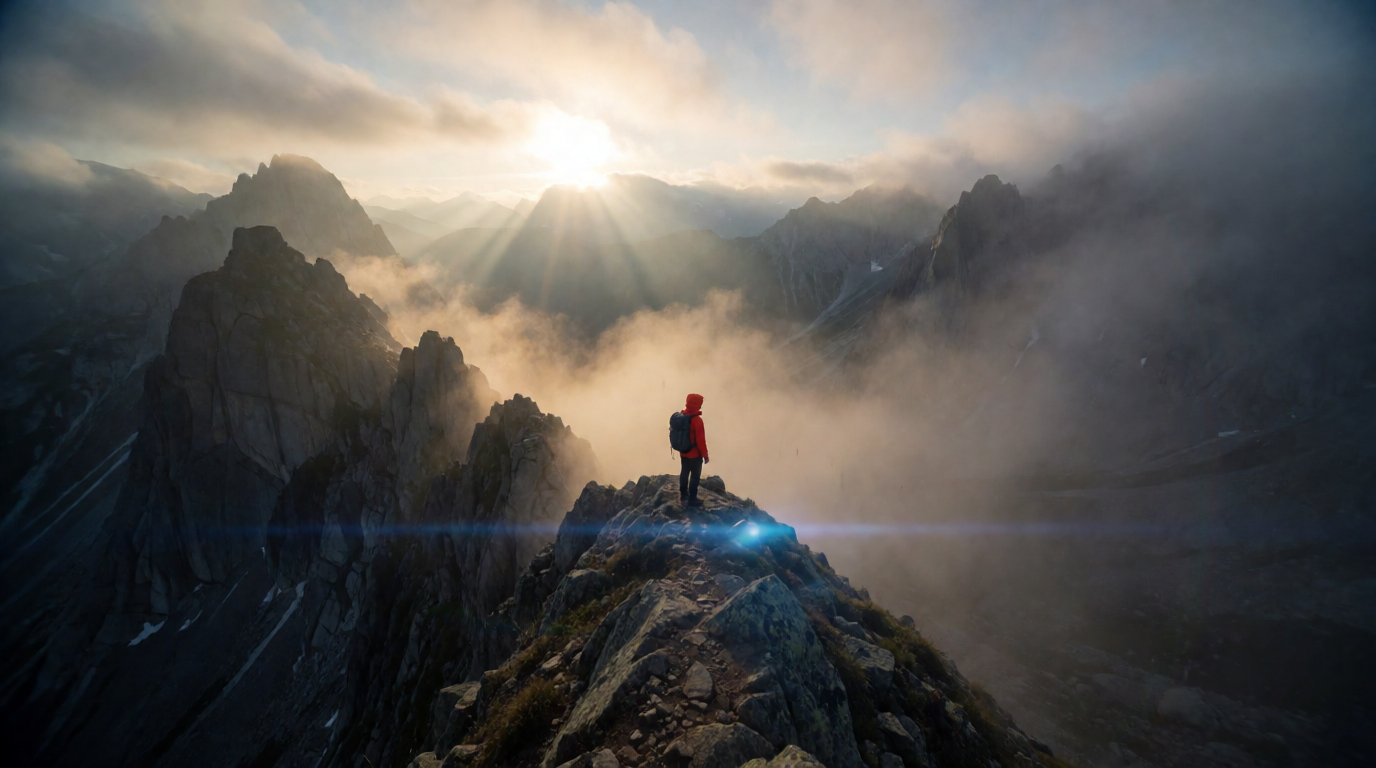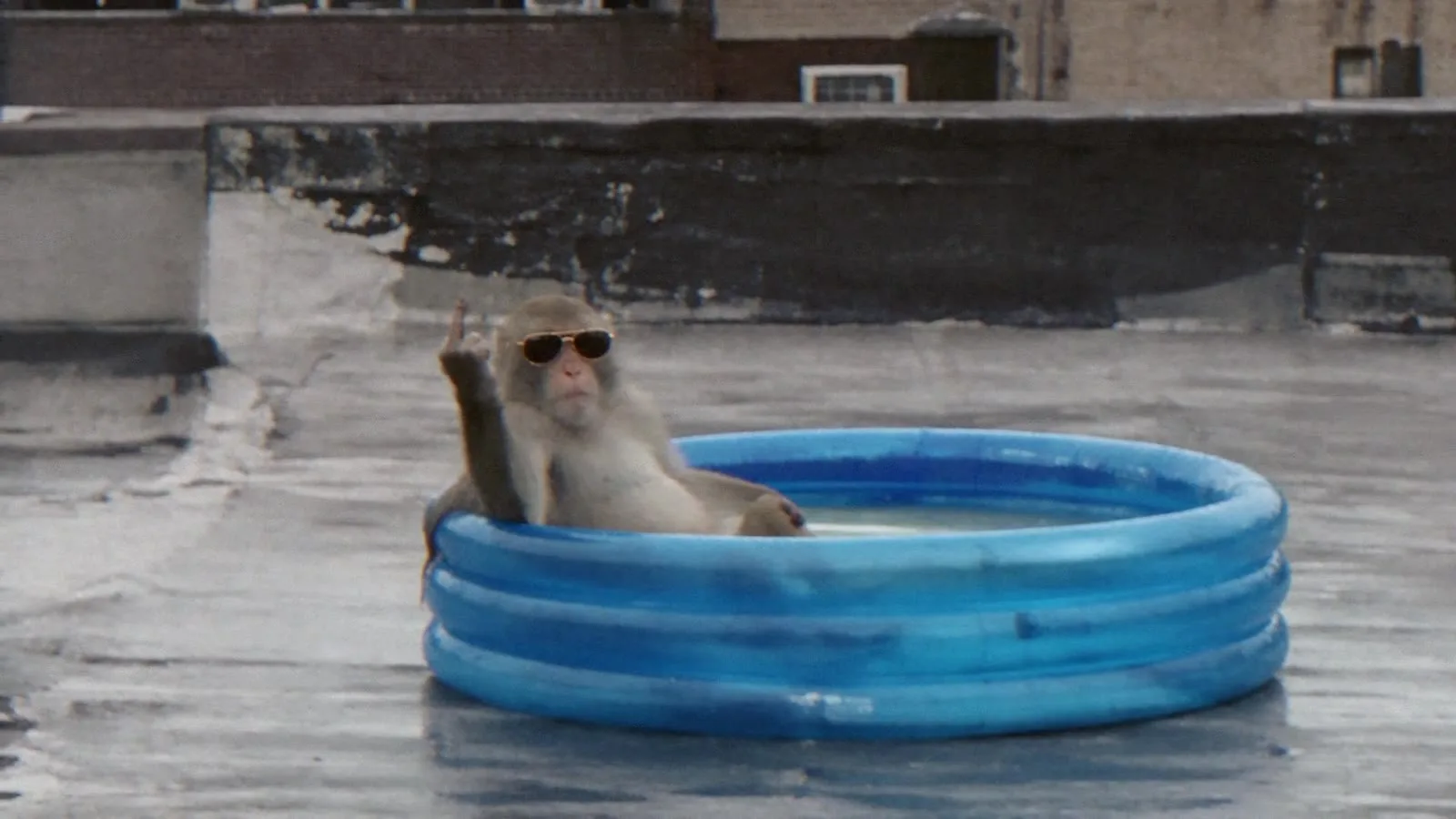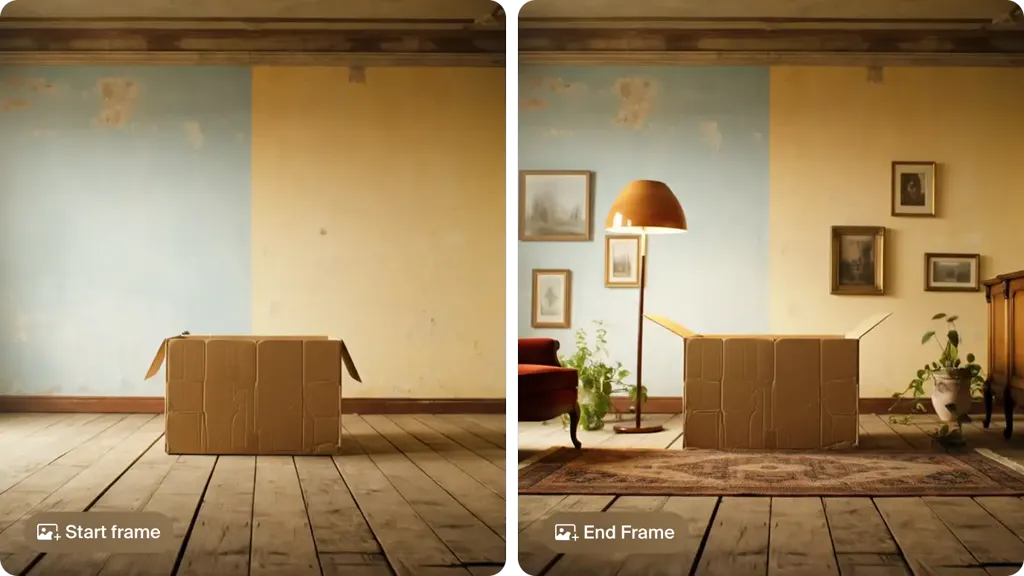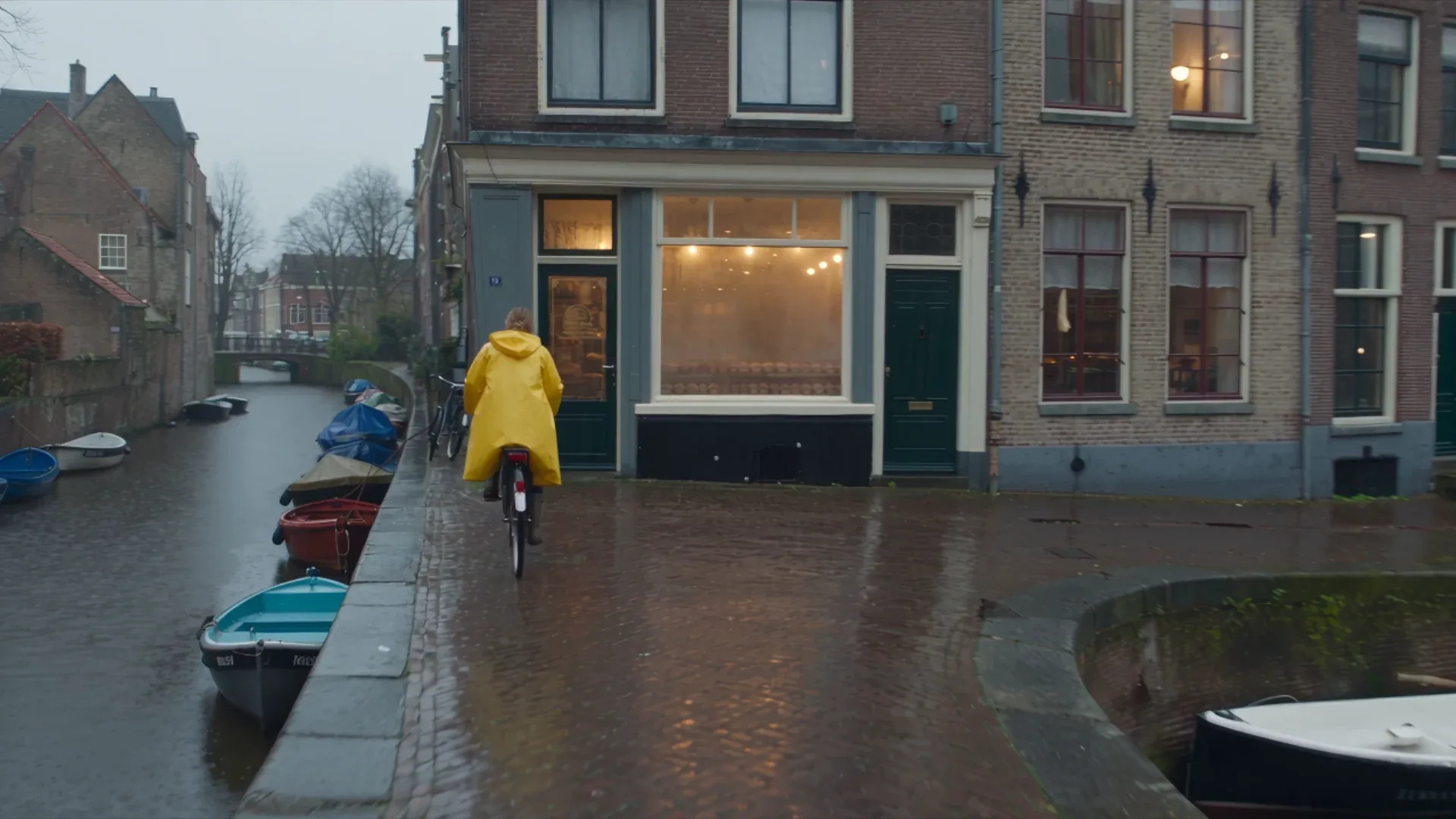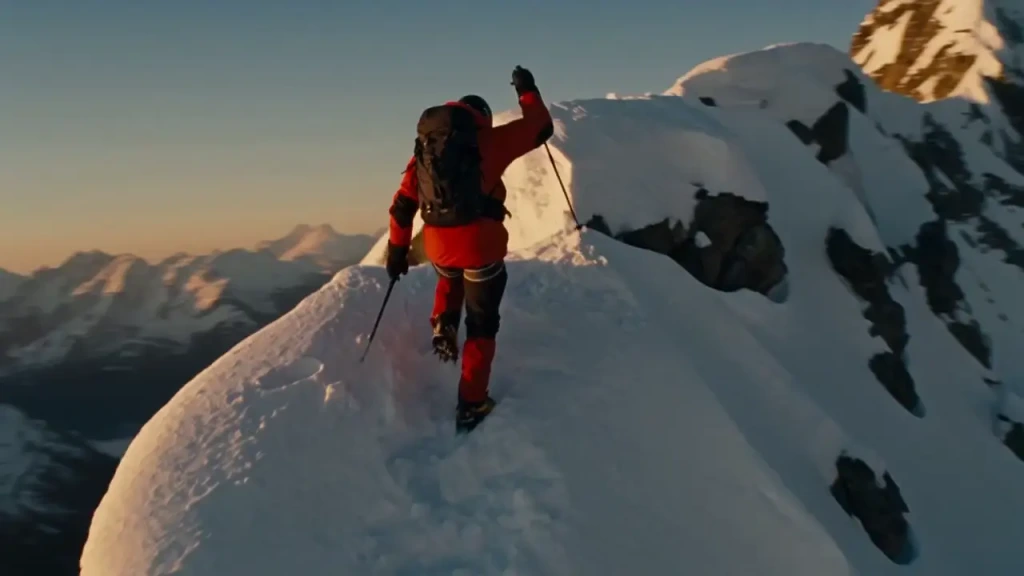
Every AI video generator says it is “cinematic.” For most of them, that means a teal-and-orange grade and a slow push-in. A cinematic AI video generator does more than that. It follows a named camera move, holds a lens look and lighting setup for the whole shot, keeps a character the same from first frame to last, and runs long enough to tell a beat of story. Some also generate the sound.
The best cinematic AI video generator in 2026 depends on the shot. Seedance 2.5 is the strongest for long single takes, with up to 30 seconds per clip and up to 50 references. Veo 3.1 is the most photoreal in short shots, with native audio and up to 4K on Krea. Kling 4 handles human motion and action best. Runway gives the most directorial control. Luma Ray3.2 is built for HDR finishing. Higgsfield Cinema Studio wraps several models in a shot-planning interface. Krea’s AI video generator runs Seedance 2.5, Veo 3.1, Kling 4, and more side by side, so you can send one brief to several models and keep the best take. Most cinematic lists, including Higgsfield’s, leave out the multi-model workspace that already runs Seedance 2.5 next to Veo and Kling.
This guide compares them on what actually makes footage look like film. Specs come from each vendor’s own pages, checked on 5 November 2026.
What makes an AI video generator cinematic?
Look past the sample reels and judge a cinematic AI video generator on six things:
- Camera language. Does it execute “slow dolly forward,” “low tracking shot,” or “crane up to reveal” as written, or does it drift?
- Lens and light. Shallow depth of field, rim light, practical lamps, and volumetric fog should hold steady through the shot, not flicker between frames.
- Shot length. A 5-second clip is a GIF. 15–30 seconds is a scene. Longer single takes mean fewer cuts to hide.
- Continuity. The same face, wardrobe, and product across shots. Reference inputs (images, video, audio) do most of the work here.
- Resolution and finishing. 1080p is the floor for anything shown on a big screen. 4K output or a clean upscale, plus HDR for grading, separates final footage from drafts.
- Sound. Native audio (ambience, footsteps, dialogue) generated in the same pass as the picture saves a whole post-production step.
The best cinematic AI video generators at a glance
| # | Generator | Best for | Max clip | Resolution | Native audio | Where to use it |
|---|---|---|---|---|---|---|
| 1 | Seedance 2.5 | Long single takes, reference continuity | 30 s | Up to 1080p | Yes | Krea (Pro), ByteDance |
| 2 | Veo 3.1 | Photoreal short shots with sound | 8 s | Up to 4K on Krea | Yes | Krea, Google Flow, Gemini |
| 3 | Kling 4 | Human motion and action | 3–30 s | 720p or 1080p | Stereo on Kling’s own app | Krea, Kling |
| 4 | Runway Gen-4.5 | Directorial control: keyframes, video-to-video | Short clips | Not published for Gen-4.5 | Not published | Runway, Krea (Pro) |
| 5 | Luma Ray3.2 | HDR grading and restyling footage | 5–10 s (20 s Modify) | Up to 1080p, 16-bit HDR / EXR | No (Modify keeps source audio) | Luma |
| 6 | Higgsfield Cinema Studio 4.0 | Shot planning with camera tags | Up to 1 min (Higgsfield’s claim) | “Native 4K” (Higgsfield’s claim) | Not stated | Higgsfield |
Run one brief through every cinematic model
Send the same prompt and references to Seedance 2.5, Veo 3.1, and Kling 4, then keep the best take.
Open Krea's AI video generatorHow we chose
We ranked the models on the six criteria above. Clip length, resolution, references, and audio come from each vendor’s page: Krea’s model pages for Seedance 2.5, Veo 3.1, and Kling 4, Runway’s Gen-4.5 announcement, Luma’s Ray page, and Higgsfield’s Cinema Studio page. Where a vendor does not publish a number, the table says so instead of guessing. The clips embedded below are Seedance 2.5 generations made on Krea with the exact prompt shown. We do not show competitor output as if it were our own.
1. Seedance 2.5: best for long cinematic takes
Seedance 2.5, ByteDance’s latest video model, is the closest thing to directing a full shot in one pass. It generates any whole-second duration from 4 to 30 seconds at 480p, 720p, or 1080p, with audio generated in the same pass. It accepts up to 50 references (30 images, 10 videos, 10 audio files), so each character, prop, and location gets its own anchor and stays stable through a 30-second take. It also edits, extends, and reframes existing clips, so you can fix a shot without starting over.
Prompt:
A pale pink Victorian house stands in dense night fog, glowing with warm light from curtained windows. Slow dolly forward along the front path, volumetric fog catching the glow, cool moonlit rim light playing against the warm interiors. Distant wind chimes and muffled night ambience rise gently as the camera approaches the porch.
Why it is cinematic: it holds a single named camera move (“slow dolly forward”) while the lighting contrast (cool moonlight against warm windows) stays consistent, and the ambience rises as the camera gets closer.
Where it stops: 1080p is the ceiling, so 4K delivery needs an upscale (Krea’s video enhancer handles that). On Krea it requires the Pro plan or above. For more shots like this, see our 10 best Seedance 2.5 prompts for cinematic AI videos.
2. Veo 3.1: best for photoreal short shots with sound
Google’s Veo 3.1 is the photorealism pick. Skin, fabric, water, and light behave the most like real footage, and the model generates context-aware audio, including dialogue, with the picture. On Krea it outputs up to 4K, takes 1–3 reference images to keep a subject consistent, and supports first-and-last-frame control. That makes it good at landing a shot exactly on a planned end frame.
Prompt pattern that works:
A drone shot follows a vintage convertible along a coastal cliff road at golden hour, turquoise sea below, the camera slowly pulling up and away to reveal the whole coastline, warm cinematic grade, gentle wind sound.
Why it is cinematic: Veo follows stated camera moves better than mood adjectives, and its native audio makes a single 8-second clip feel finished.
Where it stops: clips top out at 8 seconds, so scenes are built from cuts or extensions, not single takes. For a side-by-side test, see Seedance 2.5 vs Veo 3.1.
3. Kling 4: best for cinematic human motion and action
Kling 4, released on 14 October 2026, is the model to use when people move: fights, dance, sport, running through a crowd. It generates single continuous clips of 3 to 30 seconds, chosen per second, at 720p or 1080p. It takes up to 9 image references and 5 video references, tagged in the prompt as @Image1 or @Video1, so you can pin a character’s look and borrow a motion from a reference clip.
Prompt pattern that works:
@Image1 sprints through a rain-slicked neon alley at night, handheld tracking shot from behind, then the camera pushes forward as she vaults over a fallen crate, blue and magenta rim light, wet reflections.
Why it is cinematic: body mechanics (weight shifts, cloth, impact) hold up at action speeds where other models blur or melt limbs.
Where it stops: Kling’s own app advertises two-channel stereo audio, which Krea’s Kling 4 selector does not currently offer. Plan to add sound in a separate step if you generate there. For the previous generation’s matchup, see Seedance 2.5 vs Kling 3.0.
4. Runway Gen-4.5: best for directorial control
Runway has long been the filmmaker’s AI video tool. Gen-4.5 launched on 1 December 2025 at #1 on the Artificial Analysis text-to-video leaderboard with 1,247 Elo. Runway’s appeal for cinematic work is control rather than raw length: keyframes, image-to-video, and video-to-video let you block a shot, then restyle or re-time real footage instead of rolling the dice on a fresh prompt.
Why it is cinematic: keyframe and video-to-video workflows map onto how editors and directors already think. You define the frames and the model fills the motion.
Where it stops: Runway’s Gen-4.5 announcement does not publish duration, resolution, or audio specs, and the model has been out for almost a year, so newer models now beat it on clip length. Gen-4.5 is also on Krea’s Pro plan, next to Seedance, Veo, and Kling, so you can keyframe in Runway and compare against newer models in the same workspace.
5. Luma Ray3.2: best for HDR finishing and restyling
Luma’s Ray3.2 is the finishing-room pick. It is the only model here with native 16-bit HDR generation and EXR export in the ACES2065-1 color space, so its output can drop into a professional grade. It takes up to 16 keyframes, and its Modify Video mode restyles existing footage up to 20 seconds long while keeping your original audio.
Why it is cinematic: HDR and EXR give a colorist real latitude. You grade the footage like camera files instead of fighting a baked-in 8-bit look.
Where it stops: text-to-video and image-to-video clips are 5 or 10 seconds at up to 1080p, with no native audio. It is a finishing tool more than a first-draft generator.
6. Higgsfield Cinema Studio 4.0: best for shot planning in one interface
Cinema Studio 4.0 is Higgsfield’s filmmaking workspace, not a model of its own. Seedance and other models run inside it, and you pick the engine per shot. Camera moves are tags (“Static, handheld, zoom, pan — every move is a # tag,” in Higgsfield’s words), and a color-grading panel adjusts temperature, contrast, and presets. Higgsfield’s product page claims up to one minute per generation in “native 4K.”
Why it is cinematic: the interface makes you think in shots and camera moves instead of one long prompt.
Where it stops: it is credit-metered, and Cinema Studio costs more credits than calling a model directly. Our Higgsfield pricing breakdown found 25 credits for five seconds at 720p, versus 8 for Wan 2.7. Higgsfield’s own blog lists different limits (30 seconds, 1080p) than its product page (one minute, native 4K), so check what your plan renders before you commit.
Where to run cinematic AI video models together: Krea
Most cinematic projects need more than one of these models. You might want Veo for the photoreal close-up, Kling for the action beat, and Seedance for the 30-second establishing take. Krea’s AI video generator puts them in one workspace:
- Seedance 2.5, Veo 3.1, Kling 4, Kling 3.0, MiniMax H3 Max, Wan 3.0, and Runway Gen-4.5 in one model picker, with over 20 video models on the Pro plan.
- Same brief, several models. Run one prompt and the same references across models and compare the takes side by side.
- Extend and merge. Trim a clip, continue it from the final frame, or generate a transition between two clips to build a longer scene.
- Look development on images first. Lock the frame, palette, and character in stills, then animate only the approved ones. That is where most of a video budget gets saved.
- Upscale for delivery. Take 1080p takes up to 4K with Krea’s video enhancer.
- Continuity with Nodes. Krea Nodes wires the whole pipeline into one graph: the same character references and look-development frames feed every shot, whichever model renders it. Save the graph and the next scene starts from the same inputs, and your team can build and run it together, live.
Plans: Free is $0 with 100 compute units a day, Basic is $9/month with selected video models, and Pro is $35/month (billed monthly) with all video models, including Veo 3.1, Seedance 2.5, and Kling 4. See Krea’s pricing page for annual rates. For the free routes across all tools, see the best free AI video generators in 2026.
Higgsfield alternative: the same Seedance 2.5, priced side by side
If you came here looking for a Higgsfield alternative, the model is not the difference. Seedance 2.5 is the same ByteDance model on both platforms, with the same 4–30 second range, 480p to 1080p output, and native audio. The difference is what you pay per second and what sits around the model.
Here is what one 5-second Seedance 2.5 clip with audio costs:
| Same 5-second Seedance 2.5 clip | 480p | 720p | 1080p |
|---|---|---|---|
| Krea app (compute units from your plan) | ~380 CU | 856 CU | ~2,106 CU |
| Krea API (ByteDance list rate) | $0.51 | $1.16 | $2.84 |
| Higgsfield API (list rate) | $1.03 | $2.31 | $5.69 |
Krea’s API rates match ByteDance’s BytePlus price table: $0.1027, $0.2311, and $0.5686 per second. Higgsfield’s list API rates are $0.2056, $0.4622, and $1.1372 per second, about twice as much at every resolution. Higgsfield does not publish a per-clip credit cost for Seedance 2.5 inside its app, so that row is missing rather than guessed. In the Krea app, the generate button shows the exact compute-unit cost before you commit, and draft mode renders a 480p preview at the 480p rate. Full Seedance 2.5 pricing, including 30-second takes and video-reference billing, is in our Seedance 2.5 cost-per-video breakdown.
What you get around the model matters as much as the price. On Krea, Seedance 2.5 sits in the same picker as Veo 3.1, Kling 4, and Runway Gen-4.5, and Nodes keeps references and look-development frames attached to every shot of a scene. That continuity is what Cinema Studio’s shot tags do not cover.
How to write a cinematic AI video prompt
The same structure works across Seedance, Veo, Kling, and Runway. Write it in this order:
- Subject and action. One clear action per shot (“glances backward over her shoulder”).
- Setting and time of day. “Golden hour,” “dense night fog,” and “rain-slicked neon alley” set the light before you describe it.
- Camera. Name the move and the lens: “slow push-in on a handheld 35mm frame,” “low tracking shot,” “orbit 180 degrees.”
- Light and grade. Key, rim, and practicals, then the grade: “cool moonlit rim light against warm interiors,” “subtle film grain.”
- Sound. Only on models with native audio: “ambient street noise and a soft gust of wind synchronized with the hair movement.”
Prompt for the clip above:
A young woman with windswept dark hair and an oversized brown hoodie glances backward over her shoulder. Striking sunlight cuts across her face in golden-hour warmth, strands of hair lifting in the wind. Slow push-in on a handheld 35mm frame, shallow depth of field, subtle film grain. Ambient street noise and a soft gust of wind synchronized with the hair movement.
Two habits matter more than any adjective. Name the camera move instead of describing the mood, and give every recurring character a reference image. Our Seedance 2.5 prompt guide goes deeper on reference tagging.
Which cinematic AI video generator should you pick?
- A 15–30 second scene in one take: Seedance 2.5.
- The most photoreal 8-second shot, with dialogue or ambience: Veo 3.1.
- Fights, dance, sport, crowds: Kling 4.
- Keyframed shots or restyling real footage: Runway Gen-4.5.
- HDR footage headed to a colorist: Luma Ray3.2.
- A shot-planning interface on top of models you already use: Higgsfield Cinema Studio.
- A short film that needs several of these: run them side by side on Krea and cut the best takes together.
Frequently asked questions
What is the best cinematic AI video generator in 2026?
Which AI can generate cinematic videos?
How do you make cinematic movies with AI?
What is the best AI movie or film generator?
Can I make a film using AI?
Is there a free cinematic AI video generator?
Which cinematic AI video generator makes the longest single clip?
Which cinematic AI video generators make audio with the video?
Can I use several cinematic AI video models under one subscription?
What is the best Higgsfield alternative for Seedance 2.5?
How much does Seedance 2.5 cost?
Direct your next shot on Krea
Seedance 2.5, Veo 3.1, and Kling 4 in one workspace. Same brief, every model, best take wins.
Try Krea's AI video generator